GitHub Gist is the best of the Pastebin alternatives for most developers: every gist is a small Git repository with full version history, comments and forks, and it is free, rated 4.7 out of 5 on G2. Pick GitLab Snippets if your team already lives in GitLab, or CodePen for front-end code with a live preview.
How we make this list: we compare pricing pages, product documentation and public user reviews, then re-check every price before each update. No product paid for a place. Disclosure.
GitHub Gist is free and gives every snippet full Git version history, comments and forks.
GitLab Snippets is the pick for GitLab teams, with public, internal and private visibility.
CodePen is the only pick here with a live preview, and its Starter plan costs $8 a month.
Bitbucket Snippets has the cheapest paid plan in this list at $3.65 a user a month.
Replit is the priciest everyday pick at $20 a month, but it runs code in the browser, not just stores it.
None of these 7 is an encrypted pastebin: for secrets, use a tool built for encryption, not a public snippet site.
How do you choose the best Pastebin alternative?
Pastebin is a plain text host, so the first question is what you share. Code snippets need syntax highlighting and version history, while notes and logs need a fast link and an expiry date.
Version history is the biggest upgrade over Pastebin. A gist or snippet that keeps every edit lets you roll back a bad change and see who changed what, which a plain paste cannot do.
Privacy is where most people get caught out. Secret gists and unlisted pastes are hidden from search, not locked: anyone with the link can read them. Our guide on two-factor authentication explains the account lock that matters once snippets hold real work.
Price is rarely the deciding factor here. Every tool in this list has a free plan, and paid plans start at $3.65 a month, so pick on workflow first: GitHub, GitLab, or a live preview.
Never paste passwords, API keys or private keys into any public paste tool, including every entry in this list. Rotate any secret that has already been pasted.
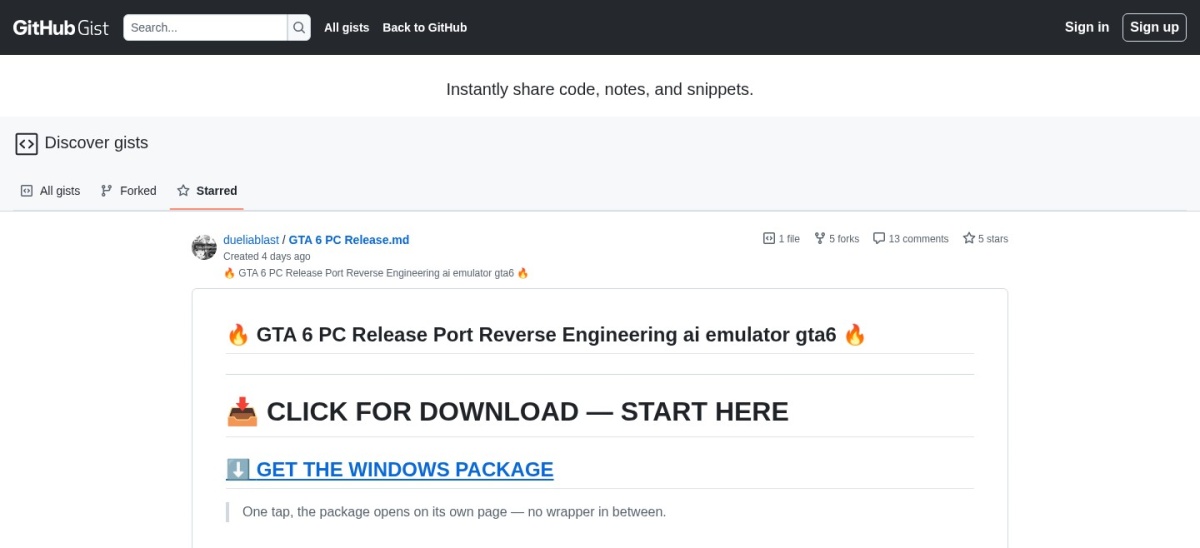
GitHub Gist is a free snippet host where every gist is a small Git repository, not just a block of text. A gist holds multiple files, highlights syntax, supports comments and forks, and keeps full version history, and you can embed it in a blog post or share it by link.
The trade off is privacy. Secret gists are unlisted rather than private, so anyone with the link can read them, and Gist has no expiry date or burn-after-reading option. It suits developers who already have a GitHub account and want snippets that live beside their code.
What we like
Free, with full Git version history on every gist
Comments, forks and embeds built in
Rated 4.7 out of 5 on G2 from 2,399 reviews
No separate account needed for GitHub users
Watch out for
Secret gists are unlisted, not private
No expiry date or burn-after-reading option
Needs a GitHub account to create a gist
GitHub Team at $4 a user a month adds private repositories and team controlsVisit gist.github.com
02
GitLab Snippets
4.5/5on G2 (902 reviews, checked Nov 2026)
Paid from$29/mo
Best for teams already on GitLab
Free planYes, 5 users per group
VisibilityPublic, internal, private
Version historyYes
Paid planPremium, $29/user/mo
gitlab.com
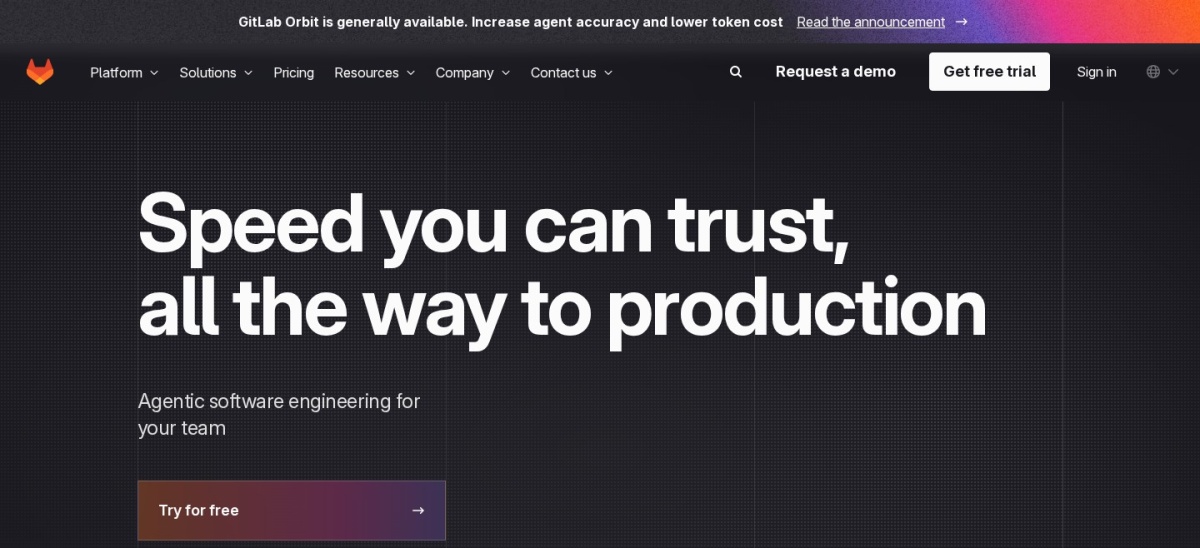
GitLab Snippets homepage, captured Nov 2026.
GitLab Snippets is the snippet feature inside GitLab, with personal and project snippets that sit beside repositories, merge requests and issues. Snippets support multiple files, comments and versioning, and visibility is set to public, internal or private, so a snippet can stay inside the team.
The trade off is price. The free plan covers 5 users per group with 400 CI minutes a month, and the first paid tier, Premium, costs $29 a user a month billed annually. It suits teams that already run their code on GitLab and want sharing inside the same permissions.
What we like
Real private visibility, not just unlisted links
Snippets sit beside repos and merge requests
Rated 4.5 out of 5 on G2 from 902 reviews
Self-managed option keeps code on your own servers
Watch out for
Premium at $29 a user a month is the priciest here
Overkill if you only need a quick public paste
Needs a GitLab account to create a snippet
Premium adds 10,000 CI minutes a month and deeper security scanningVisit gitlab.com
03
CodePen
4.6/5on G2 (97 reviews, checked Nov 2026)
Paid from$8/mo
Best for front-end code with a live preview
Free planYes, unlimited public Pens
Live previewYes, instant
Files per Pen3 free, 50 on Starter
Paid planStarter, $8/mo
codepen.io
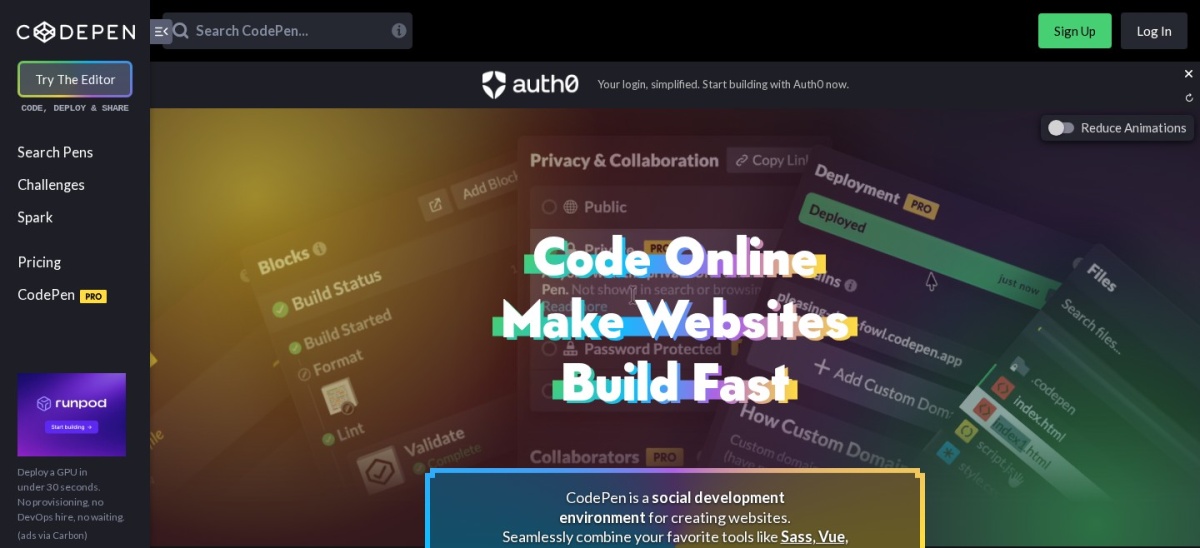
CodePen homepage, captured Nov 2026.
CodePen is a social development environment for front-end code, where a Pen runs HTML, CSS and JavaScript in the browser with an instant live preview. The free plan includes unlimited public Pens with 3 files each, and Pens can be shared by link, embedded, or forked by other users.
The trade off is scope. CodePen covers front-end work only, and private Pens, asset hosting and the AI assistant need a paid plan, with Starter at $8 a month as the regular price. It suits designers and front-end developers who want readers to see code run, not just read it.
What we like
Live preview makes demos easy to share
Free plan includes unlimited public Pens
Rated 4.6 out of 5 on G2 from 97 reviews
Embeds work in blog posts and docs
Watch out for
Front-end languages only, no Python or server code
Private Pens need a paid plan
First-year price of $6.80 a month rises to $8 after year one
Starter adds private Pens, 2 GB of asset hosting and the AI assistantVisit codepen.io
04
Bitbucket Snippets
4.4/5on G2 (1,017 reviews, checked Nov 2026)
Paid from$3.65/mo
Best for Jira teams on a budget
Free planYes, up to 5 users
VisibilityPublic or private
Jira integrationYes, built in
Paid planStandard, $3.65/user/mo
bitbucket.org
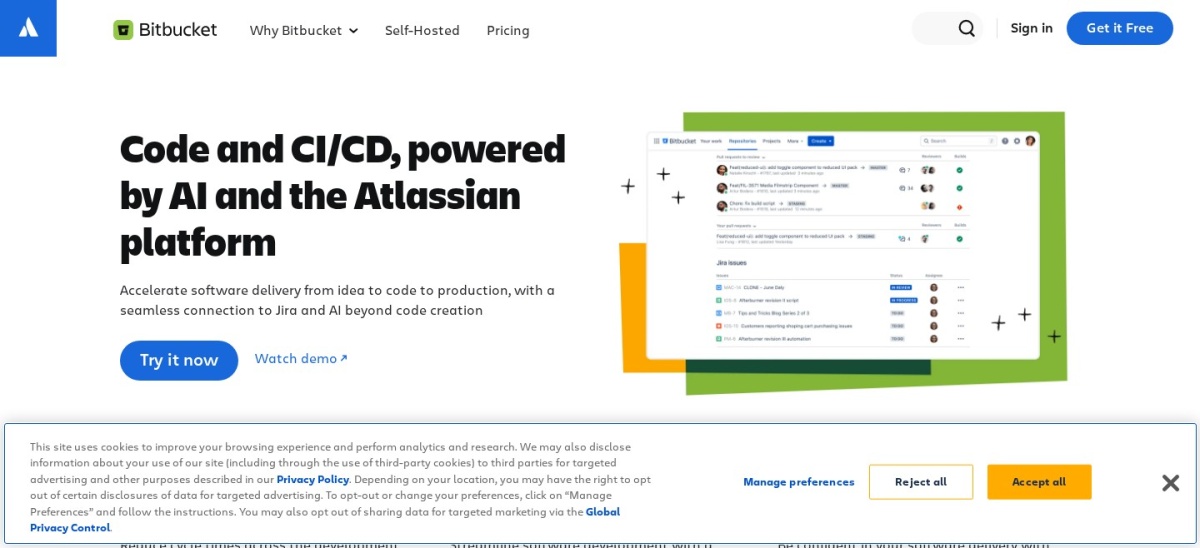
Bitbucket Snippets homepage, captured Nov 2026.
Bitbucket Snippets is the snippet feature in Atlassian's Git host, where code lives beside pull requests and Jira issues. The free plan covers up to 5 users with 1 GB of LFS storage and 50 build minutes a month, and issue keys in commit messages update tickets automatically.
The trade off is reach. Bitbucket has a smaller community than GitHub, so a public snippet gets less passing traffic, and the AI code reviewer needs Premium at $8 a user a month. It suits teams already on Jira who want the cheapest paid plan in this list.
What we like
Cheapest paid plan here at $3.65 a user a month
Snippets link to Jira issues and pull requests
Rated 4.4 out of 5 on G2 from 1,017 reviews
Free plan covers up to 5 users
Watch out for
Smaller community than GitHub Gist
Free plan caps at 5 users and 50 build minutes a month
AI code review needs the $8 Premium tier
Standard adds merge checks and 2,500 Pipelines build minutes a monthVisit bitbucket.org
05
Replit
4.4/5on G2 (421 reviews, checked Nov 2026)
Paid from$20/mo
Best for sharing code that runs
Free planYes
Languages50+
Runs codeYes, in the browser
Paid planCore, $20/mo
replit.com
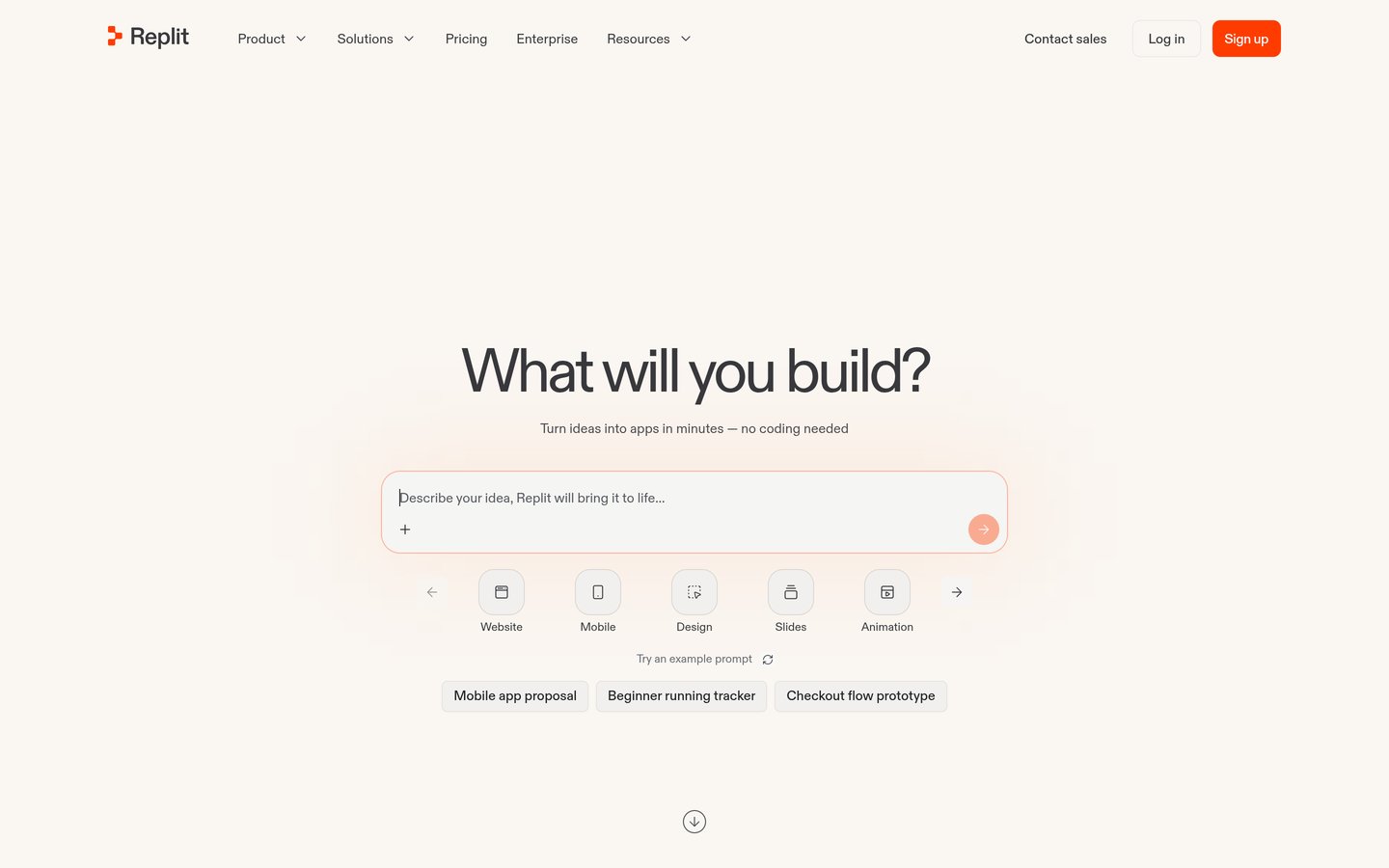
Replit homepage, captured Nov 2026.
Replit is a browser workspace where shared code actually runs, in more than 50 languages, instead of sitting as static text. A Repl can be shared by link, forked, or run by anyone who opens it, and the free plan covers personal projects with unlimited workspaces on the paid tiers.
The trade off is price and billing. Core costs $20 a month as the regular price, with $18 a month on annual billing, and the AI features run on credits that can add up fast. It suits teachers, learners and teams who want a reader to run a snippet, not just read it.
What we like
Readers can run the shared code, not just read it
Covers 50+ languages, not just front-end code
Rated 4.4 out of 5 on G2 from 421 reviews
Free plan for trying it out
Watch out for
Core at $20 a month is dear for simple pasting
AI credit use can push the bill up
Trustpilot reviews are far lower than G2, mostly about billing
Core adds $20 a month in model credit and unlimited workspacesVisit replit.com
06
CodeSandbox
4.5/5on G2 (19 reviews, checked Nov 2026)
Paid from$12/mo
Best for shareable web app demos
Free planYes, Build, 5 members
VM credits40 hours a month free
GitHub syncYes
Paid planPro, $12/mo
codesandbox.io
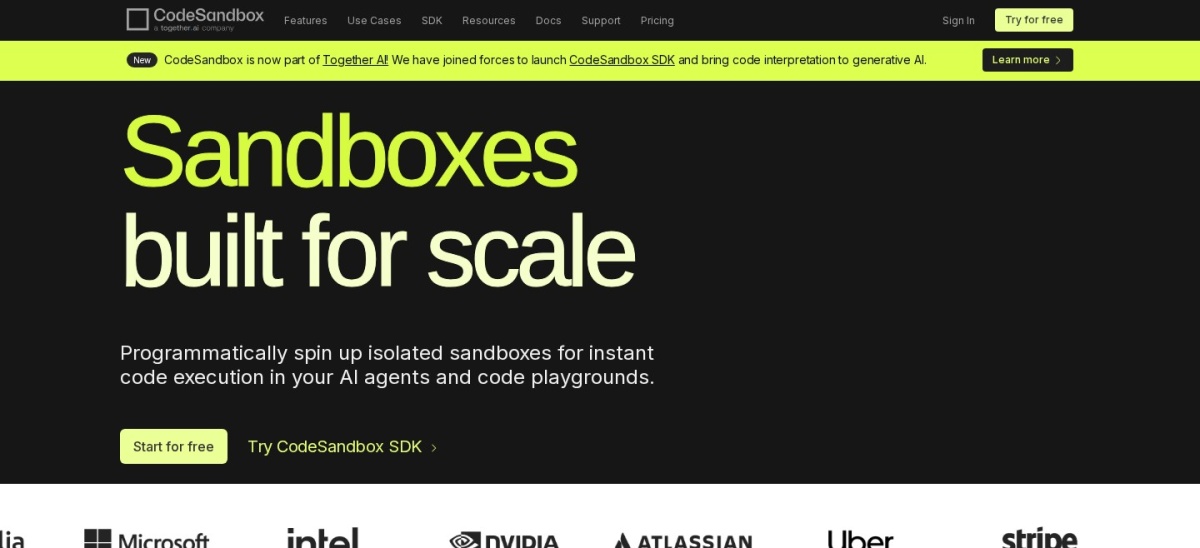
CodeSandbox homepage, captured Nov 2026.
CodeSandbox is a cloud development environment where a shared link opens a full web project, not a single file. The free Build plan covers 5 members with 40 VM-credit hours a month and unlimited browser and VM sandboxes, and projects sync with GitHub for review.
The trade off is that the product is changing fast. Several features were wound down in 2026, and the paid tiers are split between an editor track and an SDK track, so check the pricing page before buying. It suits web teams who share working demos for review.
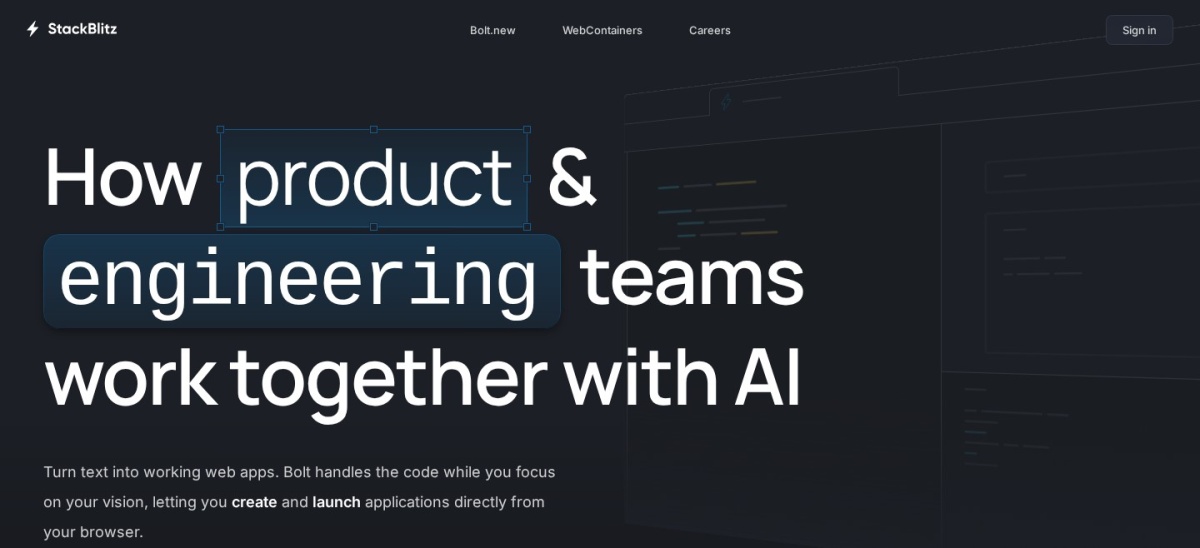
StackBlitz is a browser IDE that runs Node.js inside the page using WebContainers, so a shared project starts instantly with no server to wait for. The free Personal plan covers unlimited public projects and public GitHub repositories, and links open the project ready to run.
The trade off is price and proof. Pro costs $25 a month billed monthly, or $18 a month billed annually, and the G2 rating rests on only 6 reviews. It suits JavaScript developers who share front-end and Node.js demos that must start fast.
Free plans cover the core job well. Every tool here lets you share code by link for nothing, and Gist, GitLab and Bitbucket add version history on the free plan.
Paid plans mostly add privacy and room. Private Pens, private collections and more members sit behind the paywall, along with higher limits on files, uploads and build minutes.
The dearest paid plan here, GitLab Premium at $29 a user a month, is a whole DevOps platform, not a paste tool. Do not pay for it just to share snippets.
If a snippet holds anything sensitive, no free plan is the fix. Use a tool built for encryption, or keep the text off public paste sites entirely.
How we chose
We started from the Pastebin alternatives developers actually name in 2026 comparisons, then kept only tools with a public rating we could verify, because this list needs a rating for every entry.
Prices come from each vendor's pricing page, checked on 29 November 2026. Ratings and review counts come from G2 on the same day. Where a vendor shows a sale, the list shows the regular price.
We left out the classic paste sites, including PrivateBin, Hastebin, Rentry and Paste.ee, because none of them has a public rating on G2, Capterra or Trustpilot. No vendor paid for a place, and we do not claim to have used these tools ourselves.
How to choose a Pastebin alternative
Start with who will read the snippet, then pick the tool that fits their workflow.
Decide if the reader needs to run the code. If a live demo matters, pick CodePen, Replit, CodeSandbox or StackBlitz. If reading is enough, Gist or GitLab Snippets is simpler.
Check the privacy you actually get. Unlisted is not private. Use GitLab or Bitbucket for real private snippets, and never paste secrets into any public paste tool.
Match the tool to the account you already have. GitHub users should start with Gist, GitLab teams with Snippets, and Jira teams with Bitbucket, rather than adding a new account.
Share one link and check it signed out. Open the link in a private window first. That shows exactly what a stranger sees, including any login wall.
FAQ
What is the best Pastebin alternative in 2026?
GitHub Gist is the best Pastebin alternative for most developers. It is free, every gist is a small Git repository with full version history, and it is rated 4.7 out of 5 on G2 from 2,399 reviews.
How much do Pastebin alternatives cost?
Every tool in this list has a free plan. Paid plans start at $3.65 a user a month for Bitbucket Standard and run to $29 a user a month for GitLab Premium, with GitHub Gist free and CodePen Starter at $8 a month.
Is there a free Pastebin alternative?
Yes. GitHub Gist, GitLab Snippets, CodePen, Bitbucket Snippets, Replit, CodeSandbox and StackBlitz all have free plans. Gist is the most generous free pick for code, since version history costs nothing.
Which Pastebin alternative is best for beginners?
GitHub Gist is the easiest start for beginners who already have a GitHub account: paste, save, share the link. CodePen is the friendliest for front-end beginners, because the live preview shows what the code does.
GitHub Gist vs GitLab Snippets: which is better?
GitHub Gist is better for most developers, with a 4.7 out of 5 G2 rating and the largest community. GitLab Snippets is better for GitLab teams, because it adds real private visibility and keeps snippets inside GitLab permissions.
Are Pastebin alternatives private?
Mostly no. Secret gists and unlisted links are hidden from search, not locked, and anyone with the link can read them. GitLab and Bitbucket offer real private snippets, but no tool here encrypts pastes, so never share secrets through them.
SaaS SEO and WordPress specialist with about 8 years of experience. Rakib compares WordPress plugins, themes, hosting and software using public pricing, documentation and user reviews. See how we rank.