NinjaOne is the best RMM software for most teams, rated 4.7 out of 5 on G2 from 5,866 reviews, with patching, monitoring and remote access in one console. Pick Atera for flat per-technician pricing or ManageEngine Endpoint Central if you want a free edition for up to 25 endpoints.
How we make this list: we compare pricing pages, product documentation and public user reviews, then re-check every price before each update. No product paid for a place. Disclosure.
NinjaOne leads on reviews: 4.7 out of 5 from 5,866 G2 reviews, the largest base here by far.
Atera and Syncro both charge $129 per technician a month billed annually, with unlimited endpoints included.
ManageEngine Endpoint Central is the only tool here with a free edition, for up to 25 endpoints.
Four of the nine tools are quote-only: Datto RMM, N-central, SuperOps and ConnectWise Automate publish no price, and NinjaOne publishes only a range.
Pulseway has the lowest published starting price for a small fleet at $39 a month, covering at least 20 systems.
ConnectWise Automate has the lowest rating here at 4.1 out of 5, and G2 reviewers report about two months to implement it.
What to look for in RMM software
RMM software watches your endpoints around the clock. It raises alerts when a disk fills or a service stops, pushes patches, runs scripts and opens a remote session when something breaks.
The core buying choice is the billing unit. Per-device pricing, used by NinjaOne, Datto RMM and N-central, grows with every endpoint. Per-technician pricing, used by Atera and Syncro, stays flat no matter how many devices you add.
Patching is the feature that separates the list. Every tool here patches operating systems, but third-party app patching, scheduling controls and approval workflows differ, so check the app catalog before you commit.
Trials run 14 to 30 days across this list. Use the trial to patch a test group, run a script and open a remote session before you sign a contract. MSPs that manage client sites should also plan the handover: our guide on handing over a WordPress site to a client covers the client-facing side of that work.
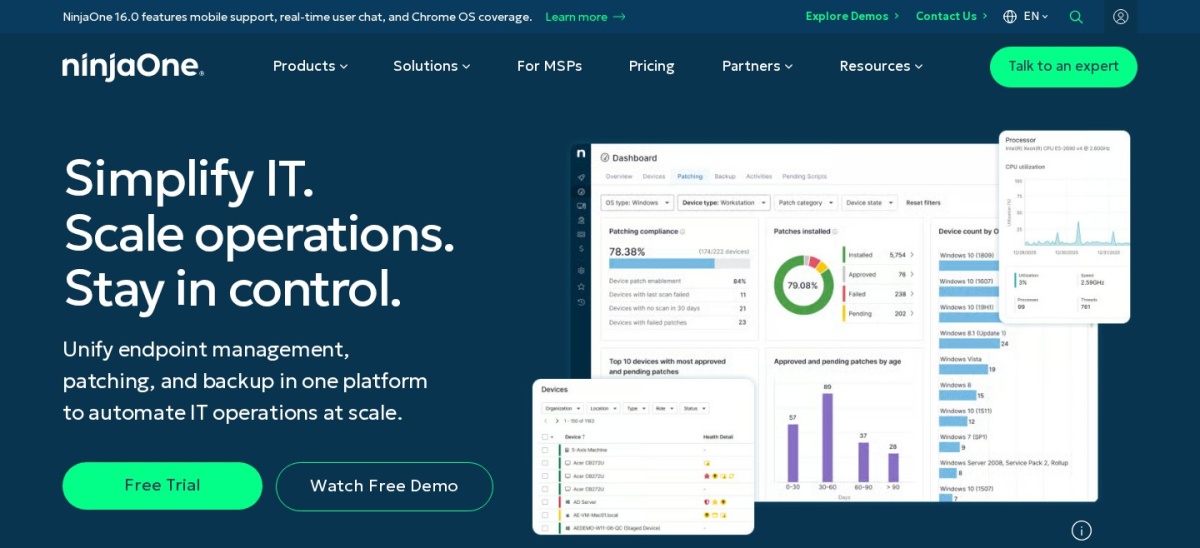
NinjaOne is a cloud RMM platform that covers monitoring, patching, software deployment, backup and remote access in one console. It patches Windows, macOS and Linux plus third-party apps, and it holds the highest G2 rating in this list at 4.7 out of 5 from 5,866 reviews. Support and training are free and unlimited.
The trade off is pricing. NinjaOne publishes a per-device range of $1.50 to $3.75 a month by volume, with the top rate at 50 or fewer endpoints and the exact figure set by quote. It suits teams that want the most proven console and do not mind a sales conversation to confirm the rate.
What we like
Highest G2 rating here, from the largest review base
Patching across Windows, macOS, Linux and third-party apps
Free and unlimited support and training
Fast setup, usually live in under a month
Watch out for
No fixed plan price; the exact rate comes from a quote
Per-device billing grows with every endpoint added
Atera is an all-in-one IT platform that combines RMM, patching, remote access, ticketing and automation, with an AI agent called Robin that handles routine incidents. Pricing is per technician, so one fee covers unlimited endpoints. It is rated 4.6 out of 5 on G2 from 1,291 reviews.
The trade off is the entry price. The MSP Pro plan costs $129 per technician a month billed annually, and the IT-department Professional plan is $149, so a one-person shop pays the full seat price. It suits small MSPs and IT teams with many endpoints per technician.
What we like
One fee covers unlimited endpoints
RMM, ticketing and automation in one platform
30-day trial with no credit card required
AI agent handles routine incidents
Watch out for
$129 a month per technician is a lot for a solo admin
Advanced reporting needs setup work
Some AI suggestions still need review
Higher tiers add AnyDesk remote access and more automationVisit atera.com
03
ManageEngine Endpoint Central
4.5/5on G2 (1,131 reviews, checked Nov 2026)
Paid from$1.09/mo
Best free edition for small fleets
Free editionUp to 25 endpoints
PricingProfessional from $1.09/mo
PatchingOS and third-party apps
DeploymentCloud or on-premises
manageengine.com
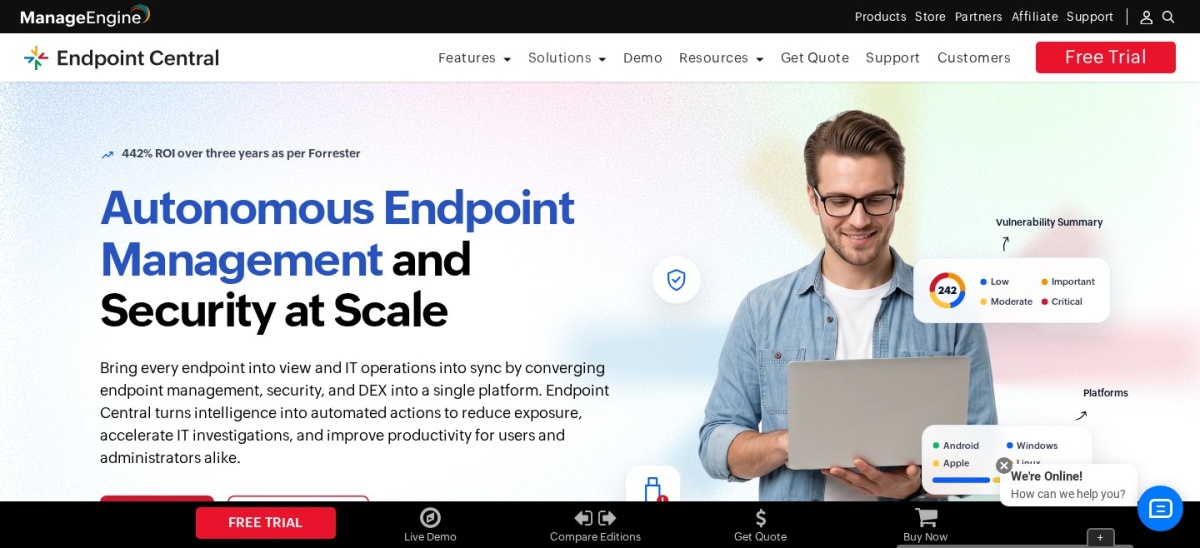
ManageEngine Endpoint Central homepage, captured Nov 2026.
ManageEngine Endpoint Central is an endpoint management platform with patching, software deployment, asset inventory and remote troubleshooting. Its free edition covers up to 25 endpoints with no time limit, which no other tool here offers. It is rated 4.5 out of 5 on G2 from 1,131 reviews.
The trade off is pricing clarity. The vendor page prices by configurator, and G2 lists the Professional edition from $1.09 per device a month, with a 50-endpoint minimum on paid tiers. It suits in-house IT teams that manage Windows-heavy fleets and want an on-premises option.
What we like
Only free edition in this list, for up to 25 endpoints
Cloud or on-premises deployment
Wide patching catalog including third-party apps
Lowest published per-device starting price here
Watch out for
No flat price on the vendor page; pricing needs a configurator
Datto RMM is a cloud RMM platform for MSPs, owned by Kaseya since 2022. It covers monitoring, patching, scripting and remote access across Windows, macOS and Linux, with native ransomware detection and tight links to Autotask PSA and Datto backup products. It is rated 4.5 out of 5 on G2 from 831 reviews.
The trade off is pricing and age. Datto RMM is quote-only per endpoint, and reviewers describe the interface as dated next to NinjaOne, with setup work needed before policies and alerts run smoothly. It suits established MSPs already using Autotask or Datto backup.
What we like
Strong component library and scripting depth
Native links to Autotask PSA and Datto backup
Ransomware detection built in
Lightweight agent across Windows, macOS and Linux
Watch out for
Quote-only pricing with no published figure
Interface feels dated next to newer tools
Third-party patch catalog is Windows-only
Contract terms changed after the Kaseya acquisition
Sold through Kaseya bundles; backup and PSA cost extraVisit datto.com
05
Syncro
4.5/5on G2 (573 reviews, checked Nov 2026)
Starts at$129/mo
Best all-in-one RMM and PSA
PricingCore $129/user/mo, annual
EndpointsUnlimited per technician
PSA includedYes, ticketing and billing
Free trial14 days
syncrosecure.com
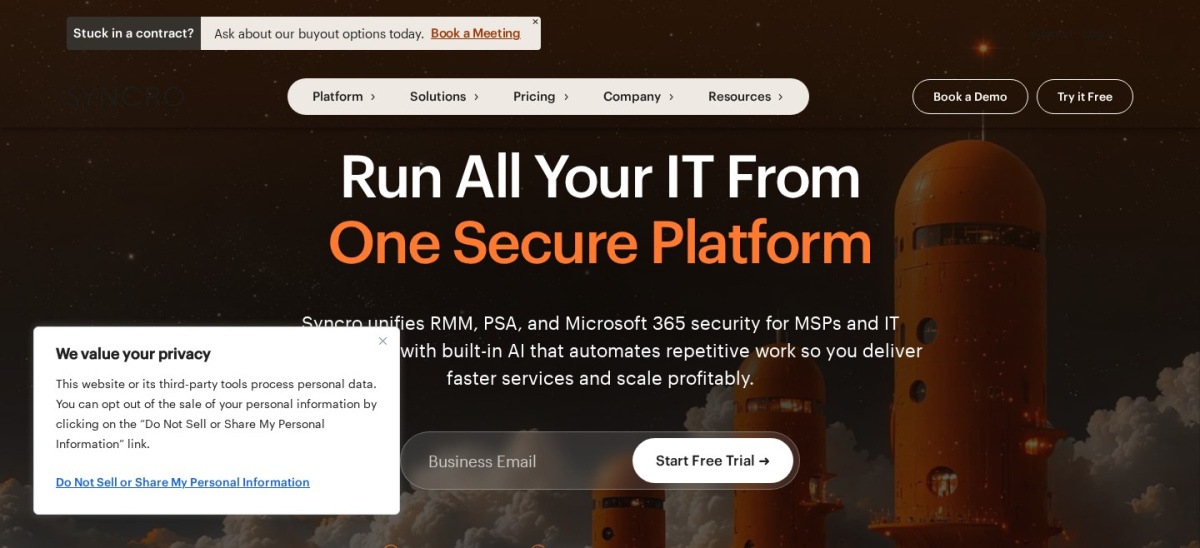
Syncro homepage, captured Nov 2026.
Syncro is an all-in-one platform that pairs RMM with a full PSA, so monitoring, patching, scripting, ticketing, billing and Microsoft 365 management sit in one subscription. Endpoints are unlimited per technician. It is rated 4.5 out of 5 on G2 from 573 reviews.
The trade off is the per-user price. Core costs $129 per user a month billed annually, or $159 month to month, so the bill grows with each technician rather than each device. It suits small MSPs that want RMM, ticketing and billing without buying a separate PSA.
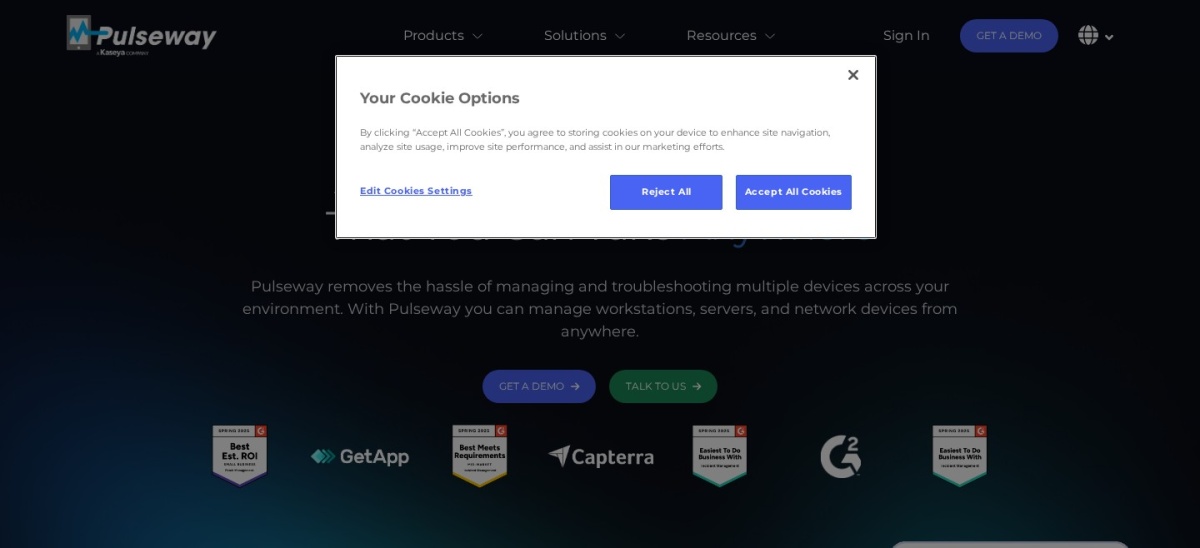
Pulseway is a mobile-first RMM built around managing servers, workstations and network devices from a phone or tablet. It covers monitoring, automated patching across the operating system and 200-plus third-party apps, scripting and remote control. It is rated 4.5 out of 5 on G2 from 125 reviews.
The trade off is pricing shape. The Business tier starts from $39 a month for a minimum of 20 monitored systems, and security, backup and ticketing arrive as paid add-ons. It suits lean teams and solo admins who want to run the fleet from a mobile app.
What we like
Full remote management from the mobile app
Lowest published starting price for a small fleet
Fast setup, often live in under a day
Patching covers 200-plus third-party apps
Watch out for
Smallest review base in this list at 125 reviews
Security, backup and ticketing cost extra as add-ons
Scripting is less flexible than larger RMM tools
Some reviewers report onboarding fees for add-ons
Add-ons cover antivirus, backup, ticketing and documentationVisit pulseway.com
07
N-able N-central
4.4/5on G2 (577 reviews, checked Nov 2026)
PricingCustom/yr
Best automation depth for large fleets
PricingQuote only, per device
AutomationRules and self-healing
DeploymentCloud or self-hosted
Free trialYes
n-able.com
N-able N-central homepage, captured Nov 2026.
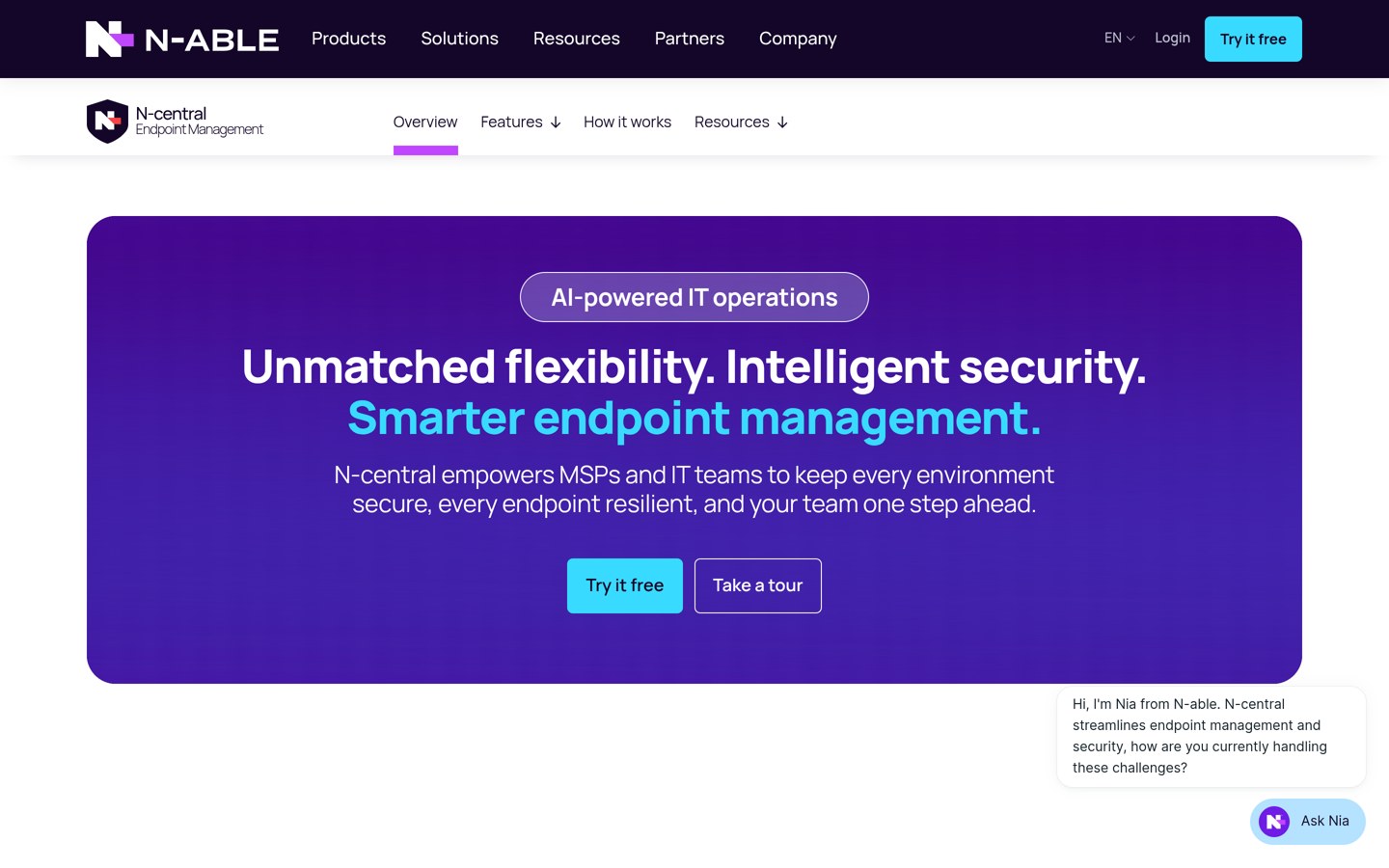
N-able N-central is the heavyweight RMM in N-able's line-up, built for MSPs and IT teams running large, mixed fleets. It offers deep automation, rule-based patching, remote control and vulnerability management, in cloud or self-hosted form. It is rated 4.4 out of 5 on G2 from 577 reviews.
The trade off is complexity and price. N-central is quote-only per device, and patch management, remote control and full automation sit behind the pricier Professional licence. It suits larger MSPs with the staff to run its automation properly.
What we like
Deepest automation rules in this list
Cloud or self-hosted deployment
Strong multi-tenant management for MSPs
Vulnerability management built in
Watch out for
Quote-only pricing with no published figure
Key features need the pricier Professional licence
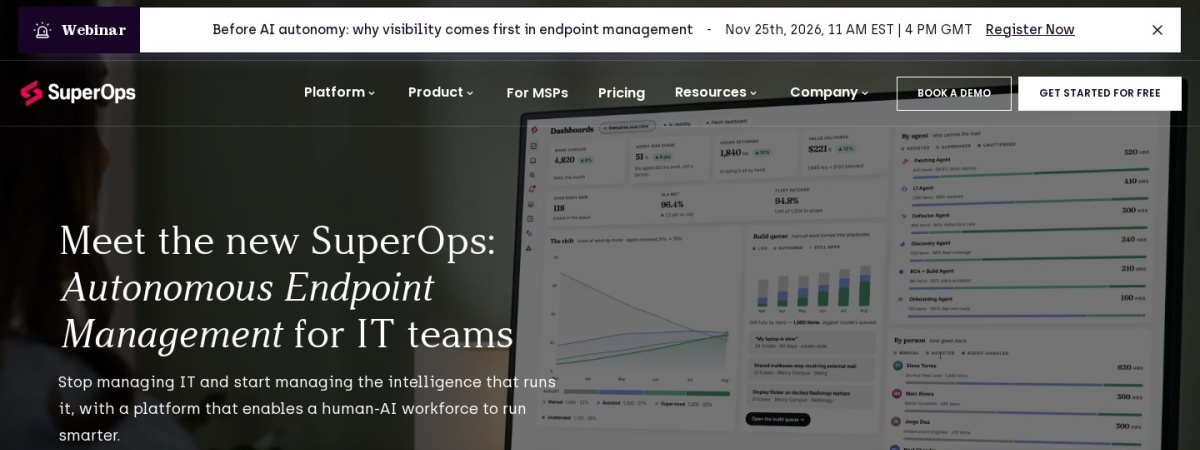
SuperOps is a cloud platform that combines RMM and PSA on one codebase, with ticketing, documentation, projects and AI-assisted triage beside monitoring and patching. Technicians are unlimited on every plan. It is rated 4.4 out of 5 on G2 from 207 reviews.
The trade off is the pricing change. SuperOps now bills per endpoint with a 150-endpoint minimum and a quoted rate, although G2 still shows older per-user rates from $79 a month. It suits newer MSPs that want a modern console and one bill for RMM and PSA.
What we like
RMM and PSA built on one codebase
Modern interface with fast onboarding
Unlimited technicians on every plan
AI-assisted ticket triage included
Watch out for
Quote-only pricing with a 150-endpoint minimum
Smaller integration ecosystem than older tools
Younger platform with less proven depth
Some reviewers report billing quirks for tax handling
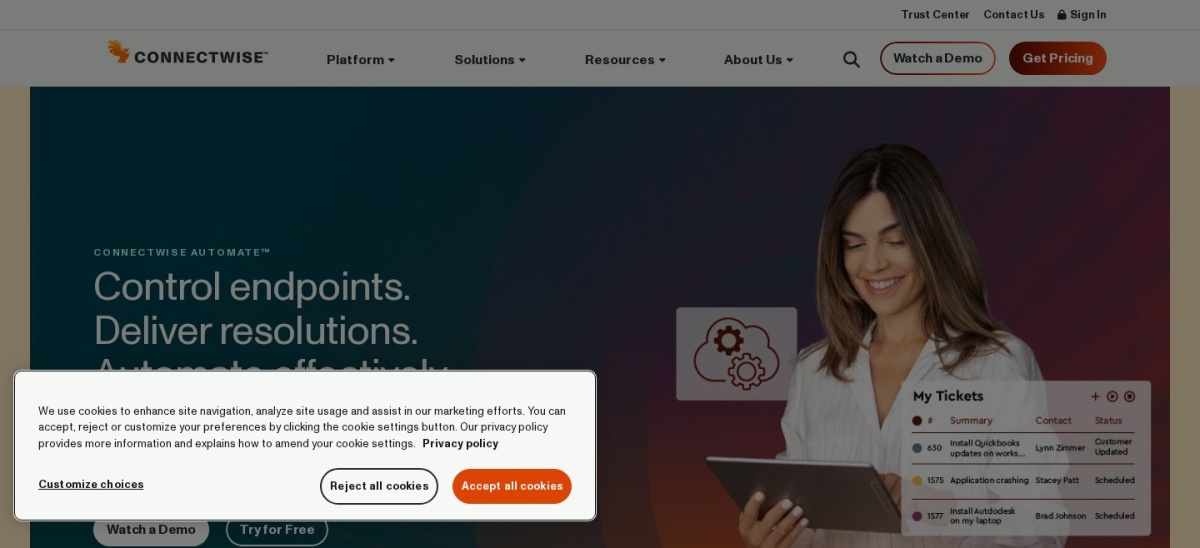
ConnectWise Automate is a long-running RMM, formerly LabTech, with the deepest scripting engine in this list. It handles multi-step remediation, custom monitors and agent policies across large fleets, and anchors the wider ConnectWise platform beside PSA and ScreenConnect. It is rated 4.1 out of 5 on G2 from 141 reviews.
The trade off is effort. G2 reviewers report about two months to implement, the interface feels dated, and pricing is quote-only per endpoint with patching and other modules added on. It suits large MSPs with a dedicated automation admin.
Per-device pricing fits small fleets with few endpoints. NinjaOne charges $3.75 per device a month at 50 or fewer endpoints, falling to $1.50 at 10,000, so the bill tracks the fleet exactly.
Per-technician pricing fits dense fleets. Atera and Syncro charge $129 per technician a month billed annually with unlimited endpoints, so adding devices costs nothing extra until you hire.
Quote-only tools hide the comparison. Datto RMM, N-central, SuperOps and ConnectWise Automate publish no price, so ask each vendor to price your current endpoint count before you shortlist.
How we chose
We started from the RMM platforms with the largest G2 review bases, then kept nine that cover MSPs and in-house IT teams, from per-device tools to per-technician platforms.
Ratings and review counts come from G2, read on 26 November 2026. Prices come from each vendor's pricing page or G2's vendor-supplied listing on the same day; where a vendor publishes no price, the list shows Custom and says so.
We left out patch-only tools and remote-access-only tools, since they do not cover monitoring. No vendor paid for a place, and we do not claim to have used these tools ourselves.
How to choose RMM software
Start with your endpoint count and your technician count, then match the billing model to the bigger number.
Count endpoints and technicians. Per-device tools charge for every endpoint; per-technician tools charge per seat. Work out which count grows faster in your fleet.
Check the patch catalog. Confirm the tool patches the operating systems and third-party apps you run, and that approvals and scheduling match your change window.
Trial it on a test group. Patch a small group, run a script and open a remote session during the 14 to 30 day trial, and check how noisy the alerts are.
Get the quote in writing. For quote-only tools, ask for the per-endpoint rate at your current count plus the cost of add-ons such as backup and security.
FAQ
What is the best RMM software?
NinjaOne is the best RMM software for most teams. It is rated 4.7 out of 5 on G2 from 5,866 reviews, the largest review base in this list, and it covers monitoring, patching, software deployment, backup and remote access in one console.
How much does RMM software cost?
Published starting prices run from $1.09 per device a month for ManageEngine Endpoint Central to $129 per technician a month for Atera and Syncro. Four tools in this list are quote-only, and NinjaOne publishes only a $1.50 to $3.75 per-device range.
Is there a free RMM tool?
ManageEngine Endpoint Central is the only tool in this list with a free edition, covering up to 25 endpoints with no time limit. The other eight tools offer free trials of 14 to 30 days instead of a permanent free plan.
What is the difference between RMM and PSA software?
RMM monitors and manages endpoints: patching, alerts, scripting and remote access. PSA handles the business side: ticketing, contracts, billing and time tracking. Atera, Syncro and SuperOps bundle both in one subscription.
Is per-device or per-technician pricing better?
Per-device pricing suits small fleets, since you pay only for the endpoints you manage. Per-technician pricing suits dense fleets, since Atera and Syncro charge $129 per technician a month with unlimited endpoints included.
Which RMM is best for a small MSP?
Atera or Syncro suit small MSPs best. Both charge $129 per technician a month billed annually with unlimited endpoints, and both include ticketing, so a small team gets RMM and PSA without a second subscription.
SaaS SEO and WordPress specialist with about 8 years of experience. Rakib compares WordPress plugins, themes, hosting and software using public pricing, documentation and user reviews. See how we rank.