Okta is the best password free login software for teams that want one platform for single sign-on, multi-factor authentication and passkeys, starting at six dollars per user a month. Cisco Duo is the cheaper route at three dollars per user a month with a free plan for up to ten users, while Microsoft Entra ID suits teams on Microsoft 365.
How we make this list: we compare pricing pages, product documentation and public user reviews, then re-check every price before each update. No product paid for a place. Disclosure.
Okta leads on breadth: SSO, MFA, a directory and passkey sign-in from six dollars per user a month, with a fifteen hundred dollar annual minimum.
Cisco Duo is the cheapest paid route to passwordless login at three dollars per user a month, with a free plan for up to ten users.
Microsoft Entra ID is free at the base tier and adds passkeys and Conditional Access at seven dollars per user a month on P1.
HYPR and Beyond Identity are pure passwordless specialists, but both need an existing identity provider for directory and SSO.
Six of the nine tools publish a per-user price; Ping Identity and Beyond Identity are quote-based, so get both in writing before budgeting.
How do you choose password free login software for teams?
Password-free login replaces typed passwords with passkeys, phone push approvals or biometrics. Staff sign in with a device they own instead of a password they can lose or share, which cuts phishing and reset tickets at the same time.
The first decision is whether you need a full identity platform or a passwordless layer. Okta and Microsoft Entra ID replace the directory, while HYPR and Beyond Identity sit on top of the identity provider you already run.
Free tiers make a pilot cheap. Duo covers up to ten users free and JumpCloud offers a free tier for up to ten users and ten devices, so a small team can test passwordless sign-in before paying.
Rollout order matters more than the vendor. Start with IT staff and admins, then move to the rest of the team once recovery steps for lost devices are written down and practised.
The 9 best password free login software tools for teams
01
Okta
4.5/5on G2 (1,370 reviews, checked Nov 2026)
Starts at$6/mo
Best password-free platform overall
PasswordlessFastPass passkeys, FIDO2
App integrations8,000+
Free planNo, 30-day trial
Cheapest planStarter, $6/user/mo
okta.com
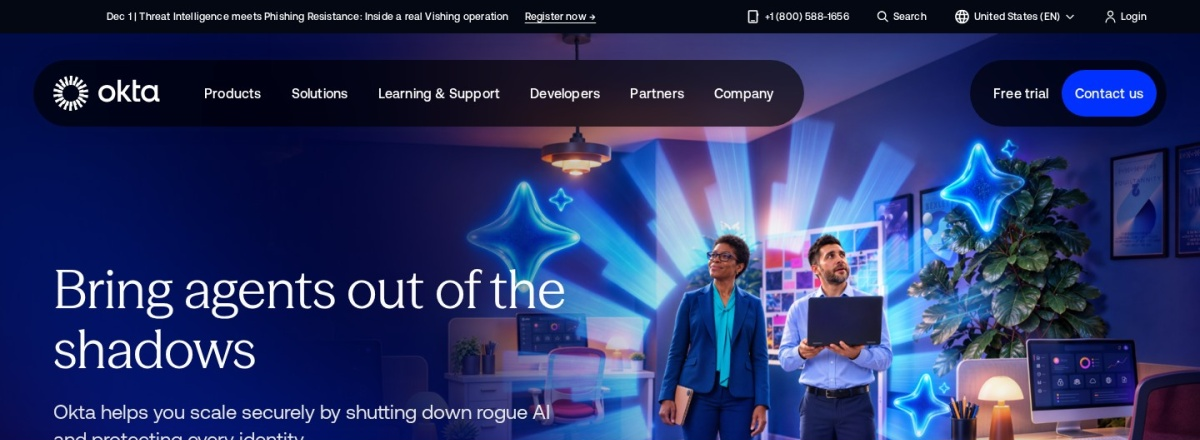
Okta homepage, captured Nov 2026.
Okta is a workforce identity platform that covers single sign-on, multi-factor authentication, a cloud directory and lifecycle management for employees. The Starter suite costs $6 per user a month billed annually and includes SSO, MFA, Universal Directory and 5 Workflows, with FastPass passkey sign-in across apps and devices.
The trade off is the annual minimum. Starter carries a $1,500 yearly minimum, so a 20-person team pays more than the per-seat maths suggests, and adaptive MFA is an add-on below Essentials. It suits mid-size and large teams that want one vendor for identity across thousands of apps.
What we like
Broadest identity platform in this list
FastPass passkeys work across apps and devices
Largest app integration catalog
Watch out for
$1,500 annual minimum bites small teams
Adaptive MFA costs extra on Starter
Setup can feel heavy for a first rollout
Essentials adds adaptive MFA and lifecycle toolsVisit okta.com
02
Microsoft Entra ID
4.5/5on G2 (912 reviews, checked Nov 2026)
Paid from$7/mo
Best for Microsoft 365 teams
PasswordlessPasskeys, Windows Hello, FIDO2
Free tierYes, SSO and basic MFA
Conditional AccessP1 and above
Cheapest planP1, $7/user/mo
microsoft.com
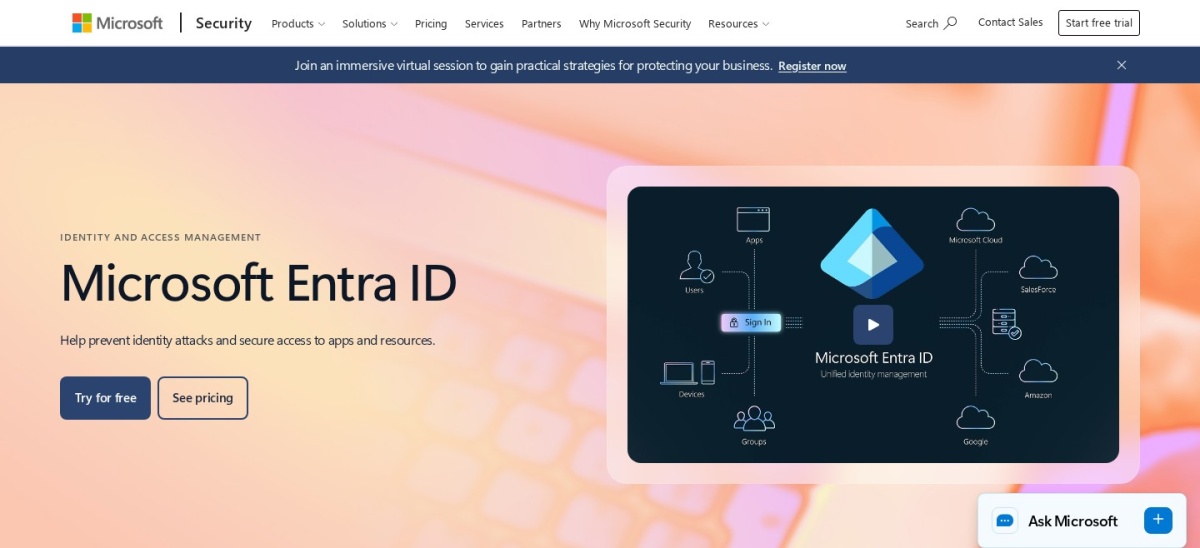
Microsoft Entra ID homepage, captured Nov 2026.
Microsoft Entra ID is the identity service behind Microsoft 365 and Azure, handling sign-in for employees across Microsoft and third-party apps. The free tier covers single sign-on and basic multi-factor authentication, while P1 at $7 per user a month adds Conditional Access, passwordless login with passkeys and Windows Hello, and hybrid identity.
The trade off is the Microsoft lock-in. Passkeys and Windows Hello work best inside the Microsoft stack, and the admin console can overwhelm small teams. It suits organisations already paying for Microsoft 365, where P1 is included in Business Premium and E3.
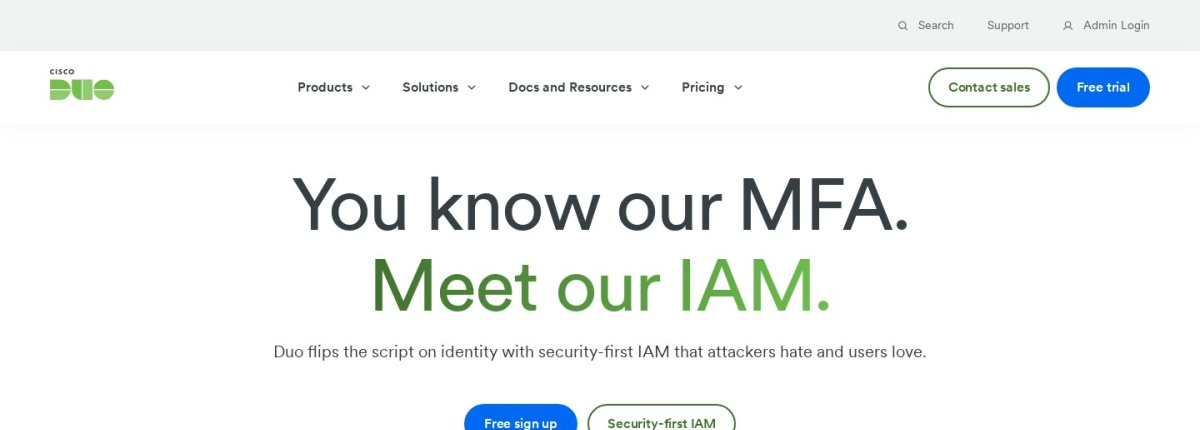
Cisco Duo is the fastest way to put phishing-resistant multi-factor authentication on an existing workforce, and it now adds its own directory and single sign-on. Duo Free covers up to 10 users, and Essentials at $3 per user a month adds complete passwordless sign-in, SSO, Trusted Endpoints and unlimited applications.
The trade off is depth. Duo is a sign-in layer, not a full directory or lifecycle platform, so larger teams still need a separate identity provider for provisioning. It suits small and mid-size teams that want passwordless login running in days, not months.
What we like
Cheapest paid passwordless login here
Free plan covers up to 10 users
Fastest rollout of any tool in this list
Watch out for
No lifecycle management or provisioning
No directory depth for large teams
Risk-based login needs the $6 tier
Advantage adds risk-based authentication at $6Visit duo.com
04
JumpCloud
4.5/5on G2 (4,063 reviews, checked Nov 2026)
Paid from$11/mo
Best cloud directory for small teams
PasswordlessJumpCloud Go, phishing-resistant
Free tierYes, up to 10 users
Device managementYes, from $9/user/mo
Cheapest planSSO, $11/user/mo
jumpcloud.com
JumpCloud homepage, captured Nov 2026.
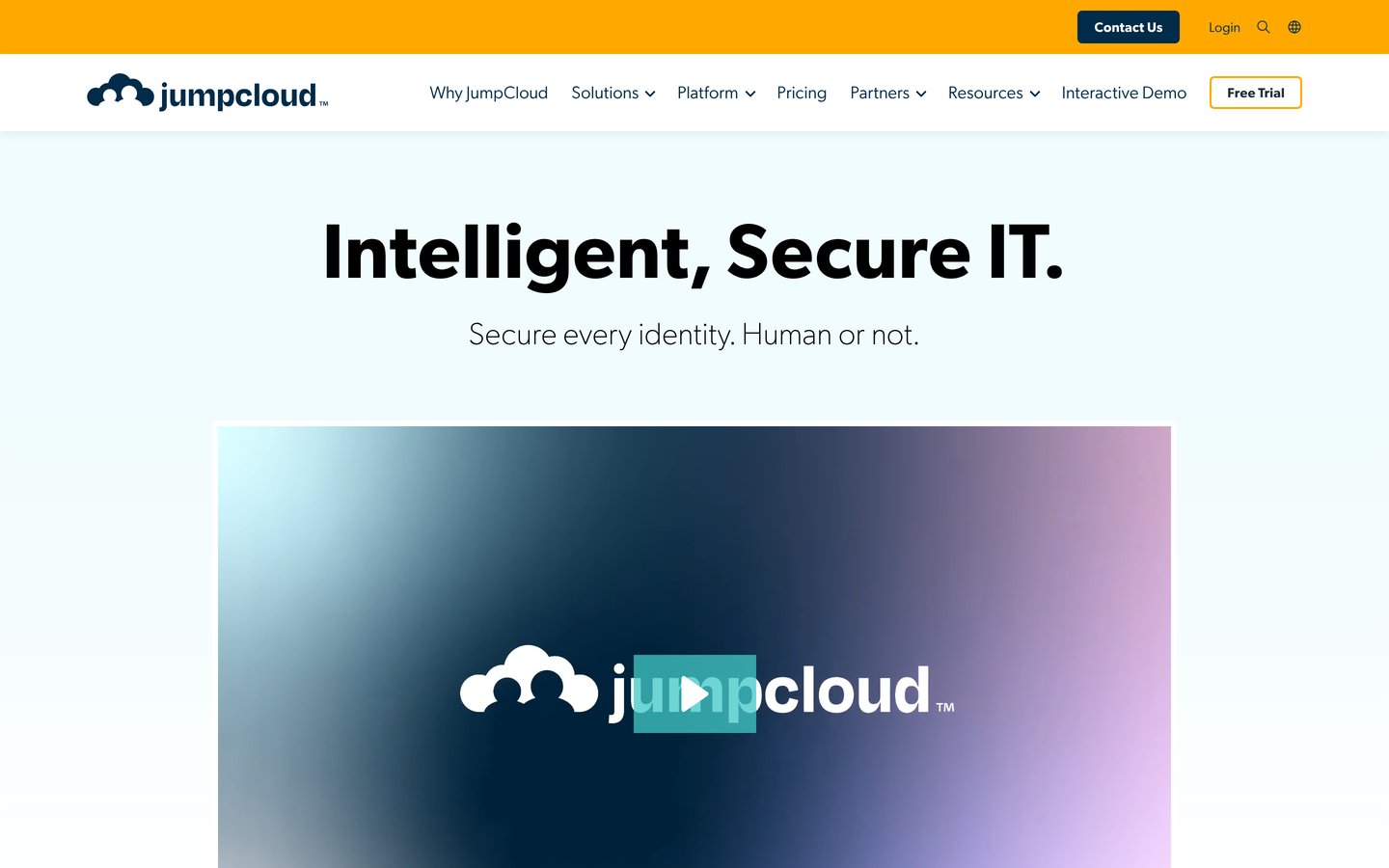
JumpCloud is a cloud directory that combines identity, access and device management in one console. The SSO package at $11 per user a month billed annually covers single sign-on, multi-factor authentication and a password manager, with JumpCloud Go adding phishing-resistant sign-in on managed devices.
The trade off is price creep. Device management starts at $9 per user a month and the full platform tiers are quote-only, so the bill grows as features stack. It suits small cloud-first teams that want one console for users, devices and logins.
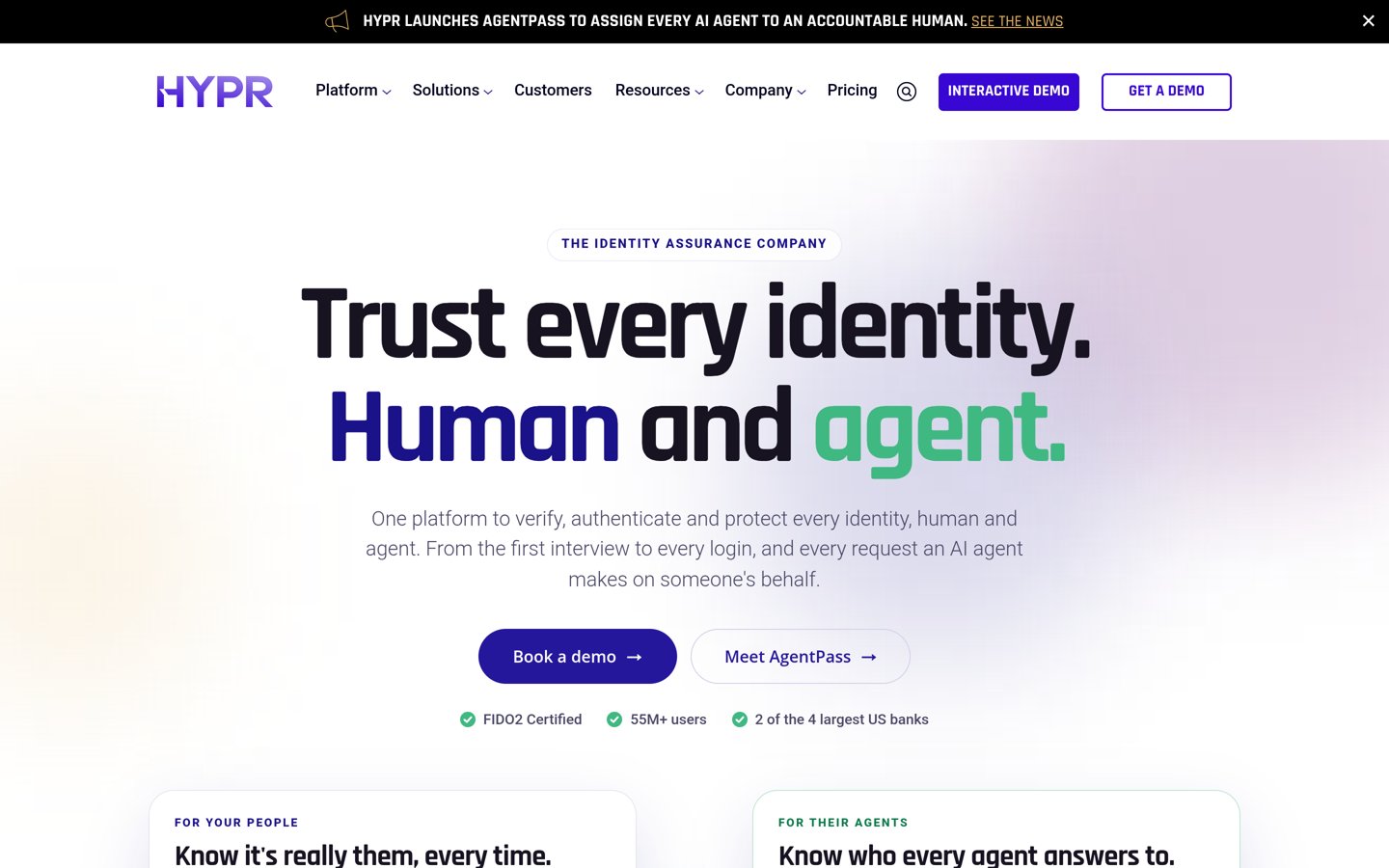
HYPR is a passwordless specialist built around passkeys and phishing-resistant multi-factor authentication for desktops, web apps, VPN and virtual desktops. Identity Assurance Access at $3 per user a month covers web access, phishing-resistant onboarding and recovery, and policy controls.
The trade off is scope. HYPR layers onto an existing identity provider such as Okta or Microsoft Entra ID rather than replacing it, and desktop MFA needs the $6 Plus tier. It suits workforces that want passkey login everywhere without changing their directory.
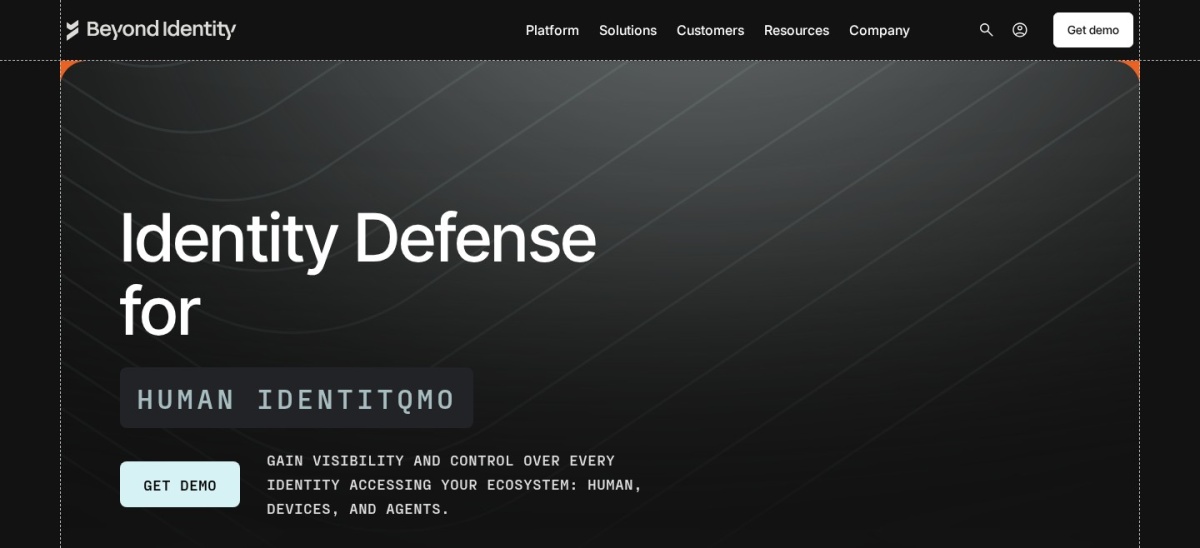
Beyond Identity is a passwordless authentication platform built around device-bound identity, binding each user to a trusted device and checking hundreds of risk signals at sign-in. Its platform covers phishing-resistant multi-factor authentication, single sign-on and device trust without asking staff to type a password.
The trade off is buying. Workforce pricing is quote-based with no public per-user list price, and its review base is thin, with only a dozen Capterra reviews. It suits security-led teams that want device-bound login and are happy to negotiate a contract.
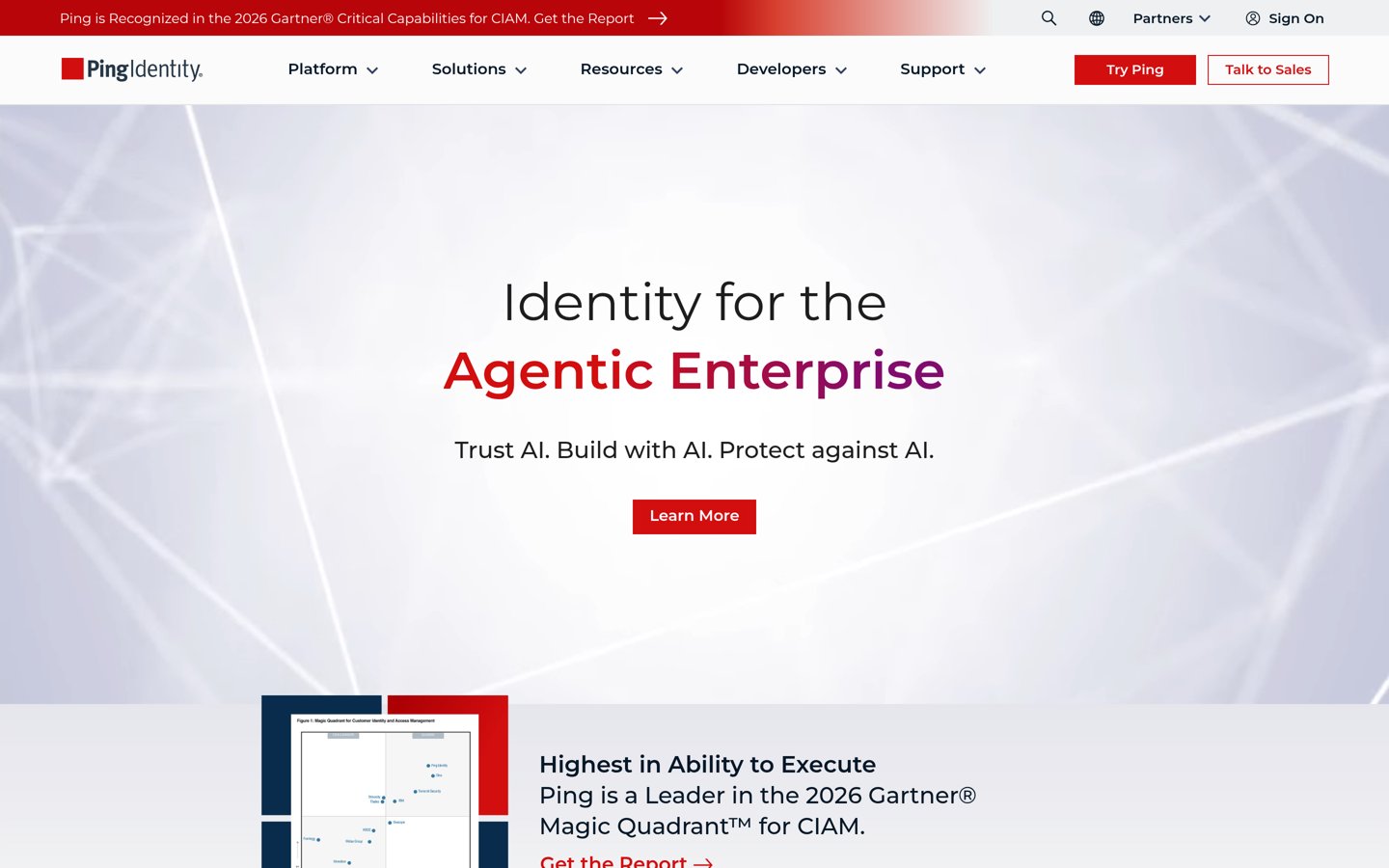
Ping Identity is an enterprise identity platform covering single sign-on, multi-factor authentication, lifecycle management and API security for large organisations. Its PingOne cloud packages support passwordless journeys with FIDO2 passkeys, device authentication and risk-based policies.
The trade off is enterprise scale. Ping removed public list prices in October 2026, so every deployment is quoted, and small teams will find the sales-led process heavy. It suits large enterprises that need deep configurability across hybrid and legacy systems.
1Password is a team password manager with shared vaults, single sign-on, SCIM provisioning, custom roles and Watchtower breach monitoring. Business costs $8.99 per user a month billed annually, and each user also gets a complimentary Families plan.
The trade off is that it manages passwords rather than removing them. Passkey support is growing, but 1Password is not a passwordless identity platform, and at $8.99 it is the priciest seat in this list. It suits teams that still need shared vaults alongside their move to passkeys.
Auth0 is the standard choice for adding login to a customer-facing app, and it is part of Okta. The free plan covers up to 25,000 monthly active users with passwordless login, social connections and one enterprise connection, and B2C Essentials starts at $35 a month for 500 monthly active users with Pro MFA and role management.
The trade off is the billing model. Auth0 charges by monthly active users, not seats, so costs climb fast as the user base grows, and enterprise connections need a B2B plan from $150 a month. It suits product teams adding passwordless login to their own app.
The biggest change is recovery. When a phone or security key is lost, staff need a clear way back in, so write the recovery steps before you switch anyone over.
Passkeys live on devices, not in a shared vault. That is the security win, but it also means leavers need their passkeys revoked as part of offboarding, just like a password reset today.
Most teams keep passwords for a few legacy apps. Pick a tool that covers those apps with single sign-on, so the passwordless goal does not stall on one old system.
How we chose
We started from the passwordless and identity tools most often shortlisted for workforce login, then kept the nine with a real password-free sign-in option and a public rating on G2 or Capterra.
Prices come from each vendor's own pricing page, checked on 30 November 2026, except JumpCloud and 1Password, whose prices were confirmed on their vendor pages earlier in November and re-checked against G2 listings today. Ratings and review counts come from G2 and Capterra on the same day. Where a vendor shows a sale, the list shows the regular price.
We left out tools with no aggregator rating and tools built only for customer login without a workforce plan. No vendor paid for a place, and we do not claim hands-on testing for this list.
How to choose password free login software for teams
Start with the directory you already have, then add passwordless sign-in on top of it.
Check what your directory already covers. Microsoft 365 tenants already have Entra ID, and Okta or JumpCloud customers may only need a passwordless add-on.
Pick the sign-in method your staff will accept. Passkeys suit managed devices, while phone push suits mixed fleets. See which method each tool puts first.
Test recovery before rollout. Write down how a lost phone or key is replaced, and try the steps with IT staff first.
Compare the real annual bill, not the seat price. Minimums, add-ons and MAU billing change the total. Get quote-based tools in writing before deciding.
FAQ
What is the best password free login software for teams in 2026?
Okta is the best overall pick for most teams. It combines single sign-on, multi-factor authentication and FastPass passkeys from $6 per user a month, with the broadest app catalog in this list.
What is the cheapest password free login software for teams?
Cisco Duo is the cheapest paid route at $3 per user a month on Essentials, with a free plan for up to 10 users. HYPR also starts at $3 per user a month for web-only passwordless sign-in.
Is there a free password free login tool for small teams?
Yes. Duo is free for up to 10 users, Microsoft Entra ID has a free tier with SSO and basic MFA, and JumpCloud offers a free tier for up to 10 users and devices.
Do these tools remove passwords completely?
Mostly. Passkeys, phone push and biometrics replace the password for covered apps, but a few legacy systems still need a password behind single sign-on, so check your oldest apps first.
Okta vs Microsoft Entra ID: which is better for password-free login?
Okta is better for vendor-neutral teams that run mixed apps, with the widest integration catalog. Entra ID is better for Microsoft 365 shops, where P1 is often already included in the bundle.
What happens when an employee loses the device with their passkey?
They use the recovery path your admin sets up, such as a second registered device, a security key or an admin reset. Write and practise that path before rollout, because a lost device is the most common passwordless support ticket.
SaaS SEO and WordPress specialist with about 8 years of experience. Rakib compares WordPress plugins, themes, hosting and software using public pricing, documentation and user reviews. See how we rank.