The best Parsec alternatives for low-latency remote desktop and streaming are Splashtop for commercial remote access starting at $6/mo billed annually, and RustDesk for free, self-hosted control. For zero-cost setups, Moonlight suits local game streaming while Chrome Remote Desktop handles quick browser-based access.
How we make this list: we compare pricing pages, product documentation and public user reviews, then re-check every price before each update. No product paid for a place. Disclosure.
Splashtop starts at $6/mo ($72/yr) for unattended remote access and offers higher tiers up to 240 FPS with 4:4:4 color.
RustDesk provides open-source clients and self-hosted servers for free, with Server Pro starting at $11.88/mo billed annually.
AnyViewer starts at $3.58/mo ($42.96/yr) on its yearly plan for budget remote control and file transfer.
RealVNC Connect starts at $8.25/mo per active connection billed annually for cloud and LAN remote access.
TeamViewer starts at $15/mo on G2 listings for broader IT support and multi-platform management.
Chrome Remote Desktop is free for browser and mobile access, rated 4.2/5 across 53 G2 reviews.
How do you choose the best parsec alternatives?
Streaming games and GPU-heavy desktops requires different trade-offs than standard IT remote support. Parsec is known for low-latency game streaming and collaborative sessions, but teams often look elsewhere for self-hosting, mobile clients, or different seat pricing.
Self-hosting changes both your privacy model and your maintenance workload. Open-source options like RustDesk let you run your own relay server, while commercial tools manage infrastructure and authentication for you.
Pricing structures vary sharply across remote desktop vendors. Some charge per user or per concurrent connection, while others offer free tiers for personal use and bill annually for business features.
Device and operating system coverage should match how you actually connect. Check whether a tool supports Linux hosts, iOS or Android clients, virtual displays, or file transfers before switching.
4.2/5on Trustpilot (392 reviews, checked Nov 2026)
Starts at$6/mo
Best for low-latency remote work and creative streaming
Entry plan$6/mo ($72/yr)
Higher tierUp to 240 FPS / 4:4:4
Trustpilot4.2/5 (392 reviews)
Key featureUnattended access & file transfer
splashtop.com
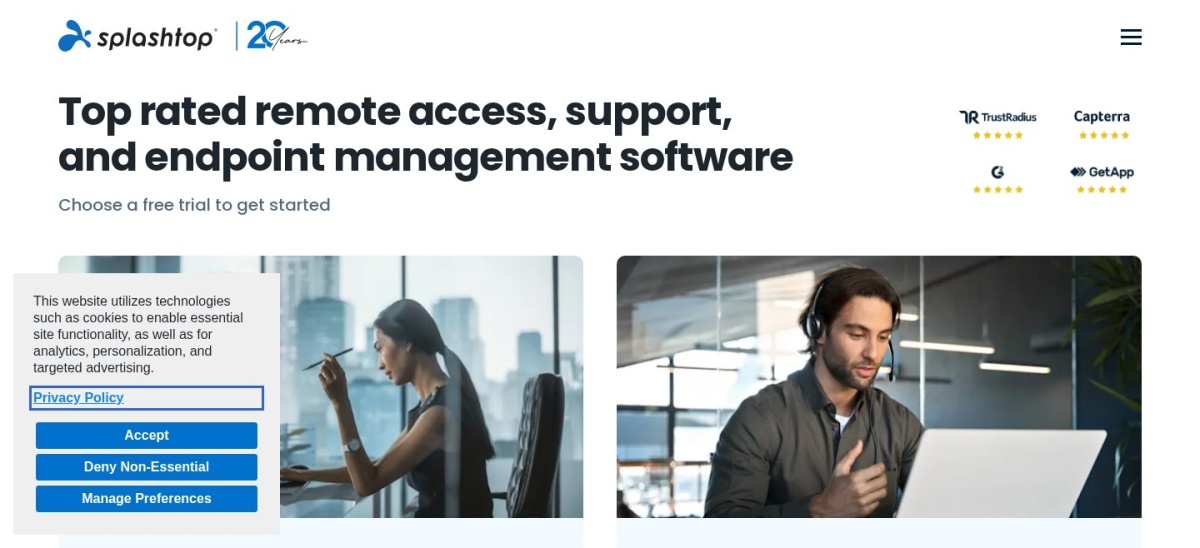
Splashtop homepage, captured Nov 2026.
Splashtop is a remote access and support platform with entry remote access starting at $6 per month, billed annually at $72. It supports unattended connections across devices, file transfer, and higher-tier creative options such as 240 FPS and 4:4:4 color accuracy.
The trade off is that its entry remote access plan is a paid subscription rather than a permanent free tier, and some users report occasional connection hiccups when waking sleeping machines. It suits freelancers and teams wanting fast, predictable remote access without steep seat fees.
What we like
Lower entry price than many business remote access tools
Supports file transfer and unattended access on entry tier
Higher plans add 240 FPS, 4:4:4 color, and Wacom support
Watch out for
No ongoing free tier for standard remote access
Occasional session drops reported after device sleep
Higher plans add multi-monitor support, user roles, 240 FPS streaming, and 4:4:4 color.Visit splashtop.com
02
RustDesk
4.6/5on Trustpilot (10 reviews, checked Nov 2026)
Paid from$11.88/mo
Best for self-hosted control and open-source privacy
Free optionFree client & self-hosted server
Paid plan$11.88/mo (annual)
Trustpilot4.6/5 (10 reviews)
Key featureSelf-hostable relay & E2E encryption
rustdesk.com
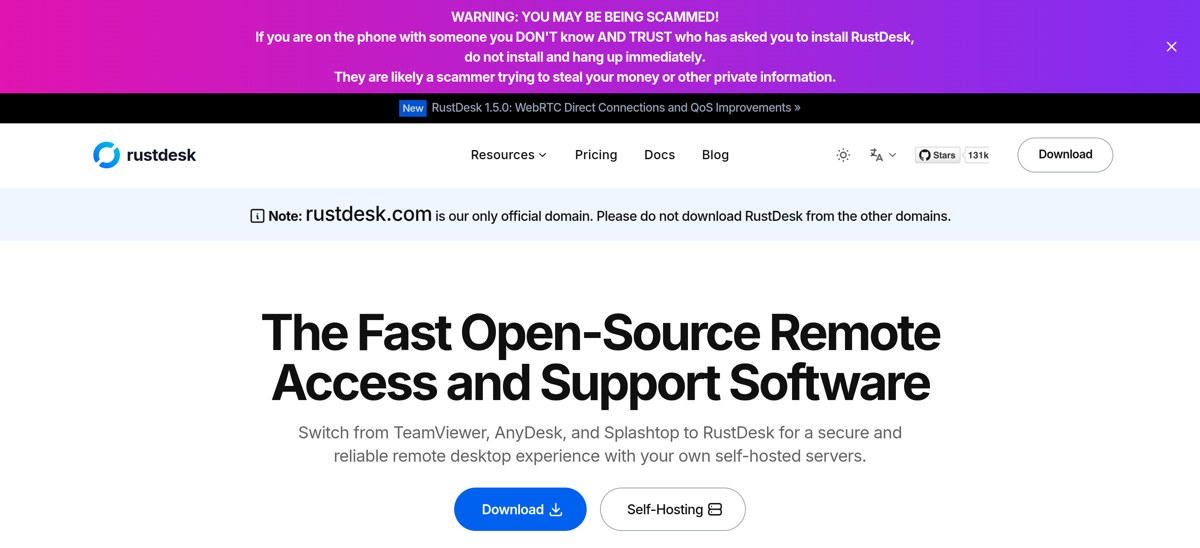
RustDesk homepage, captured Nov 2026.
RustDesk is an open-source remote desktop application offering a free client and self-hostable server alongside paid Server Pro plans starting at $11.88 per month billed annually. It supports Windows, macOS, Linux, Android, and iOS with encrypted connections.
The trade off is that running your own server requires setup, patching, and bandwidth management, while paid Server Pro plans bill annually. It suits technical users and organizations that want to host their own remote desktop infrastructure.
What we like
Free open-source client and self-hosted server option
Avoids relying solely on a third-party cloud relay
Cross-platform support across desktop and mobile
Watch out for
Self-hosting adds server maintenance and security responsibility
Server Pro plans are billed annually
Server Pro adds web console management, 2FA, OIDC SSO, and centralized address books.Visit rustdesk.com
03
AnyViewer
4.5/5on Trustpilot (699 reviews, checked Nov 2026)
Paid from$3.58/mo
Best for budget remote control and file transfers
Free tierUp to 10 unattended devices
Paid plan$3.58/mo ($42.96/yr)
Trustpilot4.5/5 (699 reviews)
Key featureOne-click control & file transfer
anyviewer.com
AnyViewer homepage, captured Nov 2026.
AnyViewer is a remote desktop tool with a free tier covering up to 10 unattended devices and a Professional yearly plan at $3.58 per month, billed at $42.96 annually. It includes file transfer, mobile remote control, and multi-device session options.
The trade off is that some reviewers report occasional lag or connection drops on less stable networks, and multi-year discounts renew at standard annual rates. It suits budget-minded individuals and small teams doing routine remote work.
What we like
Low annual entry price for a paid remote desktop license
Includes file transfer and mobile remote control
Free tier supports basic personal remote connections
Watch out for
Some users note occasional lag or stability issues
Discounted multi-year terms revert to yearly billing
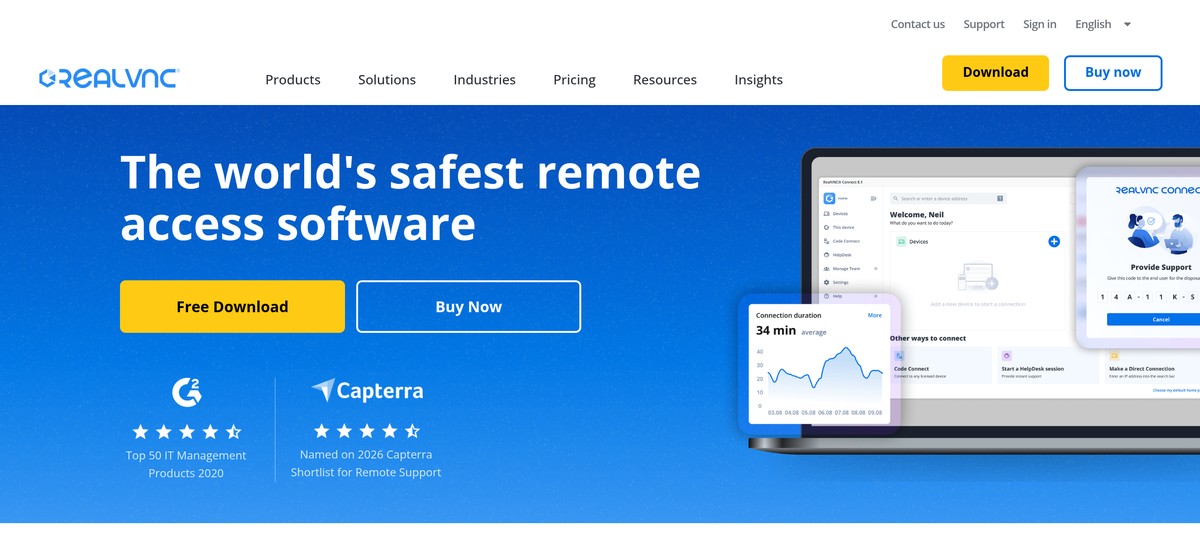
RealVNC Connect provides remote access across desktop and mobile platforms, with Essentials starting at $8.25 per month per active connection, billed annually at $99 per year. It supports encrypted sessions over cloud connectivity or direct local networks.
The trade off is that pricing scales per active connection on annual billing rather than offering a broad free tier for ongoing remote access. It suits administrators and teams that want established VNC compatibility and direct LAN support.
What we like
High user rating on G2 across 441 reviews
Supports both cloud-routed and local network access
Established cross-platform VNC ecosystem
Watch out for
Scales by active connection with annual billing
Less tailored to high-frame-rate gaming than Parsec
Higher tiers increase concurrent connections and add team management features.Visit realvnc.com
05
TeamViewer
4.5/5on G2 (4,234 reviews, checked Nov 2026)
Paid from$15/mo
Best for broad IT support and cross-platform reach
G2 rating4.5/5 (4,234 reviews)
Starting price$15/mo on G2 listing
Free optionPersonal use option available
Key featureRemote control & IT support tools
teamviewer.com
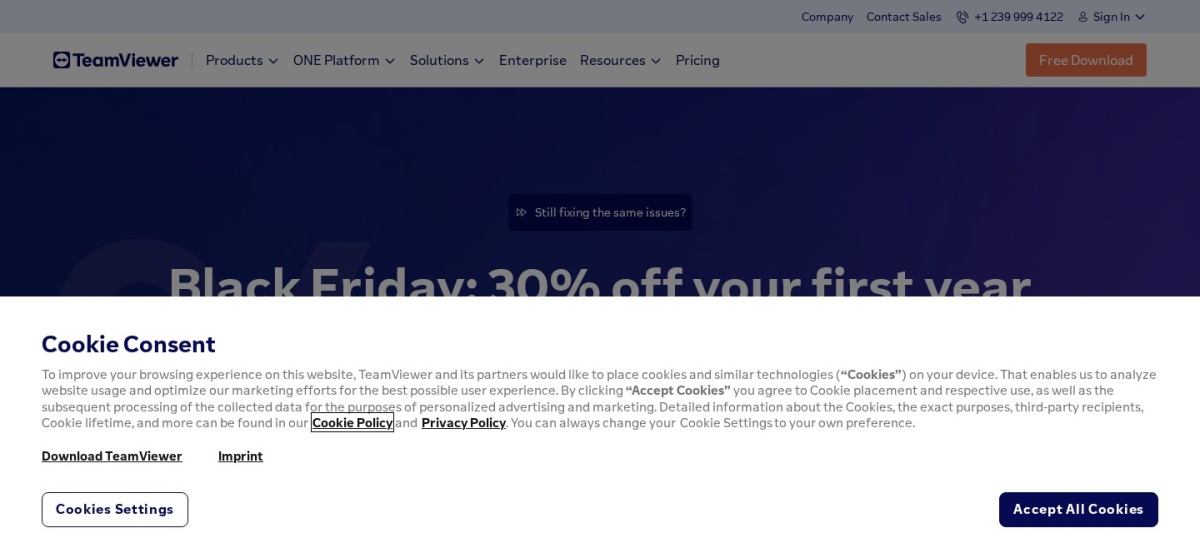
TeamViewer homepage, captured Nov 2026.
TeamViewer is a widely used remote access and IT support platform with a large review footprint of 4,234 reviews on G2 and plans listed starting at $15 per month. It connects across major desktop and mobile operating systems for remote troubleshooting and access.
The trade off is that free personal sessions can be restricted if flagged for commercial use, and higher business tiers add cost quickly. It suits IT support teams and organizations that need broad device coverage.
What we like
Large review base (4,234 G2 reviews) with a 4.5/5 score
Wide support across desktop and mobile platforms
Built for both remote control and technical support workflows
Watch out for
Free personal tier enforces commercial-use limits
Higher latency than specialized game streaming tools
Paid tiers unlock business licensing, team workflows, and expanded IT management tools.Visit teamviewer.com
06
Moonlight
4.5/5on App Store (106 reviews, checked Nov 2026)
PriceFree
Best for free low-latency game streaming
PriceFree (no paid plan)
App Store4.5/5 (106 ratings)
LicenseOpen-source streaming client
FocusLow-latency PC game streaming
moonlight-stream.org
Moonlight homepage, captured Nov 2026.
Moonlight is a free, open-source game streaming client with no paid plan, holding a 4.5 out of 5 rating across 106 App Store ratings. It streams games from a host PC to other screens with low latency across desktop, mobile, and living-room devices.
The trade off is that you manage your own host setup and network routing rather than relying on a turnkey commercial service. It suits gamers who want free, low-latency streaming from their own gaming PC.
What we like
Completely free with no paid tiers or seat fees
Focused on low-latency game streaming across many devices
Open-source project backed by active community use
Watch out for
Requires host configuration and network setup on your side
Lacks commercial team management or enterprise support
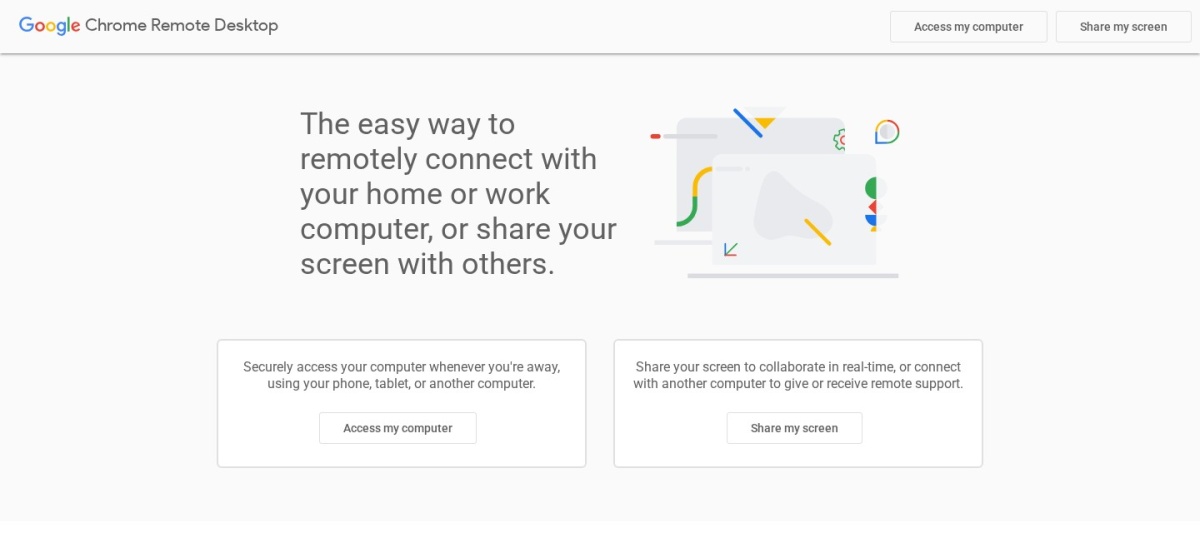
Chrome Remote Desktop homepage, captured Nov 2026.
Chrome Remote Desktop is a free remote access tool from Google with no paid plan, rated 4.2 out of 5 across 53 G2 reviews. It lets you reach another computer from a Chrome browser or mobile device using a Google account.
The trade off is that it lacks advanced remote-support consoles, self-hosting, or specialized gaming streaming features. It suits casual users who want a simple, free way to check on a computer remotely.
What we like
Free with no subscription or paid upgrade tiers
Fast setup through Chrome and mobile apps
Simple interface for everyday remote access
Watch out for
Basic feature set compared with dedicated IT or gaming tools
Not designed for low-latency gaming or heavy creative work
We built this list of parsec alternatives by looking for established remote desktop and low-latency streaming tools across commercial, free, and self-hosted categories. Each entry requires a verifiable official site, clear pricing or free availability, and public user review data.
We checked pricing pages and public review listings on 29 Nov 2026 to record regular entry pricing and review scores. Where multi-year discounts appeared, we noted standard annual figures rather than promotional shortcuts.
We excluded discontinued or unverified tools and left out specific figures where a vendor did not publish them on the checked pages. No vendor paid for a place, and we do not claim testing for this list.
How to pick the right parsec alternative
Follow four practical checks to match a tool to your workload and budget.
Match the streaming engine to your workload. Choose low-latency streaming tools for games or motion-heavy screens, and standard remote desktop tools for general work or support.
Decide between hosted convenience and self-hosting. Use managed tools when you want quick setup, or self-hosted options like RustDesk if you prefer running your own relay server.
Check free-tier limits before committing. Review device caps, commercial-use rules, and connection limits on free plans so your workflow is not interrupted later.
Calculate annual costs across your devices. Compare yearly billing totals and per-connection or per-user charges before rolling a tool out to a team.
FAQ
What are the best parsec alternatives in 2026?
Splashtop is a top commercial pick starting at $6/mo billed annually for remote work, while RustDesk is a strong free, self-hosted option. Moonlight fits free game streaming, and Chrome Remote Desktop works well for simple browser access.
What is the best free alternative to Parsec?
Moonlight is a strong free option for low-latency game streaming with no paid plan, while RustDesk offers free open-source clients and self-hosting. Chrome Remote Desktop is also free for quick, everyday remote access.
How much do paid Parsec alternatives cost?
Entry paid plans vary by tool, such as AnyViewer starting at $3.58/mo ($42.96/yr), Splashtop at $6/mo ($72/yr), RealVNC at $8.25/mo ($99/yr), and RustDesk Server Pro at $11.88/mo, typically billed annually.
Which Parsec alternative is better for self-hosting?
RustDesk stands out for self-hosting because its client and server code are open source and can run on your own infrastructure. You do take on server setup and ongoing maintenance yourself.
Should I choose Splashtop or RustDesk?
Choose Splashtop if you want a managed remote access service starting at $6/mo billed annually with minimal server upkeep. Choose RustDesk if you want open-source software and control over your own self-hosted server.
SaaS SEO and WordPress specialist with about 8 years of experience. Rakib compares WordPress plugins, themes, hosting and software using public pricing, documentation and user reviews. See how we rank.