1Password is the best of these NordPass alternatives for most people, with a 4.6/5 G2 rating from 1,810 reviews and a regular price of $3.99 a month. Pick Bitwarden if you want the lowest cost at $19.80 a year, or Proton Pass if you want a free plan with email aliases.
How we make this list: we compare pricing pages, product documentation and public user reviews, then re-check every price before each update. No product paid for a place. Disclosure.
1Password is the top pick at $3.99 a month, with a 4.6/5 G2 rating from 1,810 reviews and a Secret Key that protects the vault.
Bitwarden Premium costs $19.80 a year and its free plan covers unlimited passwords on unlimited devices.
Dashlane is the priciest personal plan here at $65.04 a year, but it is the only one that bundles a VPN.
Proton Pass Plus renews at $35.88 a year after a $23.88 first year, and its free plan includes unlimited logins.
Zoho Vault Standard is the cheapest paid plan at $10.80 a year, and its free plan covers unlimited passwords.
What should you look for in NordPass alternatives?
Price is the first split. Paid plans in this list run from $10.80 a year for Zoho Vault Standard to $65.04 a year for Dashlane Premium, and six of the nine tools have a free plan worth using.
A free plan is only useful if it covers all your devices. Bitwarden, Proton Pass and Zoho Vault give free users unlimited devices, while LastPass free works on one device type and RoboForm free on one device.
Passkeys matter more than they did a year ago. Every tool in this list now stores passkeys, so the choice comes down to price, sharing and how the apps feel day to day.
Switching is low risk. Export your NordPass vault as a CSV file and import it into the new manager, then turn on two-factor authentication. Our guide on what two-factor authentication is explains the extra layer in plain terms.
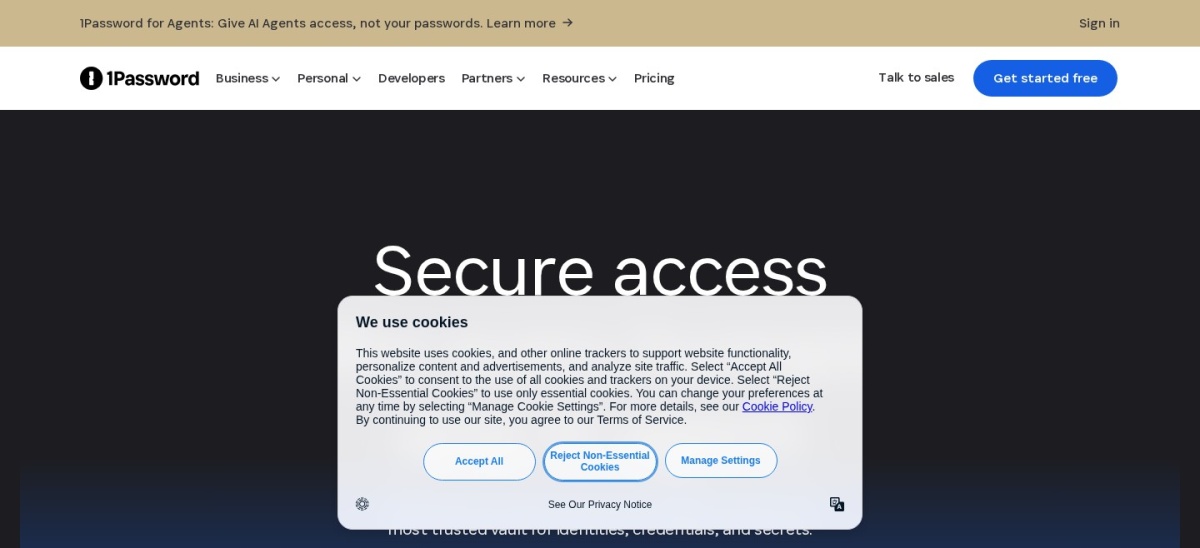
1Password is a password manager with a Secret Key that adds a second secret to your master password, so a stolen vault file alone is not enough to open it. Individual costs $3.99 a month billed annually, with a first-year promotion at $2.99 a month, and includes 1 GB of document storage and a built-in authenticator.
The trade off is price. There is no free plan, only a 14-day trial, and $47.88 a year is more than double Bitwarden Premium. It suits people who want the most polished apps and the strongest account recovery options.
What we like
Secret Key adds protection beyond the master password
Apps on every major platform with fast autofill
Built-in authenticator removes the need for a second app
Watchtower flags weak, reused and breached passwords
Watch out for
No free plan, only a 14-day trial
Regular price is $3.99 a month after the first-year promotion
Family plan costs $5.99 a month at the regular rate
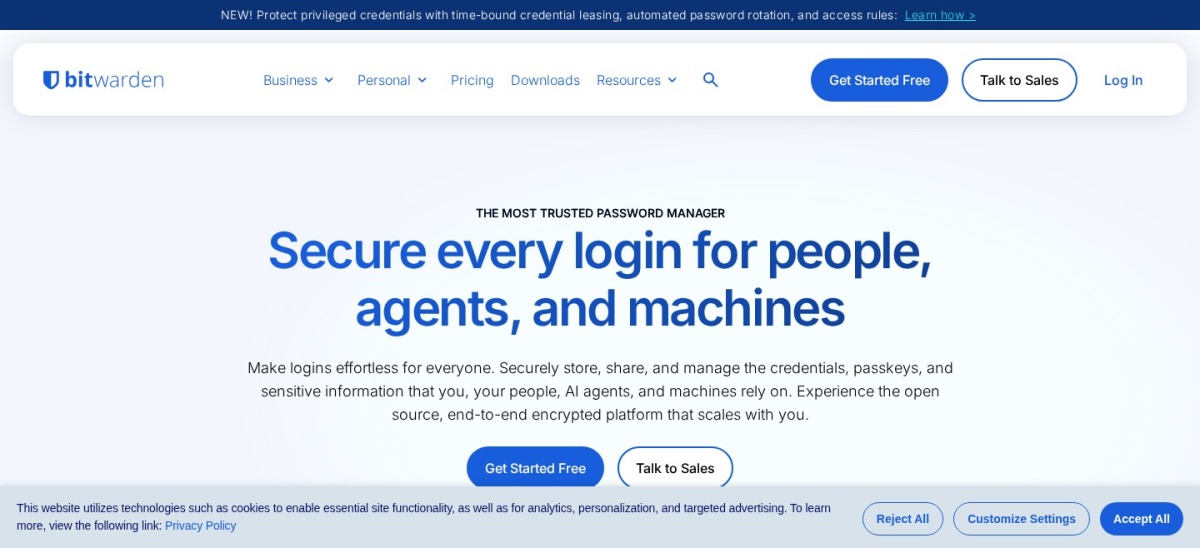
Bitwarden is an open-source password manager with a free plan that covers unlimited passwords on unlimited devices, which no other tool here matches. Premium costs $19.80 a year and adds a built-in authenticator, 1 GB of encrypted file storage, emergency access and vault health reports.
The trade off is polish. The apps work well but look plainer than 1Password, and reviewers note autofill can miss on some sites. It suits budget buyers and anyone who wants to self-host their vault.
What we like
Free plan covers unlimited passwords and devices
Open-source code anyone can inspect
Premium is $19.80 a year, one of the cheapest paid plans here
Self-hosting option on paid plans
Watch out for
Interface feels plainer than 1Password and Dashlane
Autofill is less consistent on some sites
Premium price rose from $10 to $19.80 a year in 2026
Premium adds a built-in authenticator and 1 GB of file storageVisit bitwarden.com
03
Dashlane
4.5/5on G2 (634 reviews, checked Nov 2026)
Starts at$5.42/mo
Best extras: VPN and scam protection
Free planNo, 14-day trial
VPNIncluded in Premium
PasskeysYes
Dark web monitoringYes
dashlane.com
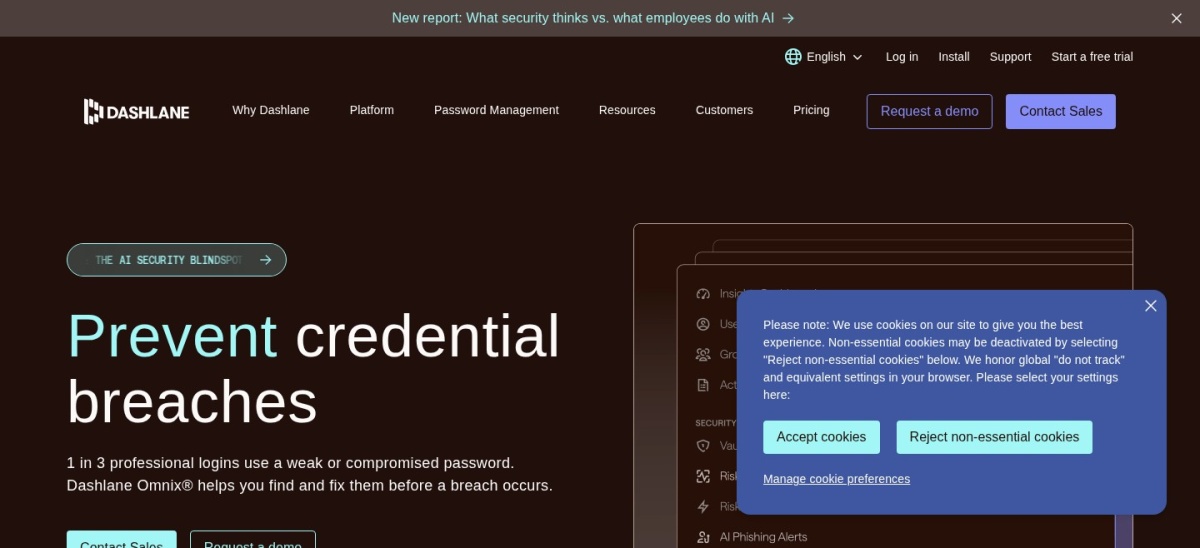
Dashlane homepage, captured Nov 2026.
Dashlane is a password manager that bundles a VPN, dark web monitoring and real-time phishing alerts into its Premium plan at $5.42 a month billed annually. It covers unlimited passwords and devices, with passkey support and secure sharing for one person.
The trade off is price. At $65.04 a year it is the most expensive personal plan in this list, and there is no free plan, only a 14-day trial. It suits people who would pay for a VPN and scam protection anyway.
What we like
VPN included in the Premium plan
Real-time phishing alerts and dark web monitoring
Clean apps with strong autofill
Business plans add SSO and admin controls
Watch out for
Most expensive personal plan in this list
No free plan, only a 14-day trial
Reviewers report autofill entering the wrong details at times
Premium adds a VPN, dark web monitoring and phishing alertsVisit dashlane.com
04
Keeper
4.6/5on G2 (1,235 reviews, checked Nov 2026)
Starts at$42.99/yr
Best for teams and compliance
Free planNo, 30-day trial
PasskeysYes
BreachWatchPaid add-on
Admin controlsRole-based policies
keepersecurity.com
Keeper homepage, captured Nov 2026.
Keeper is a password manager built around team controls, with role-based policies, audit logs and SSO on its business plans. Personal, also called Keeper Unlimited, costs $42.99 a year and covers unlimited passwords and passkeys on unlimited devices, with a 30-day free trial.
The trade off is the extras bill. BreachWatch dark web monitoring costs extra on top of Personal, and there is no full free plan. It suits small teams and regulated workplaces that need audit trails and granular sharing controls.
What we like
Granular admin and role-based access controls
Zero-knowledge encryption with a strong compliance record
Unlimited passwords, passkeys and devices on Personal
30-day free trial with no card required
Watch out for
BreachWatch dark web monitoring is a paid add-on
No full free plan for individuals
Personal costs $42.99 a year, near the top of this list
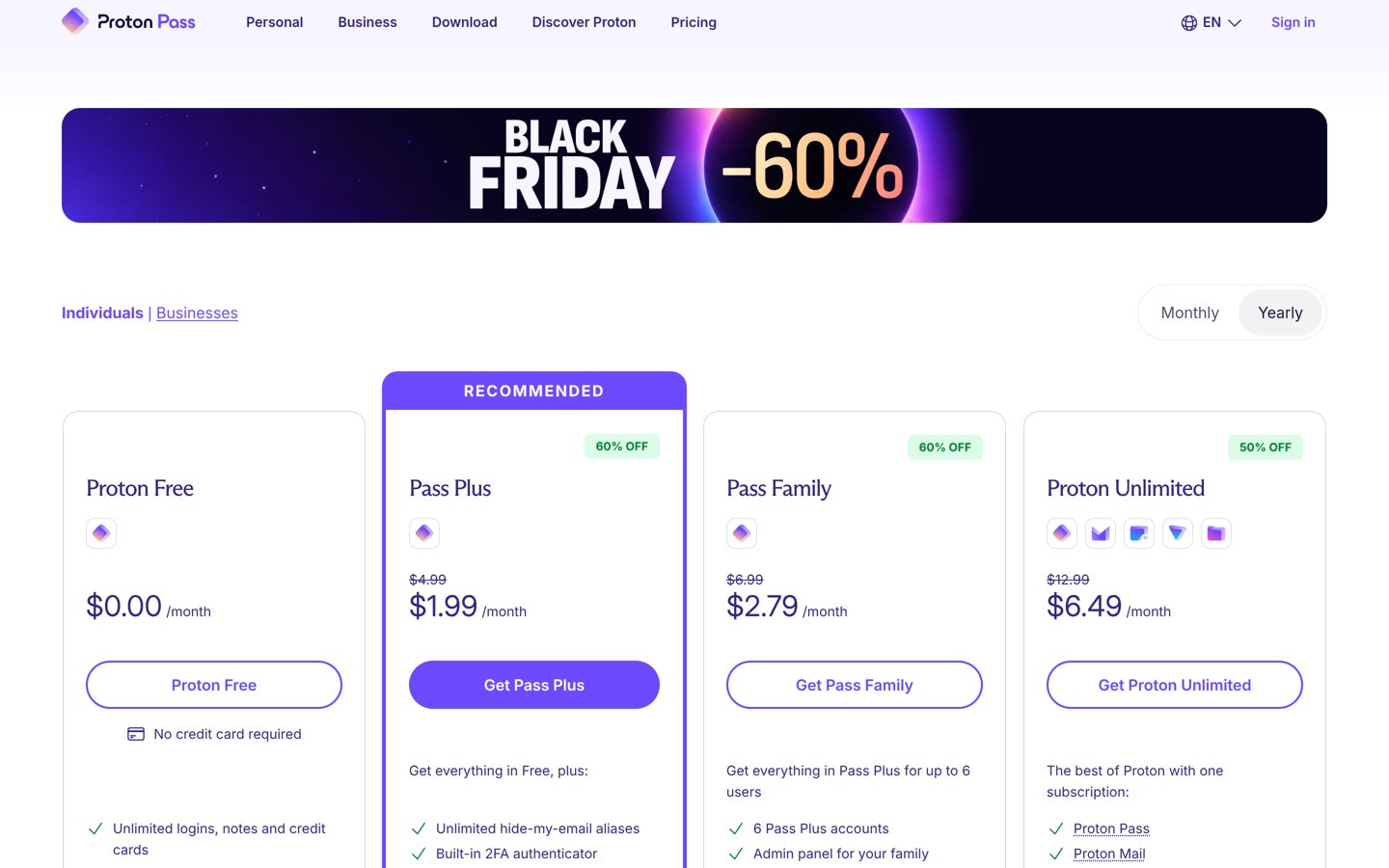
Proton Pass is an open-source password manager from the maker of Proton Mail, with a free plan that covers unlimited logins, notes and passkeys. Pass Plus renews at $35.88 a year and adds unlimited hide-my-email aliases, a built-in authenticator and dark web monitoring.
The trade off is the renewal price. The first year costs $23.88 during the current promotion, then renews at $35.88, and the $4.99 monthly rate applies if you pay month to month. It suits privacy-minded users who also want disposable email addresses.
What we like
Unlimited hide-my-email aliases on Plus
Open-source apps from a privacy-focused company
Free plan covers unlimited logins and passkeys
Built-in authenticator on the paid plan
Watch out for
Plus renews at $35.88 after a $23.88 first year
Autofill can lag on Android, per user reviews
Fewer business integrations than 1Password or Keeper
Plus adds unlimited aliases, 2FA codes and dark web monitoringVisit proton.me
06
LastPass
4.5/5on G2 (2,080 reviews, checked Nov 2026)
Paid from$3.00/mo
Best for easy family sharing
Free planYes, one device type
PasskeysYes
Emergency accessYes, on Premium
File storage1 GB on Premium
lastpass.com
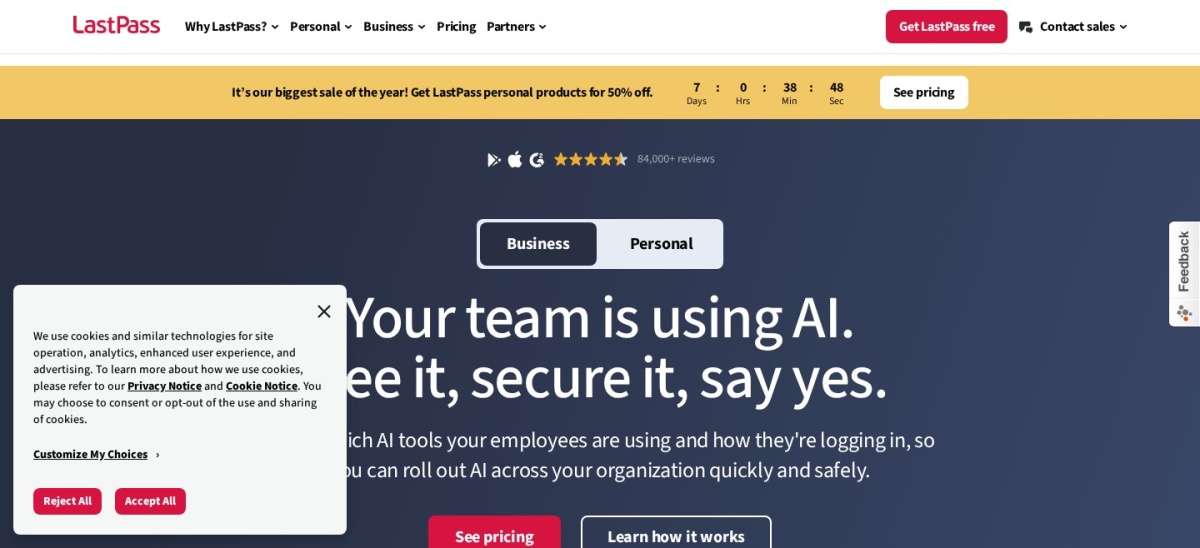
LastPass homepage, captured Nov 2026.
LastPass is a long-established password manager with strong sharing, emergency access and a security dashboard. Premium costs $3 a month billed annually ($36 a year) and adds use on all device types, 1 GB of file storage and one-to-many sharing.
The trade off is trust. LastPass lost copies of encrypted vault backups in a 2022 incident, so it suits people already using it or those who want its sharing features and use a strong, unique master password.
What we like
One-to-many sharing and emergency access on Premium
Families plan covers 6 people for $48 a year
Dark web monitoring included in Premium
Works on all major browsers and platforms
Watch out for
Free plan works on one device type only
Encrypted vault backups were copied in a 2022 incident
First-year sale prices rise at renewal
Premium adds all devices, 1 GB of storage and emergency accessVisit lastpass.com
07
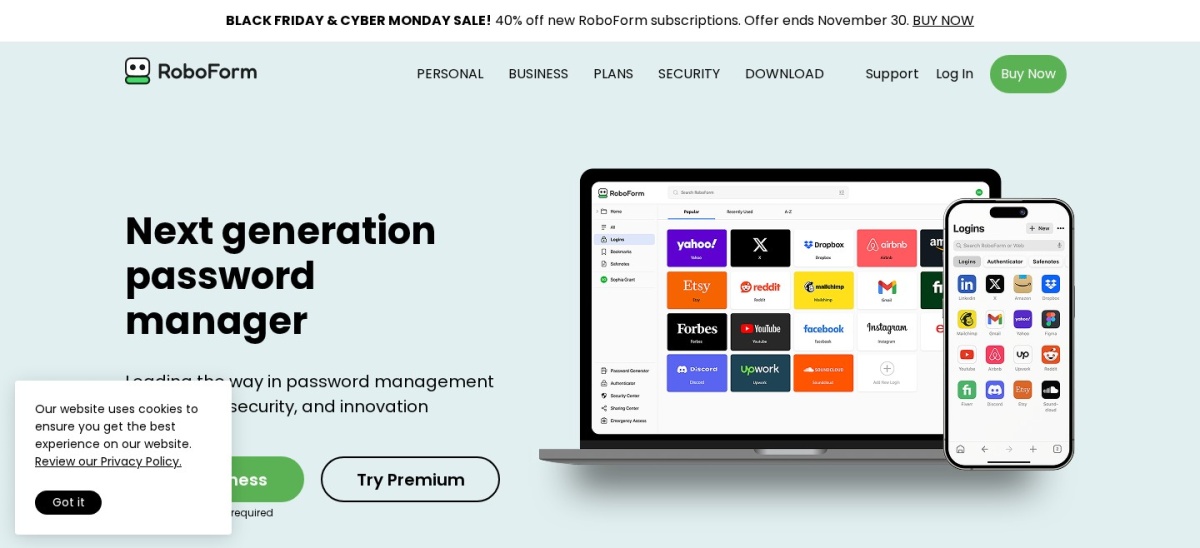
RoboForm
4.6/5on G2 (752 reviews, checked Nov 2026)
Paid from$1.99/mo
Best for form filling on a budget
Free planYes, one device
PasskeysYes
Form fillingYes
Family plan$47.75/yr
roboform.com
RoboForm homepage, captured Nov 2026.
RoboForm is a veteran password manager known for filling long web forms as well as logins, a job most rivals handle less well. Everywhere costs $1.99 a month billed annually ($23.88 a year) and adds sync across unlimited devices, secure sharing and emergency access.
The trade off is the look. The desktop apps feel dated next to 1Password and Dashlane, and the free plan works on one device only. It suits people who fill many forms and want a low, flat yearly price.
What we like
Best-in-class form filling beyond passwords
Everywhere stays at $23.88 a year with no renewal jump
Free plan with a 30-day trial of Premium
Works on Windows, Mac, mobile and all major browsers
Enpass is an offline-first password manager that stores your encrypted vault in your own cloud storage, such as Google Drive, Dropbox or iCloud, instead of on the vendor's servers. Premium costs $1.99 a month billed annually and unlocks unlimited items, multiple vaults and sync across all devices.
The trade off is sharing. Family and team sharing is clunkier than in 1Password or Keeper, and the free plan caps you at 25 items. It suits people who do not want any vendor holding their vault.
What we like
Vault lives in your own cloud storage, not vendor servers
Lifetime licence available for $49.99
Low $23.88 a year for unlimited items
More than 80 templates for cards, passports and licences
Watch out for
Free plan caps at 25 items
Sharing is weaker than 1Password or Keeper
Only 27 G2 reviews, a small sample
Premium unlocks unlimited items and all-device syncVisit enpass.io
09
Zoho Vault
4.4/5on G2 (77 reviews, checked Nov 2026)
Paid from$0.90/mo
Best free plan for small teams
Free planYes, unlimited passwords
Paid planStandard $10.80/yr
PasskeysYes
Admin controlsOn paid plans
zoho.com
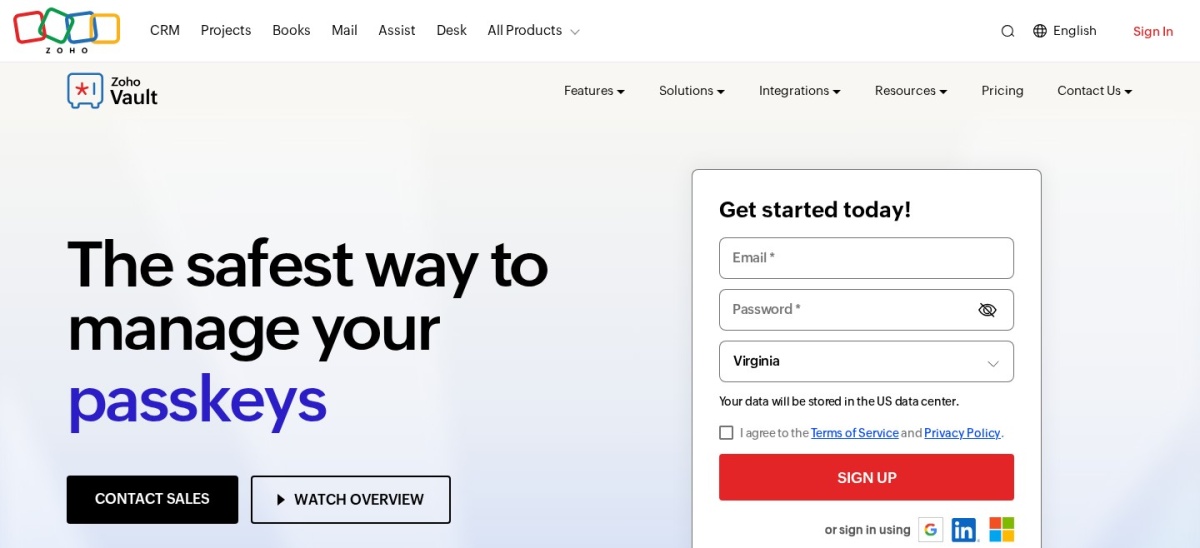
Zoho Vault homepage, captured Nov 2026.
Zoho Vault is a password manager with a free plan that covers unlimited passwords, passkeys and devices for one person, plus a security dashboard and offline access. Standard costs $0.90 per user a month billed annually and adds secure team sharing, cloud backup and priority support.
The trade off is polish and scale. The interface looks dated next to 1Password, and SSO needs the Enterprise plan at $7.20 per user a month. It suits small teams and people already using Zoho apps.
What we like
Free plan covers unlimited passwords and devices
Cheapest paid plan in this list at $10.80 a year
Team sharing and audit trails on paid plans
Works with Google Workspace and Microsoft 365
Watch out for
Interface looks dated and setup takes longer
SSO is locked to the Enterprise plan
Smaller review base, 77 G2 reviews
Standard adds team sharing, cloud backup and priority supportVisit zoho.com
Free vs paid: what you give up
Free plans cover the basics well. Bitwarden, Proton Pass and Zoho Vault give free users unlimited passwords, and most free plans include passkeys and a password generator.
Paid plans mostly add sharing and monitoring. You get emergency access, dark web alerts, file storage and a built-in authenticator, plus priority support when something breaks.
The cheapest paid plans are the best deal here. Zoho Vault Standard is $10.80 a year and Bitwarden Premium is $19.80 a year, so paying does not have to mean a big bill.
If you share logins with family or a team, pay for it. Free plans limit sharing, and a shared vault with proper permissions is safer than passing passwords around in messages.
How we chose
We started from the password managers most often compared with NordPass, then kept nine established tools with a public rating, a clear price and apps for the major platforms.
Prices come from each vendor's pricing page or a vendor-page read, checked on 29 November 2026. Ratings and review counts come from G2 on the same day, and the list shows regular prices where a vendor shows a sale.
We left out tools with no public rating or no clear price. No vendor paid for a place, and we do not claim to have used these tools ourselves.
How to choose a NordPass alternative
Start with your budget and who else needs access, then check the free plan first.
Decide what you will pay. If the answer is nothing, start with Bitwarden, Proton Pass or Zoho Vault. If you can pay, $19.80 a year buys Bitwarden Premium and $23.88 buys RoboForm or Enpass.
Check the free plan limits. LastPass free works on one device type and Enpass free caps at 25 items. Bitwarden and Proton Pass free plans have no such caps.
List who shares the vault. Families and small teams should weigh sharing and admin controls. Keeper leads here, and LastPass Families covers 6 people for $48 a year.
Turn on two-factor authentication. Every tool here supports it, and it blocks most stolen-password logins. See how to add two-factor authentication to WordPress for the same habit on your site.
FAQ
What are the best NordPass alternatives in 2026?
1Password is the best NordPass alternative for most people, with a 4.6/5 G2 rating and a Secret Key that protects the vault. Bitwarden is the best value at $19.80 a year, and Proton Pass is the best free option with unlimited logins.
What is the cheapest NordPass alternative?
Zoho Vault Standard is the cheapest paid plan at $0.90 per user a month billed annually, or $10.80 a year. Bitwarden Premium is next at $19.80 a year, and Bitwarden, Proton Pass and Zoho Vault all have free plans.
Is there a free NordPass alternative?
Yes. Bitwarden, Proton Pass and Zoho Vault have free plans with unlimited passwords, and Enpass is free for up to 25 items. LastPass and RoboForm also have free plans, but LastPass free works on one device type only.
Which NordPass alternative is best for beginners?
Bitwarden is the best pick for beginners who want to pay little or nothing, because its free plan has no device limits. 1Password is the easiest paid option to learn, with clear apps and a built-in authenticator.
1Password or Bitwarden: which is better?
1Password is better if you want the most polished apps, a Secret Key and the best account recovery, at $47.88 a year. Bitwarden is better if you want the lowest cost, at $19.80 a year, plus open-source code and self-hosting.
Can I import my passwords from NordPass?
Yes. Export your NordPass vault as a CSV file, then import that file into the new manager. Every tool in this list accepts CSV imports. Delete the CSV file afterwards, since it holds your passwords in plain text.
Is LastPass safe after its 2022 breach?
LastPass is usable but carries a trust cost. Attackers copied encrypted vault backups in 2022, so it suits people who use a strong, unique master password and turn on two-factor authentication. If that history worries you, pick 1Password or Bitwarden instead.
SaaS SEO and WordPress specialist with about 8 years of experience. Rakib compares WordPress plugins, themes, hosting and software using public pricing, documentation and user reviews. See how we rank.