PostgreSQL is the best MySQL alternative for most teams: it is free and open source, rated 4.4 out of 5 on G2, and handles complex queries and large data well. Supabase adds hosted Postgres with auth and APIs for app builders, while MariaDB is the closest drop-in swap for existing MySQL apps.
How we make this list: we compare pricing pages, product documentation and public user reviews, then re-check every price before each update. No product paid for a place. Disclosure.
PostgreSQL is free, rated 4.4/5 on G2 from 683 reviews, and the default pick for teams leaving MySQL.
Supabase has the highest rating here at 4.6/5 and turns Postgres into a hosted backend with auth and APIs from $25 a month.
MariaDB is the closest drop-in swap: a MySQL fork that runs existing MySQL apps with little change.
MongoDB Atlas starts cheapest among paid cloud plans at $8 a month on Flex, with a free 512 MB tier.
PlanetScale is the only pick with no free plan, at $39 a month, and its 4.3 rating rests on only 4 G2 reviews.
How do you choose the best MySQL alternative?
The best MySQL alternative depends on what you are leaving behind. Teams that want the same SQL habits usually pick PostgreSQL or MariaDB, while teams that want to drop fixed tables pick MongoDB Atlas.
Free does not mean the same thing everywhere. PostgreSQL, MariaDB Community and SQLite cost nothing to run, while managed services charge by the hour or by the month, so a free tier is not the same as a free database.
Migration effort is the hidden cost. MariaDB runs most MySQL apps with little change, while PostgreSQL needs schema and query changes, so budget time for the move as well as the monthly price. Our guide to backing up a WordPress database shows the backup habits that matter whatever engine you run.
Ratings are thinnest where the tools are newest. PlanetScale and CockroachDB have 4 and 29 G2 reviews, against more than 2,000 for SQL Server, so treat their scores as early signals rather than settled verdicts.
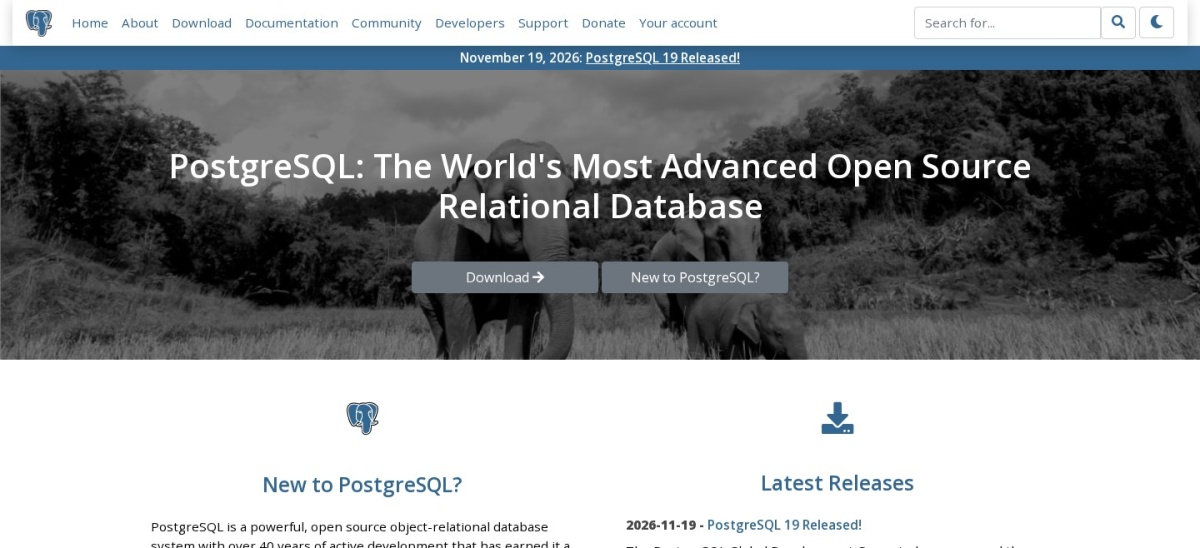
PostgreSQL is a free, open source relational database that runs on Windows, Linux and macOS, and it is the default choice for teams moving away from MySQL. The latest release, PostgreSQL 19, adds JSONB, arrays, ranges and full-text search, plus an extension library that covers vectors, time series and geographic data.
The trade off is that there is no vendor to call by default. Support, managed hosting and high-availability setup come from third-party vendors or cloud providers, each with its own price. It suits teams that want a capable database with no license fee and are happy to manage it themselves or pay a host.
What we like
Free with no license fee or core limits
Widest extension library of any open source database
Runs on every major operating system and cloud
Handles complex queries and large data well
Watch out for
No vendor support included; you arrange it yourself
High-availability setup takes more work than a managed service
Supabase is a hosted Postgres platform that adds authentication, storage, realtime updates, Edge Functions and instant Data APIs to a full PostgreSQL database. The free plan includes two projects, and self-hosting with Docker is free as well.
The trade off is usage billing. Pro costs $25 a month per project, and storage, egress and extra compute are charged on top, with spend caps on by default to limit surprises. It suits app builders who want a backend without running a database server.
What we like
Full Postgres plus auth, storage and APIs in one place
Generous free plan with two projects
Spend caps on by default on Pro
Self-hosting option is free
Watch out for
Costs can rise with storage and egress as projects grow
MariaDB is a free, open source fork of MySQL from its original creators, built to stay compatible with MySQL. Community Server runs on your own hardware at no license cost, and it covers transactions, JSON and vector search in one engine.
The trade off is paid support. The free server has no vendor support, and managed MariaDB Cloud starts at $0.16 an hour, about $1,402 a year, while enterprise platform pricing is quoted per deployment. It suits teams that want MySQL compatibility without Oracle licensing.
What we like
Closest drop-in swap for existing MySQL apps
Free Community Server with no license cost
Covers transactions, JSON and vector search
Open governance from MySQL's original team
Watch out for
No vendor support on the free server
Managed cloud pricing is hourly and adds up fast
Paid cloud and enterprise plans add support and hostingVisit mariadb.com
04
MongoDB Atlas
4.5/5on G2 (904 reviews, checked Nov 2026)
Paid from$8/mo
Best for flexible, changing data
Free tierM0, 512 MB
Paid planFlex, $8/mo
Data modelDocument, JSON-like
Paid productionM10, $56.94/mo
mongodb.com
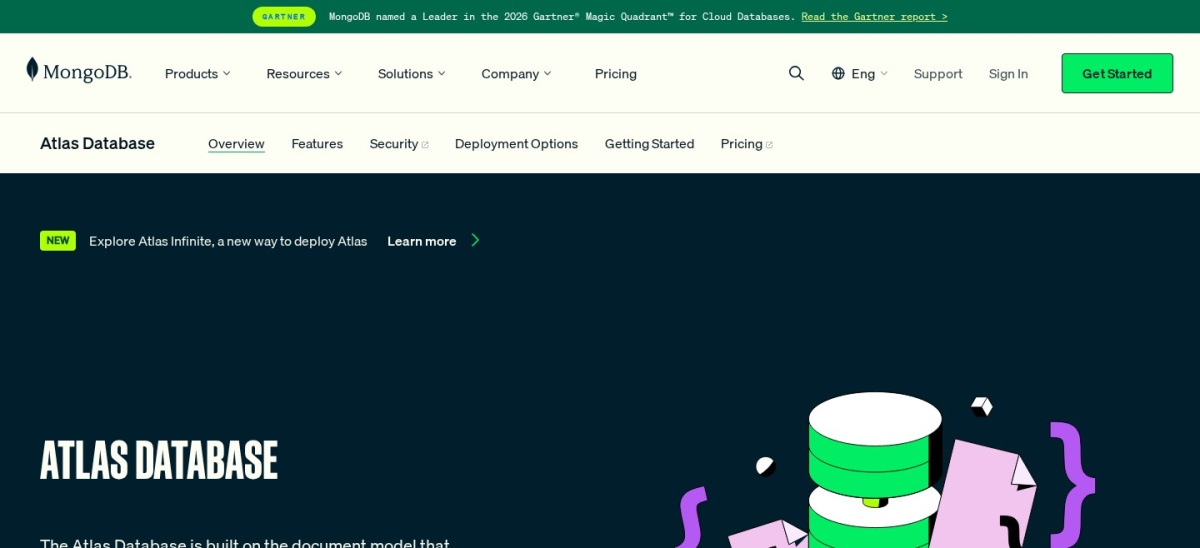
MongoDB Atlas homepage, captured Nov 2026.
MongoDB Atlas is the managed cloud version of MongoDB, a document database that stores JSON-like documents instead of fixed tables. The free M0 tier gives 512 MB of storage, and Flex clusters for development cost $8 to $30 a month by usage.
The trade off is the move away from SQL. Teams must learn document queries and design data without joins, and production Dedicated clusters start at $56.94 a month for M10. It suits apps with changing data shapes, content and real-time features.
What we like
Flexible schema fits changing data
Free tier and cheap Flex plan for starting out
Runs on AWS, Azure and Google Cloud
Strong aggregation and search features
Watch out for
No SQL joins; data modelling works differently
A production replica set costs far more than the Flex sticker price
Dedicated M10 clusters add production features and backupsVisit mongodb.com
05
Microsoft SQL Server
4.4/5on G2 (2,287 reviews, checked Nov 2026)
Paid from$73/mo
Best for Microsoft environments
Free editionExpress, up to 10 GB
Paid planStandard, $73/core/mo
Latest releaseSQL Server 2025
Integrations.NET, Azure, Power BI
microsoft.com
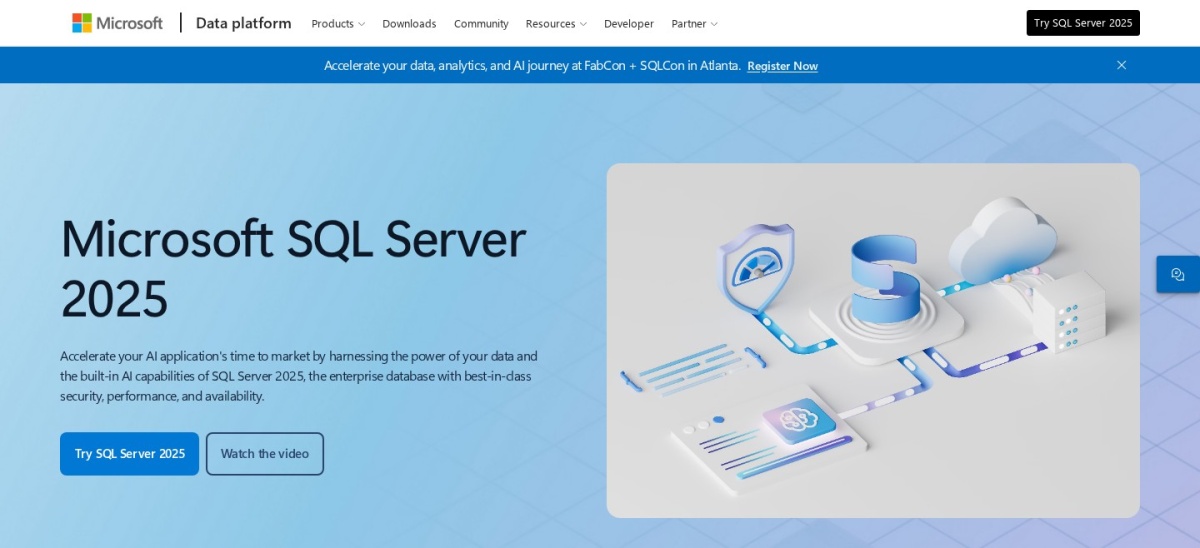
Microsoft SQL Server homepage, captured Nov 2026.
Microsoft SQL Server is the relational database of the Microsoft world, with deep ties to .NET, Azure, Power BI and Active Directory. The free Express edition covers small databases up to 10 GB, while Developer edition is free for development and testing.
The trade off is licensing cost and complexity. Standard pay-as-you-go pricing starts at $73 per core per month through Azure Arc, and a one-time Standard license lists at $3,945 per 2-core pack. It suits Microsoft shops that already run Windows and Azure.
What we like
Deep integration with .NET, Azure and Power BI
Largest G2 review base in this list
Free Express and Developer editions
Strong security and high-availability features
Watch out for
Per-core licensing gets expensive fast
Heaviest option for teams outside the Microsoft stack
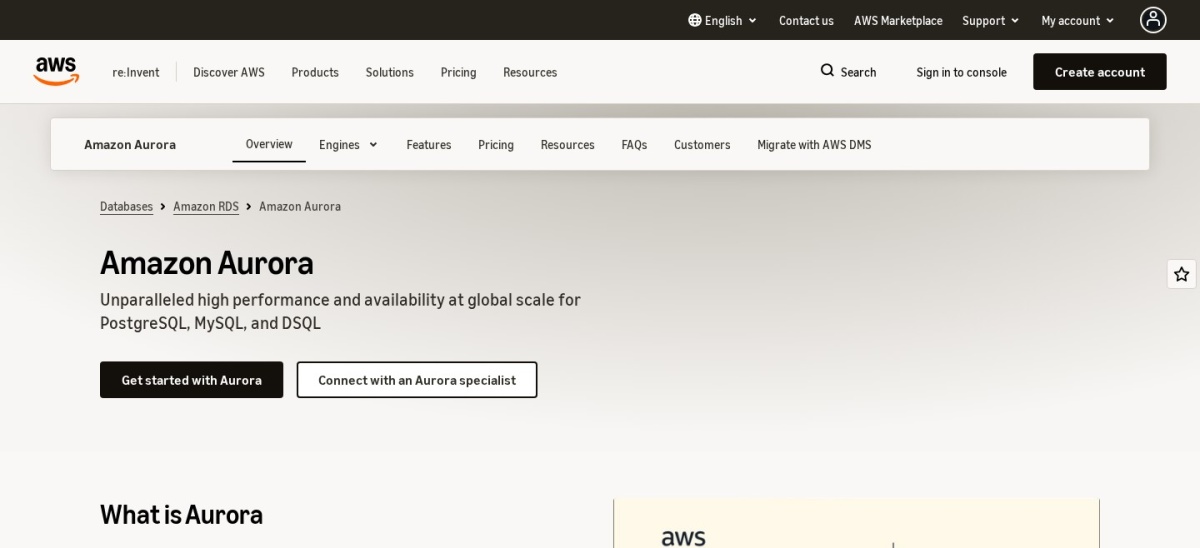
Amazon Aurora is a managed cloud database from AWS that runs MySQL- and PostgreSQL-compatible engines with up to 15 read replicas. Storage grows automatically, and backups and failover are handled by AWS rather than your team.
The trade off is hourly billing and AWS lock-in. The smallest configuration lists at $0.26 an hour, about $2,278 a year, before storage and I/O, and costs climb fast at scale. It suits teams already on AWS that want MySQL compatibility without managing servers.
What we like
MySQL-compatible, so many apps move with little change
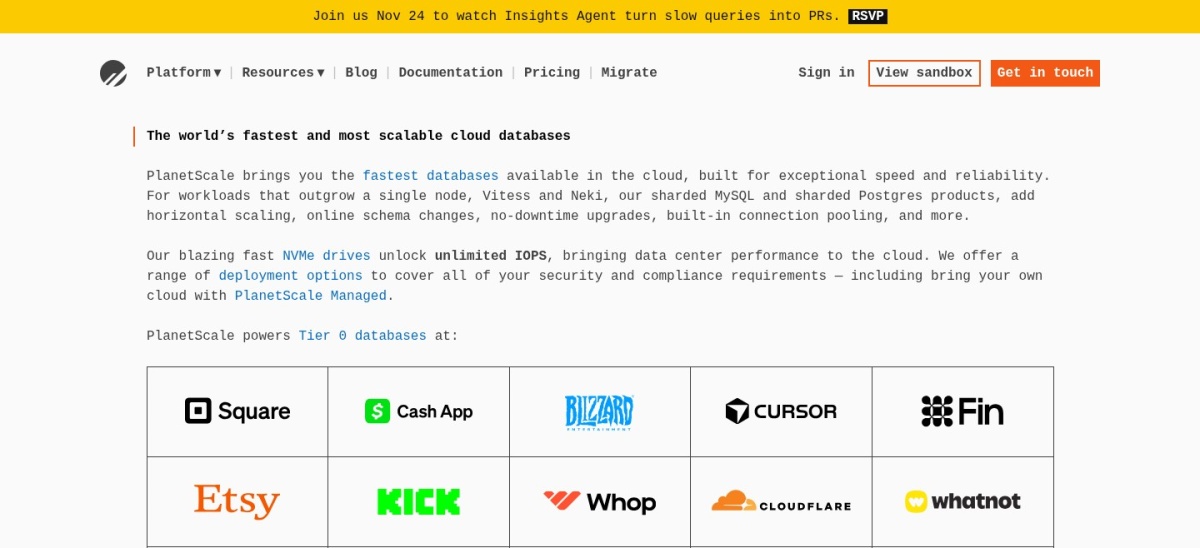
PlanetScale is a serverless MySQL platform built on Vitess, the sharding technology behind YouTube, with Git-style database branching and deploy requests for schema changes. The Scaler plan costs $39 a month per database with 10 GB of storage and 1 billion row reads.
The trade off is the missing free tier and the MySQL limits. There is no free plan, and Vitess drops MySQL foreign keys, so apps must enforce relations in code. It suits teams that change schema often and need to scale MySQL past one server.
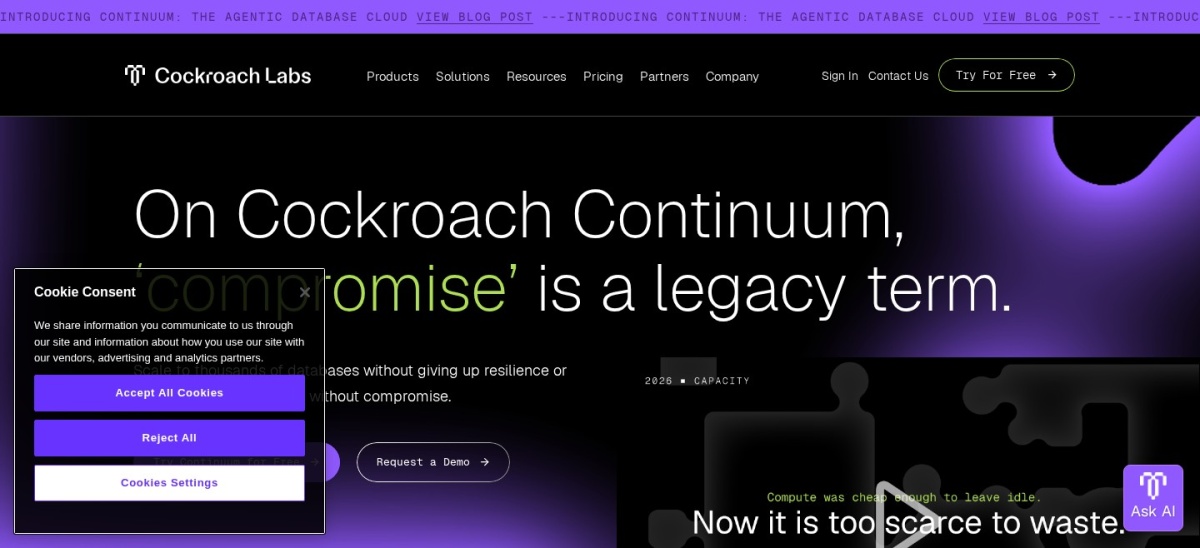
CockroachDB is a distributed SQL database that speaks PostgreSQL and is built for apps that write in more than one region and must survive node loss. Standard runs on shared infrastructure with a 99.99% availability SLA on AWS and GCP.
The trade off is price and complexity. Continuum Standard lists at $0.092 per vCPU-hour, which Cockroach Labs estimates at about $203 a month for 2 vCPUs and 100 GB, and new organisations get a 30-day trial with $400 in credit. It suits global apps with multi-region writes.
What we like
Survives node and region loss by design
PostgreSQL-compatible, so many tools just work
Scales writes across regions
Strong availability SLA on paid plans
Watch out for
Most expensive pick in this list for a small setup
Overkill for a single-region app
Only 29 G2 reviews, so the rating is thin evidence
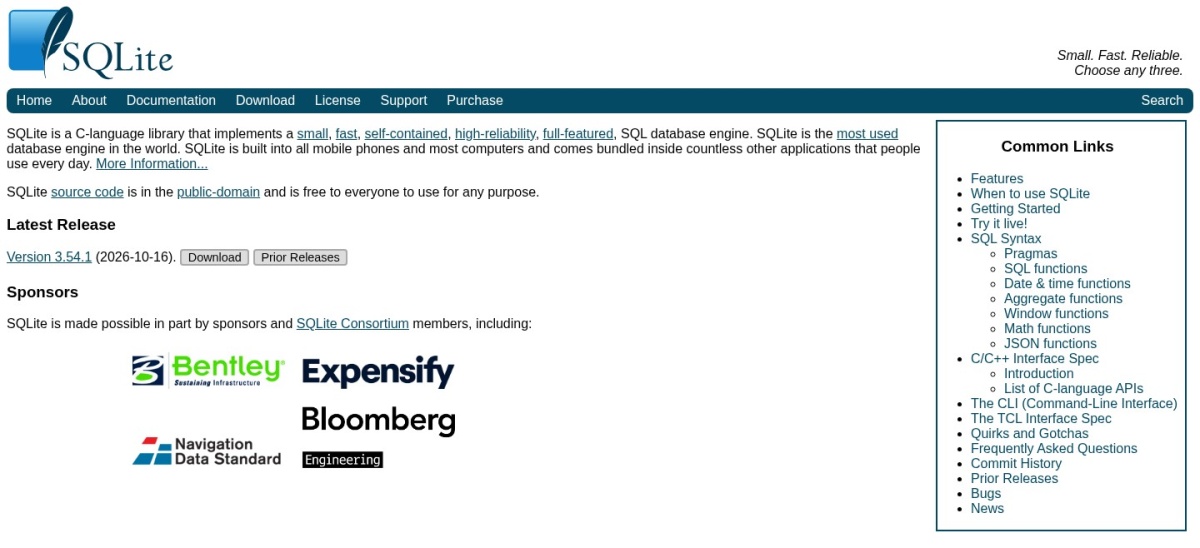
SQLite is a free, public-domain C library that puts a full SQL database engine in a single file, with no server to install or manage. It is built into every mobile phone and most computers, and version 3.54.1 is the latest release.
The trade off is scale. SQLite handles one writer at a time and is not built for heavy concurrent writes or large multi-user apps. It suits mobile apps, desktop software, small sites and local development where a server database would be overkill.
What we like
Free forever, with no server to run
A database is one portable file
Built into phones, browsers and apps everywhere
Zero setup for local development
Watch out for
One writer at a time limits concurrency
Not built for large multi-user apps
No paid plan; support comes from the SQLite ConsortiumVisit sqlite.org
Free vs paid: what you give up
Five of the nine tools in this list cost nothing to run: PostgreSQL, MariaDB Community and SQLite are free, and Supabase and Atlas both offer free tiers. That covers most small projects and local development.
Paid plans mostly add hosting, backups and support. You get a vendor to call, managed failover and features such as enterprise backup, auditing and encryption.
Cloud databases flip the model: there is no license at all, but the meter runs every hour. Our guide to backing up a WordPress database shows the backup habits that matter whatever engine you run.
For a system that earns money every day, a paid edition or a managed service often costs less than one outage. Start free, and pay when the database becomes critical.
How we chose
We started from the databases G2 reviewers rate most often as MySQL replacements, then kept nine with a public rating, a clear price and an established user base.
Prices come from each vendor's pricing page, checked on 29 November 2026. Ratings and review counts come from G2 on the same day. Where a vendor shows a sale, the list shows the regular price.
We left out tools with no public rating or no public price. No vendor paid for a place, and we do not claim to have used these tools ourselves.
How to choose a MySQL alternative
Start with what your app already does, then match the database to that workload.
Decide how close to MySQL you must stay. MariaDB, Aurora and PlanetScale keep MySQL habits and queries, while PostgreSQL and MongoDB need more rework.
Count your writers, not just your readers. SQLite fits one writer, while Aurora, CockroachDB and Atlas are built for many writers at once.
Price the managed option for a full month. Hourly rates look small, but a cluster that runs all month costs hundreds a year. Check storage and backup charges too.
Try the free tier before you migrate. Run your real queries on the free plan first, and measure the migration effort before you commit to a new engine.
FAQ
What is the best MySQL alternative in 2026?
PostgreSQL is the best MySQL alternative for most teams. It is free and open source, rated 4.4 out of 5 by 683 G2 reviewers, and handles complex queries, JSON data and large tables well.
What is the cheapest MySQL alternative?
PostgreSQL, MariaDB Community and SQLite are free, with no license cost at all. Among paid cloud plans, MongoDB Atlas Flex is cheapest at $8 a month, followed by Supabase Pro at $25 a month.
Is there a free MySQL alternative?
Yes. PostgreSQL, MariaDB Community and SQLite are free to run, and Supabase and MongoDB Atlas both offer free tiers. PlanetScale and Amazon Aurora are the only picks here with no free plan.
Which MySQL alternative is best for beginners or small teams?
Supabase is the easiest start for beginners and small teams. It gives you a hosted Postgres database with auth, storage and APIs from a dashboard, and its free plan covers two projects before you pay.
PostgreSQL vs MariaDB: which is the better MySQL alternative?
MariaDB is better if you want the smallest change, since it is a MySQL fork that runs most MySQL apps as they are. PostgreSQL is better if you want stronger features for complex queries, JSON and extensions, and you can accept migration work.
Can I migrate from MySQL to PostgreSQL or MariaDB?
Yes. MariaDB is the easy move because it stays compatible with MySQL, so most apps and dumps carry over. PostgreSQL needs more work, but migration tools such as AWS Database Migration Service and pgLoader move schema and data for you.
SaaS SEO and WordPress specialist with about 8 years of experience. Rakib compares WordPress plugins, themes, hosting and software using public pricing, documentation and user reviews. See how we rank.