ZBrush leads the best Mudbox alternatives for serious character sculpting, with 200+ brushes and a 4.7/5 G2 rating at $399 a year. Blender is free and covers the full 3D pipeline, while Nomad Sculpt gives tablet sculpting for $19.99 once.
How we make this list: we compare pricing pages, product documentation and public user reviews, then re-check every price before each update. No product paid for a place. Disclosure.
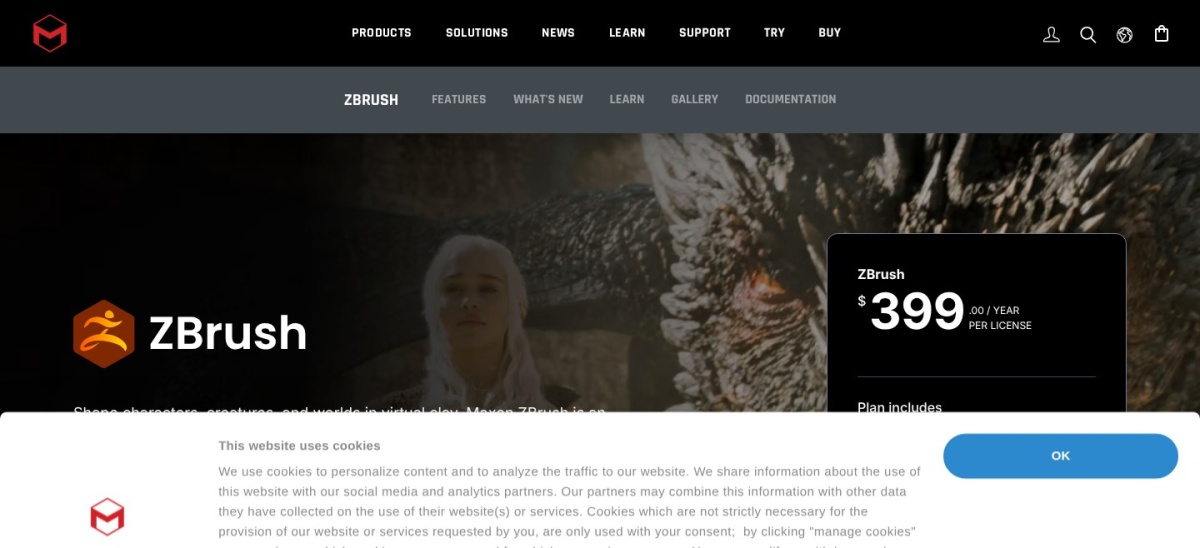
ZBrush is the closest Mudbox replacement: 200+ brushes, high-detail sculpting, $399 a year, rated 4.7/5 on G2.
Blender is free and covers sculpting, modelling, animation and rendering in one app, rated 4.6/5 on G2.
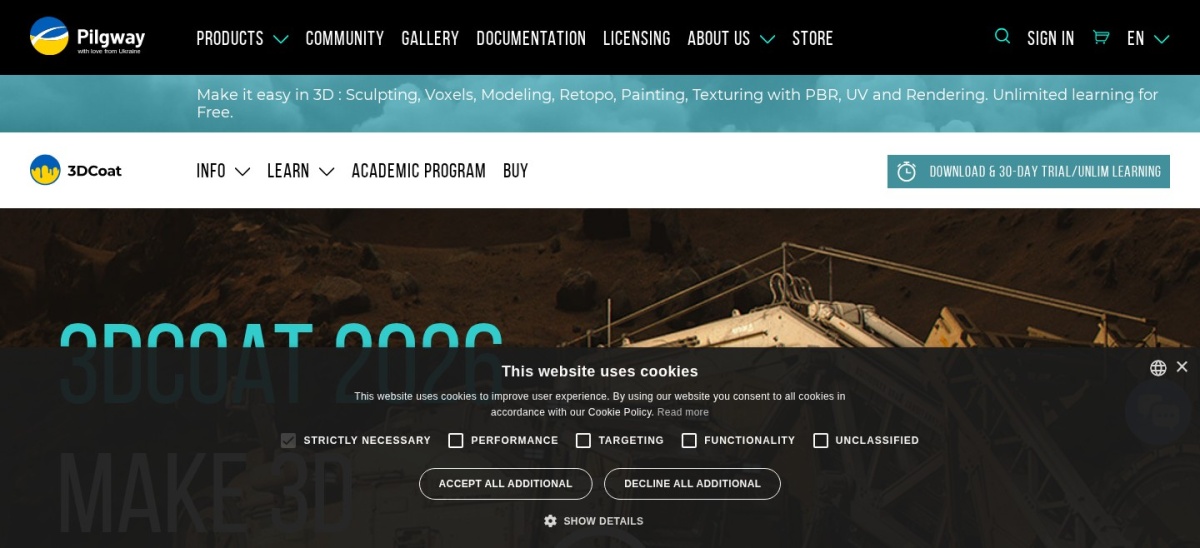
3DCoat is the only pick here with voxel sculpting, retopology and PBR painting under one $379 one-time licence.
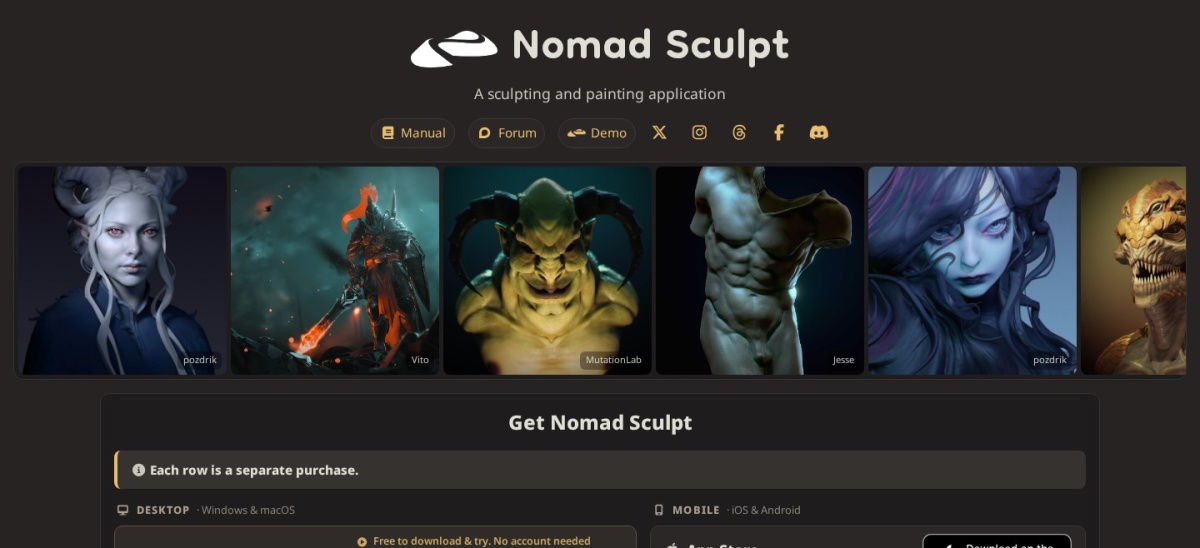
Nomad Sculpt puts serious sculpting on a tablet for $19.99 once, rated 4.8/5 on the App Store.
Paid plans in this list run from $19.99 once to $2,010 a year, and three tools have a free plan.
How do you choose the best Mudbox alternative?
Mudbox is a focused sculpting tool, so the best replacement depends on what you sculpted in it. Character and creature artists need dense-mesh brush work, while product and hard-surface work needs clean topology tools.
Price spreads are wide. The nine tools here run from free to $2,010 a year, and three of them cost nothing at all. A one-time licence can beat a subscription within a year if you sculpt every week.
Check the export path before you buy. Every tool here exports OBJ or FBX, so sculpts move into Maya, Blender or a game engine, but VR and tablet tools need a desktop step for heavy retopology.
Free plans are real here, not demos. Blender is free for commercial work, Houdini Apprentice is free for learning, and SelfCAD has a free tier for students and hobbyists.
ZBrush is Maxon's digital sculpting software for characters, creatures and high-detail organic models, with more than 200 brushes that work like virtual clay. One subscription covers the desktop app and ZBrush for iPad, with Redshift CPU rendering included, and a 14-day free trial is offered.
The trade off is scope and price. ZBrush is a sculpting tool, not a full animation or rendering suite, and it costs $399 a year, or $49 a month, with no perpetual licence sold since December 2023. It suits film, game and collectible artists who sculpt characters every day.
What we like
Industry-standard brush engine for dense meshes
200+ brushes, ZRemesher and Dynamesh included
Desktop and iPad in one subscription
Strong export path to Maya, Blender and game engines
Watch out for
Subscription only, no perpetual licence
Steep learning curve and unusual interface
No animation or full-scene rendering of its own
Maxon One at $1,265 a year adds Cinema 4D and Red GiantVisit maxon.net
02
Blender
4.6/5on G2 (321 reviews, checked Nov 2026)
PriceFree
Best free Mudbox alternative
Sculpt modeYes, with Dyntopo
PriceFree, open source
PlatformsWindows, macOS, Linux
RenderingCycles and EEVEE
blender.org
Blender homepage, captured Nov 2026.
Blender is a free, open source 3D creation suite that covers sculpting, modelling, animation, simulation and rendering in one app. Its sculpt mode includes Dyntopo, multiresolution sculpting and a full brush set, and the app runs on Windows, macOS and Linux with no licence fee for commercial work.
The trade off is depth at the top end. Blender handles most character work well, but ZBrush still leads on extreme polygon counts and fine-detail brushes. It suits beginners, freelancers and small studios that want one free app for the whole pipeline.
What we like
Free forever, including commercial use
Sculpting, animation and rendering in one app
Huge community and tutorial library
Exports OBJ, FBX and glTF for game engines
Watch out for
Interface takes time to learn
Sculpting lags ZBrush on very dense meshes
No vendor support desk
No paid plan: the full suite is free, with optional paid trainingVisit blender.org
03
3DCoat
4.3/5on G2 (21 reviews, checked Nov 2026)
Starts at$379/once
Best one-time licence for sculpting
SculptingVoxel and surface
RetopologyBuilt in, automatic
Texture painting16K PBR
Trial30 days
3dcoat.com
3DCoat homepage, captured Nov 2026.
3DCoat is a complete 3D asset suite from Pilgway that combines voxel and surface sculpting, automatic retopology, UV mapping and PBR texture painting in one app. A perpetual licence costs $379 once and includes 12 months of updates, with commercial use allowed.
The trade off is the interface and the update clock. The layout feels denser than single-purpose sculpting apps, and updates after the first year cost extra. It suits game and character artists who want sculpting, retopo and painting under one licence.
Nomad Sculpt is a portable 3D sculpting and painting app for iPad, Android and desktop systems. It offers clay, trim, smooth and mask brushes with pressure support, voxel remeshing, multiresolution sculpting and vertex painting, in an interface built for touch from the start.
The trade off is screen size and scale. A tablet suits blocking out characters and sketching concepts, but heavy production sculpts still move to a desktop app for retopology and rendering. It suits illustrators and concept artists who sculpt away from a desk.
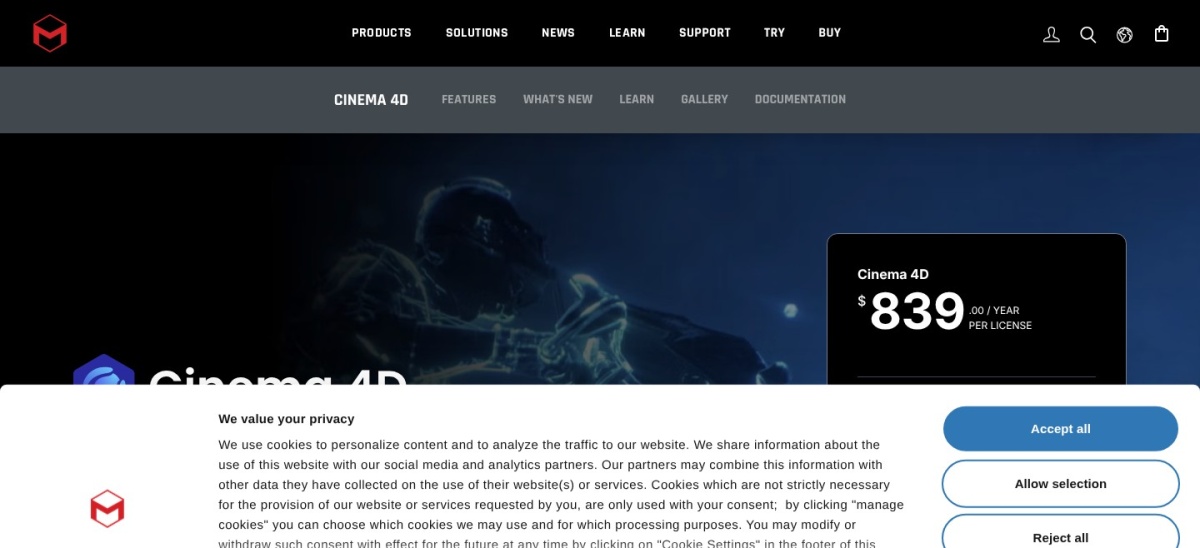
Cinema 4D is Maxon's 3D tool for motion graphics, broadcast design and product visuals. Modelling, sculpting, MoGraph animation and simulation sit in one program, and every subscription includes the Redshift GPU renderer and five Team Render nodes.
The trade off is price and focus. Sculpting is one tool among many, so it cannot match ZBrush for dense organic detail, and the subscription costs $839 a year. It suits designers who sculpt props and characters as part of motion and product work.
What we like
Sculpting, animation and rendering in one app
Redshift renderer included in every plan
MoGraph tools for procedural motion
Approachable interface for new 3D artists
Watch out for
$839 a year is steep for sculpting alone
Sculpting is less deep than ZBrush
Subscription only, no perpetual licence
Maxon One at $1,265 a year adds ZBrush and Red GiantVisit maxon.net
06
Houdini
4.5/5on G2 (35 reviews, checked Nov 2026)
Paid from$299/yr
Best for procedural sculpting and VFX
SculptingProcedural, node-based
Free planApprentice, non-commercial
Indie limit3 licences, $100K revenue
RenderingKarma included
sidefx.com
Houdini homepage, captured Nov 2026.
Houdini is SideFX's procedural 3D application for VFX, animation and games. Its sculpting is node-based, so every operation stays editable and a sculpt can be rebuilt, varied and reused, and the Indie licence gives eligible small studios near-full FX capability for $299 a year.
The trade off is the learning curve. The node workflow takes weeks to grasp, and the Indie licence caps at $100,000 annual revenue and three seats. It suits technical artists and small VFX teams who sculpt inside a simulation pipeline.
What we like
Every sculpting step stays editable
Indie licence unlocks FX tools for $299 a year
Apprentice is free for learning
Karma renderer and simulation tools included
Watch out for
Steepest learning curve in this list
Indie licence has revenue and seat caps
Overkill for simple character sculpts
Core rentals start at $1,475 a year; FX at $3,505 a yearVisit sidefx.com
07
SelfCAD
4.5/5on Capterra (11 reviews, checked Nov 2026)
Paid from$14.99/mo
Best beginner pick with guided tutorials
SculptingYes, with sketching
Free planYes, students and hobbyists
SlicerBuilt in, STL and G-code
PlatformsBrowser and desktop
selfcad.com
SelfCAD homepage, captured Nov 2026.
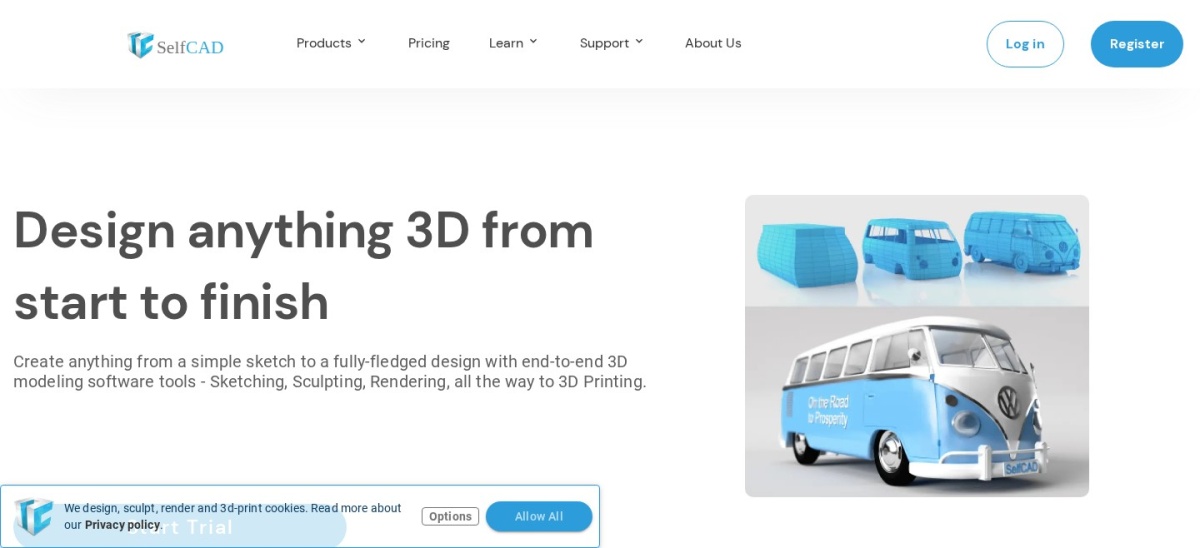
SelfCAD is a browser-based 3D tool that combines sketching, sculpting, rendering and a built-in slicer. You can design a part and prepare it for printing without leaving the app, and interactive tutorials walk beginners through each step.
The trade off is depth and price. Precision modelling trails Fusion and FreeCAD, and Pro costs $14.99 a month while strong rivals are free. It suits beginners and hobbyists who want one app from idea to print.
What we like
Built-in slicer removes a whole step
Guided tutorials for beginners
Sculpting, sketching and rendering in one place
Runs in the browser, nothing to install
Watch out for
Less precise than dedicated parametric tools
Only 11 Capterra reviews, so feedback is thin
Pro costs $14.99 a month next to free rivals
Pro adds full export and advanced tools for $14.99 a monthVisit selfcad.com
08
Shapelab
4.2/5on Steam (292 reviews, checked Nov 2026)
Starts at$64.99/once
Best VR sculpting with a desktop mode
SculptingPolygon and voxel, VR-first
Desktop modeYes, on Windows
ExportFBX, OBJ, STL, GLB
Trial7 days
shapelabvr.com
Shapelab homepage, captured Nov 2026.
Shapelab is a VR-first sculpting app from Leopoly that runs on Windows in desktop mode or with a PC VR headset. It combines polygon sculpting with voxel sketching, so rough forms can be blocked out in voxels and refined with polygon tools, and a perpetual licence costs $64.99 on Steam.
The trade off is hardware and community. VR mode needs a headset and a VR-ready PC, and the community is smaller than Blender or ZBrush, so tutorials are thinner. It suits artists who want to shape models with their hands in 3D space.
What we like
True VR sculpting with desktop fallback
Perpetual licence for $64.99 on Steam
Voxel blocking plus polygon refinement
Exports FBX, OBJ, STL and GLB
Watch out for
VR mode needs a headset and a VR-ready PC
Smaller community and fewer tutorials
Windows only in desktop mode
A 7-day trial is available; the perpetual licence is $64.99 onceVisit shapelabvr.com
09
Maya
4.3/5on G2 (267 reviews, checked Nov 2026)
Starts at$2,010/yr
Best for sculpting inside a studio pipeline
SculptingYes, with modelling tools
AnimationIndustry-standard rigging
Trial30 days
Paid planStandard, $2,010/yr
autodesk.com
Maya homepage, captured Nov 2026.
Maya is Autodesk's 3D animation, modelling, simulation and rendering software used across film, television and games. Its sculpting tools sit beside rigging, animation and Arnold rendering, so a sculpt can move from concept to final shot without leaving the app.
The trade off is price. Maya costs $2,010 a year for a standard subscription, which is hard to justify for sculpting alone, though qualifying indie creators pay $305 a year. It suits studios that already run Maya for animation and VFX.
Free plans cover the basics well. Blender is free for commercial work, Houdini Apprentice is free for learning, and SelfCAD has a free tier.
One-time purchases sit in the middle. Nomad Sculpt costs $19.99 once, Shapelab $64.99 once, and 3DCoat $379 once, so none of them asks for a monthly payment.
Subscriptions make sense when the tool earns its keep every week. ZBrush at $399 a year is the clearest case, while Maya at $2,010 a year only fits studios that use the full pipeline.
If you sculpt occasionally, start free. Blender covers the whole pipeline for nothing, and you can add a paid sculpting app later once you know which brushes you miss.
How we chose
We started from the tools most often named as Mudbox replacements in sculpting guides and artist forums, then kept nine established products with a current version and a public price.
Prices come from each vendor's pricing page or a page that quotes it, checked on 29 November 2026. Ratings come from G2 on the same day, except Nomad Sculpt, which uses the App Store, SelfCAD, which uses Capterra, and Shapelab, which uses Steam. Where a vendor shows a sale, the list shows the regular price.
We left out tools whose maker has stopped active development, including Sculptris and Forger, and tools with no public rating. No vendor paid for a place, and we do not claim to have used these tools ourselves.
How to choose a Mudbox alternative
Start with what you sculpt most, then match the tool to that work.
Match the tool to your subject. Character and creature work needs dense-mesh brushes, so start with ZBrush, Blender or 3DCoat. Hard-surface and product work fits Cinema 4D, Maya or SelfCAD better.
Set your budget first. Blender is free, one-time licences run from $19.99 to $379, and subscriptions run from $299 to $2,010 a year. A tool you pay for monthly should earn its keep every week.
Check the export path. Every tool here exports OBJ or FBX, so sculpts move into a game engine or a renderer. Test the round trip with one model before you commit to a paid plan.
Show your work as you switch. Build a portfolio page for your sculpts so clients can see the new workflow. Our portfolio site guide walks through the setup.
FAQ
What are the best Mudbox alternatives in 2026?
ZBrush is the best Mudbox alternative for serious character sculpting, with 200+ brushes and a 4.7/5 G2 rating at $399 a year. Blender is the best free option, and Nomad Sculpt is the best tablet pick at $19.99 once.
What is the best free Mudbox alternative?
Blender is the best free Mudbox alternative. It is free for commercial work and covers sculpting, modelling, animation and rendering in one app, rated 4.6/5 on G2 from 321 reviews.
How much do Mudbox alternatives cost?
Prices run from free to $2,010 a year. Blender is free, one-time licences cost $19.99 for Nomad Sculpt, $64.99 for Shapelab and $379 for 3DCoat, and ZBrush costs $399 a year.
Which Mudbox alternative is best for beginners?
Blender is the best starting point because it is free and has the largest tutorial library. SelfCAD is the easiest paid route for beginners, with guided tutorials and a built-in slicer for 3D printing.
Is ZBrush or Blender better than Mudbox?
ZBrush is better than Mudbox for high-detail character sculpting, with 200+ brushes and a 4.7/5 G2 rating. Blender is better as a free all-rounder, since it adds animation and rendering that Mudbox never had.
ZBrush vs Blender: which should I pick?
Pick ZBrush if you sculpt characters for film or games every day and need the deepest brush engine. Pick Blender if you want a free app that covers sculpting, animation and rendering, and you can live with a lighter sculpting toolset.
SaaS SEO and WordPress specialist with about 8 years of experience. Rakib compares WordPress plugins, themes, hosting and software using public pricing, documentation and user reviews. See how we rank.