Autodesk Fusion is the best Onshape alternative for most teams, at $680 a year with CAD, CAM, simulation and cloud data management in one subscription. Pick FreeCAD if you want a free parametric modeller, or Shapr3D at $199.99 a year for fast concept work on iPad and desktop.
How we make this list: we compare pricing pages, product documentation and public user reviews, then re-check every price before each update. No product paid for a place. Disclosure.
Autodesk Fusion is the closest all-round swap: cloud CAD, CAM and simulation for $680 a year, less than half of Onshape Standard at $1,500.
FreeCAD is the only fully free parametric modeller here, with no paid tier at all.
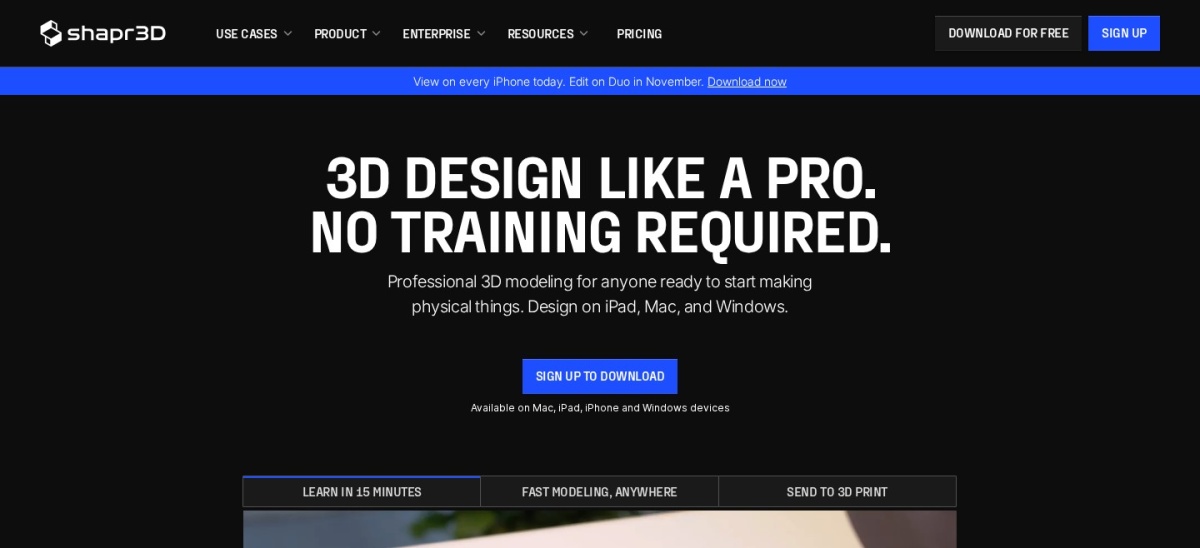
Shapr3D Solo costs $199.99 a year and runs on iPad, Mac and Windows with the Parasolid kernel.
Rhino is the only one-time purchase in the list at $995, with no subscription and no maintenance fee.
SOLIDWORKS, Inventor and Creo are the heavyweight desktop options, from $2,585 to $3,190 a year.
How do you choose the best Onshape alternative?
Price is the first filter for most switchers. Onshape Standard costs $1,500 per user per year, so every tool in this list except SOLIDWORKS, Inventor and Creo undercuts it, and three cost under $700.
Cloud or desktop is the second decision. Onshape runs entirely in a browser, so Fusion is the closest match with cloud storage and collaboration, while SOLIDWORKS, Inventor and Creo are Windows desktop tools with no browser version.
Parametric modelling matters if you edit dimensions after the fact. Fusion, SOLIDWORKS, Inventor, Creo, FreeCAD and BricsCAD are parametric, while Rhino and SketchUp are better suited to freeform surfaces and concept work.
Check the free plan before you pay. Onshape's free plan makes every document public, so Fusion's personal-use tier, FreeCAD and SketchUp Free are worth a look if you model for yourself.
Autodesk Fusion is a cloud-based CAD, CAM and simulation platform for product design and manufacturing. The $680-a-year subscription covers parametric modelling, assemblies, drawings, basic CAM, basic simulation, PCB design and cloud data management, and a free personal-use tier covers non-commercial projects.
The trade off is extensions. Advanced 5-axis machining, generative design and deeper simulation cost extra, with Fusion for Manufacturing at $2,040 a year. It suits small teams that want one subscription to cover design through to machining.
What we like
CAD, CAM, simulation and PCB in one subscription
Cloud storage and collaboration built in
Free personal-use tier for hobbyists
Runs on Mac and Windows
Watch out for
Advanced CAM and simulation are paid extensions
Needs an internet connection for cloud features
Paid extensions add advanced CAM, simulation and design toolsVisit autodesk.com
02
SOLIDWORKS
4.5/5on G2 (707 reviews, checked Nov 2026)
Starts at$2,820/yr
Best for mechanical engineering teams
Parametric modellingYes
PlatformWindows only
Sheet metalYes, in Standard
Free planNo, students free
solidworks.com
SOLIDWORKS homepage, captured Nov 2026.
SOLIDWORKS is the default CAD system for mechanical engineering teams, covering parametric parts, assemblies, sheet metal, weldments and drawings in one Windows app. Standard costs $2,820 a year per user and includes core modelling, drawings and sheet metal tools, while students get a free education version.
The trade off is price and platform. Premium, at $4,716 a year, adds simulation and CAM, and the software runs on Windows only. It suits teams that already work in SOLIDWORKS files or hire engineers who know it.
Shapr3D is a fast 3D modeller that runs on iPad, Mac, Windows and iPhone, built on the Siemens Parasolid kernel used by professional CAD. Solo costs $199.99 a year and adds unlimited projects, STEP, IGES, DXF and DWG export, technical drawings and AR on iPad, while the free Basic plan covers 2 projects.
The trade off is depth. Shapr3D is quicker to learn than SOLIDWORKS or Creo, but it has no built-in simulation or CAM, and team features need Studio at $449.99 a year per editor. It suits designers who sketch ideas on a tablet and hand clean files to manufacturing.
What we like
Fastest to learn in this list
Runs on iPad with Apple Pencil
Parasolid kernel for clean manufacturing files
Lowest paid price of any commercial tool here
Watch out for
No built-in simulation or CAM
Free plan limited to 2 projects
Studio adds team workspaces and CATIA, NX and Creo importVisit shapr3d.com
04
FreeCAD
4.1/5on G2 (62 reviews, checked Nov 2026)
PriceFree
Best free Onshape alternative
Parametric modellingYes
CostFree, open source
PlatformsWindows, Mac, Linux
Commercial useYes, allowed
freecad.org
FreeCAD homepage, captured Nov 2026.
FreeCAD is a free, open-source parametric 3D modeller for parts, assemblies, 2D drawings, BIM workbenches and finite-element work. There is no paid tier, no licence fee and no limit on commercial use, and the files stay on your own computer.
The trade off is polish and support. The interface is rougher than paid CAD, and help comes from community forums rather than a support desk. It suits makers, students and small shops that need real parametric modelling at no cost.
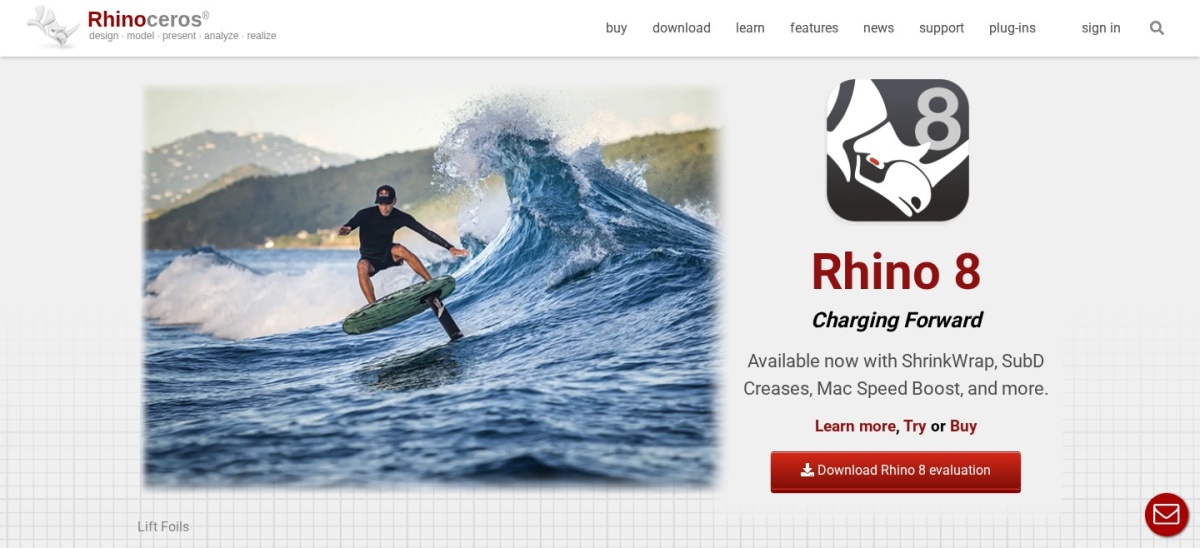
Rhino is a NURBS modeller for product design, jewellery, architecture and marine work, with Grasshopper visual programming built in. A commercial licence costs $995 once, with no subscription and no maintenance fee, and includes support and service releases for the current version.
The trade off is parametric history. Rhino is stronger at freeform surfaces than at dimension-driven parts, and upgrades to the next major version cost $595. It suits designers who model organic shapes and want to own their licence outright.
What we like
One-time $995 licence, no subscription
Best freeform NURBS modelling here
Grasshopper visual programming included
90-day trial with all features
Watch out for
Weaker parametric history than Fusion or SOLIDWORKS
No built-in PDM or cloud collaboration
Upgrades to the next major version are optional at $595Visit rhino3d.com
06
Autodesk Inventor
4.4/5on G2 (440 reviews, checked Nov 2026)
Starts at$2,585/yr
Best for Autodesk shops doing machine design
Parametric modellingYes
PlatformWindows only
SimulationStress and motion tools
Free planNo, 30-day trial
autodesk.com
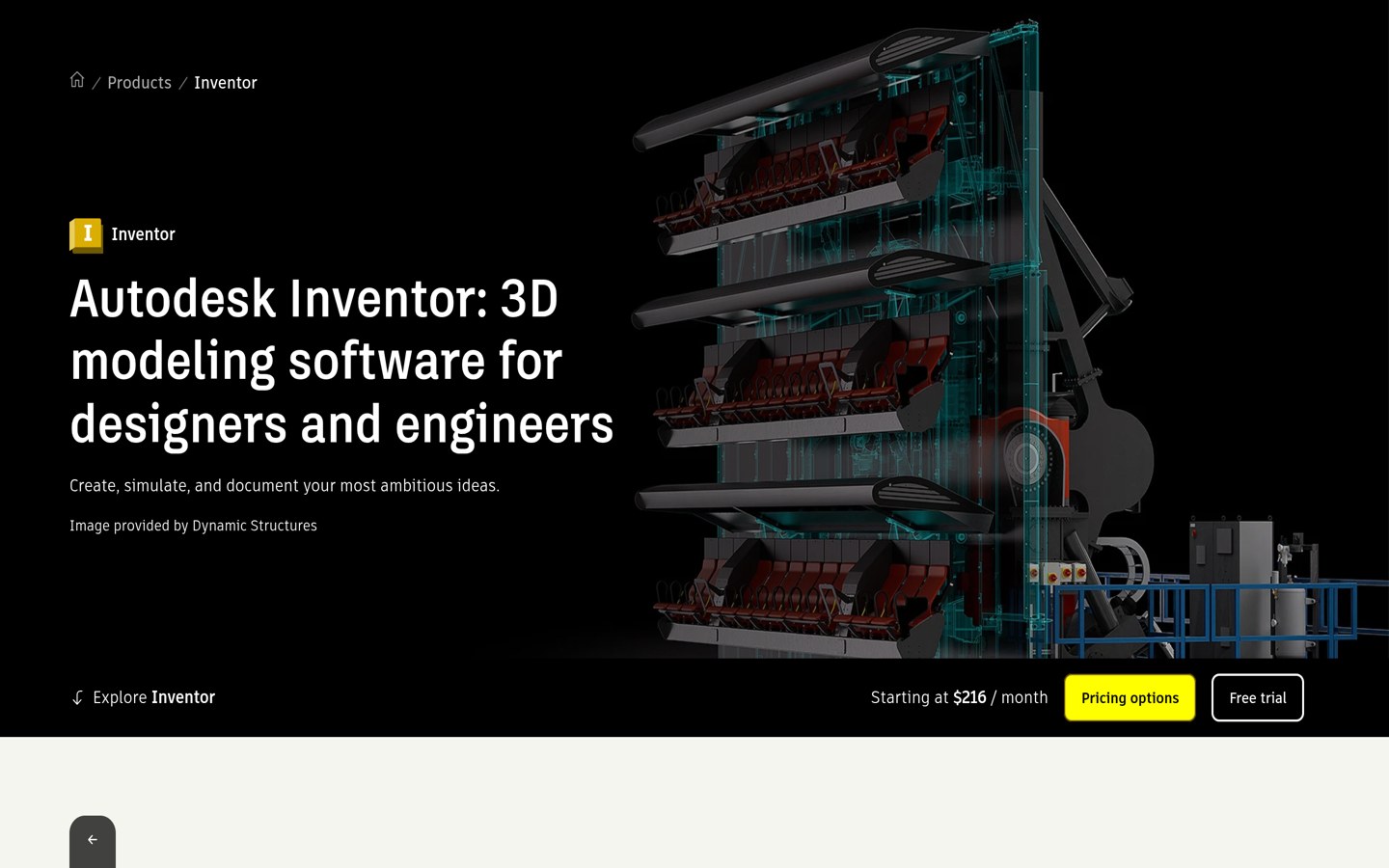
Autodesk Inventor homepage, captured Nov 2026.
Autodesk Inventor is a professional 3D CAD platform for mechanical design, simulation and documentation. The subscription costs $2,585 a year per user, or $320 a month, and includes part and assembly modelling, sheet metal, frame design, stress analysis and 2D drawings.
The trade off is scope and platform. Inventor CAM is only sold inside the Product Design and Manufacturing Collection at $3,375 a year, and the software runs on Windows only. It suits engineering teams already using AutoCAD or Fusion alongside it.
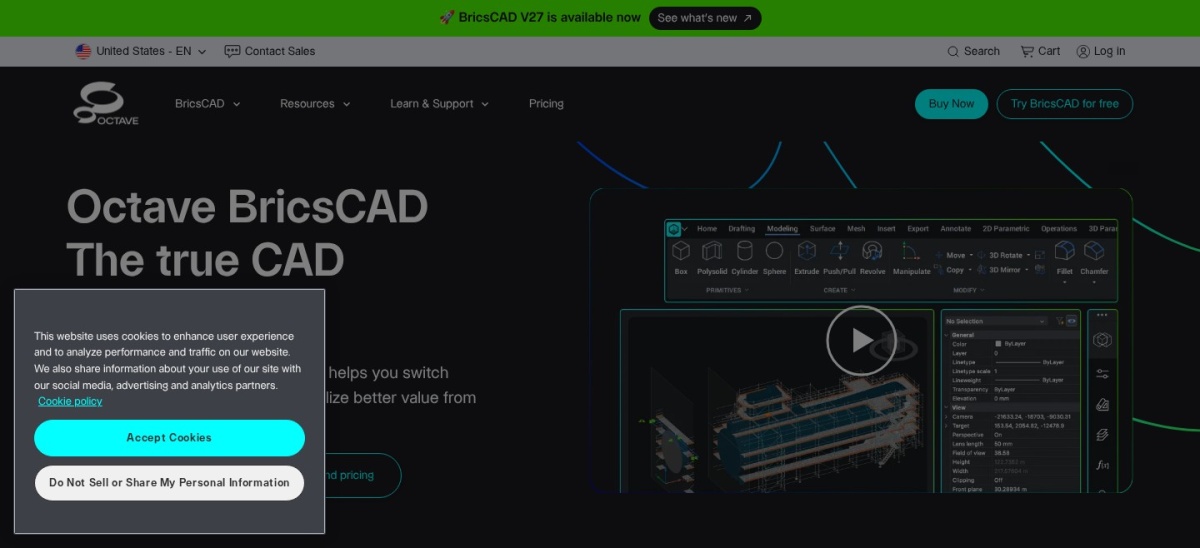
BricsCAD is a DWG-based 2D and 3D CAD platform from Bricsys, now sold as Octave BricsCAD, with parametric and direct modelling, assemblies and sheet metal tools. Lite starts at $345 a year, and higher tiers add 3D modelling, rendering and mechanical design tools.
The trade off is the tier ladder. Lite covers 2D drafting only, so mechanical teams need Pro at $780 a year for 3D parts and assemblies. It suits DWG shops that want AutoCAD-compatible files for far less money.
SketchUp is a 3D modeller for architecture, interiors and concept design, known for its push-pull tools and large 3D Warehouse model library. The free web version covers personal projects, Go costs $129 a year for web and iPad work, and Pro at $399 a year adds the desktop app and LayOut documentation.
The trade off is precision engineering. SketchUp models faces and edges rather than parametric solids, so it is a poor fit for dimensioned machine parts. It suits beginners, architects and anyone who needs a presentable concept model fast.
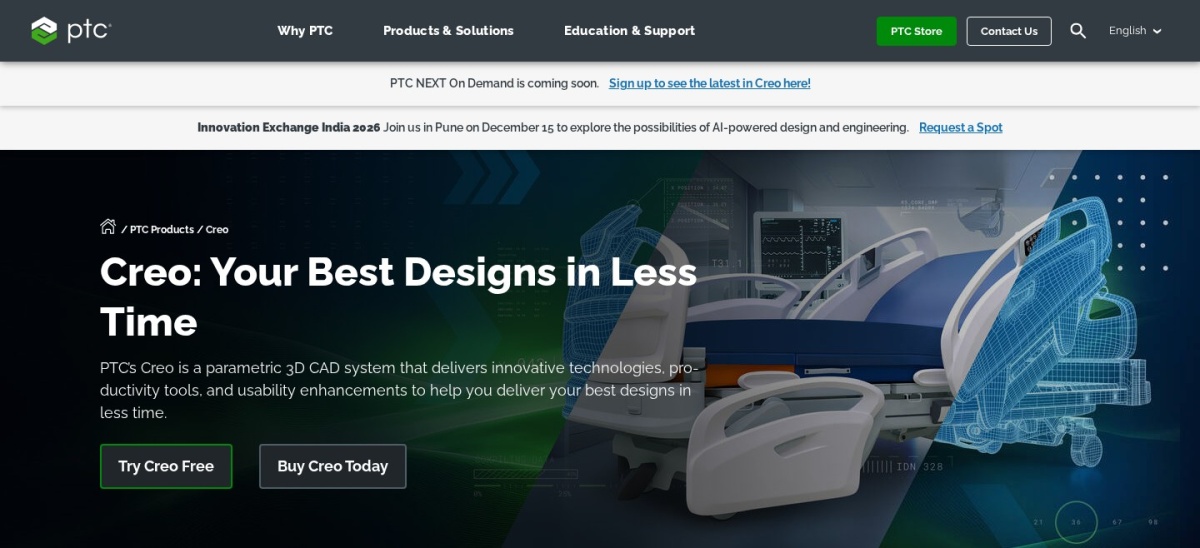
PTC Creo is a parametric 3D CAD platform for engineering teams building complex assemblies, with integrated simulation, generative design and data management. Design Essentials starts at $3,190 per user per year, based on reseller listings, since PTC publishes no list price of its own.
The trade off is cost and learning curve. Creo is the most expensive tool in this list and takes longer to learn than Fusion or Shapr3D. It suits large manufacturers that need deep parametric control across big assemblies.
What we like
Deepest parametric control in this list
Integrated simulation and generative design
Proven on large, complex assemblies
Strong data management for big teams
Watch out for
Most expensive tool in this list
Steep learning curve for new users
Higher tiers add advanced simulation and PLM toolsVisit ptc.com
Free vs paid: what you give up
Free plans cover learning and personal projects well. FreeCAD is fully free, while Fusion, Shapr3D and SketchUp all offer a free tier with limits.
The usual limits are project counts and exports. Shapr3D Basic stops at 2 projects, and Onshape Free makes every document public, which is the limit that pushes most commercial users to pay.
Paid plans mostly add privacy and exports. Private documents, STEP and IGES export, drawings and team workspaces are the features that usually force an upgrade.
For a commercial team, the cheapest honest starting point is Shapr3D Solo at $199.99 a year or SketchUp Go at $129 a year, not a free plan.
How we chose
We started from the CAD tools most often listed as Onshape replacements, then kept those with a published price and a public G2 rating.
Prices come from each vendor's pricing page or, for Creo, reseller listings, checked on 29 November 2026. Ratings and review counts come from G2 on the same day. Where a vendor shows a sale, the list shows the regular price.
We left out quote-only enterprise tools such as CATIA and Siemens NX, which publish no usable starting price. No vendor paid for a place, and we do not claim to have used these tools ourselves.
How to choose an Onshape alternative
Start with what you model most, then match the tool to that work.
Decide cloud or desktop first. If you need browser access from any machine, Fusion is the closest match. If you work on one Windows workstation, SOLIDWORKS, Inventor or Creo fit better.
Check whether you need parametric history. Machine parts need dimension-driven edits, so pick Fusion, SOLIDWORKS, Inventor, Creo, FreeCAD or BricsCAD Pro. Concept work can use Rhino or SketchUp.
Price a team, not one seat. Multiply the per-user price by your team size. A 5-seat Fusion team costs $3,400 a year, while 5 SOLIDWORKS seats cost $14,100.
Try the free tier before you pay. Model a real part in FreeCAD, Fusion personal use or Shapr3D Basic first, then check that STEP export and drawings work the way your shop needs.
FAQ
What is the best free alternative to Onshape?
FreeCAD is the best free alternative to Onshape. It is a fully free, open-source parametric modeller with no paid tier, rated 4.1 out of 5 on G2, and it allows commercial use. Fusion's free personal-use tier is the next best option if you want cloud storage.
What is the cheapest Onshape alternative?
FreeCAD costs nothing, and the cheapest paid option is SketchUp Go at $129 a year, followed by Shapr3D Solo at $199.99 a year. For a full professional CAD subscription, Autodesk Fusion at $680 a year is the cheapest in this list.
Is Autodesk Fusion better than Onshape?
Fusion is better than Onshape for teams that need CAM and simulation in one subscription, since it costs $680 a year against $1,500 for Onshape Standard. Onshape is better for pure browser-based collaboration, since Fusion still needs a desktop app with cloud storage.
Which Onshape alternative is best for beginners?
SketchUp is the easiest Onshape alternative to learn, with a free web version and push-pull modelling. Shapr3D is the next easiest, with a clean iPad interface, while FreeCAD and Fusion take longer to learn but handle real engineering work.
Can I use an Onshape alternative for free?
Yes. FreeCAD is free with no limits, and Fusion, Shapr3D and SketchUp all have free tiers. Free tiers limit projects, exports or privacy, so commercial teams usually need a paid plan for private documents and STEP export.
Is SOLIDWORKS or Fusion the better Onshape alternative?
Fusion is the better Onshape alternative for most teams, at $680 a year with cloud storage, CAM and simulation included. SOLIDWORKS is better for large mechanical engineering teams that need the industry-standard desktop tool and hire engineers who already know it.
Does Rhino work as an Onshape alternative?
Rhino works as an Onshape alternative for freeform surface modelling, at $995 once with no subscription. It is weaker for parametric machine parts, so teams that edit dimensions often should pick Fusion, SOLIDWORKS or FreeCAD instead.
SaaS SEO and WordPress specialist with about 8 years of experience. Rakib compares WordPress plugins, themes, hosting and software using public pricing, documentation and user reviews. See how we rank.