Figma is the best of the Moqups alternatives for most teams, with a free Starter plan and full wireframing, prototyping and developer handoff at $16 per editor a month. Miro is the cheapest paid pick at $8 a month, while Balsamiq is the closest match for fast low-fidelity wireframes.
How we make this list: we compare pricing pages, product documentation and public user reviews, then re-check every price before each update. No product paid for a place. Disclosure.
Figma leads the list: a free Starter plan, full wireframing and prototyping, and a Professional seat at $16 a month.
Miro is the cheapest paid pick at $8 per member a month billed yearly, with a free plan limited to 3 editable boards.
Balsamiq is the closest match to Moqups for fast low-fidelity wireframes, at $16 per editor a month with no free plan.
Six of the nine tools have a free plan; Balsamiq, Sketch and Axure RP offer a free trial instead.
Paid prices run from $8 to $29 per user a month, and Axure RP is the most expensive at $29.
Miro has the most G2 reviews here at 13,844, while Justinmind has the fewest at 55 and the lowest rating at 4.0 out of 5.
What should you look for in Moqups alternatives?
Moqups packs wireframes, diagrams, prototypes and a whiteboard into one app. The best replacement depends on which of those jobs you actually do, because no single alternative covers all four the same way.
Start with fidelity. If your wireframes only need to show layout and flow, a low-fidelity tool such as Balsamiq keeps stakeholders focused on structure instead of colours and type.
Check the free plan before you pay. Figma, Miro, Lucidchart, Whimsical, Uizard and Justinmind all have a free tier, so a small team can sketch real screens without a subscription.
Mind the per-seat maths. Most of these tools charge per editor, so a $16 plan costs $192 a year for one seat and doubles with a second editor. Our guide on using Figma with WordPress shows how the top pick fits a WordPress workflow.
Finally, weigh prototyping depth. Simple click-through flows work in almost every tool here, but only Axure RP and Justinmind build prototypes with real logic, conditions and data.
Figma is a browser-based design platform that covers wireframes, high-fidelity mockups, interactive prototypes and developer handoff in one file. The free Starter plan includes unlimited drafts, UI kits and templates, and 150 AI credits a day.
The trade off is price and scope. A Professional full seat costs $16 a month, and Figma is a full design tool, so it takes longer to learn than a wireframe-only app. It suits teams that want one tool from first sketch to finished design.
What we like
Free Starter plan with unlimited drafts
Wireframes, prototypes and handoff in one file
Highest G2 rating in this list at 4.7 out of 5
Huge template and plugin library
Watch out for
More to learn than a wireframe-only tool
Paid seats add up fast on larger teams
Professional adds unlimited files and team librariesVisit figma.com
02
Miro
4.6/5on G2 (13,844 reviews, checked Nov 2026)
Paid from$8/mo
Best for cheapest paid plan
Free plan3 editable boards
Paid planStarter, $8/mo
WireframingTemplates and AI
Integrations250+ apps
miro.com
Miro homepage, captured Nov 2026.
Miro is an online whiteboard built for teams to plan, sketch and discuss on one shared canvas. The free plan allows 3 editable boards with a small AI credit allowance, and Starter adds unlimited boards, private sharing and 25 AI credits per member a month.
The trade off is focus. Miro is a whiteboard first, so its wireframes are looser than a dedicated design tool and it has no real developer handoff. It suits workshops, user flows and early sketches that many people need to see at once.
What we like
Cheapest paid plan in this list at $8 a month
Unlimited boards on Starter
Most G2 reviews here at 13,844
Strong templates for flows and diagrams
Watch out for
Free plan caps at 3 editable boards
Loose wireframes, no developer handoff
Starter adds unlimited boards and private sharingVisit miro.com
03
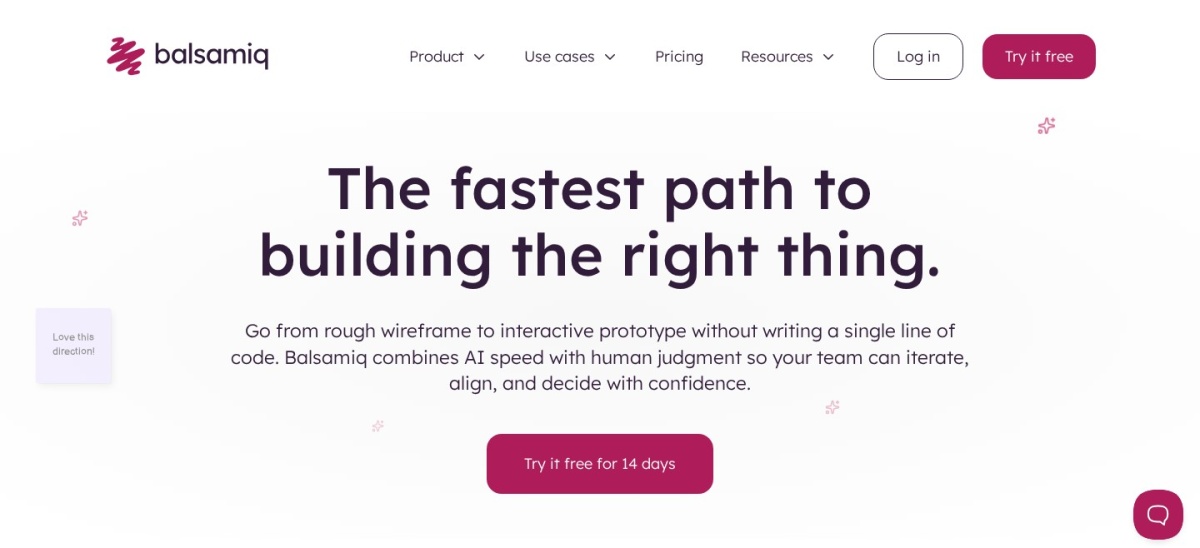
Balsamiq
4.2/5on G2 (501 reviews, checked Nov 2026)
Starts at$16/mo
Best for fast low-fidelity wireframes
Free planNo, 14-day trial
Paid planStarter, $16/mo
ProjectsUp to 10
AI credits500 per editor a month
balsamiq.com
Balsamiq homepage, captured Nov 2026.
Balsamiq is a wireframing tool built for rough, hand-drawn style sketches that keep attention on layout and flow. Starter costs $16 per editor a month billed yearly and covers up to 10 projects, unlimited reviewers, 500 AI credits per editor a month and PDF export.
The trade off is that there is no free plan, only a 14-day trial, and Balsamiq stops at wireframes and simple prototypes. It suits product teams and analysts who want fast early sketches without debating colours and type.
Lucidchart is a diagramming tool for flowcharts, user flows, org charts and wireframes on one canvas. The free plan allows 3 editable documents with up to 75 shapes each, and Individual costs $9 a month billed yearly with unlimited documents and premium shape libraries.
The trade off is that it is a diagramming tool first, so wireframes feel more structured and less free-form than in Figma or Balsamiq. It suits teams that map systems and processes as much as they sketch screens.
Whimsical is a workspace for wireframes, flowcharts, mind maps, docs and projects in one place. The free plan covers solo use, and Pro costs $10 per editor a month with annual billing, or $12 month to month, with more boards and AI features.
The trade off is depth. Whimsical is quick and clean for early work, but it has fewer templates and less prototyping power than Figma or Axure RP. It suits small teams that want one tidy place for thinking, planning and sketching.
Sketch is a native Mac app for interface design, prototyping and developer handoff, with reusable symbols and shared libraries. Standard costs $12 per editor a month billed yearly, and a 30-day free trial needs no credit card.
The trade off is platform. Sketch runs only on macOS, so mixed-platform teams cannot all edit the same files, and there is no free plan after the trial. It suits Mac-based designers who want a fast, lightweight design tool that works offline.
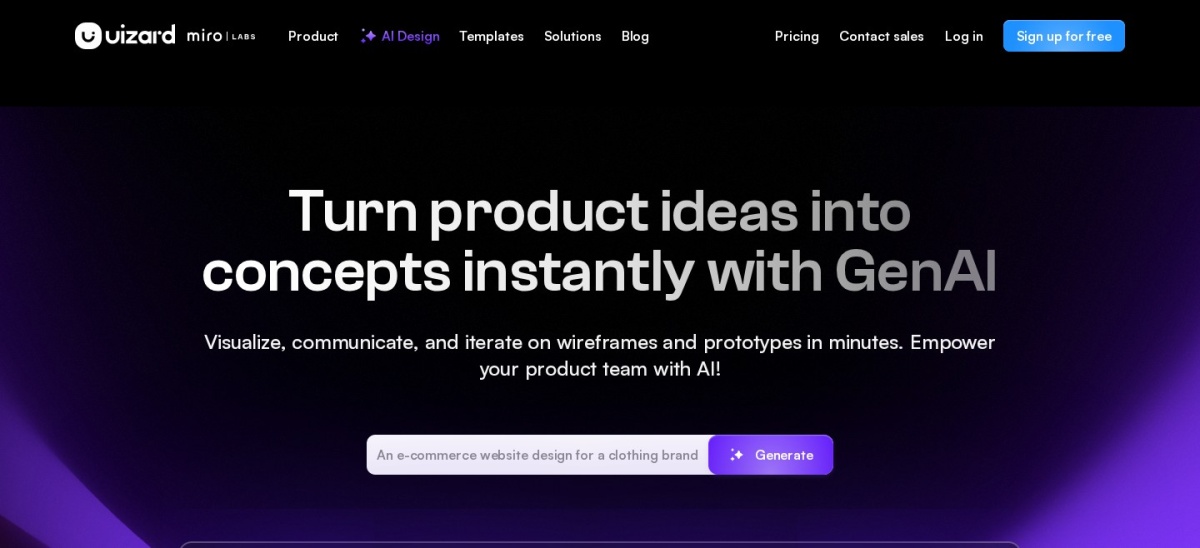
Uizard is an AI design tool that turns a text prompt or a screenshot into an editable wireframe, mockup or prototype. The free plan covers basic use with limited AI generations, and Pro costs $12 a month with more AI generations and projects.
The trade off is control. AI drafts are a starting point, and generated screens often need manual fixes before they match a real brief. It suits non-designers and small teams that need a presentable first draft in minutes.
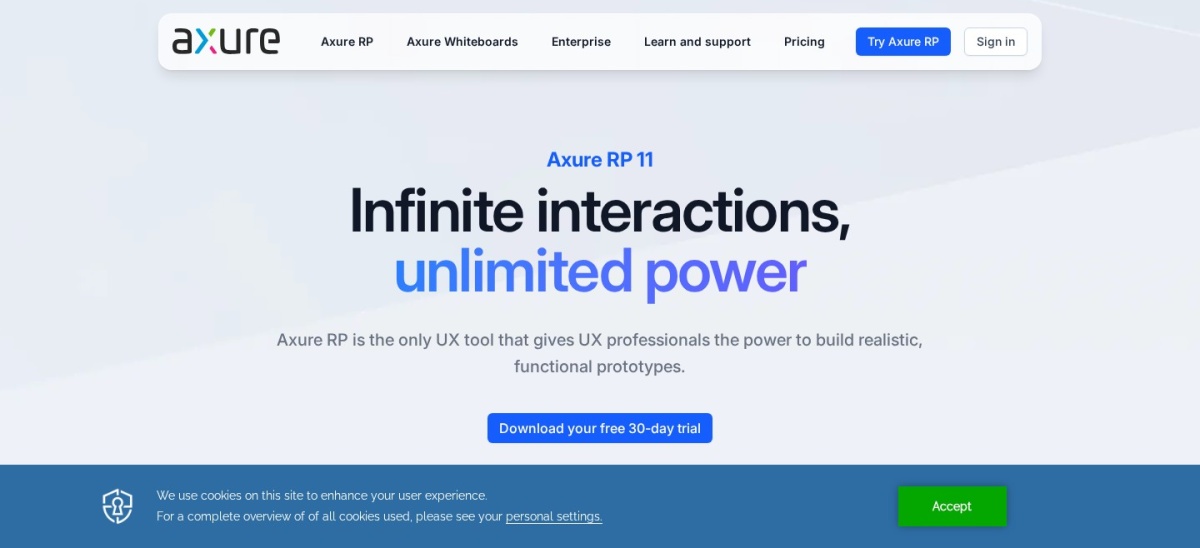
Axure RP is a prototyping tool for building realistic, functional prototypes with conditional logic, variables and dynamic content, without code. Pro costs $29 per user a month and includes unlimited prototypes, unlimited reviewers and unlimited projects on Axure Cloud.
The trade off is cost and learning curve. At $29 a month it is the priciest tool here, and its depth takes time to learn. It suits UX teams that must show how a product behaves, not just how it looks.
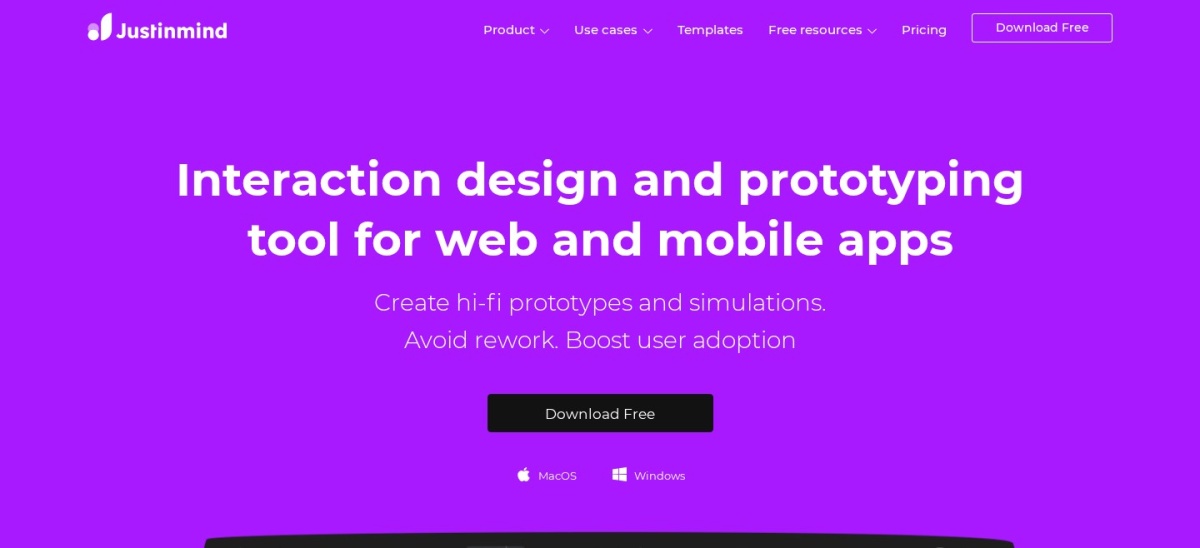
Justinmind is a prototyping tool for high-fidelity simulations of web and mobile apps, with conditions, variables and data simulation. The free plan covers 1 project with unlimited screens, and Standard costs $19 per editor a month with advanced interaction design and collaboration.
The trade off is polish and reach. Its interface looks dated next to Figma, and with 55 G2 reviews it has the smallest review base here. It suits UX teams that need realistic, data-filled prototypes for user testing.
Free plans cover early sketching well. Figma, Miro, Lucidchart, Whimsical, Uizard and Justinmind all let you draw real screens without paying.
Paid plans mostly remove caps and add sharing. You get unlimited boards, documents or projects, private sharing, more AI credits and version history.
The three tools with no free plan are Balsamiq, Sketch and Axure RP. Each offers a free trial of 14 or 30 days, so you can still judge them before paying.
For a solo user, a free plan may be enough for months. For a team, the per-seat price matters more than the headline plan, so count editors before you compare.
How we chose
We started from the wireframing and prototyping tools most often named as Moqups replacements, then kept nine established products with public pricing and public ratings.
Prices come from each vendor's pricing page, checked on 29 November 2026. Ratings and review counts come from G2 on the same day. Where a vendor shows a sale, the list shows the regular price.
We left out tools with no public price or no public rating. No vendor paid for a place, and we do not claim hands-on testing for this list.
How to choose a Moqups alternative
Start with the job your wireframes must do, then check the free plan before you pay.
Decide the fidelity you need. Low-fidelity sketches suit Balsamiq or Whimsical, while finished mockups and handoff need Figma or Sketch.
Try the free plan first. Six tools here have one. Sketch a real screen in it before you judge the tool on its marketing page.
Count your editors, not your viewers. Most tools charge per editor, so add up seats before comparing prices. Balsamiq and Axure RP give reviewers free access.
Check the prototype depth. Simple click-through flows work almost anywhere, but logic and data need Axure RP or Justinmind.
FAQ
What is the best alternative to Moqups?
Figma is the best Moqups alternative for most teams. Its free Starter plan covers wireframes and prototypes, the Professional seat costs $16 a month, and it is rated 4.7 out of 5 from 1,603 G2 reviews.
Is there a free alternative to Moqups?
Yes. Figma, Miro, Lucidchart, Whimsical, Uizard and Justinmind all have free plans. Miro's free plan is the most limited at 3 editable boards, while Figma's Starter plan allows unlimited drafts.
What is the cheapest Moqups alternative?
Miro is the cheapest paid pick at $8 per member a month billed yearly, or $96 a year for one seat. Lucidchart Individual is next at $9 a month, and Whimsical Pro is $10 a month.
Which Moqups alternative is best for low-fidelity wireframes?
Balsamiq is the best pick for low-fidelity wireframes. Its sketch-style components keep stakeholders focused on layout and flow, and Starter costs $16 per editor a month with unlimited reviewers free.
Figma vs Moqups: which is better for wireframes?
Figma is better if wireframes must grow into finished designs and developer handoff, since it covers the whole workflow in one file. Moqups is simpler if you only need wireframes, diagrams and a whiteboard in one app.
Which Moqups alternative is best for interactive prototypes?
Axure RP is the best pick for interactive prototypes, with conditional logic, variables and dynamic content and no code. Justinmind is the cheaper option at $19 a month, with data simulation on its paid plans.
Can I use a Moqups alternative without a design background?
Yes. Balsamiq, Whimsical and Uizard are built for non-designers: Balsamiq uses drag-and-drop sketch components, Whimsical keeps the canvas simple, and Uizard turns a text prompt into a first wireframe.
SaaS SEO and WordPress specialist with about 8 years of experience. Rakib compares WordPress plugins, themes, hosting and software using public pricing, documentation and user reviews. See how we rank.