Splashtop is the best of the ManageEngine Remote Access Plus alternatives for most IT teams, starting at $6 a month with fast sessions and a 4.8 out of 5 G2 rating. Zoho Assist is the best free option at $10 a month, and ConnectWise ScreenConnect suits technicians who need deep session controls.
How we make this list: we compare pricing pages, product documentation and public user reviews, then re-check every price before each update. No product paid for a place. Disclosure.
Splashtop starts at $6 a month, the lowest monthly price here, and is rated 4.8 out of 5 on G2.
Zoho Assist has the only real free plan for IT work: 1 technician and 5 unattended computers.
Remote Access Plus itself is free for up to 10 computers, with paid cloud plans from $10 a month.
TeamViewer has the most reviews by far at 4,230 on G2, but its Business support plan costs $50.90 a month.
RemotePC is the cheapest paid plan overall at $29.50 a year, but it covers one computer only.
TeamViewer and AnyDesk are the priciest monthly options here at $24.90 and $28.90 a month, while RemotePC is the cheapest paid plan at $29.50 a year for one computer.
What should you look for in ManageEngine Remote Access Plus alternatives?
Price follows the licence unit, not the feature list. Remote Access Plus charges by computer, from a free edition for up to 10 computers to paid cloud plans from $10 a month, while Splashtop, Zoho Assist and ScreenConnect charge by user or concurrent technician.
Unattended access is the feature that matters most for IT teams. Every tool in this list offers it, but the limits differ: Zoho Assist gives 5 unattended computers free, RealVNC Lite gives 5 devices, and ScreenConnect gives 10 agents on its cheapest plan.
A free plan is rare in this niche. Zoho Assist and GoTo Resolve are the only tools here with a free tier that covers real IT work, while TeamViewer and AnyDesk limit their free versions to personal use.
Self-hosting is the other split. ScreenConnect and ISL Online offer an on-premises option for teams that cannot put endpoints on a vendor cloud. The rest are cloud only, so run a security audit of your setup before you commit.
The 9 best ManageEngine Remote Access Plus alternatives
01
Splashtop
4.8/5on G2 (547 reviews, checked Nov 2026)
Starts at$6/mo
Best ManageEngine alternative overall
Cheapest paidSolo, $6/mo
Unattended accessYes, on all plans
Remote support planSOS from $22/mo per tech
Free planNo, trial only
splashtop.com
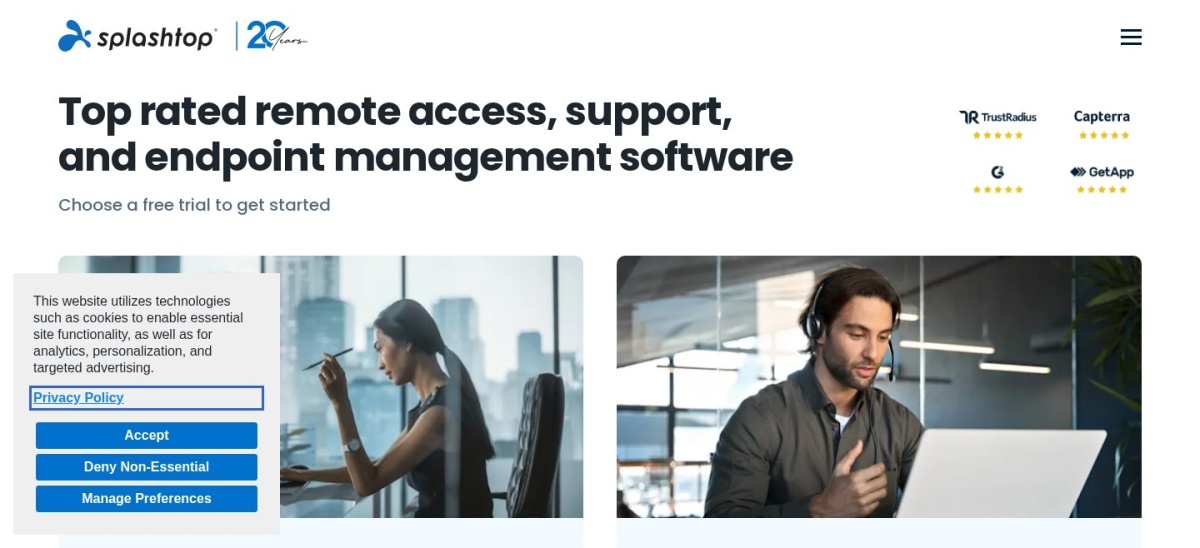
Splashtop homepage, captured Nov 2026.
Splashtop is a remote access and support platform for individuals and IT teams, with fast sessions, file transfer, remote printing and multi-monitor support. Solo starts at $6 a month billed annually ($72 a year) for one user, and the SOS support plan starts at $22 a month per concurrent technician.
The trade off is that the cheapest plan is built for one person, not a team. Team features such as user roles, session recording and SSO sit on Pro at $8.25 a user a month or higher plans. It suits IT teams that want low prices and quick sessions without a heavy console.
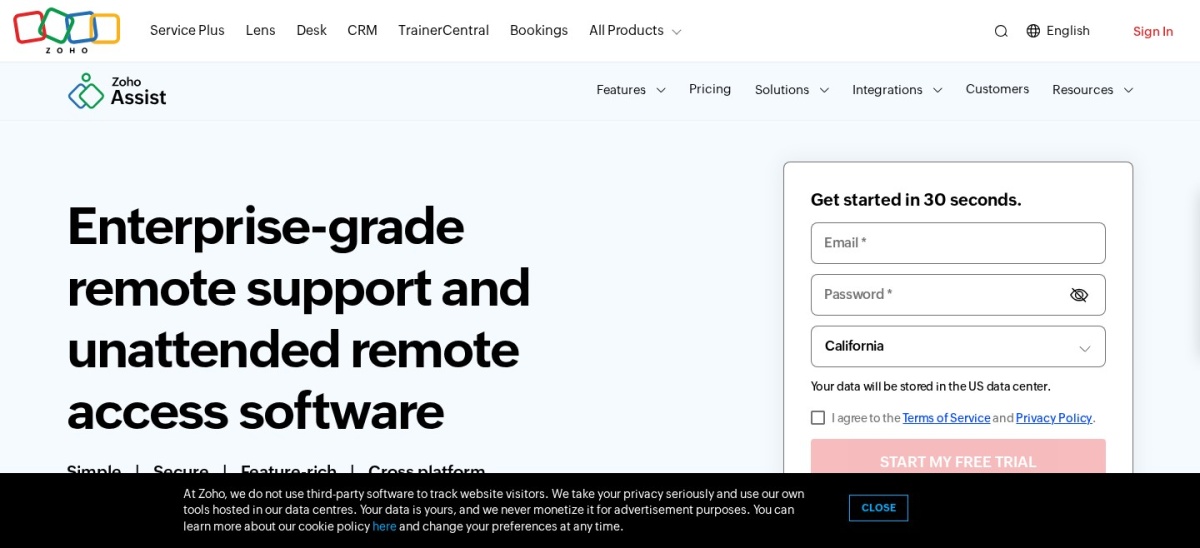
Zoho Assist is a cloud remote support tool from the same company family as ManageEngine, built for attended sessions and unattended access to managed machines. The free plan covers 1 technician and 5 unattended computers, and Standard costs $10 a month per technician billed annually.
The trade off is session limits on the cheaper plans. Standard allows 2 concurrent sessions, and features such as session recording, remote printing and service queues need Professional. It suits small teams that want a real free plan and low paid prices.
What we like
Free plan for 1 technician and 5 computers
Low $10 a month Standard plan
Unattended access with bulk deployment
Wake-on-LAN and file transfer included
Watch out for
Only 2 concurrent sessions on Standard
Recording and printing need Professional
Smaller feature set than enterprise tools
Professional adds recording and queues at $15/moVisit zoho.com
03
TeamViewer
4.5/5on G2 (4,230 reviews, checked Nov 2026)
Paid from$24.90/mo
Best known name with the most reviews
Cheapest paidRemote Access, $24.90/mo
Free planPersonal use only
Unattended accessYes, managed devices
Support planBusiness, $50.90/mo
teamviewer.com
TeamViewer homepage, captured Nov 2026.
TeamViewer is the best-known remote access tool in this list, with attended support, unattended access to managed devices, file transfer and remote printing. Remote Access starts at $24.90 a month billed annually, and the free version covers personal use only.
The trade off is price for support teams. The Business plan for commercial support costs $50.90 a month, and a Black Friday sale of 30% runs until 4 December 2026, so the list shows regular prices. It suits teams that need a tool every user already recognises.
What we like
Largest review base in this list, 4,230 on G2
Works across Windows, Mac, Linux and mobile
Unattended access to managed devices
Strong session security and 2FA
Watch out for
Business support plan costs $50.90 a month
Free version is personal use only
Commercial-use detection can flag personal accounts
AnyDesk is a lightweight remote desktop tool known for fast connections on slow networks, with file transfer, remote printing, Wake-on-LAN and session recording. Solo costs $28.90 a month billed annually, covers 100 managed devices, and the free version is for personal use only.
The trade off is that Solo allows only 1 concurrent connection and limited administration. Teams that need address books, group policies and central management move to Standard or higher. It suits technicians who want a small, fast client that starts in seconds.
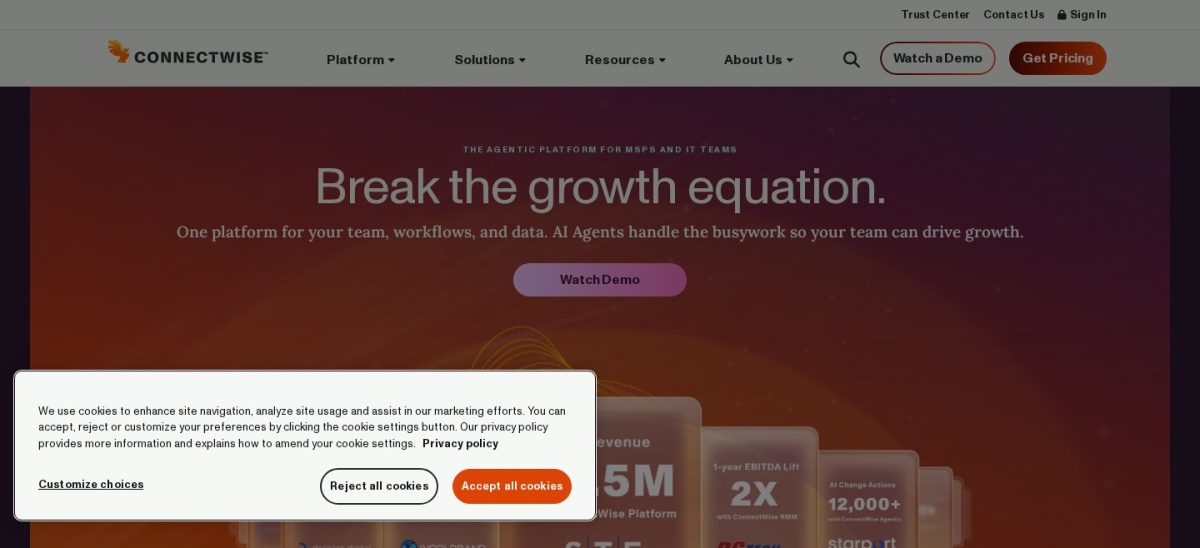
ConnectWise ScreenConnect homepage, captured Nov 2026.
ConnectWise ScreenConnect is a remote support and access tool widely used by managed service providers and IT teams. Its One plan starts at $30 a month billed annually for a single technician, one session and 10 unattended agents, with file transfer, remote printing and a script toolbox.
The trade off is cost as teams grow. Standard costs $47 a month per concurrent technician and Premium $57, and the console has a steeper learning curve than consumer tools. It suits support teams that need granular session controls and background administration.
What we like
Fast, stable sessions that hold up on poor connections
Backstage background access without disturbing the user
Unlimited unattended agents on Standard and Premium
Concurrent licensing suits teams with bursty loads
RealVNC Connect is a remote access tool built on the VNC protocol, with cloud and direct connections, file transfer, remote printing and chat. Essentials costs $8.25 a month billed annually, and the free Lite plan covers 5 devices for personal use.
The trade off is scope. It is a remote access tool first, not a full support desk, so it lacks service queues, session recording and ticketing. It suits small teams that need simple, low-cost unattended access to a handful of machines.
RemotePC is a low-cost remote access tool with unattended access, file transfer, remote printing and chat. The Consumer plan costs $29.50 a year for one computer, which makes it the cheapest paid option in this list for a single machine.
The trade off is that the low price covers one computer only. Team plans start at $299.50 a year, and it has fewer IT administration features than ScreenConnect or Zoho Assist. It suits a solo admin or a small office with a few machines to reach.
ISL Online is a remote support platform built for attended sessions by code and unattended access to managed machines. Its Starter plan costs $16.90 a month billed annually for one licensed user and 10 managed devices, with RDP and SSH connections built in.
The trade off is scale. Starter covers a single technician, and larger fleets move to Standard at $34.90 a month or Premium at $54.90. It suits small teams that want concurrent-technician pricing and a self-hosted option.
GoTo Resolve is an IT support platform that pairs remote access with ticketing, background management and patching. Paid plans start at $29 a month, and the free tier covers up to 5 devices, which makes it easy to try on a small fleet.
The trade off is price per endpoint as fleets grow. Paid plans start at 25 endpoints, so a team with 6 to 24 machines pays for capacity it does not use yet. It suits IT teams that want support, ticketing and patching in one tool.
What we like
Remote support plus ticketing in one tool
Free tier for up to 5 devices
Background management and patching
Unattended access to managed endpoints
Watch out for
Paid plans start at 25 endpoints
Lowest G2 rating in this list at 4.3
Ticketing adds a learning curve
Paid plans add ticketing and patching from $29/moVisit goto.com
Free vs paid: what you give up
Free plans in this niche are thin. Zoho Assist gives 1 technician and 5 computers, GoTo Resolve gives 5 devices, and RealVNC Lite gives 5 devices for personal use.
Paid plans mostly add more devices and more sessions. The jump from one technician to a team is where prices climb fastest, especially on per-technician plans.
If you manage fewer than 10 computers, check the free edition of Remote Access Plus first. It costs nothing and covers the same size of fleet as most free alternatives.
For a team of 5 technicians, compare the yearly total, not the monthly headline. A $10 a month per-technician plan costs $600 a year for the team.
How we chose
We started from the remote support tools most often listed as Remote Access Plus alternatives on G2 and Capterra, then kept those with published prices and a public rating.
Prices come from each vendor's pricing page, checked on 29 November 2026. Ratings and review counts come from G2 on the same day. Where a vendor shows a sale, the list shows the regular price.
We left out tools with quote-only pricing and tools with no public rating. No vendor paid for a place, and we do not claim to have used these tools ourselves.
How to choose a ManageEngine Remote Access Plus alternative
Count your computers and your technicians first, then match the licence unit to the bigger number.
Count computers and technicians. Remote Access Plus and RemotePC charge by computer, while Splashtop, Zoho Assist and ScreenConnect charge by technician. Pick the unit that stays cheaper as you grow.
Check the free tier against your fleet. Zoho Assist covers 5 computers free and Remote Access Plus covers 10. If your fleet fits, start free before paying.
Decide whether you need attended support or unattended access. SOS-style attended support suits help desks, while unattended access suits admins who patch machines overnight.
Ask about self-hosting if you need it. ScreenConnect and ISL Online offer an on-premises option. The rest of this list is cloud only, so check your security rules first.
FAQ
What is the best alternative to ManageEngine Remote Access Plus?
Splashtop is the best alternative for most IT teams. It starts at $6 a month, offers fast sessions with unattended access, and is rated 4.8 out of 5 on G2 from 547 reviews.
How much does ManageEngine Remote Access Plus cost?
Remote Access Plus is free for 1 technician and up to 10 computers. Paid cloud plans start at $10 a month for 25 computers and 5 technicians, and on-premises Standard starts at $75 a year for the same capacity.
Is there a free alternative to ManageEngine Remote Access Plus?
Yes. Zoho Assist is the best free alternative, with a free plan for 1 technician and 5 unattended computers. GoTo Resolve also has a free tier for up to 5 devices, and RealVNC Lite is free for 5 devices.
Which ManageEngine Remote Access Plus alternative is best for small teams?
Zoho Assist is the best pick for small teams. Its free plan covers 1 technician and 5 computers, and Standard costs $10 a month per technician. Splashtop is the next best choice at $6 a month for a single user.
Is Splashtop or Zoho Assist better than Remote Access Plus?
Splashtop is better for teams that want low prices and fast sessions, starting at $6 a month with a 4.8 G2 rating. Zoho Assist is better for teams that want a free plan, with 1 technician and 5 computers free. Remote Access Plus is better for teams that want per-computer pricing.
Do these alternatives offer unattended access?
Yes, all 9 tools in this list offer unattended access. The limits differ: Zoho Assist gives 5 computers free, RealVNC Lite gives 5 devices, ScreenConnect gives 10 agents on its One plan, and Splashtop includes it on every plan.
SaaS SEO and WordPress specialist with about 8 years of experience. Rakib compares WordPress plugins, themes, hosting and software using public pricing, documentation and user reviews. See how we rank.