BatchGeo is the best Maptive alternative for most teams: it turns a spreadsheet into a color-coded map in seconds, its Pro plan costs $99 a month, and it is rated 4.7/5 from 1,047 G2 reviews. Scribble Maps is the cheapest paid pick at $168 a year, while QGIS is free for full desktop GIS work.
How we make this list: we compare pricing pages, product documentation and public user reviews, then re-check every price before each update. No product paid for a place. Disclosure.
BatchGeo is the closest Maptive replacement: paste a spreadsheet and get a color-coded map, rated 4.7/5 from 1,047 G2 reviews.
Maptive Pro costs $1,250 a year for one user; every tool here lists a lower entry price, though eSpatial needs three users at $499 each.
Scribble Maps is the cheapest paid plan at $168 a year, and QGIS and Mapbox both start free.
Maptitude bundles demographics and territory tools for a fixed $795 a year, with a 30-day free trial.
Badger Maps is the pick for field sales teams, with routes of up to 120 stops at $58 per user a month billed annually.
What should you look for in Maptive alternatives?
Spreadsheet import is the feature that matters most. Maptive is built around turning rows of addresses into a map, so any replacement should accept a CSV or Excel file and geocode it without manual work.
Price is the main reason people switch. Maptive Pro costs $1,250 a year for one user, and Team costs $2,500 a year for five, so a cheaper tool can pay for itself quickly if it covers the same mapping work.
Territory tools separate the serious picks from the simple ones. If you draw sales territories, balance them by workload and add demographic overlays, look at Maptitude, MapBusinessOnline or eSpatial rather than a basic pin mapper.
Free plans are worth checking before you pay. BatchGeo, Scribble Maps, QGIS and Mapbox all let you start free, though free plans cap records, map views or exports. Our guide on how to embed Google Maps in WordPress shows how a free map can work on a site.
BatchGeo is the closest match to Maptive: paste addresses from a spreadsheet and it builds an interactive, color-coded map in seconds, with grouping, filtering and Street View built in. The free plan maps up to 250 records, and Pro at $99 a month raises that to 25,000 markers per map with 25,000 monthly views.
The trade off is depth. BatchGeo has no territory balancing or demographic overlays, and the jump from free to $99 a month is steep for occasional users. It suits small teams that map customer lists, store locations or delivery areas and want results fast.
What we like
Fastest spreadsheet-to-map workflow in this list
Highest review count here: 1,047 G2 reviews at 4.7/5
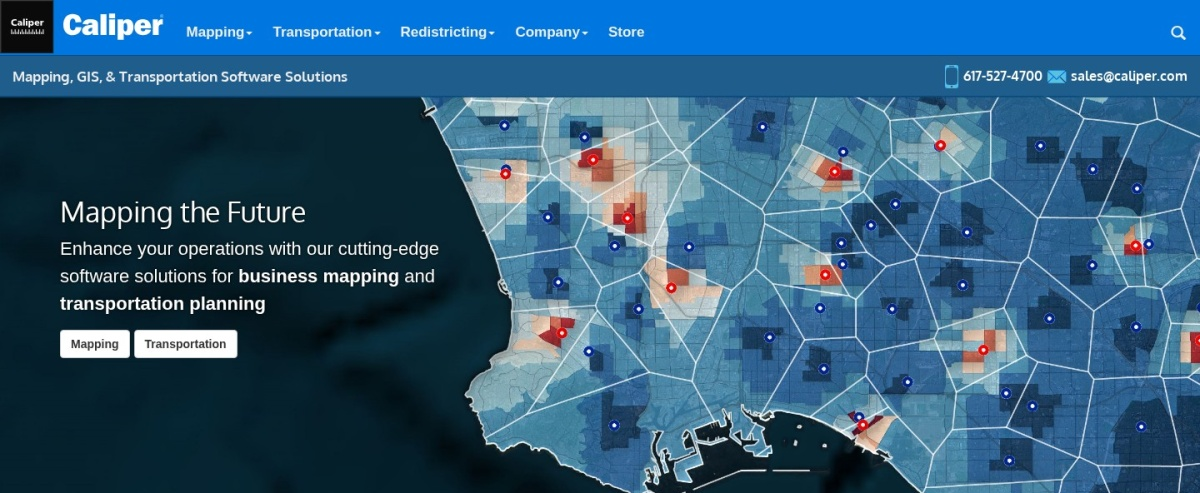
Maptitude is a full mapping and location intelligence platform from Caliper, with territory design, drive-time rings, routing and built-in demographic data. The fixed $795 a year subscription includes one free Country Package, and a 30-day free trial needs no credit card.
The trade off is that it is desktop software first. Maptitude runs on Windows, and sharing maps on the web needs Maptitude Online, so Mac-only teams should look elsewhere. It suits analysts who plan territories and study markets in depth.
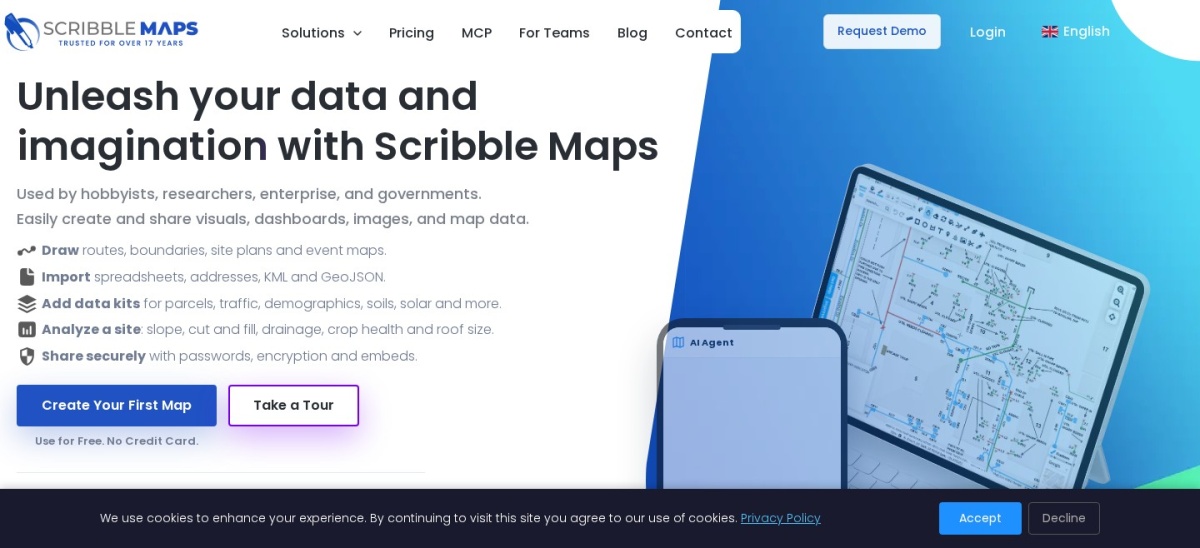
Scribble Maps is a browser-based map maker for drawing, annotating and sharing custom maps, with spreadsheet import, heatmaps and KML and GeoJSON support. The free plan saves 5 maps, and Pro Basic costs $168 a year when billed annually, or $19 a month.
The trade off is scale. Pro Basic allows 500 geocodes a month and 1,500 Google map views a month, so heavy business use needs Pro Business at $1,080 a year. It suits teachers, researchers and small teams that annotate maps by hand.
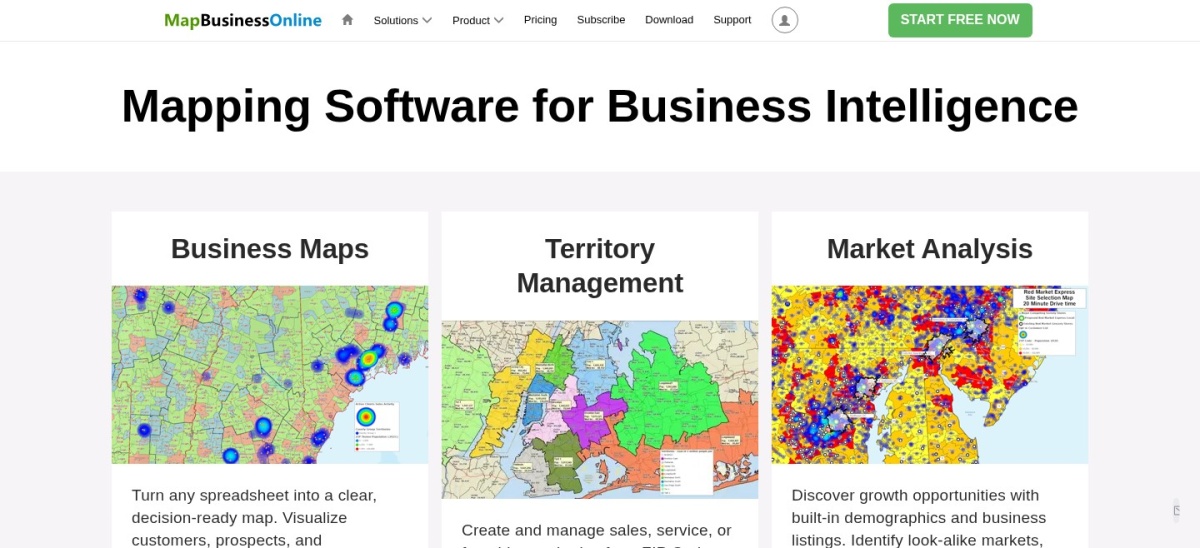
MapBusinessOnline is a cloud mapping tool for business maps, territory management and market analysis, with built-in demographic data and business listings. Standard costs $500 a year for one user with USA data, and Pro at $900 a year adds more data and sharing options.
The trade off is polish. Reviewers praise the value but describe an interface that feels dated, and sharing is limited for users without a licence. It suits small businesses that want territory maps with demographics at a clear fixed price.
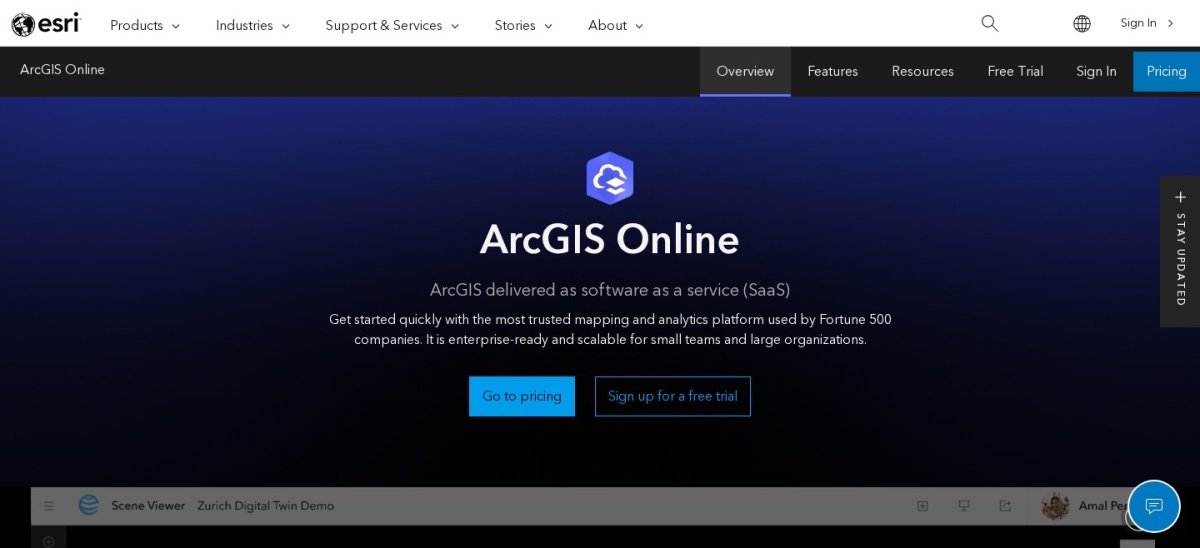
ArcGIS Online is Esri's cloud GIS for creating, sharing and managing maps, apps and dashboards in a browser, with analysis tools and Esri basemaps. A Creator licence at $700 a user a year includes web mapping, analysis and 500 service credits a year for geocoding and routing.
The trade off is cost at scale. Credits run out on heavy geocoding, and every editor needs a paid seat, so a team of five pays $3,500 a year before credits. It suits organisations that already use Esri tools and need shared maps.
What we like
Strongest sharing and dashboard tools here
Huge basemap and living atlas library
21-day free trial
Watch out for
$700 per user adds up fast for teams
Credit system can raise costs unexpectedly
Steeper learning curve than BatchGeo
Professional and Professional Plus seats cost moreVisit esri.com
06
QGIS
4.5/5on G2 (154 reviews, checked Nov 2026)
PriceFree
Best free Maptive alternative
Free planYes, open source
PlatformsWindows, Mac and Linux
Plugins500+ available
Paid planNone, $0
qgis.org
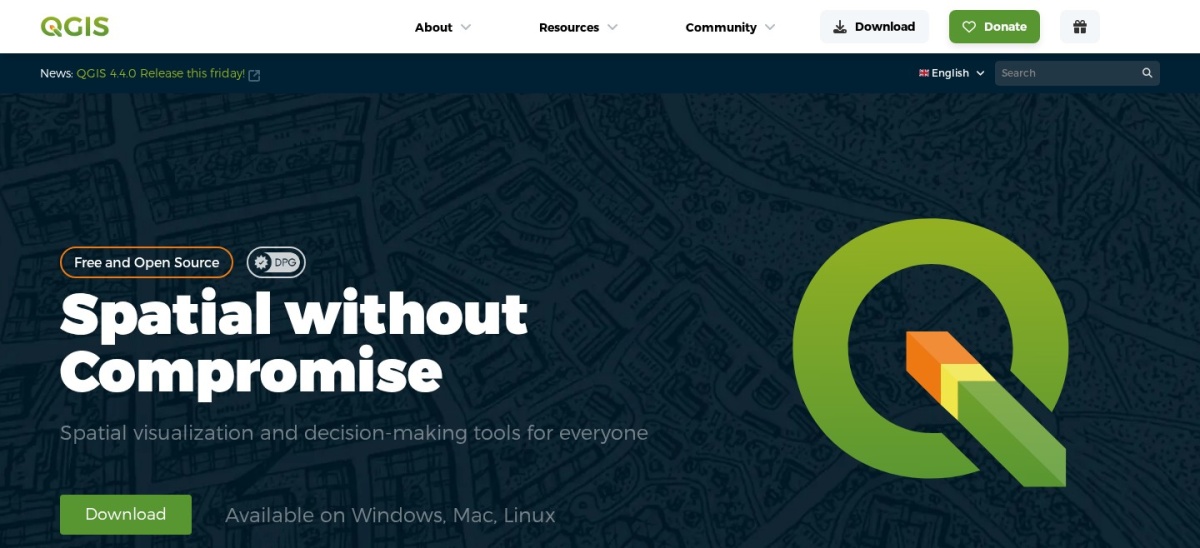
QGIS homepage, captured Nov 2026.
QGIS is a free, open-source desktop GIS for creating, editing, visualising and analysing geospatial data, with hundreds of plugins for extra formats and analysis. It costs nothing, runs on Windows, Mac and Linux, and covers most desktop GIS work that Maptive users do offline.
The trade off is that it is not a web tool. There is no built-in sharing link or hosted map, so publishing a map takes extra steps, and support comes from the community. It suits anyone with a zero budget who can install software.
What we like
Completely free with no record or map limits
Deepest analysis tools of any free option here
Runs on Windows, Mac and Linux
Watch out for
Desktop only, with no hosted sharing
Learning curve is steeper than web mappers
Support is community-based, not a help desk
Paid support is available from third-party firmsVisit qgis.org
07
Badger Maps
4.7/5on G2 (353 reviews, checked Nov 2026)
Starts at$58/user/mo
Best for field sales routes
Free planNo, 14-day free trial
Paid planBusiness, $58/user/mo
Route stopsUp to 120 stops
CRM syncSalesforce and HubSpot
badgermapping.com
Badger Maps homepage, captured Nov 2026.
Badger Maps is a route planner and sales mapping app for field reps, with territory visualisation, two-way CRM sync and lead search across millions of businesses. Business costs $58 per user a month billed annually, or $69 billed monthly, and Enterprise is $95 a month billed annually.
The trade off is that it is route-first, not analysis-first. Territory design and reporting are lighter than in Maptive or Maptitude, and the per-user price scales quickly for large teams. It suits reps who drive between accounts every day.
4.8/5on Software Advice (53 reviews, checked Nov 2026)
Starts at$499/user/yr
Best for territory optimisation
Free planNo, free trial
Paid planMapping Pro, $499/user/yr
Minimum users3 users on Mapping Pro
Territory toolsDesign, balance and optimise
espatial.com
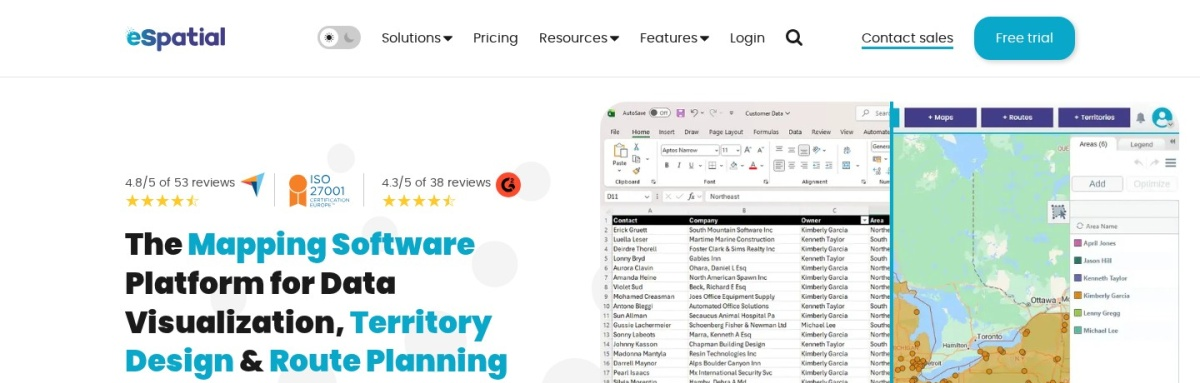
eSpatial homepage, captured Nov 2026.
eSpatial is a territory design specialist for sales operations, with mapping, route optimisation and scenario modelling for testing territory changes before rollout. Mapping Pro costs $499 per user a year with a three-user minimum, and Salesforce integration is an add-on.
The trade off is the entry cost for a small team. Three users at $499 each comes to $1,497 a year, and the full territory manager plans cost far more. It suits sales operations teams that redesign territories often.
What we like
Strongest territory optimisation tools here
Scenario modelling before rollout
Rated 4.8/5 from 53 Software Advice reviews
Watch out for
Three-user minimum raises the entry cost
Salesforce integration costs extra
No free plan
Professional Territory Manager adds design tools at $2,665/user/yrVisit espatial.com
09
Mapbox
4.3/5on G2 (41 reviews, checked Nov 2026)
PriceFree
Best for building maps into apps
Free planYes, 50,000 map loads a month
Paid planPay as you go
Map loads$5.00 per 1,000 above free tier
Custom mapsStudio included
mapbox.com
Mapbox homepage, captured Nov 2026.
Mapbox is a developer mapping platform for building custom maps into apps and websites, with Mapbox Studio for designing styles and APIs for geocoding, directions and search. The free tier allows 50,000 web map loads a month, then charges $5.00 per 1,000 loads.
The trade off is that it is built for developers. There is no spreadsheet-to-map button for non-technical users, and usage billing can surprise teams that go viral. It suits developers who need full control over map design.
What we like
Generous free tier for small projects
Full control over map styles and data
Fast rendering and strong APIs
Watch out for
Needs code, so it is not a Maptive clone
Usage billing can grow without warning
No spending cap on the standard plans
Pay as you go starts after the free monthly allowanceVisit mapbox.com
Free vs paid: what you give up
Free plans cover simple maps well. BatchGeo maps 250 records, Scribble Maps saves 5 maps, QGIS has no limits at all, and Mapbox allows 50,000 map loads a month.
Paid plans mostly add scale and sharing. You get more records, more map views, exports, password protection and territory tools.
If you only map a list once a month, a free plan may be enough. If you map daily, share maps with a team or balance territories, budget for a paid plan instead.
How we chose
We started from the mapping tools most often listed as Maptive replacements, then kept those with a published price or a clear free plan and a public rating.
Prices come from each vendor's pricing page or G2 pricing data, checked on 29 November 2026. Ratings come from G2, Capterra or Software Advice on the same day. Where a vendor shows a sale, the list shows the regular price.
We left out tools with no public rating, such as Mapline, whose paid plans are now quote-only, and ZeeMaps, with only 2 Capterra reviews. No vendor paid for a place, and we do not claim to have used these tools ourselves.
How to choose a Maptive alternative
Start with the job your map has to do, then match the tool to that job.
Count your records and users. A free plan may cover 250 records, but a team mapping thousands of accounts needs a paid plan with higher limits.
Decide if you need territories. Simple pin maps suit BatchGeo or Scribble Maps. Territory design and balancing need Maptitude, MapBusinessOnline or eSpatial.
Check how you will share the map. Web tools share a link in one click. QGIS needs an export step, and Mapbox needs a developer to embed the map.
Try the free plan or trial first. Upload your own spreadsheet and check the geocoding, exports and sharing before you pay for a year.
FAQ
What is the best free alternative to Maptive?
BatchGeo is the best free Maptive alternative for quick spreadsheet maps: its free plan maps up to 250 records with no card required. QGIS is the best fully free option for deeper GIS work, with no record limits at all.
How much do Maptive alternatives cost?
Prices run from free to about $1,500 a year. Scribble Maps costs $168 a year, MapBusinessOnline $500, Maptitude $795 and BatchGeo Pro $99 a month. Maptive Pro itself costs $1,250 a year for one user.
Is there a free Maptive alternative?
Yes. QGIS is completely free, and BatchGeo, Scribble Maps and Mapbox all have free plans. Free plans cap records, map views or exports, so check the limits against your data before you rely on one.
Which Maptive alternative is best for small teams?
BatchGeo is the best pick for most small teams because it is fast, easy to learn and rated 4.7/5 from 1,047 G2 reviews. Scribble Maps is the cheapest paid option at $168 a year for teams that annotate maps by hand.
Which Maptive alternative is best for field sales teams?
Badger Maps is the best pick for field sales teams, with routes of up to 120 stops and two-way sync with Salesforce and HubSpot. It costs $58 per user a month billed annually, so it suits teams whose reps drive between accounts daily.
BatchGeo vs Maptitude: which is better?
BatchGeo is better for fast spreadsheet maps and sharing, with a free plan and a $99-a-month Pro plan. Maptitude is better for territory design, demographics and routing, at a fixed $795 a year, but it runs on Windows and has no free plan.
Can I use QGIS instead of Maptive?
Yes, if you work on a desktop and do not need hosted sharing. QGIS is free and covers most GIS analysis, but it has no share link or web map, so publishing takes extra steps. BatchGeo is the closer web-based replacement.
SaaS SEO and WordPress specialist with about 8 years of experience. Rakib compares WordPress plugins, themes, hosting and software using public pricing, documentation and user reviews. See how we rank.