Draftable Legal is the best legal document comparison software for solo attorneys, with redlines in Word and PDF from $261 a year per user. Litera Compare is the industry standard if you need deep DMS integration, while Diffchecker covers quick checks from $15 a month.
How we make this list: we compare pricing pages, product documentation and public user reviews, then re-check every price before each update. No product paid for a place. Disclosure.
Draftable Legal is the best pick for solo attorneys, with legal-grade redlines from $261 a year per user.
Litera Compare is the industry standard, but pricing is quote only and firms report $500 or more per user a year.
Diffchecker covers quick Word and PDF checks from $15 a month, with a free web version.
Microsoft Word and Google Docs already include comparison tools, so check them before paying.
Spellbook adds AI contract review and redlines in Word, but pricing is custom per team.
What should a solo attorney look for in legal document comparison software?
A solo practice needs accuracy first. One missed change in a settlement draft or a lease can cost far more than a year of software, so the redline has to catch text, formatting and moved paragraphs.
Price comes second, and the gap is wide. Free tools such as Word Compare and Google Docs cover simple Word drafts, while dedicated legal tools run from $129 to $261 a year per user, and Litera is quote only.
The third question is where the tool lives. Our guide to software for word processing covers the editors these tools plug into, and DMS integration matters once files live in iManage or NetDocuments.
Start with the documents you actually compare. If most work is Word drafts, a cheaper tool is enough; if PDFs and scanned pages dominate, pay for OCR and PDF redlines.
The 9 best legal document comparison software for solo attorneys
01
Draftable Legal
4.8/5on Capterra (6 reviews, checked Nov 2026)
Paid from$261/user/yr
Best legal comparison for solo attorneys
Legal plan$261/user/yr
FormatsWord, PDF, Excel, PPT
Redline outputWord, PDF, Excel, PPT
Free trial5 days, all features
draftable.com
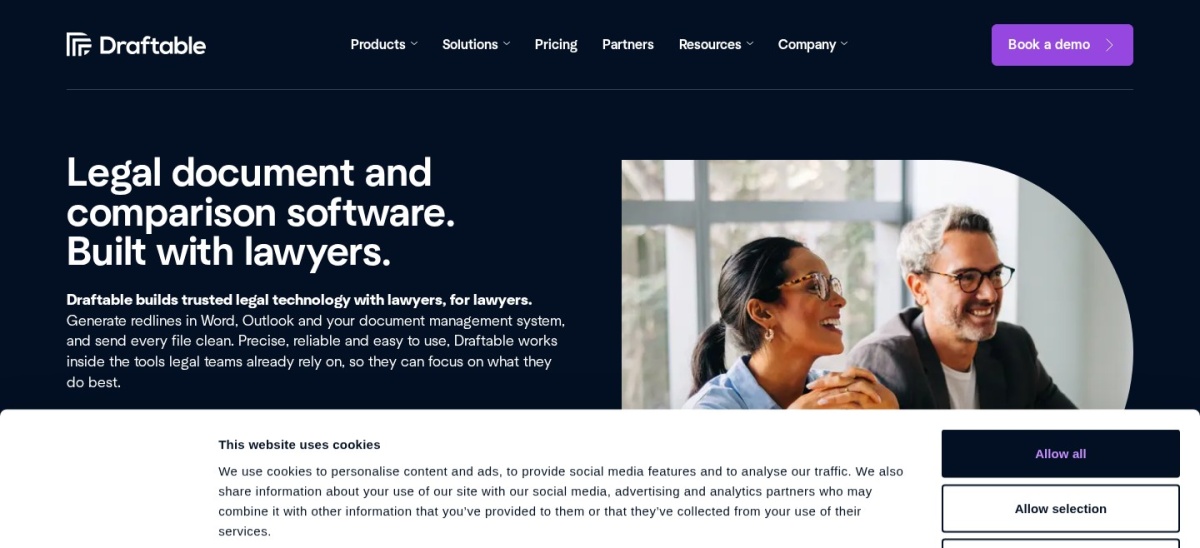
Draftable Legal homepage, captured Nov 2026.
Draftable Legal is a legal-grade comparison tool built with lawyers, used by more than 1,400 law firms and legal teams. It compares Word, PDF, PowerPoint and Excel files, shows changes as redlines or side by side, and reads scanned documents with OCR.
The trade off is the Windows focus. The desktop app runs on Windows, with Mac support promised for late 2027, and the Legal plan costs $261 per user a year. It suits solo attorneys who want accurate redlines without an enterprise sales process.
Litera Compare is the document comparison tool most large firms already know, formerly Workshare Compare. It produces redlines that capture text, formatting, tables, footnotes and images, and it integrates with iManage, NetDocuments and Microsoft 365.
The trade off is price and process. Litera sells through quotes and annual contracts, with firms reporting $500 to over $1,000 per user a year. It suits firms that compare hundreds of documents a month inside a document management system.
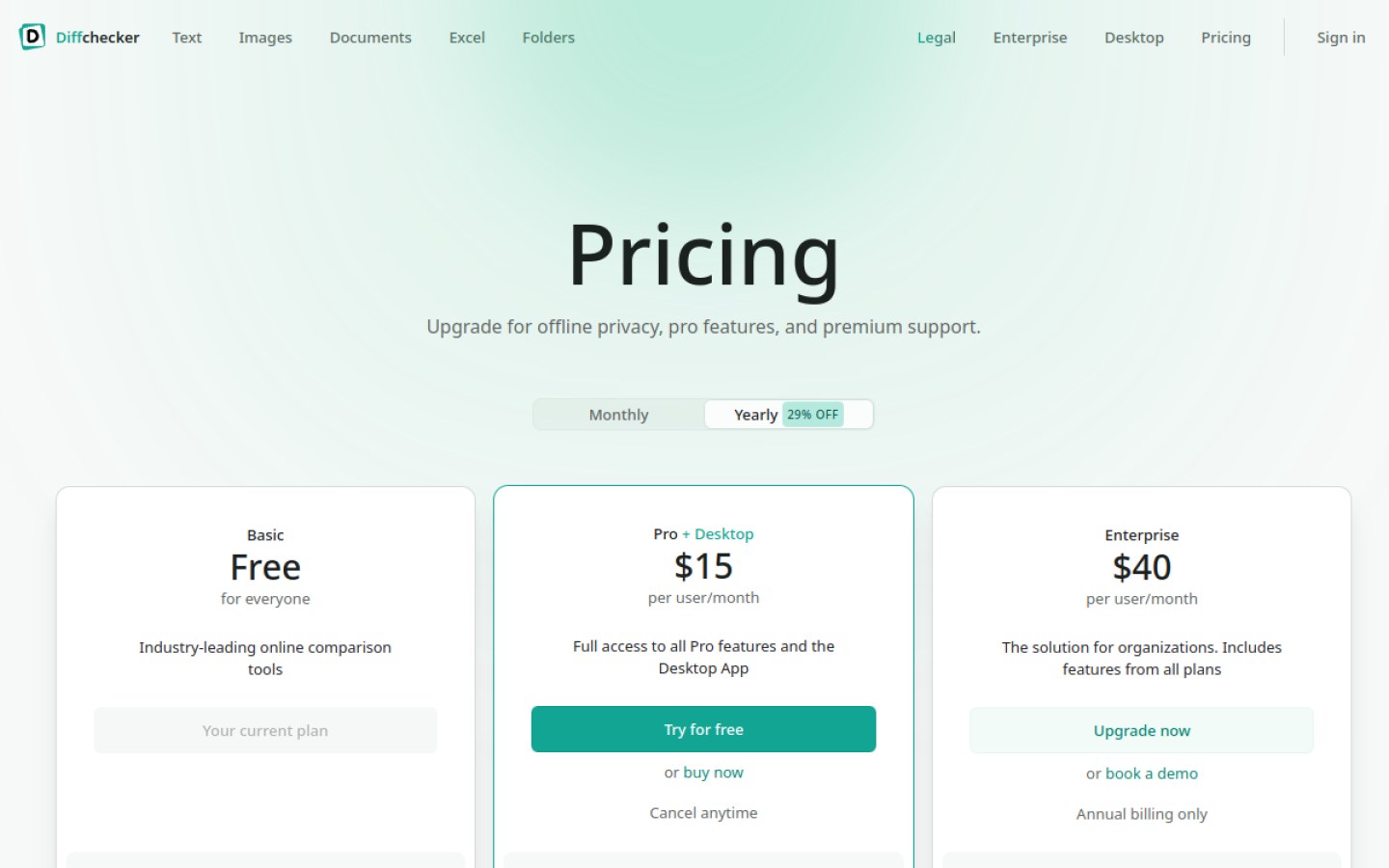
Diffchecker is a fast comparison tool that runs in the browser and on the desktop. It compares text, Word and PDF documents, Excel sheets and images, with pixel-level checks, OCR for scanned pages and redline output in Word or PDF.
The trade off is legal depth. It lacks the matter-centric workflows and DMS depth of Litera, and the Legal plan with iManage costs $20 per user a month. It suits solo attorneys who want quick, accurate comparisons without a heavyweight tool.
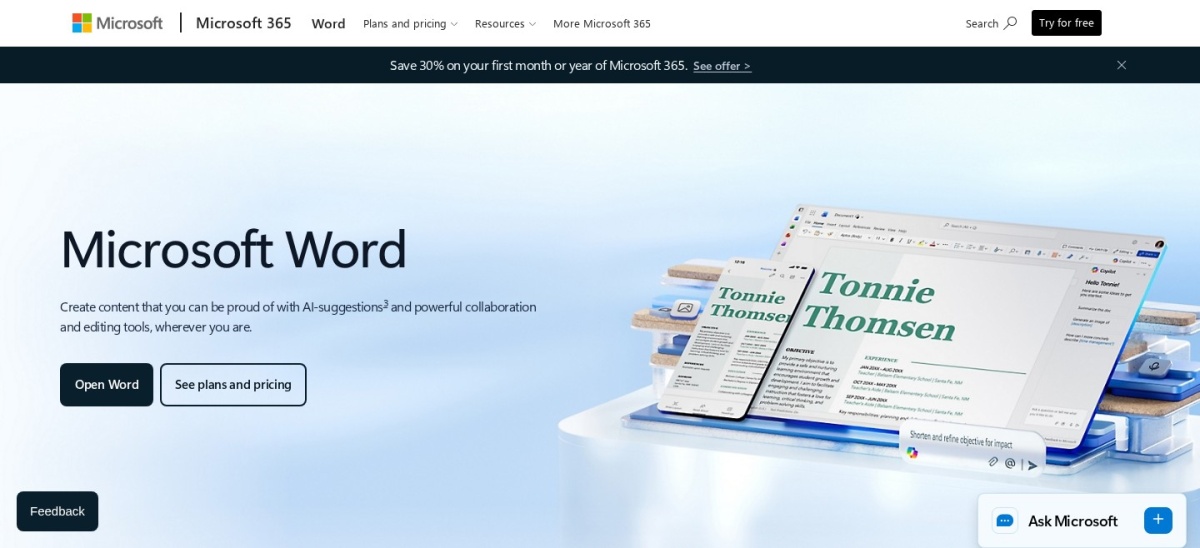
Microsoft Word is the word processor every law office already runs, and its built-in Compare tool produces a blackline from two versions of a document. It shows insertions, deletions and moved text as tracked changes, with no extra software to buy or learn.
The trade off is noise. Word flags every formatting tweak, so long documents produce busy redlines that need cleaning, and PDF comparison needs Acrobat or another tool. It suits solo attorneys comparing Word drafts who already pay for Microsoft 365.
Adobe Acrobat is the PDF editor the format was built around, and Pro compares two PDFs side by side, highlighting text, image and layout changes. It also edits, redacts, signs and turns scans into searchable text with OCR.
The trade off is price. Pro costs $19.99 a month on an annual plan, which is steep if comparison is the only job, and the app can feel heavy. It suits solo attorneys who handle PDFs daily and need editing and signing in one app.
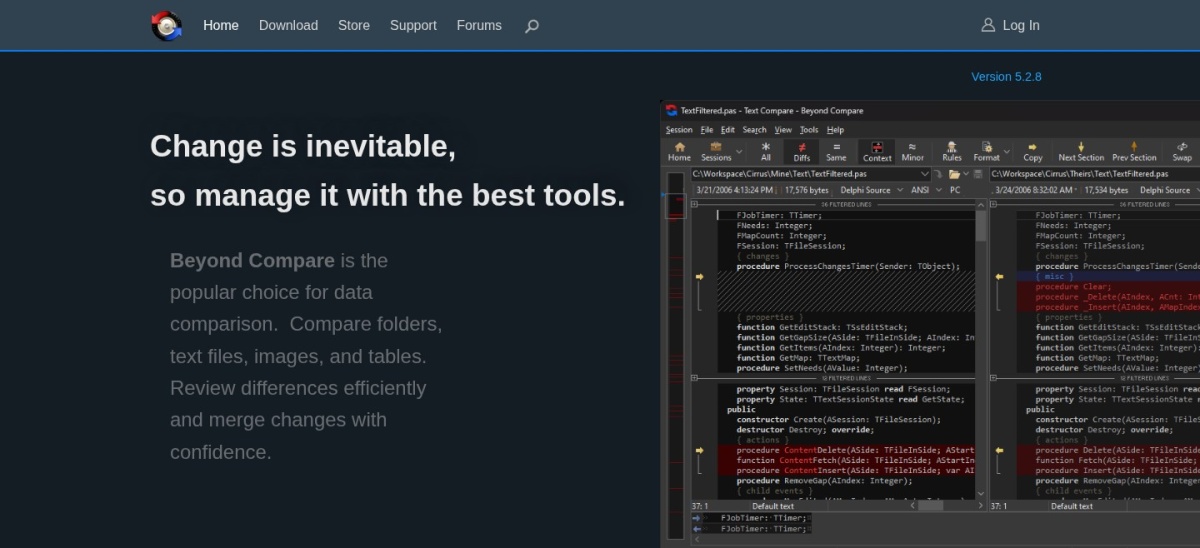
Beyond Compare is a file and folder comparison tool from Scooter Software, popular with developers and power users. It compares text, data and images side by side, highlights differences precisely, and syncs folders between machines.
The trade off is legal fit. It compares files rather than producing legal redlines, so Word and PDF workflows need extra steps. It suits solo attorneys who also compare folders, code or data and want to pay once.
Araxis Merge is a comparison and merging tool for text, Word, PDF and image files. It shows differences clearly, merges changes from two or three versions into one file, and handles large documents without losing track of moved text.
The trade off is price for a solo practice. Standard costs $129 once, and the Professional edition with more formats costs more, while legal redlines need Word round trips. It suits attorneys who merge multiple drafts into one clean version.
Spellbook is an AI contract tool that sits inside Microsoft Word and Google Docs. It reviews a draft against your playbook, flags risky clauses, proposes redlines as tracked changes, and can compare documents and summarise what changed.
The trade off is price clarity and trust. Pricing is custom per team, and AI suggestions still need a lawyer to check every redline before it goes out. It suits solo attorneys who review contracts daily and want a first pass in Word.
4.7/5on Capterra (29,255 reviews, checked Nov 2026)
PriceFree
Best free compare tool
PriceFree with a Google account
Compare toolBuilt-in, under Tools
OutputTracked changes in a copy
Storage15 GB free with Drive
docs.google.com
Google Docs homepage, captured Nov 2026.
Google Docs is a free word processor in the browser, and its built-in Compare documents tool turns two versions into a new document with tracked changes. It needs no install, no payment and no learning curve beyond the editor itself.
The trade off is format fidelity. Complex Word formatting can shift in the round trip, and there is no PDF comparison or redline export. It suits solo attorneys who want a free, quick check on simple Word documents.
Free comparison covers simple Word work well. Word Compare and Google Docs both turn two versions into tracked changes at no cost, and Draftable's free online tool handles quick PDF checks.
Paid tools earn their price on PDFs and scanned pages. OCR, redline export, bulk comparison and DMS integration are the features that free tools do not offer.
A solo attorney comparing a few Word drafts a month can stay free. Once PDFs, scans or client redlines dominate the week, a paid tool pays for itself in one caught change.
How we chose
We started from the comparison tools solo attorneys and small firms actually name, then kept the nine with a verifiable G2 or Capterra rating and a current product.
Prices come from each vendor's pricing page, checked on 30 November 2026. Ratings and review counts come from G2 or Capterra on the same day. Where a vendor shows a sale, the list shows the regular price.
We left out tools without a usable aggregator rating, including compareDocs and Diff Doc. No vendor paid for a place, and we do not claim hands-on testing for this list.
How to choose legal document comparison software
Start with the documents you compare most, then check the price and the platform.
List the formats you compare. Word-only work needs a different tool than PDFs, scans and Excel sheets, so count your formats before you shop.
Check the free tools first. Word Compare and Google Docs cover simple Word drafts at no cost, so only pay when PDFs or scans dominate.
Weigh the redline output. A good tool exports redlines as tracked changes or PDF, so the other side can accept or reject each change.
Mind the platform. Draftable's desktop app is Windows only for now, so Mac-based solos should confirm the web version covers their work.
FAQ
What is the best legal document comparison software for solo attorneys?
Draftable Legal is the best legal document comparison software for solo attorneys. It produces legal-grade redlines in Word and PDF from $261 a year per user, with OCR for scanned pages and a 5-day free trial.
How much does legal document comparison software cost?
Dedicated tools run from $129 a year for Draftable Desktop to $261 a year for Draftable Legal, while Diffchecker starts at $15 a month and Litera Compare is quote only. Word Compare and Google Docs are free.
Is Litera Compare worth it for a solo attorney?
Usually not. Litera Compare is the standard in large firms, but pricing is quote only and firms report $500 or more per user a year. A solo attorney gets the same redlines from Draftable Legal for $261 a year.
Can Microsoft Word compare two documents?
Yes. Word has a built-in Compare tool that turns two versions into a blackline with tracked changes. It is free in Word for the web and included with Microsoft 365 Personal at $99.99 a year.
What is the cheapest way to compare legal documents?
Google Docs and Word Compare are free and cover simple Word drafts. For PDFs, Draftable's free online tool handles quick checks, and Diffchecker's free web version compares text, Word and PDF files.
Draftable Legal vs Litera Compare: which is better for a solo practice?
Draftable Legal is better for a solo practice. It costs $261 a year per user with a published price and self-serve checkout, while Litera Compare needs a sales process and costs far more per user.
SaaS SEO and WordPress specialist with about 8 years of experience. Rakib compares WordPress plugins, themes, hosting and software using public pricing, documentation and user reviews. See how we rank.