MyCase is the best legal intake automation software for law firms seeking integrated client screening and case management, with intake forms, automated workflows and a legal CRM available on its $100-per-user monthly Pro plan. PracticePanther suits firms prioritizing electronic signatures, while CasePeer specializes in personal injury intake.
How we make this list: we compare pricing pages, product documentation and public user reviews, then re-check every price before each update. No product paid for a place. Disclosure.
MyCase starts at $50 per user monthly with annual billing, but automated intake and legal CRM features require the $100 Pro plan.
PracticePanther provides intake forms and unlimited electronic signature sends on its $89-per-user monthly Business plan.
CasePeer starts at $90 per user monthly, with dedicated client intake management included in its $130 Pro plan.
Cognito Forms offers the lowest regular paid entry price at $19.24 per month billed annually, supporting 2,000 monthly submissions.
Gavel Workflows starts at $83 per month, supporting 10 automated workflows and 100 monthly sessions.
Jotform and Typeform offer general-purpose intake forms from $34 and $25 per month respectively with annual billing.
What should legal intake automation software for law firms include?
Legal intake automation should reduce administrative work before an attorney accepts a case. Online questionnaires, automated notifications and organized prospect records help staff collect information without repeatedly entering the same details.
A low starting price does not guarantee access to legal intake features. MyCase, PracticePanther and CasePeer reserve important intake capabilities for subscriptions above their cheapest advertised plans.
Dedicated legal software offers advantages beyond form collection. Matter management, prospective client records and engagement documents help firms maintain continuity between initial inquiries and active cases.
General-purpose form builders can be sufficient for firms with existing practice management software. Conditional questions, document uploads and automated notifications can improve client screening without replacing the firm's entire technology stack.
Confidentiality and conflict checking remain essential regardless of automation. Firms should evaluate data retention, access permissions, vendor security terms and attorney approval procedures before collecting sensitive information or automatically accepting prospective clients.
The 7 best legal intake automation tools for law firms
01
MyCase
4.5/5on G2 (453 reviews, checked Nov 2026)
Starts at$50/mo
Best for integrated legal intake and case management
Entry planBasic, $50/user/mo annually
Intake automation planPro, $100/user/mo annually
Electronic signaturesUnlimited on Pro
Integrations70+ on Pro
mycase.com
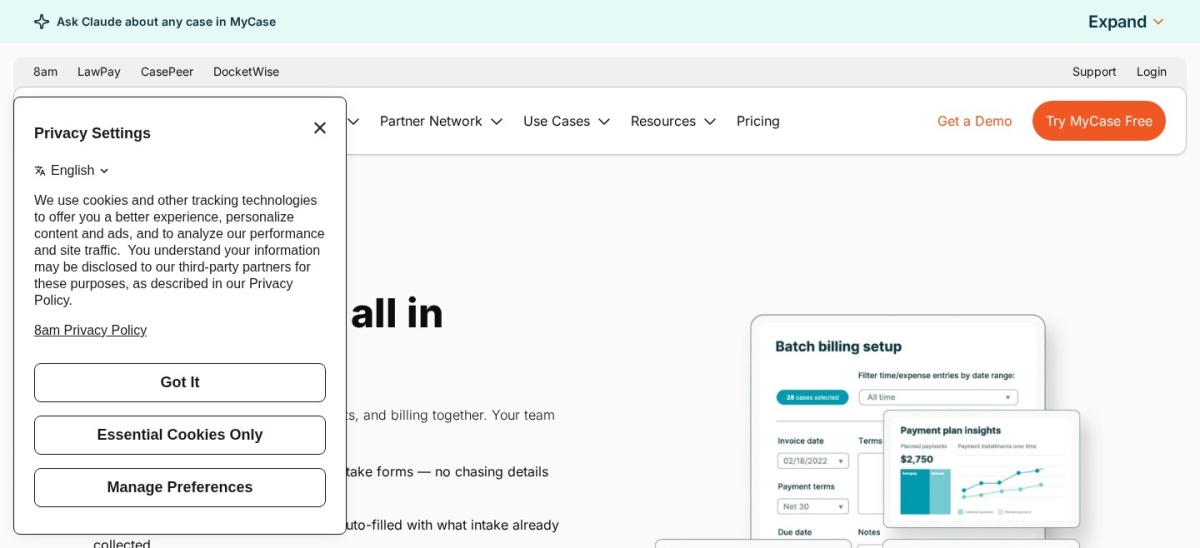
MyCase homepage, captured Nov 2026.
MyCase is a legal practice management platform that connects client records, case files, billing and administrative workflows. Its Basic subscription costs $50 per user monthly with annual billing, providing contact management, document storage and limited client portal access.
The trade off is that dedicated intake questionnaires, legal CRM functionality and automated workflows require Pro at $100 per user monthly, equivalent to $1,200 annually. It suits growing law firms that want prospective client information and active matter records managed within the same platform.
What we like
Dedicated legal CRM and client intake forms
Automated workflows support matter onboarding
Unlimited electronic signatures on Pro
Integrated billing and case management
Client communications remain connected to matter records
Firms with existing practice management software may duplicate features
Pro adds legal intake, CRM, workflow automation and unlimited electronic signatures.Visit mycase.com
02
PracticePanther
4.3/5on G2 (112 reviews, checked Nov 2026)
Starts at$49/mo
Best for automated client onboarding and signatures
Entry planSolo, $49/user/mo annually
Intake formsBusiness, $89/user/mo annually
Electronic signaturesUnlimited sends on Business
Client communicationTwo-way business texting
practicepanther.com
PracticePanther homepage, captured Nov 2026.
PracticePanther is a legal practice management application for organizing contacts, matters, billing and client communications. Its Solo plan costs $49 per user monthly with annual billing and includes essential case management, expense tracking and client portal access.
The trade off is that dedicated intake forms and integrated electronic signatures require Business at $89 per user monthly, equivalent to $1,068 annually. It suits small and midsize law firms that want to collect client information, complete engagement documents and manage ongoing communications within their practice management system.
What we like
Client intake forms integrate with legal records
Unlimited electronic signature sends on Business
Integrated business texting
Reusable task and event workflows
Predictable published subscription tiers
Watch out for
Intake forms are unavailable on the cheapest plan
Per-user pricing can become expensive
Less specialized than dedicated legal marketing CRM platforms
CasePeer is a legal case management platform designed for personal injury practices handling prospective clients, medical information, litigation and settlements. Its $90-per-user monthly Basic plan covers case records, client communication, treatment tracking and important deadline alerts.
The trade off is that dedicated intake management requires Pro at $130 per user monthly, equivalent to $1,560 annually, and its workflows primarily target personal injury practices. It suits specialist firms that want initial case screening connected to the later stages of injury claims and settlement management.
What we like
Designed around personal injury legal workflows
Intake connects with ongoing case management
Medical treatment and settlement tracking
Unlimited two-way texting on Pro
Strong independent user rating
Watch out for
Higher starting price than general legal platforms
Dedicated intake management requires Pro
Less suitable for unrelated legal practice areas
Pro adds intake management, expanded reporting, integrations and legal AI features.Visit casepeer.com
04
Gavel
4.9/5on Capterra (51 reviews, checked Nov 2026)
Starts at$83/mo
Best for intake-driven legal document automation
Entry planWorkflows Lite, $83/mo annually
Automated workflows10 on Lite
Monthly sessions100 on Lite
Document automationWord and PDF templates
gavel.io
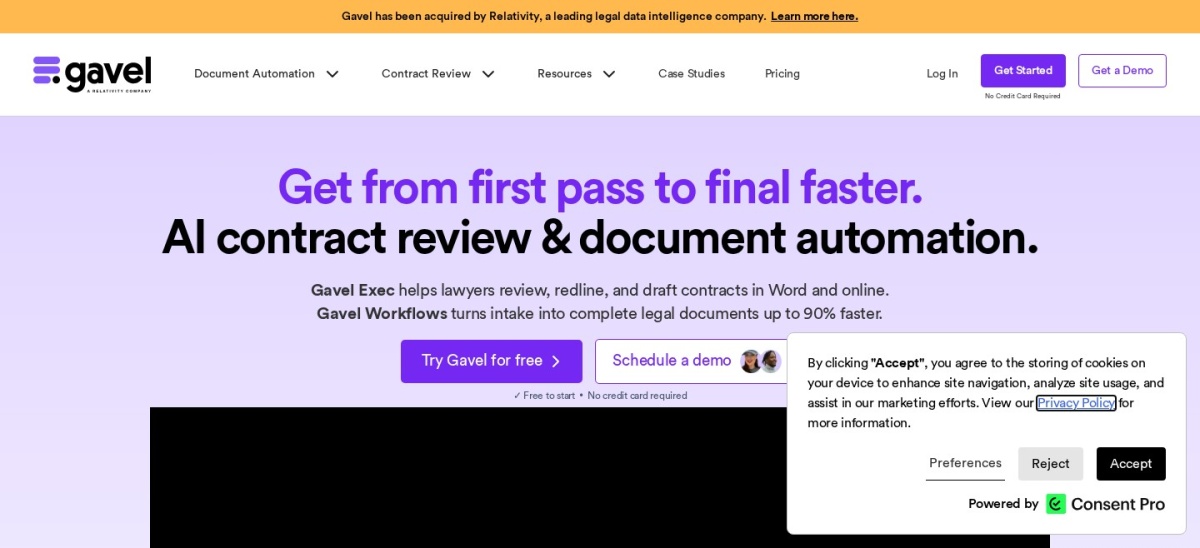
Gavel homepage, captured Nov 2026.
Gavel is a legal workflow and document automation platform that converts client questionnaire responses into structured legal documents. Its Workflows Lite subscription starts at $83 per month with annual billing and supports 10 workflows, 200 fields per workflow and 100 monthly sessions.
The trade off is that the $996 annual entry cost covers document-focused workflows rather than a complete legal CRM, and larger intake volumes may require an upgrade. It suits estate planning, family law and other document-intensive practices that repeatedly transform client answers into customized legal paperwork.
What we like
Client-facing questionnaires with conditional logic
Best for affordable conditional legal intake forms
Free submission allowance100/month
Entry paid planPro, $19.24/mo annually
Paid submission allowance2,000/month
Electronic signaturesIncluded on Pro
cognitoforms.com
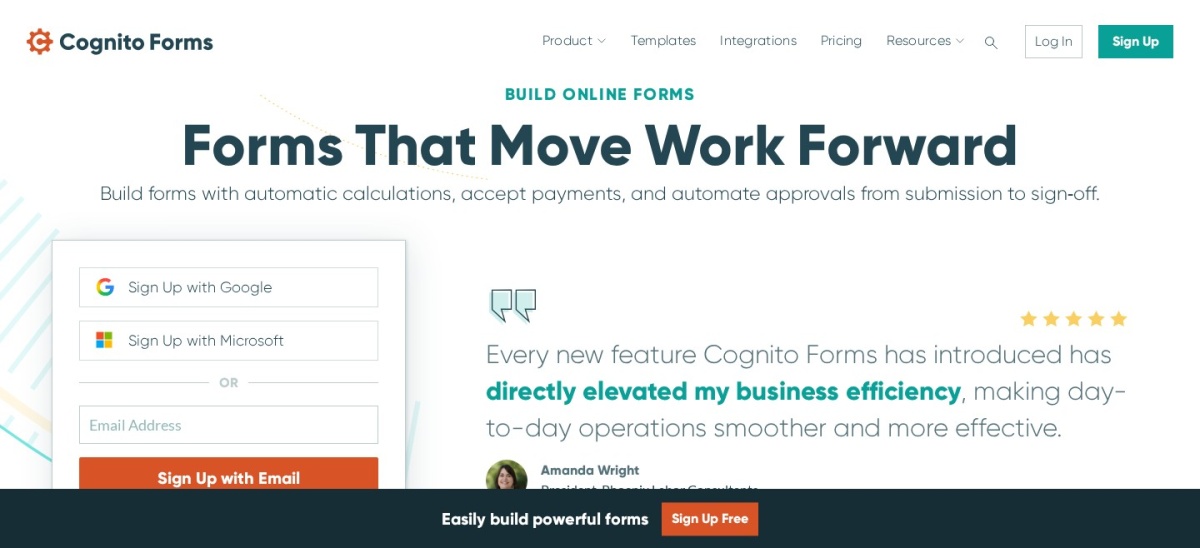
Cognito Forms homepage, captured Nov 2026.
Cognito Forms is a no-code form and workflow application for collecting structured information from prospective legal clients. Its Individual plan supports 100 monthly entries, while Pro costs $19.24 per month with annual billing and increases the allowance to 2,000 entries.
The trade off is that the $230.88 annual entry subscription does not replace dedicated legal CRM, matter management or attorney conflict-review procedures. It suits solo attorneys and smaller firms that already have practice management software but need affordable questionnaires with conditional questions, signatures and save-and-resume functionality.
What we like
Affordable regular subscription price
Free plan supports low-volume form collection
Conditional questions support detailed client screening
Electronic signatures included on Pro
Save-and-resume functionality for lengthy questionnaires
Watch out for
No native legal matter management system
Advanced permissions may require higher subscriptions
Legal workflows must be configured by the firm
Pro adds electronic signatures, save-and-resume and higher submission capacity.Visit cognitoforms.com
06
Jotform
4.6/5on G2 (6,005 reviews, checked Nov 2026)
Paid from$34/mo
Best for customizable legal intake questionnaires
Free plan5 forms and 100 submissions/month
Entry paid planBronze, $34/mo annually
Paid submission allowance1,000/month
Signed document allowance100/month on Bronze
jotform.com
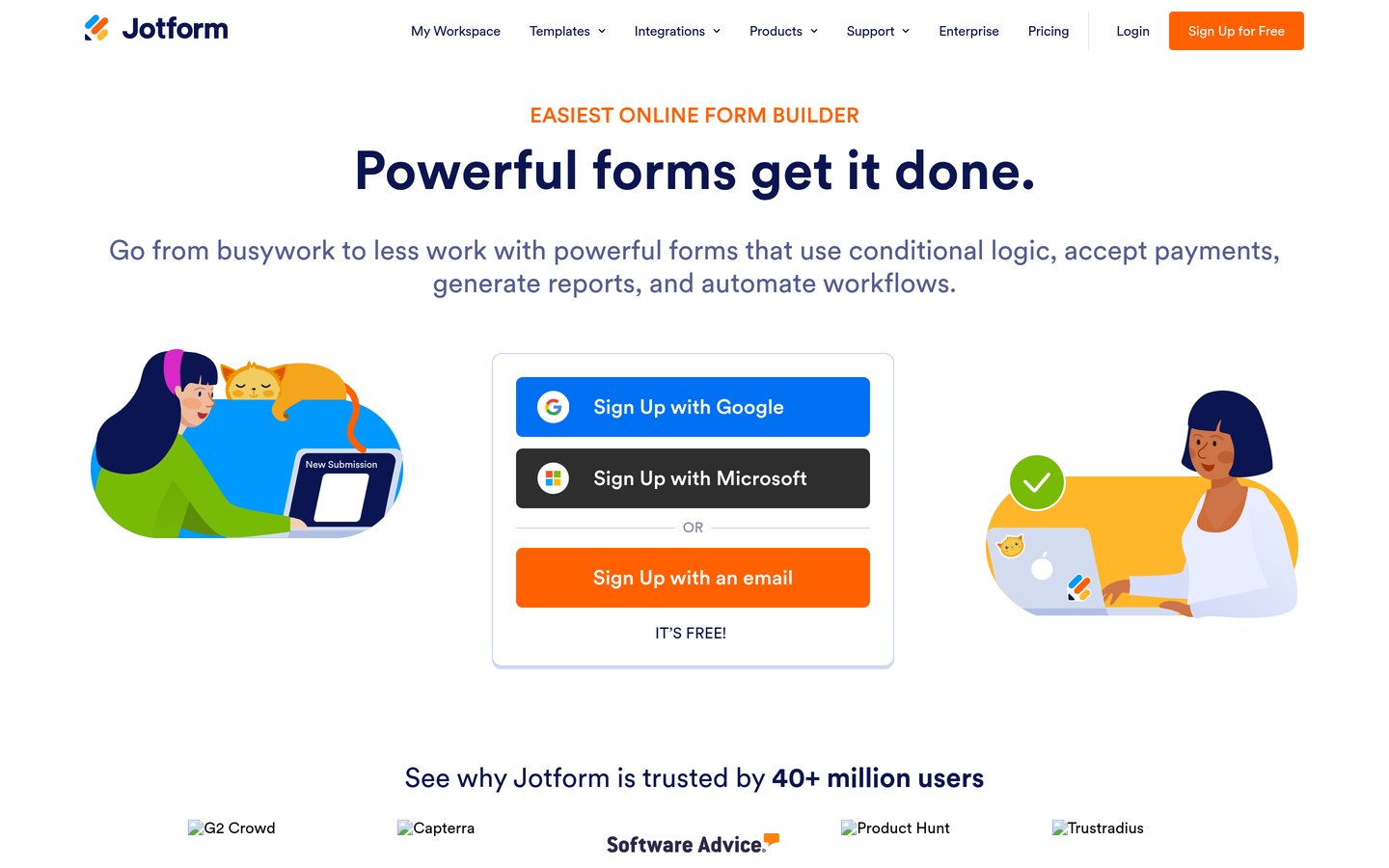
Jotform homepage, captured Nov 2026.
Jotform is an online form builder with conditional questionnaires, document uploads, electronic signing and workflow automation features. Its free Starter plan supports five forms and 100 monthly submissions, while Bronze costs $34 per month billed annually and raises the submission allowance to 1,000.
The trade off is that the $408 regular annual subscription has individual account restrictions and does not provide dedicated legal conflict checking or case management; a temporary Black Friday promotion may reduce the initial charge. It suits firms that want configurable intake questionnaires connected to their existing legal systems.
What we like
Customizable questionnaires without coding
Supports conditional questions and file collection
Electronic signature functionality
Large selection of integrations
Free plan available for basic evaluation
Watch out for
Entry paid plan supports an individual account
Sensitive legal information requires careful security configuration
Dedicated legal CRM requires another application
Bronze increases form, submission, storage and signed document allowances.Visit jotform.com
07
Typeform
4.5/5on G2 (1,027 reviews, checked Nov 2026)
Paid from$25/mo
Best for conversational prospective client screening
Entry planBasic, $25/mo annually
Question formatConversational forms
Conditional logicBranching questionnaires
Advanced follow-upsEligible plan and automation add-on
typeform.com
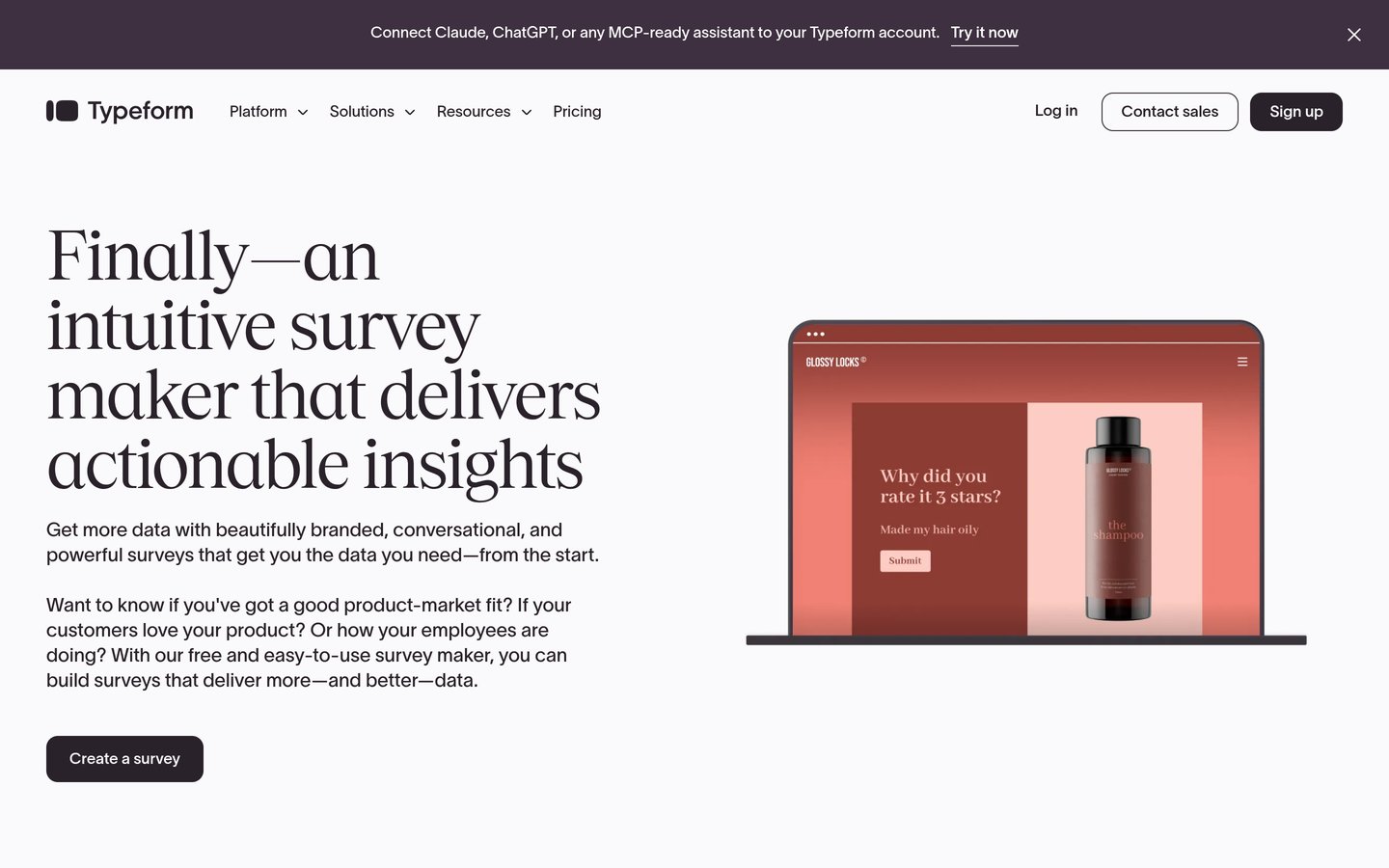
Typeform homepage, captured Nov 2026.
Typeform is an online form platform that presents questions in a guided conversational format for prospective client screening and structured inquiries. Its Basic subscription costs $25 per month with annual billing, and its independent G2 rating is 4.5/5 from 1,027 reviews.
The trade off is that the $300 annual Basic subscription primarily handles data collection, while the Contacts & Automations add-on starts at an additional $25 monthly on eligible higher plans. It suits firms that prioritize approachable initial questionnaires and already use separate systems for legal records and case management.
What we like
Conversational questionnaire presentation
Conditional questions support preliminary screening
Integrates with external business applications
Suitable for website inquiry forms
Free plan available for evaluation
Watch out for
Advanced follow-up automation costs extra
No dedicated legal CRM or conflict checking
Response limits may require subscription upgrades
Paid plans expand response allowances, branding options and form functionality.Visit typeform.com
What does legal intake automation actually cost a law firm?
The advertised starting subscription can understate the cost of a working legal intake system. MyCase, PracticePanther and CasePeer all place dedicated intake features above their entry-level practice management subscriptions.
PracticePanther Business costs $1,068 per user annually, MyCase Pro costs $1,200 per user annually, and CasePeer Pro costs $1,560 per user annually. These figures provide a more useful comparison for firms specifically purchasing intake management.
General-purpose forms have lower entry costs. Cognito Forms Pro costs $230.88 annually, Typeform Basic costs $300 annually and Jotform Bronze costs $408 annually, but additional integrations and workflow tools can increase the total expense.
Request a complete implementation estimate before purchasing. Include software seats, data migration, form configuration, messaging charges, document automation, integrations and staff training rather than comparing subscription prices alone.
How should law firms automate the client intake process?
Begin with an initial inquiry form that collects contact details, the general matter category and essential screening information. Avoid requesting unnecessary confidential documents or detailed sensitive information before determining whether the firm can appropriately handle the inquiry.
Route the inquiry to a responsible staff member for qualification and conflict review. Automated questionnaires can help organize information, but they should not independently determine whether an attorney-client relationship exists or whether the firm should accept representation.
Send appointment confirmations and appropriate reminders after preliminary screening. Connect scheduling and communication records to the prospective client's profile so staff can see which inquiries still require attention.
Generate engagement paperwork only after the appropriate legal review and acceptance decision. Transfer approved client information into the matter management system, assign responsibilities and preserve records according to the firm's confidentiality and retention procedures.
How we chose
We selected established legal practice management, document automation and online form applications that support meaningful parts of client intake. The ranking prioritizes dedicated legal functionality, workflow automation, transparent subscription prices and established independent review histories.
We checked vendor pricing and independent review listings on 30 Nov 2026, using regular annual-billing rates where available and multiplying monthly prices by twelve. Gavel's Capterra search listing reported 4.9/5 from 51 reviews, but opening its full review page returned an error, so that figure has a verification limitation.
We excluded quote-only platforms such as Lawmatics, Law Ruler and Lead Docket, along with products whose regular subscription prices could not be established. General-purpose form builders are identified separately from complete legal intake systems. No vendor paid for a place, and we do not claim testing for this list.
How to choose legal intake automation software for your firm
Map your existing client onboarding process, identify administrative bottlenecks and compare the subscription tiers that actually include your required intake features before purchasing software.
Identify which intake tasks need automation. Decide whether your main problem is collecting inquiries, organizing prospects, generating legal documents, scheduling consultations or transferring information into active case records. Select software that addresses the specific bottleneck rather than purchasing unnecessary functionality.
Compare intake-enabled subscriptions. Look beyond advertised starting prices. MyCase requires its $100 Pro plan for automated intake, PracticePanther provides forms on its $89 Business plan, and CasePeer includes dedicated intake management on its $130 Pro subscription.
Evaluate confidentiality and data handling. Review access controls, encryption, retention policies, document storage, vendor agreements and third-party integrations. Confirm that your intended workflow satisfies applicable professional obligations before collecting sensitive prospective client information.
Connect intake with attorney approval and matter management. Choose workflows that assign inquiries to responsible staff, preserve screening records and support conflict review. Ensure that representation decisions and engagement documents remain subject to appropriate attorney oversight rather than relying entirely on automation.
FAQ
What is the best legal intake automation software for law firms in 2026?
MyCase is the best overall choice for firms that want integrated intake forms, legal CRM and case management. Its Pro subscription costs $100 per user monthly with annual billing. PracticePanther is a strong alternative for onboarding and signatures, while CasePeer suits personal injury practices.
How much does legal intake automation software cost?
Legal intake automation software starts at $19.24 per month for Cognito Forms Pro, while dedicated legal practice management subscriptions with intake features generally cost more. PracticePanther Business costs $89 per user monthly, MyCase Pro costs $100 and CasePeer Pro costs $130.
Is there free legal intake automation software for small law firms?
Yes, Cognito Forms, Jotform and Typeform provide free plans that can support basic prospective client questionnaires. Cognito Forms and Jotform each include 100 monthly submissions on their free plans. Firms must independently assess confidentiality requirements and arrange separate legal matter management where necessary.
Is MyCase better than PracticePanther for automated legal intake?
MyCase is better for firms prioritizing an integrated legal CRM and automated matter workflows. PracticePanther is better for firms seeking intake questionnaires, unlimited signature sends and business texting at a lower intake-enabled subscription price of $89 per user monthly with annual billing.
What is the best client intake software for personal injury law firms?
CasePeer is the best specialist option in this comparison for personal injury practices. Its $130-per-user monthly Pro subscription includes dedicated client intake management, two-way texting, reporting and workflows that connect initial client inquiries with injury case progression and settlement management.
Can law firms automate client intake using online forms?
Yes, law firms can automate initial information collection using applications such as Cognito Forms, Jotform and Typeform. These platforms support configurable questionnaires and external integrations, but firms still need appropriate confidentiality safeguards, conflict checks and attorney review before accepting representation.
What is the best legal intake software for estate planning attorneys?
Gavel is a suitable option for estate planning attorneys because its questionnaires can populate reusable legal document templates. Workflows Lite starts at $83 per month with annual billing and supports 10 workflows, making it useful for recurring document preparation and structured client information collection.
Can legal intake automation replace an intake specialist?
No, legal intake automation can reduce repetitive administrative work but should not entirely replace responsible staff or attorney oversight. Software can collect information, send reminders and organize records, while human review remains important for conflicts, sensitive circumstances, case qualification and representation decisions.
SaaS SEO and WordPress specialist with about 8 years of experience. Rakib compares WordPress plugins, themes, hosting and software using public pricing, documentation and user reviews. See how we rank.