fynk is the best legal software for small in-house teams, combining AI contract review, templates, approvals, and e-signatures starting at €19 per user per month on annual billing. For teams needing full matter and budget tracking alongside contracts, Clio Manage starts at $49 per user per month, while Zoho Contracts starts at $25 per user per month.
How we make this list: we compare pricing pages, product documentation and public user reviews, then re-check every price before each update. No product paid for a place. Disclosure.
Entry prices for transparent in-house legal tools range from $19 to $499 per month on annual billing.
fynk leads with a 4.9/5 G2 rating (47 reviews) and includes a permanent 1-user free tier plus €19/user/month paid plans.
Zoho Contracts bundles Zoho Sign e-signatures and a 3-user free tier, with paid plans starting at $25/user/month.
ContractSafe and Concord charge flat team base fees ($450/month and $499/month) instead of scaling per seat.
Most enterprise CLM vendors hide pricing behind sales calls, so this list includes only tools with published rates.
How do you choose legal software for small in-house teams?
Small in-house legal teams rarely need heavy law-firm time-and-billing suites, yet enterprise contract lifecycle platforms often lock pricing behind multi-month sales cycles. The right platform centralizes contract templates, intake approvals, e-signatures, and renewal alerts without forcing a two-person legal department to hire a dedicated administrator.
Pricing structure matters as much as headline rates when your headcount is lean. Per-seat tools like fynk, Zoho Contracts, and PandaDoc keep initial costs low for one to three counsel, whereas flat-fee platforms like ContractSafe include unlimited company users so sales and procurement staff can self-serve without extra license fees.
Before buying, check which tier unlocks redlining, Word integration, and approval routing. Several vendors advertise low starter prices that cover basic storage and signing but gate custom workflows or AI clause extraction behind higher plans.
The 7 best legal software for small in-house teams
01
fynk
4.9/5on G2 (47 reviews, checked Nov 2026)
Paid from$22/mo
Best for AI contract workflows
Entry paid plan€19/user/mo (billed annually)
Free tier1 user, unlimited docs
eSignaturesUnlimited SES, AES & QES
Core focusCLM, AI review & approvals
fynk.com
fynk homepage, captured Nov 2026.
fynk is a browser-based contract lifecycle platform built for lean legal and operations teams that want drafting, redlining, approvals, and e-signatures in one workspace. Its permanent Free plan covers 1 user with unlimited document storage, templates, and AI assistance, while the Essential plan starts at €19 per user per month billed annually.
The trade off is that custom approval logic takes upfront setup and AI usage relies on pooled monthly credit allowances, with extra top-up packs sold separately for heavy review volume. It suits 1-to-10-person in-house teams wanting transparent per-seat pricing without sacrificing clause extraction or audit trails.
What we like
Permanent free tier for solo in-house counsel with unlimited documents
Includes unlimited e-signatures across SES, AES, and QES standards
AI assistant extracts key dates and clauses across legacy PDFs
4.9/5 G2 rating across 47 verified user reviews
Watch out for
Pricing is listed in EUR rather than USD
Heavy AI document analysis requires purchasing extra credit packs
Essential adds multi-user collaboration, team credit pooling, and paid AI top-up packs.Visit fynk.com
02
Clio Manage
4.6/5on G2 (1,172 reviews, checked Nov 2026)
Starts at$49/mo
Best for full matter management
Entry paid plan$49/user/mo (annual)
Free tier7-day free trial only
Integrations250+ legal & business apps
Core focusMatters, tasks & calendars
clio.com
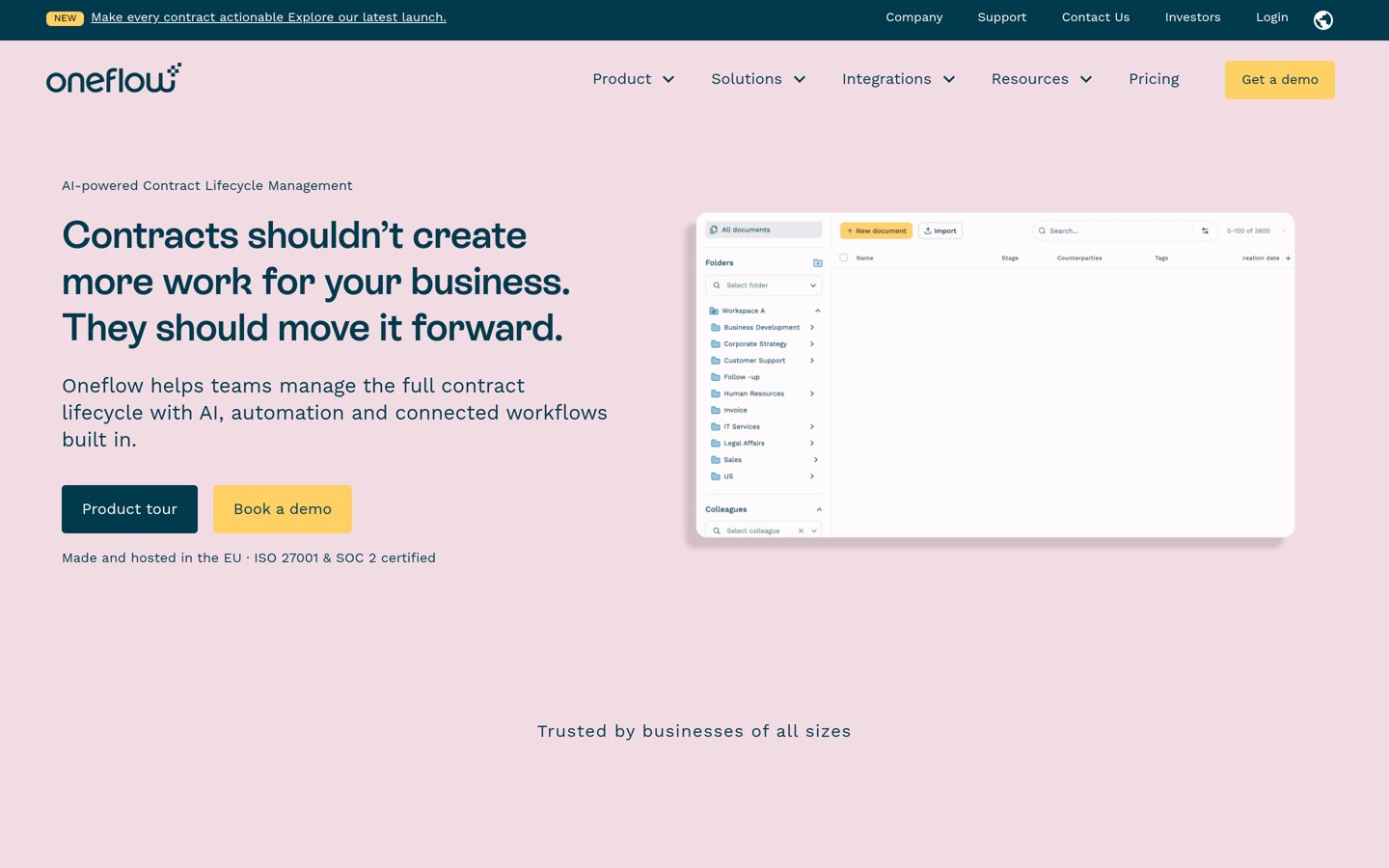
Clio Manage homepage, captured Nov 2026.
Clio Manage is a cloud legal practice and matter management platform that organizes every internal dispute, regulatory filing, and vendor file into centralized matter workspaces. The Starter tier costs $49 per user per month on annual billing and includes unlimited document storage, matter tracking, time and expense logging, and 24/5 live support.
The trade off is that Clio was designed primarily for law firms, so billing and trust accounting tools sit alongside matter features, and higher tiers require custom quotes. It suits small corporate legal departments that manage active litigation, outside counsel tracking, and strict deadline calendars alongside routine agreements.
What we like
Centralizes documents, tasks, emails, and deadlines inside each matter
Clear $49/user/month starting price with a 7-day no-card trial
24/5 live phone, chat, and email support included on all plans
Extensive integration ecosystem including Microsoft 365 and Google Workspace
Watch out for
Includes law-firm trust accounting tools in-house teams rarely use
Document templates, custom fields, and AI features require higher tiers
Core and higher tiers unlock custom fields, document templates, and AI matter summaries.Visit clio.com
03
Zoho Contracts
4.6/5on G2 (14 reviews, checked Nov 2026)
Paid from$25/mo
Best budget full-lifecycle CLM
Entry paid plan$25/user/mo (billed annually)
Free tier3 users, 10 contracts
eSignaturesZoho Sign included free
Core focusAuthoring, redlining & renewals
zoho.com
Zoho Contracts homepage, captured Nov 2026.
Zoho Contracts is a dedicated contract lifecycle management suite covering authoring, clause libraries, redlining, approvals, and obligation tracking. Its Free plan supports up to 3 users and 10 contracts, while the Standard plan starts at $25 per user per month billed annually and includes Zoho Sign e-signatures at no extra charge.
The trade off is that the Standard tier caps usage at 25 contracts per user per month and reserves intake forms, Microsoft Word integration, and audit logs for higher plans. It suits cost-conscious in-house teams—especially companies already running Zoho apps—that need structured contract governance.
What we like
Free tier covers 3 users, making it easy for small legal teams to pilot
Bundles Zoho Sign e-signatures into every paid subscription at no extra fee
Includes 14 built-in contract templates, clause library, and 35+ standard reports
Watch out for
Intake forms and Microsoft Word add-in require upgrading to Professional ($40/user/mo)
Smaller G2 review volume compared with older enterprise CLM tools
Professional ($40/user/mo) adds unlimited contracts, Word integration, and audit logs.Visit zoho.com
04
PandaDoc
4.7/5on G2 (3,875 reviews, checked Nov 2026)
Paid from$19/mo
Best for sales-legal self-service
Entry paid plan$19/seat/mo (billed annually)
Free tier5 documents/mo, $0
IntegrationsHubSpot, Pipedrive & Salesforce
Core focusTemplates, approvals & eSign
pandadoc.com
PandaDoc homepage, captured Nov 2026.
PandaDoc is a document automation and e-signature platform widely used when small legal teams want sales and HR staff to generate standard agreements from locked templates. Its Free plan allows 5 documents per month, while Starter costs $19 per seat per month billed annually for unlimited documents, Microsoft Word editing, and expiration alerts.
The trade off is that Starter caps reusable templates at 5 and omits approval workflows, content libraries, and CRM integrations, which start on the $49 per seat Business plan. It suits small legal teams whose main bottleneck is routine commercial agreements and NDAs.
What we like
Lowest annual entry price on this list at $19 per seat per month
Free plan includes legally binding e-signatures for up to 5 documents monthly
Strong adoption across commercial teams with 3,875 G2 reviews (4.7/5)
Watch out for
Approval workflows and clause/content libraries require the $49/seat Business tier
Lacks deep post-signature obligation tracking and legal matter management
Business ($49/seat/mo) unlocks approval workflows, unlimited templates, and CRM sync.Visit pandadoc.com
05
Oneflow
4.4/5on G2 (372 reviews, checked Nov 2026)
Paid from$292/mo
Best for browser-native redlining
Entry paid plan$292/mo (5 users, annual)
Free tierFreemium PDF signing plan
AI toolsAI Write, Extract & Summary
Core focusLive HTML contracts & lifecycle
oneflow.com
Oneflow homepage, captured Nov 2026.
Oneflow replaces static PDFs with browser-native HTML contracts so legal and counterparties can edit, comment, approve, and sign in one live document. It offers a freemium PDF signing plan and a 14-day full trial, while the Business package starts at $292 per month billed annually ($3,504/year) with 5 users included.
The trade off is the 5-user bundle minimum on paid plans, which makes it pricier for a solo general counsel than per-seat tools, plus paid add-ons for SMS or eID verification. It suits 3-to-5-person legal and commercial teams tired of emailing Word redlines back and forth.
What we like
Live browser-based contract editing eliminates version conflicts during negotiation
Business tier includes 5 seats, approvals, lifecycle tracking, and AI summaries
Freemium plan available for basic PDF uploads and legally binding signatures
Watch out for
No single-seat paid tier; Business starts at a 5-user annual bundle ($3,504/yr)
Advanced AI contract review insights cost extra
Business includes 5 users, approval workflows, data retention rules, and AI summaries.Visit oneflow.com
06
ContractSafe
4.6/5on G2 (138 reviews, checked Nov 2026)
Starts at$450/mo
Best for unlimited company users
Entry paid plan$450/mo (100 active contracts)
Seat limitUnlimited users on all plans
OnboardingFree setup, migration & training
Core focusOCR repository & renewal alerts
contractsafe.com
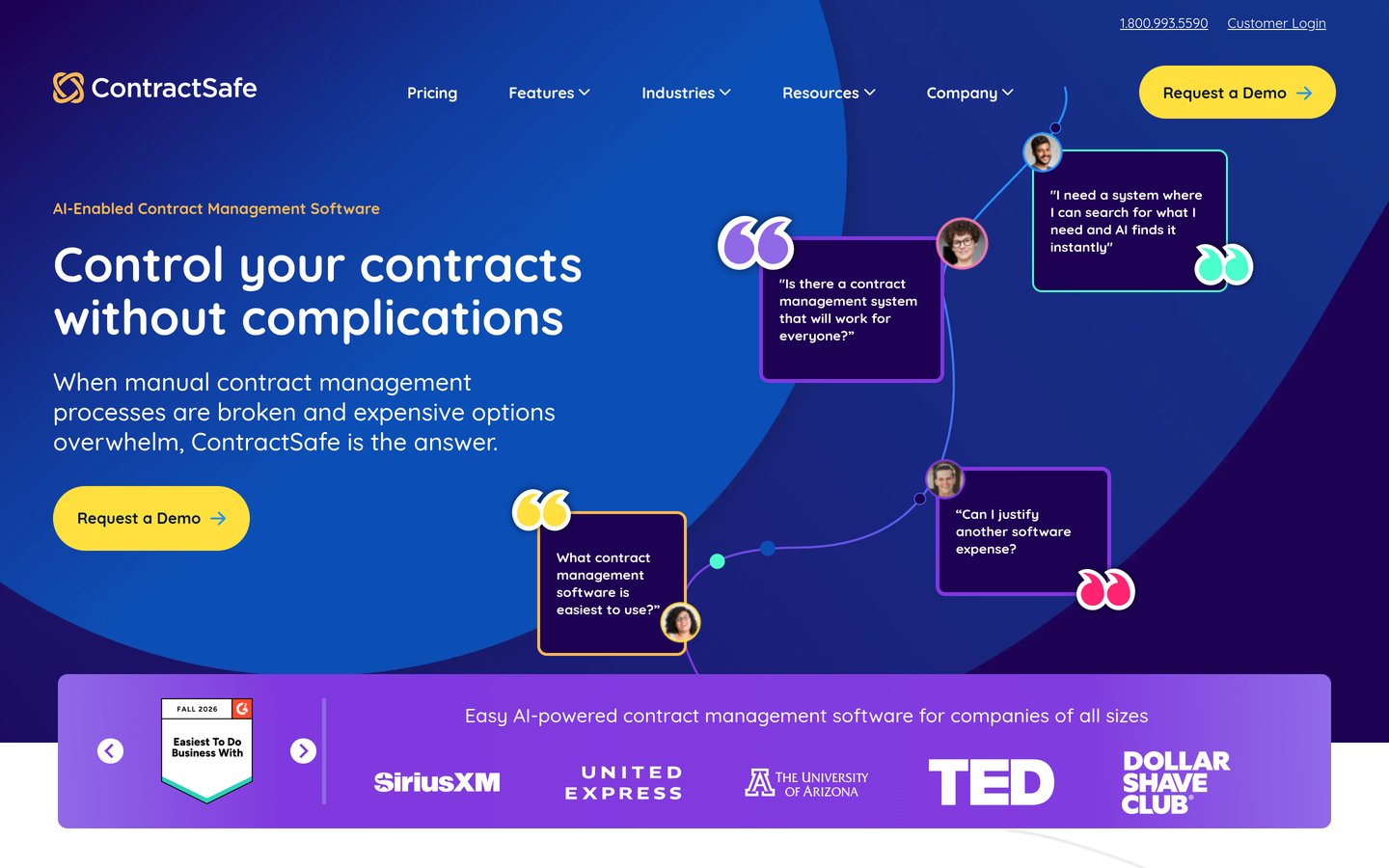
ContractSafe homepage, captured Nov 2026.
ContractSafe is a contract repository and lifecycle platform priced by active contract volume rather than seat count, giving every employee in your organization access at no per-user fee. Its Organize plan starts at $450 per month prepaid annually ($5,400/year) for up to 100 active contracts, including OCR search, AI data extraction, and unlimited renewal alerts.
The trade off is that redlining, approval workflows, and e-signatures require stepping up to the Finalize plan at $660 per month, and AI playbook review sits on the $815 per month Maximize tier. It suits small legal teams that want company-wide contract visibility without paying per seat.
What we like
Unlimited user seats on every tier so business teams can look up agreements freely
Zero implementation fees, with guided migration and a dedicated customer success manager
Fast OCR full-text search finds clauses inside scanned legacy PDFs
Watch out for
Redlining, approvals, and e-signatures are excluded from the $450/mo entry plan
Base price scales up once you exceed 100 active executed contracts
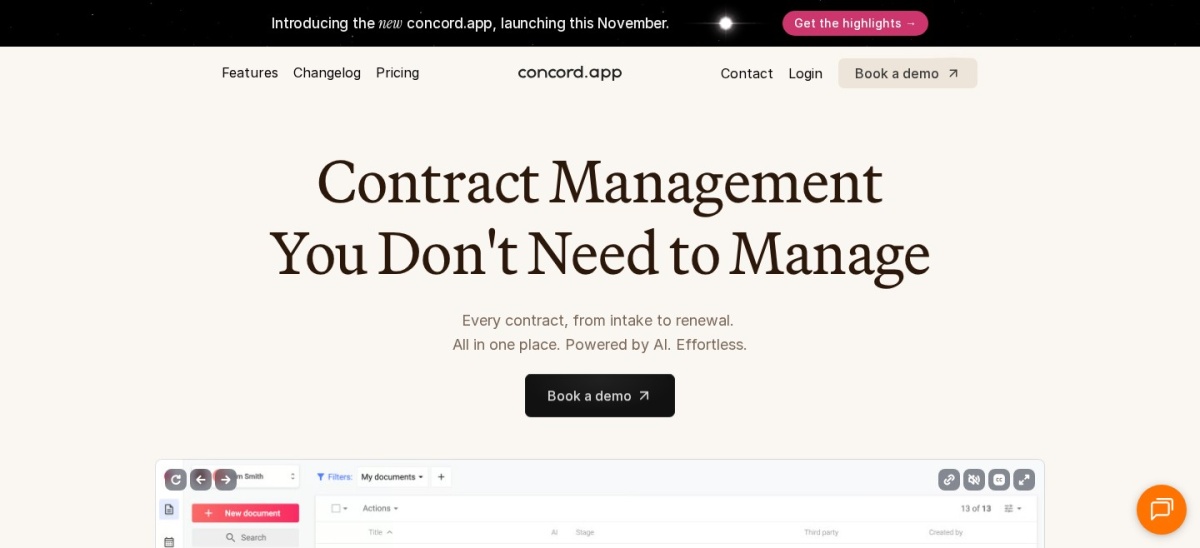
Concord is an end-to-end contract management platform combining browser-based redlining, approval workflows, deadline alerts, and unlimited legally binding e-signatures. Its Essentials plan starts at $499 per month billed annually ($5,988/year) and includes 5 full user seats, unlimited documents, AI Copilot extraction, and unlimited free viewers and guests.
The trade off is that adding seats beyond the initial 5 costs $49 per user per month on Essentials, and some G2 reviewers note slower support response times and limited integrations on lower tiers. It suits small in-house teams handling high signature volume that want predictable annual pricing.
What we like
Unlimited documents, templates, and e-signatures included on the entry plan
Includes 5 full users plus unlimited free guest and viewer accounts
Built-in AI Copilot extracts dates and key terms without per-document fees
Watch out for
Lower G2 score (4.2/5) than peers due to occasional support delays
Costs rise quickly past 5 full users at $49–$89 per extra seat monthly
Business ($899/mo) adds multi-team workspaces and advanced workflow controls.Visit concord.app
Per-seat vs. flat-fee pricing for lean legal departments
Small in-house legal teams face two distinct billing models when buying software. Per-seat tools like fynk (€19/user/month), Zoho Contracts ($25/user/month), and PandaDoc ($19/seat/month) are far cheaper when only one to three legal staff need editing rights, keeping first-year spend under $1,000.
Flat-fee platforms like ContractSafe ($450/month for unlimited users) and Concord ($499/month for 5 users plus unlimited viewers) cost more upfront but prevent license sprawl when sales, finance, and procurement managers regularly submit intake requests or search signed agreements.
How we chose
We evaluated legal practice management and contract lifecycle platforms built for small corporate legal teams, focusing on contract authoring, approval workflows, e-signatures, deadline tracking, and matter organization.
All prices, plan limits, G2 ratings, and review counts were verified directly from vendor pricing pages and G2 listings on 30 Nov 2026. Where vendors list monthly and annual billing, we recorded the regular annual rate.
We excluded enterprise-only platforms that hide pricing behind custom quotes (such as Ironclad, SpotDraft, Juro, LinkSquares, and LawVu) so small teams can budget accurately without multi-week sales calls. No vendor paid for a place, and we do not claim testing for this list.
How to pick the right software for your legal team
Follow four practical steps to match a tool's pricing model and feature tier to your team's daily workload.
Separate legal editors from business viewers. Count how many lawyers or paralegals need to draft and redline versus how many department heads only need to submit requests or view signed PDFs.
Verify where redlining and approvals sit. Check whether Word integration, browser redlining, and multi-step approval routing are included in the entry tier or gated behind a mid-tier upgrade.
Check e-signature and document caps. Confirm whether electronic signatures are bundled (as in fynk, Zoho Contracts, and Concord) or require paying separately for DocuSign seats.
Test legacy PDF search during a free trial. Upload 10 to 20 executed agreements during a trial to see how accurately the tool's OCR and AI extract renewal dates and notice periods.
FAQ
What is the best legal software for small in-house teams in 2026?
fynk is the top overall pick for small in-house teams in 2026, earning a 4.9/5 G2 rating with a free 1-user plan and €19/user/month annual tiers. For matter and litigation tracking alongside documents, Clio Manage ($49/user/month) is the strongest alternative.
Is there free legal software for a solo in-house counsel?
Yes. fynk offers a permanent Free plan for 1 user with unlimited documents and e-signatures, and Zoho Contracts provides a Free tier for up to 3 users and 10 contracts. PandaDoc also includes a $0 plan capped at 5 documents per month.
How much does in-house legal software cost for a 3-person team?
On annual billing, a 3-person legal team pays roughly $684/year on PandaDoc Starter ($19/seat/month), $900/year on Zoho Contracts Standard ($25/user/month), or $1,764/year on Clio Manage Starter ($49/user/month). Flat-fee tools like ContractSafe start at $5,400/year.
Should a small in-house team buy CLM software or law-firm practice management?
Choose contract lifecycle management (CLM) software like fynk, Zoho Contracts, or ContractSafe if 80% of your workload is vendor, sales, and HR contracts. Choose matter management like Clio Manage only if you track active disputes, outside counsel budgets, and court deadlines.
How do fynk and ContractSafe compare for small legal departments?
fynk charges per user (€19/user/month annually) and includes unlimited e-signatures, templates, and AI review out of the box, making it cheaper for 1 to 5 users. ContractSafe charges $450/month for unlimited company users and up to 100 active contracts, fitting organizations where many non-lawyers need repository access.
SaaS SEO and WordPress specialist with about 8 years of experience. Rakib compares WordPress plugins, themes, hosting and software using public pricing, documentation and user reviews. See how we rank.