DaVinci Resolve is the best Kdenlive alternative for most editors, with a full professional timeline, color tools and audio suite free, rated 4.7 out of 5 on G2 from 223 reviews. Pick Shotcut for the closest free open-source match, or Premiere Pro if you need the industry-standard subscription workflow.
How we make this list: we compare pricing pages, product documentation and public user reviews, then re-check every price before each update. No product paid for a place. Disclosure.
DaVinci Resolve gives the most for free: editing, color, effects and audio in one app, rated 4.7 out of 5 on G2.
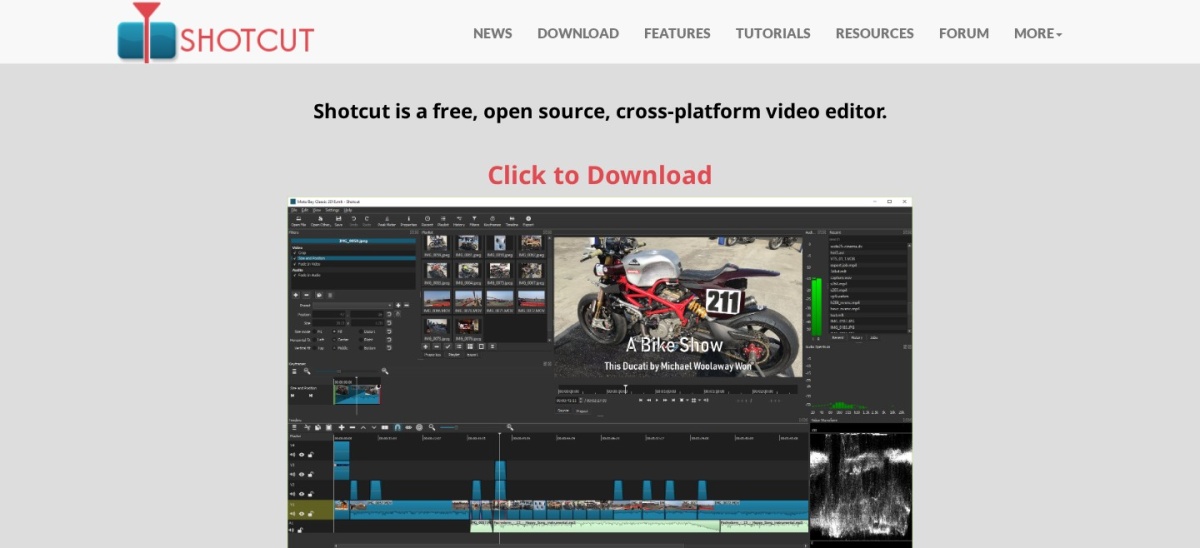
Shotcut is the closest free open-source match to Kdenlive, with no paid tier and no watermark.
Six of the nine tools have a free plan; paid plans run from $19.99 a year for VSDC Pro to $295 once for Resolve Studio.
Premiere Pro is the priciest subscription here at $22.99 a month, with no free plan beyond a short trial.
CapCut is the pick for short social video, with templates and auto-captions free and Pro at $179.99 a year.
What should you look for in a Kdenlive alternative?
Kdenlive is free and open source, so the first question is whether the replacement should be free too. Shotcut and OpenShot match it on both counts, while DaVinci Resolve is free to use but not open source.
Platform support decides the shortlist fast. Kdenlive runs on Windows, Mac and Linux, and only Shotcut, OpenShot and DaVinci Resolve cover all three here. VSDC runs on Windows only, so Mac and Linux editors can rule it out at once.
Free does not always mean watermark-free. Filmora and PowerDirector watermark free exports, while Resolve, Shotcut, OpenShot, VSDC and Clipchamp export without one. Our guide on how to embed a video in WordPress shows where those finished exports end up.
Paid plans mostly buy 4K export, stock assets and AI tools, not the timeline itself. The free versions of Resolve and Shotcut already export 4K, so pay only when a specific locked feature earns its keep.
DaVinci Resolve is a professional editor from Blackmagic Design that combines editing, color correction, visual effects and audio post in one free download. The free version covers the full cut and edit pages, the color page, Fusion effects and Fairlight audio, with no watermark and no time limit.
The trade off is the learning curve and the hardware it wants. The interface packs in far more than Kdenlive, and smooth 4K work needs a strong graphics card. Studio costs $295 once and adds AI tools, noise reduction and stereoscopic 3D. It suits editors who want professional tools without a subscription.
Shotcut is a free, open-source editor that runs on Windows, Mac and Linux, like Kdenlive. It supports a wide range of formats without importing, offers 4K export, filters, keyframes and hardware encoding, and every feature is free with no watermark.
The trade off is polish. The interface looks plain beside paid editors, and some jobs take more clicks than they do in Kdenlive. There is no paid tier, so help comes from the community and documentation. It suits editors who want a free desktop editor that stays free.
Adobe Premiere Pro is the industry-standard subscription editor, with text-based editing, auto-captions, multi-cam and proxy workflows. It connects directly to After Effects, Photoshop and Audition, and the single-app plan costs $22.99 a month on an annual commitment.
The trade off is the subscription and the lack of a free plan. You get a short free trial, then $22.99 a month for as long as you edit, and cancelling ends access to the app. It suits editors who earn from video and need the Adobe workflow and plugin library.
What we like
Industry standard for client work
Text-based editing and strong auto-captions
Deep links to After Effects and Photoshop
Multi-cam and proxy workflows
Watch out for
No free plan, only a short trial
Most expensive subscription in this list
Subscription ends when you stop paying
All Apps at $59.99 a month adds After Effects and AuditionVisit adobe.com
04
Filmora
4.5/5on Capterra (736 reviews, checked Nov 2026)
Paid from$59.99/yr
Best for beginners who want templates
Free planYes, watermarked
Paid planBasic, $59.99/yr
PlatformsWindows, Mac
AI toolsYes, templates and effects
filmora.wondershare.com
Filmora homepage, captured Nov 2026.
Filmora is Wondershare's mid-tier editor, built for creators who want a clean timeline, ready templates and AI helpers without the depth of Premiere Pro or Resolve. The free version covers the full editor, though exports carry a watermark until you pay.
The trade off is the price spread. Basic lists at $59.99 a year, though it is often advertised at $49.99, and the perpetual licence at $79.99 does not include major version upgrades. It suits beginners who want templates and AI effects in a simple editor.
CapCut is a free editor from ByteDance built for short-form video, on mobile, desktop and the web. The free version covers trimming, transitions, templates, auto-captions and effects, and basic exports carry no watermark.
The trade off is the paid wall around premium assets. The cheapest paid plan is Standard at $9.99 a month, while Pro costs $19.99 a month, or $179.99 a year, and adds 4K export, the full AI toolkit and premium templates and stock. It suits creators who cut vertical video for social feeds every week.
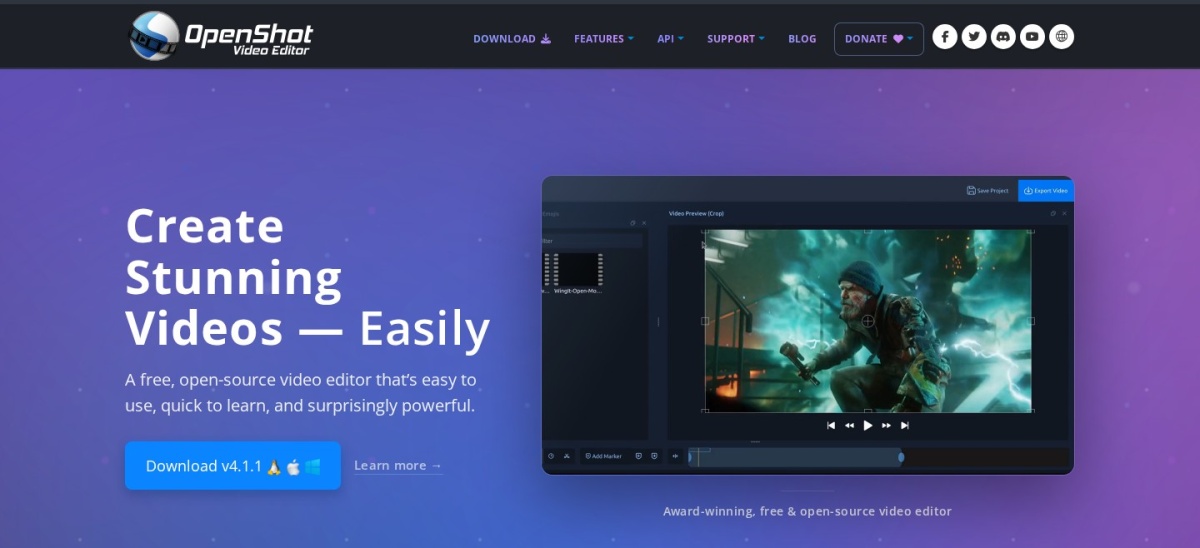
OpenShot is a free, open-source editor with a simple drag-and-drop timeline, 3D animated titles and curve-based keyframe animation. It runs on Windows, Mac and Linux, and the whole editor is free with no watermark and no paid tier.
The trade off is stability and speed. Users report occasional crashes on long projects, and rendering runs slower than in Shotcut or Resolve. It suits first-time editors who want the simplest path from raw footage to a finished cut.
Clipchamp is Microsoft's browser-based editor, with templates, stock media and AI captions that run in the browser with no download. The free plan exports 1080p with no watermark, and it works on Windows and the web.
The trade off is the paywall for 4K. Premium costs $11.99 a month standalone, or less through Microsoft 365, and long projects can slow down in the browser. It suits Windows users who edit short videos and already pay for Microsoft 365.
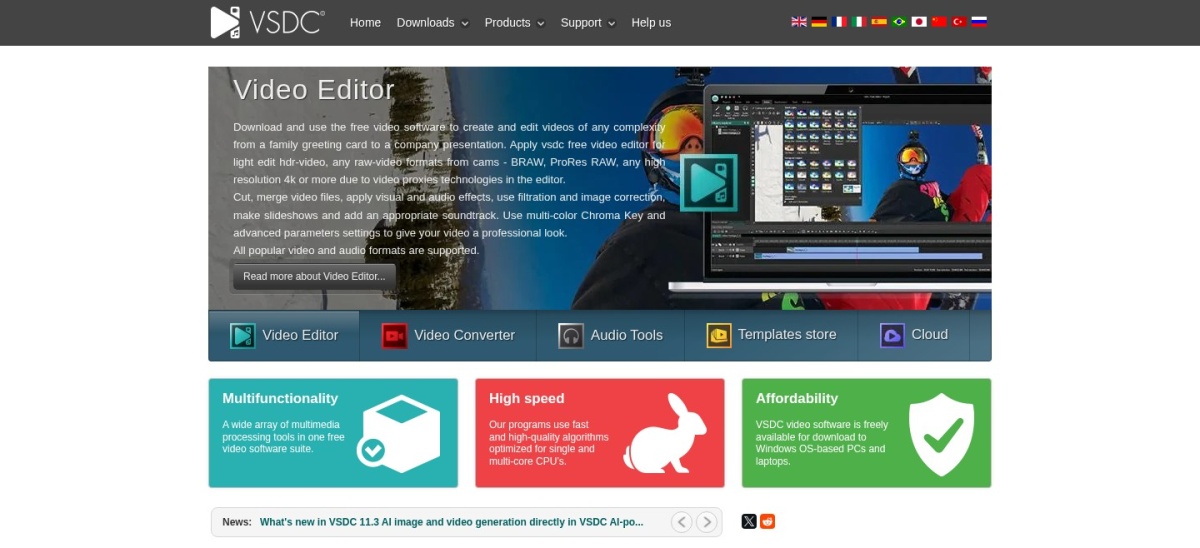
VSDC Free Video Editor homepage, captured Nov 2026.
VSDC Free Video Editor is a non-linear editor for Windows, with colour correction, chroma key, audio editing and 4K exports. The free version has no watermark, no file-size limit and no time limit, and it runs well on older PCs.
The trade off is platform and licensing. It runs on Windows only, and the free licence covers personal and educational use, so paid client work needs Pro at $19.99 a year. Pro adds hardware acceleration, motion tracking, masking and stabilization. It suits Windows users on older hardware.
PowerDirector is CyberLink's Windows and Mac editor, built around AI helpers such as text-to-video, auto reframing and AI music, plus a large library of titles, transitions and effects. PowerDirector 365 costs $74.99 a year and includes 100 AI credits a month, 50 GB of cloud storage and ongoing updates.
The trade off is that AI use is metered and the free download is a trial. Exports from the free version carry a watermark, and heavy AI work can burn through the monthly credit allowance. The perpetual 2027 edition at $139.99 gets no future major-version upgrades. It suits creators who want AI helpers and fast rendering.
Free plans cover the basics well. Six tools here edit and export without payment, and three of them export 4K for free.
Paid plans mostly add speed and assets. You get 4K export in Clipchamp and CapCut, stock libraries in Filmora and PowerDirector, and AI credits across the paid tiers.
Watermarks are the real dividing line. Filmora and PowerDirector watermark free exports, so a video meant for clients needs a paid plan even when the editing itself is free.
For a channel that earns money, the first year of a paid plan often costs less than one missed deadline. Start free, then pay for the one feature that blocks your work.
How we chose
We started from the editors Kdenlive users actually switch to: free open-source editors, free professional editors and the paid tools that dominate creator workflows.
Prices come from each vendor's pricing page, checked on 29 November 2026. Ratings and review counts come from G2 and Capterra on the same day. Where a vendor shows a sale, the list shows the regular price.
We left out editors that stopped selling new licences, such as HitFilm, and tools with no public rating anywhere. No vendor paid for a place, and we do not claim to have used these tools ourselves.
How to choose a Kdenlive alternative
Start with your platform and your budget, then test the free version before paying.
Check your platform first. VSDC runs on Windows only, and Clipchamp needs a browser. Shotcut, OpenShot and Resolve cover Windows, Mac and Linux.
Decide what free must mean. If exports must carry no watermark, stick to Resolve, Shotcut, OpenShot, VSDC or Clipchamp. Filmora and PowerDirector watermark free exports.
Match the editor to your videos. Short social clips suit CapCut or Clipchamp. Long projects and color work suit Resolve or Shotcut. See how to embed a video in WordPress once the edit is done.
Pay only for a locked feature. Most paid plans sell 4K export, stock or AI credits. Upgrade when one of those blocks your work, not before.
FAQ
What is the best Kdenlive alternative in 2026?
DaVinci Resolve is the best Kdenlive alternative for most editors. Its free version covers professional editing, color grading, effects and audio with no watermark, and it is rated 4.7 out of 5 on G2 from 223 reviews.
Is there a free alternative to Kdenlive?
Yes. Shotcut and OpenShot are free and open source like Kdenlive, and DaVinci Resolve is free to use with professional tools. All three export without a watermark, and none of them needs a paid plan to finish a video.
Which Kdenlive alternative is best for beginners?
OpenShot is the easiest start, with a simple drag-and-drop timeline and no paid tier to learn around. Filmora is the next step up if you want templates and AI helpers, and CapCut is best when your videos are short clips for social feeds.
DaVinci Resolve vs Shotcut: which is better?
DaVinci Resolve is better for professional work, with stronger color tools, effects and audio in one app. Shotcut is better if you want a lighter free open-source editor that runs well on modest hardware and stays simple to learn.
Can I use a Kdenlive alternative without a watermark?
Yes. DaVinci Resolve, Shotcut, OpenShot, VSDC and Clipchamp all export without a watermark on their free plans. Filmora and PowerDirector add a watermark to free exports, so avoid those two if a clean export matters.
How much does a Kdenlive alternative cost?
Shotcut and OpenShot have no paid tier at all, and DaVinci Resolve is free to use, with Studio a one-time $295. Paid plans run from $19.99 a year for VSDC Pro to $22.99 a month for Premiere Pro, with CapCut Standard at $9.99 a month.
SaaS SEO and WordPress specialist with about 8 years of experience. Rakib compares WordPress plugins, themes, hosting and software using public pricing, documentation and user reviews. See how we rank.