Blender is the best KeyShot alternative for most people: it is free, renders product shots with Cycles, and holds a 4.6/5 rating on G2 from 317 reviews. Marmoset Toolbag is the closest match to KeyShot's drag-and-drop workflow at $18.99 a month, while D5 Render suits real-time architectural scenes.
How we make this list: we compare pricing pages, product documentation and public user reviews, then re-check every price before each update. No product paid for a place. Disclosure.
Blender is free and the only tool here that models, textures and renders in one app, rated 4.6/5 on G2.
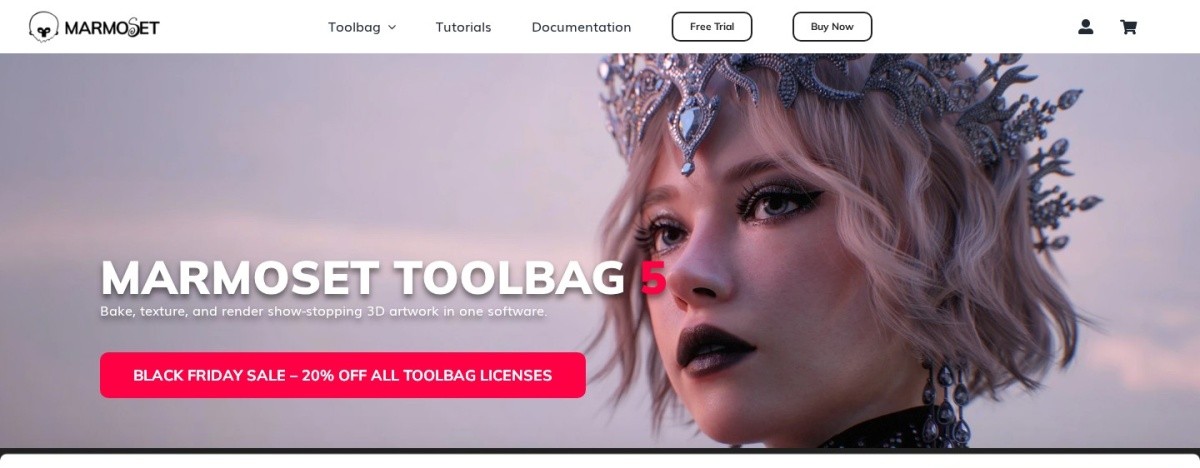
Marmoset Toolbag is the closest KeyShot workflow, with drag-and-drop materials and baking, at $18.99 a month or $399 once.
D5 Render has the highest G2 rating here at 4.8/5, with a free Community edition for non-commercial work.
V-Ray Solo at $540 a year and Corona Solo at $414 a year are the photoreal plug-in options for 3ds Max and Cinema 4D.
Twinmotion is free under $1M revenue; paid seats cost $445 a year, and Lumion View starts at $229 a year.
How do you choose the best KeyShot alternatives for product rendering?
KeyShot's strength is speed. Drag a material onto a CAD model and you get a studio shot without building a scene first, which is why product designers reach for it. The best alternatives either keep that direct workflow or replace it with a fuller 3D pipeline.
Prices spread from free to over $1,000 a year. Blender costs nothing, Marmoset Toolbag starts at $18.99 a month, and the Chaos plug-ins run $414 to $540 a year, while Lumion Pro reaches $1,149 a year.
Free tiers beat free trials for this decision. Blender, D5 Render and Twinmotion all have free routes, so you can render your own product before paying anything.
Host apps decide more than features do. V-Ray and Corona render inside 3ds Max or Cinema 4D, while Blender, Marmoset Toolbag and D5 Render are standalone, so check where your models already live before you choose.
Blender is a free, open-source 3D suite that covers modelling, texturing, animation and rendering in one app. Its Cycles path tracer handles studio product shots with physically based materials, HDRI lighting and depth of field, and Eevee gives fast real-time previews.
The trade off is the learning curve. Blender is a full 3D package, not a focused renderer, so simple studio shots take longer to set up than in KeyShot. It suits designers who want one free tool for the whole pipeline and are willing to learn it.
Marmoset Toolbag is a real-time rendering, baking and texturing app for 3D artists and product designers. It matches KeyShot's drag-and-drop materials and image-based lighting, adds texture baking for production-ready assets, and includes 2,000+ library assets.
The trade off is scope. Toolbag is built for presenting single assets, not full scenes or animation, and the $399 perpetual licence covers version 5.x updates only. It suits game artists and product designers who want KeyShot-style speed at a lower price.
D5 Render is a real-time renderer built on Unreal Engine that shows photoreal lighting and materials as you work. The free Community edition covers learning and personal projects, while Pro at $360 a year adds commercial use, the full 16,000+ asset library and VR output.
The trade off is focus. D5 Render is built for architecture and interiors, so product shots work but the asset library leans to buildings, and it runs on Windows only. It suits visualisers who want instant feedback and the highest-rated tool in this list.
V-Ray is Chaos's production renderer that plugs into 3ds Max, Maya, Rhino, SketchUp, Cinema 4D and more, so you render where the model already lives. Solo costs $540 a year and includes the Chaos Cosmos library of materials and 3D assets.
The trade off is setup. V-Ray gives deep control over lights, materials and render settings, which means slower first results than KeyShot's guided workflow. It suits studios that already model in a host app and need photoreal stills and animation.
What we like
Works inside the apps you already use
Used by 92 of the top 100 architecture firms
CPU, GPU and hybrid rendering
Watch out for
No free plan, only a 30-day trial
Needs a host app, sold separately
Steep learning curve for beginners
Premium adds a floating licence at $778.80 a yearVisit chaos.com
05
Corona Renderer
4.7/5on G2 (119 reviews, checked Nov 2026)
Starts at$414/yr
Best budget photoreal renderer
RendererCPU only
Free plan30-day trial
Host apps3ds Max, Cinema 4D
Asset library15,000+ assets
chaos.com
Corona Renderer homepage, captured Nov 2026.
Corona Renderer is Chaos's friendlier photoreal engine for 3ds Max and Cinema 4D. It gives realistic results with far fewer settings than V-Ray, and Solo costs $34.50 a month billed annually, or $414 a year, with 15,000+ Cosmos assets included.
The trade off is range. Corona renders on the CPU only and works in two host apps, so it is slower for animation and useless outside 3ds Max or Cinema 4D. It suits archviz artists who want photoreal stills with less setup than V-Ray.
What we like
Cheapest paid photoreal route here at $414 a year
Rated 4.7/5 on G2
Simple setup, fast to good images
Watch out for
CPU only, no GPU rendering
Only 3ds Max and Cinema 4D
No free plan, only a 30-day trial
Premium adds a floating licence at $562.80 a yearVisit chaos.com
06
Twinmotion
4.5/5on G2 (61 reviews, checked Nov 2026)
Paid from$445/seat/yr
Best free real-time scenes
RendererReal-time, Unreal Engine
Free planYes, under $1M revenue
Path tracerYes, on Windows
PlatformsWindows, Mac
twinmotion.com
Twinmotion homepage, captured Nov 2026.
Twinmotion is Epic's real-time visualisation app built on Unreal Engine. You import a model, drag in materials and lights, and export stills, video, panoramas or VR, and it is free for users with under $1 million in annual revenue.
The trade off is finish. Twinmotion is fast for scenes and client presentations, but its stills are less photoreal than offline renderers, and the path tracer does not run on Mac. It suits designers who present products in context rather than studio shots.
Enscape is a real-time renderer from Chaos that runs inside Revit, SketchUp, Rhino, Archicad and Vectorworks. You design and visualise from one model, with no export step, and a fixed licence starts at $574.80 a year.
The trade off is depth. Enscape is built for architecture, so product shots work but the materials and asset libraries lean to buildings, and the cheapest plan is a fixed single-seat licence. It suits architects who want renders without leaving their design app.
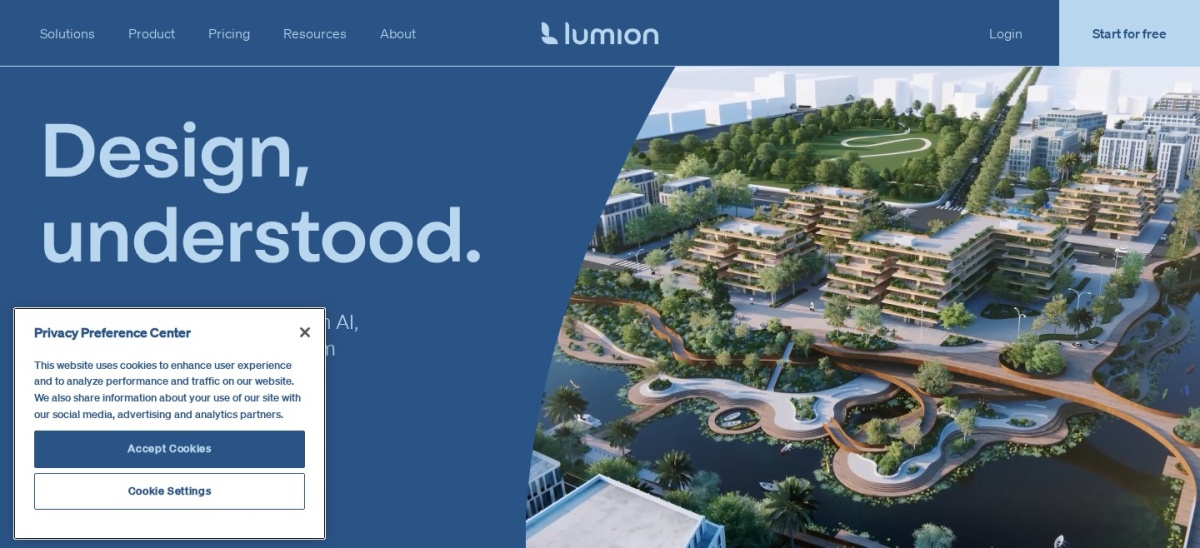
Lumion is a fast real-time renderer best known in architecture, with large libraries of materials, plants, people and effects. View starts at $229 a year, while Pro at $1,149 a year adds the full library, effects and higher output.
The trade off is price and fit. Lumion is the priciest tool here at the Pro tier, and its strengths are buildings and landscapes, not isolated product shots. It suits teams that present products inside full scenes and need a huge ready-made library.
What we like
Largest ready-made asset libraries here
Very fast real-time rendering
Rated 4.5/5 on G2
Watch out for
Pro at $1,149 a year is the priciest here
Architecture-focused, not product-focused
Windows only for the full version
Pro adds the full library and effects at $1,149 a yearVisit lumion.com
Free vs paid: what you give up
Free routes cover real work here. Blender is free outright, D5 Render's Community edition renders for learning, and Twinmotion is free under $1M in revenue.
Paid plans mostly add commercial use and libraries. D5 Pro unlocks paid work, Marmoset's subscription adds new versions, and Lumion Pro unlocks the full asset library.
The dearest tools charge for convenience. V-Ray, Corona and Enscape are rentals, so the annual price is the real cost, and KeyShot itself lists at $1,299 a year for Professional.
If you earn from renders, pay for the licence that covers commercial use. Free tiers that forbid paid work can cost more than a subscription if a client job depends on them.
How we chose
We started from G2's KeyShot alternatives list and independent comparisons of 3D rendering software, then kept tools that render product shots or scenes from 3D models.
Prices come from each vendor's pricing page, checked on 29 November 2026. Ratings and review counts come from G2 on the same day. Where a vendor shows a sale, the list shows the regular price.
We left out game engines and modellers with no rendering focus. No vendor paid for a place, and we do not claim hands-on testing for this list.
How to choose a KeyShot alternative
Start with where your models live, then match the tool to the output you need.
Check where your models already live. If they sit in 3ds Max or Cinema 4D, V-Ray or Corona render inside the app. If they are CAD files, Blender, Marmoset Toolbag or D5 Render take them as standalone tools.
Decide what free means for you. Blender is free for any work, while D5 Render Community and Twinmotion's free tier limit commercial use. Read the licence before a client job depends on it.
Test with your own product, not a demo scene. Render one of your models in each free tier and compare the material and lighting controls you actually use.
Plan how you will show the result. Turntable animations work well as short video clips, and our guide on embedding a video in WordPress shows how to put one on a portfolio page.
FAQ
What is the best KeyShot alternative in 2026?
Blender is the best KeyShot alternative for most people. It is free, renders product shots with Cycles, and holds a 4.6/5 rating on G2 from 317 reviews. Marmoset Toolbag is the closest match to KeyShot's workflow if you prefer a paid tool.
What is the best free alternative to KeyShot?
Blender is the best free alternative, with no cost for commercial work and a full 3D pipeline included. D5 Render Community and Twinmotion are also free, but D5 Render Community is non-commercial and Twinmotion is free only under $1M in revenue.
How much do KeyShot alternatives cost?
Prices run from free to $1,149 a year. Blender costs $0, Marmoset Toolbag starts at $18.99 a month, Corona Solo is $414 a year, V-Ray Solo is $540 a year, and Lumion Pro is $1,149 a year. KeyShot itself lists at $1,299 a year.
Is Blender better than KeyShot for product rendering?
Blender is better on price and range, since it is free and handles modelling, texturing and rendering in one app. KeyShot is faster for simple studio shots from CAD files, so designers who only need quick renders may still prefer it.
Which KeyShot alternative is easiest for beginners?
Twinmotion is the easiest to start with, with drag-and-drop scenes and real-time feedback, and it is free under $1M in revenue. Blender is free too, but its full 3D toolset takes longer to learn.
Blender vs Marmoset Toolbag: which should I pick?
Pick Blender if you want a free tool that models, textures and renders, and you are willing to learn it. Pick Marmoset Toolbag if you want KeyShot-style drag-and-drop materials and baking, and you are happy to pay $18.99 a month or $399 once.
SaaS SEO and WordPress specialist with about 8 years of experience. Rakib compares WordPress plugins, themes, hosting and software using public pricing, documentation and user reviews. See how we rank.