Render is the best Heroku alternative for most teams, with always-on web services from $7 a month and a 4.7/5 G2 rating from 85 reviews. Railway suits hobby projects at $5 a month, while Vercel is the pick for frontend teams and DigitalOcean App Platform is the cheapest fixed-price full-stack option at $5 a month.
How we make this list: we compare pricing pages, product documentation and public user reviews, then re-check every price before each update. No product paid for a place. Disclosure.
Render leads with a 4.7/5 G2 rating and always-on web services from $7 a month on a free Hobby workspace.
Fly.io is the cheapest entry at about $2.19 a month, but it has no free tier and only 3 G2 reviews.
Railway and DigitalOcean App Platform both start at $5 a month; Railway is usage-based, DigitalOcean is a fixed container price.
Vercel Pro costs $20 a month per deploying seat and includes $20 of usage credit; Netlify Personal is $9 a month.
AWS Elastic Beanstalk charges no platform fee, and Google App Engine gives 28 F1 instance-hours free every day.
How do you pick the right Heroku alternatives?
Heroku ended its free tier in 2022, so the first question is what you actually ran for free. A static site needs far less than a full-stack app with a database, and the cheapest Heroku alternatives split along that line.
Start with the deploy model. Render, Railway and DigitalOcean App Platform all deploy from a Git push, which is the closest match to Heroku's git-push workflow. Vercel and Netlify are built for frontend and serverless work, not long-running servers.
Then check the database. Heroku's managed Postgres was part of the appeal, and Render, Railway and DigitalOcean all sell managed Postgres beside the app. Fly.io, Vercel and Netlify expect you to bring a database from elsewhere.
Finally, read the bill, not the headline price. Railway, Fly.io and Upsun are usage-based, so a busy month costs more than the entry figure. Render, DigitalOcean and Netlify charge flat monthly prices that are easier to budget. Our guide on does hosting affect WordPress speed explains why the cheapest tier is rarely the fastest one.
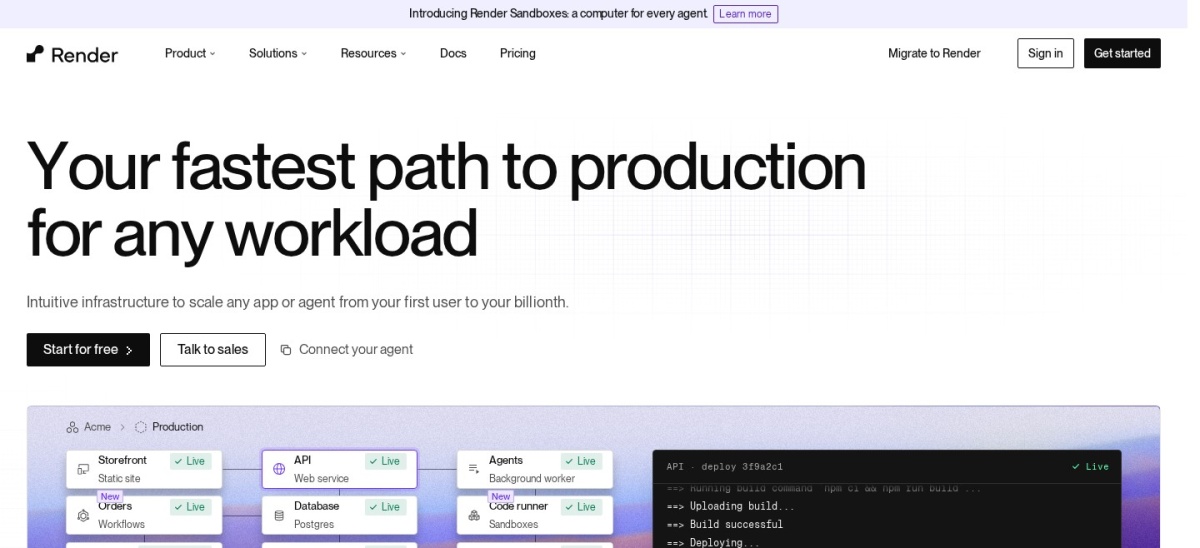
Render is the closest match to Heroku's model: push to Git and it builds, deploys and serves the app, with web services, workers, cron jobs and managed Postgres on one dashboard. The free tier covers web services and one Postgres database, and an always-on Starter web service costs $7 a month on the free Hobby workspace.
The trade off is the free tier's limits. Free web services spin down after 15 minutes without traffic and free databases expire after 30 days, so production needs paid instances. It suits teams that want Heroku's workflow with clearer, flat pricing.
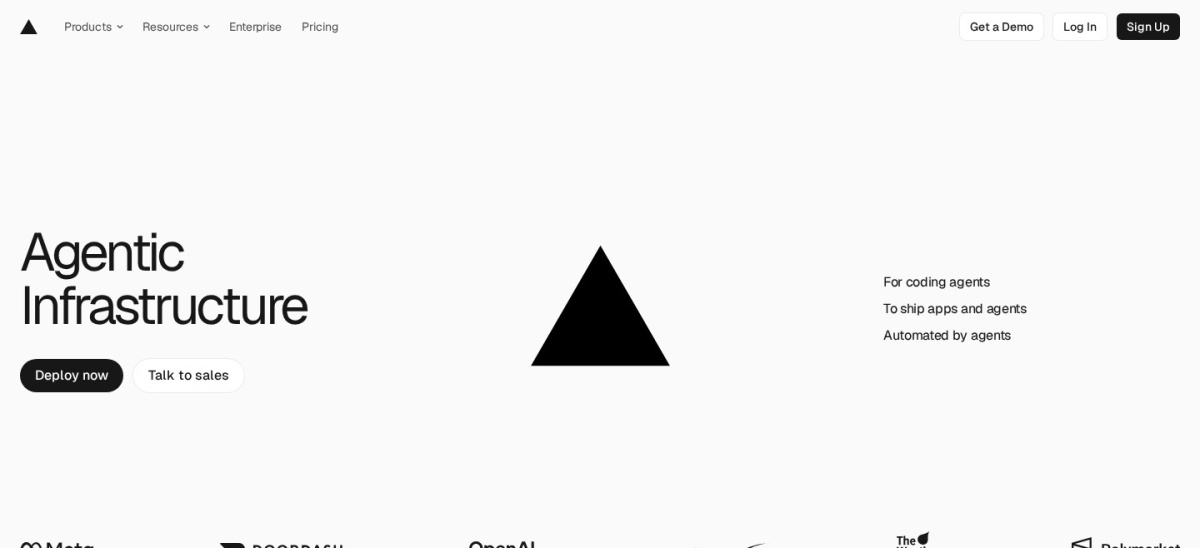
Vercel is the cloud built by the team behind Next.js, and every Git push gets a live preview URL that the team can open before merging. The free Hobby plan covers personal, non-commercial projects, and Pro costs $20 a month for one deploying seat with $20 of usage credit included.
The trade off is that Pro is priced per deploying seat, so a three-person team that deploys pays $60 a month before usage beyond the credit. It suits frontend teams shipping Next.js or other JavaScript frameworks, not teams that need a long-running server.
What we like
Preview deployment for every pull request
Fastest path for Next.js projects
Generous free tier for personal projects
Watch out for
Pro is $20 per deploying seat
No managed database of its own
Usage beyond the credit bills on demand
Pro adds commercial use, analytics and priority supportVisit vercel.com
03
DigitalOcean App Platform
4.6/5on G2 (761 reviews, checked Nov 2026)
Paid from$5/mo
Best fixed-price full-stack option
DeployGitHub, GitLab or Docker
Free plan3 static sites
Managed databasesFrom $7/mo
Regions12 regions
digitalocean.com
DigitalOcean App Platform homepage, captured Nov 2026.
DigitalOcean App Platform deploys apps from Git or a container image with no server to manage, and the smallest paid container costs $5 a month for 1 shared CPU and 512 MB of RAM. The free tier hosts up to three static sites, and managed databases start at $7 a month on the same dashboard.
The trade off is that autoscaling needs a dedicated container, and the $5 container cannot scale automatically. It suits developers who already use DigitalOcean and want one bill for apps, databases and Droplets.
Upsun is the current name for Platform.sh, which rebranded in September 2025. Its standout feature is cloning the whole stack, app plus data, for every Git branch, so each pull request gets a full preview environment. There is a 15-day free trial and no free plan.
The trade off is usage-based billing. The bill starts with a $9 project fee and a $10 user licence each month, then adds hourly CPU, memory and disk, so a small app with one user runs about $19 a month before compute. It suits agencies and teams that live in preview environments.
Railway is the closest spiritual successor to Heroku's early feel: connect a GitHub repo and the app is live in minutes, with one-click Postgres, Redis, MySQL and MongoDB on the same canvas. The free plan includes $1 of usage credit a month, and Hobby costs $5 a month including $5 of usage.
The trade off is usage-based billing. Reviewers praise the deploy experience but call the metered pricing hard to predict, and costs climb as projects grow. It suits side projects, prototypes and small SaaS backends.
Netlify deploys static sites and frontend apps straight from Git, with a preview URL for every pull request and serverless functions for the backend bits. The free plan includes 300 credits a month, and Personal costs $9 a month for 1,000 credits and one team member.
The trade off is that Netlify is built for the frontend. Long-running servers and background jobs belong in serverless functions or another platform, and reviewers note costs get harder to predict as usage grows. It suits marketing sites, docs and Jamstack apps.
Fly.io runs apps as fast-booting microVMs in 35 regions, close to users, with private networking and managed Postgres beside them. There is no monthly platform fee: the smallest always-on machine costs about $2.19 a month, billed per second, and stopped machines cost almost nothing.
The trade off is that Fly.io ended its free tier in 2024, so new accounts get trial credit only, and the workflow is CLI-first with a Dockerfile. It suits latency-sensitive apps and developers who want global placement without a big cloud bill.
What we like
Cheapest entry in this list
Apps run close to users in 35 regions
Per-second billing, scale to near zero
Watch out for
No free tier since 2024
CLI-first, steeper learning curve
G2 rating rests on only 3 reviews
Managed Postgres starts at $38/mo, far above computeVisit fly.io
08
AWS Elastic Beanstalk
4.2/5on G2 (200 reviews, checked Nov 2026)
Paid from$12/mo
Best for teams already on AWS
DeployUpload code or CLI
Platform feeNone
Managed scalingAuto Scaling built in
Paid planFrom ~$12/mo
aws.amazon.com
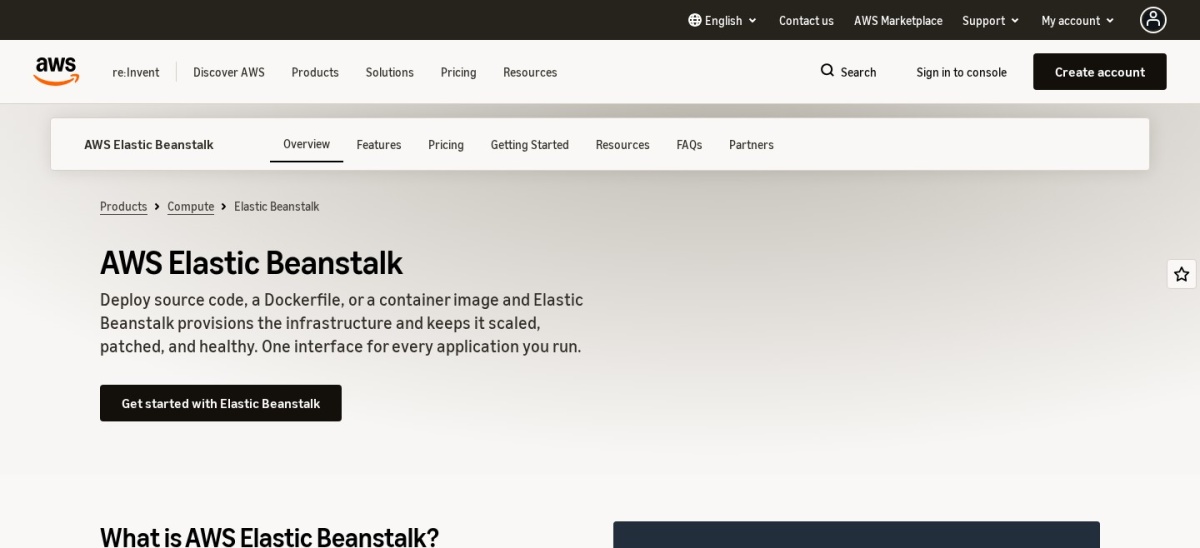
AWS Elastic Beanstalk homepage, captured Nov 2026.
AWS Elastic Beanstalk deploys web apps on EC2 with load balancing, scaling and monitoring handled for you, and the platform itself charges nothing. You pay only for the AWS resources it creates, and AWS estimates about $12 a month for the smallest single-instance environment with one t3.micro instance.
The trade off is that the bill is the AWS bill. A load balancer and a database push a real app well above $12 a month, and configuring IAM roles and VPCs takes more work than a simple PaaS. It suits teams already running on AWS.
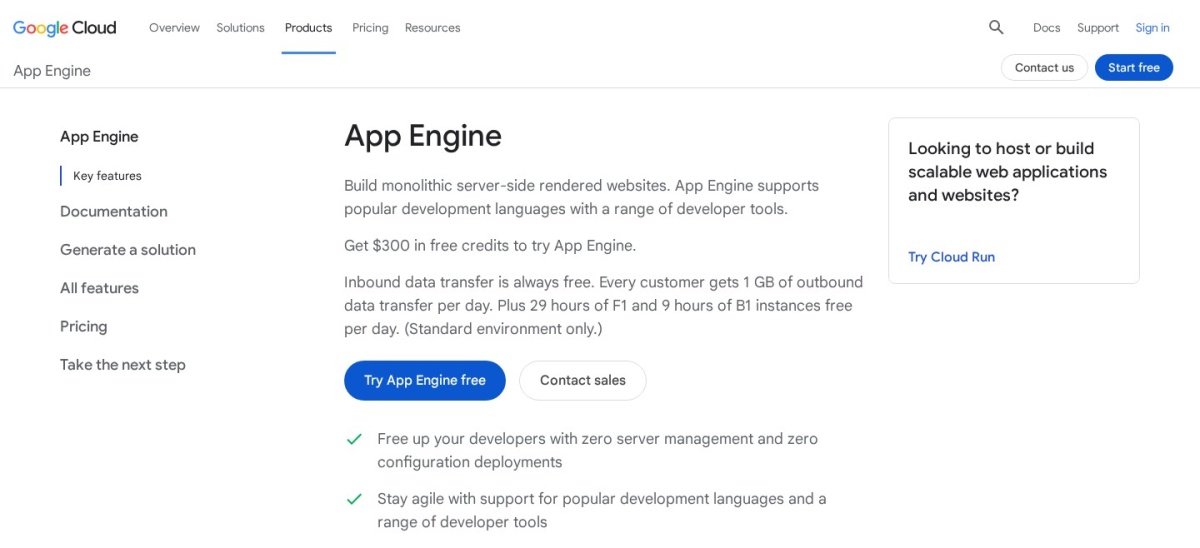
Google App Engine is a fully managed platform that runs apps in a standard or flexible environment with automatic scaling, including scaling to zero. The standard environment gives 28 F1 instance-hours free every day, enough for one small instance running around the clock, and extra F1 hours cost $0.05 each.
The trade off is that the free quota covers only one small instance. A second always-on F1 instance costs about $36.50 a month, and larger instance classes cost more per hour. It suits teams already building on Google Cloud.
Heroku removed its free dynos in November 2022, and the cheapest paid option is now the Eco dyno at $5 a month, which sleeps after 30 minutes without traffic. That change pushed hobby projects and small teams to the platforms in this list.
The cheapest Heroku alternatives undercut that $5 figure: Fly.io starts at about $2.19 a month, and Railway and DigitalOcean App Platform both start at $5 a month with always-on apps included.
The real saving is often the database. Heroku's managed Postgres plans start above the Eco dyno price, while Render includes a free database tier and Railway bundles databases on the same canvas.
How we chose
We started from the platforms most often named as Heroku replacements in developer guides and G2 comparisons, then kept the nine with a public numeric rating and a published pricing page.
Prices come from each vendor's pricing page, checked on 29 November 2026. Ratings and review counts come from G2 on the same day. Where a vendor shows a sale, the list shows the regular price.
We left out self-hosted tools such as Dokku and Coolify because they carry no public user rating and need a server of your own. No vendor paid for a place, and we do not claim hands-on testing for this list.
How to choose a Heroku alternative
Match the platform to what your app actually does, then check the bill for the whole stack, not just the app.
List what Heroku ran for you. An app plus a database plus a worker needs a full PaaS such as Render or Railway. A static site only needs Vercel or Netlify.
Check the database story first. Managed Postgres is the hidden cost. Render, Railway and DigitalOcean sell it beside the app; Fly.io, Vercel and Netlify expect a separate provider.
Decide flat price or metered price. Render, DigitalOcean and Netlify charge flat monthly prices. Railway, Fly.io and Upsun meter usage, which is cheaper when idle and dearer when busy.
Try the free tier before moving anything. Deploy a copy of one service, check cold starts and logs, then move the database last. See our guide on can you host WordPress yourself for a reminder that a move is mostly planning.
FAQ
What is the best Heroku alternative in 2026?
Render is the best Heroku alternative for most teams. Its Git-push workflow, managed Postgres and flat $7-a-month Starter service match Heroku most closely, and it holds a 4.7/5 G2 rating from 85 reviews.
What is the cheapest Heroku alternative?
Fly.io is the cheapest entry at about $2.19 a month for its smallest always-on machine, billed per second. It has no free tier, so Railway at $5 a month or DigitalOcean App Platform at $5 a month are cheaper for always-on apps with a free starting point.
Is there a free Heroku alternative?
Yes. Render, Railway, Vercel, Netlify, DigitalOcean App Platform and Google App Engine all have free tiers, though most limit them: Render's free services sleep, Railway gives $1 of credit a month, and App Engine gives 28 F1 instance-hours a day.
Which Heroku alternative is best for beginners?
Railway is the easiest start: connect a GitHub repo and the app is live in minutes with databases in one click. Render is the better pick once the app needs to stay awake around the clock.
Render vs Railway: which should I choose?
Choose Render for predictable bills and production apps, since its $7 Starter service is flat-priced and always on. Choose Railway for prototypes and side projects, where its $5 Hobby plan and one-click databases get you live fastest.
Can I migrate from Heroku without downtime?
Yes, if you move in stages. Deploy the app on the new platform first, point a test domain at it, then move the database with a dump and restore, and switch DNS last. Keep Heroku running until the new deployment has served real traffic.
SaaS SEO and WordPress specialist with about 8 years of experience. Rakib compares WordPress plugins, themes, hosting and software using public pricing, documentation and user reviews. See how we rank.