Zoho Assist is the best of these GoTo Resolve alternatives for most small support teams: its free plan covers one technician and five unattended computers, and Standard costs $10 per technician a month. Splashtop SOS suits teams that want the highest-rated sessions, while TeamViewer fits shops that need the widest device cover.
How we make this list: we compare pricing pages, product documentation and public user reviews, then re-check every price before each update. No product paid for a place. Disclosure.
Zoho Assist is the only tool here with a free plan for support work: 1 technician and 5 unattended computers.
Splashtop holds the highest G2 rating in this list at 4.8 out of 5 from 1,173 reviews.
Paid plans start at $29.50 a year for RemotePC and climb to $1,548 a year for Atera.
TeamViewer leads on review volume with 4.5 out of 5 from 4,154 G2 reviews.
ScreenConnect and Atera are the picks for MSPs, with per-technician pricing and unattended agents built in.
How do you choose the best GoTo Resolve alternative?
GoTo Resolve combines attended remote support with unattended access, patching and device monitoring, so the closest alternative depends on which half of that job you need most.
If you mostly help people live, pick a support-first tool. Zoho Assist, Splashtop SOS, ScreenConnect and ISL Online sell attended sessions and unattended access as their core product.
If you mostly manage a fleet, pick a tool with monitoring built in. Atera adds patching, ticketing and automation beside remote access, while the simpler tools in this list leave that work to another product.
Price is rarely a single number. Most vendors charge per technician or per concurrent connection, and several show a first-year discount beside a higher regular price, so this list always shows the regular price. Lock down access with multi-factor login, as our guide on adding two-factor authentication to WordPress shows for a different login, the same habit applies to remote tools.
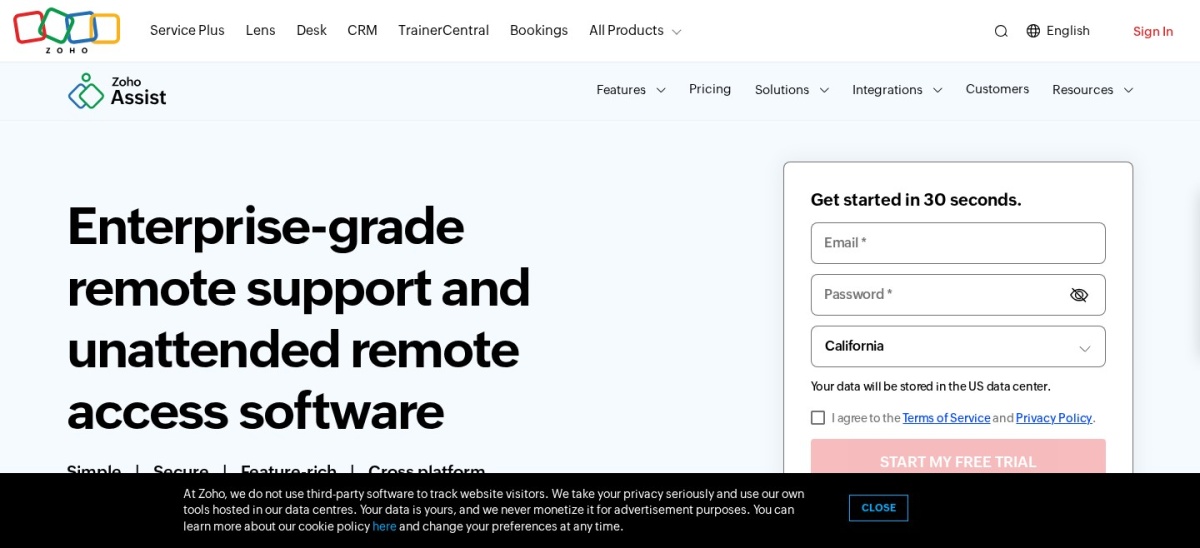
Zoho Assist is a cloud remote support and unattended access tool built for IT technicians and service teams. Its free plan supports one technician, one concurrent session and up to five unattended computers, while Standard starts at $10 per technician per month billed annually ($120 per year).
The trade off is that the free edition leaves out file transfer and reboot-and-reconnect tools, and per-technician pricing adds up as support headcount grows. It suits solo IT helpers and small help desks that want predictable per-technician licensing.
What we like
Free tier covers 1 technician and 5 unattended computers
Standard adds file transfer at $10 per technician a month
Supports Windows, macOS, Linux, ChromeOS, iOS and Android
Separate unattended-access plans from $10 a month
Watch out for
Free plan lacks file transfer and reboot-and-reconnect
Costs scale per technician as the team grows
No built-in patching or device monitoring
Paid plans add branding, mobile control and session recordingVisit zoho.com
02
Splashtop
4.8/5on G2 (1,173 reviews, checked Nov 2026)
Starts at$259/yr
Best for highest-rated support sessions
Entry planSOS, $259/yr
Free planTrial only
LicensingPer concurrent tech
PlatformsWindows, macOS, Linux, mobile
splashtop.com
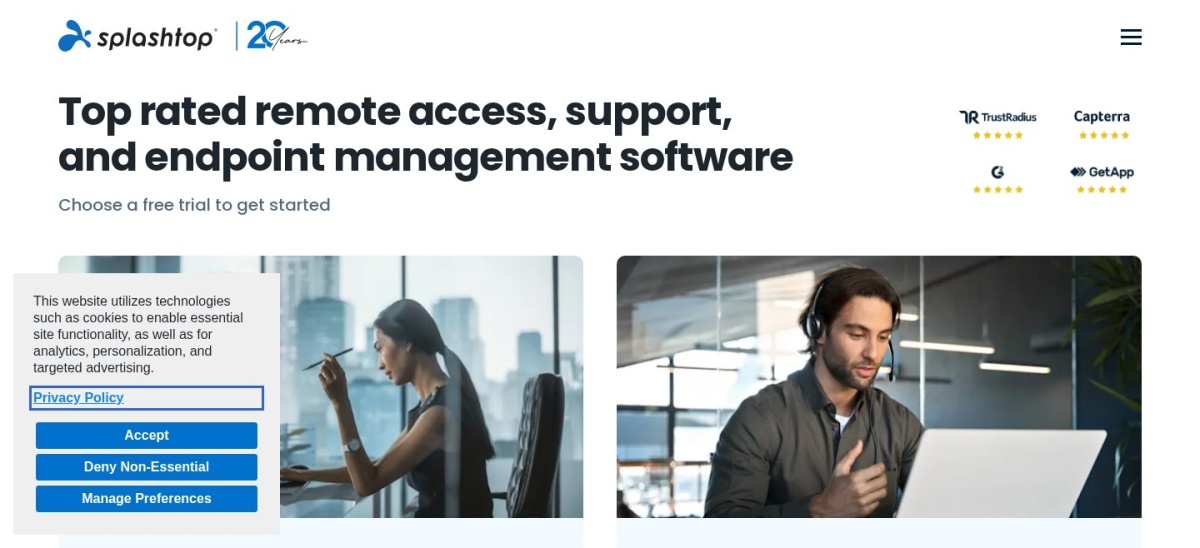
Splashtop homepage, captured Nov 2026.
Splashtop is a remote access and remote support platform built for fast connections across computers and mobile devices. Its SOS product for attended support starts at $259 a year per concurrent technician, with file transfer, chat and remote reboot, while Solo remote access starts lower at $72 a year.
The trade off is that SOS is priced per concurrent technician, so a second technician working at the same time needs a second licence. It suits teams that want fast, reliable sessions and are happy to pay per technician who is online at once.
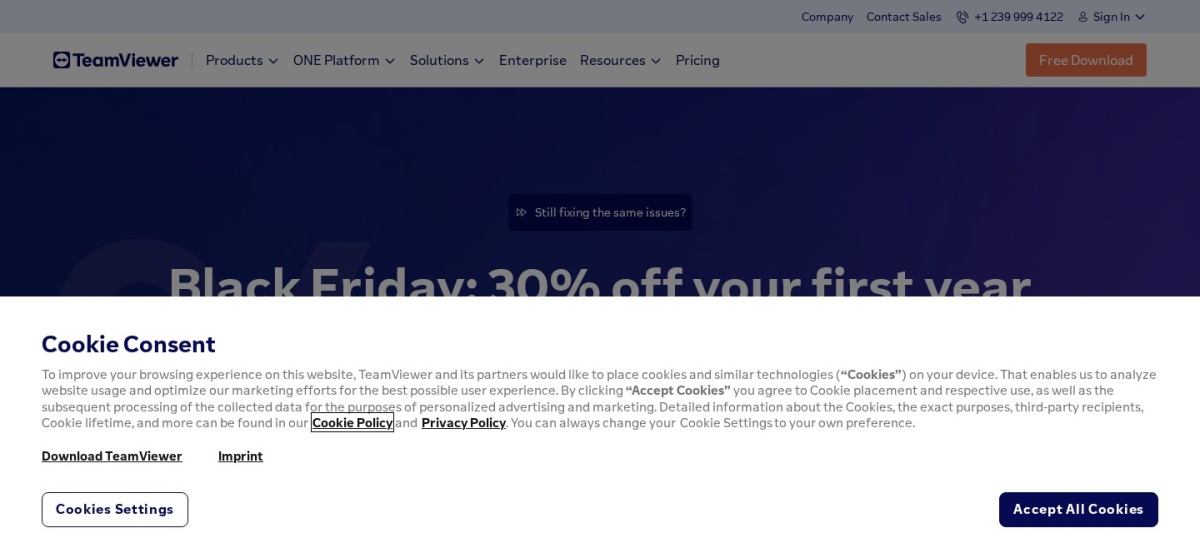
TeamViewer is the most widely deployed remote control platform in this list, with unattended access, attended support sessions and device management in one product. It is free for personal, non-commercial use, while commercial Remote Access starts at $24.90 per month billed annually ($298.80 per year) for one licensed user.
The trade off is price. Business, Premium and Corporate tiers sit above Remote Access at $50.90, $120.90 and $245.90 per month billed annually, and the site shows a first-year discount, so the list price above is the regular rate. It suits teams that need broad device cover and established support workflows.
What we like
Largest review base in this list, 4,154 G2 reviews
Covers desktop and mobile platforms in one licence
Unattended access plus attended support sessions
Free for personal, non-commercial use
Watch out for
Commercial plans cost much more than budget rivals
Free accounts are limited to personal use and can be flagged for business use
ConnectWise ScreenConnect homepage, captured Nov 2026.
ConnectWise ScreenConnect is a remote support and access tool widely used by managed service providers and IT teams. Its One plan starts at $30 per month billed annually ($360 per year) for a single technician and 10 unattended access agents, while Standard and Premium scale by concurrent technician.
The trade off is that pricing rises quickly for multi-technician teams, and its dense console has a steeper learning curve than consumer tools. It suits IT support teams and MSPs that need granular session controls and background administration.
What we like
Fast connections with granular permissions and session control
Background access for troubleshooting without disturbing the user
Cloud or self-hosted deployment
Unlimited unattended agents on Standard and Premium
Watch out for
Higher cost once teams add concurrent technician seats
Interface and setup can feel complex for beginners
AnyDesk is a lightweight remote desktop tool known for a small installer and responsive connections across desktop and mobile systems. It offers a free plan for personal use, while its paid Solo plan lists at $28.90 per month billed annually ($346.80 per year) for one licensed user and one concurrent connection.
The trade off is the first-year discount. The pricing page shows 20% off the first year, at $23.12 a month, so the $346.80 figure is the regular yearly cost. It suits freelancers and technicians who want fast sessions on weak connections.
What we like
Lightweight client with low-latency sessions
Free plan for personal use
100 managed devices for unattended access on Solo
Works across desktop and mobile systems
Watch out for
Solo allows only one concurrent connection
All paid plans are billed annually in advance
No built-in patching or device monitoring
Standard adds team seats and 500 managed devices at $49.90 a monthVisit anydesk.com
06
RealVNC Connect
4.7/5on G2 (441 reviews, checked Nov 2026)
Paid from$8.25/mo
Best for cross-platform VNC access
Entry planEssentials, $8.25/mo
Free planLite, 5 devices
Devices3 on Essentials
Connections1 active connection
realvnc.com
RealVNC Connect homepage, captured Nov 2026.
RealVNC Connect is the cross-platform classic, built on the VNC standard, with strong support for mixed operating systems and Raspberry Pi fleets. Essentials starts at $8.25 per month per active connection billed annually ($99 per year), and the Lite free tier covers 5 devices and 3 users for personal use.
The trade off is the device cap. Essentials allows only 3 managed devices and one user, so larger fleets must move to Plus or Premium. It suits mixed-platform setups and Pi fleets that want the open VNC standard.
What we like
Built on the open VNC standard
Free Lite tier for 5 devices and 3 users
Strong Raspberry Pi and mixed-platform support
Low entry price at $99 a year
Watch out for
Essentials caps managed devices at 3
Priced per active connection, so costs rise with concurrency
No built-in patching or ticketing
Plus adds more devices and file transfer at $16.50 a monthVisit realvnc.com
07
RemotePC
4.7/5on G2 (717 reviews, checked Nov 2026)
Starts at$29.50/yr
Best for low-cost multi-computer access
Entry planConsumer, $29.50/yr
Free planTrial only
Computers1 on entry plan
Higher tiersSOHO $99.50, Team $299.50
remotepc.com
RemotePC homepage, captured Nov 2026.
RemotePC is a remote desktop service focused on always-on access to computers from desktop or mobile devices and web browsers. Its entry plan lists at $29.50 per year for one user and one computer, with a first-year discount sometimes shown below that regular price, and higher tiers scale to 10 or 50 computers.
The trade off is that there is no permanent free edition, and some reviewers report occasional connection drops or display scaling quirks. It suits budget-minded users and small offices that want inexpensive unattended access to several machines.
What we like
Lowest flat yearly starting price in this list at $29.50
Includes file transfer, remote printing and browser access
ISL Online is a remote support tool for attended sessions by session code and unattended access through its AlwaysOn agent. Starter costs $16.90 per concurrent technician a month billed annually ($202.80 per year) for one user and 10 managed devices, while Standard at $34.90 a month covers 40 users and 1,000 devices.
The trade off is concurrency. You buy licences per technician working at once, so a busy desk needs more licences, and the self-hosted licence costs $44.90 a month. It suits teams that want cloud or self-hosted deployment and predictable per-technician pricing.
What we like
Cloud, self-hosted or private-cloud deployment
Session-code support with no install for the user
Unattended access through the AlwaysOn agent
15-day free trial with no credit card
Watch out for
No permanent free plan
Licences are per concurrent technician, so busy desks pay more
Atera is an all-in-one IT management platform covering remote monitoring, patch management, ticketing and remote access in one product. Its MSP Pro plan costs $129 per technician a month billed annually ($1,548 per year), and each licensed technician can manage unlimited endpoints.
The trade off is price and scope. It costs far more than a support-only tool, and small teams may never use its PSA or automation features. It suits MSPs and IT departments that want monitoring, patching and support in one per-technician licence.
What we like
Remote access plus patching, ticketing and automation
Per-technician pricing with unlimited endpoints
Transparent public pricing from $129 a month
30-day free trial with no credit card
Watch out for
Highest starting price in this list
More platform than a support-only team needs
IT department plans start higher, at $149 a month
Growth adds automation and asset management at $159 a monthVisit atera.com
Remote support vs remote access: know the difference
Remote support tools are built for helping other people. They start sessions by code or link, with chat, file transfer and session notes for the person being helped.
Remote access tools are built for reaching your own machines. They focus on unattended connections, Wake-on-LAN and multi-monitor views, and some cover only your own computers.
GoTo Resolve covers both, so check which half each alternative covers before you switch. Our guide on running a WordPress security audit shows the same habit of checking what a tool actually covers before relying on it.
If you need both halves, pair a cheap access tool with a support tool, or pick Atera or ScreenConnect, which cover both in one licence.
How we chose
We started from the remote support tools most often listed as GoTo Resolve rivals on G2 and Capterra, then kept the nine with a public price, a public rating and a plan that covers attended support or unattended access.
Prices come from each vendor's pricing page, checked on 29 November 2026. Ratings and review counts come from G2 on the same day. Where a vendor shows a sale, the list shows the regular price.
We left out tools with no public price and LogMeIn Resolve, which shares GoTo Resolve's own product line. No vendor paid for a place, and we do not claim to have used these tools ourselves.
How to choose a GoTo Resolve alternative
Start with who you support and how many technicians work at once, then match the licence to that.
Count concurrent technicians, not total staff. Most of these tools charge per technician working at once, so a desk with three people on shift needs three licences, not one per employee.
Decide if you need unattended access. If you patch or fix machines overnight, you need unattended agents. Zoho Assist, ScreenConnect, Splashtop and ISL Online all include them; check the device cap on each plan.
Check whether you need monitoring too. If patching and alerts matter, Atera covers them in one licence. Otherwise a support-only tool plus your existing monitoring is usually cheaper.
Try the free plan or trial with a real session. Run an attended session and an unattended reboot on the plan you would buy, and check file transfer and session recording before you pay.
FAQ
What is the best GoTo Resolve alternative in 2026?
Zoho Assist is the best GoTo Resolve alternative for most small support teams. Its free plan covers one technician and five unattended computers, Standard costs $10 per technician a month, and it holds a 4.7 out of 5 rating on G2 from 767 reviews.
How much does a GoTo Resolve alternative cost?
Prices in this list run from $29.50 a year for RemotePC to $1,548 a year for Atera. Most support-focused tools cost $10 to $30 per technician a month, with Zoho Assist cheapest at $10 and ScreenConnect at $30.
Is there a free GoTo Resolve alternative?
Yes. Zoho Assist has a free plan for one technician and five unattended computers, TeamViewer and AnyDesk are free for personal use, and RealVNC Connect has a free Lite tier for 5 devices. Splashtop, ScreenConnect, RemotePC, ISL Online and Atera offer trials instead.
Which GoTo Resolve alternative is best for beginners or small teams?
Zoho Assist is the easiest starting point for a small team, because its free plan covers real support work and Standard costs $10 per technician a month. Splashtop SOS is the next step up if you want the highest-rated sessions at $259 a year.
Zoho Assist vs Splashtop: which is better as a GoTo Resolve alternative?
Zoho Assist wins on price and its free plan, at $10 per technician a month against $259 a year for Splashtop SOS. Splashtop wins on rating, at 4.8 out of 5 on G2 against 4.7 for Zoho Assist, and on session speed.
Do these alternatives offer unattended access?
Yes, all nine offer unattended access, but the caps differ. Zoho Assist covers 5 computers free, ScreenConnect allows 10 agents on One and unlimited on Standard, and Atera allows unlimited endpoints per technician.
Which GoTo Resolve alternative is best for an MSP?
Atera is the best pick for an MSP that also wants monitoring, patching and ticketing, at $129 per technician a month with unlimited endpoints. ScreenConnect is the cheaper MSP pick at $30 a month for support alone.
SaaS SEO and WordPress specialist with about 8 years of experience. Rakib compares WordPress plugins, themes, hosting and software using public pricing, documentation and user reviews. See how we rank.