Runway is the best free Kling AI alternative for image to video in 2026, offering 125 one-time free credits, its Gen-4.5 model, and a full browser video editor before paid plans start at $12/month billed annually. For daily free credits without a subscription, PixVerse provides 60 daily credits, while Canva fits quick 4-second social clips.
How we make this list: we compare pricing pages, product documentation and public user reviews, then re-check every price before each update. No product paid for a place. Disclosure.
Runway includes 125 one-time free credits with watermarked exports, then unlocks watermark-free 1080p and 4K upscaling at $12/mo billed annually ($15/mo monthly).
PixVerse refreshes 60 free credits daily after 90 signup credits, though its $10/mo Standard tier caps resolution at 720p until Pro at $30/mo.
Krea AI supplies 100 free compute units every day for LTX-2 19B clips, with paid Basic plans starting at $9/mo ($5.25/mo billed annually).
Vidu and Hailuo AI both offer free starter credits for multi-reference or character animation, with annual paid tiers starting at $99/yr and $100.80/yr.
Free plans across nearly every image-to-video tool add watermarks or block commercial rights, making $96/yr to $180/yr entry plans mandatory for client work.
What makes a good free Kling AI alternative for image to video?
Kling AI sets a high bar with 66 daily free credits and realistic physics, so any free replacement must give you enough starter or daily credits to test motion before you pay. Most free tiers fall into two camps: one-time trial balances like Runway and Hailuo AI, or small daily allowances like PixVerse and Krea AI that reset every 24 hours.
Credit math matters far more than headline monthly prices once you move past a free tier. A $10/month plan can buy 60 fast draft clips on Pika H3 Flex or just four 5-second clips on Seedance 2.5 at 720p, and unused monthly credits expire at the end of every billing cycle.
Commercial rights and watermarks are the real paywall across image-to-video generators in 2026. Pika removes watermarks on its Free plan but withholds commercial licensing until Starter ($8/mo billed annually), while Runway allows commercial use on Free but requires Standard ($12/mo billed annually) to remove watermarks.
Cheapest paid planStandard at $12/mo billed yearly ($15/mo)
Watermark & rightsCommercial rights on Free; watermark removed on Paid
runwayml.com
Runway homepage, captured Nov 2026.
Runway is a browser-based AI video studio that combines image-to-video generation with a built-in multitrack timeline editor. Its Free plan includes 125 one-time credits that never expire, 5GB of asset storage, and commercial rights on watermarked exports.
The trade off is that free credits do not refresh monthly, so regular creators must upgrade to Standard at $12/month billed annually ($15/month monthly, with an extra 30% first-year promo) for 625 monthly credits and watermark-free output. It suits filmmakers and editors who want generation and trimming in one workspace.
What we like
Includes a built-in browser editor alongside Gen-4.5 and third-party models
Free plan grants commercial usage rights without a credit card
Standard tier adds 4K upscaling and removes watermarks
Watch out for
125 free credits are one-time only and do not renew
625 monthly credits on Standard cover only 52 seconds of Gen-4.5 video
Seedance 2.5 requires upgrading to Pro at $28/mo billed yearly
Standard ($12/mo billed yearly) adds 625 monthly credits, 4K upscaling, and watermark removal.Visit runwayml.com
Core modelsPixVerse V5.5/V6, Seedance 2.5, Kling 4.0, Wan 3.0
Cheapest paid planStandard at $8/mo billed yearly ($10/mo)
Watermark & rightsWatermarked on Free; watermark-free on Paid
pixverse.ai
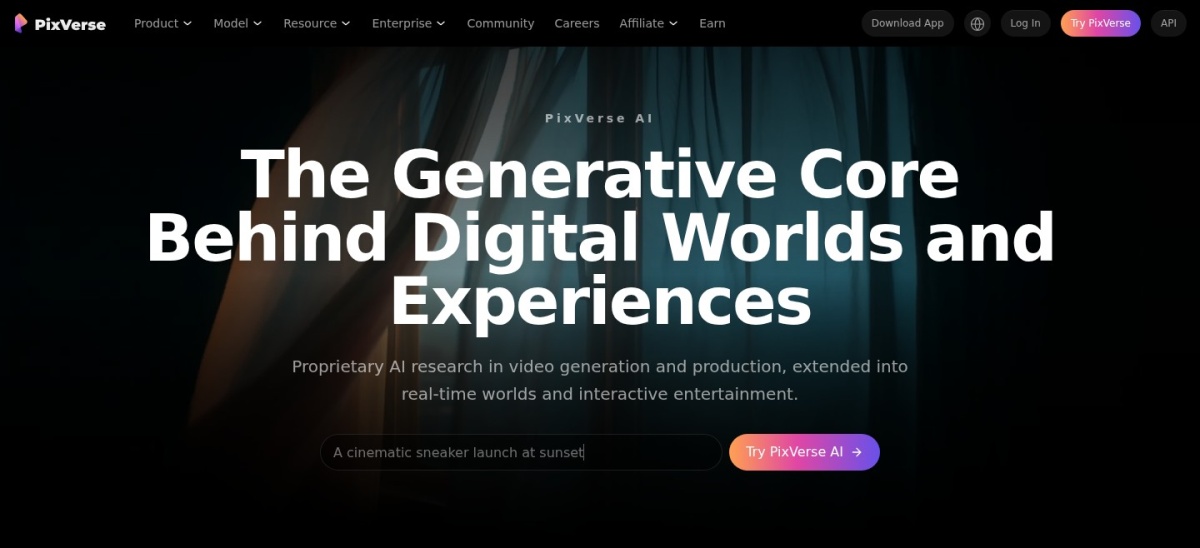
PixVerse homepage, captured Nov 2026.
PixVerse is a fast image-to-video platform built for short social clips, anime styles, and rapid prompt testing. Its free Basic tier grants 90 initial signup credits plus 60 daily credits that reset at 0:00 UTC, letting you generate roughly one 540p clip per day at no cost.
The trade off is that unused daily free credits expire every 24 hours, and the $8/month Standard plan ($10/month billed monthly, 1,200 credits) caps output resolution at 720p. It suits social creators who want a recurring daily free tier or low-cost entry pricing.
What we like
60 free credits refresh every day for ongoing experimentation
Preview Mode cuts credit usage by 20% on paid plans for draft testing
Supports multi-model generation including Seedance 2.5 and Kling 4.0
Watch out for
Standard paid tier caps exports at 720p instead of 1080p
Daily free credits do not roll over if you skip a day
Mixed customer service ratings on Trustpilot regarding billing and prompt drift
Standard ($8/mo billed yearly) removes watermarks and adds 1,200 monthly credits at 720p.Visit pixverse.ai
03
Krea AI
3.6/5on Trustpilot (187 reviews, checked Nov 2026)
Cheapest paid planBasic at $5.25/mo billed yearly ($9/mo)
Key controlsStart/end keyframes, lip-sync, video upscaling
krea.ai
Krea AI homepage, captured Nov 2026.
Krea AI is a multi-model creative suite that lets you animate start and end keyframes across several video engines from one dashboard. Its Free plan supplies 100 compute units every day without a credit card, covering roughly two 5-second LTX-2 19B clips at 512p.
The trade off is that frontier models like Kling 4.0 and Veo 3.1 require a paid subscription, and Basic ($5.25/month billed annually or $9/month monthly for 5,000 units) still restricts access to selected video models. It suits visual artists who want daily free units and keyframe control.
What we like
100 free compute units refill daily with no credit card required
Supports start-frame and end-frame interpolation for controlled camera moves
Cheapest paid entry tier on the list at $63/yr billed annually
Watch out for
Free plan limits video generation primarily to LTX-2 19B at 512p–768p
Full video model catalog requires Pro at $35/mo monthly
Commercial licensing terms on the Free tier are not clearly stated
Core modelsVidu Q3, Vidu Q4 preview (up to 16s clips)
Cheapest paid planStandard at $8.25/mo billed yearly ($10/mo)
Standout featureUp to 7 reference images for character lock
vidu.com
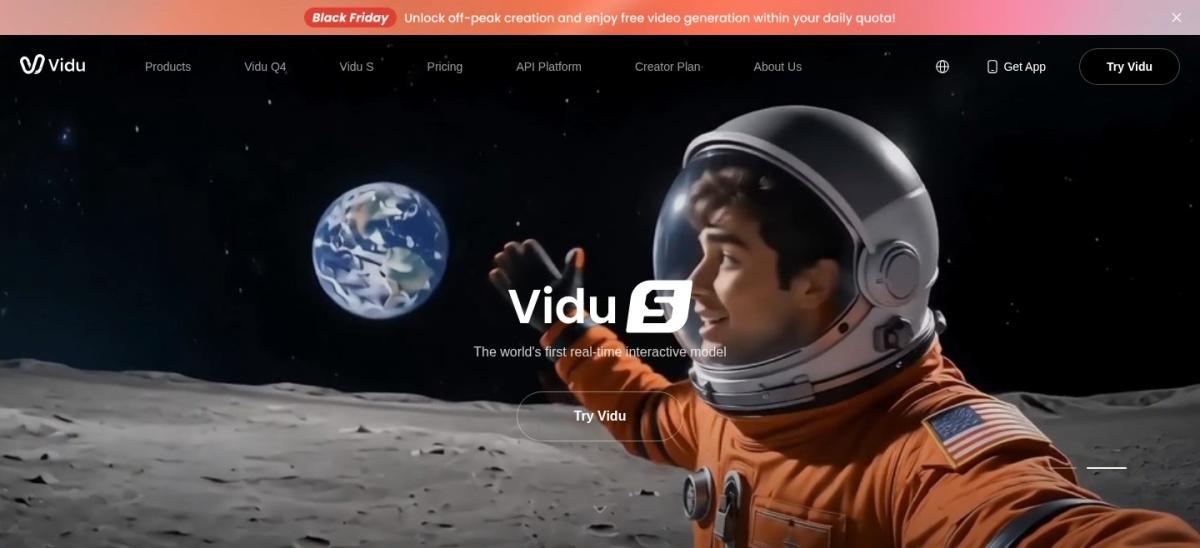
Vidu homepage, captured Nov 2026.
Vidu is an AI video generator known for anime rendering, native dialogue audio, and multi-reference consistency across scenes. Its Free plan provides signup trial credits, daily login bonuses, and up to 10 monthly references on 540p Q4 generations.
The trade off is that free generations are capped at 540p and commercial usage requires upgrading to Standard at $8.25/month billed annually ($99/year, or $10/month monthly) for 800 monthly credits and 1080p output. It suits animators and storytellers keeping characters consistent across multiple shots.
What we like
Reference-to-video locks character appearance across multiple reference images
Vidu Q3 generates synchronized speech, sound effects, and music in one pass
Supports 3-to-16-second clip durations on paid tiers
Watch out for
Free tier restricts output resolution to 540p
Subscription credits expire every 30 days without rollover
Standard ($8.25/mo billed yearly) unlocks 800 monthly credits, 1080p resolution, and commercial rights.Visit vidu.com
05
Hailuo AI
1.4/5on Trustpilot (96 reviews, checked Nov 2026)
Paid from$8.40/mo
Best for human facial expressions & lip movement
Free allowanceOne-time trial credits (100–150 on signup)
Core modelsMiniMax H3 (up to 2K), Hailuo 2.3
Cheapest paid planStandard at $8.40/mo billed yearly ($14.99/mo)
Credit rate~7 credits/sec at 768p, ~12 credits/sec at 2K
hailuoai.video
Hailuo AI homepage, captured Nov 2026.
Hailuo AI, built by MiniMax, focuses on realistic human movement, facial expressions, and 2K image-to-video generation. New users receive one-time free trial credits on signup—typically 100 to 150 credits—enough for roughly six to eight 6-second clips at 768p.
The trade off is that free credits never refill and exports carry a watermark until you subscribe to Standard at $8.40/month billed annually ($100.80/year, or $14.99/month monthly) for 1,000 monthly credits. It suits creators animating portraits and human subjects on a tight budget.
What we like
Natural facial micro-expressions and lip movement on portrait inputs
MiniMax H3 supports up to 2K output resolution
Annual Standard billing drops effective cost to $8.40/mo
Watch out for
Free credits are one-time only with no monthly replenishment
1,000 credits on Standard yield only about 84 seconds of 2K H3 video
Poor Trustpilot feedback (1.4/5 across 96 reviews) around billing cancellations
Standard ($8.40/mo billed yearly) adds 1,000 monthly credits and removes watermarks.Visit hailuoai.video
06
Pika
2.3/5on Trustpilot (82 reviews, checked Nov 2026)
Paid from$8/mo
Best for stylized social effects & watermark-free drafts
Free allowance$0 plan with no monthly credits (credit packs only)
Core modelsPika H3 Flex, Pika 2.5, Seedance 2.5, Kling 4.0
Cheapest paid planStarter at $8/mo billed yearly ($10/mo)
Watermark & rightsNo watermark on Free; commercial license on Paid
pika.art
Pika homepage, captured Nov 2026.
Pika is an AI video and audio suite built around fast social clips, object swaps, and stylized Pikaffects. Its $0 Free plan unlocks all models and exports without a watermark, but includes zero monthly credits—requiring a one-time $25 credit pack (1,500 credits) unless you catch a launch bonus.
The trade off is that Pika's free tier is effectively a pay-as-you-go wallet with no commercial license until you join Starter at $8/month billed annually ($96/year, or $10/month monthly) for 600 monthly credits. It suits social creators making playful edits and product ads.
What we like
Zero watermarks on every plan, including Free
Pika H3 Flex drafts cost just 10 credits per 5-second clip (60 drafts on Starter)
Top-up credit packs stay valid for 365 days
Watch out for
Free plan includes 0 recurring monthly credits
Commercial licensing is locked behind paid subscriptions
High-end models like Seedance 2.5 1080p consume 299 credits per 5-second clip
Starter ($8/mo billed yearly) adds 600 monthly credits and a full commercial license.Visit pika.art
Core modelsFirefly Video, Veo, Kling 2.5 Turbo, Flux.2 Pro
Cheapest paid planFirefly Standard at $9.99/mo
Monthly allowance2,000 credits (up to 20 five-second videos)
adobe.com
Adobe Firefly homepage, captured Nov 2026.
Adobe Firefly is a web and mobile generative suite trained exclusively on licensed Adobe Stock and public-domain content, paired with partner models like Kling and Veo. A free Adobe account includes a small starter batch of generative credits to test image-to-video inside its multitrack editor.
The trade off is that free video generations run out quickly, and Firefly Standard at $9.99/month ($119.88/year) caps output at 2,000 monthly credits—roughly 20 five-second videos. It suits agencies and brand teams that need copyright-indemnified assets inside an Adobe workflow.
What we like
Native Firefly models are trained strictly on licensed stock and public domain media
Includes a multitrack timeline editor for layering video and audio
Integrates directly with Photoshop, Express, and Premiere workflows
Watch out for
Free credit allowance covers only a handful of test video renders
2,000 credits on Standard cap out at 20 five-second clips per month
Firefly Pro ($19.99/mo regular, $9.99/mo 6-month promo) is needed for Photoshop web/mobile
Firefly Standard ($9.99/mo) includes 2,000 monthly credits for up to 20 five-second videos.Visit adobe.com
08
Canva
4.7/5on G2 (7,970 reviews, checked Nov 2026)
Paid from$15/mo
Best for quick social graphics & zero-learning-curve clips
Free allowanceUp to 20 Premium AI uses/mo + 5GB storage
Video output4-second silent clips via Magic Media
Cheapest paid planCanva Pro at $15/mo billed yearly ($18/mo)
Rating volume4.7/5 across 7,970 G2 & 13,593 Capterra reviews
canva.com
Canva homepage, captured Nov 2026.
Canva is an all-in-one visual design platform that turns static images into short video clips through its built-in Magic Media app. Its Free tier includes 5GB of cloud storage and up to 20 Premium AI uses per month, letting you animate product photos directly inside social templates.
The trade off is that Magic Media restricts clips to 4 seconds with no native audio and lacks camera-path or physics controls, while Canva Pro costs $15/month billed annually ($180/year, or $18/month monthly). It suits marketers already building social posts in Canva.
What we like
Zero extra setup if you already design social posts or slides in Canva
Includes 1.6M+ free templates and a drag-and-drop timeline for text overlays
Highest user satisfaction ratings in this roundup (4.7/5 across 7,970 G2 reviews)
Watch out for
AI video clips are fixed at 4 seconds with no generated audio
Lacks fine-grained camera motion, keyframe, or character-lock controls
Highest annual entry price on this list at $180/yr for solo Pro
Canva Pro ($15/mo billed yearly) multiplies AI usage limits by 10x and unlocks 100GB storage and Brand Kits.Visit canva.com
How free credits actually translate to video seconds
Headline credit numbers mislead buyers because every model burns credits at a completely different rate. On PixVerse, 60 daily free credits buy one 5-second draft at 540p, whereas a single 5-second 1080p clip on Seedance 2.5 costs 299 credits on Pika—nearly half of a paid Starter plan's monthly budget.
If you want to stay strictly on free tiers without paying, pair a daily-refresh tool like PixVerse (60 credits/day) or Krea AI (100 units/day) for prompt testing with a one-time credit bank like Runway (125 credits) for your final hero shot.
How we chose
We evaluated standalone AI video generators and creative suites that support image-to-video animation on a free plan or free starter credit tier without requiring an upfront subscription.
All prices, credit allowances, G2 ratings, Capterra ratings, and Trustpilot scores were checked directly on vendor pricing pages and public review profiles on 29 Nov 2026. Where vendors display temporary promotional discounts—such as Runway's 30% first-year offer or Adobe's 6-month promo—we listed the regular annual or monthly base rate in our comparison table.
We excluded enterprise-only APIs with no web interface, tools without an image-to-video upload workflow, and platforms that hid regular pricing behind sales calls. No vendor paid for a place, and we do not claim testing for this list.
How to choose a free Kling AI alternative for image to video
Follow these four steps to match an image-to-video platform to your budget, clip length, and commercial licensing needs:
Decide between daily refills and one-time trial credits. Pick PixVerse or Krea AI if you want small daily allowances that reset every 24 hours, or choose Runway and Hailuo AI if you prefer a larger one-time credit bank to test a single project.
Check watermark and commercial license rules before publishing. Runway grants commercial rights on its Free plan but adds a watermark, whereas Pika removes watermarks on Free but requires a paid subscription for commercial client work.
Calculate cost per 5-second clip rather than monthly credit totals. Compare how many 720p or 1080p clips a starter tier actually renders—600 credits on Pika Starter covers 60 fast Pika H3 Flex drafts but only four 720p Seedance 2.5 clips.
Match the engine to your subject type. Use Hailuo AI for human facial expressions, Vidu for anime and multi-reference character consistency, Adobe Firefly for copyright-safe brand work, and Runway when you need a timeline editor.
FAQ
What is the best free Kling AI alternative for image to video in 2026?
Runway is the best overall free Kling AI alternative for image to video, giving you 125 one-time free credits, Gen-4.5 motion control, and a full browser video editor. Paid plans start at $12/month billed annually to remove watermarks.
Which Kling AI alternative gives free credits every day?
PixVerse refreshes 60 free credits every day at 0:00 UTC after an initial 90 signup credits, and Krea AI refills 100 free compute units daily. Both require you to use the daily balance before it expires.
Can I remove watermarks on free image-to-video AI tools?
Pika exports videos without a watermark on its $0 Free plan, though it includes zero recurring monthly credits. Nearly all other tools—including Runway, PixVerse, and Hailuo AI—require a paid plan starting between $8 and $12/month billed annually to remove watermarks.
Which free Kling AI alternative is best for anime and consistent characters?
Vidu is the strongest option for anime styles and character consistency because its reference-to-video workflow lets you upload up to seven reference images per scene. Its free tier supports 540p clips, while 1080p starts at $8.25/month billed annually.
How do Runway and PixVerse compare as Kling AI replacements?
Runway is better for filmmakers and editors who want a timeline workspace, commercial rights on Free, and 4K upscaling starting at $12/month billed annually. PixVerse is better for daily free testing (60 credits/day) and fast social clips, though its $8/month annual tier caps output at 720p.
What is the most copyright-safe Kling AI alternative for commercial brands?
Adobe Firefly is the safest choice for commercial brands because its native video model is trained exclusively on licensed Adobe Stock and public-domain content. Paid Firefly Standard plans start at $9.99/month for 2,000 credits.
SaaS SEO and WordPress specialist with about 8 years of experience. Rakib compares WordPress plugins, themes, hosting and software using public pricing, documentation and user reviews. See how we rank.