Are.na is the best of the Pinterest alternatives without AI, with a free plan for 200 blocks and Premium at $70 a year, rated 4.9 out of 5 on the App Store. For a closer visual match try Cosmos, and for client mood boards pick Milanote.
How we make this list: we compare pricing pages, product documentation and public user reviews, then re-check every price before each update. No product paid for a place. Disclosure.
Are.na is the purest no-AI pick: ad-free channels, no feed and no generated images, with Premium at $70 a year.
Cosmos is the closest visual match to early Pinterest, with a setting to hide AI images, and Premium at $8 a month.
Savee's feed is designer-curated with no ads or algorithm, but Pro costs $9 a month billed yearly.
Raindrop.io has the cheapest paid plan here at $28 a year, with unlimited bookmarks on the free plan.
Dribbble Pro Lite at $4 a month is the cheapest monthly upgrade, but uploading your own work needs Pro.
Every tool here has a free plan. Paid plans run from $28 to $240 a year.
How do you choose Pinterest alternatives without AI?
No single tool replaces all of Pinterest. The honest split is between browsing for ideas, saving your own boards and planning projects, and each tool here is strong at one of those three jobs.
Human saving is the test that matters. On every tool in this list the feed comes from accounts you follow and boards you build yourself, not from a recommendation engine filling space with generated pictures.
Design discovery is the strongest half of this list. Behance, Dribbble, Savee and Cosmos all show work made by people, and if you want your own showcase our portfolio site guide walks through the WordPress route.
Free plans are real products here. All nine tools can be used free, and the paid plans that matter most cost $28 to $120 a year, so the deciding factor is the free cap, not the price.
Some tools sell optional AI extras on top. Cosmos offers AI search and tagging you can skip, and Raindrop Pro adds an AI assistant, so check the plan page before you pay if you want zero AI.
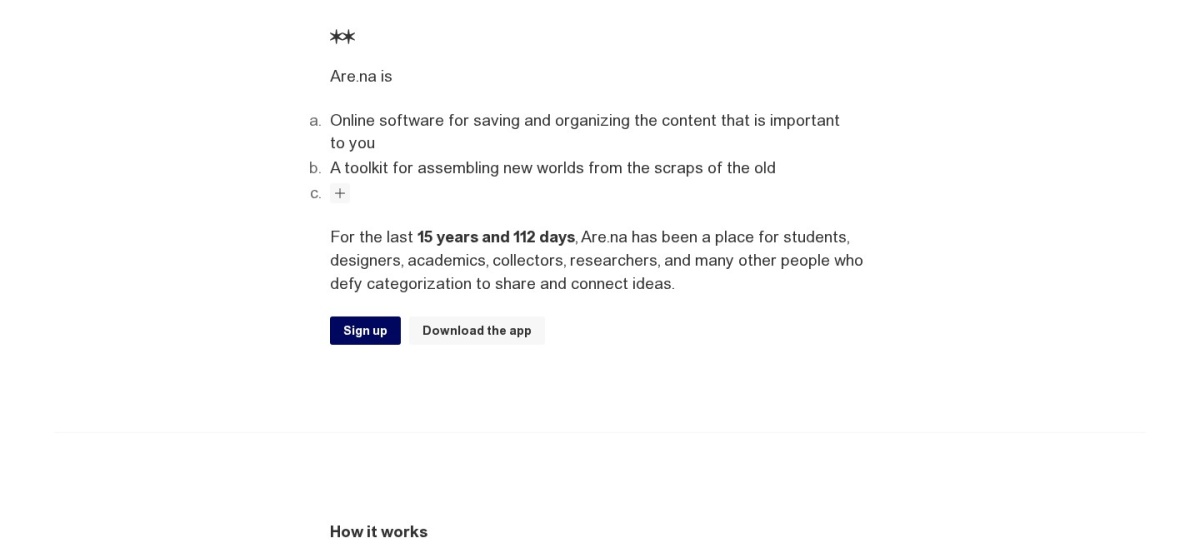
Are.na is a collecting tool built around channels, its word for boards, where you save images, links, text and files and connect them to other channels. The free Guest plan covers 200 blocks, with open, closed or private channels, and there are no ads and no generated content in the feed.
The trade off is the plain design. Are.na has no visual flood to browse, so discovery is slower and mainstream topics such as recipes are thin. Premium costs $70 a year for unlimited blocks, table view and presentation mode. It suits researchers and designers who want a quiet place to think.
What we like
No ads, no feed and no generated images
Channels connect ideas across collections
Member-funded, not ad-funded
Free plan is genuinely usable
Watch out for
Plain design feels stark after Pinterest
Slow discovery, little mainstream content
Premium adds unlimited blocks, table view and presentation modeVisit are.na
02
Cosmos
4.7/5on App Store (5,900 reviews, checked Nov 2026)
Paid from$8/mo
Best visual match to early Pinterest
Free planYes, with limits
CollectionsClusters
AI imagesHide, blur or show
Entry paid planPremium, $8/mo
cosmos.so
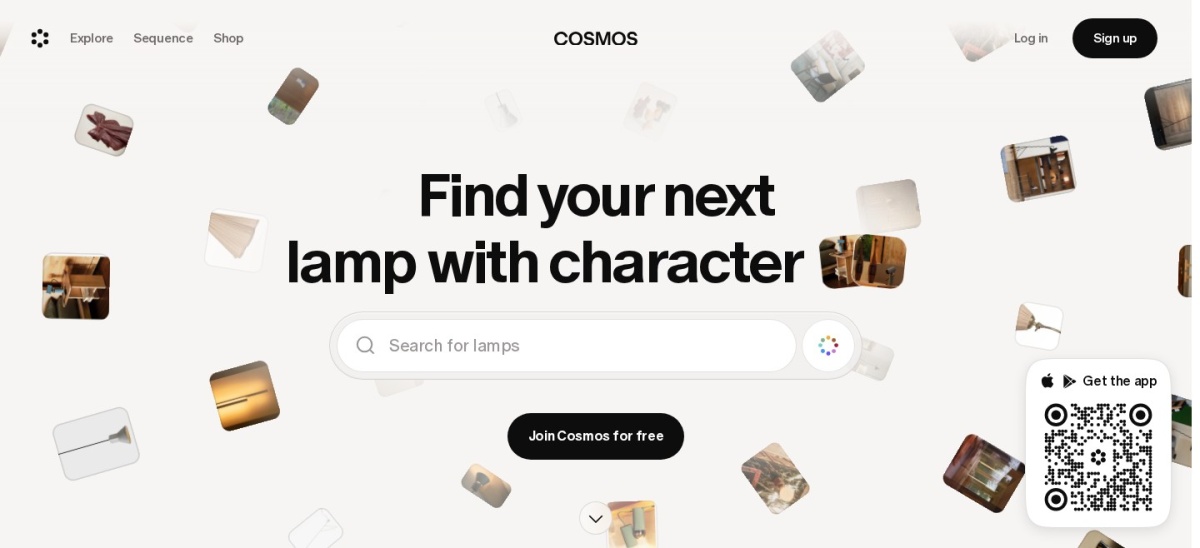
Cosmos homepage, captured Nov 2026.
Cosmos is a visual collecting app where you save images, videos and links into clusters, follow people whose taste you trust, and browse a feed made of what they saved. There are no ads, no likes and no comments, and you can import Pinterest boards instead of starting over.
The trade off is size. Cosmos is a smaller, newer community, so niches outside visual culture are patchy, and shopping links barely exist. Premium costs $8 a month, and its optional AI search and tagging can be skipped. It suits designers and photographers who want the early Pinterest feeling back.
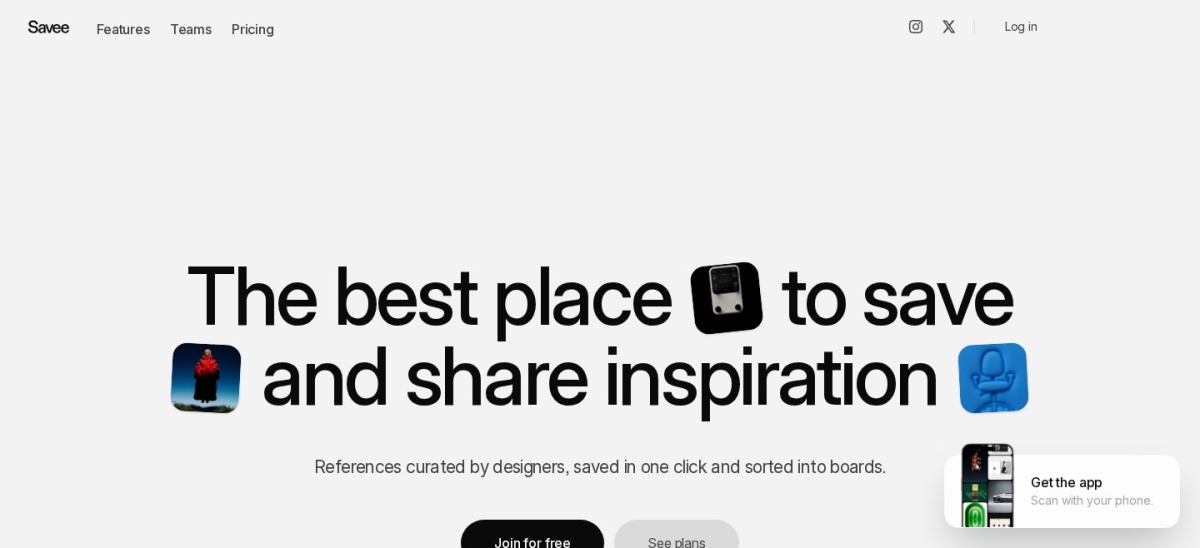
Savee is a visual bookmarking platform used heavily by designers and art directors. You save images from any site with a browser extension, organise them into boards, and follow other collectors whose boards act as a quality filter. The feed shows their saves, not generated or promoted content.
The trade off is scope. The design focus means recipes, home projects and parenting boards are sparse, and the free plan's limits are not spelled out. Pro costs $9 a month billed yearly for unlimited saves and private boards. It suits designers who want a sharper feed than Pinterest.
What we like
High standard of imagery from designers
Browser extension saves in one click
No ads and no algorithm in the feed
Figma plugin on Pro
Watch out for
Thin on lifestyle and home content
Free-plan limits not published
Pro adds unlimited saves, private boards and search by colourVisit savee.it
04
Milanote
4.5/5on G2 (43 reviews, checked Nov 2026)
Paid from$9.99/mo
Best mood boards that become plans
Free items100 notes, images or links
Shared boardsUnlimited
File uploads10 on free
Entry paid planPro, $9.99/mo
milanote.com
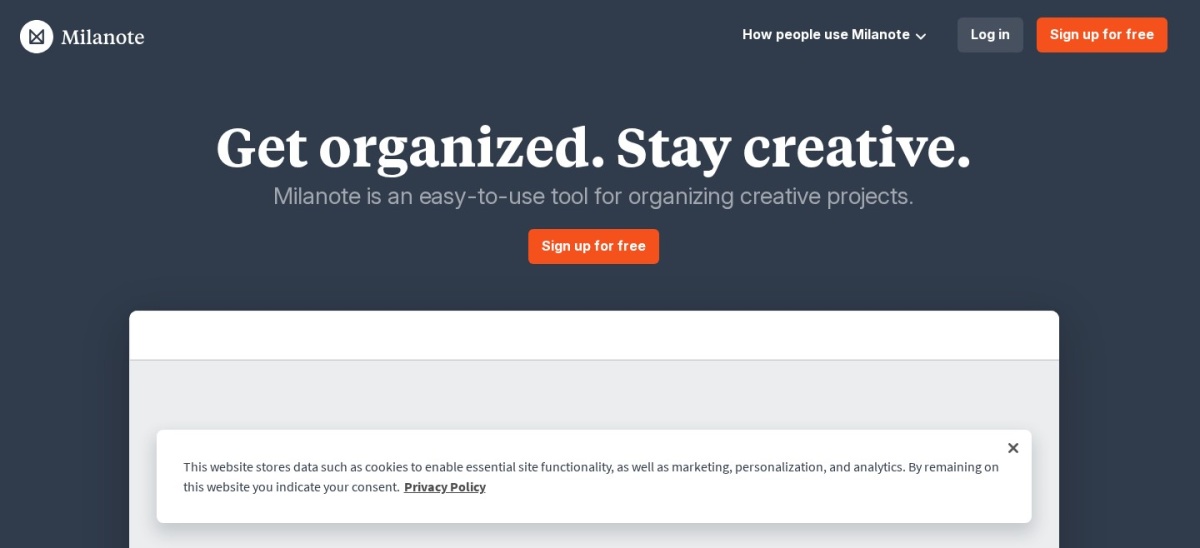
Milanote homepage, captured Nov 2026.
Milanote is a visual workspace where you drag images, notes, links and files onto a board and arrange them spatially. Boards grow into project plans with tasks and comments, and templates cover mood boards, storyboards and briefs. The free plan includes 100 items and unlimited shared boards.
The trade off is that Milanote is a workspace, not a discovery network. There is no public river of images to browse, so it replaces Pinterest's planning half, not its browsing half. Pro costs $9.99 a month billed yearly. It suits creative teams turning a mood board into client work.
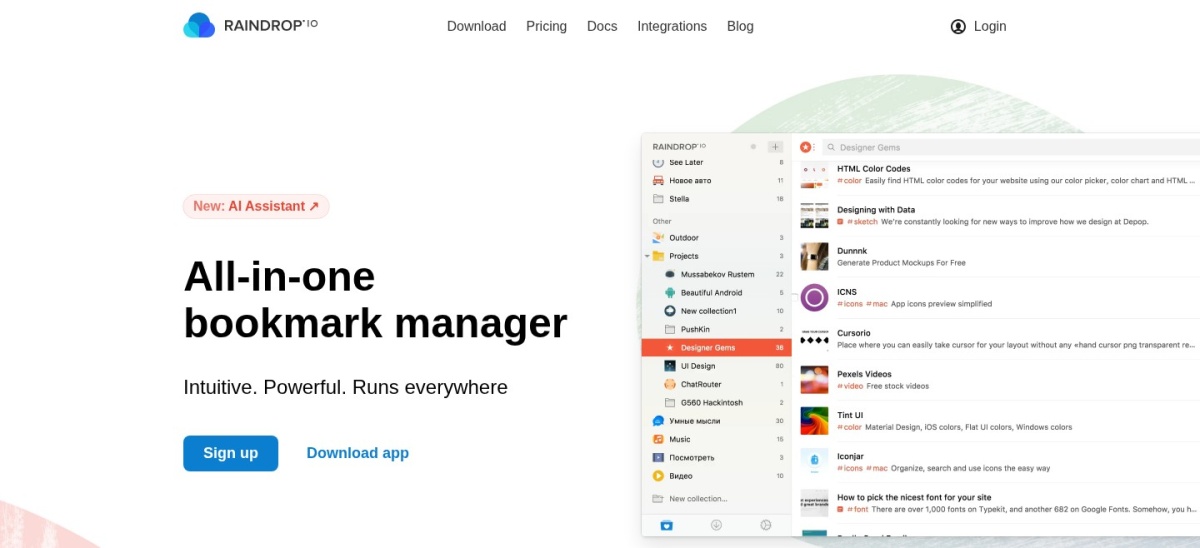
Raindrop.io is a bookmark manager that presents saved pages as visual collections with cover images, tags and nested folders. The free plan includes unlimited bookmarks, collections, highlights and devices, plus 100 MB of file uploads a month, with apps and extensions on every major platform.
The trade off is that it is a private library, not a community. There is no discovery feed, and full-text search and permanent page copies need Pro at $28 a year. Pro also adds an AI assistant, which buyers who want no AI can ignore. It suits collectors who want their library organised their way.
What we like
Unlimited bookmarks and collections free
Apps and extensions everywhere
Shared collections work on the free plan
Exports keep your library portable
Watch out for
No discovery or community feed
Full-text search needs Pro
Pro adds full-text search, page copies and daily backupsVisit raindrop.io
06
Behance
4.5/5on G2 (378 reviews, checked Nov 2026)
Paid from$9.99/mo
Best for finished design portfolios
Free planYes, unlimited projects
PortfoliosAdobe Portfolio on Pro
Job boardYes
Entry paid planPro, $9.99/mo
behance.net
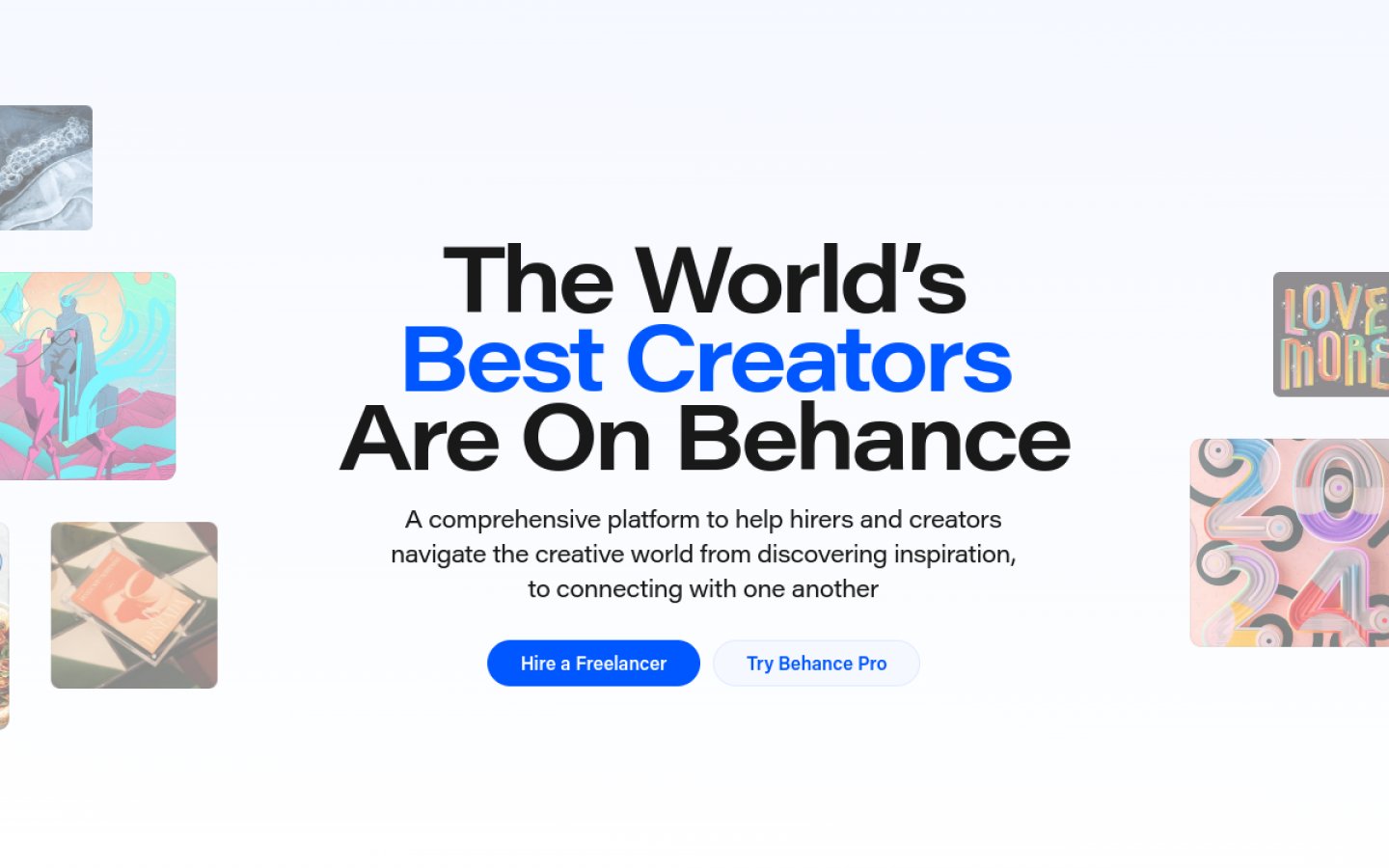
Behance homepage, captured Nov 2026.
Behance is Adobe's portfolio and discovery network, where designers, illustrators and photographers publish finished work and get found by clients. Joining and publishing are free, with no limits on projects, and the feed is work made by people, organised by field, tool and location.
The trade off is that Behance is a professional showcase, not a personal pin board. It has no private boards for recipes or home projects, and free accounts pay a platform fee on freelance work booked through the site. Pro costs $9.99 a month. It suits creatives who want discovery and clients.
What we like
Free, unlimited project publishing
Huge audience of working designers
Job board and freelance listings
Search by field, tool and location
Watch out for
No private boards for everyday topics
Platform fees on free accounts
Pro adds 0% platform fees, analytics and portfolio sitesVisit behance.net
07
Dribbble
4.2/5on G2 (24 reviews, checked Nov 2026)
Paid from$4/mo
Best for UI and brand design shots
Free planYes, browse and follow
ShotsUpload needs Pro
Job boardYes
Entry paid planPro Lite, $4/mo
dribbble.com
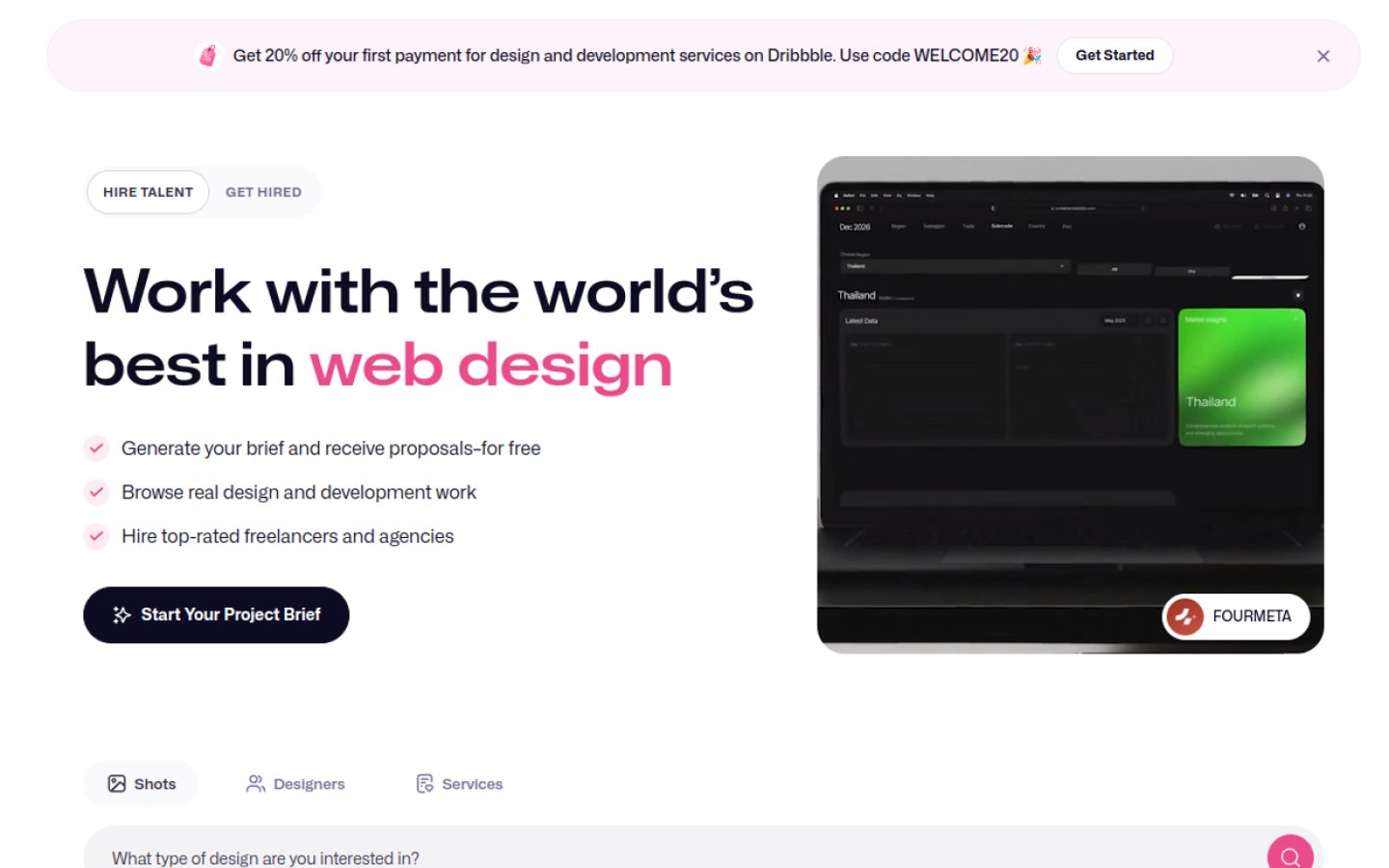
Dribbble homepage, captured Nov 2026.
Dribbble is a community where designers post shots of UI, product, brand, illustration and motion work, and clients come to hire. A free account lets you browse, follow designers and appreciate shots, while Pro Lite at $4 a month billed yearly adds uploads, proposals and a portfolio website.
The trade off is focus. Dribbble covers digital design deeply and little else, so it replaces one Pinterest board category, not the whole account. The 0% platform fee needs the Standard plan at $8 a month. It suits UI and brand designers who want to be found by clients.
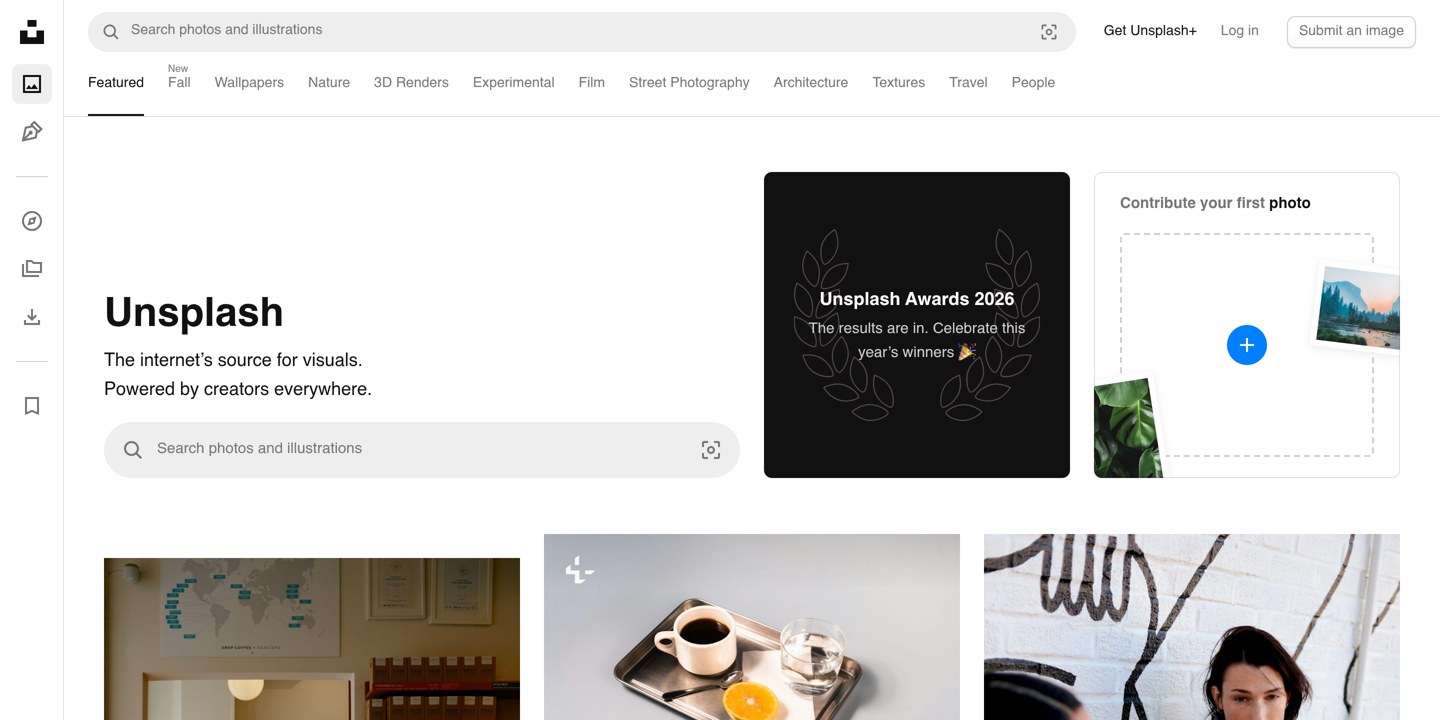
Unsplash is a free library of millions of high-quality photos from more than 200,000 contributors, free to download and use for commercial projects without attribution. You can browse by topic, save images into collections, and follow photographers whose work you like.
The trade off is that Unsplash is a photo library, not a board network. Collections are personal, there is no social feed of saves, and the premium collection needs Unsplash+ at $20 a month, though a limited launch price of $7 a month billed yearly is advertised. It suits anyone who needs real photos fast.
What we like
Huge free library, free for commercial use
No attribution required
Collections and photographer follows
Clean search with no generated filler in the free library
Watch out for
No social board feed
Premium images need a paid plan
Unsplash+ adds a premium collection, releases and indemnityVisit unsplash.com
09
Flickr
4.1/5on G2 (332 reviews, checked Nov 2026)
Paid from$82/yr
Best photo community with groups
Free uploads1,000 items
GroupsYes
AdsOn free accounts
Entry paid planPro, $82/yr
flickr.com
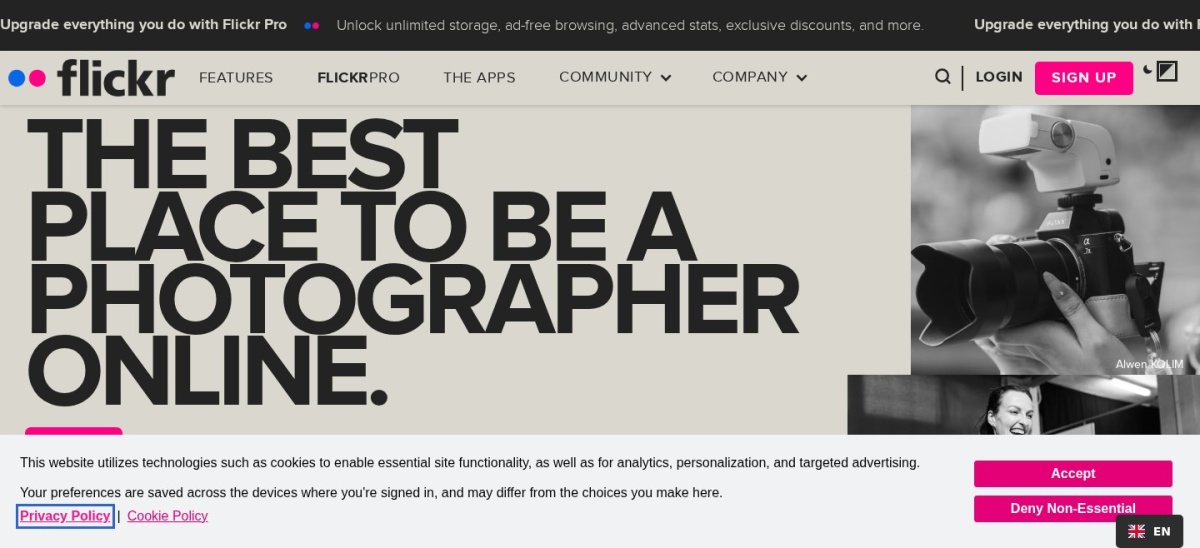
Flickr homepage, captured Nov 2026.
Flickr is a photo sharing community where photographers upload, organise and discuss photos in albums and groups. The free plan covers 1,000 public uploads, and a public photo can still find an audience years after it is posted through groups and search.
The trade off is the free cap. Free accounts are limited to 1,000 items and 50 non-public items, and ads appear while browsing. Pro costs $82 a year for unlimited full-resolution uploads, ad-free browsing and detailed stats. It suits photographers who want community and storage.
The core test is the feed. On Are.na, Cosmos, Savee, Milanote and Raindrop.io, what you see is what you or people you follow saved, with no generated images filling the gaps.
Optional extras do not fail that test, but they should be named. Cosmos sells AI-assisted search and tagging, and Raindrop Pro adds an AI assistant for your library. Both can be left switched off, and neither puts generated pictures into your boards.
Discovery networks are a halfway case. Behance, Dribbble, Unsplash and Flickr show work made by people, but their search and recommendations use ordinary ranking, which is not the same as generating images.
No tool here can match Pinterest on recipes or home projects. That volume is exactly what attracted the generated flood, so treat a smaller, human pond as the trade, not a flaw.
How we chose
We started from visual collecting, bookmarking and design-discovery tools that work as Pinterest replacements, then kept those with a free plan and a human-curated feed.
Prices come from each vendor's pricing page, checked on 29 November 2026. Ratings come from G2 or the App Store on the same day. Where a vendor advertises a limited launch price, the list shows the regular price.
We left out tools with no public rating and platforms removed from app stores. No vendor paid for a place, and we do not claim to have used these tools ourselves.
How to choose Pinterest alternatives without AI
Start with the Pinterest habit you are replacing, then pick the tool built for that job.
Decide whether you browse or save. If you browse for ideas, Cosmos, Savee and Behance keep a feed of human-saved work. If you save your own boards, Are.na and Raindrop.io do that job better.
Check what the free plan really covers. Are.na caps free accounts at 200 blocks and Milanote at 100 items, while Raindrop.io leaves bookmarks unlimited. Pick the cap you will not hit in a month.
Look for the AI extras before you pay. Cosmos sells optional AI search and tagging, and Raindrop Pro adds an AI assistant. Both can be ignored, but check the plan page first.
Keep a second tool for the gaps. None of these matches Pinterest on recipes or home projects. Pair a calm collector with a search engine, or keep a narrow Pinterest use for those boards.
FAQ
What are the best Pinterest alternatives without AI?
Are.na is the best overall, with ad-free channels, no feed and no generated images, rated 4.9 out of 5 on the App Store. Cosmos is the closest visual match to early Pinterest, and Milanote is best when a mood board has to become a client plan.
Are there any free Pinterest alternatives without AI?
Yes, all nine tools in this list have a free plan. Are.na, Milanote and Raindrop.io are the most generous for saving, while Behance, Dribbble, Unsplash and Flickr are free to browse and follow without paying.
Which Pinterest alternative is best for designers?
Savee is best for designer inspiration, with a curated feed and no ads or algorithm. Cosmos suits visual collecting, Behance and Dribbble suit finished portfolios and client work, and Milanote suits mood boards for client projects.
Can I import my Pinterest boards into these alternatives?
Cosmos offers a Pinterest board import, so it is the easiest move. The other tools mostly need manual re-saving, though Savee and Raindrop.io have browser extensions that make re-saving fast. Move your most-used boards first.
Is Cosmos really without AI?
Mostly. Saving and browsing on Cosmos are human-curated, and a setting lets you hide AI-generated images. It does sell optional AI-assisted search and tagging, so buyers who want zero AI should use the basic saving and browsing and skip those extras.
Are.na vs Cosmos: which is better?
Are.na is better for research and thinking, with channels that connect ideas and no feed at all. Cosmos is better for visual browsing, with clusters, a calm gallery view and Pinterest import. Pick Are.na to think and Cosmos to look.
SaaS SEO and WordPress specialist with about 8 years of experience. Rakib compares WordPress plugins, themes, hosting and software using public pricing, documentation and user reviews. See how we rank.