Miro is the best of these FigJam alternatives for most teams, with a free plan and a Starter plan at $8 per member a month, rated 4.6 out of 5 on G2. Pick Mural for facilitated workshops, or Excalidraw when you want a free sketch board with no account.
How we make this list: we compare pricing pages, product documentation and public user reviews, then re-check every price before each update. No product paid for a place. Disclosure.
Miro is the closest all-round replacement for FigJam, with a free plan and Starter at $8 per member a month.
Mural is the strongest pick for facilitated workshops, at $9.99 per member a month billed annually.
Lucidspark is the best choice when whiteboard sessions must become Lucidchart diagrams, at $9 a month.
Excalidraw and Microsoft Whiteboard cost nothing, but neither runs timers, voting or structured workshops.
Paid plans in this list run from $6 to $12 per user a month, and all 9 tools have a free plan.
What should you look for in FigJam alternatives?
A good FigJam alternative starts with the same job: a shared canvas where a team can think out loud. Sticky notes, shapes, voting and a timer cover most sessions.
Free plans differ more than prices do. Miro and Mural both cap free use at 3 editable boards, while Excalidraw gives the full editor away for free with no account.
Workshops need facilitation, not just a canvas. Timers, private mode, voting and a way to summon everyone back are what separate Mural and Miro from a plain drawing board.
Think about where the board goes next. Our guide on collaborating in WordPress shows how shared work changes once more than one person edits it, and the same applies here: a board that links to tasks or diagrams saves a rebuild later.
Price per seat matters once the whole team joins. A $10 editor seat is cheap for five people and steep for fifty, so check whether viewers are free before you commit.
Miro is an online whiteboard for brainstorming, planning and diagramming, with more than 7,000 templates and 250 integrations. The free plan covers 3 editable boards, and Starter costs $8 per member a month billed annually, with unlimited boards and visitor editing.
The trade off is the free plan cap. Three boards run out fast for a team that meets weekly, so regular use means paying for Starter. It suits product and design teams that want one board for discovery, planning and retrospectives.
What we like
Largest template library in this list
Unlimited boards on the cheapest paid plan
Voting, timers and Talktrack for async sessions
Highest review count of any tool here
Watch out for
Free plan stops at 3 editable boards
Business plan jumps to $20 per member a month
Starter adds unlimited boards and visitor editingVisit miro.com
02
Mural
4.6/5on G2 (1,473 reviews, checked Nov 2026)
Paid from$9.99/mo
Best for facilitated workshops
Free murals3 editable
FacilitationTimer, voting, private mode
Free membersUnlimited
Paid planTeam+, $9.99/mo
mural.co
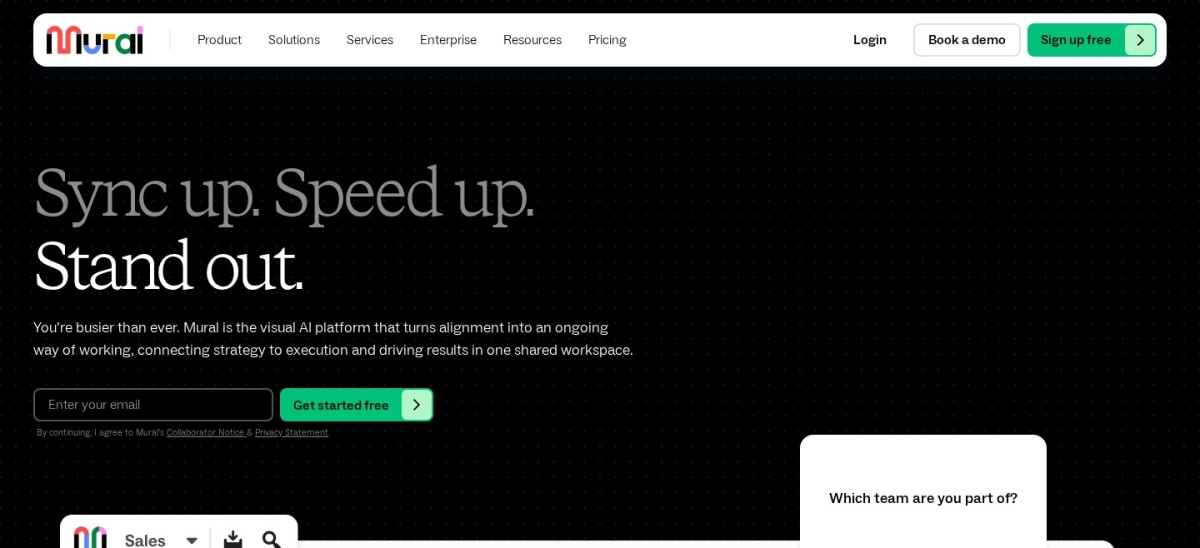
Mural homepage, captured Nov 2026.
Mural is a visual work platform built for facilitated workshops, design thinking sessions and retrospectives. The free plan covers unlimited members with 3 editable murals, and Team+ costs $9.99 per member a month billed annually, with unlimited murals and privacy controls.
The trade off is price for small teams. At $9.99 a seat, a large workshop group adds up, and the strongest facilitation tools sit in the paid plans. It suits facilitators who run structured sessions again and again.
What we like
Best facilitation controls in this list
Unlimited members on the free plan
Mural AI clusters stickies and sums up sessions
Templates for discovery, design thinking and OKRs
Watch out for
Free plan stops at 3 editable murals
Costs more per seat than Miro Starter
Team+ adds unlimited murals and privacy controlsVisit mural.co
03
Lucidspark
4.7/5on Capterra (387 reviews, checked Nov 2026)
Paid from$9/mo
Best when boards become diagrams
Free planYes
Lucidchart linkYes, same suite
Visual ActivitiesVoting and breakout boards
Paid planIndividual, $9/mo
lucidspark.com
Lucidspark homepage, captured Nov 2026.
Lucidspark is a virtual whiteboard from Lucid for brainstorming that connects to Lucidchart for structured diagrams. The free plan covers basic boards, and the Individual plan costs $9 a month, with Visual Activities, voting sessions and breakout boards.
The trade off is that the whiteboard alone is not the full story. Its best value shows when the team also uses Lucidchart, which adds cost and learning time. It suits technical teams whose whiteboard sessions usually become flowcharts or process maps.
Whimsical is a visual workspace that covers whiteboards, flowcharts, mind maps, wireframes and docs on one canvas. The free plan covers 3 team boards, and Pro costs $10 per editor a month, with unlimited boards, 90-day version history and 500 AI actions a month.
The trade off is the per-editor price. Viewers are free, but every person who edits pays, so a big editing group costs more than a flat team plan. It suits small teams that want diagrams and wireframes beside their whiteboard.
Canva is a design platform with a collaborative whiteboard that turns brainstorms into presentations, docs and social posts. The free plan covers whiteboard templates and the asset library, and Pro costs $120 a year for one person, with Brand Kits and more storage.
The trade off is depth. Canva is weaker than Miro or Mural for long workshops, timers and voting, and its whiteboard is a side feature of a design tool. It suits teams whose workshop output must become a polished deck or post.
ClickUp is a project management tool with built-in whiteboards that link sticky notes to tasks, docs and goals. The free plan covers the core workspace, and Core costs $12 a user a month, adding goals, custom fields and more automation.
The trade off is focus. ClickUp is a task tracker first, so its whiteboard is simpler than Miro or Mural, with fewer templates and facilitation controls. It suits teams that already plan work in ClickUp and want boards beside their tasks.
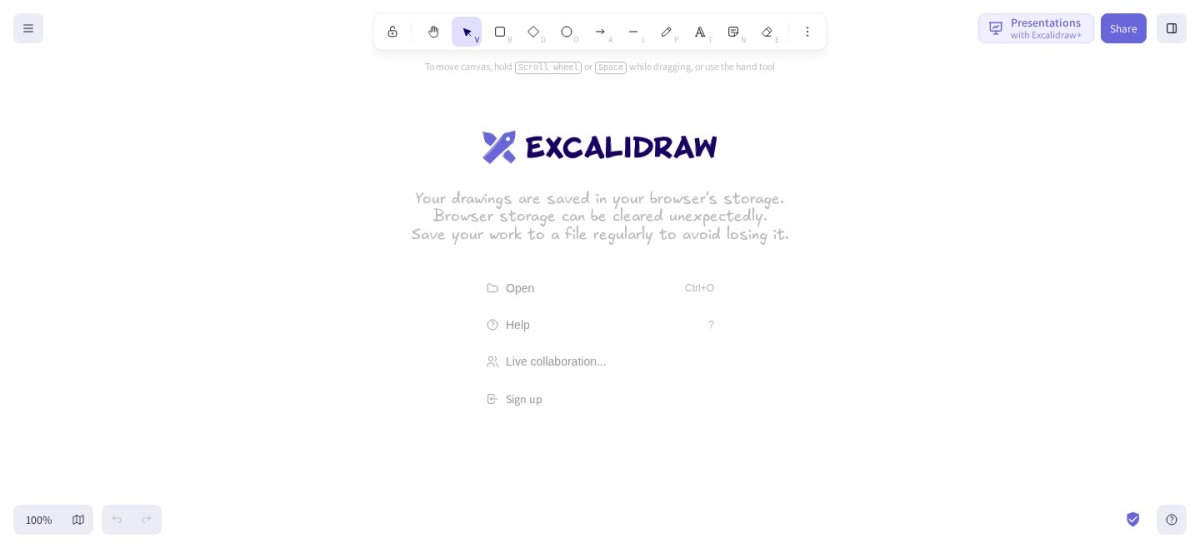
Excalidraw is a free, open-source whiteboard with a hand-drawn style for quick sketches, diagrams and wireframes. The free editor needs no account and covers the full canvas, with 10 AI requests a day, and Plus costs $6 a user a month for cloud storage and comments.
The trade off is staying power. Boards are light sketches, not a workshop system, with no timers, voting or facilitation controls. It suits engineers and designers who need a fast shared diagram without signing up or paying.
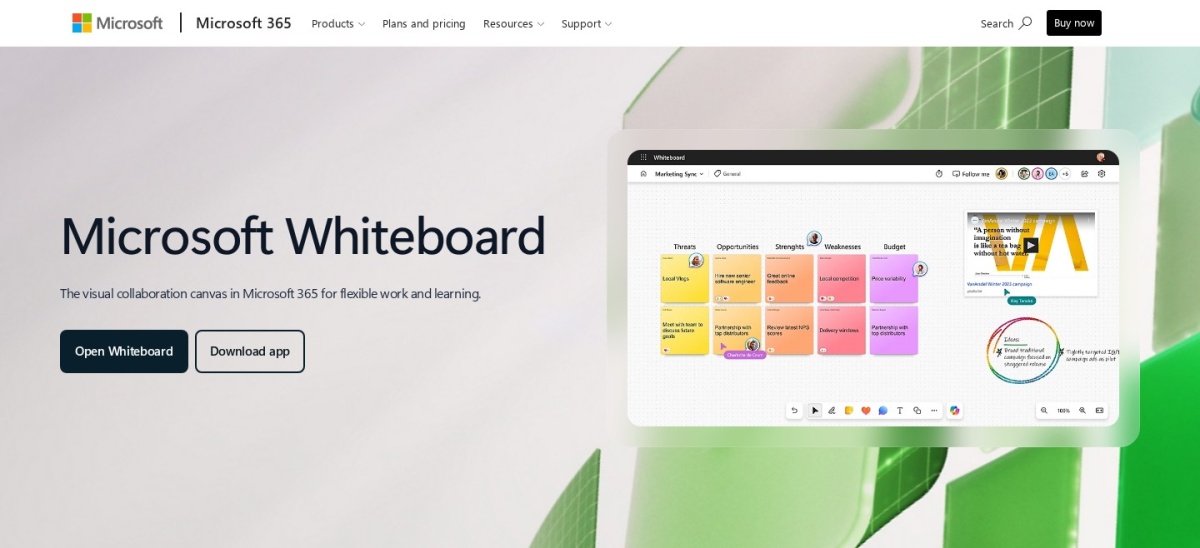
Microsoft Whiteboard is a free infinite canvas for brainstorming and planning inside Microsoft 365. It opens directly in Teams meetings, with sticky notes, shapes, drawing tools and templates, and it costs nothing extra for Microsoft 365 users.
The trade off is range. It has fewer templates and facilitation tools than Miro or Mural, and it fits poorly outside the Microsoft stack. It suits teams that already meet in Teams and want a simple board with no new account or bill.
What we like
Free, with no extra charge for Microsoft 365 users
Stormboard is a structured brainstorming tool that organises sticky notes into sections, assigns owners and exports a follow-up report. The free Personal plan covers basic boards, and Business costs $8.33 a user a month billed annually, with reporting and more templates.
The trade off is the blank-canvas feel. Stormboard guides sessions into sections and reports, so free-form sketching is weaker than in Miro or Excalidraw. It suits teams that run planning sessions and need a tidy report when the meeting ends.
Free plans in this list are real boards, not demos. Excalidraw and Microsoft Whiteboard cost nothing at all, and Miro, Mural and Whimsical all give a usable free tier.
The usual free limits are board counts and history. Miro and Mural stop free use at 3 editable boards, and Whimsical stops at 3 team boards, so a team that meets weekly outgrows them fast.
Paid plans mostly add room and control. You get unlimited boards, longer version history, privacy controls and, in Mural and Stormboard, reporting and facilitation tools.
Start free and pay only when the cap bites. If your team runs one workshop a month, the free tier may last all year; if boards pile up weekly, Starter at $8 a month is the cheapest next step.
How we chose
We started from the online whiteboards most often named as FigJam replacements, then kept the nine with a public rating, a review count and a price we could check on 29 November 2026.
Prices come from each vendor's pricing page or a November 2026 read of it, checked on 29 November 2026. Ratings and review counts come from G2 on the same day, except Lucidspark, which uses Capterra. Where a vendor shows a sale, the list shows the regular price.
We left out tools with no public rating or no verifiable review count, and FigJam itself, since this list is about alternatives. No vendor paid for a place, and we do not claim to have used these tools ourselves.
How to choose a FigJam alternative
Start with where your boards live now, then match the tool to the session you run most.
Count your editors, not your viewers. Miro and Mural charge per member, while Whimsical charges per editor and viewers are free. A big audience with few editors costs far less on Whimsical.
Pick the session type first. Choose Mural for facilitated workshops, Lucidspark when sessions become diagrams, and Excalidraw for quick sketches. One tool rarely wins all three.
Check the free cap before you commit. Three editable boards sounds fine until a team runs weekly sessions. If you outgrow the cap in a month, the $8 Miro Starter plan is the cheapest step up.
Check where the board goes next. If the output must become tasks, pick ClickUp; if it must become a deck, pick Canva. See how collaboration works in WordPress for the same handoff thinking applied to shared editing.
FAQ
What is the best FigJam alternative in 2026?
Miro is the best FigJam alternative for most teams. Its free plan covers 3 editable boards, Starter costs $8 per member a month billed annually, and it is rated 4.6 out of 5 on G2 from more than 13,500 reviews.
How much does the best FigJam alternative cost?
Miro Starter costs $8 per member a month billed annually, or $10 billed monthly, after a free plan with 3 editable boards. Business costs $20 per member a month billed annually, and Enterprise is priced on request.
What is the best free alternative to FigJam?
Excalidraw is the best free alternative. Its full editor needs no account and costs nothing, with 10 AI requests a day. Microsoft Whiteboard is also free for Microsoft 365 users, and Miro, Mural and Whimsical all have free plans capped at 3 boards.
Which FigJam alternative is best for small teams?
Whimsical suits small teams best, because viewers are free and only editors pay $10 a month on Pro. Miro Starter at $8 a member is the cheapest full workshop board, and Excalidraw costs nothing for quick sketches.
Miro or Mural: which FigJam alternative should I pick?
Pick Miro for everyday whiteboarding across a team, and Mural for workshops you facilitate. Miro costs less per seat at $8 a month against $9.99 for Mural, while Mural has stronger timers, private mode, voting and AI clustering for structured sessions.
Can I use a FigJam alternative with Figma?
Yes. Miro integrates with Figma, so boards and design files can sit side by side, and Canva and Whimsical also cover design-adjacent work. If your team lives in Figma files, Miro is the closest fit, since it keeps the same real-time canvas habits.
SaaS SEO and WordPress specialist with about 8 years of experience. Rakib compares WordPress plugins, themes, hosting and software using public pricing, documentation and user reviews. See how we rank.