Deputy is the best employee scheduling software for architects, because its Lite plan costs five dollars a user a month with shift templates and time tracking included. Homebase suits studios that want a free plan, while When I Work fits small teams that need the lowest per-user price.
How we make this list: we compare pricing pages, product documentation and public user reviews, then re-check every price before each update. No product paid for a place. Disclosure.
Deputy leads at $5 a user a month, with shift templates and time tracking.
Homebase and Sling both offer free plans, for up to 10 and 30 users.
When I Work has the lowest per-user price at $2.50 a user a month.
Connecteam is the all-in-one pick, with scheduling, chat and training from $35 a month.
Planday prices in pounds, and Humanity's $2.75 is the annual-billed rate; check both before budgeting.
What should an architecture studio look for in employee scheduling software?
An architecture studio runs on people, not just projects. Architects, technicians and admin staff need rotas that respect availability, leave and project deadlines, and the rota should take minutes, not hours.
Price spans from free to $5 a user a month. Sling is free for up to 30 users, Homebase is free for up to 10, and When I Work starts at $2.50 a user, so a small studio can start for nothing.
Per-user pricing suits studios well, because headcount is small. A ten-person studio pays $25 to $50 a month on the cheapest plans, which is less than one hour of billable time.
Two prices on this list need care. Planday charges in pounds, not dollars, and Humanity's headline rate is the annual-billed figure, so both cost more than a quick read suggests.
List prices in each vendor's currency, checked Nov 2026
SlingFREE$24
When I Work$30
Humanity$33
Planday£36
Deputy$60
HomebaseFREE$360
ConnecteamFREE$420
The 7 best employee scheduling software tools for architects
01
Deputy
4.6/5on Capterra (775 reviews, checked Nov 2026)
Starts at$5/user/mo
Best all-round pick for studios
Lite plan$5 per user a month
Core plan$6.50 per user a month
Pro plan$9 per user a month
Minimum$30 a month per invoice
deputy.com
Deputy homepage, captured Nov 2026.
Deputy is a scheduling and time-tracking platform for hourly teams, and it fits an architecture studio well. The Lite plan costs $5 per user a month, with Core at $6.50 and Pro at $9 adding leave, reporting and integrations. It covers shift templates, availability, time tracking and payroll exports, with a $30 monthly minimum per invoice.
The trade off is the minimum spend and the per-user model. A small studio pays at least $30 a month even with two staff, and the bill grows with every architect added. The free trial is 14 days, so a studio should test it on a real project roster before committing to a plan.
4.6/5on Capterra (1,149 reviews, checked Nov 2026)
Paid from$30/location/mo
Best free plan for a small studio
Basic planFree, 1 location, 10 staff
Essentials$30 per location a month
Plus plan$70 per location a month
Payroll add-on$49 a month plus $6 a staff
joinhomebase.com
Homebase homepage, captured Nov 2026.
Homebase is a team management platform for hourly staff, and its free Basic plan suits a small architecture studio. Basic is free for one location with up to 10 employees, covering scheduling, time tracking and messaging, while Essentials costs $30 per location a month with advanced scheduling. It is the only free plan on this list that covers a real team.
The trade off is the per-location model and the hourly focus. A studio with several offices pays per location, and the payroll add-on costs $49 a month plus $6 per employee. Homebase is built for hourly teams rather than project-based studios, so firms that bill by project may find the reporting thin.
4.5/5on Capterra (1,300 reviews, checked Nov 2026)
Starts at$2.50/user/mo
Best lowest per-user price
Essentials$2.50 per user a month
Pro plan$5 per user a month
Premium$8 per user a month
Trial14 days
wheniwork.com
When I Work homepage, captured Nov 2026.
When I Work is a scheduling platform for hourly teams, and it offers the lowest per-user price on this list. Essentials costs $2.50 per user a month for a single location, with Pro at $5 and Premium at $8 adding scheduling rules, reporting and single sign-on. It covers templates, open shifts, messaging and forecasting in a simple interface.
The trade off is that the $2.50 price covers a single location and a single schedule, so a multi-office studio pays more. Time tracking costs extra on some plans, and the platform is built for hourly shifts rather than project work. It is the best value for a single-office studio with a small team.
Connecteam is an all-in-one workforce app that combines scheduling, time tracking, chat, forms and training in one mobile-first product. The Operations Hub Basic plan costs $35 a month for the first 30 users on monthly billing, or $29 on annual billing, and a free plan covers up to 10 users. It suits a studio that wants scheduling plus team communication in one app.
The trade off is the hub model. Scheduling lives in the Operations Hub, while chat and the knowledge base live in other hubs, so a studio pays per hub for the full set. The $35 figure is also the monthly-billed rate; annual billing drops it to $29, which buyers should use when comparing yearly costs.
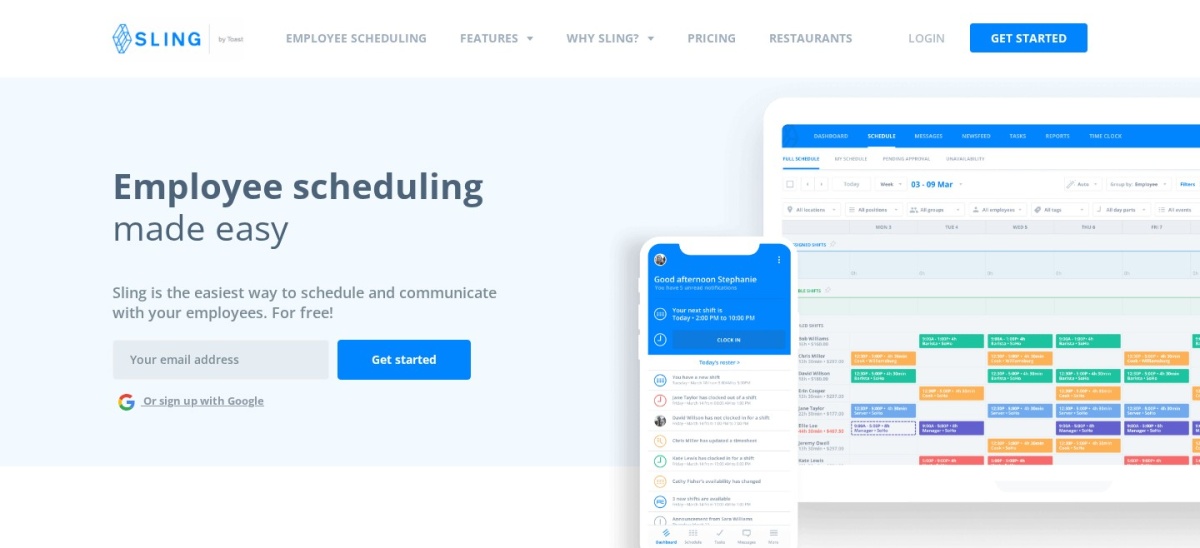
Sling is a scheduling platform with a free plan for up to 30 users, which covers most architecture studios at no cost. The free tier includes shift scheduling, time-off requests, messaging and long-term planning, while Premium costs $2 per user a month with time tracking and labour cost tools. It is the cheapest real start on this list for a studio that only needs scheduling.
The trade off is depth. Sling is a scheduling tool first, so it lacks the project and payroll depth of Deputy or Homebase, and time tracking sits behind the paid tier. A studio that bills by project may outgrow it, but one that only needs rotas will find the free plan hard to beat.
Planday is a workforce platform for shift-based teams, covering scheduling, time tracking, leave and payroll reporting. The Starter plan starts at £2.99 per user a month with a five-user minimum, and Plus adds leave management and integrations. It suits a studio that needs working-time rules and compliance warnings alongside the rota.
The trade off is currency and clarity. Planday prices in pounds, not dollars, so the £2.99 figure is not a dollar price, and the Plus price is not published on the page. A US studio should also check that the compliance rules match local labour law before choosing it.
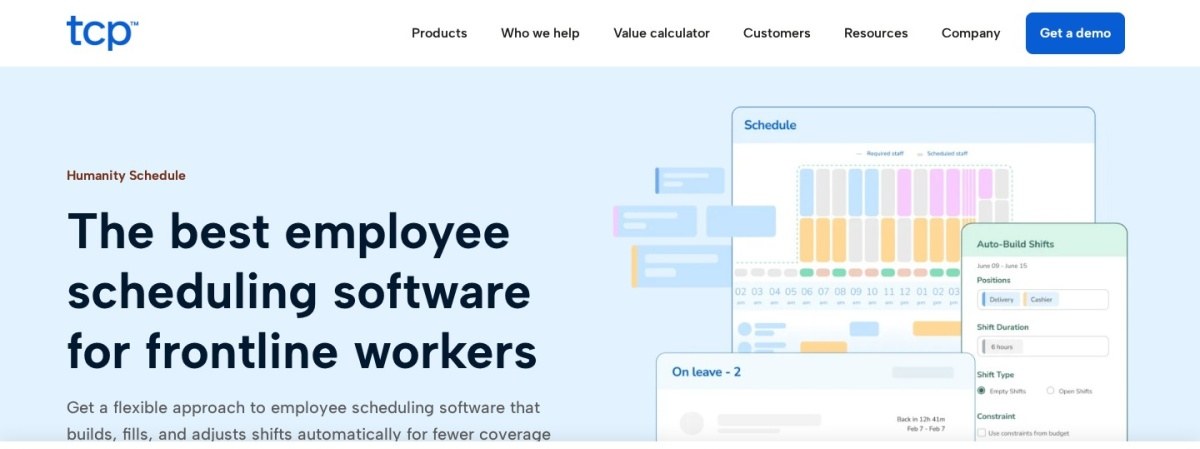
Humanity is a scheduling platform for shift-based teams, from TCP Software, covering drag-and-drop rotas, shift swaps, availability, time off and geofenced clock-in. The Essentials plan costs $2.75 per employee a month billed annually for up to 250 staff, with Professional at $3.75 adding forecasting and compliance rules. It suits a larger studio that needs structure around its rotas.
The trade off is that the $2.75 figure is the annual-billed rate, and the monthly rate is higher, so buyers should budget on the annual figure. The price also rests on vendor-page reads by other sites rather than our own open of the pricing page, so a studio should confirm it directly before budgeting.
Three tools here offer free plans. Sling covers up to 30 users, Homebase covers one location with up to 10 employees, and Connecteam covers up to 10 users.
Free plans cover the rota well. Shift scheduling, time-off requests and messaging are usually included, while time tracking, reporting and payroll sit behind paid tiers.
A studio should start free and pay only when it outgrows the plan. The paid step is small, from $2 a user on Sling to $5 on Deputy, so the upgrade is cheap when it comes.
How we chose
We started from every employee scheduling tool with a G2 or Capterra listing, then kept those a studio could buy or trial. Restaurant-only tools such as 7shifts were left out, as were tools with no review presence.
Prices come from each vendor's pricing page, checked on 30 November 2026. Ratings come from G2 or Capterra on the same day. Where a vendor shows a sale, the list shows the regular price, and where a vendor quotes only, the list says so rather than repeating a third-party figure.
No vendor paid for a place, and we do not claim hands-on testing for this list. We ranked the lowest per-user prices first, put free plans next for small studios, and flagged every price in another currency or on annual billing.
How to choose employee scheduling software for architects
Count heads first, then check whether the free plan covers them.
Count your staff. Under 10 suits Homebase free; under 30 suits Sling free; above that, price per-user plans.
Check project needs. A studio that bills by project needs time tracking and reporting, not just a rota.
Test the rota on a real week. Build next week's shifts in the trial and check how easily staff swap them.
Mind the currency and billing. Planday prices in pounds and Humanity's rate is annual-billed, so convert before comparing.
FAQ
What is the best employee scheduling software for architects?
Deputy is the best all-round pick for most studios, because its $5 Lite plan covers shift templates and time tracking. Homebase suits studios that want a free plan, while When I Work fits small teams that need the lowest per-user price.
Is there free employee scheduling software for architects?
Yes. Sling is free for up to 30 users and Homebase is free for one location with up to 10 employees, while Connecteam is free for up to 10 users. The other tools here offer trials rather than free plans.
How much does employee scheduling software cost?
Paid plans start at $2 a user a month for Sling Premium and $2.50 for When I Work Essentials, while Deputy starts at $5 and Homebase at $30 a location. Planday starts at £2.99 a user, and Humanity at $2.75 an employee billed annually.
Deputy vs Homebase: which is better for a studio?
Deputy is better for a studio that wants scheduling plus time tracking from $5 a user, with payroll exports built in. Homebase is better for a studio that wants a free plan for up to 10 staff, though it is priced per location and built for hourly teams.
Do architects need scheduling software or project software?
Most studios need both. Scheduling software handles who works when, while project software handles deadlines and budgets. The tools on this list cover the rota; pair them with a project tool if the studio also needs task and deadline tracking.
Why is Planday priced in pounds?
Planday is a European company and its pricing page lists pounds, so the £2.99 Starter figure is not a dollar price. A US studio should convert it before comparing, and note the five-user minimum, which makes the smallest bill about £15 a month.
SaaS SEO and WordPress specialist with about 8 years of experience. Rakib compares WordPress plugins, themes, hosting and software using public pricing, documentation and user reviews. See how we rank.