Best Shift Scheduling Software in 2026: 9 Tools Compared
WLWPLegible EditorsLast verified 24 Nov 2026How we rank12 min read
★ Short answer
Deputy is the best shift scheduling software for most hourly teams. Lite costs $5.50 per user a month and covers scheduling, time clocking and labor rules, and it is rated 4.6/5 on G2 from 666 reviews. Pick Homebase for a genuinely free plan, and Connecteam for deskless teams.
How we make this list: we compare pricing pages, product documentation and public user reviews, then re-check every price before each update. No product paid for a place. Disclosure.
Deputy Lite costs $5.50 per user a month and adds demand forecasting and labor rules from the Core plan.
Homebase is free for one location with up to 10 employees, including scheduling, a time clock and messaging.
Connecteam is free for up to 10 users and bundles scheduling with a GPS time clock, tasks and team chat.
Sling is free for up to 30 users, the biggest free plan in this list, with Premium at $2 per user a month.
Per-location plans stay flat as headcount grows: Homebase Essentials is $30 a month per location with unlimited employees.
What good shift scheduling software should cover
Shift scheduling software builds the weekly rota, publishes it to staff phones, and handles swaps, time off and late cover without a group chat.
The best tools add a time clock, so hours feed payroll, and labor rules that flag overtime, missed breaks and understaffed shifts before they happen.
Pricing splits three ways: per user, per location, or a flat fee. Per-location plans such as Homebase stay cheap as headcount grows, while per-user plans such as Deputy cost more for big teams. Our guide on cheap payroll software covers what to pair with a scheduler.
Watch the free-plan caps. Most free plans cover one location and 5 to 30 staff, which is enough for a single shop but not for a growing chain.
Deputy is a workforce platform built around scheduling, time clocking and labor rules. Lite covers scheduling, timesheets, time clocking, shift swaps, leave and basic labor compliance, with a $30 minimum monthly invoice.
The trade off is the per-user bill. Lite costs $5.50 per user a month, or $66 a year per user, and every user counts, including owners and admins. It suits multi-site hourly teams that need compliance rules built into the schedule.
Homebase is an all-in-one app for hourly teams, built around a drag-and-drop schedule that connects to a time clock, payroll, hiring and team messaging. Basic is free for one location with up to 10 employees.
The trade off is the per-location step. Essentials costs $30 per location a month, or $360 a year, with unlimited employees and advanced scheduling. It suits single-location shops, cafes and salons that want scheduling free to start.
Connecteam is a mobile-first app for deskless teams that puts scheduling, a GPS time clock, task checklists and team chat in one place. The Small Business plan is free for up to 10 users across every hub.
The trade off is hub pricing. Operations Basic costs $35 a month, or $420 a year, for the first 30 users, and each hub is priced separately. It suits field crews, cleaning, security and care teams that live on their phones.
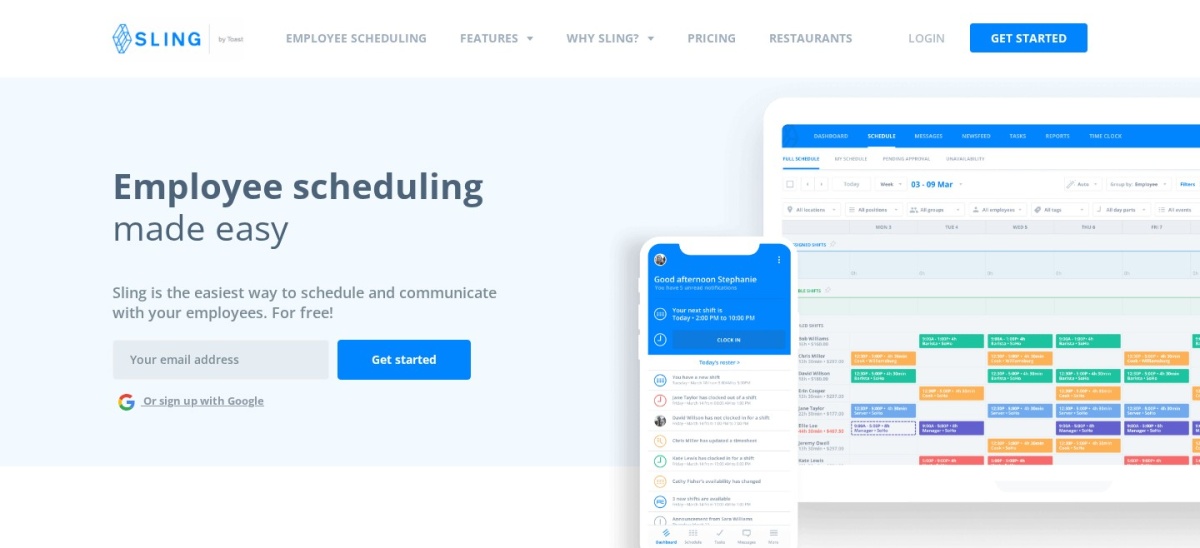
Sling, now Sling by Toast, offers free shift scheduling for up to 30 users, including time-off requests, available shifts, long-term scheduling and private messaging. Premium adds mobile time tracking and overtime alerts.
The trade off is no auto-scheduling. Premium costs $2 per user a month, or $24 a year per user, and managers still build the rota by hand. It suits small hourly teams that want a free rota with swaps for up to 30 people.
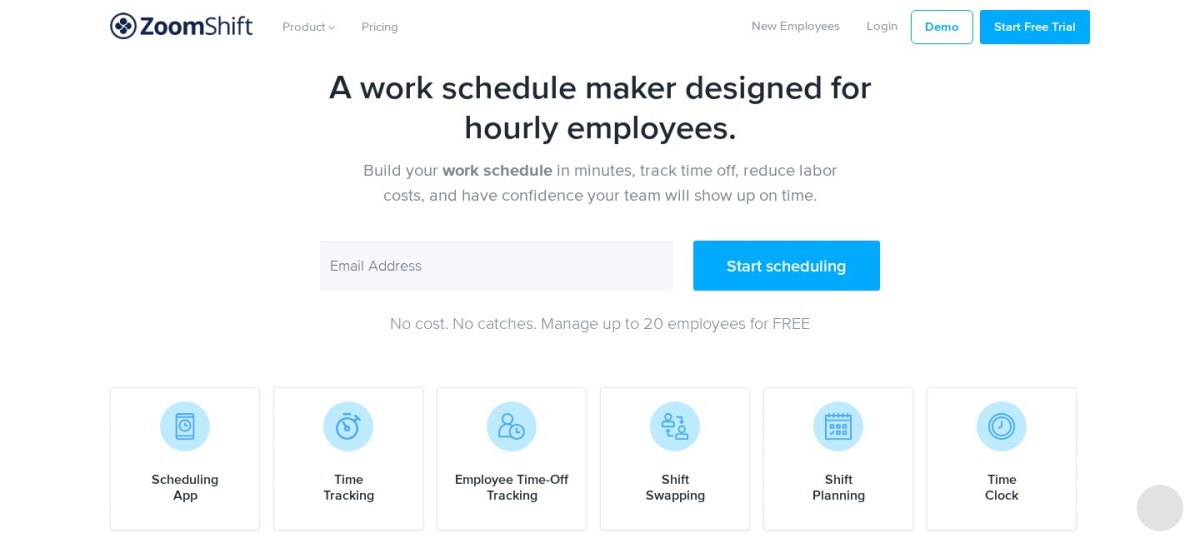
ZoomShift is employee scheduling for hourly teams, with a built-in time clock and timesheets on its priced tiers. The free plan covers up to 20 users at one location, with scheduling two weeks ahead, reminders and shift confirmation.
The trade off is the free tier has no time clock or timesheets. Starter costs $2.50 per user a month, or $30 a year per user, and adds unlimited users and locations, shift swaps and a time clock. It suits single-location cafes and stores that want low per-user pricing.
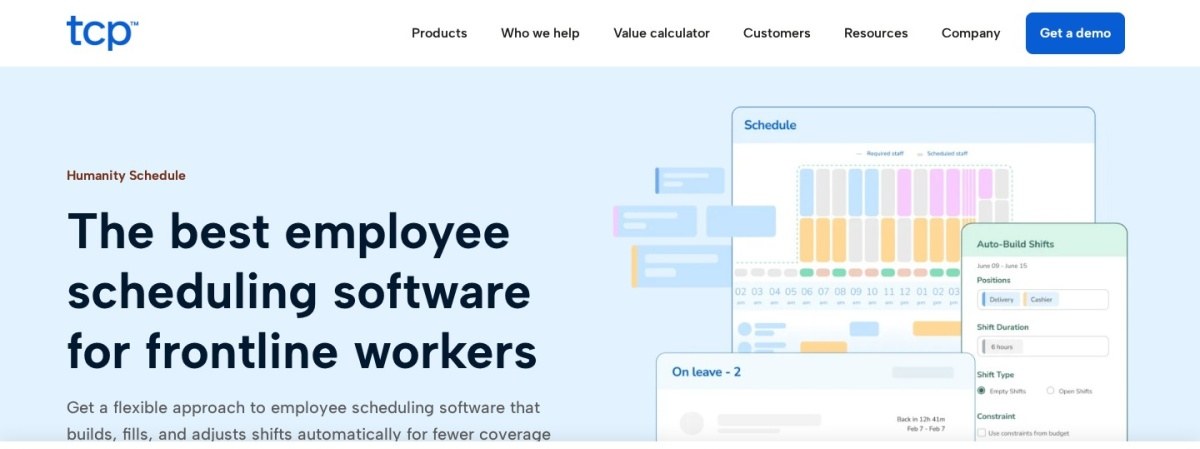
Humanity Schedule (TCP) homepage, captured Nov 2026.
Humanity Schedule, from TCP Software, is a scheduling platform for frontline workers that builds rosters from demand, skills and certifications. Essentials covers up to 250 employees with rules-based scheduling and labor compliance.
The trade off is annual-only billing. Essentials costs $2.75 per employee a month billed annually, or $33 a year per employee, with no monthly rate published. It suits healthcare, education and government teams that need credential-aware scheduling.
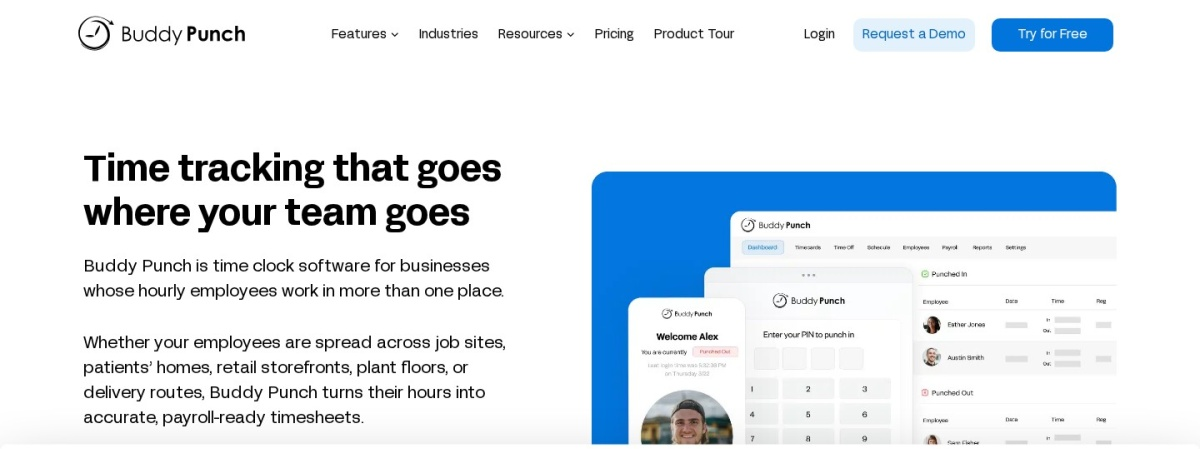
Buddy Punch is a time tracking and attendance platform with scheduling features, built for teams where clock-in accuracy matters. Starter covers time tracking, GPS on punches and payroll integrations, with a 14-day free trial.
The trade off is the base fee. Starter costs $5.99 per user a month, or $71.88 a year per user, plus a $19 monthly base fee on every plan. It suits teams that need GPS-verified clock-ins and PTO tracking beside the schedule.
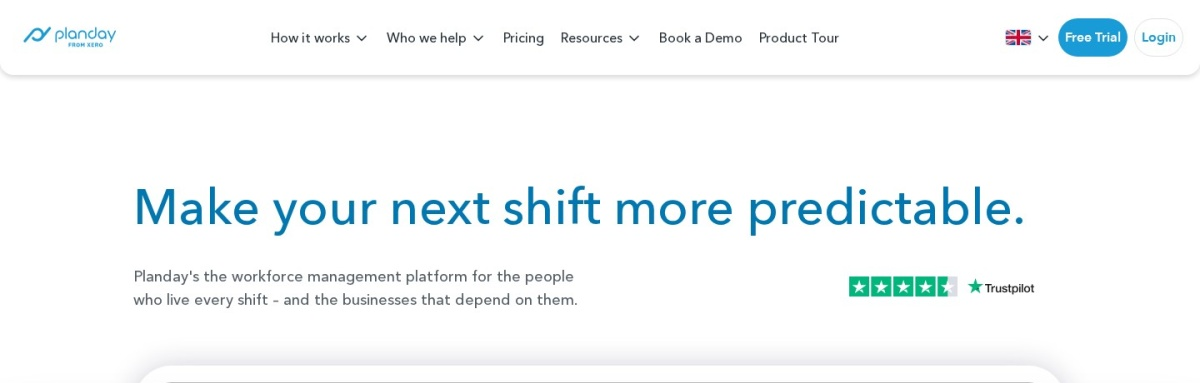
Planday is a workforce platform for hospitality and shift-based businesses, covering staff rostering, availability, time tracking, payroll exports and team communication. Starter needs a minimum of five users.
The trade off is regional pricing. Starter costs $2.99 per user a month, or $35.88 a year per user, and the pricing page renders by region, so figures vary by currency. It suits restaurants, hotels and retail teams that think in rosters, not just schedules.
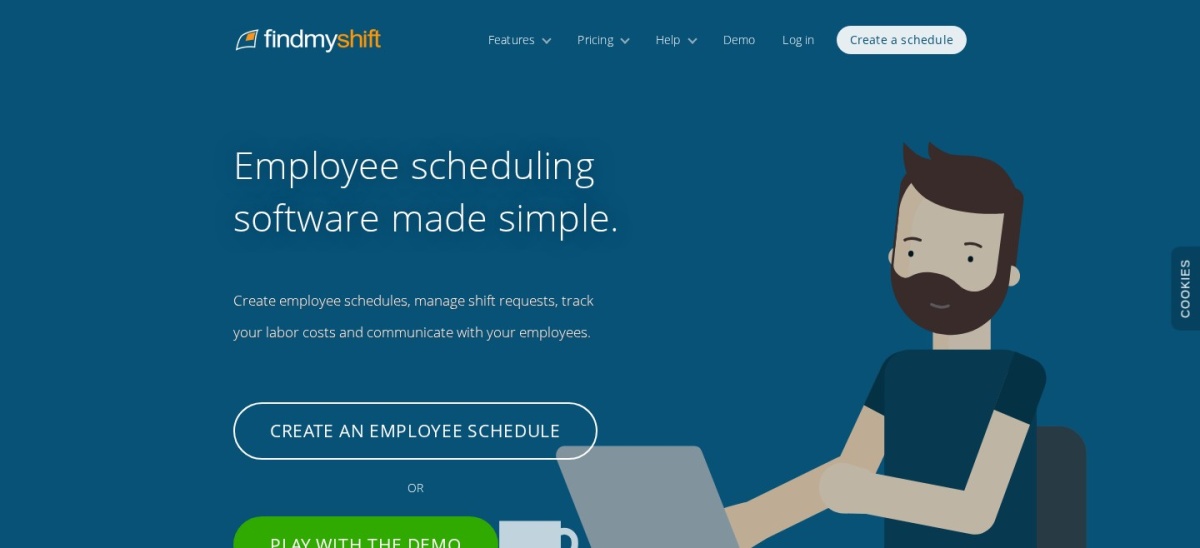
Findmyshift is a spreadsheet-style rostering tool with flat per-team pricing, so the bill does not grow with headcount. The free plan covers up to 5 users, and Starter adds a drag-and-drop schedule, time clock and reports.
The trade off is simplicity. Starter costs $27 a month, or $324 a year, and the tool is deliberately plain beside Deputy or Connecteam. It suits small crews that want a simple rota at one flat price.
Per-user plans charge for every staff member, including managers. A 25-person team on Deputy Lite costs about $137.50 a month.
Per-location plans charge one flat fee per site, no matter how many staff work there. Homebase Essentials costs $30 a month per location with unlimited employees.
For a single busy site, per-location pricing usually wins. For a small team spread over many sites, per-user pricing is often cheaper.
How we chose
We started from the shift schedulers most often recommended for hourly teams, then kept nine with published pricing and a public review record.
Prices come from each vendor's pricing page, checked on 24 November 2026. Ratings come from G2 on the same day, except ZoomShift, which uses Capterra. Where a vendor shows a sale, the list shows the regular price.
We left out enterprise-only tools with no public price. No vendor paid for a place, and we do not claim hands-on testing for this list.
How to choose shift scheduling software
Start with your team size and how many locations you run, then match the price model to it.
Count your staff and locations. Per-location plans win for one busy site; per-user plans win for small teams across many sites.
Check the free plan cap. Free plans cover 5 to 30 staff at one location. Make sure your team fits before you commit.
Make sure the time clock is included. A scheduler without a clock means a second tool for hours and payroll.
Trial it with a real week. Build next week's rota in the trial and ask two staff members to swap a shift in the app.
FAQ
What is the best shift scheduling software?
Deputy is the strongest all-round pick. Lite costs $5.50 per user a month and covers scheduling, time clocking and labor rules, and it is rated 4.6 out of 5 on G2 from 666 reviews.
Is there free shift scheduling software?
Yes. Homebase is free for one location with up to 10 employees, Sling is free for up to 30 users, and Connecteam is free for up to 10 users.
What is the cheapest shift scheduling software?
Sling Premium costs $2 per user a month, and ZoomShift Starter costs $2.50 per user a month. Both have free plans for small teams.
Do these tools include a time clock?
Most do. Deputy, Homebase, Connecteam, Sling Premium and ZoomShift Starter all include time tracking, while some free tiers leave it out.
Which shift scheduler is best for restaurants?
Planday is built for hospitality rostering, and Homebase suits single-site cafes and restaurants with a free plan for up to 10 staff.
Can staff swap shifts themselves?
Yes, in most of these tools. Staff request swaps in the mobile app, and a manager approves them before the schedule changes.