DocuSign is the best of the Dropbox Sign alternatives for most teams, with a 4.5 out of 5 G2 rating from 2,629 reviews and the widest acceptance among clients. Pick signNow if you want the lowest price with unlimited users, or PandaDoc if you also need proposals and quotes.
How we make this list: we compare pricing pages, product documentation and public user reviews, then re-check every price before each update. No product paid for a place. Disclosure.
DocuSign is the most widely accepted e-signature tool, rated 4.5 out of 5 on G2 from 2,629 reviews.
signNow is the cheapest paid start at $8 a month, with unlimited users on every paid plan.
PandaDoc and Zoho Sign both offer free plans, and PandaDoc adds proposals and payment collection.
Envelope caps matter more than the monthly price: DocuSign Standard allows 100 envelopes per user a year.
Paid plans across the 9 tools run from $8 to $34 a month on annual billing.
How do you choose among Dropbox Sign alternatives?
Most teams leave Dropbox Sign for one of three reasons: price, send limits, or missing features. Knowing which one drives your switch narrows the list fast.
Send limits decide the real cost. A cheap plan with a 5-document monthly cap costs more in overage fees than a pricier plan with unlimited sending.
Free plans are useful for occasional signing. PandaDoc, Zoho Sign, Xodo Sign, SignWell and Jotform Sign all let you send a few documents a month without paying.
Acceptance matters when clients sign. DocuSign is the name most recipients already recognise, which is why it stays the default for legal and sales teams. Our guide on adding a PDF to WordPress covers preparing documents before you send them.
If you already live in another suite, pick the tool inside it. Adobe Acrobat Sign fits PDF-heavy teams, and Zoho Sign fits teams already using Zoho apps.
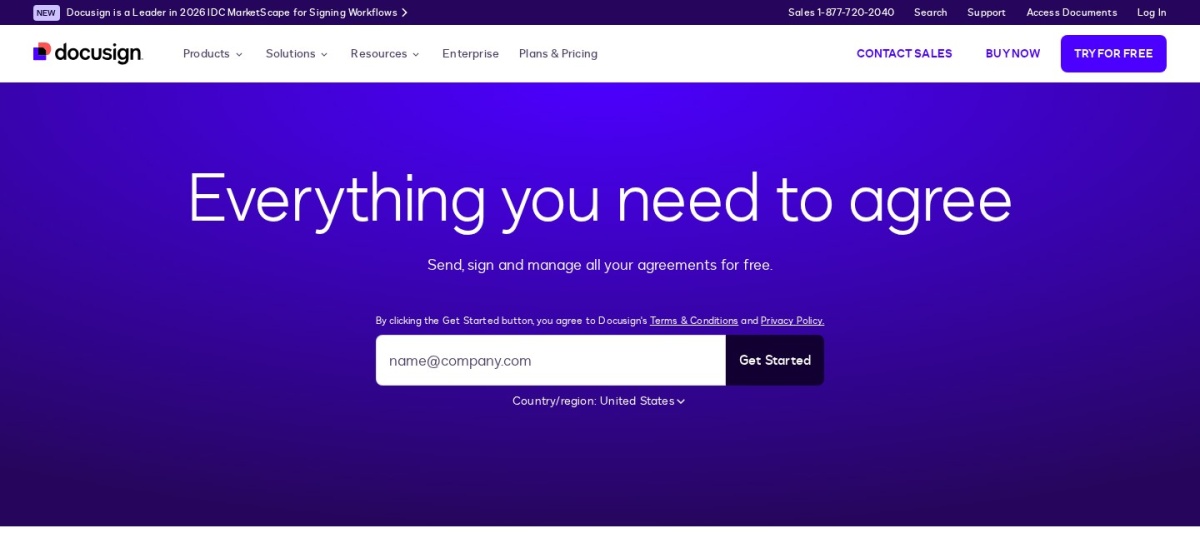
DocuSign is the best-known e-signature tool in this list, with a 4.5 out of 5 rating on G2 from 2,629 reviews. The Personal plan costs $10 a month on annual billing and covers 5 envelopes a month for one user, while Standard costs $25 a user a month and adds shared templates and branding.
The trade off is the envelope cap. Standard and Business Pro annual plans allow 100 envelopes per user a year, so heavy senders pay for extra envelopes or a higher plan. It suits teams whose clients expect the DocuSign name and who send a steady, predictable volume.
What we like
Most widely recognised e-signature brand
Strong template, branding and commenting tools
Reusable templates from the Personal plan up
Watch out for
No free plan, only a trial
Envelope caps on every self-serve plan
Per-user pricing grows fast with team size
Standard adds shared templates and branding at $25 a user a monthVisit docusign.com
02
PandaDoc
4.7/5on G2 (3,703 reviews, checked Nov 2026)
Paid from$19/mo
Best for proposals and sales documents
Free planYes, 5 documents a month
Cheapest paid planStarter, $19/mo
DocumentsUnlimited on paid plans
G2 rating4.7/5, 3,703 reviews
pandadoc.com
PandaDoc homepage, captured Nov 2026.
PandaDoc is a document platform that combines e-signatures with proposals, quotes and payment collection. The free plan covers 5 documents a month with unlimited e-signatures, and the Starter plan costs $19 a user a month on annual billing with unlimited documents and 5 templates.
The trade off is that CRM integrations sit on the Business plan at $49 a user a month, and monthly billing jumps to $35 a seat. It suits sales teams that send proposals and contracts from one tool instead of signing plain PDFs.
What we like
Rated 4.7 out of 5 on G2 from 3,703 reviews
Free plan with unlimited e-signatures
Proposals, quotes and payments in one tool
Watch out for
CRM integrations need the $49 Business plan
Monthly billing jumps to $35 a seat
More than a pure signing tool for simple needs
Business adds CRM integrations and approval workflows at $49 a user a monthVisit pandadoc.com
03
signNow
4.6/5on G2 (1,765 reviews, checked Nov 2026)
Starts at$8/mo
Best value with unlimited users
Free planNo, 7-day free trial
Cheapest paid planBusiness, $8/mo
UsersUnlimited on paid plans
G2 rating4.6/5, 1,765 reviews
signnow.com
signNow homepage, captured Nov 2026.
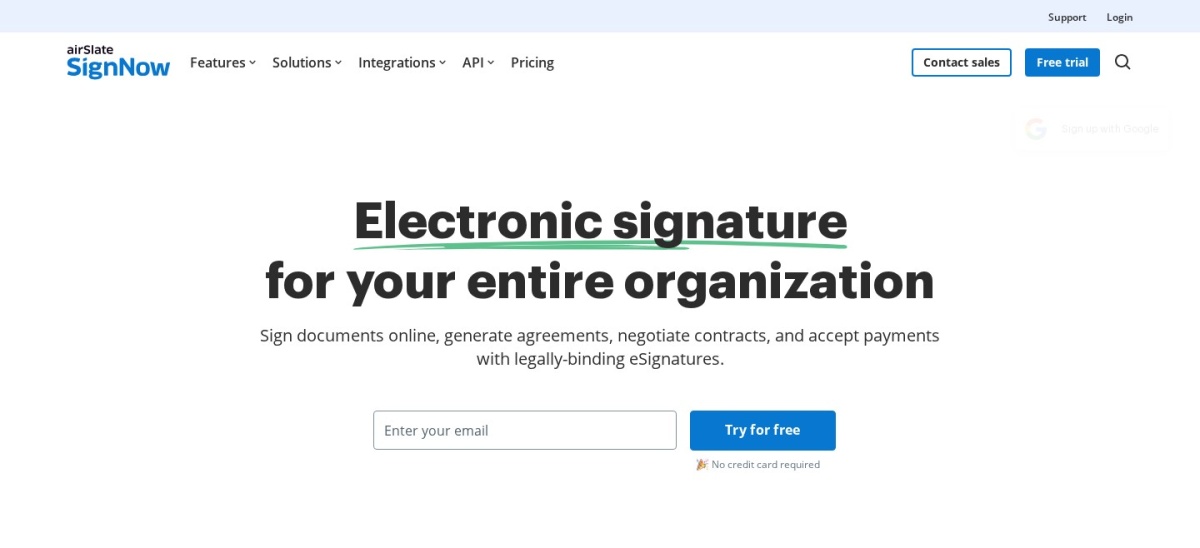
signNow is the cheapest paid option in this list, with the Business plan at $8 a month on annual billing. Every paid plan includes unlimited users, so the bill depends on signature invites rather than seats, and annual plans include 100 invites a year.
The trade off is that there is no free plan, only a 7-day trial, and extra invites cost $0.96 each on Business. It suits small teams that want low fixed costs and send a moderate number of documents.
What we like
Lowest paid price in this list at $8 a month
Unlimited users on every paid plan
Bulk sending from the $15 Business Premium plan
Watch out for
No free plan
Invite allowance caps sending volume
Extra invites add up for high-volume teams
Business Premium adds bulk send and payment requests at $15 a monthVisit signnow.com
04
Adobe Acrobat Sign
4.4/5on G2 (1,070 reviews, checked Nov 2026)
Starts at$14.99/mo
Best for teams already editing PDFs
Free planNo, free trial
Cheapest paid planAcrobat Standard, $14.99/mo
Signature transactions150 per user a year on Standard
G2 rating4.4/5, 1,070 reviews
adobe.com
Adobe Acrobat Sign homepage, captured Nov 2026.
Adobe Acrobat Sign is the e-signature tool built into Adobe Acrobat, so signing happens in the same place as PDF editing. Acrobat Standard costs $14.99 a month on annual billing and includes basic e-signature features, while Acrobat Pro for teams costs $23.99 a user a month.
The trade off is the transaction cap. Standard team plans allow 150 signature transactions per user a year, and bulk sending needs a higher tier. It suits teams that already pay for Acrobat and edit PDFs every day.
What we like
Signing and PDF editing in one workspace
Strong Microsoft 365 integrations
Real-time tracking and audit trails
Watch out for
No free plan
150-transaction cap on Standard plans
Enterprise features need a sales quote
Acrobat Pro for teams adds advanced PDF tools at $23.99 a user a monthVisit adobe.com
05
Zoho Sign
4.4/5on G2 (64 reviews, checked Nov 2026)
Paid from$10/mo
Best for teams already using Zoho
Free planYes, 5 envelopes a month
Cheapest paid planStandard, $10/mo
Envelopes25 per user a month on Standard
G2 rating4.4/5, 64 reviews
zoho.com
Zoho Sign homepage, captured Nov 2026.
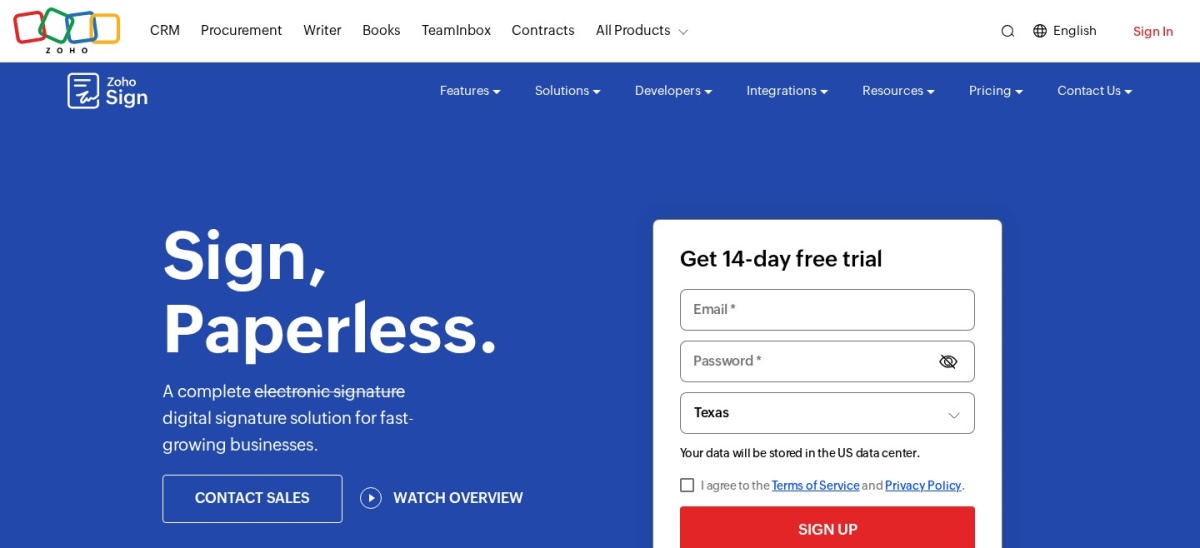
Zoho Sign is the e-signature layer of the Zoho business suite, with signing flows that connect to Zoho CRM, Books and People. The free plan covers 5 envelopes a month for one user, and Standard costs $10 a user a month on annual billing with 25 envelopes per user a month.
The trade off is that some actions, such as SMS delivery and ID checks, use credits bought separately, and integrations outside Zoho are thinner. It suits teams that already run their business on Zoho apps.
What we like
Free plan for light signing
Deep Zoho CRM and Books integrations
Unlimited envelopes from the $16 Professional plan
Watch out for
Credit-metered extras such as SMS delivery
Thinner integrations outside the Zoho suite
Lowest G2 review count in this list
Professional removes the envelope cap at $16 a user a monthVisit zoho.com
06
Xodo Sign
4.8/5on G2 (2,866 reviews, checked Nov 2026)
Paid from$10/mo
Best budget pick with unlimited sending
Free planYes, 3 documents a month
Cheapest paid planBasic, $10/mo
DocumentsUnlimited on paid plans
G2 rating4.8/5, 2,866 reviews
eversign.com
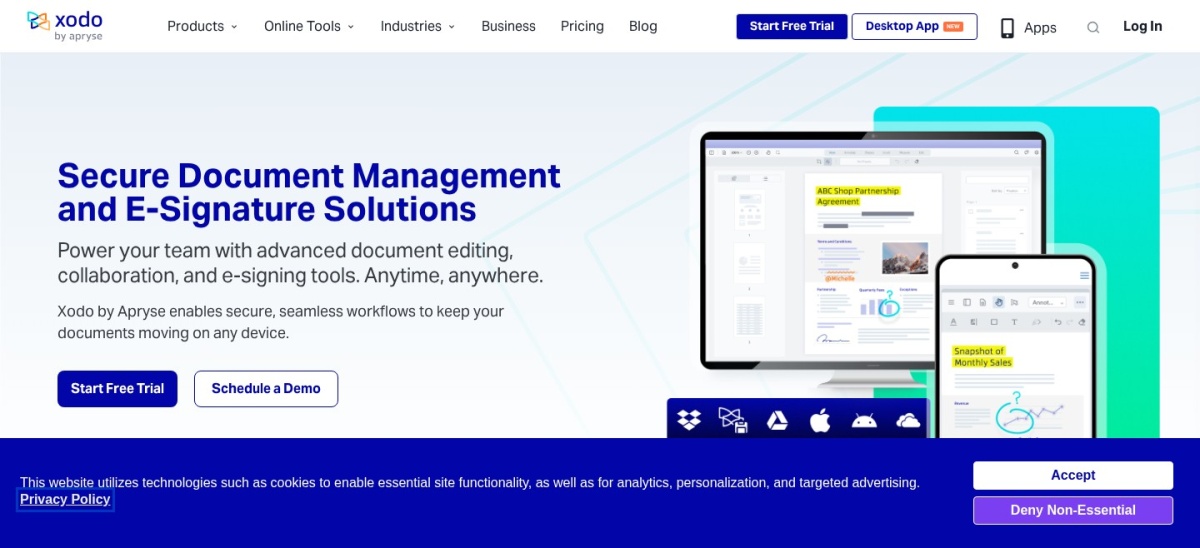
Xodo Sign homepage, captured Nov 2026.
Xodo Sign, formerly eversign, is a straightforward e-signature tool with no envelope counting. The free plan covers 3 documents a month, and Basic costs $10 a user a month on annual billing with unlimited documents, while Professional costs $16 and adds PDF editing and custom branding.
The trade off is brand familiarity. Fewer clients recognise the Xodo name than DocuSign, and the API is a separate paid plan. It suits small teams that send a lot and want a simple per-seat price.
What we like
Joint-highest G2 rating in this list at 4.8 out of 5
Unlimited documents on paid plans
Low per-seat price with no envelope caps
Watch out for
Less recognised by clients than DocuSign
API plans cost extra
Only 3 templates on the Basic plan
Professional adds PDF editing and branding at $16 a user a monthVisit eversign.com
07
SignWell
4.8/5on G2 (473 reviews, checked Nov 2026)
Paid from$10/mo
Best simple signing for small teams
Free planYes, 3 documents a month
Cheapest paid planLight, $10/mo
DocumentsUnlimited on paid plans
G2 rating4.8/5, 473 reviews
signwell.com
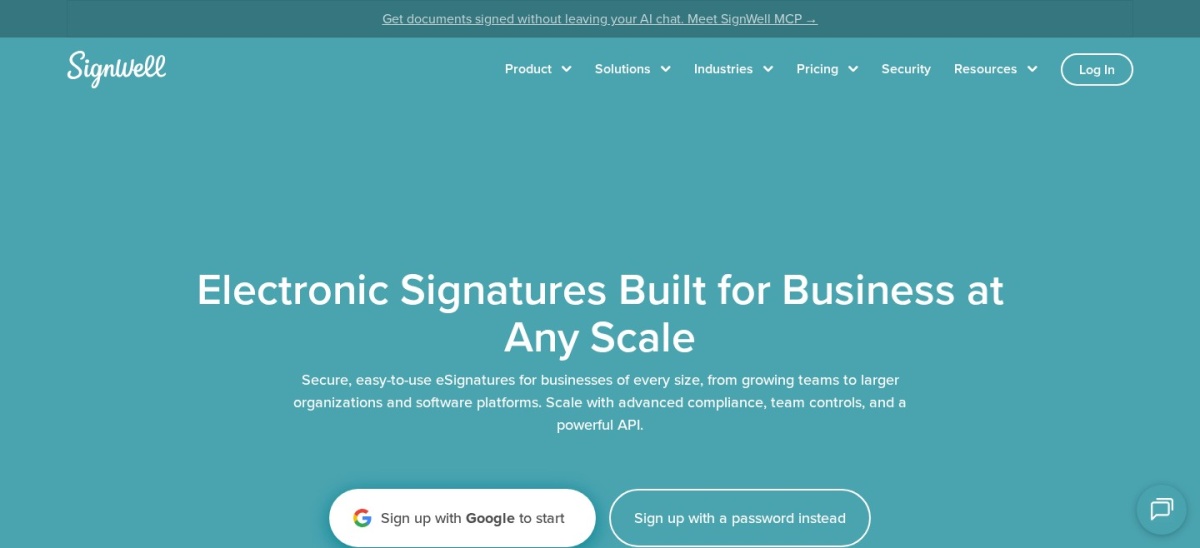
SignWell homepage, captured Nov 2026.
SignWell, formerly Docsketch, is a simple e-signature tool that charges by sender, not by signer. The free plan covers 3 documents a month for one sender, and Light costs $10 a sender a month on annual billing with unlimited documents and 5 templates per sender.
The trade off is scale. Business costs $30 a month for 3 senders, and Light caps templates at 5 per sender. It suits freelancers and small teams that send contracts and NDAs every week.
What we like
Rated 4.8 out of 5 on G2
Signers never need an account or a paid seat
Unlimited documents on paid plans
Watch out for
Free plan allows only 3 documents a month
Only 5 templates per sender on Light
Business plan pricing grows with senders
Business covers 3 senders with unlimited templates at $30 a monthVisit signwell.com
08
Signeasy
4.7/5on G2 (794 reviews, checked Nov 2026)
Starts at$10/mo
Best for signing on mobile
Free planNo, 14-day free trial
Cheapest paid planPersonal, $10/mo
Sends5 per month on Personal
G2 rating4.7/5, 794 reviews
signeasy.com
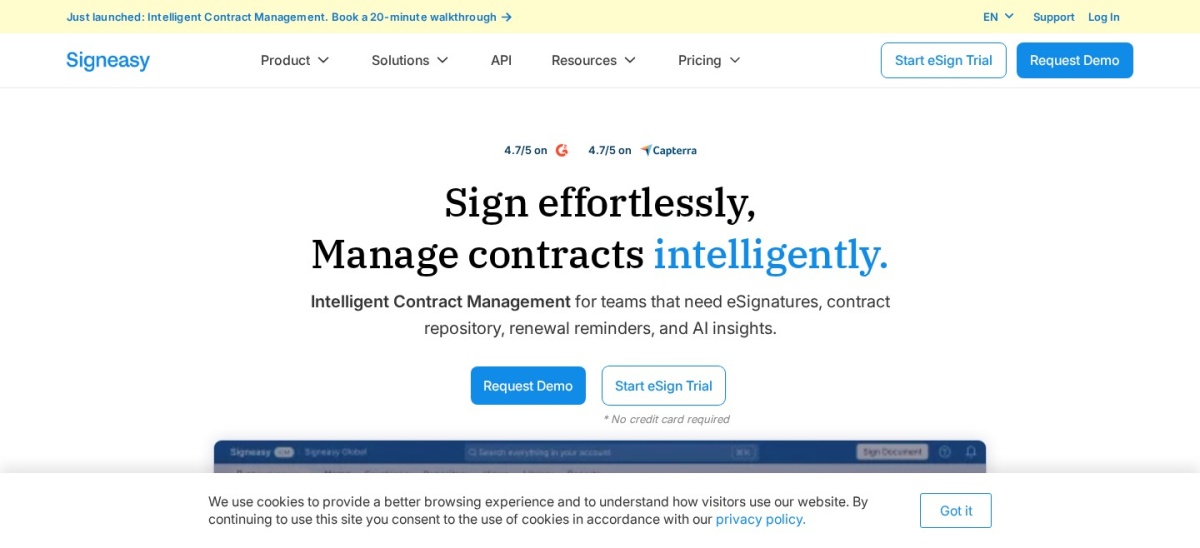
Signeasy homepage, captured Nov 2026.
Signeasy is an e-signature and contract management tool built around mobile signing, with iOS and Android apps and AI contract summaries. The Personal plan costs $10 a seat a month on annual billing for one user and 5 sends a month, while Business costs $20 a seat a month with unlimited sends.
The trade off is that bulk sending is an add-on rather than a standard feature, and team features start on Business. A limited-time sale on the pricing page cuts Personal to $7 a month, against the regular $10. It suits people who collect signatures on the go, in the field or at client sites.
What we like
Rated 4.7 out of 5 on G2
Strong mobile apps for in-person signing
AI contract search and renewal reminders
Watch out for
No free plan, only a 14-day trial
Personal plan caps sends at 5 a month
Bulk send costs extra
Business adds unlimited sends and team templates at $20 a seat a monthVisit signeasy.com
09
Jotform Sign
4.7/5on G2 (1,710 reviews, checked Nov 2026)
Paid from$34/mo
Best for signatures tied to forms
Free planYes, 10 signed documents a month
Cheapest paid planBronze, $34/mo
Signed documents100 a month on Bronze
G2 rating4.7/5, 1,710 reviews
jotform.com
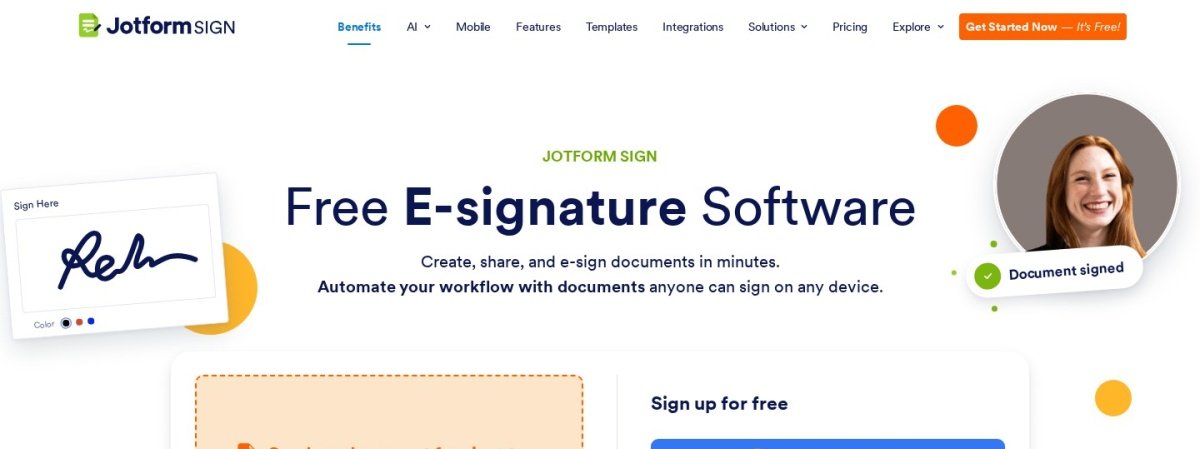
Jotform Sign homepage, captured Nov 2026.
Jotform Sign is the e-signature product inside Jotform, so forms and signatures live in one place. The free Starter plan covers 10 signed documents a month with 5 forms, and Bronze costs $34 a month on annual billing with 100 signed documents and 25 forms.
The trade off is price. Bronze is the most expensive entry plan in this list, and every plan below Enterprise is for a single user. It suits teams that already collect data in Jotform forms and want signatures on the same workflow.
What we like
Generous free plan with 10 signed documents a month
Forms, tables and signing in one account
Mobile app with offline signing
Watch out for
Most expensive entry plan in this list
Single-user plans below Enterprise
Signed-document limits on every plan
Silver raises the limit to 250 signed documents at $39 a monthVisit jotform.com
Free vs paid: what the free plans actually cover
Free plans cover occasional signing well. PandaDoc, Zoho Sign, Xodo Sign, SignWell and Jotform Sign all send a few documents a month without a card.
Paid plans mostly remove caps. Unlimited documents, templates, branding and bulk sending are the features that push teams to pay.
Watch the meter that fits your volume. Some tools cap envelopes, others cap invites or signed documents, and the cheapest sticker price can hide the highest overage bill.
How we chose
We started from the best-known e-signature tools positioned as Dropbox Sign replacements, then kept 9 with published pricing and a public G2 rating.
Prices come from each vendor's pricing page, checked on 29 November 2026. Ratings and review counts come from G2 on the same day. Where a vendor shows a sale, the list shows the regular price.
We left out tools with no published price and tools with no public rating. No vendor paid for a place, and we do not claim hands-on testing for this list.
How to choose a Dropbox Sign alternative
Start with how many documents you send each month, then match the meter to your volume.
Count your monthly sends. A free plan covers up to 10 documents a month. Above that, compare envelope, invite and signed-document caps, not just the monthly price.
Check who needs a seat. signNow charges per plan with unlimited users, while most others charge per sender. See how to secure a WordPress site for keeping signed documents safe.
List the features you cannot skip. Bulk sending, payment collection and CRM integrations each sit on different tiers. Pick the tool that includes yours on its cheapest plan.
Try the free plan or trial first. Send a real contract through it and check the signing experience on a phone before you pay for a year.
FAQ
What are the best Dropbox Sign alternatives in 2026?
DocuSign is the best overall Dropbox Sign alternative, rated 4.5 out of 5 on G2 from 2,629 reviews. PandaDoc is the best pick for sales documents, and signNow is the cheapest paid option at $8 a month with unlimited users.
How much do Dropbox Sign alternatives cost?
Paid plans run from $8 to $34 a month on annual billing. signNow starts at $8, DocuSign, Zoho Sign, Xodo Sign, SignWell and Signeasy start at $10, PandaDoc starts at $19, and Jotform Sign starts at $34.
Is there a free alternative to Dropbox Sign?
Yes. PandaDoc, Zoho Sign, Xodo Sign, SignWell and Jotform Sign all offer free plans. Jotform Sign is the most generous at 10 signed documents a month, while PandaDoc and Zoho Sign allow 5 and SignWell allows 3.
Which Dropbox Sign alternative is best for small teams?
signNow is the best pick for small teams on a budget, at $8 a month with unlimited users. SignWell is a strong second choice at $10 a sender a month with unlimited documents and a free plan for occasional sends.
DocuSign vs PandaDoc: which is better?
DocuSign is better for pure signing and client acceptance, with the most recognised brand and 2,629 G2 reviews. PandaDoc is better for sales teams, because it adds proposals, quotes and payment collection to signing, and its free plan covers 5 documents a month.
Do Dropbox Sign alternatives limit how many documents I can send?
Most do. DocuSign Standard allows 100 envelopes per user a year, Zoho Sign Standard allows 25 a month, and Jotform Sign Bronze allows 100 signed documents a month. PandaDoc, Xodo Sign and SignWell offer unlimited documents on paid plans.
Can I switch from Dropbox Sign without losing signed documents?
Yes, in most cases. Download your completed documents and audit trails from Dropbox Sign before you cancel, then upload the files to your new tool or store them in your usual document storage. Check the new tool's import options before you move.
SaaS SEO and WordPress specialist with about 8 years of experience. Rakib compares WordPress plugins, themes, hosting and software using public pricing, documentation and user reviews. See how we rank.