Lucidchart is the best draw io alternative for most teams, with dedicated diagramming, Visio import and real-time collaboration from $9 a month, rated 4.5/5 on G2. FigJam is the cheapest paid swap at $3 an editor a month, while Creately and Visio both start at $5.
How we make this list: we compare pricing pages, product documentation and public user reviews, then re-check every price before each update. No product paid for a place. Disclosure.
Lucidchart is the closest direct swap for draw.io, with dedicated diagramming, Visio import and a free plan for 3 documents.
Miro has the highest rating here at 4.6/5 from more than 13,800 G2 reviews, and Starter costs $8 a member a month.
FigJam is the cheapest paid plan in this list at $3 an editor a month, but it only makes sense inside Figma.
Creately and Visio both start at $5 a month; Creately has a free plan, Visio does not.
Every tool here except Visio and SmartDraw offers a free plan, so you can test before paying.
Draw.io itself is free as diagrams.net, so pay only if you need live collaboration or a polished editor.
How do you choose between draw io alternatives?
Draw.io is free, so an alternative has to earn its price. The tools that justify paying add live collaboration, a smoother editor or a shape library your team already knows.
Start with how you actually draw. A dedicated diagram editor such as Lucidchart or Visio fits formal flowcharts and org charts, while a whiteboard such as Miro or FigJam fits workshops where the diagram is the discussion.
Count editors, not viewers. Most tools charge per editor and let viewers in free, so a five-person drawing team costs far less than a fifty-person audience.
Check your file formats before you commit. If your team already shares .vsdx files, pick a tool that imports Visio; if your diagrams live in Confluence, Gliffy keeps them next to the docs.
Lucidchart is a browser-based diagramming tool for flowcharts, process maps, org charts and technical diagrams, built for teams that edit together. The free plan covers 3 editable documents with about 75 shapes each and 100 templates, and paid plans add unlimited documents, premium templates and Visio import and export.
The trade off is the free plan's size cap. Three documents fill up fast once a team diagrams regularly, so most users move to Individual at $9 a month billed yearly. It suits teams that want a polished, dedicated diagram editor rather than a whiteboard.
Miro is an online whiteboard where a team can run a workshop, sketch a process and leave comments on the same board. The free plan covers 3 editable boards, and Starter at $8 per member a month billed yearly adds unlimited boards, private boards and visitor editing.
The trade off is structure. Miro is flexible, so diagrams can drift into messy boards unless someone owns the layout, and strict notation such as BPMN is not its strength. It suits teams that map processes live in workshops rather than documenting them formally.
What we like
Highest G2 rating in this list, 4.6 out of 5
Huge template library for workshops and flows
250+ integrations with common work tools
Guests can view boards without a paid seat
Watch out for
Free plan limits you to 3 editable boards
Loose notation for formal diagrams
Starter adds unlimited boards and private sharingVisit miro.com
03
Whimsical
4.6/5on G2 (189 reviews, checked Nov 2026)
Paid from$10/mo
Best for fast, clean diagrams
Free planYes, with limits
File typesFlowcharts, wireframes, mind maps
ViewersFree, only editors pay
Paid planPro, $10/editor/mo
whimsical.com
Whimsical homepage, captured Nov 2026.
Whimsical is a visual workspace that combines flowcharts, wireframes, mind maps, sticky notes and docs on one kind of board. The free plan covers the basics with limits on boards and version history, and Pro at $10 per editor a month billed yearly adds unlimited files and 90-day version history.
The trade off is price for what you get. Pro costs more than Miro Starter and Lucidchart Individual, and single sign-on needs the Business plan. It suits product teams that want speed and a clean canvas over pixel-perfect control.
What we like
Fast, clean interface that new users learn quickly
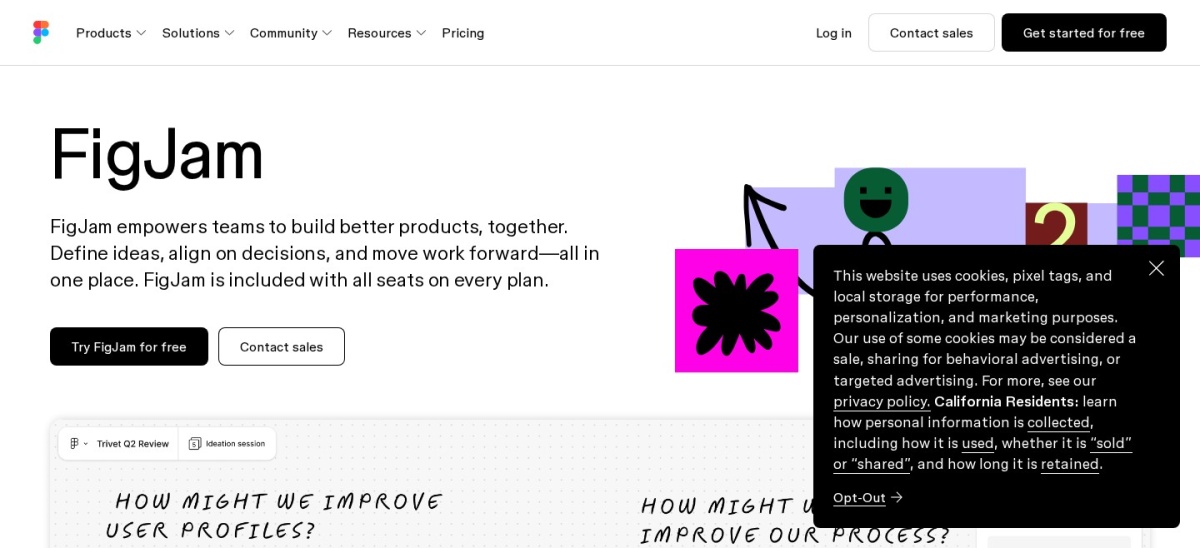
FigJam is Figma's online whiteboard, built for brainstorming, flowcharts and quick diagrams that sit next to design files. The free Starter plan covers 3 FigJam files, and Professional at $3 per editor a month billed yearly is the cheapest paid plan in this list.
The trade off is depth. FigJam is a whiteboard first, so it lacks the shape libraries and strict diagram tools of Lucidchart or Visio. It suits teams already in Figma that want diagrams and designs in one place.
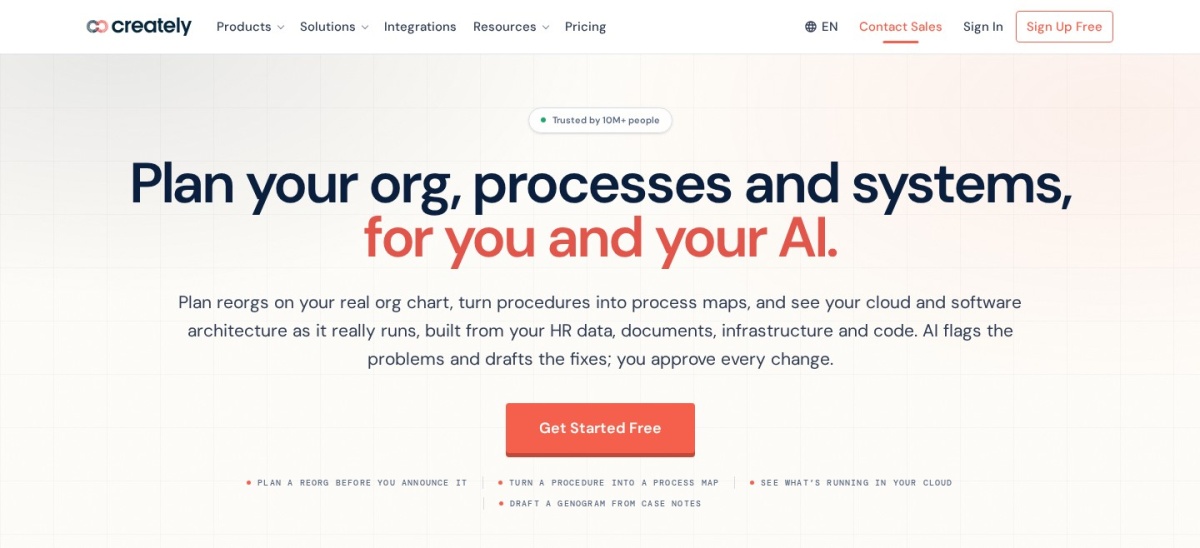
Creately is a visual planning tool between a whiteboard and a formal diagram editor, with templates for flowcharts, org charts, UML and project timelines. The free plan covers unlimited canvases with 45 items each, and Personal at $5 a month adds unlimited items, more folders and all export formats.
The trade off is the free plan's 45-item cap per canvas. A detailed diagram hits that cap fast, so heavy diagrammers will pay, and team features sit on the flat-rate Business plan. It suits small teams that map different things each week.
What we like
Large template set across business diagrams
Live collaboration with comments
Lowest paid starting price in this list, tied with Visio
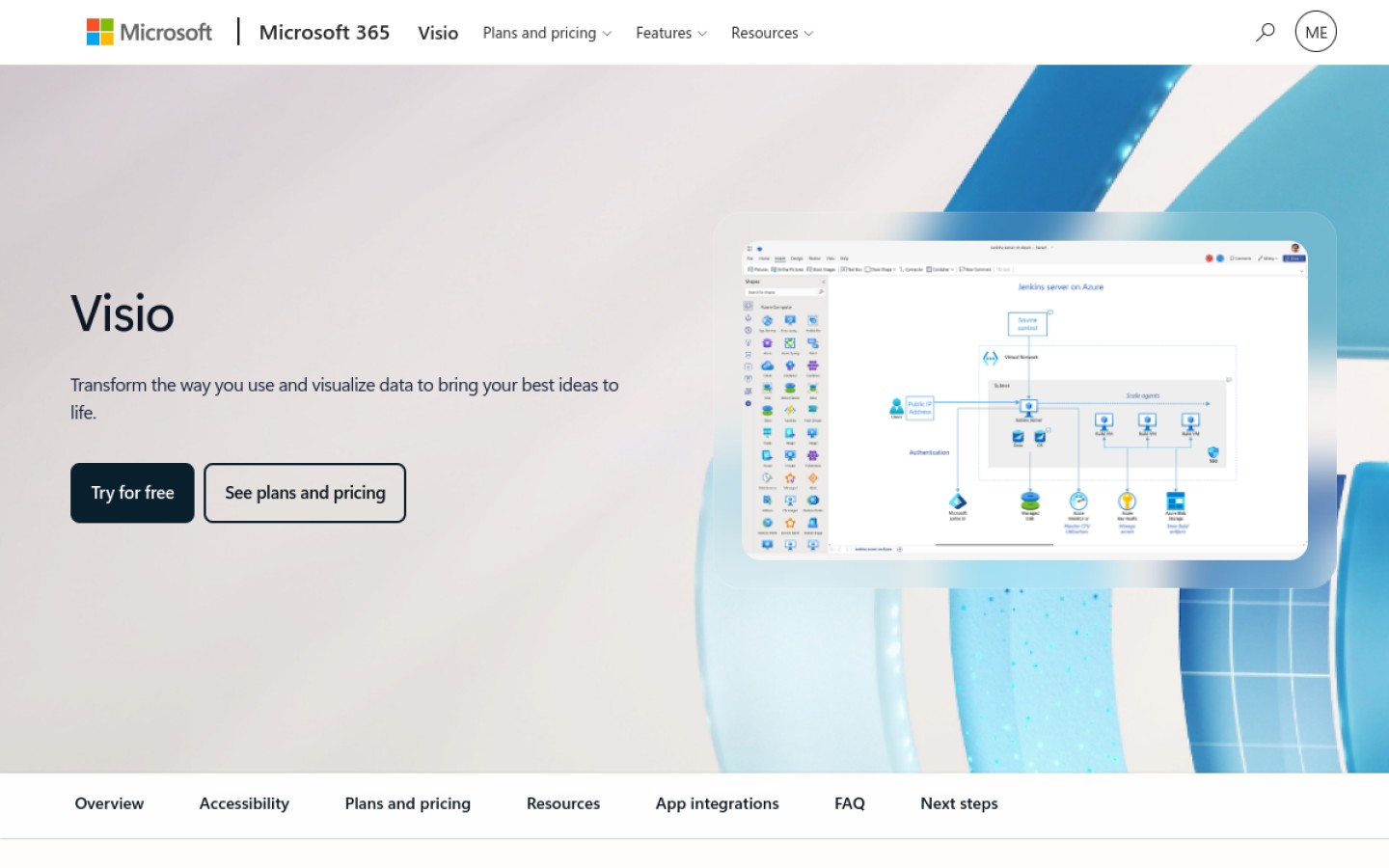
Microsoft Visio is the long-standing diagramming tool in the Microsoft world, and its .vsdx format is still the file many companies expect to exchange. Plan 1 at $5 per user a month billed yearly covers the web app, while Plan 2 at $15 adds the desktop app, BPMN 2.0 and data-linked diagrams.
The trade off is licensing. There is no free plan beyond a one-month trial, and the desktop app, BPMN support and offline files all sit on Plan 2. It suits teams already on Microsoft 365 that exchange Visio files.
What we like
Deep shape libraries for formal diagrams
Strong links to Excel, Teams and SharePoint
Standard .vsdx format for file exchange
Basic web version included in some Microsoft 365 plans
Gliffy is a diagramming tool that lives inside Atlassian Confluence and Jira, so diagrams sit next to the docs and tickets they describe. Gliffy Diagrams for Confluence is free for up to 10 users, while standalone Professional costs $6 a month billed yearly.
The trade off is scope. The editor is simple on purpose, with a smaller shape library than Visio, and pricing follows your Confluence user count. It suits teams whose documentation already lives in Confluence.
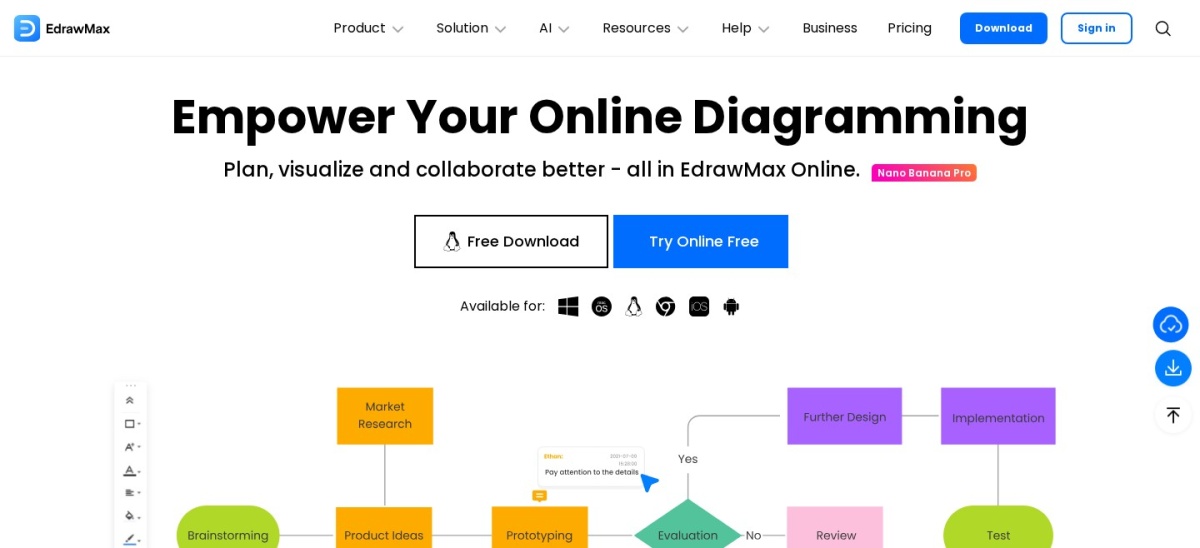
EdrawMax is a cross-platform diagram tool from Wondershare with more than 210 diagram types, from flowcharts to circuit diagrams. The free version covers basic diagramming with watermarked exports, and the Individual annual plan costs $45.99 a year.
The trade off is pricing confusion. G2 lists an Individual subscription at $11.50 a month, and an earlier sibling list printed $99 a year, so confirm the annual price on the pricing page before buying. It suits users who want a desktop app that also works offline.
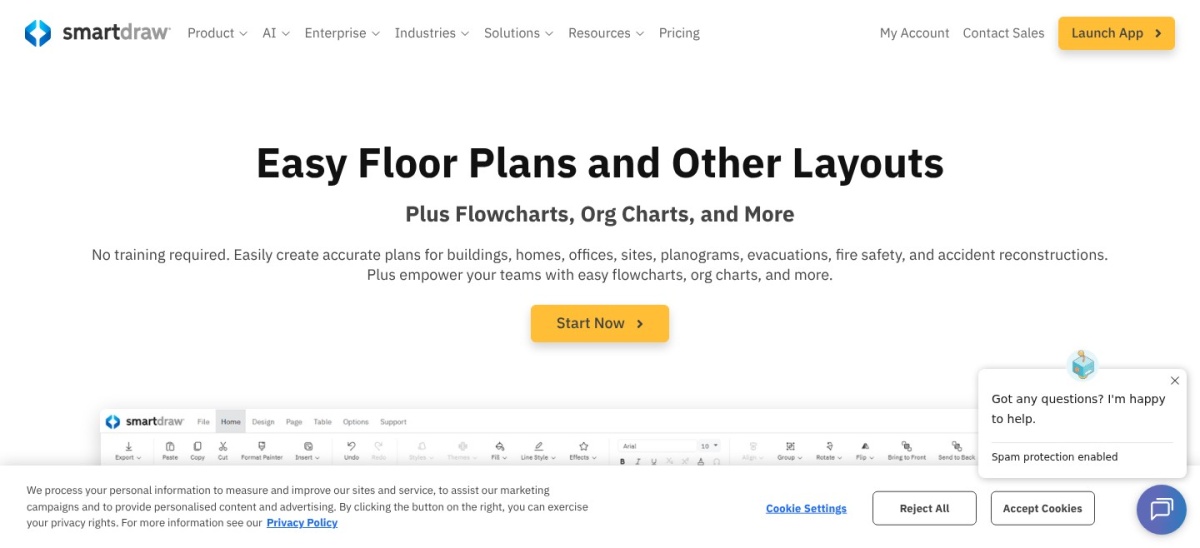
SmartDraw is a long-running diagram tool whose template depth shows, with ready-made examples for business diagrams, org charts, floor plans and project visuals. The Individual plan at $9.95 a month billed yearly includes automatic formatting, and Visio import and export make it a practical swap from Visio.
The trade off is collaboration and cost. Live co-editing exists but is not the main strength, and there is no free tier beyond a trial. It suits solo users and small teams that value templates over live workshops.
Free plans cover everyday diagramming well. Lucidchart, Miro, Whimsical, Creately, FigJam, Gliffy and EdrawMax all let you draw and share real diagrams without paying.
Paid plans mostly add room and control. You get more documents, more shapes per canvas, private sharing, version history and admin controls.
Visio and SmartDraw have no permanent free plan, only a trial. If a diagram turns read-only when the trial ends, the free tools above are the safer starting point.
Pay when the free limits start costing time. Three documents or three boards is enough to test, but a team that diagrams weekly will hit the cap within a month.
How we chose
We started from the diagramming and whiteboard tools most often recommended as draw.io replacements, then kept nine that exist today, publish a price and carry a public rating.
Prices come from each vendor's pricing page and ratings from G2, both checked on 29 November 2026. Where a vendor shows a sale, the list shows the regular price.
We left out diagrams.net itself, since it is draw.io under its current name, and tools with no public rating. No vendor paid for a place, and we do not claim hands-on testing for this list.
How to choose a draw io alternative
Start with the diagram you make most often, then pick the tool that fits that job.
Check whether you need strict diagramming. If maps must follow a shared standard, pick Lucidchart, Visio or EdrawMax. For informal flows and workshops, Miro, FigJam or Whimsical is faster.
Count editors, not viewers. Most tools charge per editor and let viewers in free. Count only the people who draw before comparing monthly prices.
Draw your real diagram in two finalists. Build the same flowchart in each, share it with a colleague and export it in the format your team uses.
Check the free plan's limits first. Three documents or three boards is enough to test. Pick the tool whose free plan still works the week your trial ends.
FAQ
What is the best draw io alternative in 2026?
Lucidchart is the best draw io alternative for most teams. It is a dedicated diagram editor with Visio import, real-time collaboration and a free plan, rated 4.5 out of 5 on G2 from more than 8,800 reviews, with paid plans from $9 a month.
Is there a free alternative to draw.io?
Yes. Draw.io itself is free as diagrams.net, with no paid plan for the core editor. Among paid tools, Lucidchart, Miro, Whimsical, Creately, FigJam, Gliffy and EdrawMax all offer free plans with limits on documents, boards or canvas items.
What is the cheapest draw.io alternative?
FigJam is the cheapest paid plan in this list at $3 per editor a month billed yearly. Creately and Microsoft Visio both start at $5 a month, while Miro Starter costs $8 a member a month.
What is the best draw.io alternative for teams?
Miro is the best pick for teams that diagram together, with the highest G2 rating here at 4.6 out of 5 from more than 13,800 reviews. Lucidchart is the better choice when diagrams must follow a formal standard or import Visio files.
Lucidchart vs Miro: which is better for diagrams?
Lucidchart is better for formal diagrams, with dedicated shape libraries, BPMN support and Visio import and export. Miro is better for live workshops and brainstorming, with a bigger template library and a lower starting price of $8 a member a month.
Can I import my draw.io diagrams into these tools?
Most of them can. Lucidchart, Gliffy and SmartDraw import Visio files, and Gliffy imports draw.io diagrams directly. Check the format support on the plan you choose before migrating a large library.
SaaS SEO and WordPress specialist with about 8 years of experience. Rakib compares WordPress plugins, themes, hosting and software using public pricing, documentation and user reviews. See how we rank.