PandaDoc is the best DocuSign alternative for most teams, combining proposals, quotes and legally binding signatures from $19 per user a month. Adobe Acrobat Sign suits PDF-heavy teams, while BoldSign is the cheapest paid option at $5 per user a month.
How we make this list: we compare pricing pages, product documentation and public user reviews, then re-check every price before each update. No product paid for a place. Disclosure.
PandaDoc is the best all-round DocuSign alternative, with proposals and signing from $19 per user a month.
BoldSign is the cheapest paid option at $5 per user a month, with a free plan covering 25 envelopes a month.
signNow covers unlimited users on one $8-a-month plan, but only 100 invites a year are included.
SignWell has the highest G2 rating here at 4.8 out of 5, with unlimited documents from $10 a month.
Adobe Acrobat Sign suits teams already paying for Acrobat, at $16.99 per license a month for teams.
What should you check before switching to one of the DocuSign alternatives?
Price per seat is the first thing to compare. DocuSign alternatives in this list start at $5 a month and climb to $34, and per-account pricing like signNow changes the math for larger teams.
Envelope and invite caps matter more than the headline price. A $5 plan that caps envelopes at 50 a month can cost more than a $10 plan with unlimited documents once volume grows.
Free plans are real but narrow. Most cover a handful of documents or envelopes a month, so check the limit against how many agreements you actually send.
Integrations decide the winner for most teams. A signing tool that plugs into your CRM, storage and form builder saves more time than a cheaper standalone app.
PandaDoc is a document platform that combines proposals, quotes, contracts and legally binding signatures in one editor. Its free plan covers 5 documents a month, while Starter at $19 per user a month adds unlimited documents, templates, tracking and payment collection. PandaDoc counts more than 50,000 customers and is rated 4.7 out of 5 on G2.
The trade off is price per seat. CRM integrations, approval workflows and custom branding need Business at $49 per user a month, so a sales team of five pays $2,940 a year. It suits sales teams that send proposals and contracts every week and want tracking and payments in the same document.
What we like
Proposals, quotes and signatures in one editor
Unlimited documents from $19 per user a month
Tracking, reminders and payment collection built in
Adobe Acrobat Sign is the signing layer inside Acrobat, so editing, converting and collecting signatures happen in one subscription. Standard for teams costs $16.99 per license a month on an annual plan and includes e-signature requests, tracking and Microsoft 365 integration. It is rated 4.4 out of 5 on G2 from more than 1,000 reviews.
The trade off is that signing is bundled with a PDF editor. Teams that only need signatures pay for Acrobat features they may never open, and the standalone Acrobat Sign Solutions plan is sold by quote only. It suits teams that already edit PDFs in Acrobat every day and want signatures in the same place.
What we like
Full PDF editing and signing in one subscription
Strong compliance and audit trails
Deep Microsoft 365 integration
Watch out for
No free plan, only a trial
Cheapest signing route still costs $16.99 per license a month
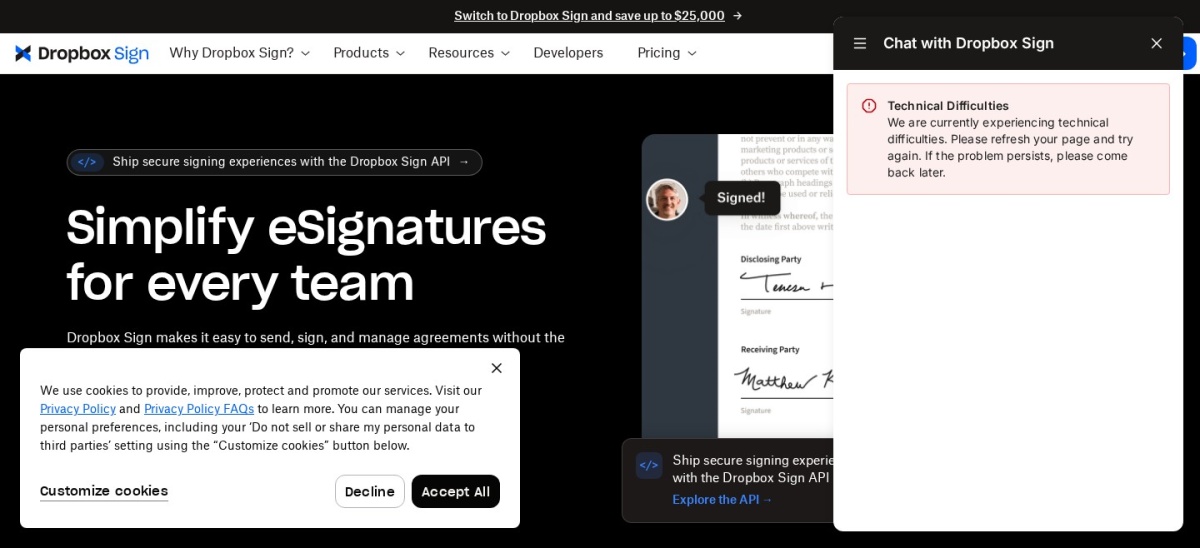
Dropbox Sign is the simplest signing tool on this list, formerly HelloSign. Sending agreements starts at $15 per user a month billed yearly, with unlimited signature requests, templates and an audit trail on every paid plan. It is rated 4.7 out of 5 on G2 from more than 2,200 reviews.
The trade off is depth. Dropbox Sign has lighter workflow logic than PandaDoc or Adobe, and its API is a separate product that starts at $75 a month for 50 requests. It suits small teams and solo consultants who want clean, fast signing without learning a bigger platform.
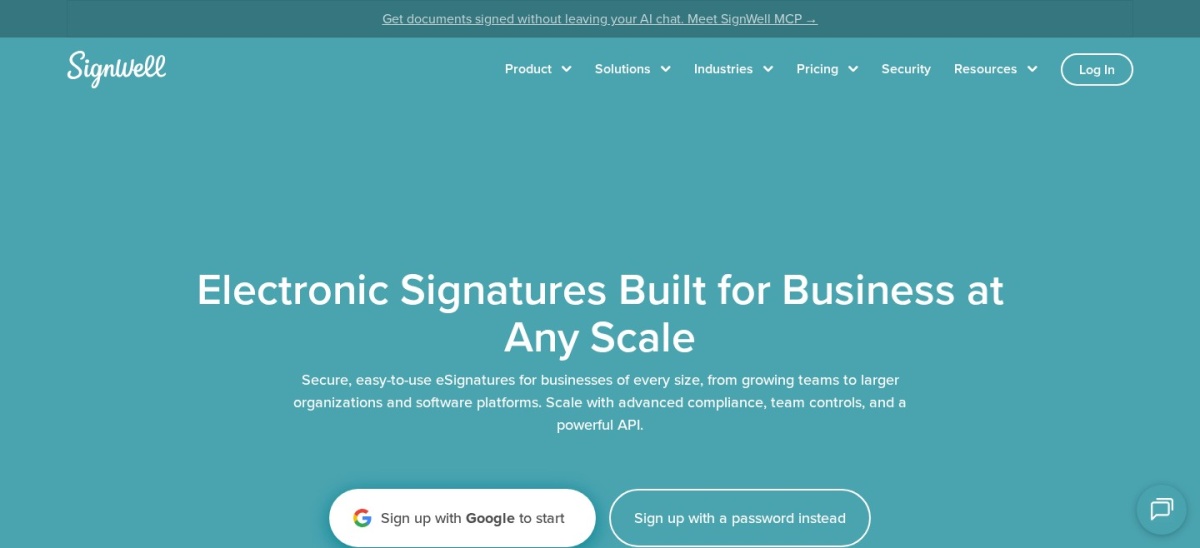
SignWell is a straightforward signing service that charges per sender, not per seat. Its free plan covers 3 documents a month, and Light costs $10 a month billed yearly with unlimited documents, 5 templates per sender and bulk sending. It is rated 4.8 out of 5 on G2, the highest score in this list.
The trade off is scope. SignWell does not build proposals or quotes, and teams pay $30 a month for Business to cover 3 senders. It suits solo users and small teams that send a steady flow of simple agreements and want one flat monthly price.
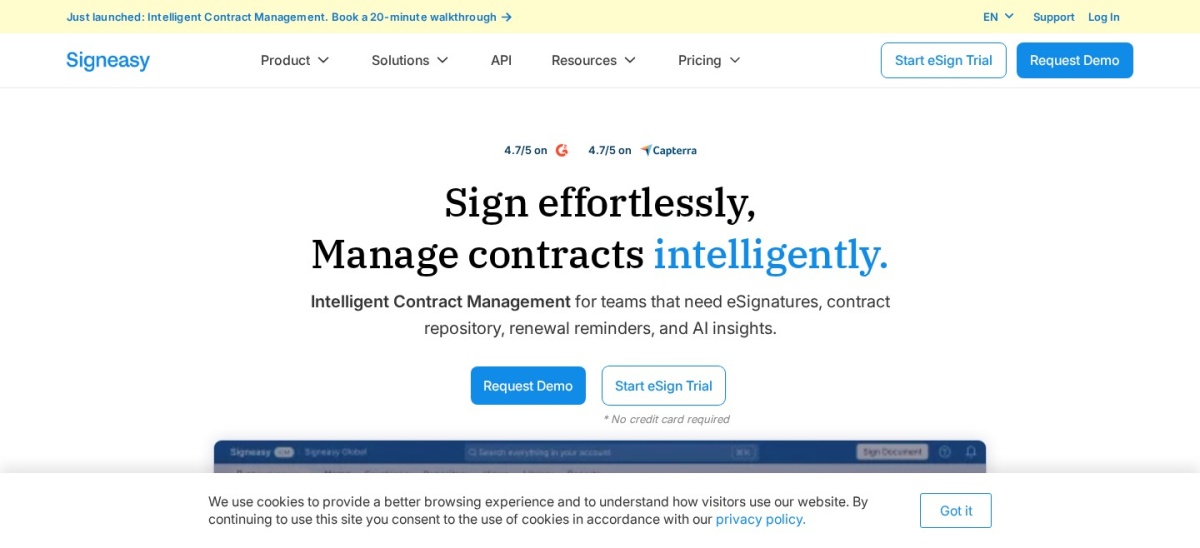
Signeasy is a mobile-first signing app for teams that send contracts from phones as often as desks. Personal costs $10 a month billed yearly and covers 5 sends a month, while Business at $20 per user a month adds unlimited sends and shared templates. It is rated 4.7 out of 5 on G2 from nearly 800 reviews.
The trade off is the free tier. Signeasy has no free plan, only a 14-day trial, and the Personal plan caps sends at 5 a month. It suits field teams and small businesses that sign on mobile and want unlimited sending without a two-user minimum.
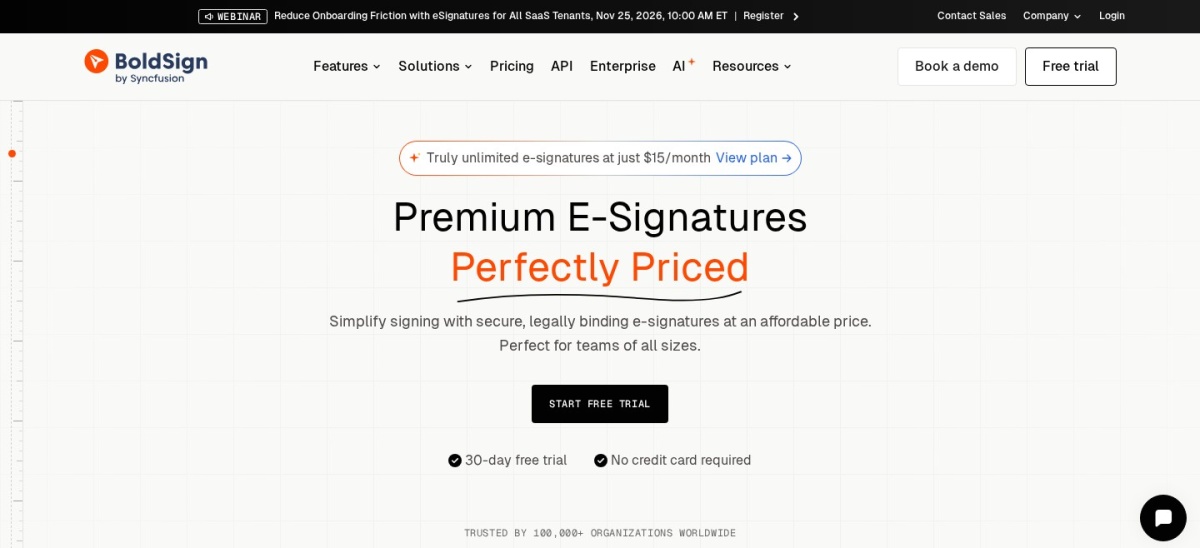
BoldSign is the cheapest paid signing tool in this list, from Syncfusion. Its free plan covers 25 envelopes a month for one user, and Growth costs $5 per user a month billed yearly with 50 envelopes per user, 10 templates and team management. It is rated 4.7 out of 5 on G2 from more than 500 reviews.
The trade off is envelope caps. Growth limits each user to 50 envelopes a month, and unlimited envelopes need Business at $15 per user a month. It suits small businesses and developers that want a generous free plan and the lowest paid price for light signing volume.
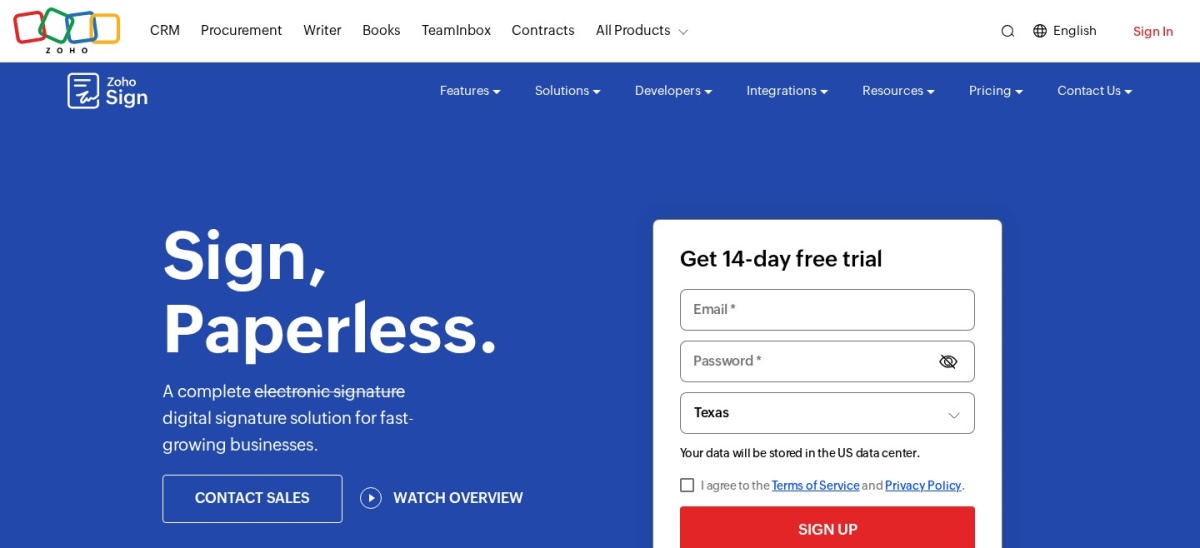
Zoho Sign is the signing tool for businesses already running Zoho CRM, Books or Zoho One. Its free plan covers 5 envelopes a month for one user, and Standard costs $10 per user a month billed yearly with 25 envelopes per user a month. It is rated 4.4 out of 5 on G2.
The trade off is life outside Zoho. Integrations with non-Zoho tools are thinner, and API and automation actions consume separate Zoho credits. It suits Zoho shops that want signing inside the suite they already pay for, with a free plan for light use.
What we like
Deep integration with Zoho CRM and Books
Free plan for light signing
Low $10 entry price
Watch out for
Weak fit outside the Zoho ecosystem
Automation actions consume separate credits
Only 64 G2 reviews, the smallest base here
Professional adds unlimited envelopes for $16 a monthVisit zoho.com
08
signNow
4.6/5on G2 (1,776 reviews, checked Nov 2026)
Starts at$8/mo
Best for teams with many senders
Free planNo, 7-day trial
Cheapest paidBusiness, $8/mo
Users on BusinessUnlimited
Invites included100 a year
signnow.com
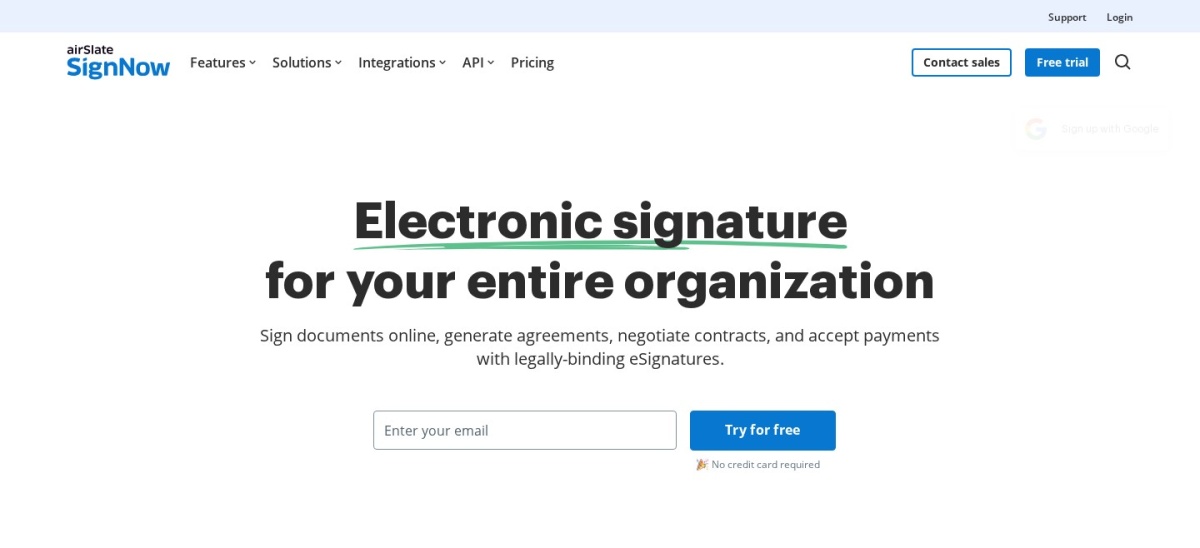
signNow homepage, captured Nov 2026.
signNow is the low-cost team option, priced per account rather than per seat. Business costs $8 a month billed yearly and covers unlimited users, with 100 signature invites a year included. It is rated 4.6 out of 5 on G2 from more than 1,700 reviews.
The trade off is the invite cap. Only 100 signature invites a year are included, and extra invites cost more, so heavy senders pay over the headline price. It suits teams with many occasional senders who share one low subscription instead of buying a seat each.
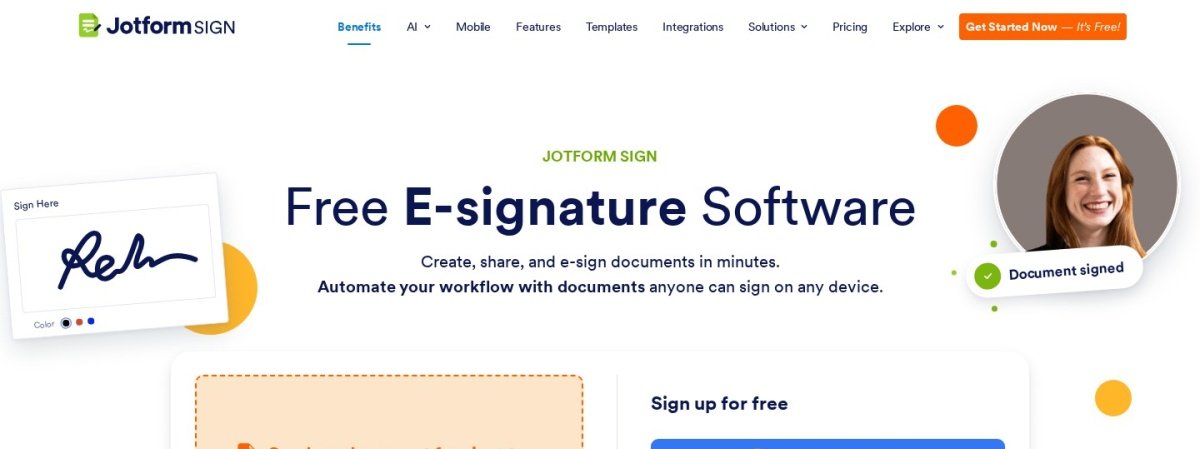
Jotform Sign is the signing add-on to the Jotform form builder, so intake forms and signatures live in one place. Its free Starter plan covers 10 signed documents a month, and Bronze costs $34 a month billed yearly for 100 signed documents a month. Jotform is trusted by more than 25 million users and rated 4.7 out of 5 on G2.
The trade off is price. At $34 a month, Bronze is the most expensive entry plan here, and higher document limits need Silver or Gold. It suits teams that collect structured form data before the signature and want forms, approvals and signing in one tool.
Per-seat pricing scales with headcount. PandaDoc at $19 per user a month costs $228 a year for one sender and $1,140 for five, before any higher plan.
Per-account pricing flips the math for big teams. signNow charges $8 a month for the whole account, so ten occasional senders share one $96-a-year subscription.
Caps hide in the plan details. signNow includes 100 invites a year, BoldSign Growth allows 50 envelopes per user a month, and Signeasy Personal allows 5 sends a month, so count your monthly volume first.
How we chose
We started from the most widely used e-signature tools that compete directly with DocuSign, then kept the nine with a verifiable G2 rating and a published price. Tools without a public rating or price were left out.
Prices come from each vendor's pricing page or G2 pricing data supplied by the vendor, checked on 29 November 2026. Ratings and review counts come from G2 on the same day. Where a vendor shows a sale, the list shows the regular price.
We left out tools with no verifiable rating and tools whose signing features are quote-only. No vendor paid for a place, and we do not claim hands-on testing for this list.
How to choose a DocuSign alternative
Count how many agreements you send each month, then match the plan to that volume before you compare prices.
Count your monthly volume. Add up the agreements, envelopes and invites you send in a typical month, then check each plan's cap against that number.
Decide per seat or per account. A per-seat tool suits a few heavy senders, while signNow's per-account plan suits many occasional senders sharing one subscription.
Check your existing stack. If you already pay for Acrobat, Zoho or Jotform, the signing tool inside that suite is often the cheapest and simplest switch.
Try the free plan first. Send a real agreement end to end on the free plan, then check the audit trail, reminders and templates before you pay.
FAQ
What is the best DocuSign alternative in 2026?
PandaDoc is the best DocuSign alternative for most teams in 2026. It combines proposals, quotes and legally binding signatures from $19 per user a month, and it is rated 4.7 out of 5 on G2 from more than 3,800 reviews.
What is the cheapest DocuSign alternative?
BoldSign is the cheapest paid DocuSign alternative at $5 per user a month billed yearly. Its free plan covers 25 envelopes a month, and signNow is the cheapest team option at $8 a month for unlimited users on one account.
Is there a free DocuSign alternative?
Yes. BoldSign, PandaDoc, SignWell, Zoho Sign and Jotform Sign all have free plans, with limits from 3 documents to 25 envelopes a month. Dropbox Sign and Adobe Acrobat Sign offer trials instead of a free send plan.
Which DocuSign alternative is best for small teams?
SignWell is the best pick for a small team on a budget, with unlimited documents from $10 a month and the highest G2 rating in this list. PandaDoc suits sales-led teams that also need proposals, while signNow suits teams with many occasional senders.
PandaDoc vs Adobe Acrobat Sign: which is better?
PandaDoc is better for sales teams that need proposals, quotes and signing in one tool, from $19 per user a month. Adobe Acrobat Sign is better for teams already editing PDFs in Acrobat, since signing is bundled into the Acrobat subscription.
Can I switch from DocuSign without losing my templates?
Most alternatives let you upload existing PDFs and rebuild templates in their editor, but templates do not transfer directly from DocuSign. Export your documents first, then recreate your most-used templates in the new tool before you cancel.
SaaS SEO and WordPress specialist with about 8 years of experience. Rakib compares WordPress plugins, themes, hosting and software using public pricing, documentation and user reviews. See how we rank.