DocuSign is the best document signing software for most businesses, with the widest recognition and a Personal plan at $11 a month. PandaDoc suits sales teams that also need proposals, while BoldSign is the cheapest paid option at $5 a month.
How we make this list: we compare pricing pages, product documentation and public user reviews, then re-check every price before each update. No product paid for a place. Disclosure.
DocuSign is the most widely recognised signing tool, rated 4.5 out of 5 on G2 from 2,629 reviews.
PandaDoc adds proposals, quotes and payments to signing, from $9 a month on its Launch plan.
Dropbox Sign includes unlimited signature requests on every paid plan, from $15 a month.
BoldSign is the cheapest paid option in this list at $5 a month, with a usable free plan.
Envelope caps matter more than the monthly price: DocuSign Personal allows only 5 envelopes a month.
What to look for in signing software for business
A signature tool for business has to do more than collect a scribble. It needs an audit trail, reminders, reusable templates and a way to prove who signed what and when.
Envelope and document limits are the hidden cost. Some plans cap how many documents you can send each month, so a cheap plan can turn expensive once your team sends contracts every week.
Legal standing matters too. All the tools in this list produce signatures that hold up under the US ESIGN Act and the European eIDAS rules, but advanced and qualified signatures cost extra.
If you only send a few documents a month, start with a free plan. Our guide to free e-signature tools covers the best no-cost options in more depth.
The 9 best document signing software tools for business
01
DocuSign
4.5/5on G2 (2,629 reviews, checked Nov 2026)
Starts at$11/mo
Best document signing software overall
Free planNo, trial only
Cheapest paidPersonal, $11/mo
Envelope limit5 per month on Personal
Audit trailYes, on every plan
docusign.com
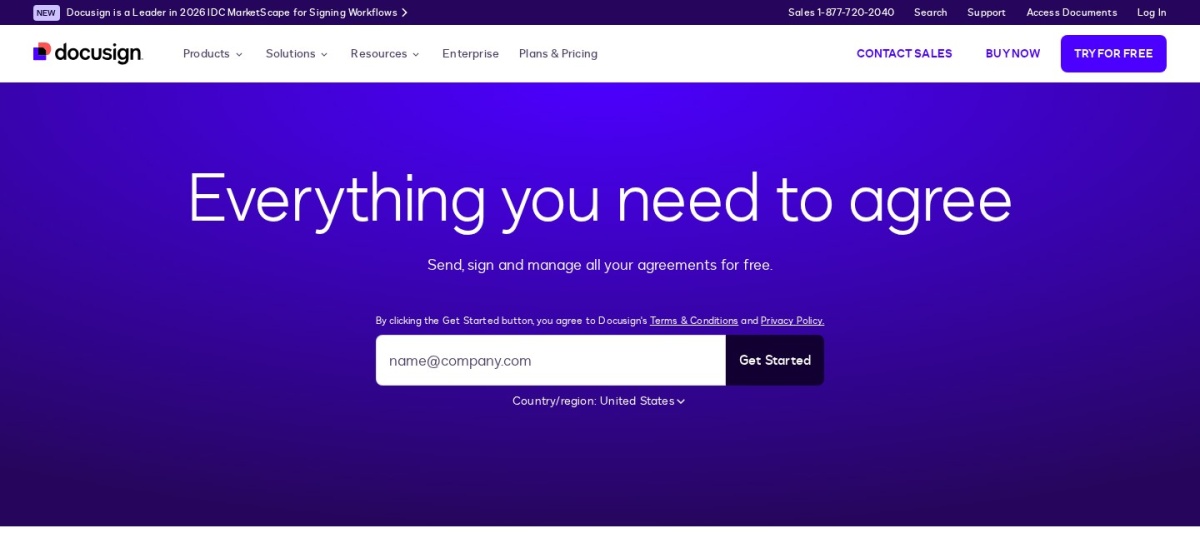
DocuSign homepage, captured Nov 2026.
DocuSign is the best-known electronic signature platform, and the one most recipients already recognise. Its Personal plan costs $11 a month on annual billing and includes 5 envelopes a month, reusable templates, reminders and a full audit trail for every document sent.
The trade off is the envelope cap. Personal allows only 5 envelopes a month and Standard costs $30 a user a month for 100 envelopes a user a year, so costs rise with volume. It suits businesses that want the safest, most widely accepted signing option.
What we like
Most widely recognised by signers and legal teams
Full audit trail and certificate of completion
Strong integrations with Salesforce, HubSpot and Microsoft 365
PandaDoc is a document platform that combines proposals, quotes, contracts and e-signatures in one workflow. Its free eSign plan covers 5 documents a month, and the Launch plan costs $9 a month with 60 documents a year included, plus $3 for each extra document.
The trade off is that the useful sales features sit higher up. CRM integrations, approval workflows and custom branding need the Business plan at $49 a user a month. It suits sales teams that send proposals and contracts every week.
What we like
Proposals, pricing tables and payments in one tool
Unlimited documents on Starter and Business plans
Rated 4.7 out of 5 from 3,868 G2 reviews
Watch out for
Launch plan charges $3 per document over 60 a year
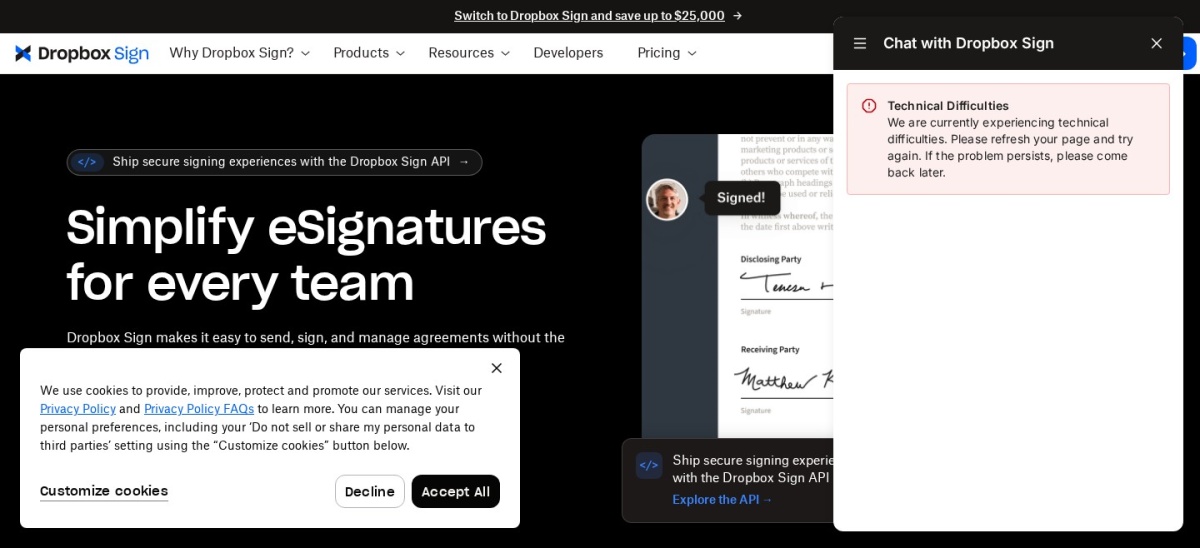
Dropbox Sign is the former HelloSign, a focused signing tool with very little setup. Its free plan covers 3 signature requests a month, and Essentials costs $15 a month for one user with unlimited signature requests, 5 reusable templates and an audit trail.
The trade off is team size. Essentials is a single-user plan, and Standard needs at least two users at $25 a user a month, so a two-person team pays $600 a year. It suits solo professionals and small teams that send documents often.
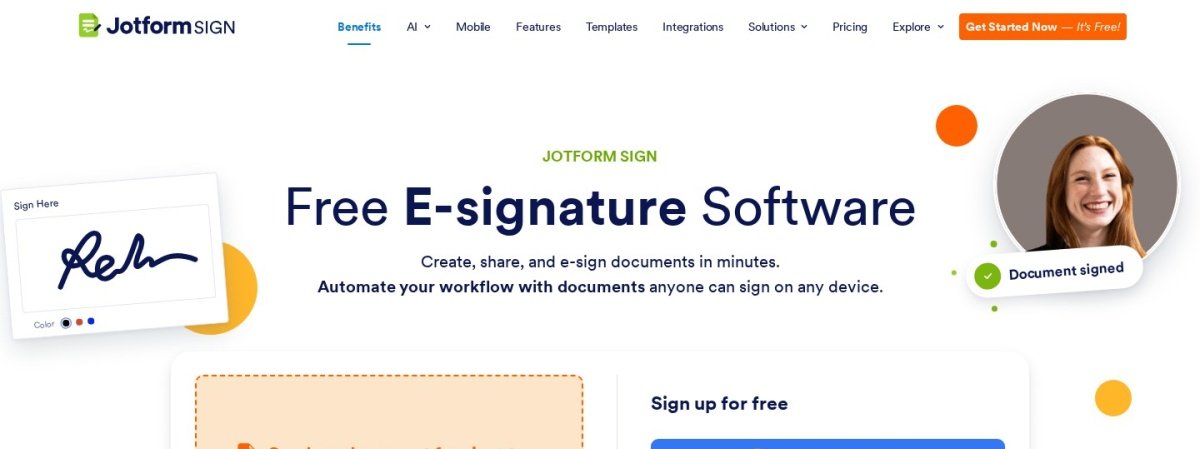
Jotform Sign is the e-signature add-on to the Jotform form builder, so intake forms and signatures live in one place. Its free Starter plan covers 10 signed documents a month, and Bronze costs $34 a month billed annually for 100 signed documents a month with no Jotform branding.
The trade off is price. Bronze is billed by signed-document volume rather than seats, so it costs more than rivals for light use, and multi-user collaboration needs Enterprise. It suits teams that already collect data with Jotform forms.
What we like
Forms and signatures in one workflow
Free plan covers 10 signed documents a month
Rated 4.7 out of 5 from 1,837 G2 reviews
Watch out for
Priced by document volume, not per user
Multi-user features need the custom Enterprise plan
Silver raises the limit to 250 signed documents a monthVisit jotform.com
05
BoldSign
4.7/5on G2 (501 reviews, checked Nov 2026)
Paid from$5/mo
Best value for small businesses
Free planYes, 25 envelopes a month
Cheapest paidGrowth, $5/user/mo
Envelopes50 per user on Growth
Templates10 on Growth
boldsign.com
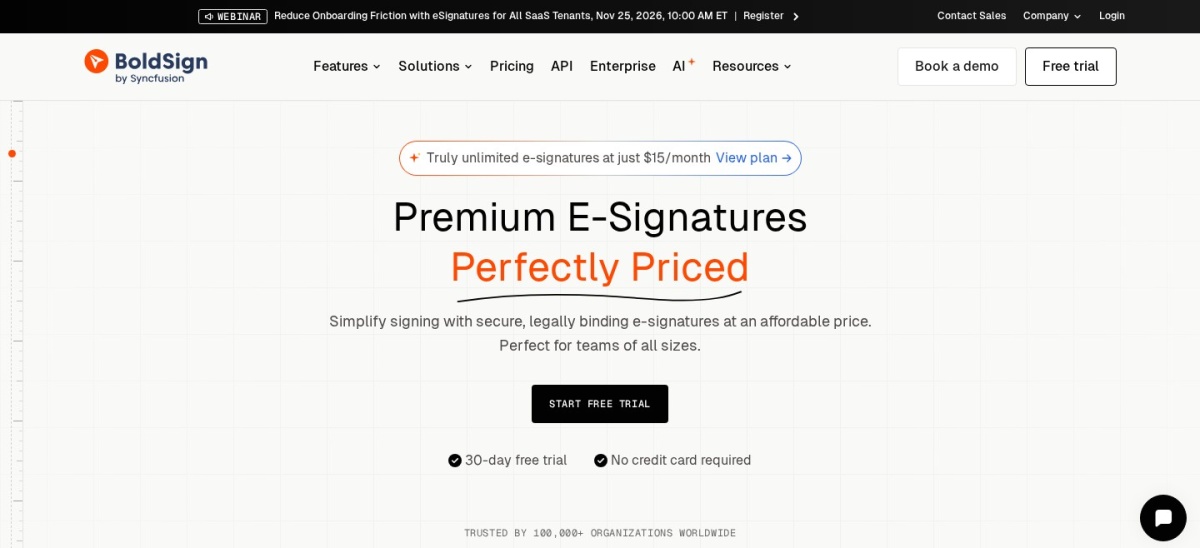
BoldSign homepage, captured Nov 2026.
BoldSign is an e-signature product from Syncfusion with the lowest paid price in this list. Its free Essentials plan covers 25 envelopes a month for one user, and Growth costs $5 a user a month billed annually with 50 envelopes per user, 10 templates and team management.
The trade off is scale. Business costs $15 a user a month for unlimited envelopes and SSO, and some automation features need higher tiers. It suits small businesses and nonprofits that want a low fixed signing cost.
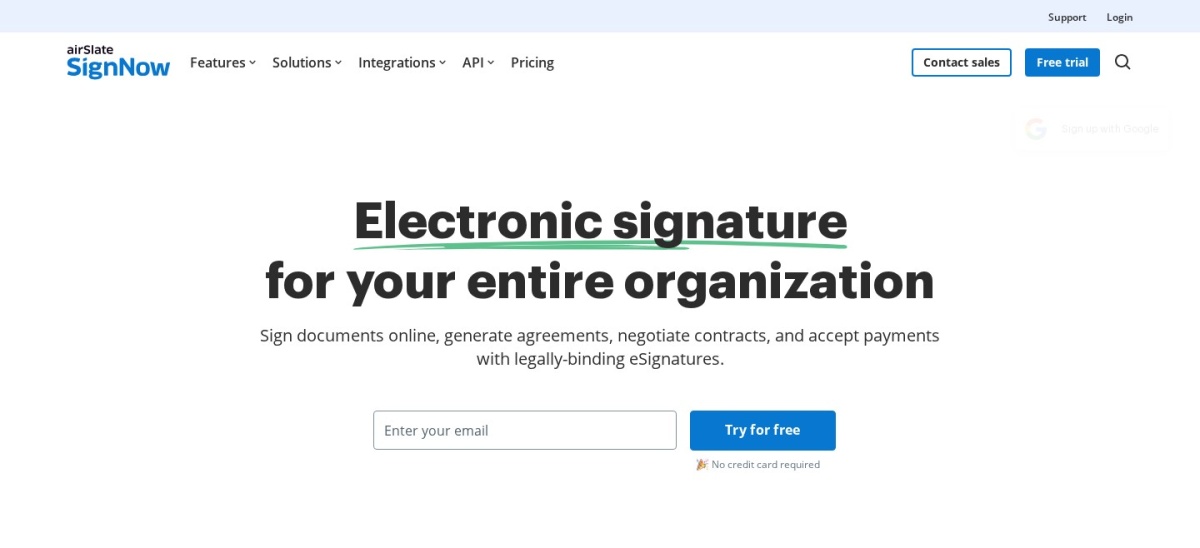
SignNow is the e-signature product from airSlate, and its pricing model is unusual: every paid plan includes unlimited users. Business costs $8 a month billed annually and includes unlimited templates, role-based signing order, custom branding and a solid API.
The trade off is the invite cap. Annual plans include 100 signature invites a year, and extra invites cost about $0.96 each on Business, so high-volume senders pay more. It suits teams with many users who send a modest number of documents.
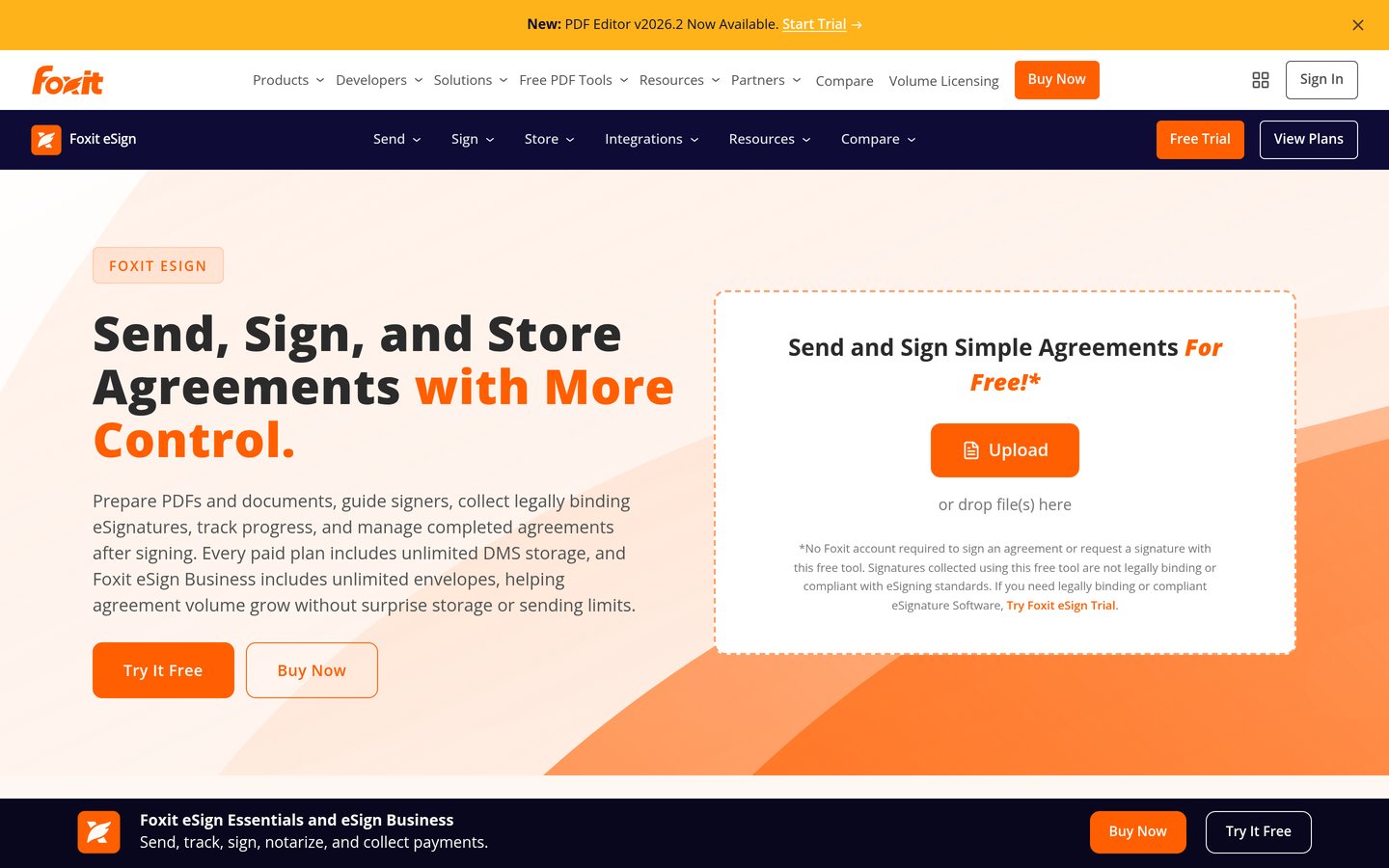
Foxit eSign is part of the Foxit document suite, so it fits teams that already create and edit PDFs with Foxit tools. The entry plan costs $96 a user a year and covers 250 envelopes a year with 10 templates, an audit trail and HIPAA compliance.
The trade off is that the suite is modular. Full PDF editing lives in Foxit PDF Editor, a separate paid product, and the Pro plan costs $300 a user a year. It suits small businesses that want signing at roughly half the cost of Adobe.
What we like
Low yearly price at $96 a user
Rated 4.6 out of 5 from 1,493 G2 reviews
HIPAA compliance on the entry plan
Watch out for
No free plan, only a 14-day trial
PDF editing costs extra as a separate product
Foxit eSign Pro adds more envelopes at $300 a user a yearVisit foxit.com
08
Adobe Acrobat Sign
4.4/5on G2 (1,070 reviews, checked Nov 2026)
Starts at$14.99/mo
Best for teams already using Acrobat
Free planNo, trial only
Cheapest paidStandard, $14.99/mo
Signature cap150 per user a year
PDF toolsIncluded in Acrobat
adobe.com
Adobe Acrobat Sign homepage, captured Nov 2026.
Adobe Acrobat Sign is the e-signature feature inside Adobe Acrobat, so signing sits beside full PDF editing. Acrobat Standard costs $14.99 a month on annual billing and covers e-signatures, form filling and password protection, while Standard for teams costs $16.99 a user a month.
The trade off is the transaction cap. Standard plans allow 150 signature transactions per user a year, and bulk send and payment collection need the sales-led enterprise tier. It suits teams that already pay for Acrobat and edit PDFs every day.
What we like
Full PDF editing and signing in one product
No envelope cap on Pro team plans
Strong Microsoft 365 integration
Watch out for
150-transaction yearly cap on Standard plans
Enterprise features need a sales quote
Acrobat Pro for teams adds bulk send at $23.99 a user a monthVisit adobe.com
09
Zoho Sign
4.4/5on G2 (64 reviews, checked Nov 2026)
Paid from$10/mo
Best for businesses using Zoho apps
Free planYes, 5 documents a month
Cheapest paidStandard, $10/user/mo
Documents25 per user a month
Zoho integrationsYes, on every plan
zoho.com
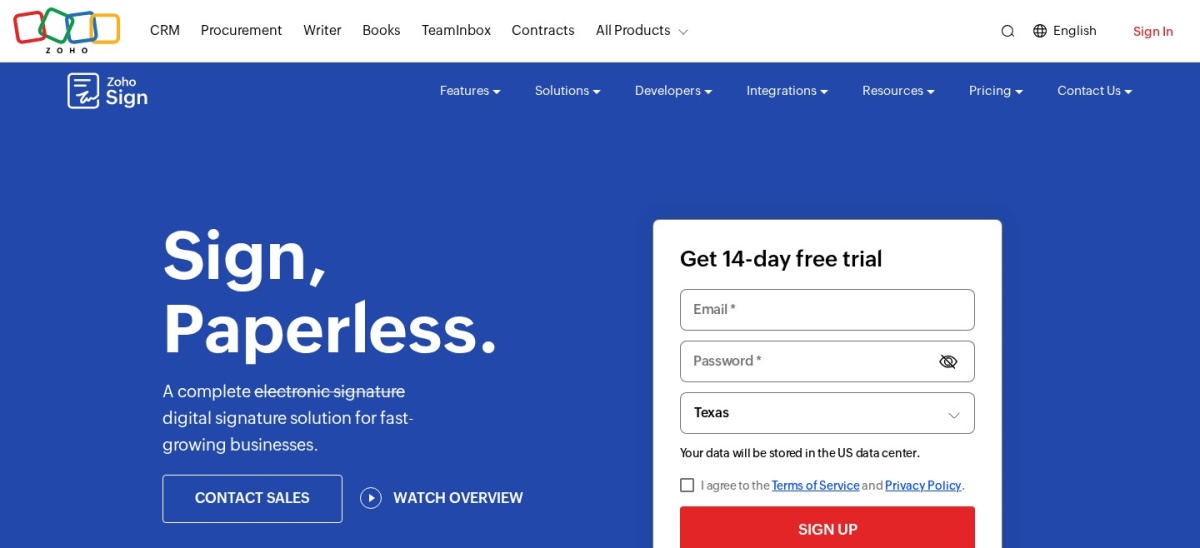
Zoho Sign homepage, captured Nov 2026.
Zoho Sign is Zoho's dedicated e-signature app, built to sit inside the Zoho ecosystem. Its free plan covers 5 documents a month for one user, and Standard costs $10 a user a month billed annually with 25 documents per user a month, SMS delivery and third-party integrations.
The trade off is volume and reach. Unlimited documents need the Professional plan at $16 a user a month, and the G2 review base is small at 64 reviews. It suits small businesses that already run Zoho CRM, Books or WorkDrive.
What we like
Low $10 a month entry price billed annually
Deep integration with Zoho apps
Free plan for light use
Watch out for
Small G2 review base at 64 reviews
Unlimited documents need the $16 Professional plan
Professional adds unlimited documents at $16 a user a monthVisit zoho.com
Free vs paid: what you give up
Free plans cover light use well. Most include a handful of documents a month, an audit trail and reminders, which is enough for a solo professional.
Paid plans mostly add volume and control. You get more envelopes, reusable templates, custom branding and team management, plus API access on higher tiers.
Watch the per-document overage fees. PandaDoc charges $3 per document over 60 a year on Launch, and SignNow charges about $0.96 per extra invite, so a busy month can cost more than the plan itself.
How we chose
We started from the best-known e-signature tools with a G2 rating and at least 60 reviews, then kept those with a published paid plan in US dollars.
Prices come from each vendor's pricing page or G2 pricing data supplied by the vendor, checked on 25 November 2026. Ratings and review counts come from G2 on the same day. Where a vendor shows a first-year discount, the list shows the regular price.
We left out tools with no verifiable rating and tools sold only by quote. No vendor paid for a place, and we do not claim hands-on testing for this list.
How to choose document signing software for business
Count how many documents you send each month before you compare prices, because the envelope cap decides the real cost.
Count your monthly documents. Add up every contract, offer letter and agreement you send in a typical month. A 5-document free plan is not enough for most businesses.
Check the envelope cap, not just the price. A $5 plan with a 50-document cap can cost more than a $15 plan with unlimited requests once overage fees apply.
Match the tool to your stack. Pick PandaDoc if you send proposals, Jotform Sign if you collect forms, or Zoho Sign if your business already runs on Zoho.
Confirm legal needs before you buy. Standard electronic signatures cover most business contracts, but regulated work may need advanced or qualified signatures, which cost extra.
FAQ
What is the best document signing software for business?
DocuSign is the best pick for most businesses because it is the most widely recognised signing tool and covers templates, reminders and audit trails from $11 a month. PandaDoc is better for sales teams that also need proposals, and BoldSign is the cheapest paid option.
How much does document signing software cost?
Paid plans in this list start at $5 a month for BoldSign and $8 a month for SignNow, both billed annually. DocuSign starts at $11 a month, Dropbox Sign at $15 a month, and PandaDoc at $9 a month. Most business plans cost between $10 and $50 a user a month.
Is there free document signing software for business?
Yes. PandaDoc, Dropbox Sign, BoldSign and Zoho Sign all have free plans, and Jotform Sign is free for 10 signed documents a month. Free plans cap how many documents you can send, usually between 3 and 25 a month, so they suit light use only.
Are electronic signatures legally binding?
Yes, electronic signatures are legally binding in the United States under the ESIGN Act and in the European Union under eIDAS, as long as the signer agrees to sign electronically and the tool keeps an audit trail. Some regulated documents still need advanced or qualified signatures.
What is an envelope limit?
An envelope is one set of documents sent for signature, and most plans cap how many you can send. DocuSign Personal allows 5 envelopes a month, while Dropbox Sign paid plans include unlimited signature requests. Check the cap before you buy, because overage fees add up fast.
Do I need a separate PDF editor with signing software?
Not always. Adobe Acrobat Sign and Foxit eSign sit inside PDF suites, so editing is included or nearby. DocuSign, PandaDoc and Dropbox Sign focus on signing and leave heavy PDF editing to another tool, which is fine if your documents are already finished.
SaaS SEO and WordPress specialist with about 8 years of experience. Rakib compares WordPress plugins, themes, hosting and software using public pricing, documentation and user reviews. See how we rank.