DbVisualizer is the best DBeaver alternative for most developers, rated 4.7/5 on G2 from 277 reviews, with a free plan and Pro at $199 a year. Pick DataGrip for the smartest SQL editor at $109 a year, or TablePlus for a fast native client at $99 once.
How we make this list: we compare pricing pages, product documentation and public user reviews, then re-check every price before each update. No product paid for a place. Disclosure.
DbVisualizer is the top pick: 4.7/5 on G2 from 277 reviews, a free plan, and Pro at $199 a year with a $89 renewal.
DataGrip has the smartest SQL editor here at $109 a year for individuals, and it is free for non-commercial use.
TablePlus costs $99 once for one device, with no subscription, and a free tier limited to 2 tabs and 2 windows.
Navicat Premium is the most expensive pick at $999.99 a year, but it covers 9 database engines in one client.
Seven of the nine tools have a free plan or edition; only SQLyog is trial-only, and MySQL Workbench and HeidiSQL are fully free.
PopSQL was left out: it is in limited support with a postponed shutdown, so it is a poor pick for new users.
What should you look for in DBeaver alternatives?
Most people leave DBeaver for speed or polish. DBeaver Community is free and connects to over 100 databases, but its Java interface feels slow next to a native client, and large result sets can drag.
The first question is how many engines you need. Universal clients such as DbVisualizer, DataGrip and Navicat Premium cover MySQL, PostgreSQL, SQL Server, Oracle and more in one app, while MySQL-only tools such as MySQL Workbench, HeidiSQL, SQLyog and dbForge Studio go deeper on one engine.
The second question is what the free plan actually includes. Some free plans are full clients with paid extras, while others cap tabs, connections or features, so check the limits before you switch. Our guide on how to back up a WordPress database shows why a client with solid export and backup matters.
Price spreads are wide. Paid plans here run from $9 a month for Beekeeper Studio to $999.99 a year for Navicat Premium, and one-time licences such as TablePlus at $99 and SQLyog at $299 beat subscriptions over three years for one machine.
Support status matters as much as features. A tool in limited support with a shutdown on the horizon can strand your saved queries, so favour tools with active releases.
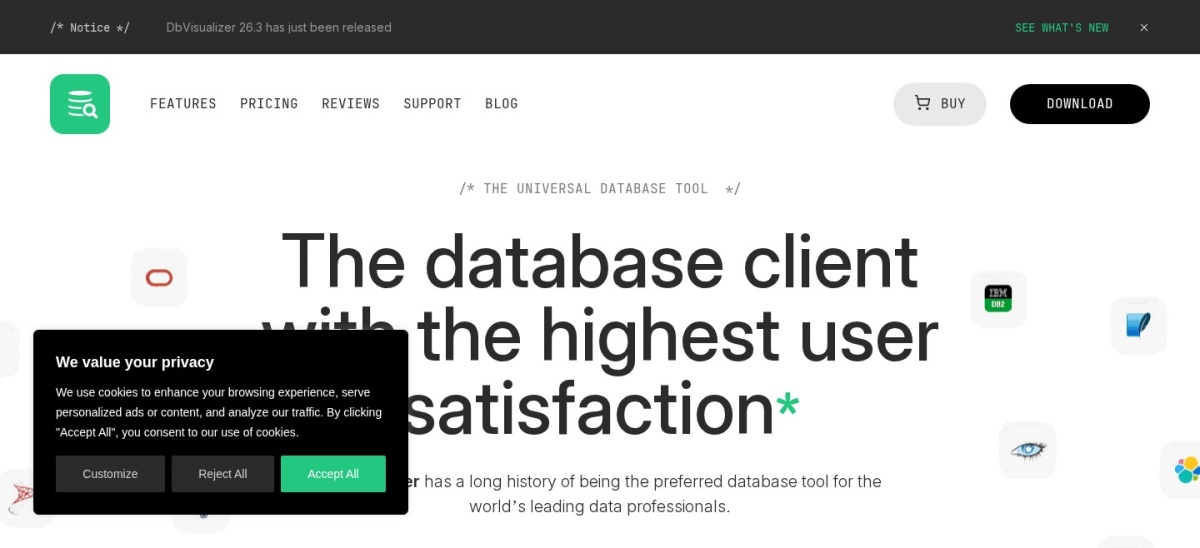
DbVisualizer is a universal database client for Windows, macOS and Linux that connects to more than 40 databases, from MySQL and PostgreSQL to MongoDB and Redis. The free plan covers browsing, querying and editing tables, while Pro adds a visual query builder, charts, ER diagrams and a renewal price of $89 a year.
The trade off is that the best extras are paid. The visual query builder, charting of result sets, CSV import and dark theme all need Pro at $199 a year for a new licence. It suits developers and analysts who work across many engines and want one client for all of them.
What we like
Highest G2 rating here, 4.7/5 from 277 reviews
Free plan covers daily browsing and querying
Perpetual licence, with a $89 renewal
ER diagrams and visual query builder in Pro
Watch out for
Query builder and charts need the paid plan
Java-based interface, heavier than native clients
Pro adds the query builder, charts and ER diagramsVisit dbvis.com
02
DataGrip
4.6/5on G2 (127 reviews, checked Nov 2026)
Paid from$109/yr
Best for heavy daily SQL work
DatabasesRelational and NoSQL
PlatformsWindows, macOS, Linux
Free planFree for non-commercial use
Paid planIndividual, $109/yr
jetbrains.com
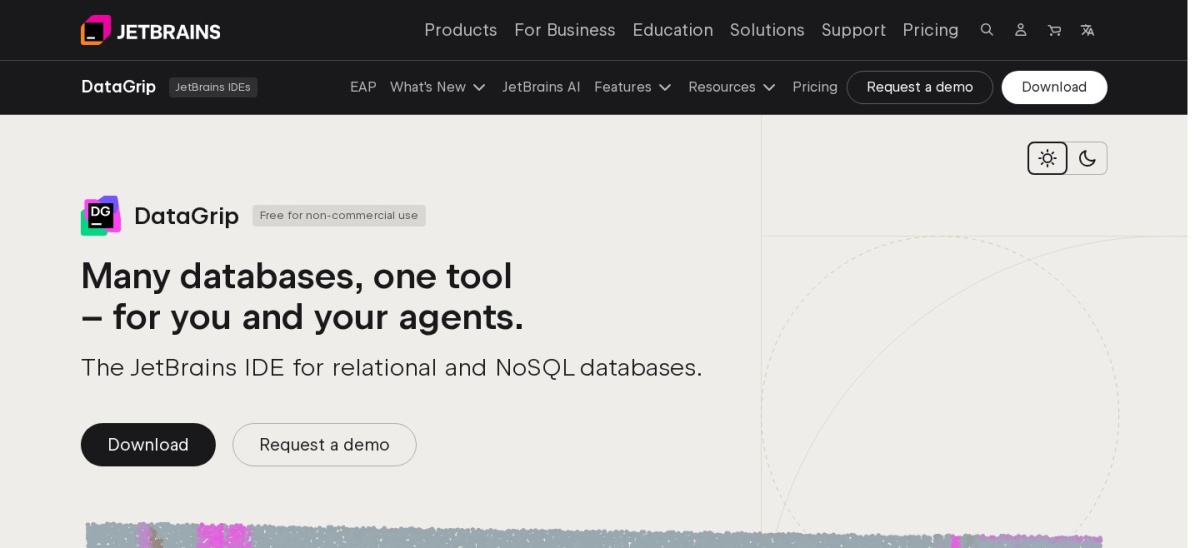
DataGrip homepage, captured Nov 2026.
DataGrip is the JetBrains IDE for databases, with context-aware code completion, on-the-fly analysis with quick fixes, intelligent query consoles and version control built in. Individuals pay $109 a year in year one, then $87 in year two, and it is free for non-commercial use such as learning and open-source work.
The trade off is the subscription and the weight. Commercial use starts at $109 a year for individuals and $259 per user a year for organizations, and it is overkill for occasional queries. It suits developers who write and refactor SQL all day and want the strongest code intelligence.
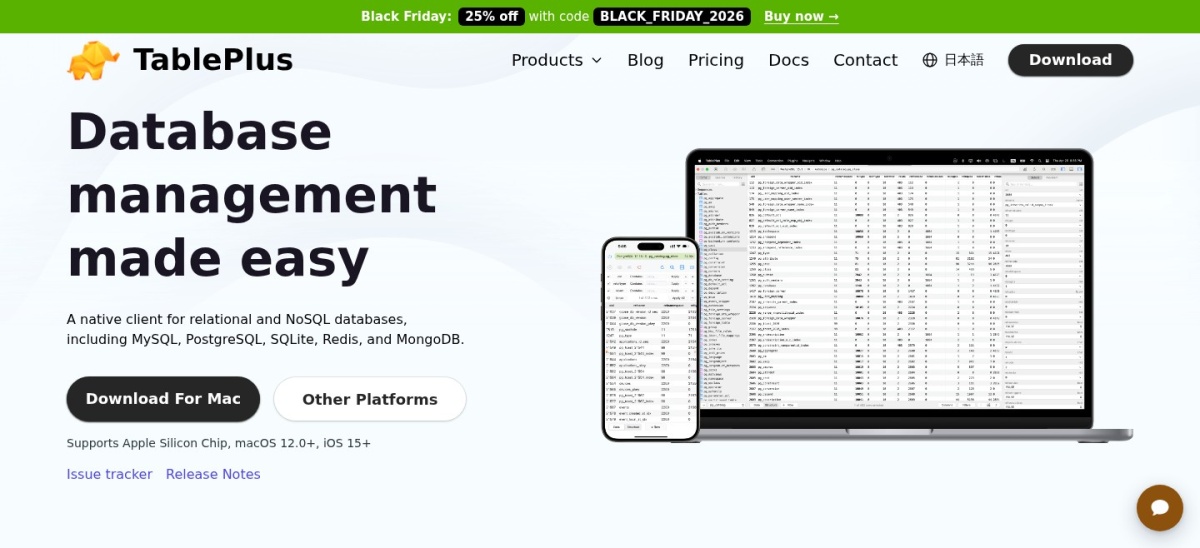
TablePlus is a native app for macOS, Windows, Linux and iOS that opens instantly and keeps data browsing simple, with inline editing, filters, safe mode for production and SSH tunnels built in. It is free to use forever with limits of 2 tabs, 2 windows and 2 filters, and a Basic licence costs $99 once for one device.
The trade off is the per-device licence. A developer with a laptop and a desktop needs two licences, and updates and support stop after one year unless renewed at $59 per device. It suits Mac-first developers who value speed and want no subscription.
Navicat Premium is the all-in-one commercial suite for teams managing many database engines, connecting MySQL, PostgreSQL, SQL Server, Oracle, SQLite, MariaDB, MongoDB, Redis and Snowflake in one client. It adds visual modelling, data synchronization, backup and automation on top of the SQL editor, and Premium Lite is free for up to five users.
The trade off is the price. At $999.99 a year it is the most expensive tool here, and the monthly subscription at $99.99 per user is worse value still. It suits enterprises managing many database engines that need modelling and automation in one suite.
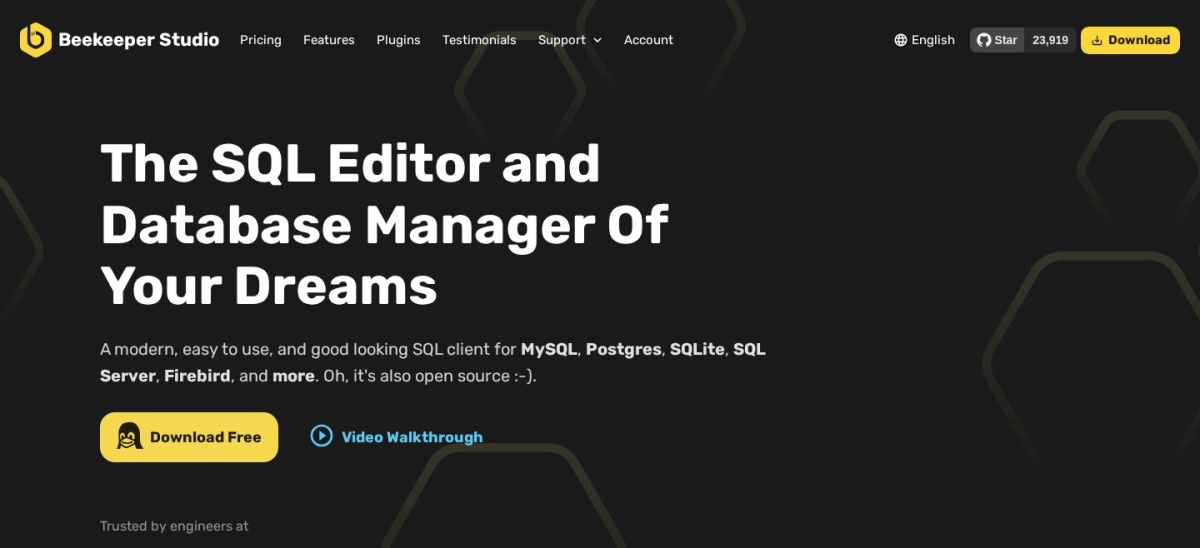
Beekeeper Studio is an open-source SQL client with a clean modern interface for PostgreSQL, MySQL, SQLite and more. The free Community edition covers table editing, schema browsing and saved queries, and it runs on Windows, macOS and Linux. Indie costs $9 a user a month billed yearly.
The trade off is depth. Import, export, backup and restore are paid features, and Oracle, MongoDB and Snowflake need a priced plan. It suits developers who want a light, modern client for everyday query work.
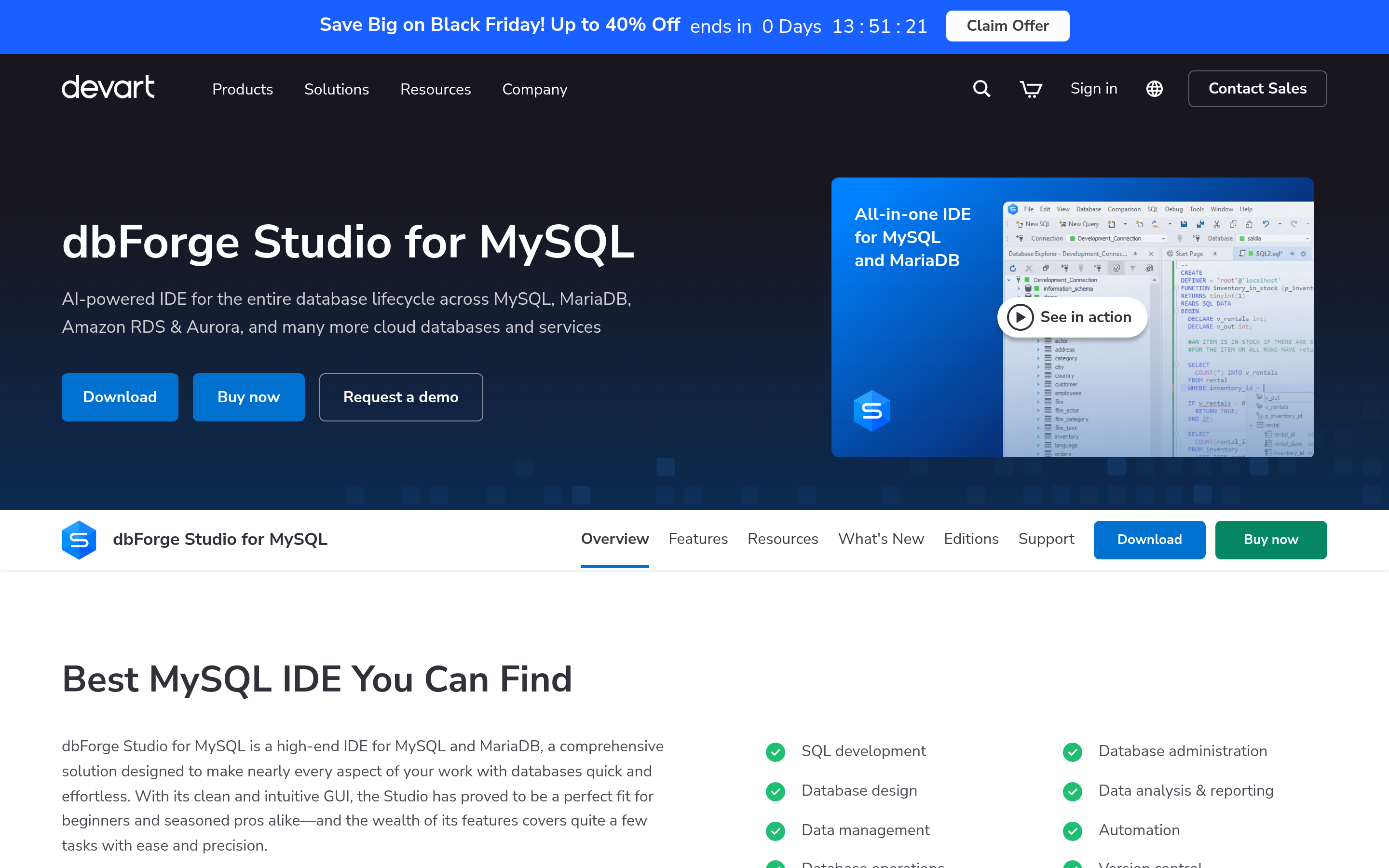
dbForge Studio for MySQL homepage, captured Nov 2026.
dbForge Studio for MySQL is a full IDE for MySQL and MariaDB development, management and administration, covering SQL development, database design, data analysis and reporting. The free Express edition covers basic work, and Standard costs $9.95 a month, with Professional at $19.95 and Enterprise at $24.95.
The trade off is scope and platform. It works with MySQL and MariaDB only, and it runs on Windows, so teams on macOS or with PostgreSQL need another tool. It suits MySQL teams that want one IDE for the whole development cycle.
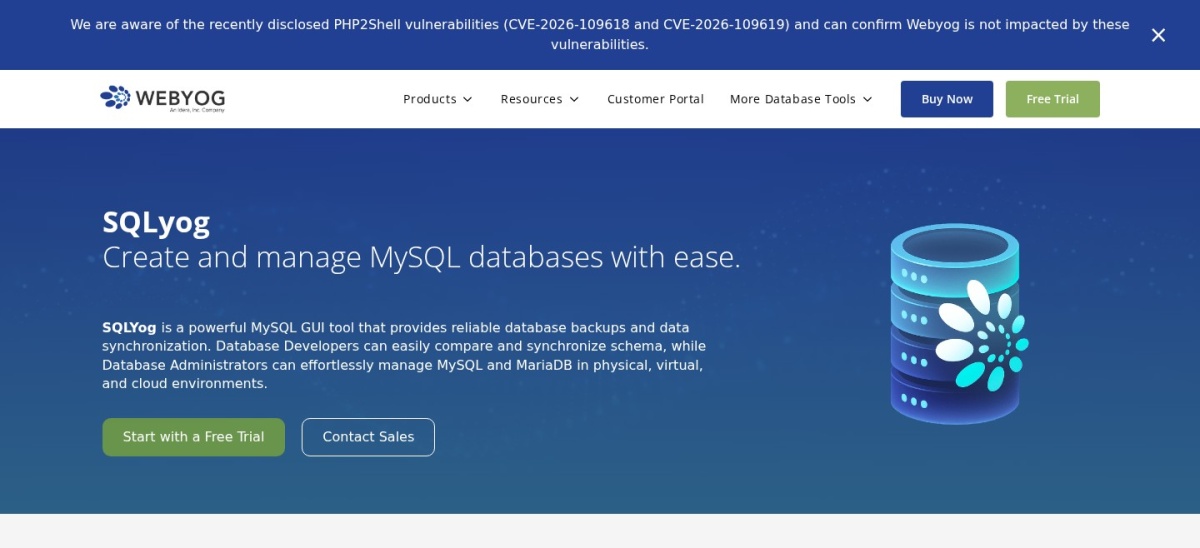
SQLyog is a MySQL GUI tool from Webyog for database backups, data synchronization and schema compare, aimed at developers and database administrators. It connects to many MySQL and MariaDB servers at once, and Ultimate costs $299 once per user, with a 14-day free trial.
The trade off is that there is no free version beyond the trial, and it is Windows only with MySQL and MariaDB as its only engines. It suits MySQL administrators who want a one-time licence and strong backup and sync tools.
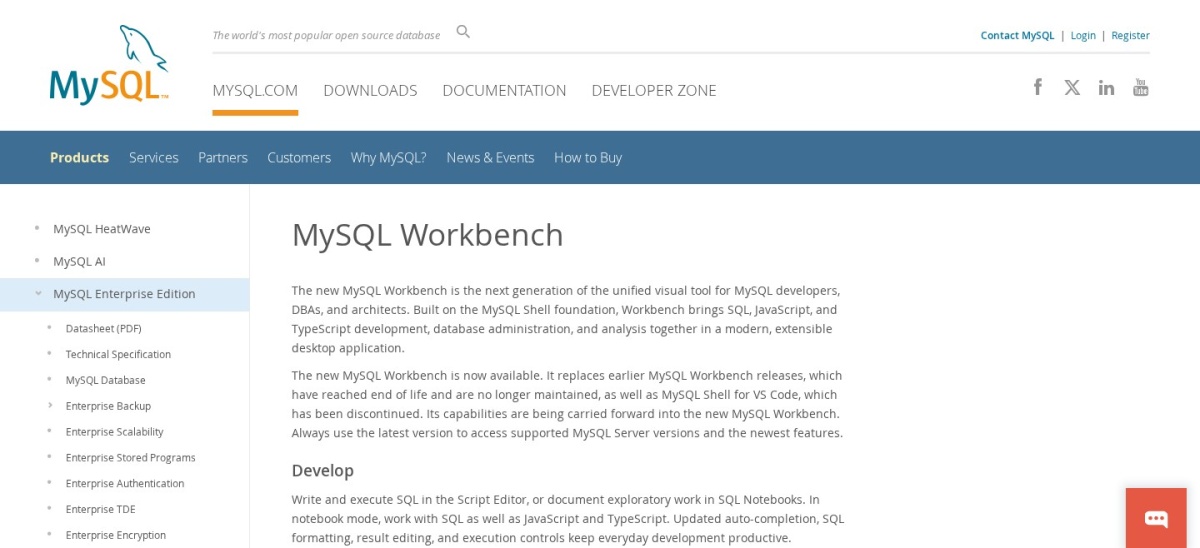
MySQL Workbench is the official free visual tool for MySQL, rebuilt in version 26 in July 2026 on the MySQL Shell foundation with SQL, JavaScript and TypeScript support. It covers SQL development, data modelling with ER diagrams, server administration and backup, and it is free on Windows, macOS and Linux.
The trade off is the single-engine scope. MySQL Workbench works with MySQL only, so teams with PostgreSQL or SQL Server need a second client beside it. It suits MySQL teams that want the official free tool for direct database work.
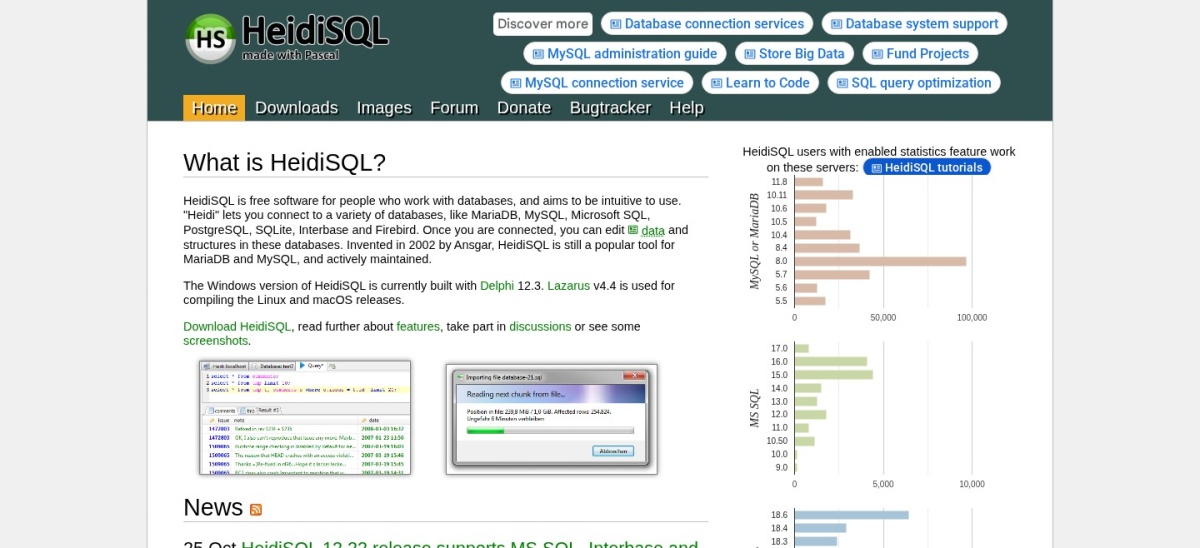
HeidiSQL is the lightest free SQL client here, a fast open-source tool for MariaDB, MySQL, SQL Server, PostgreSQL, SQLite and more. It keeps an intuitive interface for browsing tables, running queries, editing data and managing connections, with syntax highlighting, auto-completion and multiple tabs. It is entirely free under the GPL-2.0 licence.
The trade off is the thin review base and the missing engines. G2 shows a 4.7 rating from only three reviews, so the score is a hint rather than proof, and HeidiSQL lists no Oracle, MongoDB or Redis support. It suits developers who want a free, fast client for MySQL-family and PostgreSQL work.
For teams across many engines, the first year of a paid plan often costs less than the time lost switching between single-engine tools.
How we chose
We started from the best-known database clients used as DBeaver alternatives, then kept those with a public 1-5 rating and review count on G2, so every tool here carries a published score.
Prices come from each vendor's pricing page, checked on 29 November 2026. Ratings and review counts come from G2 on the same day. Where a vendor shows a sale, the list shows the regular price.
We left out tools with no public rating and tools in limited support with a shutdown on the horizon. No vendor paid for a place, and we do not claim to have used these tools ourselves.
How to choose a DBeaver alternative
Start with the engines you actually use, then check the free plan limits before you pay.
List the databases you touch every week. If it is only MySQL, a free single-engine tool is enough. If it is three or more engines, pick a universal client.
Check the free plan limits. Some free plans cap tabs, connections or features. Test the limit with your real workload before you commit.
Weigh one-time licences against subscriptions. TablePlus at $99 once and SQLyog at $299 once beat yearly plans over three years for one machine, while subscriptions suit teams that need support.
Check the tool is still actively developed. Look for recent releases and a roadmap. A tool in limited support can strand your saved queries, so avoid winding-down products.
FAQ
What is the best DBeaver alternative in 2026?
DbVisualizer is the best DBeaver alternative for most developers. It is rated 4.7 out of 5 on G2 from 277 reviews, connects to more than 40 databases, has a free plan, and Pro costs $199 a year with a $89 renewal.
What is the cheapest DBeaver alternative?
MySQL Workbench and HeidiSQL are free, with no paid edition to buy. Among paid tools, Beekeeper Studio is cheapest at $9 a user a month billed yearly, and TablePlus costs $99 once with no subscription.
Is there a free DBeaver alternative?
Yes. MySQL Workbench and HeidiSQL are fully free, and DbVisualizer, DataGrip, TablePlus, Beekeeper Studio and dbForge Studio all have free plans or free editions. Navicat Premium Lite is also free for up to five users.
Which DBeaver alternative is best for beginners or small teams?
Beekeeper Studio is the easiest start: a clean interface, a free Community edition and Indie at $9 a month. TablePlus is also simple, with a free tier and a $99 one-time licence that suits a small team.
DbVisualizer vs DataGrip: which should I pick?
Pick DbVisualizer if you want the highest-rated universal client with a free plan and a $199 Pro licence. Pick DataGrip if you write SQL all day and want the smartest editor, at $109 a year for individuals, free for non-commercial use.
Why is PopSQL not in this list?
PopSQL was left out because it is in limited support with no new features, and its planned September 2026 shutdown was only postponed, with no new date set. A tool being wound down is a poor pick for new users.
SaaS SEO and WordPress specialist with about 8 years of experience. Rakib compares WordPress plugins, themes, hosting and software using public pricing, documentation and user reviews. See how we rank.