Webflow is the best CSS generator for most designers, turning visual edits into clean CSS from $15 a month with a free plan. Framer is the faster pick for publishing, while Pinegrow suits developers who want code control.
How we make this list: we compare pricing pages, product documentation and public user reviews, then re-check every price before each update. No product paid for a place. Disclosure.
Webflow is the top pick, turning visual edits into clean CSS from $15 a month.
Framer is the fastest way to publish, with a free plan that includes AI credits.
SiteOrigin CSS is free for WordPress, with the highest rating here at 4.9.
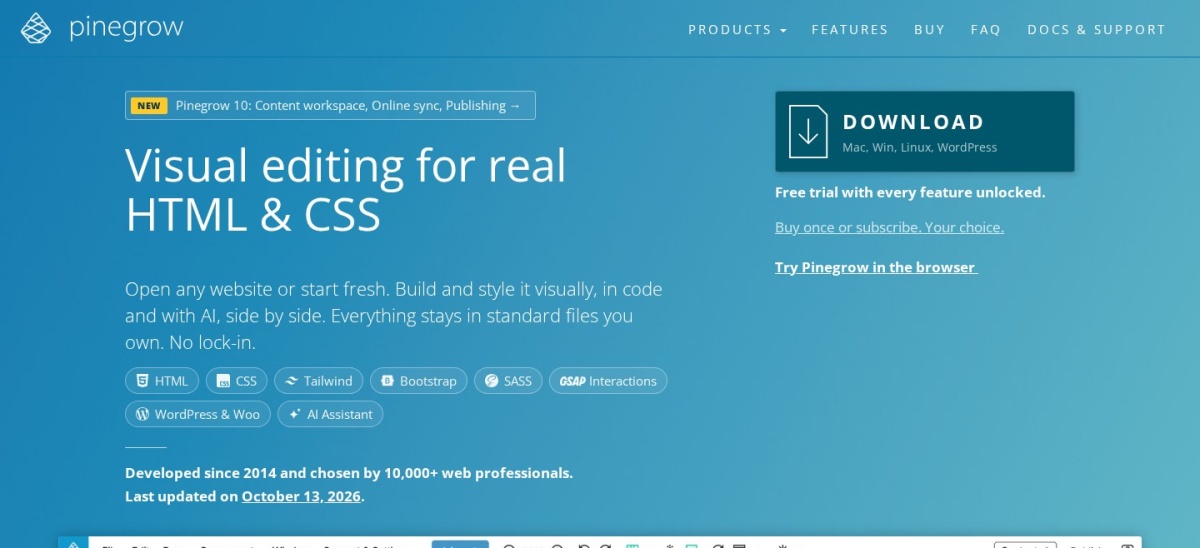
Pinegrow is the only pick built for developers who want visual edits beside code.
CSS Hero has the weakest score here at 2.5 on Trustpilot from only 5 reviews.
Entry prices run from free to $276 a year, and free online generators had no ratings to list.
How do you choose a CSS generator?
Start with where the CSS has to live. A WordPress site needs a plugin like SiteOrigin CSS, while a standalone site needs a builder like Webflow or a desktop editor like Pinegrow.
Code export decides the long term. Webflow and Pinegrow give you code you can keep, while Framer keeps your CSS inside Framer.
Free tools are not always listed. Popular free CSS snippet generators have no G2 or Capterra rating, so this list only covers tools with a published review score.
Price spreads are small here. Entry prices run from free to $276 a year, so pick on workflow rather than cost.
Webflow is a visual web design platform that turns canvas edits into clean, semantic HTML and CSS. Basic at $15 a month billed yearly covers a custom domain, 300 static pages and unlimited form submissions, with a free Starter site plan to learn on.
The trade off is the learning curve, since the box model and class system take time to learn, and hosting is per site. It suits designers who want visual CSS with real code output.
Framer is a visual website builder that turns designs into published sites with clean CSS, plus AI agents that draft pages. Basic at $10 a month billed yearly adds a custom domain, and the free plan includes 500 AI credits to try.
The trade off is that Framer has no code export, so your CSS stays inside Framer, and the price was not shown on the pricing page we opened. It suits small teams that want fast, consistent site updates.
Pinegrow is a visual web editor for building responsive sites with live multi-page editing and direct CSS control. Plans start at $149 a year, with support for Bootstrap, Tailwind and WordPress theme building through add-ons.
The trade off is that it is a desktop app with no browser edition, and the vendor pricing page did not load when we checked. It suits developers who want visual edits beside hand-editable code.
4.9/5on WordPress.org (153 reviews, checked Nov 2026)
PriceFree
Best free visual CSS editor for WordPress
Entry planFree
Rating4.9 on WordPress.org
Installs100,000+ active
Updated11 November 2026
siteorigin.com
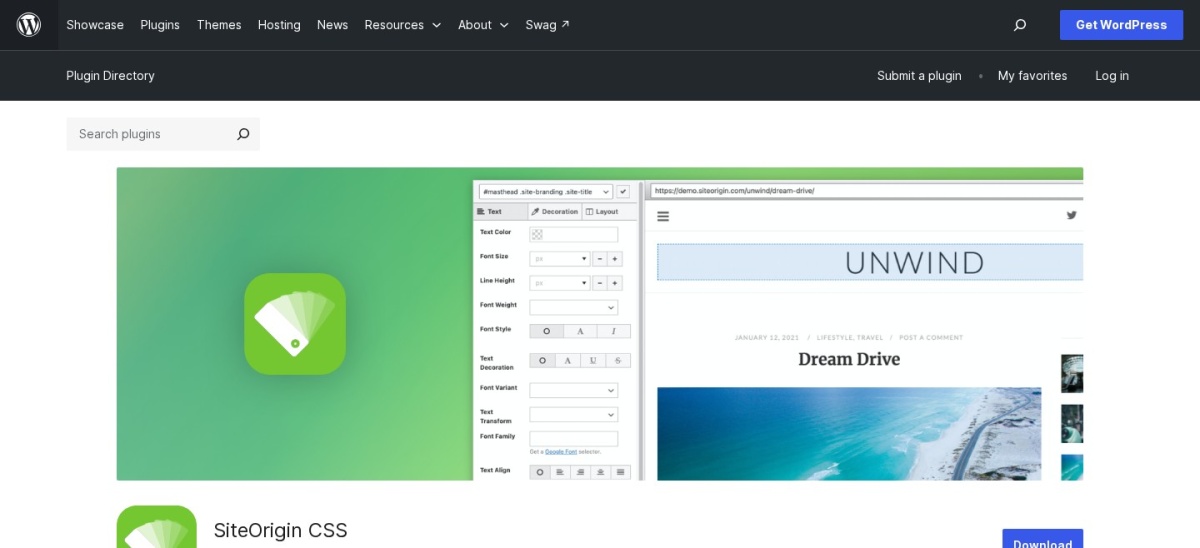
SiteOrigin CSS homepage, captured Nov 2026.
SiteOrigin CSS is a free WordPress plugin that adds visual controls for editing your site CSS in real time. It has 100,000+ active installs and a 4.9 rating from 153 WordPress.org reviews, and it was updated on 11 November 2026.
The trade off is that it works inside WordPress only, so it cannot generate CSS for a standalone site. It suits WordPress owners who want point-and-click style tweaks without writing code.
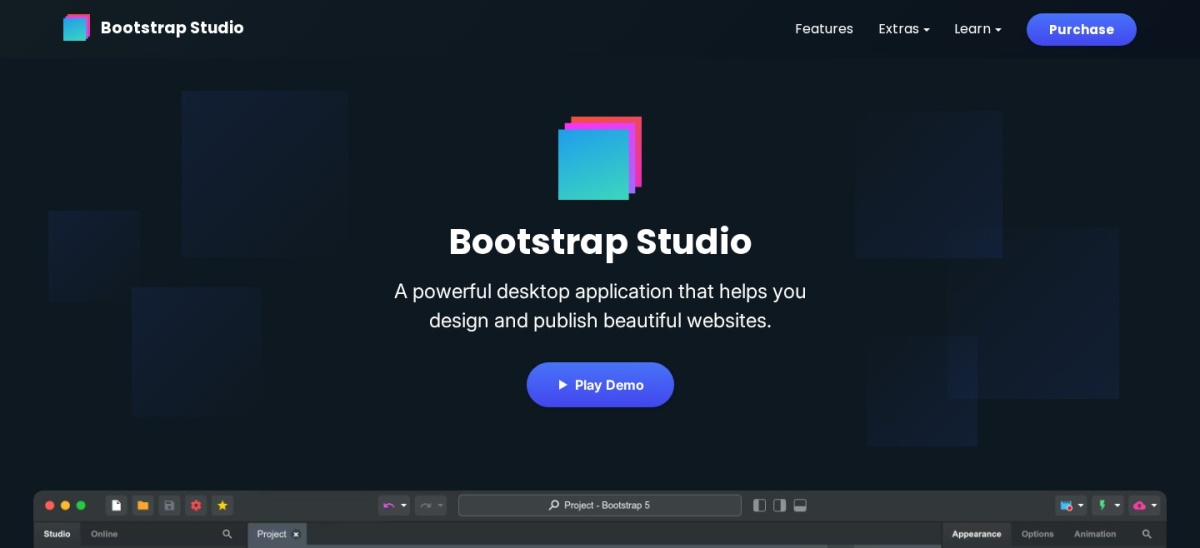
Bootstrap Studio is a desktop app for designing responsive sites visually on the Bootstrap framework. It costs $29 once, with a $59 lifetime plan that adds shop building, and it exports static HTML with no built-in CMS.
The trade off is the tiny review base, with 4.3 from only 6 G2 reviews, and there is no free plan or trial. It suits Bootstrap teams that want a cheap desktop editor with exportable code.
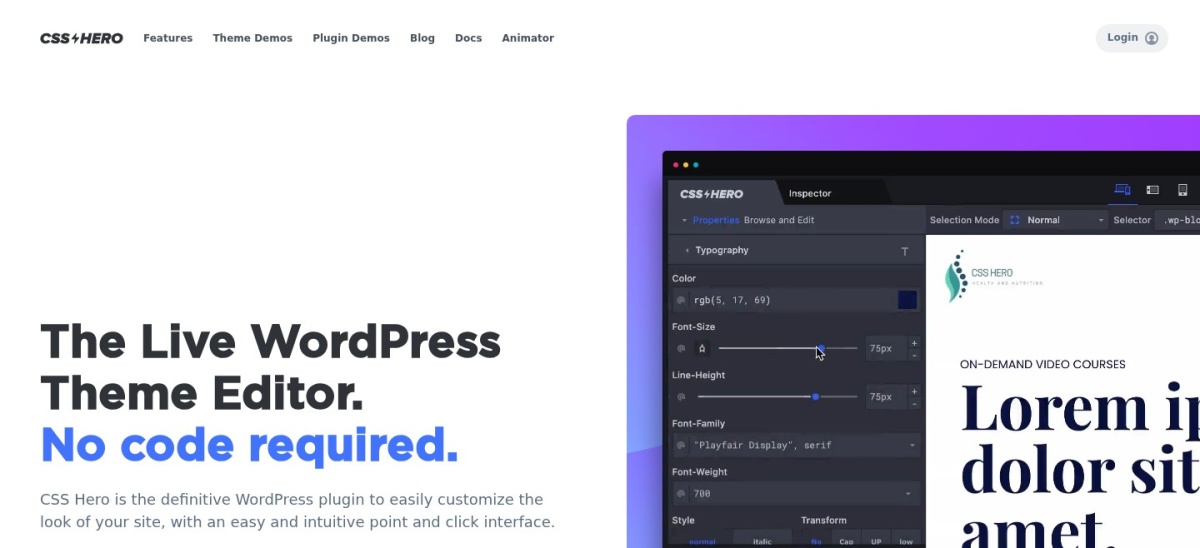
CSS Hero is a premium WordPress plugin that lets you edit the CSS of any element by clicking it, with a live preview. Starter costs $29 a year for one site, and the team claims more than 71,000 users.
The trade off is the weak Trustpilot score of 2.5 from only 5 reviews, and one 2026 review reports broken undo buttons in version 4. It suits WordPress owners who want point-and-click styling and accept a yearly fee.
Adobe Dreamweaver is a classic web editor that pairs code editing with a live preview for checking page layouts. It holds 4.1 from 2,846 G2 reviews, the largest review base in this list, and it is sold as a single app at $22.99 a month.
The trade off is the cluttered interface, with panels and options that take time to learn, and the price was not re-checked on the vendor page today. It suits developers who want visual editing beside code tools.
Free plans cover learning and small sites. Webflow and Framer both start free, and SiteOrigin CSS is free with no paid tier needed for basic edits.
Paid plans mostly add domains and CMS. Webflow Basic adds a custom domain for $15 a month, and Framer Basic does the same for $10.
One-time licences suit desktop users. Bootstrap Studio costs $29 once, which beats a yearly bill when you only build a few sites a year.
How we chose
We started from the CSS generation tools designers actually compare, then kept seven with a G2, Capterra, Trustpilot or WordPress.org rating and a published price. Free snippet generators without a review listing were left out.
Prices come from each vendor's pricing page, checked on 30 November 2026, except Framer and Pinegrow, whose pages did not show a price on our check. Ratings and review counts come from G2, Capterra, Trustpilot or WordPress.org on the same day.
We left out tools with no aggregator rating, including most free online CSS snippet makers. No vendor paid for a place, and we do not claim hands-on testing for this list.
How to choose a CSS generator
Start with where your site lives, then match the tool to that platform.
Check where the CSS has to live. WordPress sites need a plugin, standalone sites need a builder or desktop editor.
Ask about code export. If you ever need to leave the tool, pick one that exports clean CSS you can keep.
Try the free plan first. Webflow, Framer and SiteOrigin CSS all start free, so test the workflow before you pay.
Build one real page in the trial. Recreate a page you already have and compare the CSS output before you commit.
FAQ
What is the best CSS generator in 2026?
Webflow is the best pick for most designers. It turns visual edits into clean CSS, starts at $15 a month with a free plan, and is rated 4.4 out of 5 on G2 from 970 reviews.
How much does a CSS generator cost?
Entry prices run from free to $276 a year. Framer starts at $10 a month, Webflow at $15 a month, and Bootstrap Studio costs $29 once.
Is there a free CSS generator?
Yes. Webflow and Framer both have free plans, and SiteOrigin CSS is free for WordPress with 100,000+ installs. Free online snippet makers also exist but have no review ratings.
Webflow vs Framer: which CSS generator is better?
Webflow is better when you want clean code output and a CMS. Framer is better when you want the fastest path from design to a published site.
What is the best CSS generator for WordPress?
SiteOrigin CSS is the best free pick, with a 4.9 rating from 153 WordPress.org reviews. CSS Hero is the paid pick for point-and-click styling at $29 a year.
Do CSS generators write clean code?
It depends. Webflow and Pinegrow are known for clean, semantic output, while Framer keeps your CSS inside its platform, with no export option at all.
SaaS SEO and WordPress specialist with about 8 years of experience. Rakib compares WordPress plugins, themes, hosting and software using public pricing, documentation and user reviews. See how we rank.