BrowserStack is the top overall browser testing tool in 2026, backed by 3,364 G2 reviews (4.4/5) and access to 35,000+ real desktop and mobile environments starting at $150/yr. Teams on tighter budgets can start with TestMu AI at $180/yr with a permanent free tier, while developers wanting free local execution can pair Cypress with its $75/mo cloud dashboard.
How we make this list: we compare pricing pages, product documentation and public user reviews, then re-check every price before each update. No product paid for a place. Disclosure.
Entry-level manual browser testing clouds start at $150/yr for BrowserStack Freelancer (100 minutes/mo) and $180/yr for TestMu AI Virtual Live.
Unlimited automated cross-browser suites jump sharply in cost, starting at $468/yr on Sauce Labs Live and $1,188/yr on BrowserStack Automate Desktop.
Cypress provides a free open-source test runner for local Chromium, Firefox, and WebKit checks, charging $900/yr only when you add Cypress Cloud recording.
TestingBot and Browserling offer the lowest regular annual entry tiers for quick manual checks at $240/yr and $228/yr respectively, though with smaller review footprints.
How do you choose the best browser testing tools?
Choosing a browser testing tool starts with deciding whether you need hosted real devices or a local script runner. Cloud grids give instant access to Safari on macOS, legacy Windows browsers, and physical iOS and Android hardware without maintaining virtual machines in-house.
Pricing splits cleanly along two axes: manual user seats versus automated parallel sessions. Solo developers running occasional layout checks pay $150/yr to $240/yr, whereas continuous integration pipelines running parallel Playwright or Selenium suites pay $600/yr to $2,148/yr.
Review volume is a useful tie-breaker when evaluating grid reliability during peak hours. BrowserStack holds 3,364 G2 reviews and TestMu AI holds 547 Capterra reviews, giving buyers clear visibility into session spin-up speed and support responsiveness before signing an annual contract.
Free tierFree trial only (Percy has 5,000 free shots)
browserstack.com
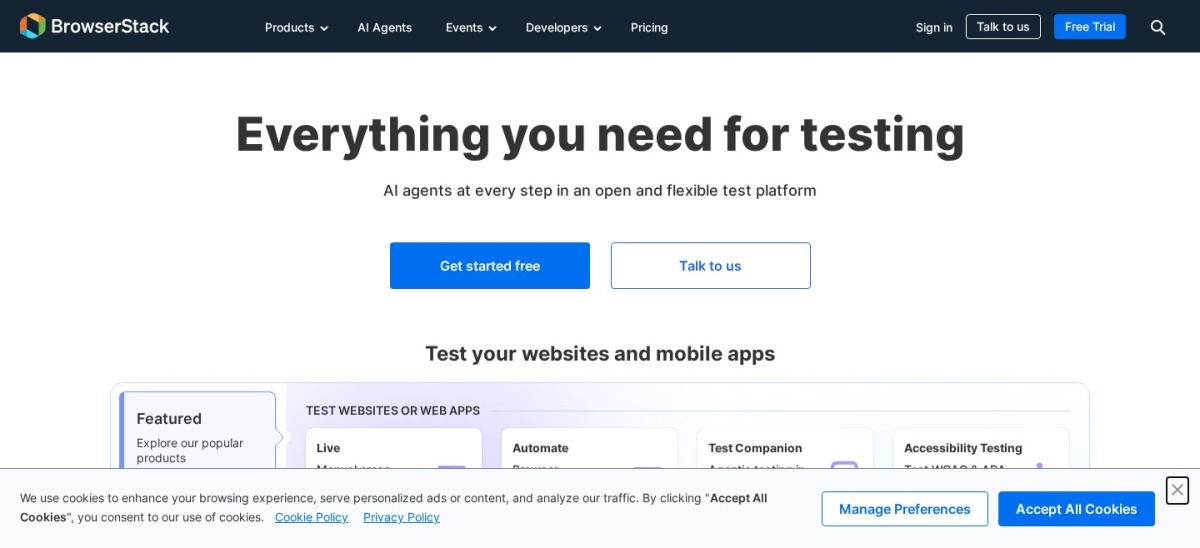
BrowserStack homepage, captured Nov 2026.
BrowserStack is a cloud cross-browser and real-device testing grid serving 50,000+ development and QA teams. Its entry Freelancer plan costs $12.50/mo billed annually ($150/yr, or $19 month-to-month) and gives one user 100 minutes per month of live interactive testing across 3,500+ desktop browsers and 35,000+ real iOS and Android devices.
The trade off is that unlimited manual minutes require upgrading to Live Desktop at $29/mo ($348/yr), and automated browser runs start at $99/mo ($1,188/yr) per parallel session. It suits engineering teams that cannot afford emulator drift on mobile Safari or fragmented Android hardware.
What we like
Largest verified inventory of 35,000+ real physical iOS and Android devices
Includes native DevTools, network logs, and local tunnel debugging in live sessions
Supports Playwright, Selenium, Cypress, Puppeteer, and Appium out of the box
Backed by 3,364 G2 reviews with a 4.4/5 score
Watch out for
No permanent free tier for Live or Automate browser sessions
Parallel automation slots add up quickly for growing CI pipelines
Live Desktop ($29/mo annual) unlocks unlimited manual minutes; Automate starts at $99/mo.Visit browserstack.com
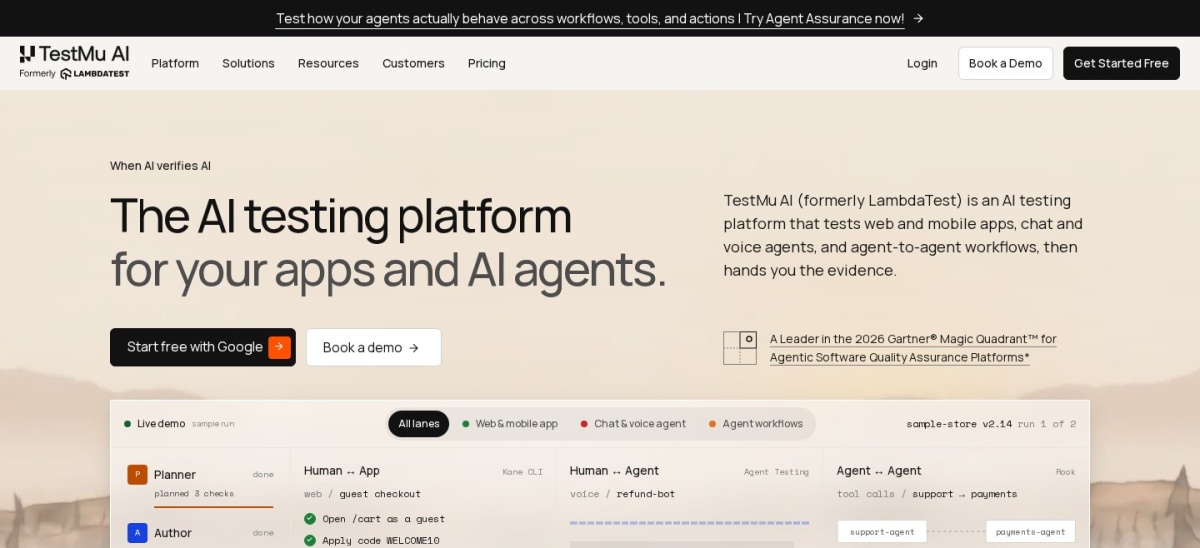
TestMu AI (formerly LambdaTest) is a cloud testing grid offering 3,000+ desktop browser environments and 50,000+ real devices alongside its HyperExecute orchestration engine. Its free plan includes 100 lifetime minutes of web and mobile automation across 2 parallel tests, while Virtual Live starts at $15/mo billed annually ($180/yr) for 1 parallel manual session.
The trade off is that physical mobile device access requires the $25/mo Real Device plan, and full desktop web automation starts at $79/mo ($948/yr). It suits startups and mid-market QA teams wanting lower per-parallel pricing and faster CI test orchestration than legacy grids.
What we like
Permanent free tier with 100 lifetime automation minutes and 2 parallel tests
Virtual Live at $15/mo undercuts BrowserStack and Sauce Labs for manual checks
HyperExecute co-locates test runners with browsers to cut CI latency
Strong 4.6/5 rating across 547 Capterra reviews
Watch out for
AI-generated KaneAI test scripts often need manual locator cleanup
macOS browser sessions can spin up slower than Windows environments
Web Automation starts at $79/mo billed annually; Real Device manual access starts at $25/mo.Visit testmuai.com
03
Cypress
4.7/5on G2 (107 reviews, checked Nov 2026)
Paid from$75/mo
Best open-source frontend test runner
BrowsersChrome, Chromium, Edge, Firefox, WebKit
Open-source coreFree MIT-licensed local test runner
Paid cloudTeam ($75/mo for 10 users, 10k recordings)
DebuggingTime-travel DOM snapshots and live reload
cypress.io
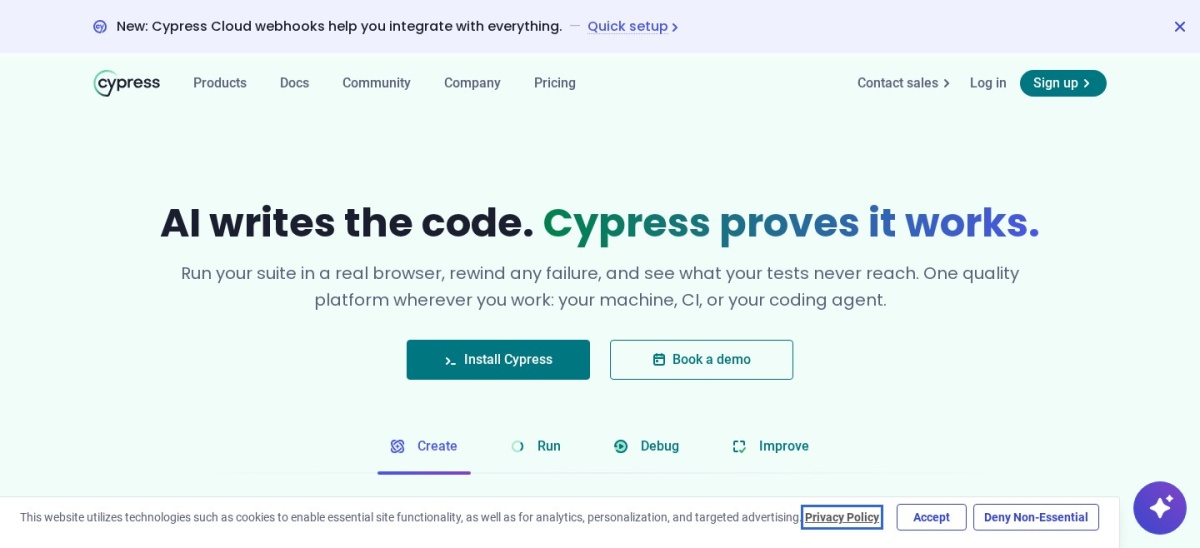
Cypress homepage, captured Nov 2026.
Cypress is a JavaScript end-to-end and component browser testing framework paired with Cypress Cloud for CI parallelization and flake detection. Its open-source test runner is completely free for unlimited local runs on Chrome, Edge, Firefox, and experimental WebKit, while Cypress Cloud Team starts at $75/mo ($900/yr) for 10 users and 10,000 test recordings.
The trade off is that Cypress runs inside the browser loop in JavaScript only and does not host real iOS or Android mobile devices on its own cloud. It suits frontend engineering teams building React, Vue, or Next.js apps that want fast local debugging without paying for hosted VMs.
What we like
Completely free open-source runner with no restrictions on local test execution
Time-travel DOM snapshots and automatic waiting simplify frontend debugging
Highest G2 rating on this list at 4.7/5 across 107 reviews
Team cloud plan includes 10 user seats without per-seat fees
Watch out for
Limited to JavaScript and TypeScript test suites
No hosted real mobile device farm or native Safari macOS grid
Team ($75/mo) adds 10,000 monthly cloud test recordings, flake detection, and Jira sync.Visit cypress.io
Visual add-on500 Sauce Visual snapshots/mo included
saucelabs.com
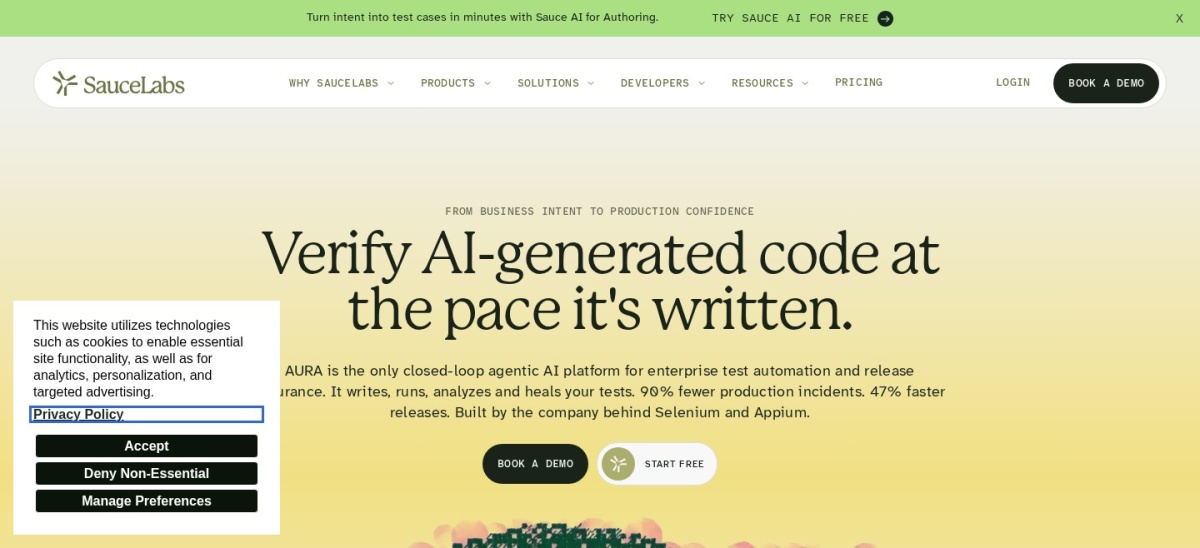
Sauce Labs homepage, captured Nov 2026.
Sauce Labs is an enterprise cloud testing platform providing 3,000+ browser and OS combinations plus 10,000+ real mobile devices. Its entry Live Testing plan costs $39/mo billed annually ($468/yr, or $49 month-to-month) and includes unlimited user seats, unlimited testing minutes, 1 parallel session, and 500 monthly Sauce Visual snapshots.
The trade off is that automated browser testing starts at $59/mo ($708/yr) for Chrome only or $99/mo ($1,188/yr) across all browsers, and real-device automation jumps to $209/mo ($2,508/yr). It suits regulated mid-market and enterprise organizations needing single-use clean VMs and unlimited team seats.
What we like
Unlimited user seats and unlimited testing minutes even on the $39/mo entry plan
Includes 500 automated Sauce Visual UI snapshots per month at no extra cost
Single-use isolated browser sessions with Sauce Connect secure tunneling
Proven enterprise track record with 200 G2 reviews (4.4/5)
Watch out for
Cross-browser automation across all browsers starts at $99/mo billed annually
Real-device automation costs $209/mo billed annually, higher than rivals
Automated All Browsers ($99/mo annual) unlocks CI runs across Chrome, Firefox, Edge, and Safari.Visit saucelabs.com
05
TestingBot
3.8/5on Capterra (15 reviews, checked Nov 2026)
Paid from$20/mo
Best for low-cost real-device automation
Environments6,100+ browsers and physical devices
Entry planLive ($20/mo billed annually, 1 user)
AutomationAutomated ($50/mo annual, 1,000 mins)
Free tier100 free testing minutes, no card needed
testingbot.com
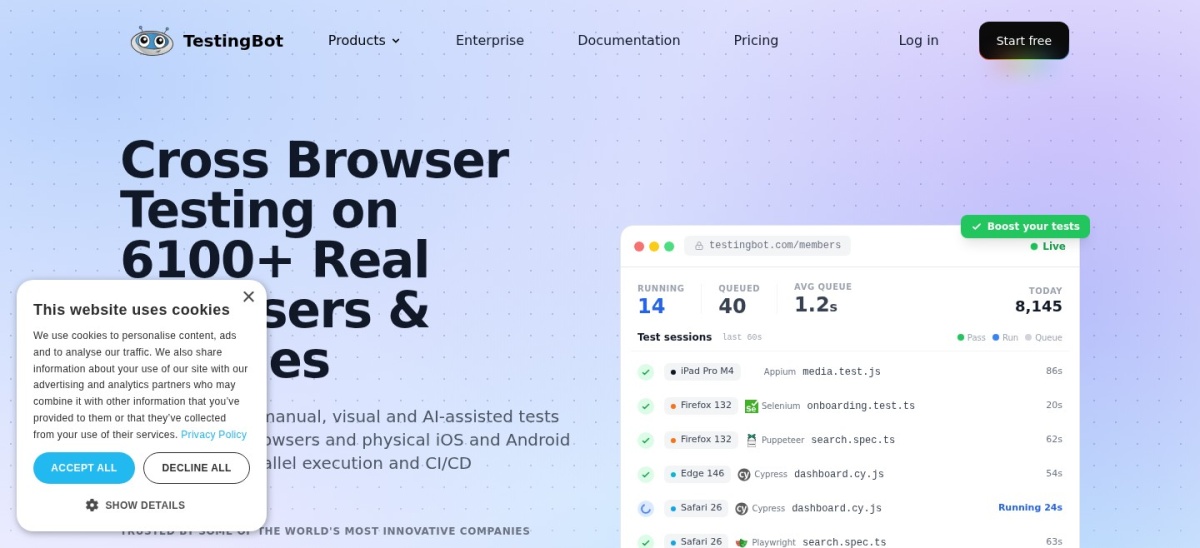
TestingBot homepage, captured Nov 2026.
TestingBot is a European-hosted cloud grid supporting Selenium, Playwright, Cypress, Puppeteer, and Appium across 6,100+ desktop browsers and physical mobile devices. New accounts get 100 free testing minutes with no credit card, and the Live plan costs $20/mo billed annually ($240/yr, or $30 month-to-month) for unlimited manual testing.
The trade off is a much smaller user review base (15 Capterra reviews at 3.8/5) and a 1,000-minute monthly cap on the $50/mo ($600/yr) Automated tier before upgrading to $90/mo Pro. It suits small teams wanting affordable physical-device automation or EU data residency.
What we like
Automated tier at $50/mo includes physical iOS and Android device automation
Offers both annual subscriptions and $60 pay-as-you-go 1,000-minute packs
Free 100-minute starter allowance and free plan for open-source projects
European data hosting appeals to GDPR-focused engineering teams
Watch out for
Lower Capterra score (3.8/5 across 15 reviews) than BrowserStack or TestMu AI
Entry Automated plan caps CI execution at 1,000 minutes per month
Automated ($50/mo annual) adds 1,000 CI automation minutes on real browsers and mobile devices.Visit testingbot.com
Free tierFree Studio local authoring and execution
AuthoringRecord-and-playback plus Groovy scripting
katalon.com
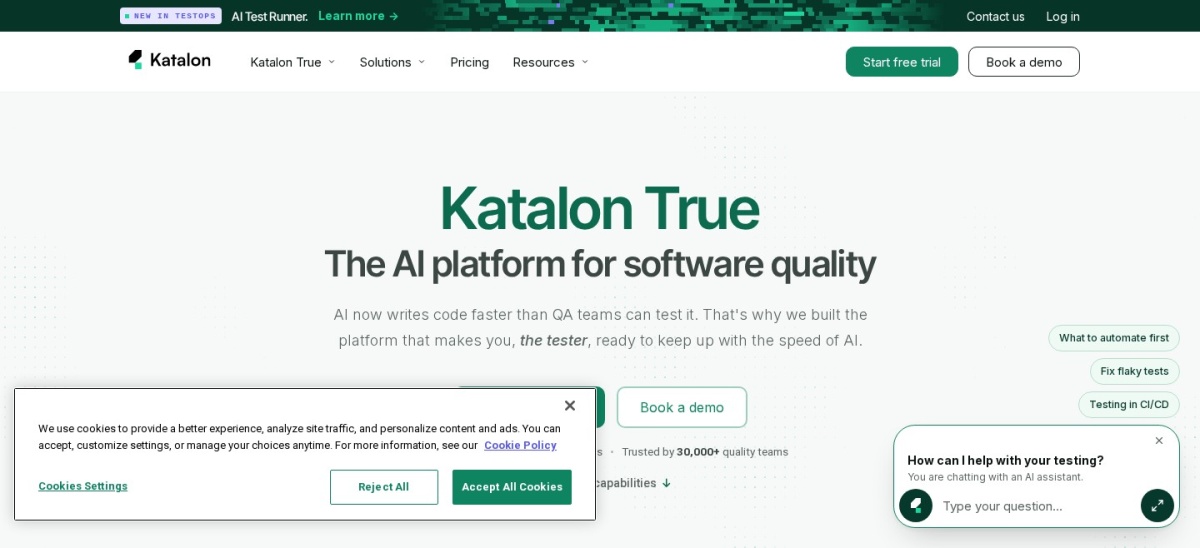
Katalon Studio homepage, captured Nov 2026.
Katalon Studio is a low-code test automation IDE used by 30,000+ quality teams to author and execute web, mobile, and API checks. Its Free Studio plan costs $0 for local test creation, record-and-playback, and up to 10 static test suites, while Professional costs $1,800/seat/yr ($150/mo billed annually, regular $2,199/yr).
The trade off is that command-line CI/CD execution requires a separate Katalon Runtime Engine add-on, and cloud browser grids require TestCloud licenses on top of the $1,800/seat Professional fee. It suits QA teams transitioning from manual testing to structured low-code automation.
What we like
Permanent free edition supports local web, mobile, and API test authoring
Dual-mode editor lets manual testers record flows while engineers script in Groovy
Professional includes AI self-healing locators and root-cause failure analysis
Strong adoption with 235 G2 reviews (4.4/5) and 706 Capterra reviews (4.4/5)
Watch out for
CI/CD pipeline execution and cloud browsers require separate paid add-ons
High $1,800/seat/yr entry price for Professional features
Professional ($1,800/seat/yr) unlocks parallel runs, AI self-healing, and Jira/TestRail sync.Visit katalon.com
07
Browserling
4/5on G2 (12 reviews, checked Nov 2026)
Paid from$19/mo
Best for instant no-setup live browser checks
PlatformsWindows 11–XP, macOS, Android, iOS
Entry planDeveloper ($19/mo regular; $9/mo on sale)
Free tierFree Sandbox (10 sessions/mo, 3 mins each)
TunnelingSSH tunnels for localhost and staging
browserling.com
Browserling homepage, captured Nov 2026.
Browserling provides instant, disposable virtual machines running real desktop and mobile browsers directly inside your browser tab without client installs. Its Free Sandbox offers 10 three-minute sessions per month on Windows 10 Chrome and Edge, while the Developer plan carries a regular price of $19/mo ($228/yr; currently discounted 50% to $9/mo billed annually).
The trade off is that Browserling focuses on interactive manual browsing rather than automated Selenium or Playwright CI grids, and macOS and iOS access requires the $29/mo regular Developer Pro tier. It suits freelance web developers who want quick visual sanity checks and SSH localhost tunnels.
What we like
Launches disposable real browser VMs in seconds with zero local plugins
Includes SSH local tunneling and geo-browsing IPs across 50+ countries
Low $19/mo regular price (with seasonal 50% annual promotions) for unlimited time
Free sandbox lets you test layouts immediately without a credit card
Watch out for
No automated CI/CD test execution grid for Playwright or Selenium
macOS and iOS browsers are locked behind the higher Developer Pro tier
Developer ($19/mo regular) removes the 3-minute session cap and unlocks all Windows versions.Visit browserling.com
Cloud device grids vs. local browser runners
Local frameworks like Cypress execute tests directly on your developer laptop or CI runner using headless Chromium, Firefox, and WebKit. You pay $0 for test execution and get instant feedback on every pull request, making local runners the default choice for functional logic and component regressions.
Cloud grids like BrowserStack, TestMu AI, and Sauce Labs become mandatory when you must verify CSS rendering, touch events, and payment sheets on real Apple iOS Safari, macOS Safari, or specific Android OEM devices that Linux CI containers cannot emulate.
How we chose
We selected 7 established browser testing tools spanning cloud real-device grids, low-code test suites, and open-source local frameworks. Every contender needed an active release cadence, transparent public pricing, and verified user reviews on G2 or Capterra.
All prices, free tier limits, ratings, and review counts were verified directly from official vendor pricing pages and G2 or Capterra listings on 30 Nov 2026. Where vendors display annual discounts or seasonal promotions, we listed the regular published price and noted active sale rates in the text.
We excluded enterprise-only platforms that hide all pricing behind sales calls, such as Tricentis Testim and QA Wolf, as well as unmaintained legacy tools. No vendor paid for a place, and we do not claim testing for this list.
How to pick the right browser testing setup
Match your team's testing workflow and budget against four practical buying criteria before committing to an annual plan.
Separate manual spot-checks from CI/CD automation. Manual live-testing plans cost $150/yr to $468/yr per seat, while automated parallel runners cost $600/yr to $2,508/yr. Buy only the manual seats your designers need, and size automation parallels to your pull-request concurrency.
Check whether macOS and iOS Safari are included in the base tier. Several vendors gate real iOS and macOS browsers behind higher tiers—for example, BrowserStack Live Desktop ($29/mo) excludes mobile devices until you upgrade to Live Desktop & Mobile ($39/mo), and Browserling requires Developer Pro for macOS and iOS.
Audit add-on fees before signing annual contracts. Low-code suites like Katalon Studio price CI/CD command-line runners (Runtime Engine) and cloud browsers (TestCloud) separately from the $1,800/seat IDE license, which can double your first-year spend.
Use free tiers to validate tunnel speed against staging servers. Test local SSH tunneling on TestMu AI's 100 free minutes, TestingBot's 100 free minutes, or Browserling's free sandbox to confirm your firewall-protected staging environment loads cleanly before upgrading.
FAQ
What are the best browser testing tools in 2026?
BrowserStack is the top all-around browser testing tool in 2026, offering 35,000+ real devices and 3,364 G2 reviews starting at $12.50/mo billed annually. TestMu AI is the best value alternative with a permanent free tier and $15/mo manual plans, while Cypress leads for free local JavaScript end-to-end testing.
What is the best free browser testing tool?
Cypress is the best free tool for automated local browser testing across Chrome, Firefox, Edge, and WebKit with zero execution limits. If you need hosted cloud browsers without installing anything, TestMu AI and TestingBot both include 100 free testing minutes with no credit card required.
How much do cloud browser testing tools cost per year?
Regular annual entry plans for solo manual testing range from $150/yr on BrowserStack Freelancer and $180/yr on TestMu AI Virtual Live to $468/yr on Sauce Labs Live. Automated cross-browser CI plans cost significantly more, ranging from $600/yr on TestingBot to $1,188/yr on BrowserStack and Sauce Labs.
BrowserStack vs. TestMu AI: which should you choose?
Choose BrowserStack if you need the widest physical mobile device inventory (35,000+ real devices) and maximum enterprise reliability backed by 3,364 G2 reviews. Choose TestMu AI if you want a permanent free tier, lower entry pricing ($15/mo vs. $29/mo for unlimited desktop live testing), or faster HyperExecute CI runs.
Do you need a real-device cloud if you already use Cypress or Playwright?
Yes, if mobile Safari or specific Android hardware bugs affect your users. Open-source runners like Cypress and Playwright execute fast on local desktop engines, but only real-device clouds expose authentic iOS WebKit rendering, mobile GPU quirks, and OS-level payment or permission dialogs.
SaaS SEO and WordPress specialist with about 8 years of experience. Rakib compares WordPress plugins, themes, hosting and software using public pricing, documentation and user reviews. See how we rank.