TestMu AI, formerly LambdaTest, is the best browser stack alternative for most teams, with live testing from $15 a month billed annually and a 4.6 out of 5 G2 rating across 423 reviews. Pick Sauce Labs for a larger enterprise grid, or Cypress if your team already writes JavaScript end-to-end tests.
How we make this list: we compare pricing pages, product documentation and public user reviews, then re-check every price before each update. No product paid for a place. Disclosure.
TestMu AI is the cheapest entry here at $15 a month billed annually, with a free tier for limited live sessions.
Sauce Labs starts at $59 a month billed annually for Chrome-only automated and live testing, rising to $99 for all browsers.
Cypress pairs a free open-source runner with Cloud Team at $67 a month and the highest G2 rating in this list, 4.7 out of 5.
HeadSpin starts at $39 a month and is the pick for real-device performance testing on carrier networks.
Applitools is the most expensive entry at $667 a month, so it only makes sense when visual regressions are the main risk.
Entry prices in this list run from $15 to $667 a month, and most grids charge per parallel test, not per user.
How do you choose the best browser stack alternatives?
Price is not one number. Most browser stack alternatives charge per parallel test or per seat, so a low monthly price can still climb fast when five testers run suites at once.
Live testing and automated testing are different jobs. Live testing is a person clicking through a real browser, while automated testing runs a Selenium, Playwright or Appium suite in CI, and some plans cover only one of the two.
Real devices matter most for mobile. Emulators and simulators catch layout problems, but only a real phone shows touch, battery and carrier behaviour, which is why HeadSpin and Kobiton lead on mobile.
Check the browser list before you pay. A Chrome-only entry plan is fine for a team that ships a Chrome-first app, but it is a poor fit if Safari or Internet Explorer-era edge cases still reach your users. Our guide on testing WordPress plugins with PHPUnit shows the same discipline on a smaller scale: test what your users actually run.
Free tiers are for evaluation, not for a release pipeline. Every free tier in this list caps minutes, sessions or browsers, so budget for at least the cheapest paid plan before a launch.
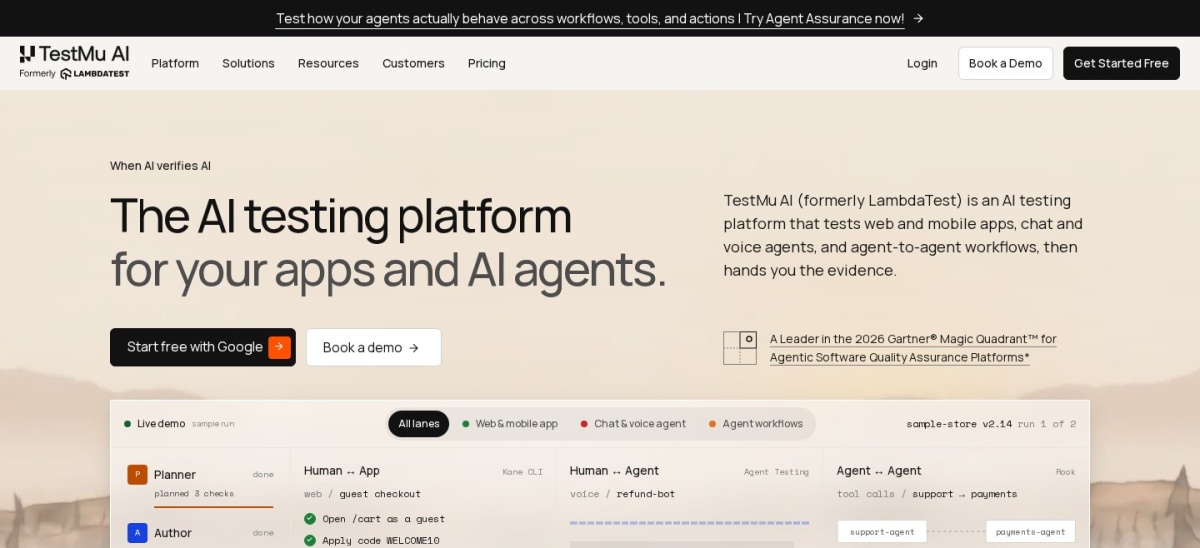
TestMu AI (formerly LambdaTest) homepage, captured Nov 2026.
TestMu AI is the cloud testing platform formerly known as LambdaTest, rebranded in January 2026. It offers live browser testing, web and mobile automation, real-device testing and the KaneAI agent for writing tests from plain language, with 3,000+ browser combinations and a free tier for limited live sessions.
The trade off is that the cheapest plans are split by job. Virtual Live starts at $15 a month billed annually, while automation and real-device plans cost far more per parallel test. It suits small teams that want the lowest entry price and a free tier to start.
What we like
Lowest entry price in this list at $15 a month
Free tier for limited live testing
Broad browser and real-device coverage
KaneAI writes tests from plain language
Watch out for
Automation plans cost much more than live testing
Free live sessions are capped at a few minutes
Rebrand means older LambdaTest guides may use old names
Paid plans add automation parallels, real devices and KaneAI creditsVisit testmu.ai
02
Sauce Labs
4.4/5on G2 (199 reviews, checked Nov 2026)
Starts at$59/mo
Best for large multi-browser grids
Entry plan$59/mo, Chrome, billed annually
All browsers$99/mo, billed annually
Real devices$166/mo, billed annually
Visual snapshots500 Sauce Visual snapshots/mo
saucelabs.com
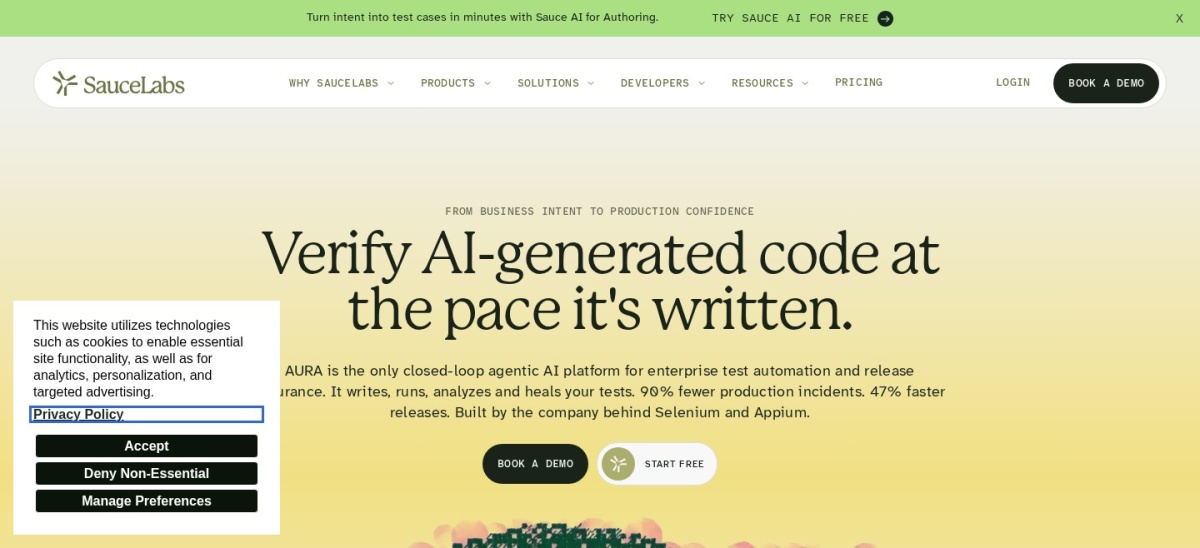
Sauce Labs homepage, captured Nov 2026.
Sauce Labs is a cloud testing platform for automated and live browser and mobile testing, with AI authoring and insights features. Its lowest listed paid plan starts at $59 per month billed annually for automated and live testing on Chrome, and it includes 500 Sauce Visual snapshots a month.
The trade off is that the entry price only covers Chrome. All-browser access costs $99 a month billed annually and real-device plans cost $166 a month, so the bill grows with coverage. It suits engineering teams running Selenium, Playwright or Appium suites across cloud browsers and devices.
What we like
Includes 500 monthly Sauce Visual snapshots
Supports Selenium, Playwright and Appium
Unlimited users on paid plans
Strong CI integration and video logs
Watch out for
Entry plan is limited to Chrome
No free plan, only a free trial
Price is per parallel test, so concurrency multiplies the bill
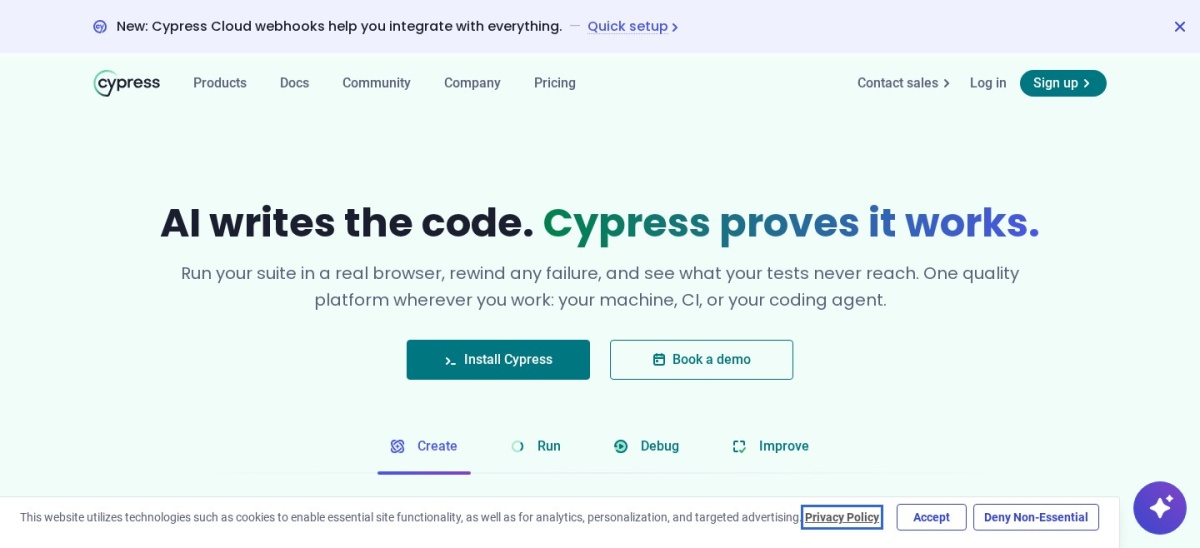
Cypress is an open-source front-end testing framework paired with Cypress Cloud. The runner is free, Cloud has a free Starter tier, and the Team plan starts at $67 a month for teams scaling cloud test runs, reporting and AI features such as cy.prompt.
The trade off is focus. Cypress is centred on JavaScript end-to-end testing, so it is not a general cross-browser grid like BrowserStack, and cloud parallelisation needs a paid Cloud tier. It suits JavaScript engineers who want fast local feedback and CI cloud reporting.
What we like
Free open-source runner and free Cloud Starter tier
Highest G2 rating in this list at 4.7 out of 5
Fast local runs with clear failure output
AI prompt generation and MCP support in Cloud
Watch out for
JavaScript-focused, not a multi-language grid
No real-device cloud of its own
Cloud parallelisation needs a paid plan
Cypress Cloud Team adds parallel runs, team features and more AI promptsVisit cypress.io
04
HeadSpin
4.7/5on G2 (28 reviews, checked Nov 2026)
Starts at$39/mo
Best for real-device performance testing
Entry priceFrom $39/mo
Real devicesSIM-enabled, 50+ locations
Performance dataNetwork, video and audio
Free planNo, demo and trial options
headspin.io
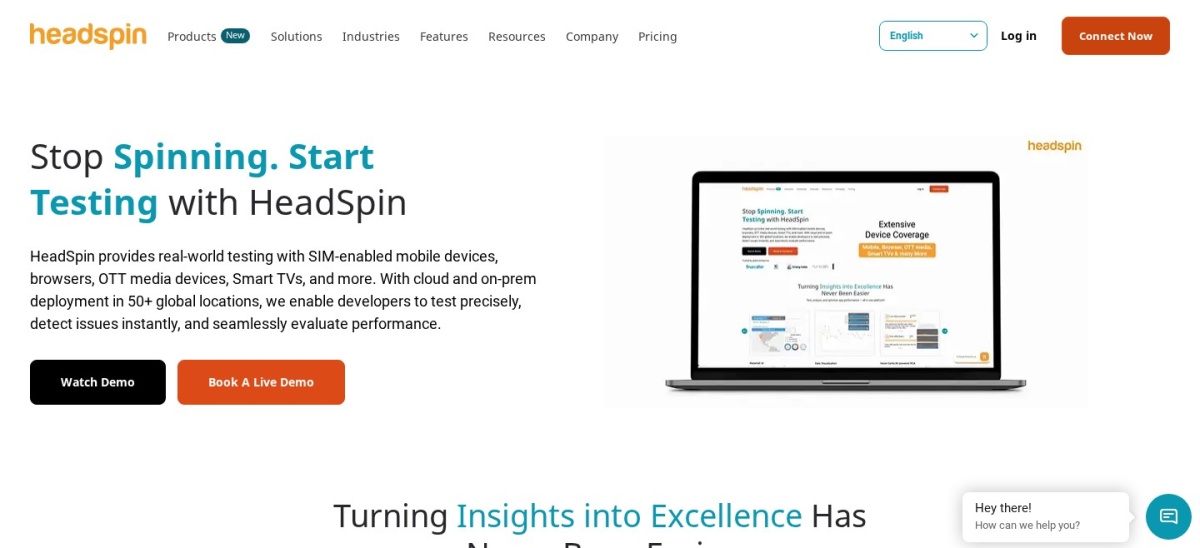
HeadSpin homepage, captured Nov 2026.
HeadSpin is a real-device testing and performance platform for mobile apps, websites, browsers and connected devices. It runs tests on SIM-enabled devices in more than 50 global locations, so teams can see performance and latency under real carrier networks rather than office Wi-Fi.
The trade off is scope and price clarity. Entry pricing starts at $39 a month, but automation may need an add-on and some plans need a sales conversation. It suits mobile teams where network, device and performance behaviour matter as much as pass or fail.
What we like
Real devices on real carrier networks
Device, network and performance data in one place
Highest G2 rating in this list, tied at 4.7 out of 5
Covers mobile, web, audio, video and TV devices
Watch out for
No free plan, only demo and trial options
Automation may need an add-on
Smaller review base than the big grids, at 28 G2 reviews
Paid tiers add automation, more locations and deeper performance dataVisit headspin.io
05
Katalon
4.4/5on G2 (235 reviews, checked Nov 2026)
Paid from$1,800/yr
Best for low-code and scripted testing in one tool
Free planLocal authoring, included
Professional$1,800/yr per seat
CoverageWeb, mobile, API and desktop
AuthoringLow-code and full scripting
katalon.com
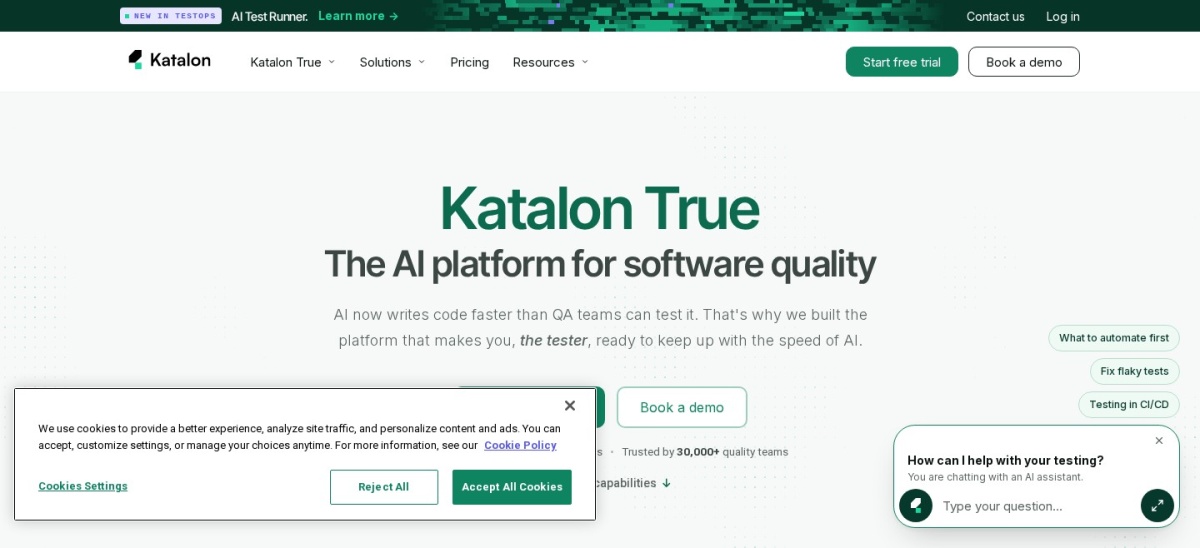
Katalon homepage, captured Nov 2026.
Katalon is a test automation platform supporting low-code and scripted workflows across web, mobile, API and desktop apps. It starts with a free plan for local authoring, and its Professional plan costs $1,800 per seat per year billed annually.
The trade off is the per-seat annual commitment. Professional is far dearer than the monthly grids in this list for a single tester, and AI accuracy still draws reviewer criticism. It suits mixed QA and developer teams that want record-and-playback alongside script mode and self-healing.
What we like
Free plan allows local test authoring
Covers web, API, mobile and desktop in one console
Supports both codeless and full scripting modes
Record-and-playback lowers the barrier for new testers
Watch out for
Professional costs $1,800 a year per seat
Per-seat pricing climbs fast for larger teams
Some reviewers note room for improvement in AI accuracy
Professional adds AI self-healing, desktop testing, BDD and parallel executionVisit katalon.com
06
Kobiton
4.3/5on G2 (39 reviews, checked Nov 2026)
Starts at$83/mo
Best for mobile-first real-device testing
Startup plan$83/mo
Real devicesAndroid and iOS
AutomationAppium-based, plus scriptless
BillingDevice minutes, not seats
kobiton.com
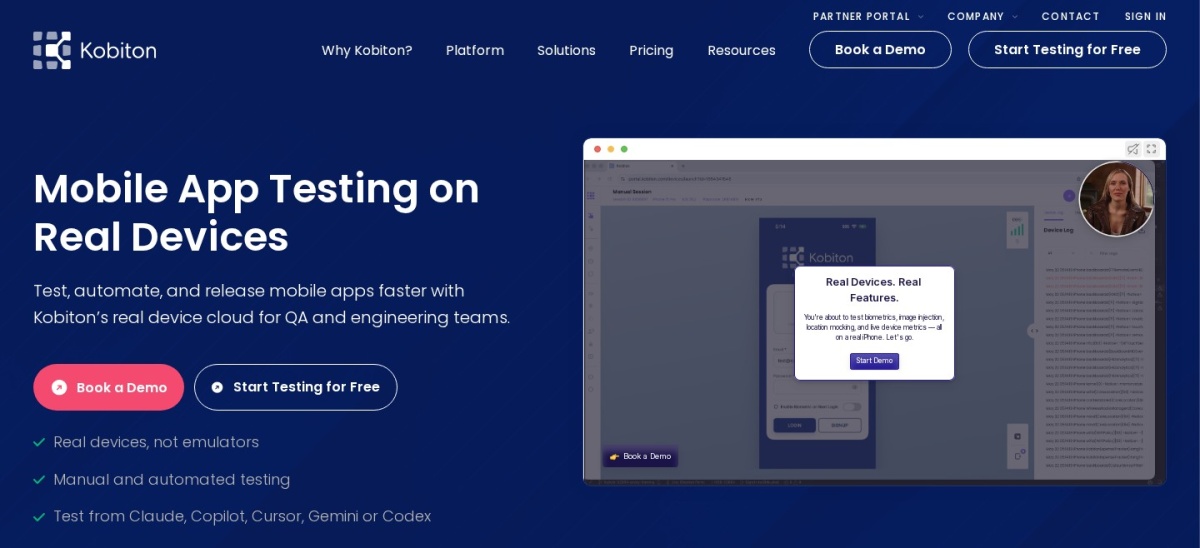
Kobiton homepage, captured Nov 2026.
Kobiton is a cloud platform built around real-device testing at scale. It gives teams on-demand access to Android and iOS devices for manual and automated sessions, supports Appium scripts and scriptless testing on higher tiers, and connects to usual CI/CD pipelines.
The trade off is that it is mobile-first and minute-based. Pricing starts at $83 a month for the Startup plan, and reviewers note costs can climb quickly with heavy automation. It suits mobile-heavy QA teams that need real-device coverage in CI rather than desktop browser breadth.
What we like
Real iOS and Android devices on demand
Manual and automated sessions in one cloud
Appium support with scriptless options on higher tiers
Session replay, logs and crash data for debugging
Watch out for
Focused mainly on mobile, not desktop browsers
Minute-based billing can climb with heavy automation
No free plan, only a free trial
Higher plans add more minutes, scriptless testing and AI-assisted featuresVisit kobiton.com
07
Applitools
4.3/5on G2 (92 reviews, checked Nov 2026)
Starts at$667/mo
Best for visual UI regression checks
Platform plan$667/mo
Core engineVisual AI and Ultrafast Grid
IntegrationsPlaywright, Storybook, Figma
Free planNo
applitools.com
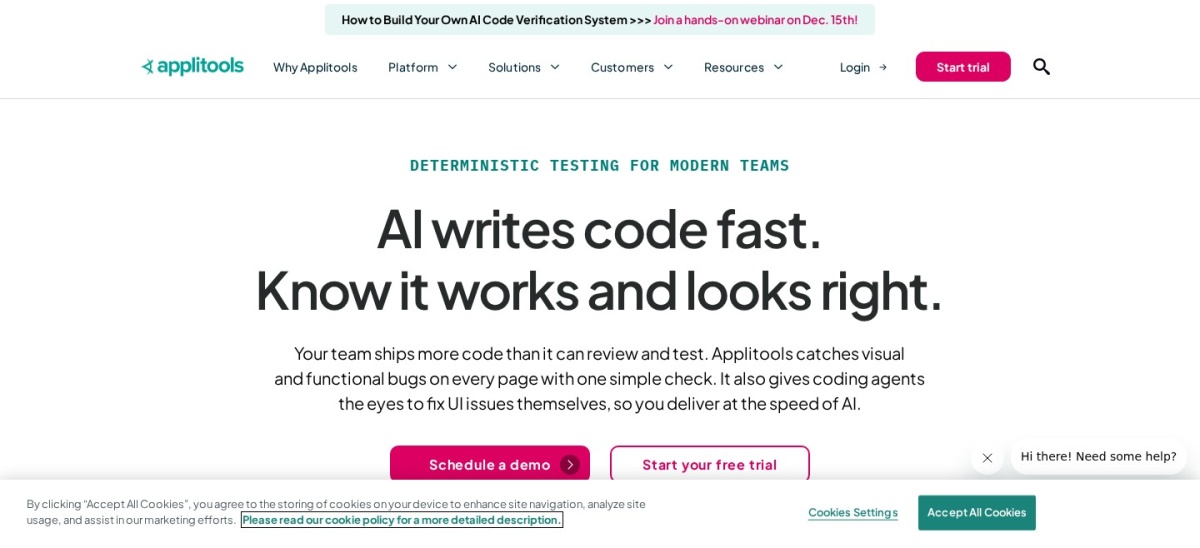
Applitools homepage, captured Nov 2026.
Applitools is a visual and end-to-end testing platform that uses Visual AI and the Ultrafast Test Grid to spot layout, font and rendering regressions. Listed platform plans start at $667 per month, and it integrates with Playwright, Storybook and Figma.
The trade off is price. At $667 a month it is the most expensive entry in this list, and dynamic pages need tuning with ignore or layout regions to avoid false positives. It suits engineering teams where visual layout accuracy across viewports and browsers is critical.
What we like
Catches visual shifts that functional assertions miss
Ultrafast Grid renders across browsers and viewports in parallel
Integrates with Playwright, Storybook and Figma
Root cause analysis points to the DOM change behind a diff
Watch out for
Starts at $667 a month, steep for small teams
No free plan
Dynamic content needs baseline tuning to avoid false positives
Paid platform tiers expand test volume, execution scale and enterprise governanceVisit applitools.com
08
TestingBot
3.8/5on Capterra (15 reviews, checked Nov 2026)
Starts at$30/mo
Best for prepaid minutes instead of a subscription
Live plan$30/mo
Automated plan$70/mo, 1,000 minutes
Combinations5,500+ browser and device
Pay as you go$60 one-time, 1,000 minutes
testingbot.com
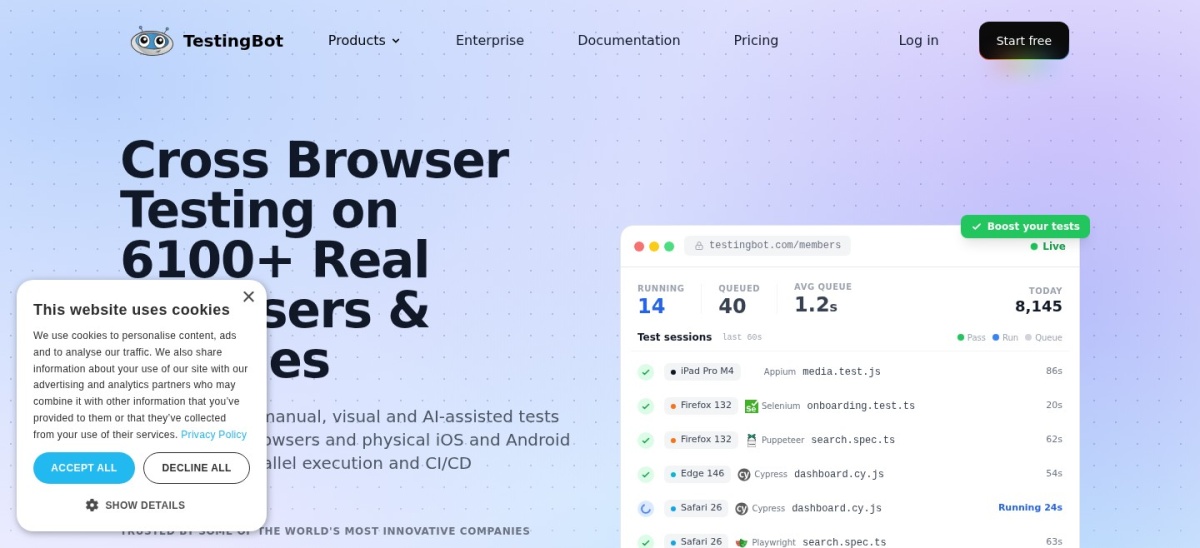
TestingBot homepage, captured Nov 2026.
TestingBot is a cloud platform for live, automated and visual testing of websites and mobile apps. It offers a grid of more than 5,500 browser and device combinations, real iOS and Android devices, and Selenium, Playwright, Appium and Cypress support, with a Live plan at $30 a month.
The trade off is size and review volume. It holds a 3.8 out of 5 Capterra rating across 15 reviews, the lowest in this list, and its G2 base is only 2 reviews. It suits individual developers and small teams that want a smaller device cloud with prepaid minutes instead of a subscription.
What we like
Pay-as-you-go minute packs need no subscription
Live plan includes unlimited live and visual testing
5,500+ browser and device combinations
Supports Selenium, Playwright, Appium and Cypress
Watch out for
Lowest rating in this list at 3.8 out of 5 on Capterra
Small review base, so the rating is less stable
Basic Automated plan caps minutes at about 1,000 a month
Automated Pro adds unlimited automated minutes per parallel testVisit testingbot.com
Live vs automated: which plan do you actually need?
Live testing is the cheapest way in. TestMu AI, Sauce Labs and TestingBot all sell a live plan, and a live session is enough to check a layout, a checkout flow or a bug report on a browser you do not own.
Automated testing is where the bill grows. Every grid in this list charges by parallel test or by minutes for automation, so one parallel is cheap and five parallels cost five times as much.
A common split is to buy live testing for manual checks and keep automation on a free runner such as Cypress or Playwright, then pay for a cloud grid only when the suite outgrows local runs.
How we chose
We started from the cloud grids and testing platforms most often named as BrowserStack replacements, then kept those with a published rating and a public entry price on 29 November 2026.
Prices come from each vendor's pricing page as read in November 2026, and ratings come from G2, except TestingBot, where the G2 base was only 2 reviews, so we used its Capterra rating instead. Where a vendor shows a sale, the list shows the regular price.
We left out tools with no public rating and no public entry price, including Perfecto and BitBar, whose rating counts or prices could not be verified from a source opened today. No vendor paid for a place, and we do not claim to have run live tests ourselves for this list.
How to choose a BrowserStack alternative
Start with the job you run most often, then match the billing model to it.
Decide live or automated first. If you mostly click through pages by hand, a live plan is enough. If a suite runs in CI, price the automation plan, not the live plan.
Count parallels, not users. Most grids charge per parallel test, so work out how many suites must run at once before you compare monthly prices.
Check your browsers and devices. List the browsers, operating systems and phones your users actually use, then check each shortlisted grid covers them, including Safari and real iOS devices.
Run a trial on a real release. Use the free tier or trial to run one real release cycle, including a flaky test and a visual check, before you commit to an annual plan.
FAQ
What is the best BrowserStack alternative in 2026?
TestMu AI, formerly LambdaTest, is the best BrowserStack alternative for most teams. It starts at $15 a month billed annually for live testing, has a free tier, and holds a 4.6 out of 5 G2 rating across 423 reviews.
What is the cheapest BrowserStack alternative?
TestMu AI is the cheapest paid option here at $15 a month billed annually for live testing, and Cypress is free as an open-source runner. TestingBot is next at $30 a month, while HeadSpin starts at $39 a month.
Is there a free BrowserStack alternative?
Yes. TestMu AI has a free tier for limited live sessions, Cypress has a free open-source runner and a free Cloud Starter tier, and Katalon has a free plan for local authoring. The other tools in this list offer a free trial instead of a free plan.
Which BrowserStack alternative is best for mobile app testing?
HeadSpin and Kobiton are the strongest mobile picks here. HeadSpin adds real-device performance data on carrier networks, while Kobiton focuses on real iOS and Android devices in CI. Sauce Labs is the broader pick if you also need desktop browsers.
TestMu AI or Sauce Labs: which should I choose?
Choose TestMu AI if entry price and a free tier matter most, since live testing starts at $15 a month against $59 a month for Sauce Labs. Choose Sauce Labs if you need a larger enterprise grid with visual snapshots and deeper CI reporting.
Do I still need BrowserStack if I use Cypress or Playwright?
Not always. Cypress and Playwright run tests well on your own machines or CI, but they do not provide a large cloud of browsers and real devices. Keep a cloud grid such as TestMu AI or Sauce Labs when you need that coverage without owning the hardware.
SaaS SEO and WordPress specialist with about 8 years of experience. Rakib compares WordPress plugins, themes, hosting and software using public pricing, documentation and user reviews. See how we rank.