WLWPLegible EditorsLast verified 22 Nov 2026How we rank10 min read
★ Short answer
TubeBuddy is our top YouTube SEO tool for creators who want title and tag optimization directly inside YouTube, with Pro starting at $32 per year. vidIQ is better for AI-assisted keyword research and content ideas, while 1of10 focuses on finding videos that outperform their usual channel results.
How we make this list: we compare pricing pages, product documentation and public user reviews, then re-check every price before each update. No product paid for a place. Disclosure.
TubeBuddy offers the cheapest paid entry at $32 per year for Pro, including basic title and tag optimization.
vidIQ gives free users 150 AI credits monthly, while Boost costs $199 per year and includes 2,000 monthly AI credits.
1of10 has a free plan with 60 monthly credits and a Basic plan costing $180 per year.
Keyword Tool starts at $68 per month with annual billing and provides YouTube keyword suggestions with estimated search volumes.
Metricool's free plan supports 1 brand and 20 scheduled posts monthly; Starter begins at $20 per month.
Specialized creator tools generally provide a closer fit for YouTube search optimization than broad social media platforms costing $79 or more monthly.
What matters when choosing YouTube SEO software
YouTube SEO starts with understanding what viewers search for and why they choose particular videos. Titles, descriptions, thumbnails and video relevance all matter, but finding the right topic comes first.
A useful keyword research tool should reveal search suggestions, related topics and competition signals. Search-volume figures for YouTube are generally estimates, so use them to compare opportunities rather than predict exact traffic.
Video optimization tools help refine metadata and identify gaps in existing uploads. However, repeating keywords or adding more tags cannot compensate for a weak topic, poor thumbnail or disappointing viewer retention.
Competitor analysis is another consideration. Tools that identify unusually successful videos can reveal topic formats worth studying, while channel analytics help explain which videos attract and retain viewers.
Compare the cheapest paid plan with the features you actually need. Keyword research, thumbnail analysis, bulk editing and cross-channel reporting are not interchangeable, and the least expensive plan may exclude advanced SEO functions.
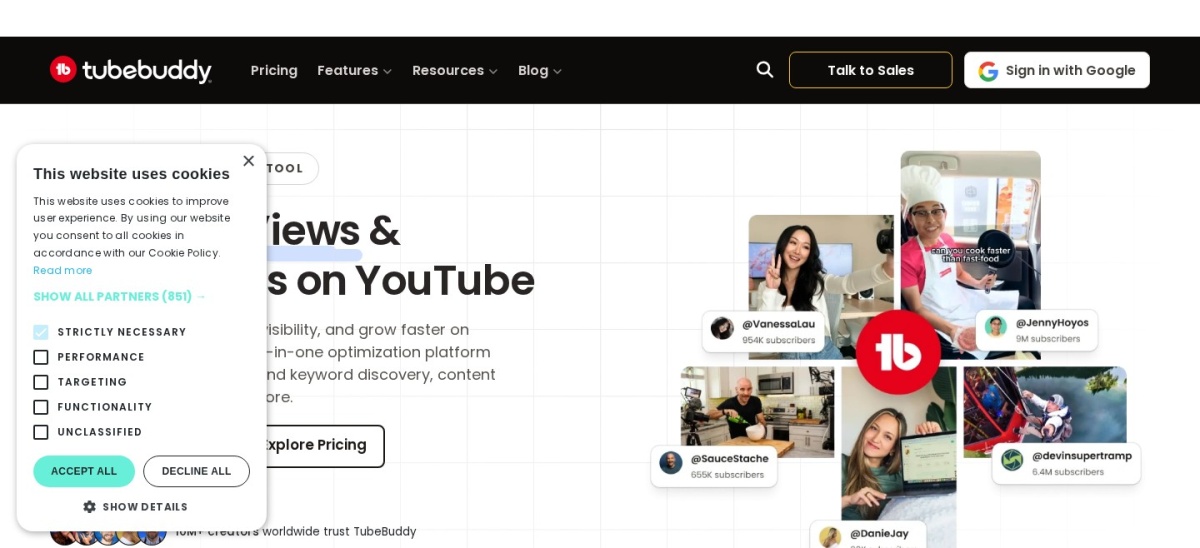
TubeBuddy is a YouTube channel management extension that adds optimization tools directly to the creator workflow. Its Pro plan costs $32 annually and includes basic title and tag optimization, thumbnail tools, content strategy features and audience insights. Keyword Explorer and SEO Studio support researching and improving video metadata.
The trade off is that Pro does not include the full search and SEO access, advanced reporting and bulk editing available in Legend, which costs $144 annually. It suits creators who want affordable video optimization without managing another extensive marketing platform.
What we like
Low-cost Pro plan with annual billing
Works within the YouTube creator workflow
Title, tag and thumbnail optimization features
Advanced analytics and bulk tools available in Legend
Watch out for
Full search and SEO access requires Legend
Multiple tools create a learning curve
Public feedback raises some billing and cancellation concerns
Pro adds basic optimization; Legend unlocks full SEO access, bulk editing and advanced reports.Visit tubebuddy.com
02
vidIQ
4.5/5on G2 (34 reviews, checked Nov 2026)
Paid from$199/yr
Best for keyword research and AI content ideas
Free AI credits150 monthly
Boost AI credits2,000 monthly
Research toolsKeywords, trends and competitors
Paid planBoost, $199/yr
vidiq.com
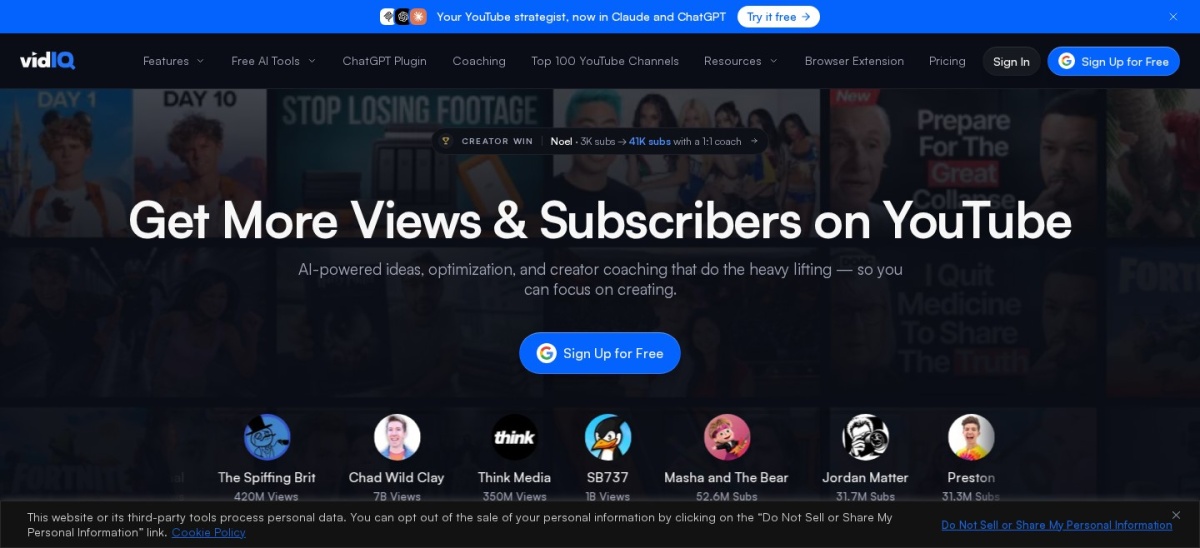
vidIQ homepage, captured Nov 2026.
vidIQ is a YouTube research and optimization platform covering keyword discovery, content ideas, competitor insights and video performance. Its free plan provides 150 AI credits monthly alongside limited creator tools. Boost costs $199 annually and includes 2,000 monthly AI credits, unlimited trends research, video optimization and AI coaching features.
The trade off is that advanced AI activities consume credits, while the MAX plan costs $468 annually for a larger allowance and additional capabilities. It suits creators who want research suggestions and publishing guidance rather than relying solely on manual keyword discovery.
What we like
Free entry plan with AI research features
Keyword discovery and competitor research
Content ideas and video optimization in one platform
AI coaching for planning and improvement
Watch out for
AI credit limits apply across several tools
Higher usage requires more expensive plans
AI recommendations still need editorial judgment
Boost adds unlimited trends research, expanded optimization and 2,000 monthly AI credits.Visit vidiq.com
03
1of10
4.3/5on Trustpilot (56 reviews, checked Nov 2026)
Paid from$180/yr
Best for competitor research and video ideas
Free AI credits60 monthly
Free research5 outlier search results
Basic channelsUp to 3
Paid planBasic, $180/yr
1of10.com
1of10 homepage, captured Nov 2026.
1of10 is a YouTube research platform that identifies unusually successful videos and helps creators study their topics, titles and thumbnails. Its free plan includes 60 monthly AI credits, limited outlier search results, thumbnail research and competitor tracking. Basic costs $180 annually and supports up to 3 connected YouTube channels.
The trade off is that 1of10 emphasizes topic selection and video packaging more than traditional search-volume research. Its pricing page also advertises a temporary Black Friday discount on Pro, which should not be confused with regular pricing. It suits creators building an idea pipeline from proven content patterns.
What we like
Outlier research highlights unusually successful videos
Competitor and thumbnail research
Free plan for exploring the workflow
AI title, idea and thumbnail generation
Watch out for
Not a replacement for dedicated keyword-volume research
Free research results are restricted
AI generation consumes monthly credits
Basic expands research access, supports more connected channels and adds AI credits.Visit 1of10.com
04
Keyword Tool
4.5/5on G2 (19 reviews, checked Nov 2026)
Paid from$68/mo
Best for YouTube long-tail keyword discovery
Keyword sources17 platforms
Starter requests50 per day
Search volumeEstimated for YouTube
Paid planStarter, $68/mo annually
keywordtool.io
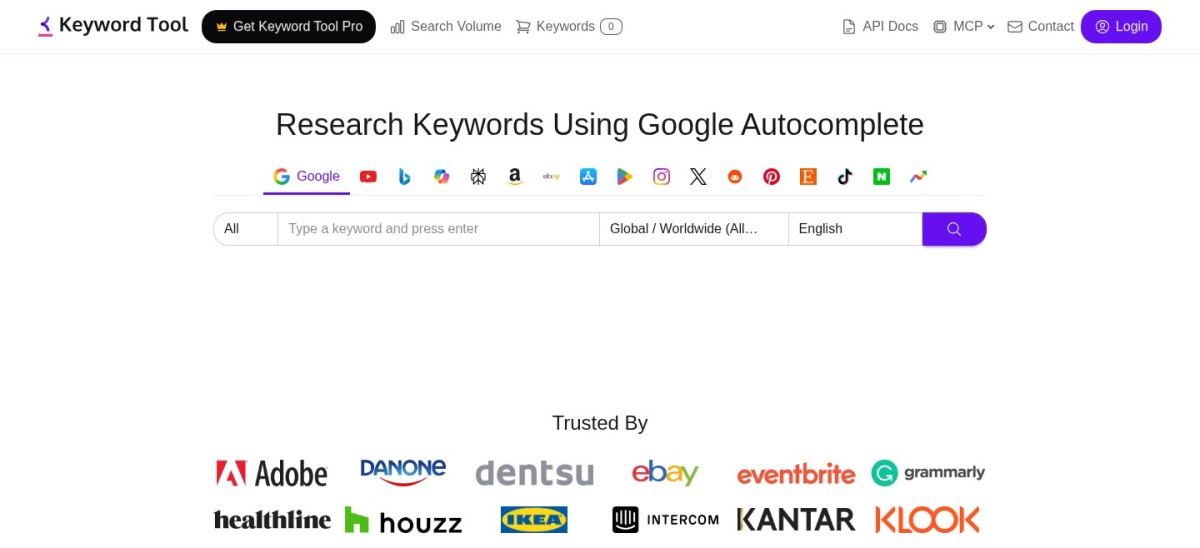
Keyword Tool homepage, captured Nov 2026.
Keyword Tool is an autocomplete-based keyword research platform that supports YouTube alongside other search and discovery platforms. It generates long-tail keyword suggestions, while paid plans add search-volume estimates and historical trends. Starter costs $68 monthly with annual billing and includes 50 daily requests, historical data and web, API and MCP access.
The trade off is price and specialization: $816 annually is substantial if YouTube is your only research channel, and YouTube search volumes are modeled estimates rather than direct official counts. It suits SEO professionals who research video topics alongside website and broader content opportunities.
What we like
YouTube autocomplete keyword discovery
Long-tail suggestions useful for video planning
Historical trends and volume estimates
Bulk keyword research and API access
Watch out for
Paid subscription is expensive for occasional creators
YouTube search volumes are estimates
Does not replace a YouTube video editor or channel audit
Starter adds estimated volumes, historical data, bulk analysis and API access.Visit keywordtool.io
05
Metricool
4.4/5on G2 (112 reviews, checked Nov 2026)
Paid from$20/mo
Best for YouTube publishing and social analytics
Free brands1
Free scheduling20 posts monthly
Free analytics30 days of history
Paid planStarter, $20/mo
metricool.com
Metricool homepage, captured Nov 2026.
Metricool is a social media management platform that supports YouTube scheduling, performance analysis and competitor monitoring alongside other networks. Its free plan manages 1 brand, schedules up to 20 posts monthly and provides 30 days of analytics. Starter begins at $20 monthly and expands publishing, historical reporting and competitor analysis.
The trade off is that Metricool focuses on publishing performance rather than specialized YouTube keyword difficulty or metadata scoring. Starter costs $240 annually at its displayed monthly rate. It suits creators and marketing teams who need to manage YouTube alongside their other social channels.
Hootsuite is a social media management platform for planning, scheduling and measuring content across connected networks, including YouTube workflows. Its Standard plan starts at $99 monthly per user and supports up to 10 social accounts, unlimited scheduled posts, AI content generation and competitor monitoring.
The trade off is that Hootsuite is a broader marketing platform, not a dedicated YouTube keyword or video SEO research tool, and the entry price amounts to $1,188 across 12 months. It suits teams that prioritize centralized publishing, reporting and collaboration over specialized keyword scoring.
What we like
Centralized content planning and publishing
Competitor monitoring features
AI-assisted content preparation
Useful for teams managing several social accounts
Watch out for
Expensive compared with creator-focused SEO tools
Limited dedicated YouTube keyword optimization
Per-user pricing increases team costs
Standard provides scheduled publishing, AI content assistance and competitor monitoring.Visit hootsuite.com
07
Sprout Social
4.4/5on G2 (7,598 reviews, checked Nov 2026)
Starts at$79/mo
Best for teams prioritizing channel reporting
Free trial30 days
Essentials price$79/seat/mo annually
Essentials profilesUp to 5
Paid planEssentials, $948/yr
sproutsocial.com
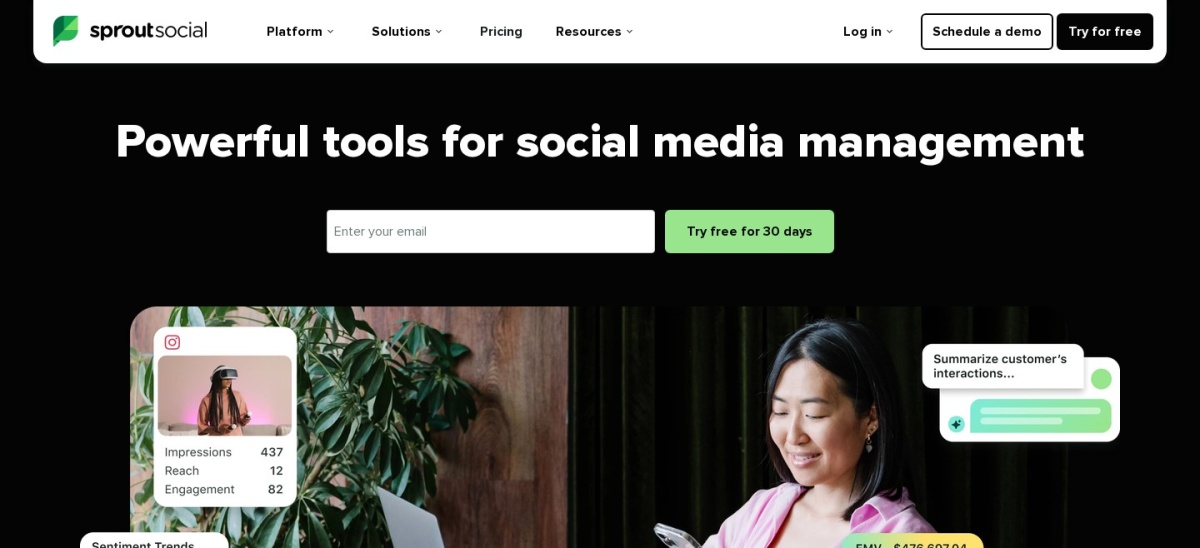
Sprout Social homepage, captured Nov 2026.
Sprout Social is a social media management and analytics platform used for content scheduling, performance reporting and collaboration. Its Essentials plan costs $79 per seat monthly with annual billing and supports up to 5 social profiles. The platform helps teams measure publishing results and organize work across connected networks.
The trade off is that Sprout Social emphasizes social reporting and operations instead of dedicated YouTube keyword research, and its $948 annual entry cost is per seat. It suits marketing teams that value reporting and workflow management more than standalone creator optimization features.
What we like
Centralized content and performance reporting
Social profile and post-level analytics
Team-oriented publishing workflows
Trial available before subscribing
Watch out for
Higher cost than specialist YouTube SEO software
Per-seat pricing can become expensive
Limited dedicated YouTube keyword research
Essentials adds profile management, publishing workflows and performance reporting.Visit sproutsocial.com
YouTube SEO tools vs channel analytics tools
YouTube SEO software and channel analytics answer different questions. SEO tools help identify topics and improve how videos are presented in search, while analytics reveal what happened after viewers found the content.
TubeBuddy and vidIQ focus on content discovery and video optimization. 1of10 approaches discovery through unusually successful competitor videos, while Keyword Tool emphasizes autocomplete terms and estimated demand.
Metricool, Hootsuite and Sprout Social fit broader publishing and reporting workflows. They can support a video marketing strategy, but should not be purchased solely for keyword research.
For most individual creators, begin with YouTube Studio and a specialized research tool. Add broad reporting software when managing several channels, contributors or marketing platforms becomes a significant part of the workload.
How we chose
We built this shortlist from established YouTube research, video optimization, keyword discovery and social analytics platforms. The selection prioritizes practical relevance to finding topics, improving video metadata, studying competitors and measuring content performance.
Official product pricing pages and public ratings from G2 and Trustpilot were checked using current web access on 24 Nov 2026, rather than verified on the requested editorial date of 22 Nov 2026. All listed prices reflect published regular entry plans, not temporary promotional discounts. Review totals reflect the accessible review pages.
We excluded products whose official pricing could not be confirmed, and tools without sufficient accessible public feedback or clear relevance. The broader analytics platforms are identified separately from dedicated YouTube SEO products. No vendor paid for a place, and we do not claim testing for this list.
How to choose the right YouTube SEO tool
Identify the main problem holding back your channel before choosing a subscription. Start with these steps:
Decide whether you need ideas or optimization. Choose research-focused tools when finding suitable video topics is the problem. Choose metadata and optimization tools when you already publish regularly but want better titles, descriptions and workflow guidance.
Compare keyword data with actual video performance. Treat estimated search volume as directional information. Check the videos already performing for a query, study their audience fit and identify whether your channel can offer something useful or distinct.
Check the entry plan's feature limits. Review keyword searches, AI credits, connected channels, analytics history and advanced SEO access. A cheaper plan is not good value when the feature that solves your problem requires a higher subscription.
Measure improvement using YouTube Studio. Monitor search traffic, click-through rate, audience retention and returning viewers alongside your publishing changes. Keep the software only when the research or workflow benefits justify its ongoing subscription cost.
FAQ
What is the best YouTube SEO tool in 2026?
TubeBuddy is our top choice for creators who want affordable optimization tools integrated with YouTube. Its Pro plan costs $32 annually, while Legend adds advanced SEO features. vidIQ is an alternative for keyword discovery, content ideas and AI-assisted planning.
Are free YouTube SEO tools worth using?
Yes. Free plans from vidIQ, TubeBuddy and 1of10 can help creators explore basic research and optimization features before paying. YouTube Studio also provides channel performance data. The main limitations are restricted research access, AI allowances or advanced editing features.
Which tool is better for YouTube keyword research?
vidIQ is a practical starting point because it combines keyword research with content ideas and video optimization. Keyword Tool is suitable for people who need autocomplete suggestions, volume estimates and bulk keyword analysis. Neither can guarantee that a keyword will produce views.
Is vidIQ better than TubeBuddy?
The better choice depends on workflow. vidIQ emphasizes keyword research, trends and AI-assisted content planning, while TubeBuddy provides optimization features within the YouTube interface. TubeBuddy's entry plan is substantially cheaper, but several advanced capabilities require the more expensive Legend plan.
Do YouTube tags still matter for SEO?
Tags can provide context, especially for alternative spellings and related terms, but they are not a substitute for relevant titles, engaging thumbnails or videos that satisfy viewers. Prioritize topic selection, clear packaging and strong audience retention before spending time adding extensive tag lists.
Can YouTube SEO software increase views automatically?
No. These tools can help identify opportunities, organize content research and improve video presentation, but they cannot guarantee rankings or view growth. Viewer behavior, topic demand, competition and video quality influence performance. Evaluate recommendations against your own channel analytics.
What is the difference between 1of10 and vidIQ?
1of10 focuses on researching videos that perform unusually well compared with their channel's typical results. vidIQ offers a broader combination of keyword research, optimization, content ideas and AI guidance. Choose based on whether competitor-inspired ideas or general optimization is your primary need.
Is expensive social media management software necessary for YouTube SEO?
Usually not for individual creators. Platforms such as Hootsuite and Sprout Social are more appropriate when publishing coordination, multiple social accounts and team reporting matter. A dedicated YouTube SEO tool combined with YouTube Studio is generally a more focused starting point.
How should I measure whether a YouTube SEO tool is working?
Track relevant YouTube Studio metrics over several publishing cycles, including search impressions, search traffic, click-through rate, watch time and retention. Compare performance with your previous uploads and account for differences in topics and audience size. Improvements should justify both the software cost and time spent.