Best SEO Chrome Extensions in 2026: 9 Extensions Compared
WLWPLegible EditorsLast verified 24 Nov 2026How we rank12 min read
★ Short answer
The Ahrefs SEO Toolbar is the best SEO Chrome extension for most SEOs, free with a free Ahrefs sign-in for Domain Rating and URL Rating, plus on-page checks and link highlighting. Pick Check My Links for the fastest broken-link check on a page, and Redirect Path for redirect and status code checks.
How we make this list: we compare pricing pages, product documentation and public user reviews, then re-check every price before each update. No product paid for a place. Disclosure.
The Ahrefs SEO Toolbar is the best all-round SEO extension, free with DR and UR on a free sign-in, rated 4.7 from 568 ratings.
Check My Links is the fastest broken-link check on a page, free, rated 4.6 from 109 ratings, highlighting valid links in green and broken ones in red.
Redirect Path is the best redirect and status code check, free from Ayima, rated 4.3 from 197 ratings, showing every hop in a redirect chain.
Keywords Everywhere is the only paid extension here, at $7 a month billed yearly for 100,000 credits.
MozBar and SEO Minion rate 1.4 and 1.6 in November 2026, so prefer the Ahrefs toolbar or SEOquake for the same jobs.
What an SEO Chrome extension should cover
SEO Chrome extensions fall into three jobs: an authority score on any site, an on-page check of the page you are on, and keyword data inside Google results. No single extension does all three well.
Most of these extensions are free. The only paid one here is Keywords Everywhere, at $7 a month billed yearly for 100,000 credits, and even it installs free with limited features.
Store ratings have moved a lot in 2026. MozBar fell to 1.4 out of 5 and SEO Minion to 1.6, while Check My Links and Redirect Path hold 4.6 and 4.3. Ratings are from the Chrome Web Store, checked in November 2026.
Pick by the job, not the brand. A SERP overlay points to Ahrefs or SEOquake, a broken-link check points to Check My Links, and a redirect check points to Redirect Path.
4.7/5on Chrome Web Store (568 reviews, checked Nov 2026)
PriceFree
Best SEO Chrome extension overall
Entry planFree
Users400,000
MetricsDR, UR, backlinks, traffic
Free tierYes
ahrefs.com
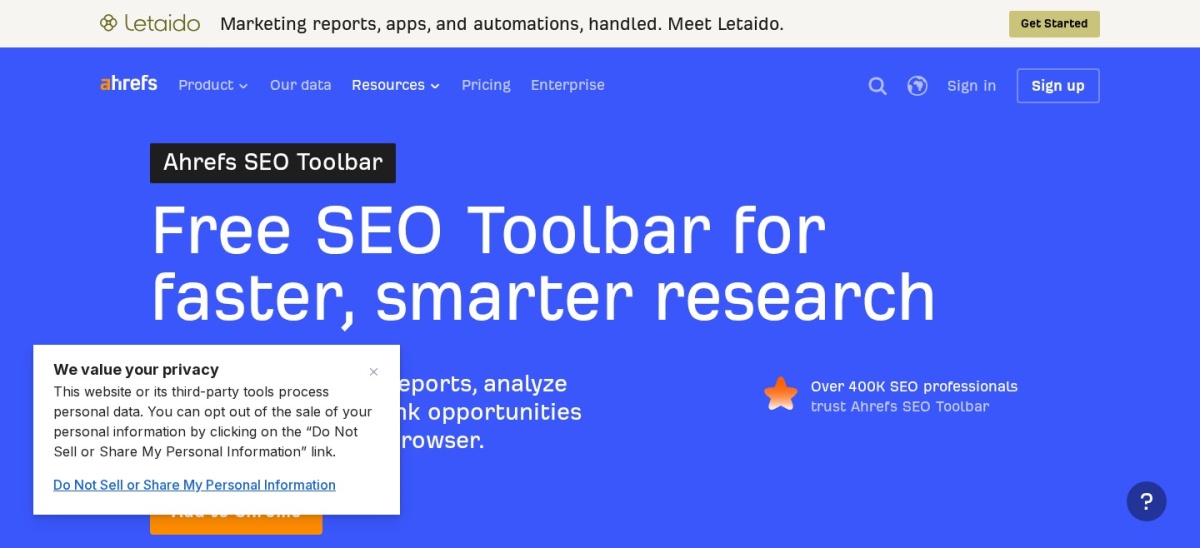
Ahrefs SEO Toolbar homepage, captured Nov 2026.
Ahrefs SEO Toolbar is a free extension that shows Domain Rating and URL Rating on any site with a free Ahrefs sign-in. It adds an on-page report, highlights every link on a page, and shows keyword ideas in the search results.
The trade off is the meter. Full backlink numbers and traffic need a paid Ahrefs plan from $29 a month, and the extension requests all-sites access. It suits SEOs who already use Ahrefs data and want it in the browser.
What we like
DR and UR with a free sign-in
On-page report and link highlighting
Highest-rated toolbar here at 4.7
Watch out for
Full metrics need a paid Ahrefs plan
Requests all-sites access
Full Ahrefs metrics need a paid plan from $29 a monthVisit ahrefs.com
02
Check My Links
4.6/5on Chrome Web Store (109 reviews, checked Nov 2026)
PriceFree
Best for broken link checks on one page
Entry planFree
Users90,000
ChecksLinks, redirects, broken links
Free tierYes
selectorshub.com
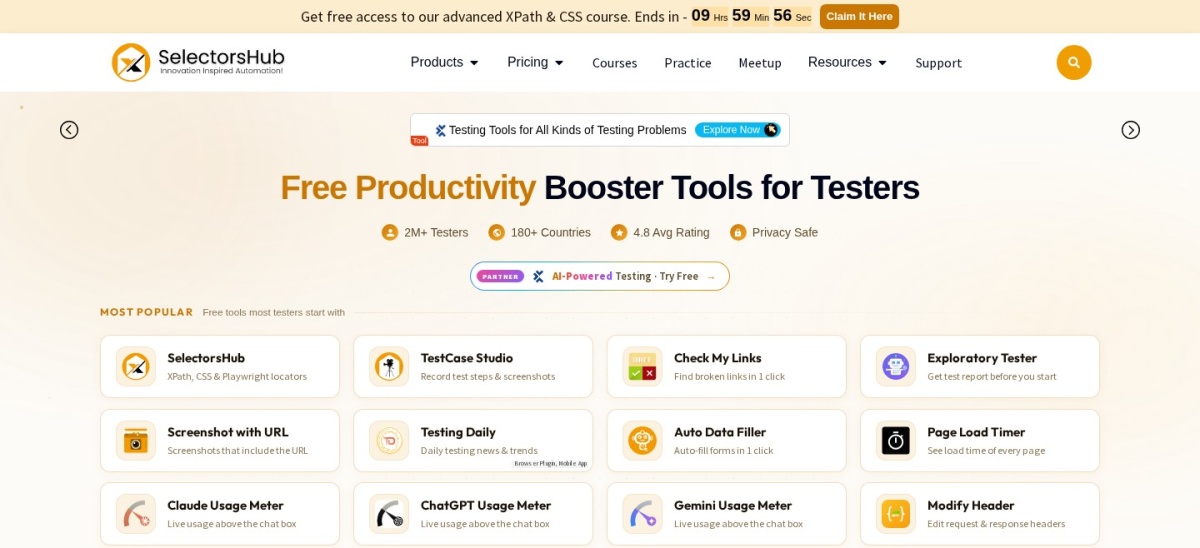
Check My Links homepage, captured Nov 2026.
Check My Links is a free extension from SelectorsHub that crawls every link on the page you are on and highlights valid links in green and broken ones in red. It also flags redirected links, works in Google Sheets and Docs, and exports a report of the broken links.
The trade off is scope. It checks one page at a time, so a whole site still needs a crawler, and the listing says it may show product tips a few days after install. It suits editors and link builders who check pages for broken links every day.
4.3/5on Chrome Web Store (197 reviews, checked Nov 2026)
PriceFree
Best for redirect and status code checks
Entry planFree
Users300,000
ChecksRedirects, status codes, headers
Free tierYes
ayima.com
Redirect Path homepage, captured Nov 2026.
Redirect Path is a free extension from the SEO agency Ayima that flags redirects and status codes as you browse. Its toolbar icon changes when a page redirects, and clicking it shows each hop, the status code and the HTTP headers.
The trade off is scope. It is Chrome only and reports only the page you loaded, so it cannot audit a whole site, and its optional AI button sends the chain to Ayima AI. It suits technical SEOs who check redirect chains and status codes page by page.
4.8/5on Chrome Web Store (1,141 reviews, checked Nov 2026)
PriceFree
Best for keyword ideas in search results
Entry planFree
Users600,000
DataVolume, keyword ideas, domain overview
Free tierYes
ubersuggest.com
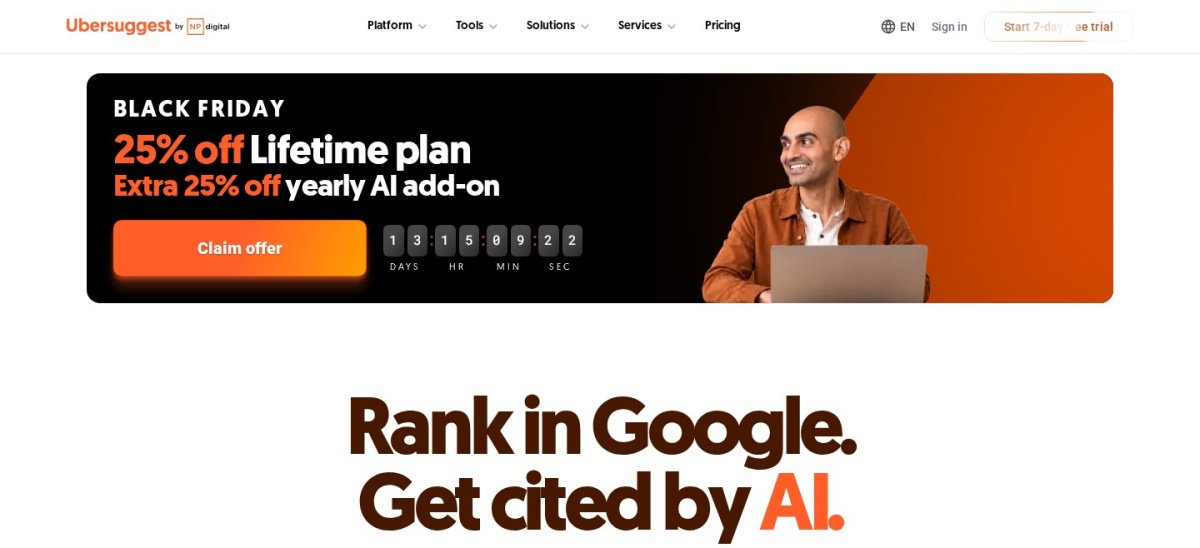
Ubersuggest homepage, captured Nov 2026.
Ubersuggest is a free extension from Neil Patel that shows search volume, keyword ideas and content suggestions inside Google results. It also shows domain overview data for the site you are on, with a free tier that covers everyday research.
The trade off is depth. Full keyword lists, backlink data and rank tracking need a paid Ubersuggest plan, and its data is thinner than Ahrefs or Semrush. It suits content writers and small-site owners who want volume data without a subscription.
3.6/5on Chrome Web Store (2,600 reviews, checked Nov 2026)
PriceFree
Best free SERP overlay from Semrush
Entry planFree
Users1,000,000
MetricsSemrush Rank, traffic, backlinks
Free tierYes
seoquake.com
SEOquake homepage, captured Nov 2026.
SEOquake is a free extension from Semrush that puts metrics under every Google result. It shows Semrush Rank, traffic, backlinks and keyword density, with an on-page audit and link analysis, and works with no account for the basics.
The trade off is the rating. It shows 3.6 out of 5 from about 2,600 ratings in November 2026, down from 4.5 in September, and Authority Score needs a free Semrush account. It suits Semrush users who want a free SERP overlay without paying for a toolbar.
3.3/5on Chrome Web Store (5,700 reviews, checked Nov 2026)
Paid from$7/mo
Best for keyword volume on many sites
Entry planBronze, $7/mo billed yearly
Credits100,000 per year
Free tierKeyword ideas, no volume
SitesGoogle, YouTube, Amazon, Bing
keywordseverywhere.com
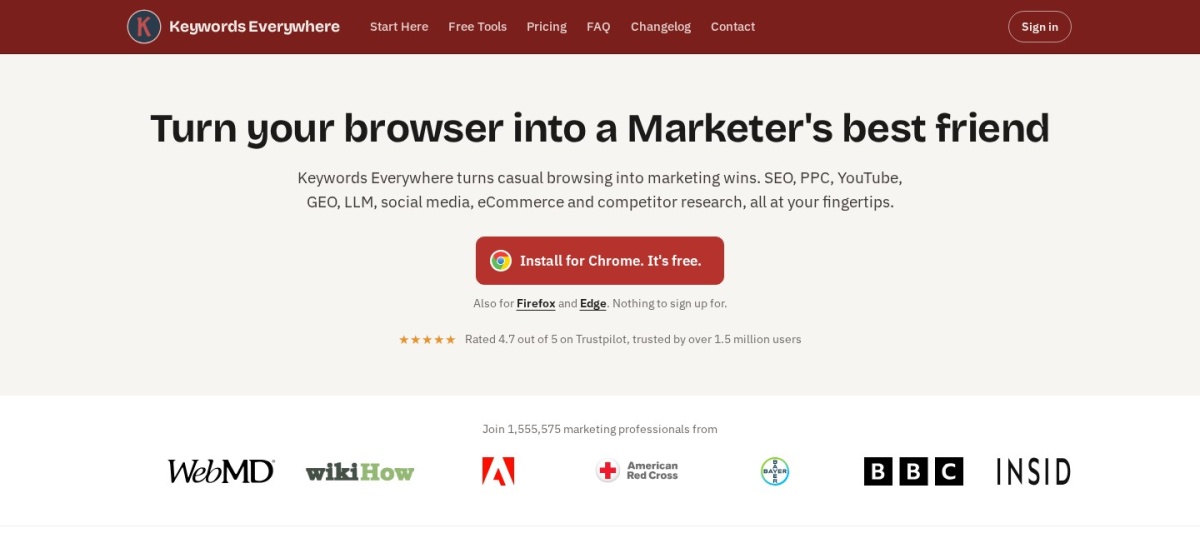
Keywords Everywhere homepage, captured Nov 2026.
Keywords Everywhere is a browser extension that adds search volume, CPC, competition and trend data beside searches on Google, YouTube, Amazon, Bing and Etsy. It also shows domain keyword and backlink lists, with a free tier for keyword ideas and traffic estimates.
The trade off is the price change. Volume data now needs credits on annual plans only: Bronze is $84 a year for 100,000 credits, shown as $7 a month, and credits expire 12 months after purchase. It suits marketers who research keywords inside Google every day.
4.5/5on Chrome Web Store (3,800 reviews, checked Nov 2026)
PriceFree
Best for website traffic checks
Entry planFree
Users1,000,000
DataVisits, duration, bounce rate, rank
Free tierYes
similarweb.com
Similarweb homepage, captured Nov 2026.
Similarweb is a free extension that shows traffic estimates for the site you are on. It reports visits, visit duration, bounce rate, rank, traffic sources and countries, with a free tier that covers basic data on most sites.
The trade off is data sharing. The free extension asks you to accept data sharing, and detailed data needs a paid Similarweb plan with no public price. It suits marketers and analysts who want a quick traffic check on any site.
What we like
Traffic estimates on any site
Visits, bounce rate and sources
Strong rating at 4.5 from 3,800 ratings
Watch out for
Free extension asks you to accept data sharing
Detailed data needs a paid plan with no public price
1.4/5on Chrome Web Store (2,500 reviews, checked Nov 2026)
PriceFree
Best for DA and PA checks, with a warning
Entry planFree with Moz account
Users900,000
MetricsDA, PA, Brand Authority
Free tierYes
moz.com
MozBar homepage, captured Nov 2026.
MozBar is a free extension from Moz that shows Domain Authority and Page Authority on any site, with a free Moz account. It also offers on-page tools and link analysis, and Moz Pro from $49 a month adds Brand Authority and spam score.
The trade off is the rating. MozBar shows 1.4 out of 5 from about 2,500 ratings in November 2026, the lowest here, with reviewers reporting broken features. It suits Moz Pro users who already pay for the suite and want DA and PA in the browser.
1.6/5on Chrome Web Store (797 reviews, checked Nov 2026)
PriceFree
Best for link highlighting and broken links
Entry planFree
Users200,000
ChecksLinks, broken links, hreflang
Free tierYes
seominion.com
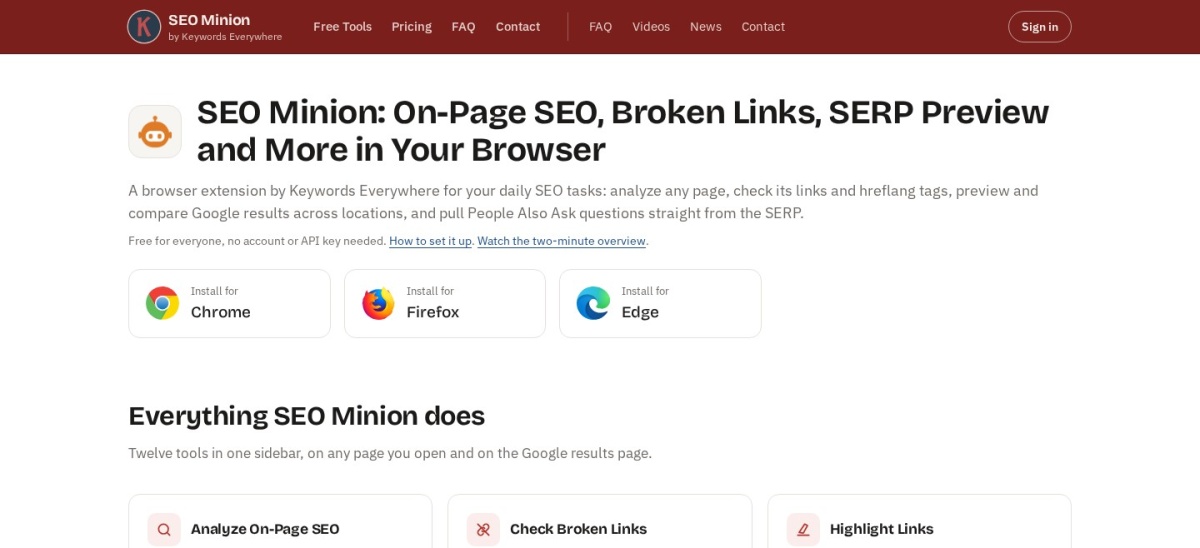
SEO Minion homepage, captured Nov 2026.
SEO Minion is a free extension that highlights all links on a page, checks for broken links, and checks hreflang tags. It also shows on-page SEO data and SERP previews, with no account needed for the core tools.
The trade off is the rating. SEO Minion shows 1.6 out of 5 from 797 ratings in November 2026, the second lowest here, with reviewers reporting that features stopped working. It suits SEOs who want a free link checker and can live with the risk.
MozBar shows 1.4 out of 5 from about 2,500 ratings on the Chrome Web Store, and SEO Minion shows 1.6 out of 5 from 797 ratings, both checked in November 2026.
Both are still widely installed, but reviewers report broken features and outdated data. The Ahrefs SEO Toolbar and SEOquake cover the same jobs with higher ratings and active updates.
How we chose
We started from the SEO Chrome extensions in active use in November 2026, then kept those with a Chrome Web Store listing and published pricing.
Ratings, review counts and user counts come from each extension's Chrome Web Store listing, checked in November 2026. Prices come from each vendor's pricing page, checked on 24 November 2026. Where a vendor shows a sale, the list shows the regular price.
We left out extensions with no maintained listing. No vendor paid for a place, and we do not claim hands-on testing for this list.
How to choose an SEO Chrome extension
Start with the job, then check the store rating.
Name the job. An authority score, an on-page check and keyword volume each point to a different extension.
Check the store rating. A rating below 3.0 on the Chrome Web Store is a warning sign: MozBar and SEO Minion both sit below 2.0 in November 2026.
Check the login. Ahrefs needs a free sign-in for DR and UR, MozBar needs a free Moz account, and SEOquake works with no account.
Keep only what you use. Extensions with all-sites access run on every page, so disable the ones you do not use weekly.
FAQ
What is the best SEO Chrome extension?
The Ahrefs SEO Toolbar is the best pick for most SEOs, free with a free Ahrefs sign-in for Domain Rating and URL Rating. Check My Links is best for broken-link checks on a page, and Redirect Path for redirect and status code checks.
Are SEO Chrome extensions free?
Mostly yes. Eight of the nine extensions here are free to install. Keywords Everywhere is the exception: volume, CPC and competition data need credits from $7 a month billed yearly.
Which SEO extension shows search volume in Google?
Keywords Everywhere shows volume, CPC, competition and trend beside Google results, and Ubersuggest shows volume and keyword ideas in the search results too.
Is MozBar still good in 2026?
No, not by its store rating. MozBar shows 1.4 out of 5 from about 2,500 ratings in November 2026, and the Ahrefs SEO Toolbar covers the same Domain Rating and URL Rating job with a 4.7 rating.
Which extension is best for broken link checks?
Check My Links is the best broken-link check on a page, free, rated 4.6 from 109 ratings. It highlights valid links in green and broken ones in red, and exports a report. SEO Minion does the same job but rates only 1.6.
Do SEO extensions slow down Chrome?
They can. Extensions that request all-sites access, like the Ahrefs toolbar and Keywords Everywhere, run on every page. Keep only the ones you use weekly and disable the rest.