TubeBuddy is the best YouTube automation tool for most creators, with keyword research, bulk editing and thumbnail A/B tests from $16 a month. Add vidIQ for AI video ideas, Descript for transcript editing and Opus Clip for turning long videos into Shorts.
How we make this list: we compare pricing pages, product documentation and public user reviews, then re-check every price before each update. No product paid for a place. Disclosure.
TubeBuddy leads for most creators: keyword research, bulk editing and A/B tests from $16 a month at the regular price.
vidIQ Boost costs $19 a month, or $199 a year, and adds AI video ideas plus competitor tracking.
Descript edits video by editing the transcript, with Hobbyist at $16 a month on annual billing.
Opus Clip turns long videos into Shorts from $15 a month, with a free plan of 60 credits a month.
Repurpose sends a finished video to Shorts, TikTok and Reels automatically, from $35 a month.
What YouTube automation actually covers
YouTube automation is not one job. It covers research, editing, clipping, scheduling and publishing, and most creators need two or three tools, not one.
The research layer is TubeBuddy and vidIQ: keyword scores, title ideas and thumbnail tests inside YouTube Studio. The production layer is Descript and Opus Clip, which cut editing and clipping time.
Scheduling and distribution come last. Metricool plans uploads across networks, while Repurpose sends a finished video to Shorts, TikTok and Reels without re-uploading it by hand.
Prices move often in this market, and Black Friday sales are running as this list was checked. Our best YouTube SEO tools guide compares the research tools in more depth.
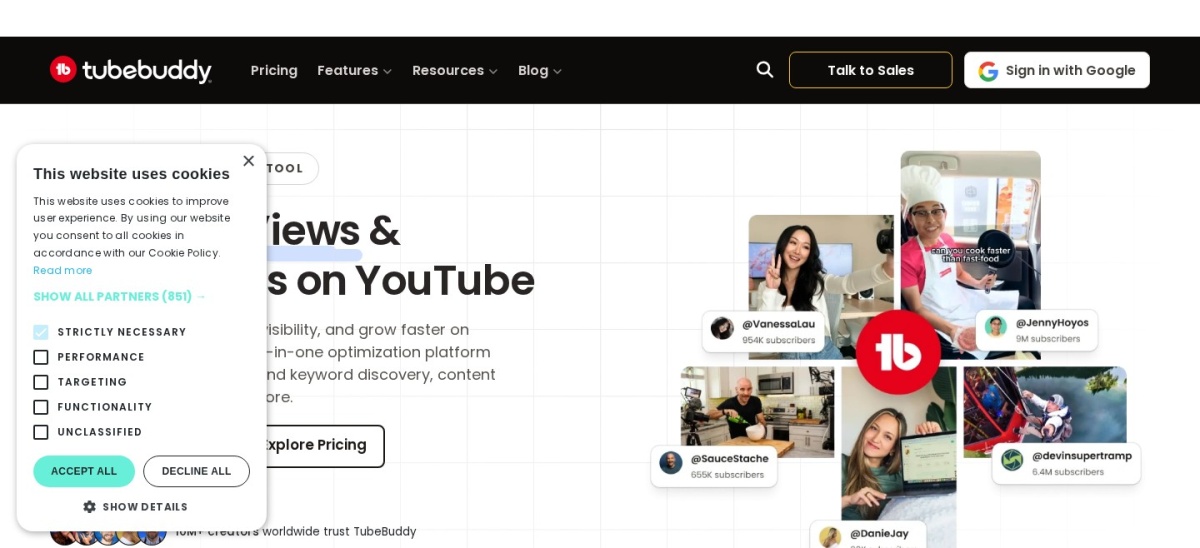
TubeBuddy is a browser extension that adds keyword research, tag tools, bulk editing and thumbnail A/B testing directly inside YouTube Studio. Pro costs $16 a month on annual billing at the regular price, and the free plan covers basic title and tag optimization for one channel.
The trade off is that A/B testing sits on the Legend plan at $34 a month, not Pro, and the pricing page is currently showing a Black Friday sale at half price. It suits creators with a catalog of videos who want to lift clicks with systematic tests.
What we like
Keyword research inside YouTube Studio
Bulk editing saves hours on a big catalog
Thumbnail and title A/B testing
Free plan covers the basics
Watch out for
A/B testing needs the $34 a month Legend plan
Sale prices on the site hide the regular price
Chrome Web Store rating is lower than its G2 score
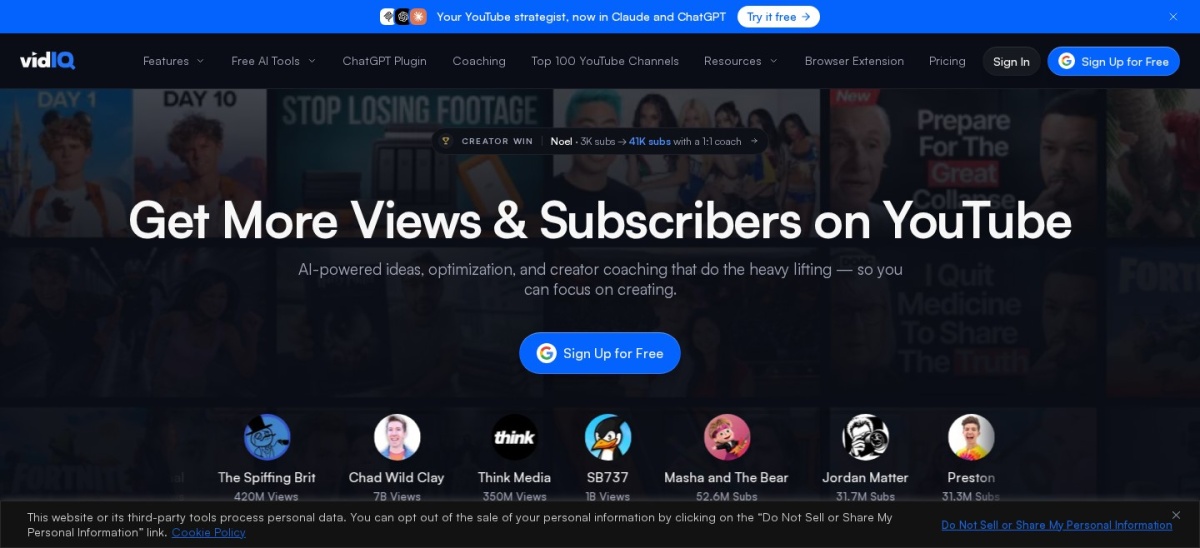
vidIQ is a YouTube research platform covering keyword discovery, video ideas, competitor insights and channel analytics. Its free plan gives 150 AI credits a month, and Boost costs $19 a month, or $199 a year, with 2,000 monthly AI credits, unlimited trends research and an AI coach.
The trade off is that advanced AI work eats credits, and the MAX plan costs $468 a year for a larger allowance. It suits creators who plan content in batches and want data behind every title.
Descript is a video and audio editor that works by editing the transcript: delete a sentence and the footage goes with it. Hobbyist costs $16 a month billed yearly and adds text-based editing, Studio Sound, filler-word removal and AI Speech with voice clones.
The trade off is that the Creator plan, with more AI hours and collaboration, costs $24 a month, and the tool is built for talking-head video rather than cinematic edits. It suits interview, podcast and explainer channels that edit spoken video every week.
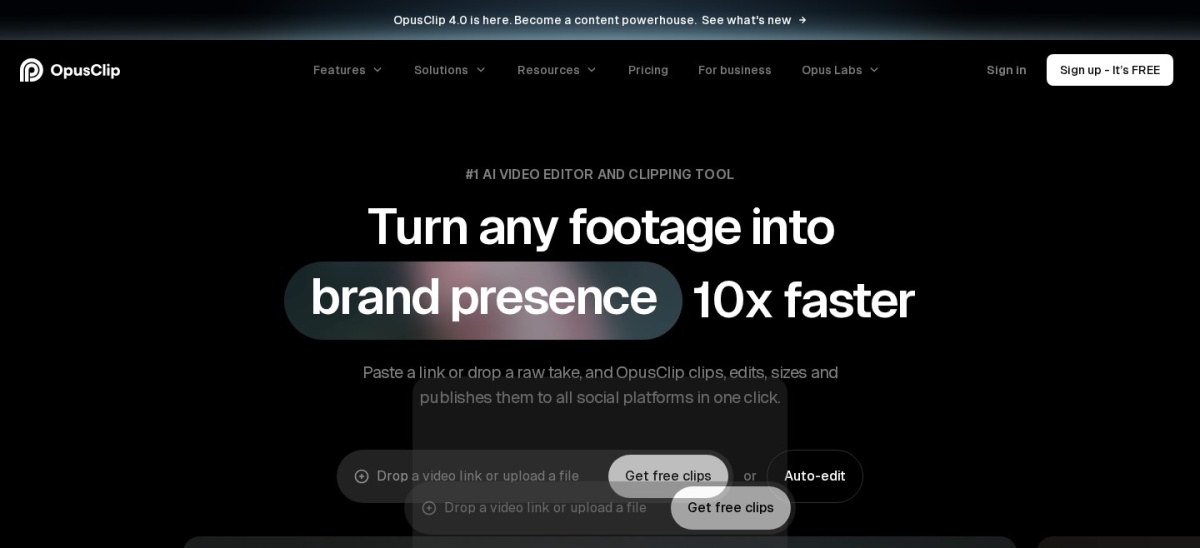
Opus Clip is a tool that turns long videos into short vertical clips for Shorts, Reels and TikTok automatically. It finds highlight moments, adds captions, reframes for vertical format and scores each clip for viral potential, with Starter at $15 a month and a free plan of 60 credits a month.
The trade off is that Starter is monthly only, with no annual discount, and output quality depends on the source footage. It suits channels that already publish long-form video and want a weekly batch of Shorts from the same file.
What we like
AI clipping with virality scoring
Captions and auto-reframe built in
Free plan with 60 credits a month
Workflow API for automation
Watch out for
Starter has no annual billing option
Output depends on source footage quality
Free clips carry a watermark and expire in 3 days
Pro adds 300 credits a month and team workspacesVisit opus.pro
05
Metricool
4.4/5on G2 (112 reviews, checked Nov 2026)
Paid from$20/mo
Best for scheduling and analytics
Free planYes, 1 brand
Cheapest paidStarter, $20/mo
Scheduled posts20 a month on free
Competitor trackingYes
metricool.com
Metricool homepage, captured Nov 2026.
Metricool is a social media management platform that supports YouTube scheduling, performance analysis and competitor monitoring alongside other networks. The free plan supports 1 brand and 20 scheduled posts a month, and Starter begins at $20 a month.
The trade off is that YouTube is one network among many, so its YouTube-specific tools are thinner than TubeBuddy or vidIQ. It suits creators and small teams that publish to several networks and want one calendar and one analytics view.
1of10 is a YouTube research platform that identifies unusually successful videos and helps creators study the topics, titles and thumbnails behind them. Its free plan includes 60 monthly credits, and the Basic plan costs $180 a year.
The trade off is that it is a research tool only: it finds ideas but does not edit, schedule or publish anything. It suits creators who plan around proven outliers and want to know why a video in their niche took off.
Repurpose.io is a distribution tool that automatically reposts finished videos and audio to other platforms, including YouTube Shorts, TikTok, Instagram Reels and Facebook. Starter costs $35 a month, or $349 a year, for up to 3 connected accounts per network and 5,000 published videos a month.
The trade off is that it creates nothing: no editing, no transcripts and no clips, and a third of its Trustpilot reviews are one-star complaints about workflows breaking and billing. It suits creators who already publish the same material to several platforms every week.
InVideo is an AI video tool that turns a script or prompt into a finished video with stock footage, voiceover and captions. The free plan is watermarked, and paid plans start at $20 a month, with the AI handling the first cut so a creator only polishes the result.
The trade off is that AI-generated video still needs a human review, and the G2 rating trails the specialist tools on this list. It suits faceless channels and marketers who need a steady supply of simple videos without filming.
Every tool on this list has a free plan or a free trial, and the free tiers cover real work: keyword research on TubeBuddy and vidIQ, transcript editing on Descript and 60 credits a month on Opus Clip.
Paid plans mostly buy volume and speed: more AI credits, bulk editing, A/B tests and unlimited publishing. A creator posting once a week can often stay free.
The exception is TubeBuddy, where thumbnail A/B testing sits on the Legend plan at $34 a month. If tests are the reason you buy, price Legend, not Pro.
How we chose
We started from the YouTube tools with the largest G2 and Trustpilot review bases, then kept those that automate a real step: research, editing, clipping, scheduling or distribution.
Prices come from each vendor pricing page or its published pricing summary, checked on 26 November 2026. Ratings and review counts come from G2 or Trustpilot on the same day. Where a vendor shows a sale, the list shows the regular price.
We left out tools with no verifiable rating on G2, Capterra or Trustpilot. No vendor paid for a place, and we do not claim hands-on testing for this list.
How to choose a YouTube automation tool
Start with the bottleneck in your own workflow, then buy the tool that removes it.
Find your bottleneck first. If ideas are the problem, buy research. If editing eats your week, buy Descript. If Shorts never get made, buy Opus Clip.
Run the free plans side by side. TubeBuddy, vidIQ, Descript and Opus Clip all have free tiers. Use them for two weeks before paying for any of them.
Price the stack, not one tool. Add the monthly cost of every tool you keep, then check annual billing, which cuts most of these prices by about a fifth.
Automate publishing last. Research and editing save hours first. Scheduling and distribution only pay off once you publish on a regular schedule.
FAQ
What is the best YouTube automation tool?
TubeBuddy is the best all-round pick for most creators, with keyword research, bulk editing and thumbnail A/B tests from $16 a month. vidIQ is the better choice when AI video ideas and competitor tracking matter more.
Can YouTube automation get my channel banned?
No, if you use tools that work through official APIs and browser extensions, as every tool on this list does. YouTube bans spam, view buying and fake engagement, not scheduling or editing tools.
Is vidIQ or TubeBuddy better?
TubeBuddy is cheaper and stronger on bulk editing and A/B tests, while vidIQ leads on AI video ideas, keyword research and competitor tracking. Many creators run both free plans and pay for one.
What is the best tool for turning long videos into Shorts?
Opus Clip is the best pick, with AI clipping, virality scoring, captions and auto-reframing from $15 a month. Descript also cuts clips from transcripts, and Repurpose distributes finished clips to every short-form platform.
How much does YouTube automation cost?
Entry prices here run from $15 to $35 a month. A workable stack of TubeBuddy Pro, vidIQ Boost and Opus Clip Starter costs about $50 a month at regular prices, before any sale discount.
Do these tools work for faceless channels?
Yes. vidIQ and TubeBuddy research topics without any filming, Descript edits voiceovers from a transcript, and Opus Clip cuts Shorts from any long video. Faceless channels benefit most from the research tools.
SaaS SEO and WordPress specialist with about 8 years of experience. Rakib compares WordPress plugins, themes, hosting and software using public pricing, documentation and user reviews. See how we rank.