Best AI Tools for Creators in 2026: 9 Tools Compared
WLWPLegible EditorsLast verified 24 Nov 2026How we rank13 min read
★ Short answer
ChatGPT is the best AI tool for creators overall. Plus costs $20 a month and covers writing, images and research in one place, rated 4.7 out of 5 on G2. Pick Adobe Express for fast design work and Descript for video and podcast editing.
How we make this list: we compare pricing pages, product documentation and public user reviews, then re-check every price before each update. No product paid for a place. Disclosure.
ChatGPT Plus at $20 a month is the widest single tool here, covering writing, images and research.
Adobe Express Premium at $9.99 a month is the fastest route to finished social graphics, thumbnails and decks.
Claude Pro at $20 a month is the strongest pick for long-form writing, rated 4.7 out of 5 on G2.
Descript edits video and podcasts by editing the transcript, with Creator at $24 a month on annual billing.
Ideogram Plus at $20 a month and ElevenLabs Starter at $6 a month show the range here: image credits cost far more than voice credits.
What an AI tool should cover for creators
Creators rarely need one AI tool. Most need help with writing, design, video and voice, and the best stack covers those jobs without paying for the same feature twice.
Start with the job you do most. A writer needs a strong chat assistant, a designer needs templates and image tools, and a video creator needs editing and captions.
Check the free plan before you pay. Eight of the nine tools here have a free plan, but free limits on usage, exports and commercial use vary a lot.
Watch the meter. Several tools charge by credits, minutes or GPU hours, so a low monthly price can still run out fast. Our guide on using AI to write blog posts in WordPress shows how to fit AI drafting into a normal publishing workflow.
ChatGPT is the most versatile AI assistant in this list, covering drafts, scripts, captions, image ideas and research in one chat. The free plan covers everyday use, while Plus at $20 a month adds higher limits, advanced reasoning models and faster replies.
The trade off is depth. It is a general assistant, not a dedicated design, video or voice editor, so finished work still needs a specialist tool. It suits creators who want one paid subscription that helps with almost every writing and planning job.
What we like
Covers writing, images, voice and research in one place
Adobe Express is Adobe's template-led design platform for social posts, thumbnails, presentations and short videos, with Firefly AI tools for text and images. The free plan covers basic design, while Premium at $9.99 a month adds premium templates, a Brand Kit, 250 generative credits a month and 100GB of storage.
The trade off is the credit meter. Premium's 250 generative credits a month cover occasional AI images and edits, but heavy generation runs through them fast. It suits creators who publish visual content every week and want finished graphics without learning a design app.
What we like
Cheapest paid design tool here at $9.99 a month
Rated 4.4 out of 5 on G2 from 1,108 reviews
Firefly images are built for commercial use
Resize and scheduling tools save time
Watch out for
AI use is capped at 250 credits a month
Less control than a full design app
Template-led, so designs can look similar
Premium adds premium assets, Brand Kit and 100GB storageVisit adobe.com
03
Claude
4.7/5on G2 (2,217 reviews, checked Nov 2026)
Paid from$20/mo
Best for long-form writing
Free planYes, with limits
Long documentsYes, with Projects
ResearchYes, in Pro
Paid planPro, $20/mo
claude.com
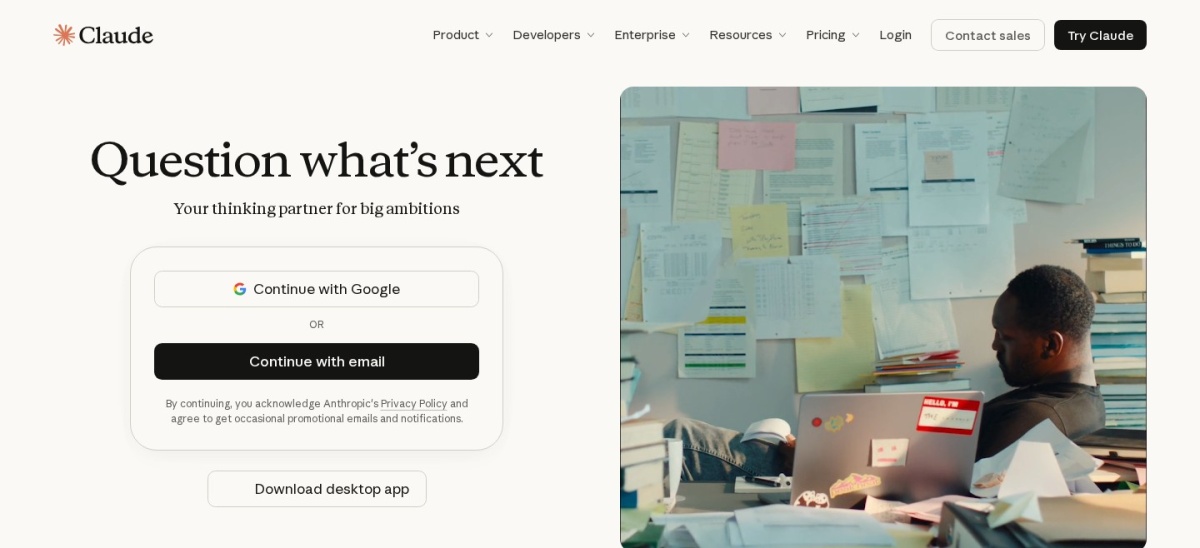
Claude homepage, captured Nov 2026.
Claude is Anthropic's AI assistant for writing, research and coding, with a reputation for natural long-form drafts. The free plan covers short sessions, while Pro at $20 a month adds more usage, all Claude models, Claude Code and Research.
The trade off is usage limits. Pro gives at least 5 times more use per 5-hour session than Free, but heavy days can still hit the cap. It suits writers and researchers who draft long posts, scripts or newsletters most days.
Descript edits video and podcasts through the transcript: delete a sentence and it leaves the timeline. The free plan includes 1 media hour a month, while Hobbyist at $24 a month billed monthly adds 10 media hours, 400 AI credits and watermark-free 1080p export.
The trade off is the meter. Creator at $24 a month on annual billing adds 30 media hours, 800 AI credits and 4K export, but heavy users still pay for top-ups. It suits podcasters and YouTubers who edit talking-head video every week.
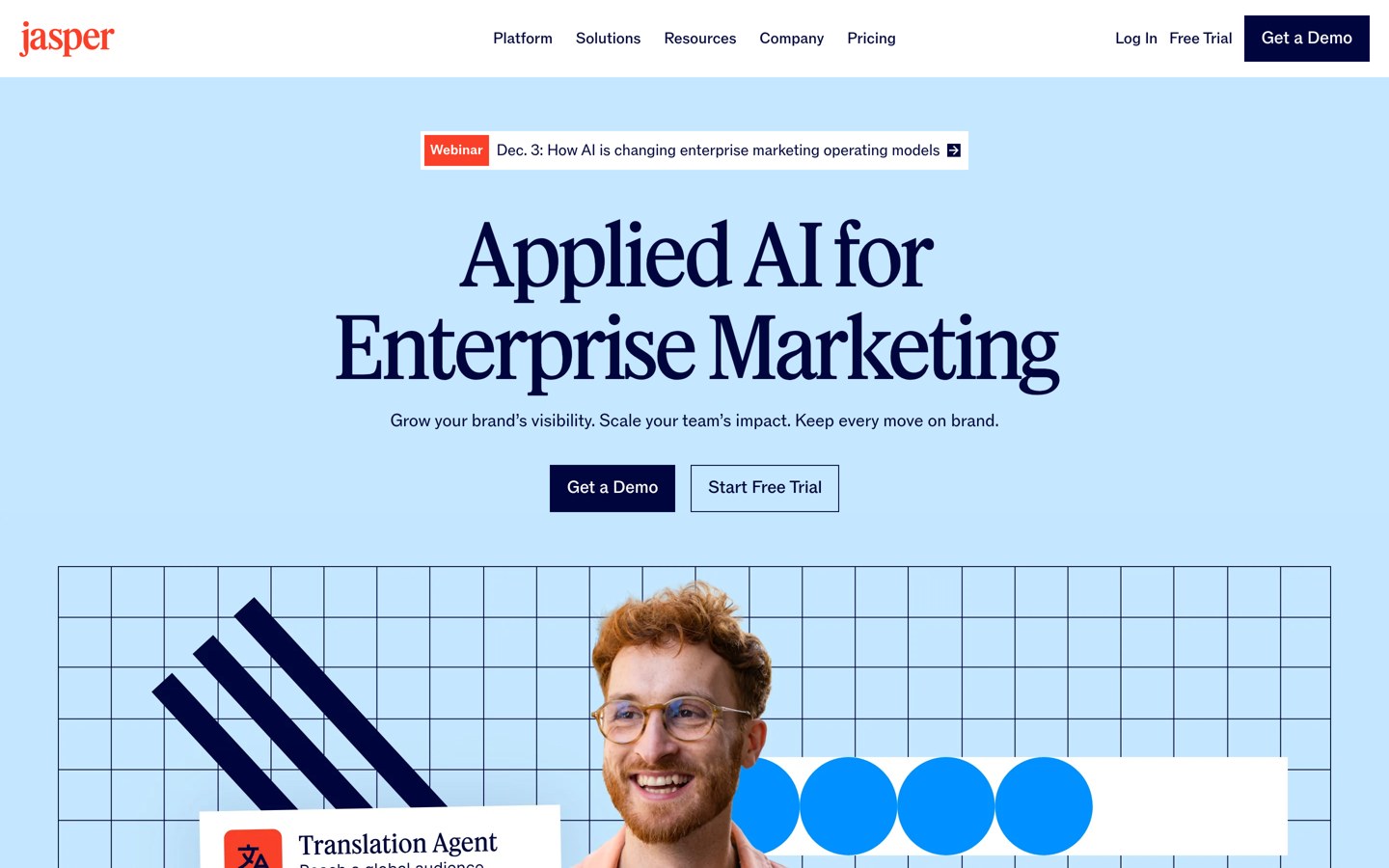
Jasper is an AI marketing platform built around Brand Voice, which learns a brand's tone from real writing samples. Creator at $49 a month billed monthly, or $39 a month on annual billing, covers one seat, one Brand Voice, 50+ templates and Jasper Chat.
The trade off is price. It costs more than twice a general chatbot, and there is no free plan, only a 7-day trial. It suits solo marketers and small teams who publish a lot of copy in one consistent voice.
1.3/5on Trustpilot (1,181 reviews, checked Nov 2026)
Paid from$19.99/mo
Best for short-form social video
Free planYes
Auto captionsYes
4K exportPro plan
Paid planPro, $19.99/mo
capcut.com
CapCut homepage, captured Nov 2026.
CapCut is ByteDance's video editor for short-form social video, with templates, auto captions, effects and a music library built for Reels, TikTok and Shorts. The free plan covers 1080p editing, while Pro at $19.99 a month adds 4K export, 1,200 AI credits a month and 1TB of cloud storage.
The trade off is billing. Trustpilot rates CapCut 1.3 out of 5 from 1,181 reviews, mostly over billing and features moving from free to paid. It suits creators who edit short vertical video on phone and desktop every day.
What we like
Best free tier for short-form video here
Auto captions and templates are fast
Same projects work on phone and desktop
Rated 4.6 out of 5 on the Apple App Store
Watch out for
Trustpilot 1.3 out of 5, mostly billing complaints
4.1/5on Trustpilot (162 reviews, checked Nov 2026)
Paid from$20/mo
Best for images with text in them
Free planYes, slow credits
Priority credits2,400/mo on Plus
Private generationYes, on Plus
Paid planPlus, $20/mo
ideogram.ai
Ideogram homepage, captured Nov 2026.
Ideogram is an AI image generator built for posters, logos and ads where the words inside the picture must be spelled right. The free plan includes slow credits each week, while Plus at $20 a month adds 2,400 priority credits a month, private generation and unlimited slow generation.
The trade off is price. The old $8 Basic plan is no longer sold, so new buyers start at Plus, and credits do not roll over. It suits creators who make posters, thumbnails and social graphics with headlines and text.
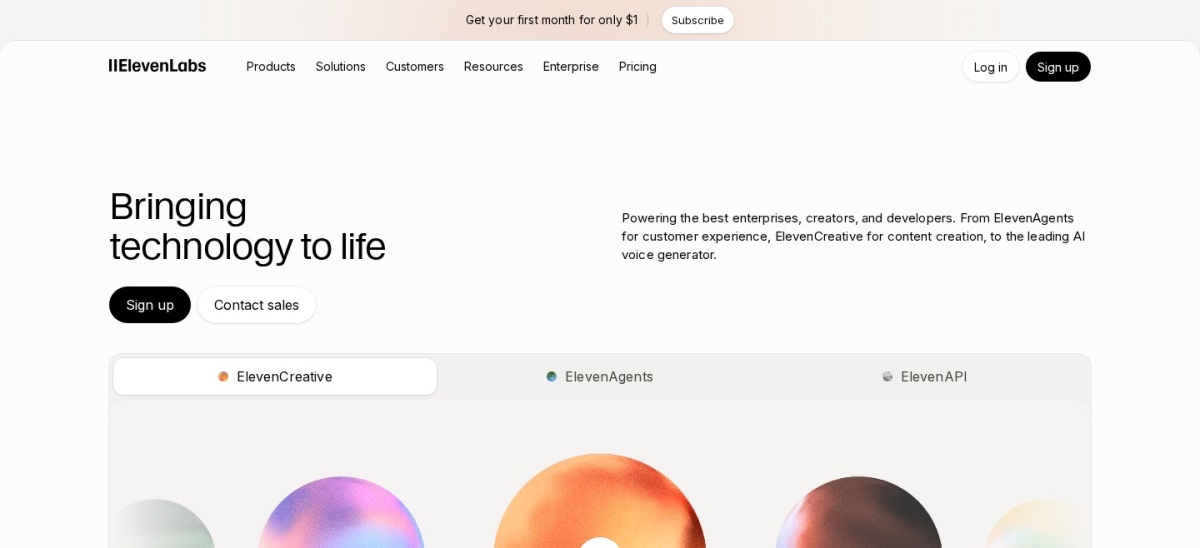
ElevenLabs turns text into natural-sounding speech and clones voices from short audio samples. The free plan includes 10,000 credits a month, while Starter at $6 a month billed monthly, or $5 a month on annual billing, adds 30,000 credits, a commercial licence and Instant Voice Cloning.
The trade off is the credit meter. Starter covers about 30 minutes of speech a month, so long narrations need a higher plan. It suits YouTubers, podcasters and course creators who need voiceovers without recording every line.
Runway generates video clips from text and images, with editing tools for creators who need B-roll or short scenes without filming. The free plan includes 125 one-time credits, while Standard at $15 a month adds 625 credits a month, no watermark, 4K upscaling and 20GB of storage.
The trade off is how fast credits go. Standard buys about 52 seconds of Gen-4.5 video a month, so regular use needs Pro. It suits creators who need a few AI clips a month for intros, backgrounds or social posts.
Free plans cover the basics well. Most include drafting, basic design or a few minutes of audio and video each month.
Paid plans mostly add limits and licences. You get more usage, higher exports and, in the case of ElevenLabs, a commercial licence.
Credit meters are the real cost. Descript, Runway, Ideogram and ElevenLabs all stop or slow down when the monthly allowance runs out.
If content earns you money, start with the tool you use daily and pay for that one first. Add a second paid tool only when the free plan blocks real work.
How we chose
We started from the AI tools most often named in 2026 creator comparisons, then kept 9 established tools that cover writing, design, video, images and voice.
Prices come from each vendor's pricing page, checked on 24 November 2026, with monthly prices shown and annual billing noted where it is cheaper. Ratings come from G2 on the same day, except CapCut and Ideogram, where Trustpilot is used because G2 listings disagree or are too thin.
We left out tools with no published price and tools aimed only at developers. No vendor paid for a place, and we do not claim to have used these tools ourselves.
How to choose an AI tool for creators
Start with the job you do most, then check the free plan, the meter and the export limits.
Name your main job first. Writing, design, video and voice need different tools. Pick the one that matches the work you publish every week.
Use the free plan for a real project. A free plan shows the limits fast. Check exports, watermarks, commercial use and how much you can make in a month.
Check what the meter counts. Credits, minutes, media hours and GPU time all run out differently. Work out what one finished post costs before you commit.
Pay for one tool, then add a second. One strong paid tool beats three half-used subscriptions. Add the next tool only when its free plan blocks real work.
FAQ
What is the best AI tool for creators?
ChatGPT is the best all-round pick for most creators. Plus costs $20 a month, covers writing, images and research in one place, and is rated 4.7 out of 5 on G2 from 1,806 reviews.
What is the best free AI tool for creators?
ChatGPT and Adobe Express have the most useful free plans here. ChatGPT covers drafting and ideas, while Adobe Express covers social graphics, thumbnails and presentations at no cost.
How much do AI tools for creators cost?
Paid plans in this list run from $6 a month for ElevenLabs Starter to $49 a month for Jasper Creator. Most creators can start with one $10 to $20 a month plan.
Which AI tool is best for YouTube creators?
Descript is the best pick for editing talking-head video and podcasts, while CapCut is best for short vertical clips. Ideogram covers thumbnails and ElevenLabs covers voiceovers.
Can I use AI tools for commercial content?
It depends on the plan. ElevenLabs adds a commercial licence on Starter, while Ideogram's free images are public and its paid plans add private generation. Always check the licence on the plan you buy.
Do AI tools replace a human editor or designer?
No. They speed up drafts, first cuts and rough visuals, but the final edit, fact-checking and creative direction still need a person.
Which AI image tool is best for creators?
Ideogram is best when the image has words in it, since it spells text inside images more reliably than most rivals, while Adobe Express is better for finished social graphics.