Best WordPress WebP Plugins in 2026: 7 Tools Compared
WLWPLegible EditorsLast verified 22 Nov 2026How we rank12 min read
★ Short answer
Converter for Media is the best WordPress WebP plugin for most websites, with 500,000+ active installations, a 4.9-star rating and free WebP conversion that preserves original images. EWWW Image Optimizer is better for unlimited local optimization, while ShortPixel suits websites needing cloud compression and AVIF conversion.
How we make this list: we compare pricing pages, product documentation and public user reviews, then re-check every price before each update. No product paid for a place. Disclosure.
Converter for Media has 500,000+ active installations and a 4.9-star rating from 1,110 reviews. WebP conversion is free; Pro starts at a regular $60 a year.
EWWW Image Optimizer has 1M+ active installations and offers unlimited free local optimization and WebP conversion. Its Standard plan costs $80 yearly.
ShortPixel includes 100 free optimization credits monthly, supports WebP and AVIF, and has 300,000+ active installations.
Imagify provides 20MB of free monthly optimization and supports both WebP and AVIF. Its regular Growth plan costs $59.88 yearly with annual billing.
Smush has 1M+ installations and a 4.8-star rating from 6,053 reviews. Its Pro Basic license costs $50 a year.
WebP Express and Modern Image Formats are completely free alternatives with 300,000+ and 100,000+ active installations, respectively.
What to look for in a WordPress WebP plugin
WebP is a modern image format designed to deliver smaller image files while preserving useful visual quality. WordPress supports WebP uploads natively, but dedicated plugins help convert existing JPEG and PNG images, automate image processing and deliver optimized files.
Start with conversion and delivery. Some plugins generate WebP copies on your server and serve them through rewrite rules or picture elements. Others use cloud optimization or a content delivery network. The correct approach depends on your hosting environment and caching setup.
Next, examine free limits and image preservation. Some converters process unlimited images locally, while cloud services impose monthly quotas, bandwidth allowances or processing credits. Keeping original JPEG and PNG files makes it easier to restore images and provide fallback formats.
Finally, check AVIF support and recurring costs. AVIF is another modern format supported by several WebP plugins. Some tools include both formats free, while others reserve AVIF, cloud processing or additional optimization features for premium plans.
4.9/5on WordPress.org (1,110 reviews, checked Nov 2026)
Paid from$60/yr
Best WordPress WebP plugin overall
Free conversionWebP
Premium conversionWebP and AVIF
Original imagesPreserved
Paid plan120,000 conversions/year
mattplugins.com
Converter for Media homepage, captured Nov 2026.
Converter for Media is a WordPress WebP conversion plugin with 500,000+ active installations and a 4.9-star WordPress.org rating. Its free version converts JPEG, PNG and GIF images into WebP, preserves original files and automatically serves compatible formats. Existing media libraries can be processed through bulk optimization.
The trade off is that AVIF generation and remote server conversion require Pro, regularly priced at $60 yearly for 120,000 conversion processes. The vendor currently advertises a $50 discounted annual price. It suits websites seeking straightforward free WebP conversion with an optional upgrade for additional formats.
Pro adds AVIF generation and remote conversion with annual processing allowancesVisit mattplugins.com
02
EWWW Image Optimizer
4.8/5on WordPress.org (1,846 reviews, checked Nov 2026)
Paid from$80/yr
Best for unlimited local WebP conversion
Free WebP conversionUnlimited
ProcessingLocal or cloud
Premium CDN50GB bandwidth
Paid planStandard, $80/yr
ewww.io
EWWW Image Optimizer homepage, captured Nov 2026.
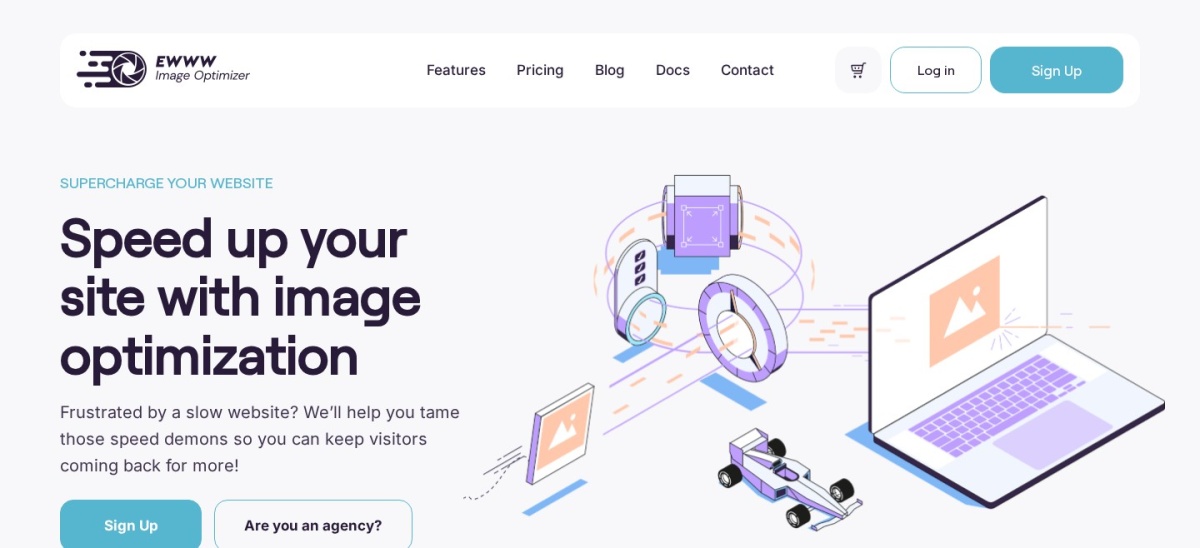
EWWW Image Optimizer is a WordPress image optimization plugin with 1M+ active installations and a 4.8-star rating. Its free version provides unlimited local image optimization, WebP conversion, resizing, lazy loading and bulk processing. The plugin can process images on compatible servers without requiring a paid cloud account.
The trade off is that premium compression services, CDN delivery and automatic WebP or AVIF delivery through Easy IO require an upgrade. Standard costs $80 a year and includes 50GB of CDN bandwidth and 300,000 premium compression credits. It suits websites that prefer local conversion with optional cloud services.
What we like
Unlimited free local optimization
Free WebP conversion
Bulk optimization and automatic resizing
Built-in lazy loading
Premium CDN and cloud compression options
Watch out for
Local processing depends on hosting configuration
Premium CDN has bandwidth allowances
Cloud processing costs extra
Advanced settings may require technical familiarity
Standard adds Easy IO CDN, automatic modern-format delivery and premium compression creditsVisit ewww.io
03
ShortPixel
4.5/5on WordPress.org (831 reviews, checked Nov 2026)
Paid from$8.33/mo
Best for cloud image compression and WebP
Free allowance100 credits/month
Modern formatsWebP and AVIF
Compression modesLossy, Glossy, Lossless
Paid planUnlimited, $8.33/mo yearly
shortpixel.com
ShortPixel homepage, captured Nov 2026.
ShortPixel is a WordPress image optimization plugin with 300,000+ active installations and a 4.5-star WordPress.org rating. Its free allowance includes 100 monthly optimization credits, with JPEG, PNG, GIF and PDF processing. It supports automatic WebP and AVIF generation, bulk optimization, image resizing and several compression modes.
The trade off is that the free credit allowance can run out quickly when optimizing large media libraries or thumbnail variations. Its Unlimited plan costs $8.33 a month billed yearly ($99.96 per year), or $10.99 billed monthly. It suits photography websites, stores and publishers needing cloud-based optimization.
What we like
Supports both WebP and AVIF
Cloud processing reduces conversion load on hosting
Lossy, Glossy and Lossless compression modes
Optimizes PDFs as well as image files
Bulk optimization and WP-CLI support
Watch out for
Free tier has a monthly credit limit
Cloud processing requires an account
Large libraries can exceed free allowances
Premium subscription costs more than several local converters
Unlimited removes the standard monthly optimization credit restrictionVisit shortpixel.com
04
Imagify
4.3/5on WordPress.org (1,658 reviews, checked Nov 2026)
Paid from$59.88/yr
Best for simple WebP and AVIF optimization
Free allowance20MB/month
Modern formatsWebP and AVIF
Growth allowance500MB/month
Paid planGrowth, $59.88/yr
imagify.io
Imagify homepage, captured Nov 2026.
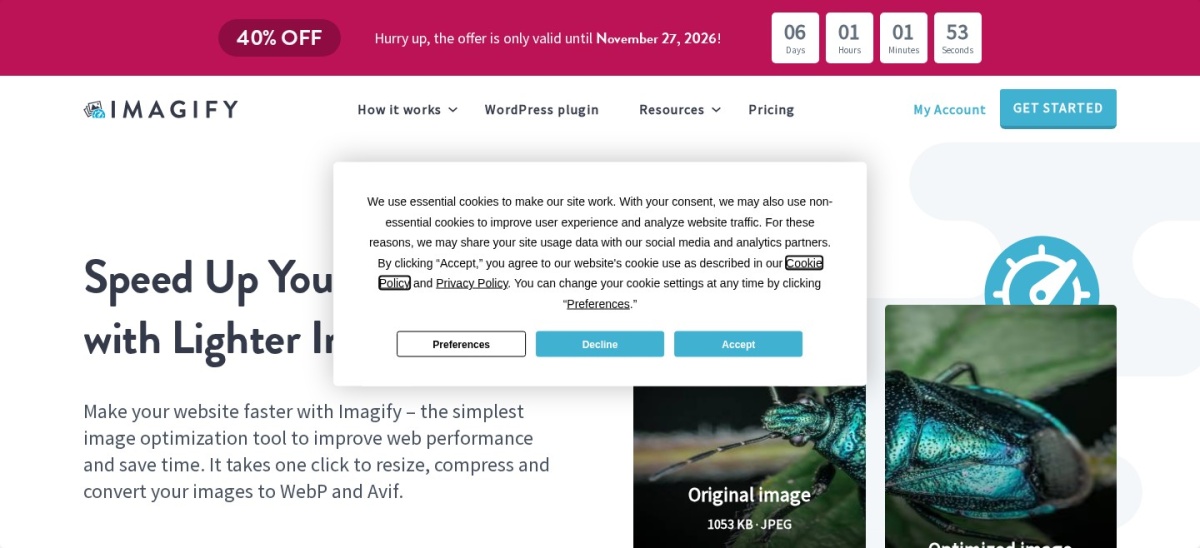
Imagify is a WordPress image optimizer with 900,000+ active installations and a 4.3-star rating from 1,658 reviews. Its free plan includes 20MB of monthly optimization, JPEG and PNG compression, resizing, bulk processing and WebP or AVIF conversion. The plugin integrates with the WordPress media library and supports automatic optimization.
The trade off is that the free monthly allowance is relatively small. Growth regularly costs $4.99 monthly with annual billing, or $59.88 a year, and includes 500MB of monthly processing. A 40% promotional discount is currently advertised. It suits blogs and small stores wanting convenient conversion without advanced server configuration.
What we like
WebP and AVIF included in the free plan
Simple WordPress dashboard integration
Automatic upload optimization
Bulk media library processing
Growth supports unlimited websites
Watch out for
Free processing limited to 20MB monthly
Growth has a monthly processing allowance
Cloud processing requires an account
No integrated image CDN in the listed plan
Growth increases the monthly optimization allowance to 500MBVisit imagify.io
05
Smush
4.8/5on WordPress.org (6,053 reviews, checked Nov 2026)
Paid from$50/yr
Best for all-in-one image optimization
Free optimizationCompression and lazy load
Modern formatsWebP and AVIF
Pro CDN50GB bandwidth
Paid planPro Basic, 1 site
wpmudev.com
Smush homepage, captured Nov 2026.
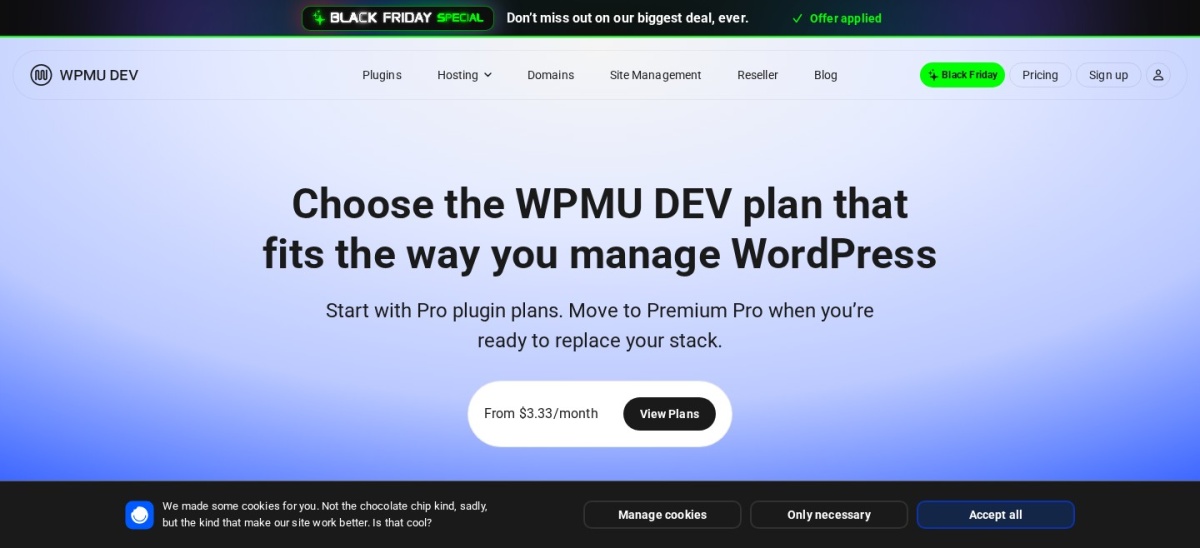
Smush is a WordPress image optimization plugin with 1M+ active installations and a 4.8-star rating from 6,053 reviews. Its free version includes automatic image compression, resizing, lazy loading, bulk optimization and modern-format conversion features. It also supports optimizing images outside the regular media library.
The trade off is that its advanced compression, CDN delivery, preload controls and additional optimization features require Smush Pro. Pro Basic costs $50 a year for one website and includes 50GB of CDN bandwidth. It suits websites seeking image compression, WebP conversion and lazy loading within one plugin.
What we like
More than 6,000 WordPress.org ratings
Free compression and lazy loading
WebP and AVIF support
Directory optimization beyond media uploads
Pro adds CDN delivery and advanced compression
Watch out for
Advanced compression requires Pro
CDN delivery has bandwidth limits
Some modern-format delivery options depend on configuration
Overlaps with features of other optimization plugins
Pro Basic adds Ultra compression, CDN delivery, image preloading and premium controlsVisit wpmudev.com
06
WebP Express
4.4/5on WordPress.org (163 reviews, checked Nov 2026)
PriceFree
Best free WebP converter for technical users
ConversionWebP
Local enginesImagick, GD, cwebp, vips
DeliveryRewrite rules or HTML
Paid planNo paid plugin plan
wordpress.org
WebP Express homepage, captured Nov 2026.
WebP Express is a free WordPress WebP converter with 300,000+ active installations and a 4.4-star WordPress.org rating. It uses local conversion methods such as Imagick, GD, cwebp and vips, then serves WebP files to compatible browsers. Delivery options include server rewrites and HTML image replacements.
The trade off is that configuring conversion methods and delivery rules can require technical knowledge. The plugin itself has no paid plan, although an optional external conversion service may charge separately. It suits developers and site administrators who want local WebP conversion without a recurring plugin subscription.
What we like
Completely free core plugin
Supports several local conversion engines
Flexible WebP delivery methods
Preserves original JPEG and PNG files
300,000+ active installations
Watch out for
Configuration is more technical than cloud alternatives
Local conversion depends on available server libraries
No native AVIF conversion
Rewrite rules can require troubleshooting
No paid plugin upgrade; optional external conversion services may have separate feesVisit wordpress.org
07
Modern Image Formats
3.6/5on WordPress.org (26 reviews, checked Nov 2026)
PriceFree
Best free WebP conversion for new uploads
Modern formatsWebP and AVIF
ProcessingLocal, on upload
Existing imagesRegeneration required
Paid planNo paid upgrade
wordpress.org
Modern Image Formats homepage, captured Nov 2026.
Modern Image Formats is a free WordPress Performance Team plugin with 100,000+ active installations and a 3.6-star rating from 26 reviews. It generates WebP or AVIF image sizes when new JPEG or PNG images are uploaded. The format depends on available server support, with settings for fallback image generation.
The trade off is that existing media library images are not automatically converted until their image sizes are regenerated. It also depends on hosting image-processing support and offers fewer optimization controls than dedicated compression plugins. It suits website owners who want a free, lightweight solution for new uploads.
What we like
Completely free with no premium plan
Developed by the WordPress Performance Team
Supports WebP and AVIF
Automatic conversion of new uploads
Optional fallback image generation
Watch out for
Existing images require regeneration
No built-in cloud compression service
Depends on hosting image libraries
Lower WordPress.org rating than other listed options
WebP vs AVIF: which image format should WordPress use?
WebP and AVIF are modern image formats intended to reduce image transfer sizes compared with traditional JPEG and PNG files. Both support compression, but the best format depends on the image, encoding settings and browser compatibility.
WebP has broad browser support and is widely supported by WordPress image optimization plugins. It is a practical starting point when converting existing media libraries or replacing traditional image formats.
AVIF can provide additional file-size reductions for some images. However, encoding may consume more processing resources, and not every hosting environment supports AVIF generation locally.
For most websites, start with WebP and preserve original images. Consider AVIF when your plugin and hosting support it and the resulting files offer meaningful reductions without unacceptable visual differences.
Why converting images to WebP is not enough
Generating WebP files does not automatically guarantee that visitors receive them. The website must reference the generated files or use a delivery method that selects the appropriate format.
Plugins commonly use picture elements, image URL replacements, server rewrite rules or a CDN. Each method has compatibility considerations, particularly when caching, page builders and external image services are involved.
After enabling conversion, inspect your website's image requests and confirm that WebP files are being served. Also verify that images remain visible in the media library, product galleries and responsive layouts.
Keep original images available unless you have a reliable backup and understand your plugin's restoration process. Removing originals too early can create broken images when plugins are changed or disabled.
How we chose
We compared established WordPress WebP conversion and image optimization plugins listed on WordPress.org. Selection criteria included WebP generation, delivery methods, free processing limits, AVIF support, image preservation, hosting requirements, public ratings and maintenance activity.
WordPress.org ratings, review counts, installation figures and update information were checked on 22 Nov 2026. Official vendor pricing pages were reviewed on the same date. Regular prices were used instead of advertised promotional discounts, and monthly subscription prices were converted to yearly equivalents when applicable.
We excluded closed or outdated plugins, products with insufficient adoption or review evidence, and products whose regular paid pricing could not be confirmed. We also excluded tools focused on image compression without meaningful WebP conversion functionality.
How to choose the best WordPress WebP plugin
Decide how images should be converted and delivered, then compare hosting requirements, free allowances, AVIF support and regular upgrade costs.
Check whether you need local or cloud conversion. Choose Converter for Media, EWWW Image Optimizer or WebP Express for local WebP processing. ShortPixel and Imagify are suitable when you prefer cloud optimization and want to reduce image-processing demands on your hosting server.
Confirm how existing images are processed. Look for bulk conversion when your WordPress media library already contains many JPEG and PNG files. Modern Image Formats primarily processes new uploads, while other plugins provide tools for converting existing images.
Verify image delivery and fallback behavior. Check whether the plugin uses rewrite rules, picture elements, URL replacements or CDN delivery. Confirm compatibility with your caching solution and preserve original images where possible.
Compare quotas and regular pricing. Unlimited local conversion can be more economical for large libraries. Cloud services may charge according to processing credits, file size or bandwidth. Consider generated thumbnails and future uploads when estimating ongoing requirements.
FAQ
What is the best WordPress WebP plugin?
Converter for Media is our top recommendation for most WordPress websites because it provides free WebP conversion, automatic delivery and original-image preservation. EWWW Image Optimizer is a strong alternative for unlimited local optimization, while ShortPixel offers cloud compression and AVIF support.
Can WordPress use WebP images without a plugin?
Yes. WordPress supports uploading and displaying WebP images natively, provided the hosting environment supports the format. A dedicated plugin is useful when you want to convert existing JPEG and PNG files automatically, manage WebP delivery or compress images during upload.
What is the best free WebP converter for WordPress?
Converter for Media and WebP Express are strong free choices for converting existing images into WebP. EWWW Image Optimizer also provides unlimited free local WebP conversion. Modern Image Formats is another free option, particularly for automatically generating modern image formats from new uploads.
Does converting images to WebP improve website speed?
WebP files can be smaller than comparable JPEG or PNG files, potentially reducing image transfer sizes and improving loading performance. Actual results depend on the original images, compression settings and delivery method. Conversion alone does not address oversized dimensions, excessive image counts or slow hosting.
Is AVIF better than WebP for WordPress?
AVIF can produce smaller files for some images, but its benefits depend on compression settings, visual quality requirements and server support. WebP remains a practical default with broad compatibility. Plugins such as ShortPixel, Imagify and Modern Image Formats support both formats.
Can I convert existing WordPress images to WebP?
Yes. Converter for Media, EWWW Image Optimizer, ShortPixel, Imagify, Smush and WebP Express provide ways to process existing images. Modern Image Formats requires image regeneration for older uploads. Back up your media library before running large conversion jobs.
Will a WebP plugin delete my original JPEG and PNG files?
That depends on the plugin and its settings. Converter for Media preserves original files, while other plugins offer backups, replacement options or separate optimized versions. Retaining originals is generally safer because it simplifies restoration and compatibility with other image-processing tools.
Can I use two WebP plugins at the same time?
Running multiple WebP converters is generally unnecessary and may create duplicate files, conflicting rewrite rules or inconsistent image delivery. Choose one primary image conversion solution and disable overlapping functionality in other optimization, caching or CDN plugins.
Why are my WordPress images still loading as JPEG after WebP conversion?
The plugin may have generated WebP files without configuring delivery correctly. Browser caching, CDN rules, unsupported image locations or missing rewrite settings can also cause JPEG files to load. Inspect the actual image response and review the plugin's delivery settings before converting files again.