Best WordPress Download Manager Plugins in 2026: 7 Tools Compared
WLWPLegible EditorsLast verified 22 Nov 2026How we rank12 min read
★ Short answer
Download Manager is the best WordPress download manager plugin for most websites, with 90,000+ active installs and free password protection, access controls and download tracking. Download Monitor is better for detailed download analytics, while Easy Digital Downloads is the stronger choice for selling downloadable products.
How we make this list: we compare pricing pages, product documentation and public user reviews, then re-check every price before each update. No product paid for a place. Disclosure.
Download Manager leads for general file distribution, with 90,000+ active installs, a 4.1/5 rating and Pro starting at $99/year.
Download Monitor has 80,000+ active installs and a 4.5/5 rating from 525 reviews. Its Basic plan regularly costs $138/year.
Easy Digital Downloads is the best fit for paid digital products, with 40,000+ active installs, a 4.7/5 rating and Personal at $199/year.
Shared Files supports searchable document libraries and frontend uploads, with 3,000+ active installs and Lite starting at $59/year.
Prevent Direct Access protects private media files, with 10,000+ active installs and Gold Personal regularly priced at $179/year for 3 websites.
Simple Download Monitor and Download Attachments are free options with 20,000+ and 8,000+ active installs respectively.
What to look for in a WordPress download manager plugin
A download manager helps you organize downloadable files, publish download links and monitor file activity. Some plugins also protect private documents, collect user information or sell digital products.
Start with file access controls. Public resources may need only a download button and counter. Private documents can require password protection, user-role restrictions or secure download links that prevent visitors from accessing the original file directly.
Next, evaluate download tracking. Basic counters show the popularity of individual files. More advanced reporting can record download activity, identify frequently requested resources and help administrators understand which documents receive attention.
Consider how visitors will browse your files. Searchable document libraries, categories, file previews and frontend uploads become important when your website hosts many resources instead of a small collection of PDF downloads.
Finally, separate free downloads from ecommerce. If you sell software, ebooks or templates, you need payment processing, customer records and controlled file delivery. A dedicated digital commerce plugin may be more appropriate than a general download manager.
4.1/5on WordPress.org (1,007 reviews, checked Nov 2026)
Paid from$99/yr
Best WordPress download manager overall
Free protectionPasswords and user roles
File managementPackages and categories
Download trackingIncluded
Paid planPro, 1 website
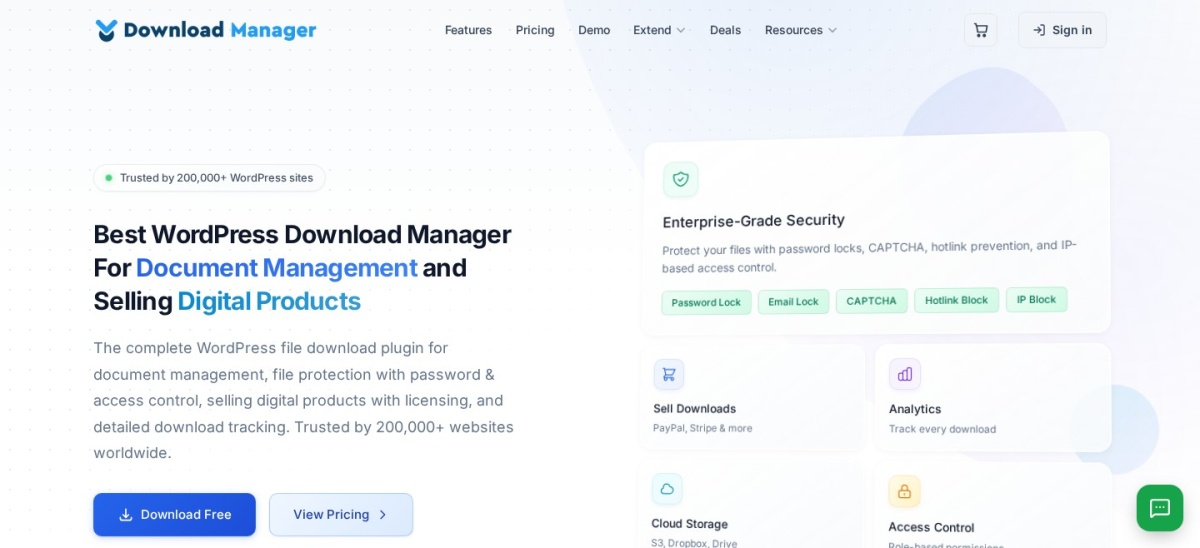
wpdownloadmanager.com
Download Manager homepage, captured Nov 2026.
Download Manager is a WordPress file and document management plugin with more than 90,000 active installations and a 4.1/5 rating from 1,007 reviews. Its free version supports file packages, password protection, role-based access, download counters, remote file URLs and customizable download links.
The trade off is that advanced download statistics, bulk importing, bandwidth controls and additional package features require Pro at $99/year for one website. It suits businesses, educational websites and resource libraries that need organized downloads with access restrictions.
What we like
Free password and role-based protection
Download tracking and organized file packages
Supports local and remote file URLs
Customizable download links and templates
Pro adds advanced statistics and file management
Watch out for
Some advanced protection tools require Pro
Paid add-ons can increase the overall cost
More configuration options than simpler download plugins
WordPress.org rating is lower than several alternatives
Pro adds multi-file packages, advanced statistics, bulk imports, bandwidth controls and custom templates.Visit wpdownloadmanager.com
02
Download Monitor
4.5/5on WordPress.org (525 reviews, checked Nov 2026)
Paid from$138/yr
Best for download tracking and reporting
Free downloadsUnlimited file entries
Download trackingIncluded
Advanced reportingPaid
Paid planBasic, 1 website
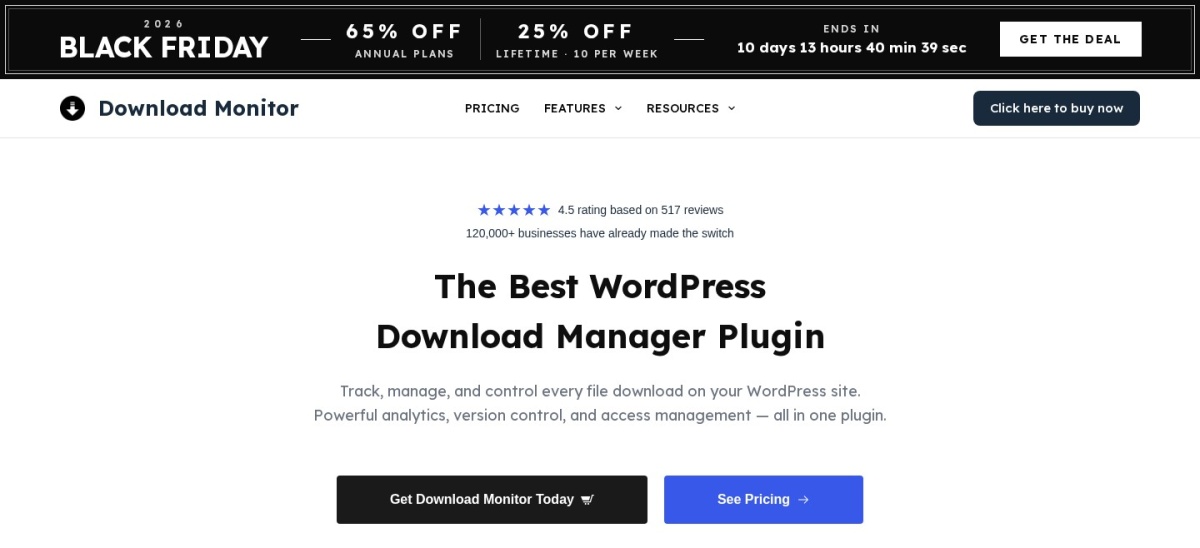
download-monitor.com
Download Monitor homepage, captured Nov 2026.
Download Monitor is a WordPress download management plugin with more than 80,000 active installations and a 4.5/5 rating from 525 reviews. Its free version manages downloadable files, displays download links, tracks download activity and supports file versions and access restrictions.
The trade off is that enhanced metrics, anti-spam protection and additional download management tools require Basic, regularly priced at $138/year for one website. A Black Friday promotional price of $48 was displayed. It suits website owners who want structured download records and clearer reporting on file activity.
What we like
Dedicated download tracking functionality
Free file management and download links
Supports downloadable file versions
Paid enhanced metrics and bot protection
Integrates with WordPress content
Watch out for
Advanced reporting requires payment
Basic regularly costs $138/year
Cloud hosting integrations require higher plans
More extensive document libraries may need additional extensions
4.7/5on WordPress.org (594 reviews, checked Nov 2026)
Paid from$199/yr
Best for selling digital downloads
Primary purposeDigital ecommerce
Free productsUnlimited
File deliveryPurchase-based access
Paid planPersonal, 1 website
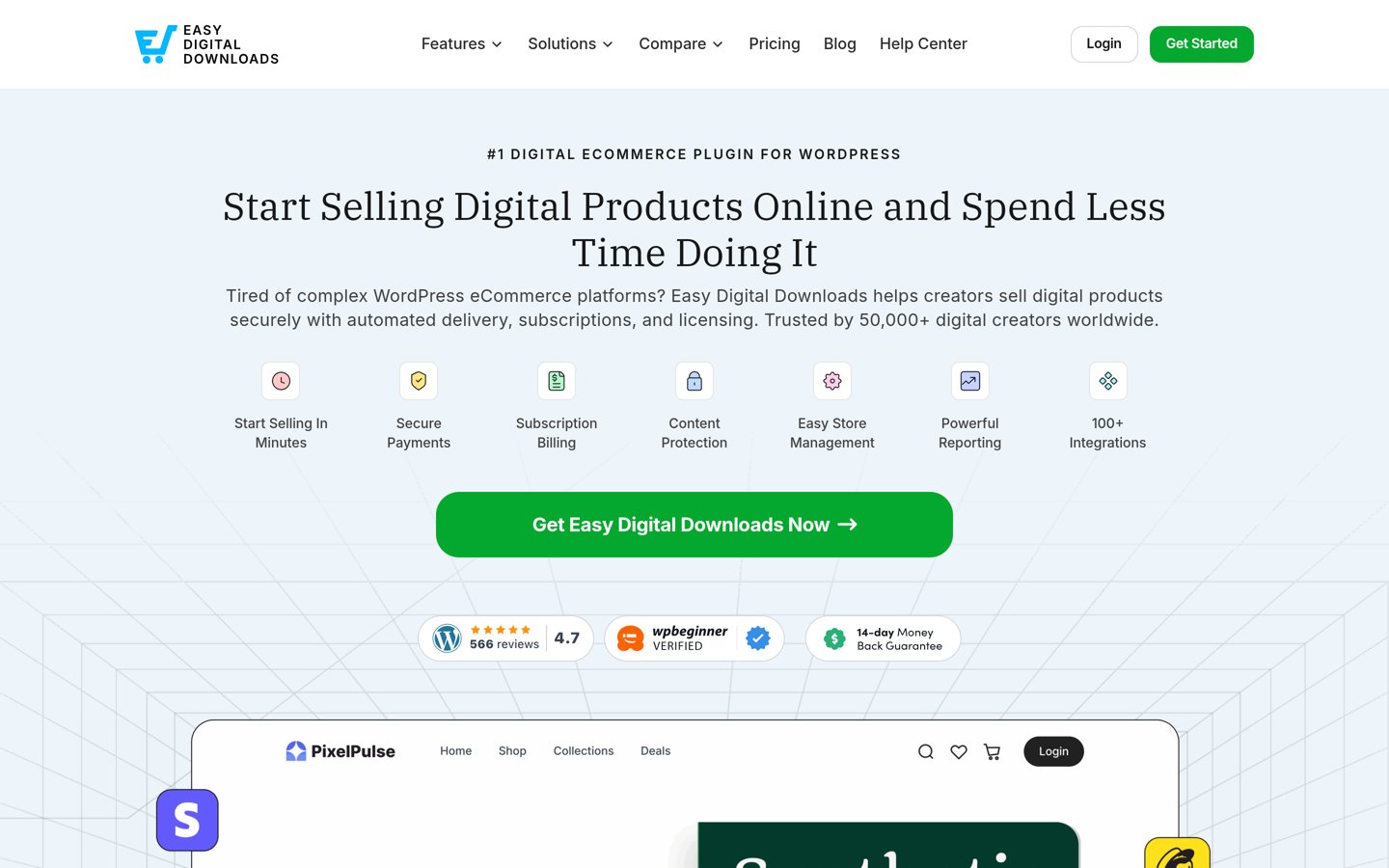
easydigitaldownloads.com
Easy Digital Downloads homepage, captured Nov 2026.
Easy Digital Downloads is a WordPress ecommerce plugin focused on downloadable products, with more than 40,000 active installations and a 4.7/5 rating from 594 reviews. Its free version supports unlimited digital products, checkout, customer records, payment processing and controlled file delivery after purchase.
The trade off is that advanced subscriptions, automated marketing and additional digital selling features require paid plans, starting with Personal at the regular price of $199/year. It suits creators, software publishers and businesses selling ebooks, templates or downloadable resources rather than distributing only free files.
What we like
Designed specifically for digital products
Free digital storefront and checkout
Customer records and sales reporting
Controlled file delivery after purchase
Supports paid subscriptions through upgrades
Watch out for
More ecommerce functionality than free download libraries need
Advanced selling tools require payment
Regular Personal price is $199/year
Not designed primarily for general document libraries
4.4/5on WordPress.org (34 reviews, checked Nov 2026)
Paid from$59/yr
Best for searchable document libraries
Free file libraryLists and download links
SearchIncluded
Frontend uploadsPaid
Paid planLite, 1 website
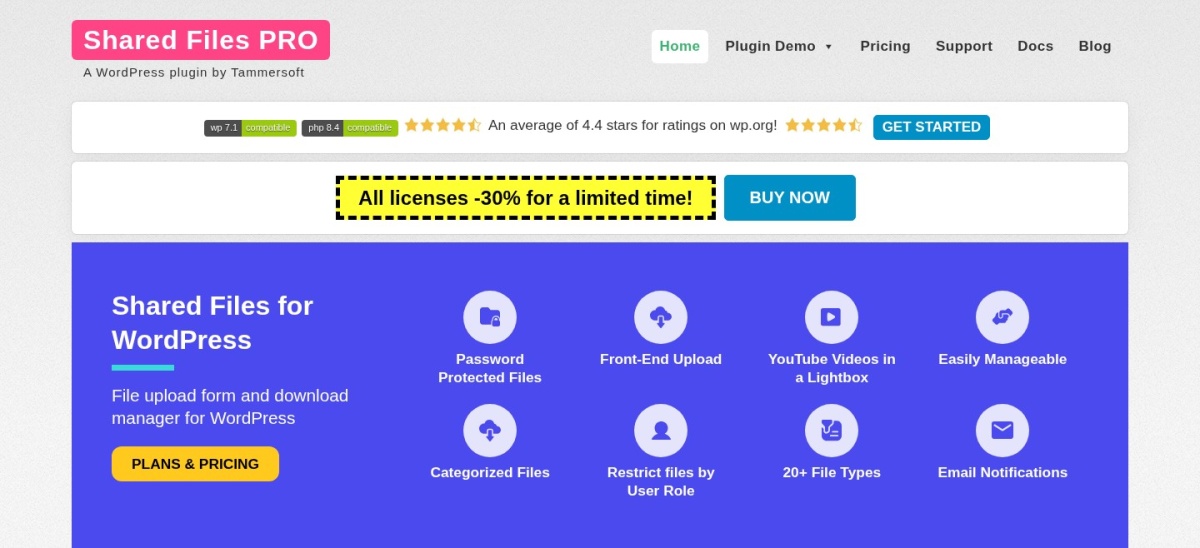
sharedfilespro.com
Shared Files homepage, captured Nov 2026.
Shared Files is a WordPress document management plugin with more than 3,000 active installations and a 4.4/5 rating from 34 reviews. Its free version supports file listings, download activity logs, file search and shortcode-based document displays.
The trade off is that enhanced frontend uploading, password protection, category filtering and download restrictions require a paid license. Lite regularly costs $59/year for one website, with a temporary $41.99 offer displayed. It suits teams and organizations that need searchable resource libraries and controlled file sharing.
What we like
Searchable file listings
Free download logs and file management
Shortcodes for displaying document collections
Paid frontend file upload functionality
Password and access restrictions on paid plans
Watch out for
Advanced file restrictions require payment
Smaller installation base than major competitors
Some library controls require premium features
Not a dedicated digital ecommerce platform
Lite adds expanded frontend uploading, password protection, category filtering and download controls.Visit sharedfilespro.com
05
Prevent Direct Access
4.6/5on WordPress.org (298 reviews, checked Nov 2026)
Paid from$179/yr
Best for protecting private downloadable files
Free protectionSelected media files
Protected file typesMedia and documents
Advanced download linksGold
Paid planPersonal, 3 websites
preventdirectaccess.com
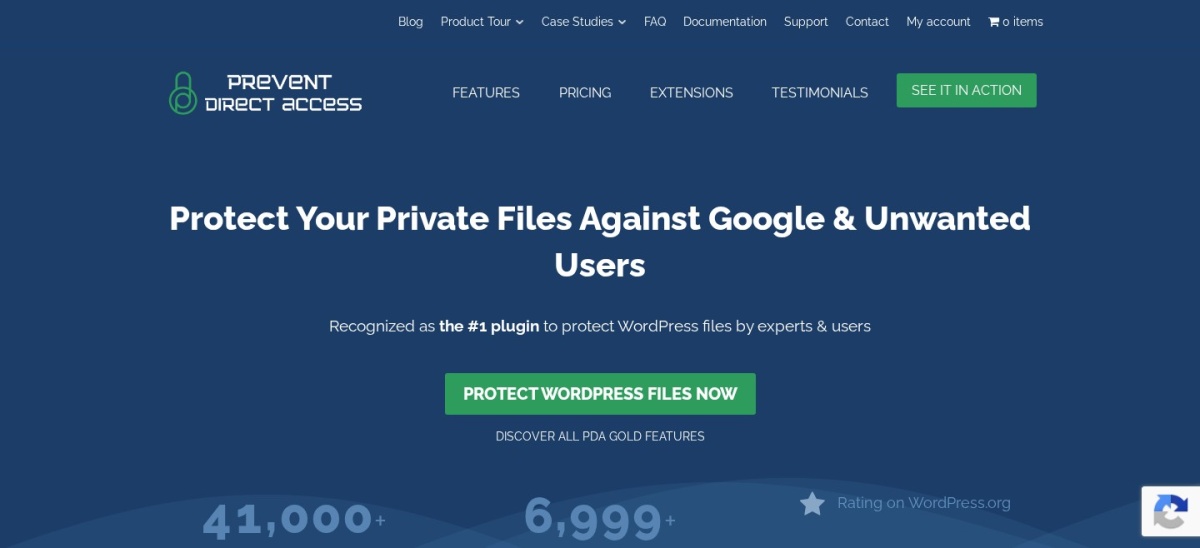
Prevent Direct Access homepage, captured Nov 2026.
Prevent Direct Access is a WordPress file protection plugin with more than 10,000 active installations and a 4.6/5 rating from 298 reviews. Its free version restricts direct access to protected Media Library files, helping site owners keep selected documents and resources away from unrestricted public download.
The trade off is that automatic protection, encrypted files, advanced access controls and expiring download links require Gold Personal at $179/year for 3 websites. It suits membership sites, private resource libraries and businesses where controlling who can access a file matters more than displaying a public download catalog.
What we like
Protects files against unrestricted direct access
Works with WordPress Media Library content
Paid expiring and restricted download links
Paid role-based access controls
Personal license covers 3 websites
Watch out for
Not a complete document library interface
Advanced protection requires Gold
Higher regular annual cost than basic download managers
Some server configurations require additional setup
Gold adds encrypted files, automatic protection, role restrictions, expiring links and download tracking.Visit preventdirectaccess.com
06
Simple Download Monitor
4.7/5on WordPress.org (158 reviews, checked Nov 2026)
PriceFree
Best free lightweight download tracker
Download entriesCustom download records
TrackingDownload counts and logs
File restrictionsPasswords and login
Paid planNone
wordpress.org
Simple Download Monitor homepage, captured Nov 2026.
Simple Download Monitor is a free WordPress download tracking plugin with more than 20,000 active installations and a 4.7/5 rating from 158 reviews. It supports downloadable file entries, shortcodes, download counters, activity logs, password protection and restrictions for logged-in visitors.
The trade off is that it offers fewer advanced library, cloud storage and ecommerce integrations than larger commercial download managers. The core plugin is free without a paid edition. It suits bloggers and resource websites that need straightforward file downloads and basic usage statistics.
What we like
Free downloadable file management
Download counters and activity logs
Password and logged-in-user restrictions
Shortcodes for download buttons
No paid plugin license required
Watch out for
Limited advanced document library features
No integrated digital storefront
Fewer cloud storage integrations
Not intended for complex enterprise file distribution
There is no paid edition of the core plugin; its published download management features are free.Visit wordpress.org
07
Download Attachments
4.5/5on WordPress.org (46 reviews, checked Nov 2026)
PriceFree
Best for downloadable files attached to posts
Primary purposePost attachments
Download trackingCounters
File displaysLists and tables
Paid planNone
dfactory.co
Download Attachments homepage, captured Nov 2026.
Download Attachments is a free WordPress plugin with more than 8,000 active installations and a 4.5/5 rating from 46 reviews. It lets editors attach Media Library files to posts, display downloadable lists or tables, count downloads and manage attachment ordering through a drag-and-drop interface.
The trade off is that Download Attachments focuses on post-level file distribution rather than advanced access control, cloud storage or digital sales. The plugin is free without a paid upgrade. It suits documentation websites, blogs and publishers that regularly provide downloadable files alongside articles.
What we like
Free download links for post attachments
List and table display options
Download counters included
Drag-and-drop attachment ordering
Works with existing Media Library files
Watch out for
Not designed for extensive protected document libraries
No built-in digital ecommerce
Limited advanced download restrictions
No commercial upgrade or premium support plan
There is no paid plan; file displays, download counts and attachment management are included free.Visit dfactory.co
Download manager vs digital download store: which do you need?
A general download manager organizes files and makes them available to visitors. It may also count downloads, restrict access and provide searchable document listings.
A digital download store handles purchases. It needs checkout, payment processing, customer records, order management and controlled delivery of purchased files.
Choose Download Manager or Download Monitor when your main goal is distributing documents, software files or resources. Choose Easy Digital Downloads when visitors need to purchase downloadable products.
If you distribute private documents without selling them, Prevent Direct Access may provide more relevant access controls than a commerce plugin. Match the solution to how people receive your files.
How to protect downloadable files in WordPress
A password on a page does not always protect the original file URL. If the media file remains publicly accessible, someone with its direct address may still download it.
Use a plugin that restricts access to the actual file, not merely the button displaying its download link. Prevent Direct Access specializes in protecting media files, while Download Manager supports password and role restrictions.
For paid content, verify that downloads require a valid purchase or authorized account. Also review whether generated links expire and whether users can access files after their permissions change.
Finally, check your CDN and caching configuration. Cached files or publicly accessible storage destinations can undermine access restrictions if the protection rules do not cover the actual delivery path.
How we chose
We reviewed established WordPress file and download management plugins using WordPress.org listings, official product documentation and vendor pricing pages. We prioritized maintained plugins that handle file distribution, download tracking, document libraries, controlled access or digital file sales.
Ratings, review totals, active installation counts and prices were checked on 22 November 2026. WordPress.org supplied public plugin statistics, while vendor pricing pages supplied regular paid-plan prices. Promotional discounts, including current Black Friday offers, were excluded from annual cost comparisons.
We excluded outdated or closed plugins, products without verifiable pricing and file management utilities unrelated to visitor downloads. Free-only plugins were included when their public listings confirmed relevant functionality and ongoing maintenance. No vendor paid for a place, and we do not claim original product testing for this list.
How to choose the best WordPress download manager plugin
Identify the files you distribute and how visitors should access them, then compare plugins based on protection, tracking, display options and total cost.
Decide whether your downloads are free or paid. Choose a general download manager for public documents and free resources. Select Easy Digital Downloads when customers need checkout, payment processing and purchase-based file delivery.
Check file protection and user permissions. Look for password restrictions, user-role rules and protected delivery links when files contain private or members-only information. Confirm that protection applies to the file itself rather than only its download button.
Choose the right download display and tracking tools. Consider whether you need individual download buttons, categorized libraries, searchable document lists or detailed activity reports. More extensive libraries benefit from search and filtering, while simple websites may only need download counters.
Compare regular prices and required upgrades. Use normal renewal prices instead of temporary discounts. Include any premium extensions, storage services, payment processing charges and website license limits when calculating the full cost of your download system.
FAQ
What is the best WordPress download manager plugin?
Download Manager is our top recommendation for most WordPress websites. It has more than 90,000 active installations and provides free file packages, download tracking, password protection and user-role restrictions. Its Pro plan costs $99/year and adds advanced download management tools.
What is the best free WordPress download manager?
Simple Download Monitor is a good free option for basic file distribution and tracking. It supports download buttons, counters, logs and selected access restrictions. Download Manager is another choice if you need more extensive file packaging and permission settings.
Can I track file downloads in WordPress?
Yes. Download Monitor, Download Manager and Simple Download Monitor record download activity through their managed download links. Depending on the plugin and plan, reporting can include individual file counts and more detailed usage information. Make sure visitors use the managed links rather than bypassing them.
How do I password-protect WordPress downloads?
Choose a plugin that supports password restrictions for downloadable files, such as Download Manager or Simple Download Monitor. For stronger access controls, consider Prevent Direct Access. Verify that the original file URL cannot bypass the restriction before sharing protected documents.
Which plugin is best for selling PDF downloads?
Easy Digital Downloads is a strong choice for selling PDFs, ebooks and other digital files. It provides a digital product catalog, checkout, customer records and purchase-based delivery. Its free version supports core selling functionality, while paid plans add additional ecommerce and marketing features.
Can users upload files from the frontend?
Shared Files supports frontend file uploading through its paid features, making it relevant for shared resource libraries and user-contributed documents. Before enabling uploads, review permissions, permitted file types, file size limits and moderation requirements to reduce security risks.
Does WordPress have a built-in download manager?
WordPress includes a Media Library that can upload files and provide links, but it does not offer a complete dedicated download management system. Plugins add features such as download statistics, file categories, access restrictions and organized download pages.
Can I prevent visitors from sharing download links?
You can reduce unauthorized sharing through protected file delivery, expiring links, account-based access and download restrictions. Prevent Direct Access provides advanced protection features through Gold. However, no plugin can completely prevent an authorized visitor from copying a file after downloading it.
Will a download manager slow down WordPress?
The impact depends on the plugin, file sizes, hosting resources and download volume. Large files served directly from your hosting account can consume bandwidth. For high-volume distribution, consider external storage or a compatible CDN while preserving any required access controls.