Best WordPress Hosting for Affiliate Sites in 2026: 8 Tools Compared
WLWPLegible EditorsLast verified 22 Nov 2026How we rank17 min read
★ Short answer
Hostinger is our top WordPress hosting choice for new affiliate sites, with a Premium plan that renews at $10.99 per month (48-month term), 20 GB SSD storage and support for 3 websites. Cloudways offers scalable cloud resources for growing traffic, while SiteGround suits publishers wanting managed WordPress tools and straightforward site administration.
How we make this list: we compare pricing pages, product documentation and public user reviews, then re-check every price before each update. No product paid for a place. Disclosure.
Hostinger Premium renews at $10.99 per month on the 48-month term and supports 3 websites with 20 GB SSD storage. Its Trustpilot rating is 4.6/5 from 74,346 reviews.
Cloudways DigitalOcean hosting starts at $14 per month for a server with 1 GB RAM, 1 vCPU and 25 GB storage. It has a 4.6/5 Trustpilot rating from 3,811 reviews.
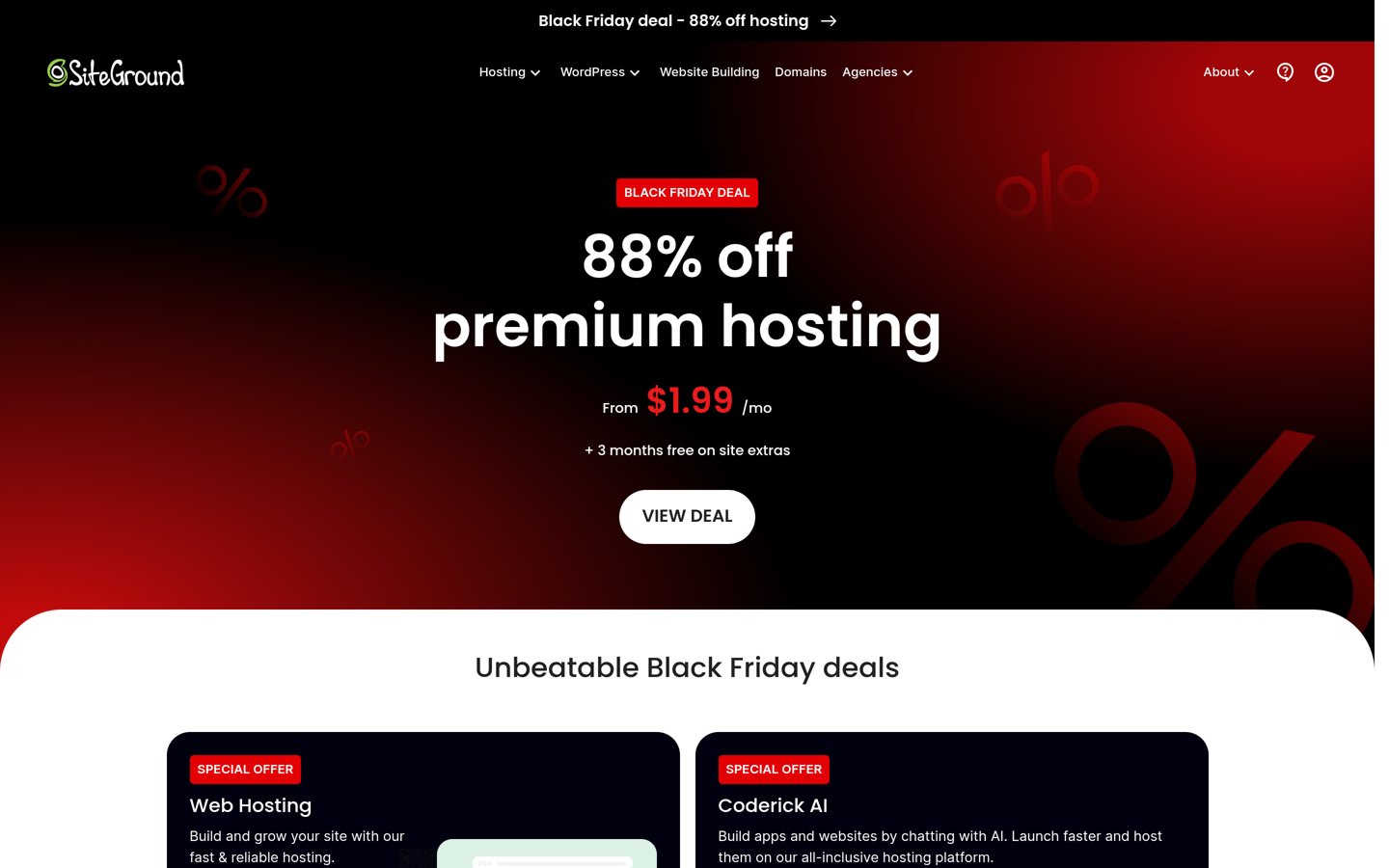
SiteGround StartUp renews at $17.99 per month on a 12-month term. Its 4.9/5 Trustpilot rating comes from 31,835 reviews.
DreamHost Web Hosting Launch renews at $10.99 per month on an annual term and supports 25 websites with 25 GB NVMe storage.
Namecheap EasyWP Starter renews at $68.88 per year, making it the lowest regular annual hosting price in this comparison.
Kinsta starts at $35 per month, while WP Engine Essential starts at $28 per month billed annually. Both focus on managed WordPress hosting.
What affiliate websites need from WordPress hosting
Affiliate websites depend on visitors reaching articles, comparison tables and product recommendations without unnecessary delays. Hosting affects how quickly WordPress responds, how reliably pages remain available and how well a site handles temporary traffic increases.
Page caching is particularly useful for affiliate websites because many visitors read the same published articles. A host with server-level caching and CDN support can reduce repeated processing, although actual performance also depends on themes, plugins, images and page design.
Editorial workflows matter too. Affiliate publishers regularly update product prices, comparison tables and buying guides. Automatic backups, staging environments and reliable restoration options reduce the risk of losing important changes during WordPress updates or plugin installations.
Think about future expansion before committing to a long hosting term. A new affiliate blog may fit comfortably on shared hosting, while a growing portfolio or traffic-heavy review site may benefit from scalable cloud resources or managed WordPress infrastructure.
Finally, compare the regular recurring price, not just the advertised signup promotion. Some providers offer substantial introductory discounts or lower prices for long commitments. Review resource limits, renewal terms and optional service charges alongside the advertised monthly rate.
The 8 best WordPress hosting providers for affiliate sites
01
Hostinger
4.6/5on Trustpilot (74,346 reviews, checked Nov 2026)
Starts at$10.99/mo
Best overall for new affiliate websites
Entry planPremium
Websites3
Storage20 GB SSD
Renewal price$10.99/mo
hostinger.com
Hostinger homepage, captured Nov 2026.
Hostinger is a WordPress hosting provider with a 4.6/5 Trustpilot rating from 74,346 reviews. Its Premium plan supports 3 websites and includes 20 GB SSD storage, weekly backups, CDN support and managed WordPress features. The plan is suitable for publishers launching affiliate blogs, informational websites and product comparison content.
The trade off is promotional pricing complexity: Premium shows a $12.99 list price and renews at $10.99 per month, while the advertised $1.99 introductory rate requires a 48-month purchase, with a separately stated renewal rate. It suits affiliate publishers who want simple website administration and affordable entry-level hosting without managing cloud servers.
What we like
Supports multiple affiliate websites on Premium
Managed WordPress features and automatic updates
Weekly backups included
CDN support on the entry plan
Large public review history
Watch out for
Lowest promotional pricing requires a long commitment
Entry plan uses shared hosting resources
Weekly backups are less frequent than daily backups
Renewal rates differ from introductory prices
Higher plans add more storage, daily backups and additional server resourcesVisit hostinger.com
02
Cloudways
4.6/5on Trustpilot (3,811 reviews, checked Nov 2026)
Starts at$14/mo
Best for scaling affiliate website traffic
Entry infrastructureDigitalOcean Micro
Server resources1 GB RAM, 1 vCPU
Storage25 GB NVMe
Regular price$14/mo
cloudways.com
Cloudways homepage, captured Nov 2026.
Cloudways is a managed cloud hosting platform with a 4.6/5 Trustpilot rating from 3,811 reviews. Its entry DigitalOcean Micro configuration costs $14 per month and includes 1 GB RAM, 1 vCPU, 25 GB NVMe storage and 1 TB transfer bandwidth. WordPress publishers also get managed server administration, caching features and scalable infrastructure.
The trade off is greater setup responsibility than conventional shared hosting, even though Cloudways manages the underlying server. Its $14 monthly entry configuration is suitable for lightweight sites, while larger affiliate projects may need more resources. It suits publishers expecting traffic growth or managing several WordPress sites.
What we like
Cloud resources can scale with traffic requirements
Managed server administration
Multiple applications can share suitable server configurations
Staging and cloning features
Cloud infrastructure choices for different workloads
Watch out for
More technical controls than beginner-focused hosting
Entry server has limited RAM
Additional services can increase total cost
Server sizing requires monitoring as traffic grows
Larger server plans add RAM, CPU capacity, storage and transfer bandwidthVisit cloudways.com
03
SiteGround
4.9/5on Trustpilot (31,835 reviews, checked Nov 2026)
Starts at$17.99/mo
Best for straightforward managed WordPress hosting
Entry planStartUp
Websites1
Storage10 GB
Regular annual-term rate$17.99/mo
siteground.com
SiteGround homepage, captured Nov 2026.
SiteGround is a hosting provider with a 4.9/5 Trustpilot rating from 31,835 reviews. Its StartUp plan includes hosting for 1 website, 10 GB storage, automatic WordPress updates, caching, backups and security features. The plan is aimed at individual websites, making it relevant for publishers operating a single affiliate blog or niche content site.
The trade off is its regular renewal cost of $17.99 per month on a 12-month subscription, compared with lower introductory promotions. StartUp also limits hosting to one website, so additional affiliate projects may require a higher plan. It suits publishers prioritizing WordPress management tools and established customer support.
What we like
Managed WordPress updates and maintenance tools
Built-in caching features
Free WordPress migration tools
CDN, SSL and backups included
Strong Trustpilot rating with substantial review volume
Watch out for
Regular renewal price is higher than signup offers
StartUp supports only one website
Advanced site management features may require higher plans
Shared resources are less flexible than dedicated cloud servers
GrowBig and GoGeek add additional website capacity and advanced management featuresVisit siteground.com
04
Kinsta
4.7/5on Trustpilot (1,171 reviews, checked Nov 2026)
Starts at$35/mo
Best for established affiliate content businesses
Entry planSingle-site WordPress
WordPress installs1
Backup retention14 days
Regular price$35/mo
kinsta.com
Kinsta homepage, captured Nov 2026.
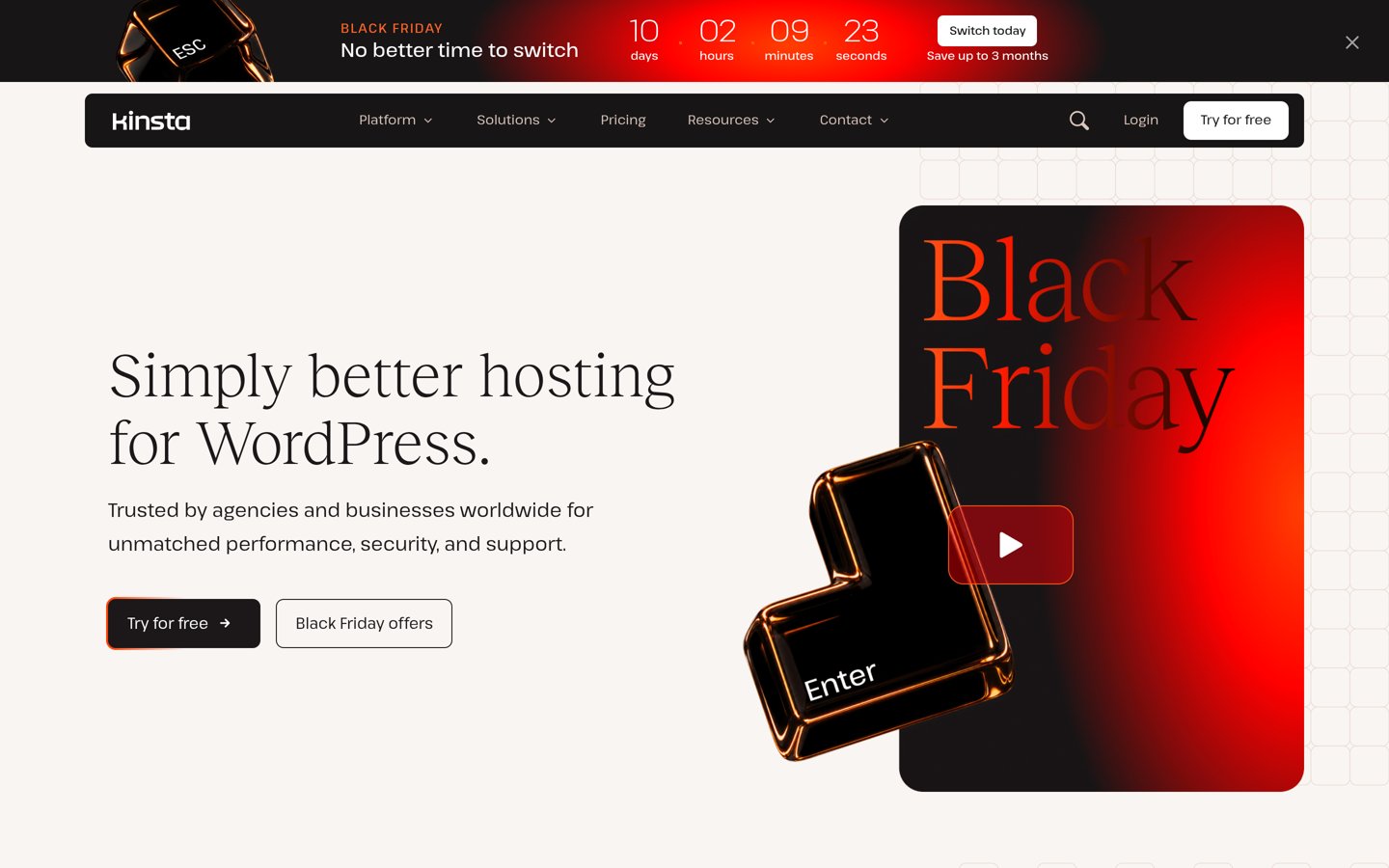
Kinsta is a managed WordPress hosting provider with a 4.7/5 Trustpilot rating from 1,171 reviews. Its entry single-site configuration has a regular monthly price of $35 and includes 14-day backup retention, managed hosting infrastructure, CDN bandwidth and free migrations. Its management tools suit content businesses that rely on consistent website availability.
The trade off is cost: regular pricing starts at $35 per month, and the entry configuration covers one WordPress installation. The pricing page also advertises temporary introductory and annual promotions, which are excluded from this comparison. It suits established affiliate businesses whose traffic and revenue justify managed infrastructure and specialist support.
What we like
Managed WordPress hosting infrastructure
Automatic backups and performance monitoring
Security and malware protection features
Free WordPress migrations
Specialist WordPress support
Watch out for
Higher entry price than shared hosting
Single-site entry configuration
Resource limits require monitoring
More expensive than necessary for a new affiliate blog
4.2/5on Trustpilot (1,784 reviews, checked Nov 2026)
Starts at$28/mo
Best for managed editorial workflows
Entry planEssential
BillingAnnual
BackupsDaily automated
Published starting rate$28/mo
wpengine.com
WP Engine homepage, captured Nov 2026.
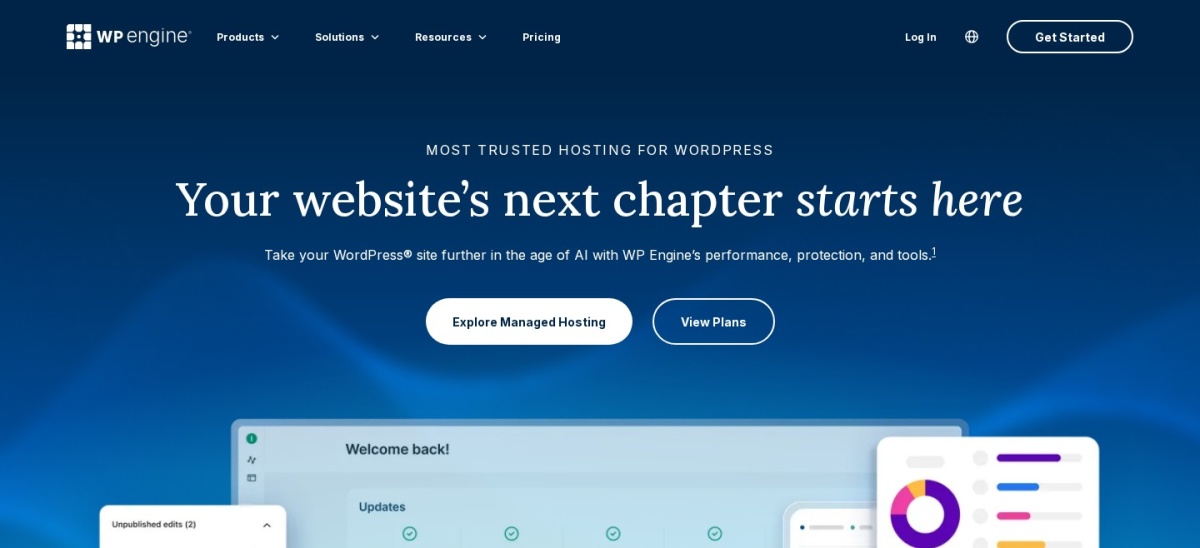
WP Engine is a managed WordPress hosting provider with a 4.2/5 Trustpilot rating from 1,784 reviews. Its Essential offering starts at $28 per month billed annually, or $336 for the year. The listed features include daily automated backups, managed WordPress and PHP updates, SSL, SSH access and round-the-clock chat support.
The trade off is its $336 annual starting commitment and a service structure aimed at managed WordPress rather than inexpensive general hosting. Higher-tier options add infrastructure and support features for larger operations. It suits affiliate publishers with frequent editorial updates who value managed maintenance, backups and structured development workflows.
What we like
Daily automated backups
Managed WordPress and PHP updates
WordPress-focused hosting infrastructure
SSL and SSH included
Established platform for professional websites
Watch out for
Higher annual starting cost than entry-level alternatives
Advanced services may require higher plans
Usage limits and overage policies need review
Less economical for small, low-traffic affiliate websites
Business hosting adds isolated resources, migration services and expanded supportVisit wpengine.com
06
DreamHost
4.6/5on Trustpilot (8,325 reviews, checked Nov 2026)
Starts at$10.99/mo
Best for managing multiple affiliate blogs
Entry planWeb Hosting Launch
Websites25
Storage25 GB NVMe SSD
Regular annual-term rate$10.99/mo
dreamhost.com
DreamHost homepage, captured Nov 2026.
DreamHost is a web and WordPress hosting provider with a 4.6/5 Trustpilot rating from 8,325 reviews. Its Web Hosting Launch plan supports 25 websites, includes 25 GB NVMe SSD storage, daily automated backups, SSL certificates and unmetered bandwidth subject to resource policies. WordPress installation and website administration are available through its hosting control panel.
The trade off is that its advertised $2.89 monthly equivalent applies to the introductory annual term, while the regular renewal rate is $10.99 per month. Professional email becomes a separate expense after the included trial. It suits affiliate publishers building several niche blogs without purchasing separate managed hosting subscriptions.
What we like
Supports multiple affiliate sites on the entry plan
Daily automated backups included
NVMe storage and free SSL certificates
Free automated WordPress migration tool
Unmetered bandwidth subject to resource policies
Watch out for
Regular renewal price exceeds the promotional offer
Business email becomes a paid service after the trial
Shared hosting resources are subject to usage limits
Advanced managed WordPress features require DreamPress
Higher hosting tiers increase site capacity, storage and estimated traffic allowancesVisit dreamhost.com
07
Bluehost
4.4/5on Trustpilot (32,397 reviews, checked Nov 2026)
Starts at$11.99/mo
Best for beginner-friendly WordPress setup
Entry planStarter
Websites10
Storage10 GB NVMe SSD
Regular annual-term rate$11.99/mo
bluehost.com
Bluehost homepage, captured Nov 2026.
Bluehost is a WordPress hosting provider with a 4.4/5 Trustpilot rating from 32,397 reviews. Its Starter plan supports 10 websites with 10 GB NVMe SSD storage, WordPress installation tools, a free CDN, SSL certificates, managed updates and weekly backups. It also includes WordPress staging and caching features for publishers maintaining affiliate content.
The trade off is pricing: Bluehost advertises lower introductory rates, while its published Starter renewal rate is $11.99 per month on a 12-month term. The entry plan also has less storage than some competitors. It suits beginners who want WordPress setup assistance and familiar hosting administration tools.
What we like
WordPress-focused setup and management tools
Supports multiple websites
Free CDN and SSL included
WordPress staging and caching support
Weekly backups and managed updates
Watch out for
Renewal rates are higher than introductory prices
Entry storage is limited
Weekly backups may not suit frequently updated sites
Some advanced services require higher plans or add-ons
Business and higher plans add storage, website capacity and expanded hosting resourcesVisit bluehost.com
08
Namecheap EasyWP
4.2/5on Trustpilot (22,295 reviews, checked Nov 2026)
Starts at$68.88/yr
Best for low-cost managed WordPress hosting
Entry planEasyWP Starter
Storage10 GB NVMe
BackupsDaily automated
Regular annual price$68.88/yr
namecheap.com
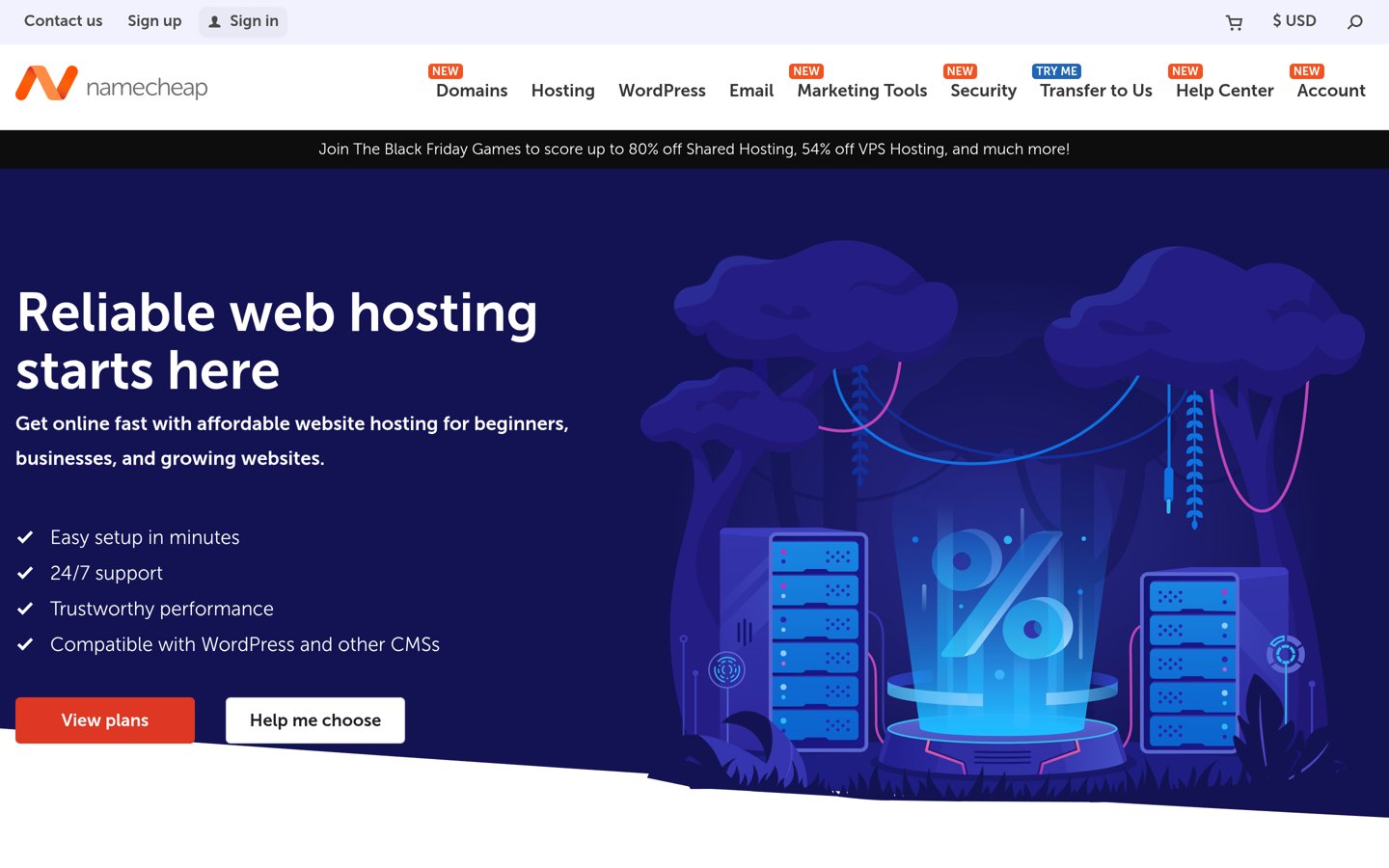
Namecheap EasyWP homepage, captured Nov 2026.
Namecheap EasyWP is a managed WordPress hosting service from Namecheap, which has a 4.2/5 Trustpilot rating from 22,295 reviews. EasyWP Starter includes 10 GB NVMe storage, daily automated backups, WordPress updates, SSL, firewall protection and built-in caching. It also provides an automated migration tool for moving an existing WordPress website.
The trade off is that EasyWP Starter is designed for an individual WordPress website rather than a broad multi-site portfolio. Its regular annual renewal price is $68.88, compared with a discounted first-year offer of $17.76. It suits budget-conscious affiliate publishers who want managed WordPress basics without a large recurring hosting expense.
What we like
Lowest regular annual price in this comparison
Daily automated backups
Built-in caching and firewall features
Automatic WordPress updates
Free automated WordPress migration
Watch out for
Entry plan is intended for a single WordPress website
Limited storage compared with larger hosting plans
CDN and SSL compatibility have domain configuration conditions
Turbo and Supersonic add storage, performance resources and additional managed featuresVisit namecheap.com
Which hosting setup fits your affiliate site's growth stage?
A new affiliate website generally needs reliable WordPress hosting, caching, backups and a straightforward control panel. Expensive infrastructure is rarely necessary before the site develops consistent readership.
Hostinger provides an accessible starting point for content publishers. Namecheap EasyWP is another low-cost option for a single WordPress website, while Bluehost offers beginner-oriented setup tools and support for multiple sites.
Publishers developing a portfolio of niche websites should compare website allowances and shared resource limits. DreamHost Web Hosting Launch supports 25 websites, making it worth considering for multiple affiliate projects with modest requirements.
As traffic grows, Cloudways offers configurable server resources. This can help when a site begins publishing more comparison pages, processing database-heavy searches or experiencing traffic surges from popular articles.
Kinsta and WP Engine become more relevant when maintaining the website itself consumes too much editorial time. Their managed services can simplify updates, backups, troubleshooting and development workflows, though they cannot replace good site optimization.
Upgrade when monitoring identifies actual limitations, such as memory pressure, slow server responses or resource-related errors. Traffic growth alone does not establish which hosting tier a site needs.
How hosting affects affiliate website speed and SEO
Hosting influences server response time, availability and the resources available to WordPress. These factors affect visitors reading reviews, navigating comparison pages and clicking product recommendations.
Caching is particularly useful for published affiliate content. A cached article can be served without rebuilding the entire WordPress page for every visitor, reducing server processing when multiple readers request the same content.
However, hosting alone does not guarantee good Core Web Vitals. Large product images, excessive scripts, advertising networks, comparison widgets and poorly optimized themes can still make pages slow.
Look at real-user performance data and server response patterns before upgrading. A CDN, image optimization and fewer unnecessary plugins may solve problems that would otherwise lead to an expensive hosting change.
For SEO, prioritize reliable availability and responsive pages instead of assuming a premium hosting subscription directly improves search rankings. Search visibility also depends on content quality, relevance, site architecture and many other factors.
How we chose
We shortlisted established WordPress hosting companies suitable for affiliate blogs, product review websites and content publishing businesses. We considered managed WordPress features, caching, backups, migration support, scalability, website management and the suitability of entry-level plans for different publishing stages.
We opened official hosting and pricing pages on 22 Nov 2026 and checked Trustpilot ratings and review counts on the same date. Regular published prices were favored over introductory discounts. Where a host offered multiple billing terms, we identified the applicable term; annualized monthly prices are comparisons rather than promises that every plan can be purchased for exactly that annual total.
We excluded providers whose entry-level pricing could not be confirmed clearly and avoided treating promotional discounts as normal recurring prices. Public customer reviews help describe provider reputation, but they are not controlled performance benchmarks. No vendor paid for a place, and we do not claim testing for this list.
How to choose WordPress hosting for an affiliate website
Evaluate your publishing workload, current traffic and expected growth before choosing a WordPress hosting provider.
Start with your website size and traffic needs. A new affiliate blog with mostly static articles can often use an entry-level shared hosting plan. A larger comparison website with extensive plugins, frequent updates and traffic spikes may need more memory or cloud resources. Choose capacity based on real requirements rather than promotional visitor estimates.
Prioritize caching, backups and WordPress maintenance. Look for caching, SSL, automatic backups, updates and a practical restoration process. These features protect editorial work and reduce routine maintenance. A staging environment is useful when changing themes, affiliate plugins or comparison table layouts without immediately affecting the live website.
Calculate the regular long-term hosting cost. Compare recurring prices rather than introductory offers. Check required prepayment periods, renewal conditions, resource allowances and possible add-on costs. If you manage several affiliate sites, review how many websites or WordPress installations are supported before assuming an entry plan covers the entire portfolio.
Choose a provider with a realistic upgrade path. Check whether moving to a larger plan is straightforward and whether migration assistance is included. As an affiliate business grows, it may need more server resources, better monitoring or advanced development tools. A clear upgrade path makes those changes easier without requiring an immediate platform migration.
FAQ
What is the best WordPress hosting for affiliate marketing?
Hostinger is our top recommendation for new affiliate websites because its Premium plan includes managed WordPress features, caching, backups and support for multiple websites at a comparatively accessible price. Cloudways is worth considering when a site needs more configurable server resources, while Kinsta is better suited to established businesses.
Is shared hosting good enough for affiliate websites?
Shared hosting can be sufficient for a new affiliate blog with optimized articles, sensible plugins and moderate resource demands. Problems may emerge as traffic, database activity or background processing increases. Monitor actual server behavior before upgrading, since the number of articles alone does not determine hosting requirements.
Does faster WordPress hosting improve affiliate SEO?
Faster hosting can improve server response time and contribute to a better visitor experience, but it does not guarantee higher search rankings. Images, scripts, themes and caching also affect page speed. Affiliate SEO additionally depends on useful content, relevant search intent, website structure and other signals beyond hosting.
Which hosting is best for affiliate websites with high traffic?
Cloudways, Kinsta and WP Engine are suitable options to evaluate when an affiliate site outgrows entry-level hosting. Cloudways provides configurable cloud server resources, while Kinsta and WP Engine emphasize managed infrastructure. The right plan depends on actual requests, caching efficiency, resource consumption and traffic patterns.
How much does hosting for an affiliate website cost?
Namecheap EasyWP Starter renews at $68.88 annually, while DreamHost Web Hosting Launch renews at $10.99 per month on an annual term. Premium managed options cost more, including Kinsta at $35 per month. Introductory promotions may reduce the first payment, but regular renewal prices are more useful for long-term budgeting.
Do affiliate websites need managed WordPress hosting?
Managed WordPress hosting is useful but not essential. It can simplify automatic updates, backups, security administration and migrations, leaving more time for content creation. Publishers comfortable handling technical maintenance may find ordinary hosting adequate, while larger editorial operations may benefit from managed services.
Can I host multiple affiliate websites on one hosting account?
Yes, if the hosting plan supports multiple websites or applications. Hostinger Premium supports 3 websites, Bluehost Starter lists 10 and DreamHost Web Hosting Launch supports 25. Suitable Cloudways server configurations can also host multiple WordPress applications. Confirm storage, processing limits and site allowances before expanding your portfolio.
Should I choose Hostinger or Cloudways for affiliate marketing?
Hostinger generally suits beginners who want managed WordPress administration and a conventional hosting setup. Cloudways offers more control over server resources and scaling, which can become useful as traffic and publishing requirements grow. Compare your technical comfort, projected resource needs and recurring costs before deciding.
Is Namecheap EasyWP suitable for affiliate blogs?
Namecheap EasyWP Starter can suit an individual affiliate blog that needs managed WordPress hosting at a low recurring price. It includes daily backups, caching and WordPress updates. Its regular annual renewal price is $68.88, although publishers managing several websites may prefer a multi-site hosting plan.