Pressable Alternatives in 2026: 7 Best Tools Compared
WLWPLegible EditorsLast verified 22 Nov 2026How we rank12 min read
★ Short answer
Kinsta is the best Pressable alternative for managed WordPress hosting, with plans starting at a regular $35/month and included daily backups, staging and expert support. Cloudways is better for configurable cloud servers starting at $14/month, while Rocket.net suits businesses that prioritize an included enterprise CDN and web application firewall.
How we make this list: we compare pricing pages, product documentation and public user reviews, then re-check every price before each update. No product paid for a place. Disclosure.
Kinsta starts at $35/month, with a 4.7/5 Trustpilot rating from 1,171 reviews and 14-day backup retention on its entry plan.
Cloudways starts at $14/month for a DigitalOcean Premium server with 1 GB RAM, 1 vCPU and 25 GB NVMe storage.
Rocket.net costs $30/month for one WordPress installation, with 10 GB storage, 50 GB bandwidth and 30-day backup retention.
DreamPress 1 renews at $19.99/month, including 15 GB NVMe storage and an allowance of 40,000 monthly visits.
Flywheel Starter costs $300/year with annual billing, while its Trustpilot rating is 1.5/5 from 71 reviews.
SiteGround StartUp renews at $17.99/month, while Hostinger Premium renews at $10.99/month on its advertised long-term subscription.
What to look for in a Pressable alternative
Pressable specializes in managed WordPress hosting, including platform maintenance, security, backups and support. The closest alternatives offer similar WordPress-focused management rather than only basic shared hosting. Kinsta, Rocket.net, Flywheel and DreamPress compete more directly with Pressable's managed hosting approach.
Start with website resources. Compare storage, bandwidth, monthly visits and WordPress installation limits. A provider advertising unlimited visits may still impose bandwidth or server resource limits. Cloudways uses configurable cloud servers, while other hosts package resources around individual WordPress websites.
Next, examine backups and recovery. Managed WordPress hosting should provide automatic backups and a practical restoration process. Check retention periods, staging environments and whether backups can be downloaded independently before switching providers.
Support and developer tools also matter. Pressable customers may rely on staging, SSH access, migration assistance and collaborative website management. Flywheel focuses on agency workflows, while Kinsta and Cloudways provide developer-oriented administration tools.
Finally, calculate the regular annual price. Introductory discounts can make hosting appear inexpensive initially. Compare renewal rates, recurring annual billing, storage overages, email hosting and optional management features before committing.
4.7/5on Trustpilot (1,171 reviews, checked Nov 2026)
Starts at$35/mo
Best overall for premium managed WordPress hosting
Entry planSingle 20GB
WordPress installs1
Included bandwidth20 GB/month
Backup retention14 days
kinsta.com
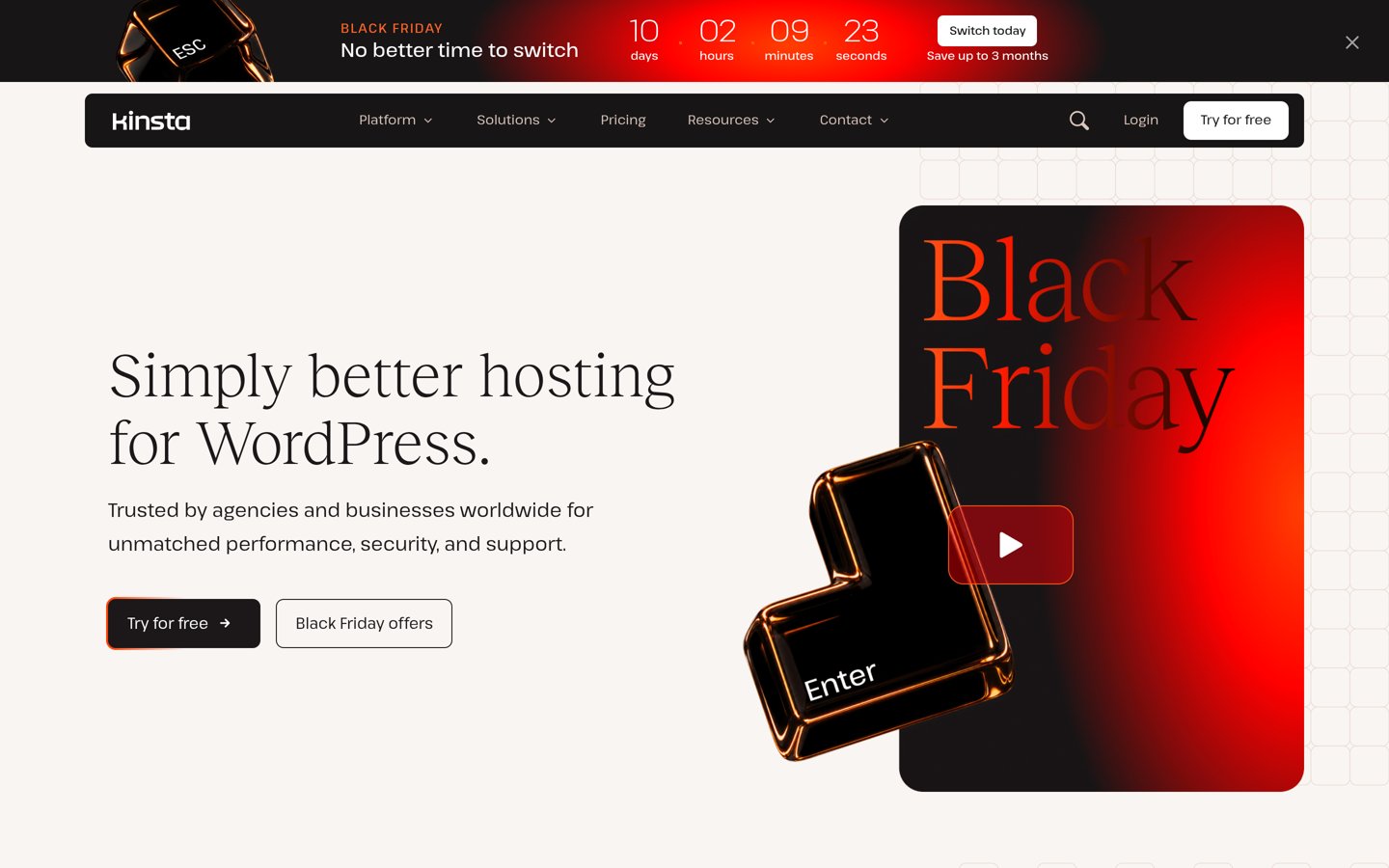
Kinsta homepage, captured Nov 2026.
Kinsta is a managed WordPress hosting platform serving businesses, publishers and agencies. Its entry Single 20GB plan includes one WordPress installation, 20 GB monthly server bandwidth, 10 GB storage and 14-day backup retention. The platform also provides staging, CDN, caching, migration assistance and WordPress-specific support.
The trade off is its higher regular price and resource-based billing. Kinsta costs $35/month after introductory promotions, with additional storage and installations priced separately. Its current Black Friday offer provides an initial free month and temporary discounts, but those are not the regular rates. It suits established WordPress websites seeking managed infrastructure and developer features.
What we like
Managed WordPress infrastructure
Staging and developer tools
Daily backups with 14-day retention
Unlimited free migrations
24/7 WordPress-focused support
Watch out for
Higher entry cost than budget hosts
Entry plan allows one WordPress installation
Bandwidth and storage allowances require monitoring
Email hosting is not included
Higher plans add WordPress installations, bandwidth, storage and capacity.Visit kinsta.com
02
Cloudways
4.6/5on Trustpilot (3,811 reviews, checked Nov 2026)
Starts at$14/mo
Best for flexible managed cloud hosting
Entry configurationDigitalOcean Premium
Server resources1 GB RAM, 1 vCPU
Storage25 GB NVMe
Data transfer1 TB
cloudways.com
Cloudways homepage, captured Nov 2026.
Cloudways is a managed cloud hosting platform supporting WordPress, WooCommerce and other web applications. Its DigitalOcean Premium Micro configuration costs $14/month and includes 1 GB RAM, 1 vCPU, 25 GB NVMe storage and 1 TB transfer. The platform provides staging, server scaling, firewall controls and application management through its dashboard.
The trade off is that Cloudways manages configurable cloud infrastructure rather than providing the same fixed WordPress hosting package as Pressable. Off-site backup storage and certain optional services can add charges beyond the $14 monthly server price. It suits developers and businesses that want control over cloud resources and flexible billing.
What we like
Choice of cloud infrastructure providers
Monthly and hourly billing
Configurable server resources
Staging and cloning tools
WordPress migration assistance
Watch out for
More technical configuration than conventional WordPress hosting
4.6/5on Trustpilot (278 reviews, checked Nov 2026)
Starts at$30/mo
Best for managed WordPress security and CDN features
Entry planStarter
WordPress installs1
Storage10 GB
Bandwidth50 GB
rocket.net
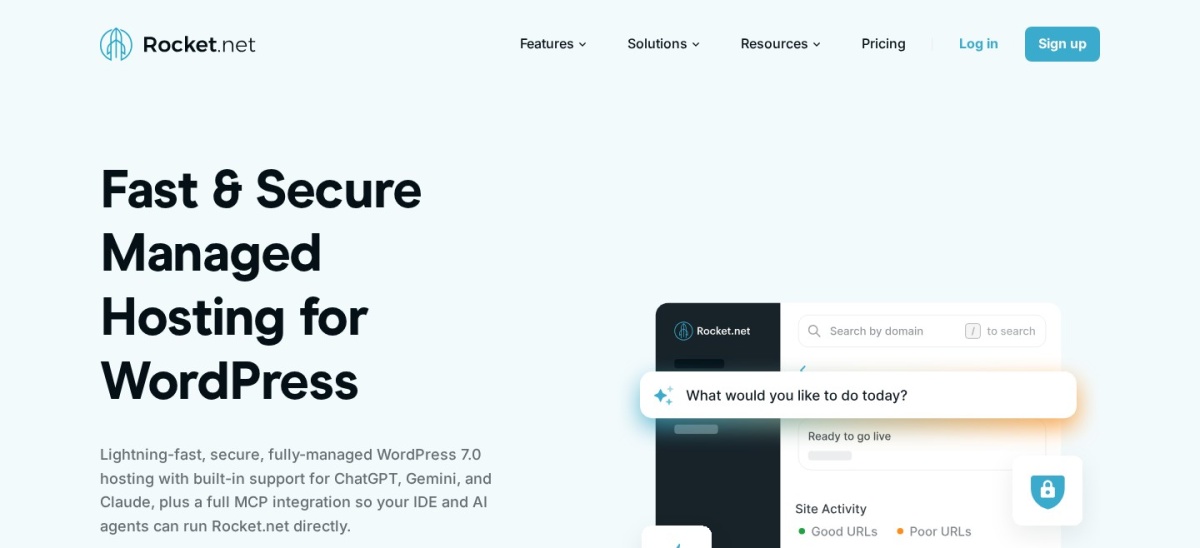
Rocket.net homepage, captured Nov 2026.
Rocket.net is a managed WordPress hosting platform that combines hosting with Cloudflare Enterprise delivery and security features. Its Starter plan costs $30/month and includes one WordPress installation, 10 GB storage, 50 GB bandwidth, a web application firewall and malware protection. Daily backups have a published 30-day retention period.
The trade off is that the Starter plan has defined storage and bandwidth allowances even though its visitor allowance is unmetered. Rocket.net offers a $1 first-month promotion, but its regular price remains $30/month without scheduled renewal increases. It suits business websites that want managed WordPress hosting with CDN and security services included.
What we like
Cloudflare Enterprise CDN included
Web application firewall and malware protection
Daily backups with 30-day retention
Unlimited free migrations
No scheduled renewal price increases
Watch out for
Only one installation on Starter
Storage and bandwidth limits still apply
More expensive than entry-level shared hosting
Email mailboxes are not included
Pro adds more WordPress installations, storage and bandwidth.Visit rocket.net
04
DreamPress
4.6/5on Trustpilot (8,325 reviews, checked Nov 2026)
Starts at$19.99/mo
Best for managed WordPress hosting with email
Entry planDreamPress 1
WordPress sites1
Storage15 GB NVMe
Monthly visits40,000
dreamhost.com
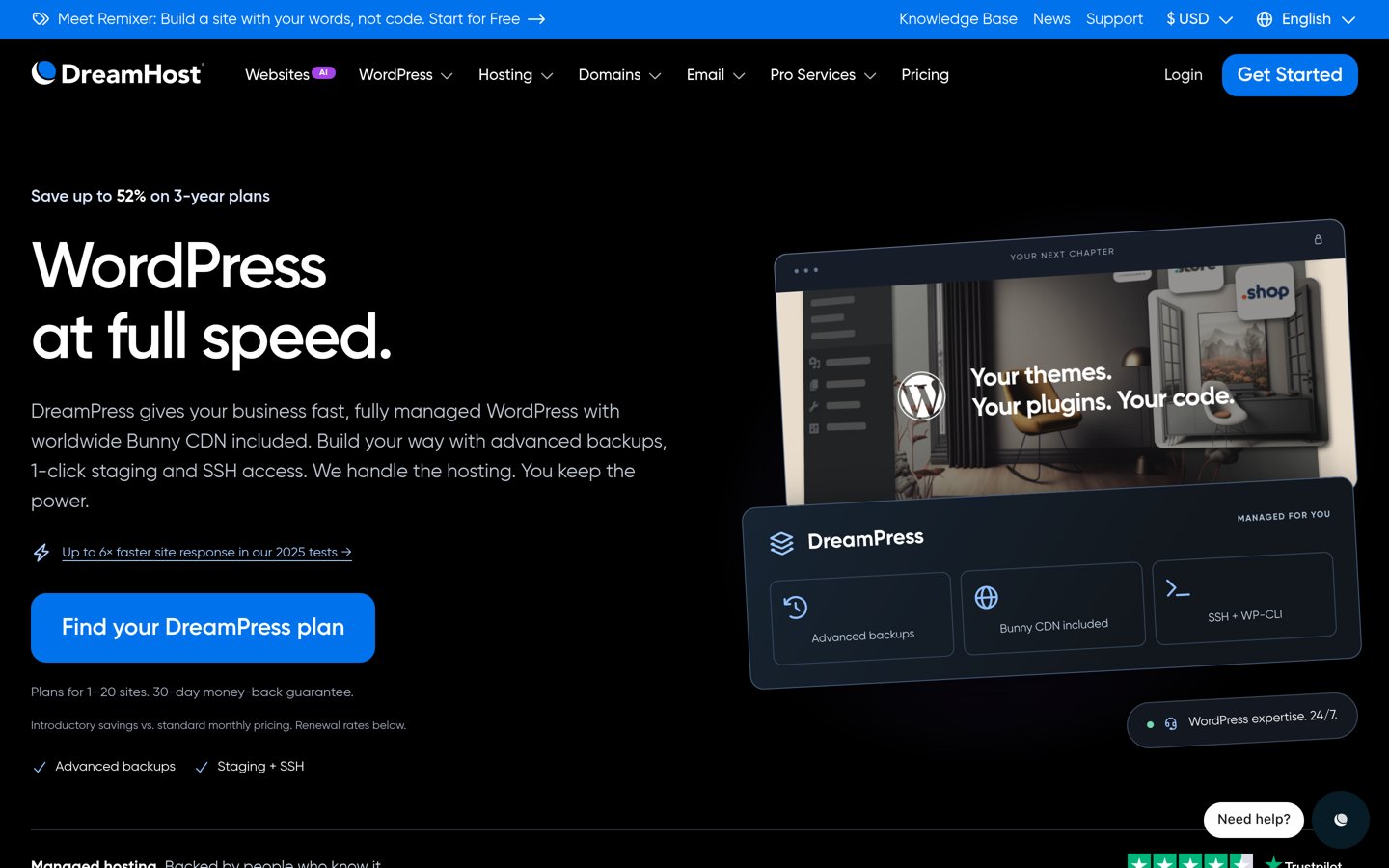
DreamPress homepage, captured Nov 2026.
DreamPress is DreamHost's managed WordPress hosting service, with staging, automated backups, caching and CDN integration. DreamPress 1 includes one website, 15 GB NVMe storage, an allowance of 40,000 monthly visits and unlimited mailboxes. The plan also provides 14-day backup retention, SSH access and WordPress support.
The trade off is that the advertised $14.99/month first-year rate increases to $19.99/month at renewal, prepaid annually. DreamPress also has defined website and storage allowances, so growing projects may require a higher tier. It suits WordPress owners who want managed hosting with email accounts included in the package.
What we like
Managed WordPress hosting environment
Unlimited email mailboxes included
Staging and SSH access
Daily backups and on-demand restoration options
Bunny CDN included
Watch out for
Higher renewal rate after the first year
Entry tier supports one website
Visit and storage allowances apply
More specialized than ordinary shared hosting
DreamPress 2 adds another website, more storage and higher visit allowances.Visit dreamhost.com
05
Flywheel
1.5/5on Trustpilot (71 reviews, checked Nov 2026)
Starts at$300/yr
Best for designers and agency workflows
Entry planStarter
WordPress sites1
Storage10 GB
Monthly visits25,000
getflywheel.com
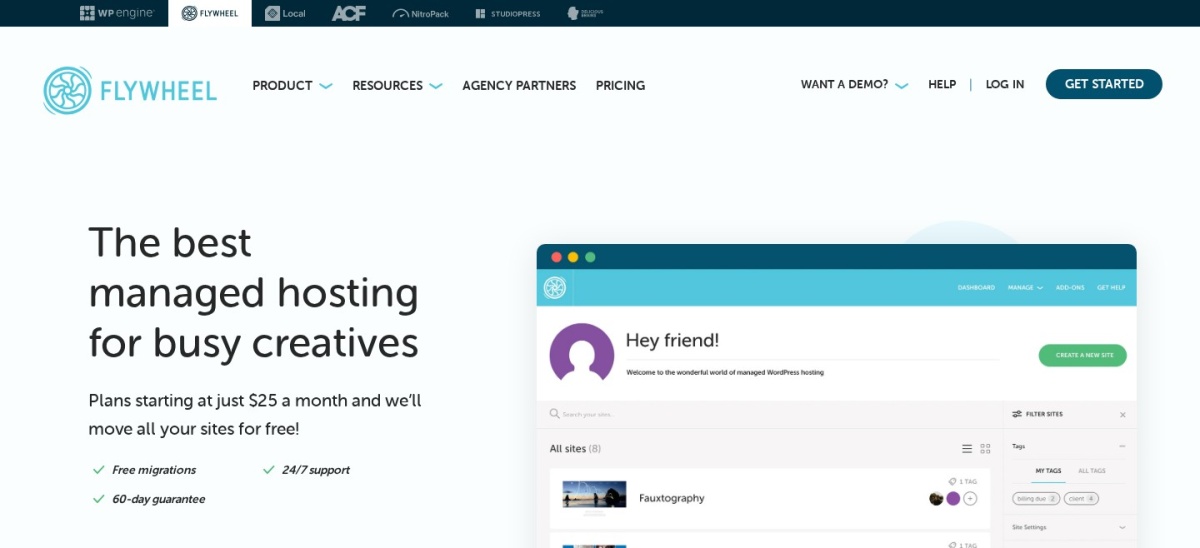
Flywheel homepage, captured Nov 2026.
Flywheel is a managed WordPress hosting platform focused on designers, freelancers and agencies. Its Starter plan includes one website, 10 GB storage, 25,000 monthly visits and 50 GB bandwidth, with annual billing of $300. The platform provides staging, collaboration tools, site blueprints and client billing transfers.
The trade off is its relatively low 1.5/5 Trustpilot rating from 71 reviews and potential overage charges. Starter costs $300/year when paid annually, with additional charges for exceeding published visit or storage limits. It suits agencies that value client handoff workflows but should review current customer feedback before choosing it.
What we like
Client billing transfer tools
Site blueprints and cloning
Staging and local development workflow
Nightly backups
Free migration assistance
Watch out for
Low public Trustpilot rating
Additional charges for exceeding allowances
Entry tier supports one site
Managed plugin updates cost extra
Freelance and Agency plans add websites, storage, bandwidth and client management capacity.Visit getflywheel.com
06
SiteGround
4.9/5on Trustpilot (31,835 reviews, checked Nov 2026)
Starts at$17.99/mo
Best value for managed WordPress features
Entry planStartUp
Websites1
Storage10 GB
Renewal price$17.99/month
siteground.com
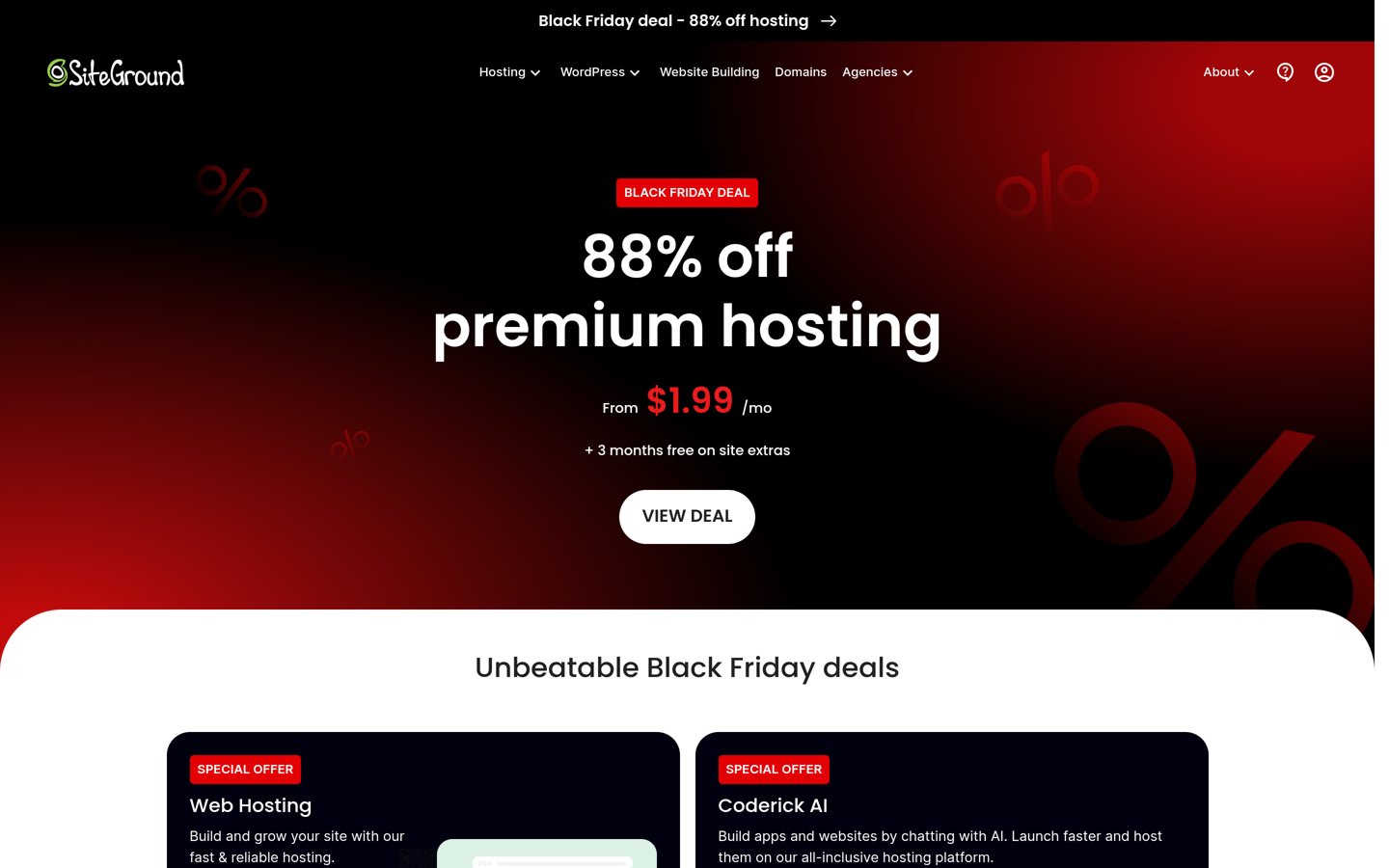
SiteGround homepage, captured Nov 2026.
SiteGround is a hosting provider offering managed WordPress features through its shared hosting plans. StartUp includes one website, 10 GB storage, managed WordPress updates, automatic backups, caching, SSL, CDN and email hosting. Website owners manage their services through the proprietary Site Tools dashboard.
The trade off is that StartUp is shared hosting rather than the same managed platform model as Pressable. Its current $1.99/month introductory offer renews at $17.99/month, prepaid annually, and staging starts on higher tiers. It suits smaller WordPress websites that need included maintenance features without purchasing a premium managed hosting plan.
What we like
Managed WordPress updates included
Caching and CDN features
Daily backups
Email hosting included
High Trustpilot rating
Watch out for
Substantial increase after the introductory period
StartUp is shared hosting
Staging requires a higher tier
Entry plan supports one website
GrowBig adds staging, on-demand backups, more storage and additional websites.Visit siteground.com
07
Hostinger
4.6/5on Trustpilot (74,346 reviews, checked Nov 2026)
Starts at$10.99/mo
Best budget alternative for smaller WordPress websites
Entry planPremium
Websites3
Storage20 GB SSD
BackupsWeekly
hostinger.com
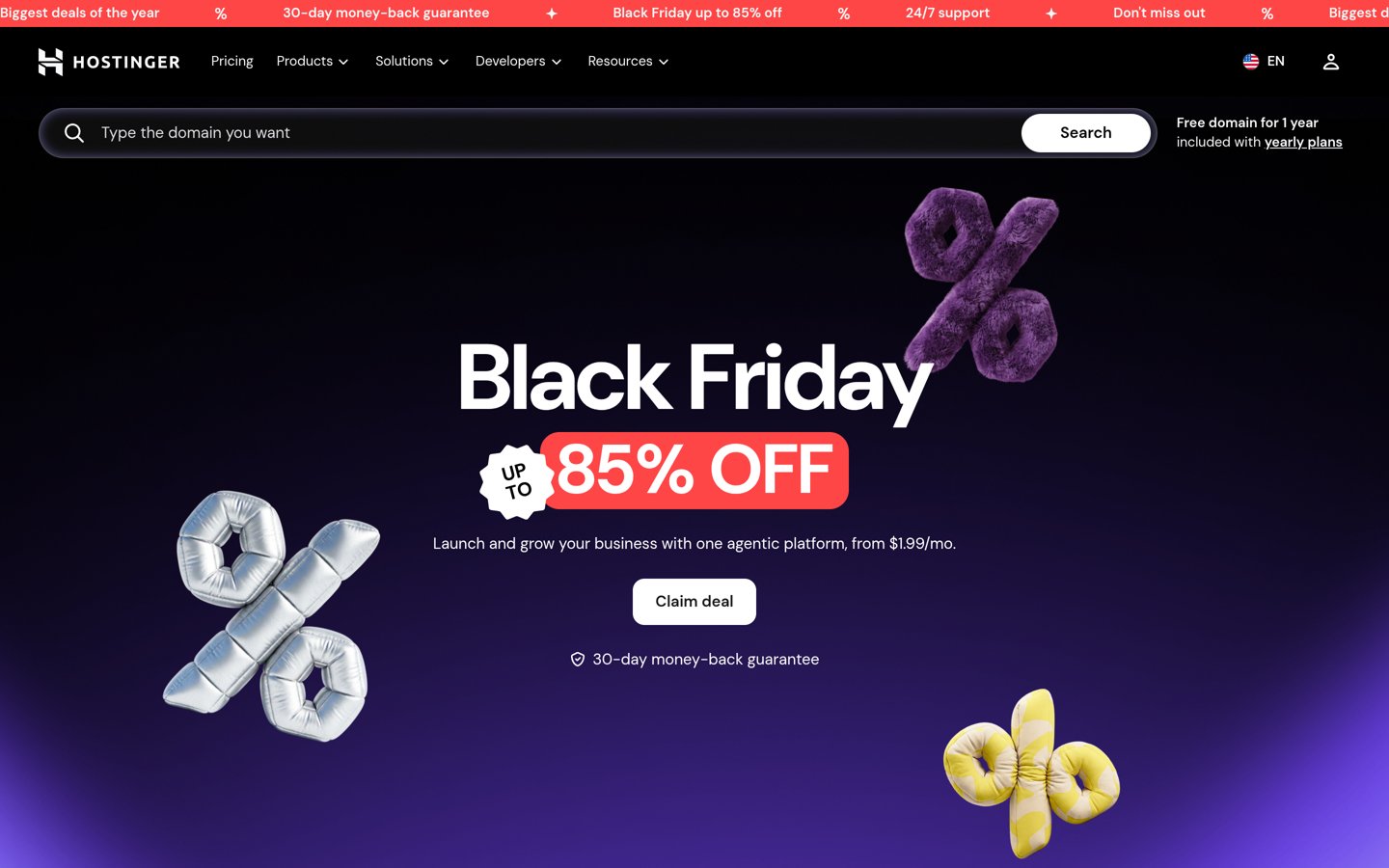
Hostinger homepage, captured Nov 2026.
Hostinger is a website hosting provider offering managed WordPress features, conventional hosting and cloud services. Its Premium plan supports three websites with 20 GB SSD storage, weekly backups and WordPress management features. The proprietary hPanel dashboard provides access to website configuration, installation tools and hosting settings.
The trade off is that Premium uses shared hosting resources and its lowest promotional price requires a long subscription commitment. The current $1.99/month introductory offer renews at $10.99/month for the same term, prepaid upfront. It suits blogs and smaller business websites prioritizing affordability over Pressable-style managed infrastructure.
What we like
Lowest regular entry price in this comparison
Supports three websites
WordPress installation and management tools
Weekly backups included
Straightforward hPanel dashboard
Watch out for
Shared resources on Premium
Discounted pricing requires a long commitment
Daily backups require a higher plan
Not a direct replacement for premium managed infrastructure
Pressable specializes in managed WordPress hosting. Its platform is designed around WordPress maintenance, security, backups and support rather than providing a general-purpose shared hosting account.
Kinsta, Rocket.net, Flywheel and DreamPress are closer replacements because they offer dedicated managed WordPress environments with staging, backups and operational support.
SiteGround and Hostinger provide managed WordPress features on lower-priced hosting packages. They may be sufficient for smaller websites, but their entry-level shared hosting infrastructure should not be treated as equivalent to a premium managed platform.
Cloudways offers another model: managed cloud infrastructure with configurable server resources. It provides more flexibility for developers, although administrators may need to manage additional application-level settings.
Compare the services your current Pressable subscription actually provides. Moving to a lower-priced hosting package can save money, but missing backups, staging, specialist support or security features may create additional work.
What to check before migrating away from Pressable
Begin by creating a complete website backup containing WordPress files, uploads, plugins, themes and the database. Confirm that the backup is downloadable and can be restored outside your existing hosting account.
Check PHP compatibility, caching rules, database requirements, cron jobs and staging configuration. Managed hosting providers use different caching and security systems, so settings from the old environment may not transfer directly.
Review DNS records, CDN configuration and email services. Pressable focuses on WordPress hosting, and moving providers may require coordinating separate email and domain services.
Test the destination website before changing DNS. Verify forms, membership logins, scheduled jobs, payment processing and WooCommerce checkout functions where relevant.
Keep the original hosting service active until the migrated site is working correctly and important data has been checked. Confirm backup restoration and monitoring on the new platform before cancelling Pressable.
How we chose
We compared established hosting providers offering credible alternatives to Pressable's managed WordPress service. Candidates were selected for WordPress-specific management, developer tools, backups, support, published resource allowances and substantial customer review histories.
Official pricing pages and Trustpilot company profiles were opened on 22 Nov 2026. Ratings and review counts come from Trustpilot, while hosting prices reflect published regular rates, renewal prices or recurring annual billing rather than temporary introductory discounts. Monthly prices were multiplied by 12 for annual comparisons.
We excluded hosting providers without confirmable regular pricing, unclear plan specifications or sufficiently established public review histories. We distinguished dedicated managed WordPress platforms from entry-level shared hosting because the products serve different resource requirements. No vendor paid for a place, and we do not claim testing for this list.
How to choose a Pressable alternative
Compare your current Pressable resources and management requirements with the replacement host's regular pricing, included services and migration process.
Match your existing hosting requirements. Identify current storage usage, bandwidth, WordPress installations and monthly traffic. Kinsta and Rocket.net are suitable candidates for dedicated managed WordPress services, while Cloudways offers configurable cloud server resources. Compare actual allowances rather than promotional descriptions.
Check included maintenance and security. Review automatic backups, staging environments, caching, malware protection, firewall services and update management. A lower-priced host may require additional plugins or subscriptions to replace features already included with Pressable.
Calculate the complete renewal cost. Use the regular paid plan price instead of an introductory promotion. Include storage overages, additional websites, backup charges, email hosting and optional support services. Compare monthly billing with prepaid annual subscriptions to understand the actual commitment.
Test migration and recovery before switching. Create an independent backup, verify application compatibility and migrate to a staging or temporary environment where possible. Check forms, ecommerce transactions, caching and DNS configuration. Confirm that the new provider can restore your website before cancelling the previous service.
FAQ
What is the best Pressable alternative in 2026?
Kinsta is our top overall choice for managed WordPress hosting. Its regular entry price is $35/month, with included daily backups, staging, migration assistance and specialist support. Cloudways is better for configurable cloud servers, while Rocket.net focuses on managed hosting with CDN and security features included.
Is Kinsta better than Pressable?
Kinsta is a strong alternative for businesses that prioritize developer tools, managed WordPress infrastructure and clear resource-based plans. Pressable offers a different managed hosting platform and agency-oriented features. Compare website allowances, backup retention, support requirements and total subscription costs before deciding which service fits your website.
What is the cheapest Pressable alternative?
Hostinger Premium has the lowest regular entry price in this comparison at $10.99/month on its advertised renewal term. Cloudways starts at $14/month for a managed cloud server. However, Hostinger Premium is shared hosting, so its resource model differs from Pressable's managed WordPress platform.
Which Pressable alternative is best for agencies?
Flywheel provides workflows for client billing transfers, website cloning, staging and collaboration. Kinsta also offers agency-oriented management tools, while Cloudways supports multiple WordPress applications on configurable servers. Flywheel currently has a low Trustpilot rating, so agencies should compare recent customer feedback and support arrangements carefully.
Does Rocket.net include a CDN and firewall?
Yes. Rocket.net includes Cloudflare Enterprise CDN delivery and web application firewall protection in its managed WordPress plans. Starter costs $30/month and provides one WordPress installation, 10 GB storage and 50 GB bandwidth. Its included daily backups have a published retention period of 30 days.
Is Cloudways a good replacement for Pressable?
Cloudways is a good choice for developers and website owners who want managed cloud infrastructure with configurable server resources. Its DigitalOcean Premium entry server costs $14/month. It requires a different management approach from Pressable, and email hosting, backups and optional services may involve additional costs.
Can I move my WordPress website from Pressable to another host?
Yes. WordPress websites can generally be migrated by transferring their database, files and configuration to another compatible hosting provider. Kinsta, Rocket.net and Flywheel advertise migration assistance. Verify PHP compatibility, caching, forms and ecommerce functions before directing visitors to the new website.
Which Pressable alternative includes email hosting?
DreamPress includes unlimited email mailboxes on its managed WordPress plans, with DreamPress 1 renewing at $19.99/month. SiteGround StartUp also includes email hosting, while Hostinger offers email-related services depending on the selected package. Kinsta, Cloudways, Rocket.net and Flywheel generally require separate mailbox arrangements.
Are cheaper WordPress hosts as good as Pressable?
Not necessarily. Shared WordPress hosting can be sufficient for smaller blogs and business websites, but it may provide fewer infrastructure and support features than specialized managed hosting. Compare server resources, backup recovery, staging, security and technical support rather than assuming that every WordPress hosting package provides equivalent service.