Best WordPress Hosting for LMS in 2026: 7 Tools Compared
WLWPLegible EditorsLast verified 22 Nov 2026How we rank6 min read
★ Short answer
Kinsta is our top pick for WordPress LMS sites thanks to isolated container infrastructure on Google Cloud and a 4.7 rating across 1.2K Trustpilot reviews. Cloudways suits technical course creators who want pay-as-you-go cloud servers, while Levamo targets dynamic logged-in student traffic.
How we make this list: we compare pricing pages, product documentation and public user reviews, then re-check every price before each update. No product paid for a place. Disclosure.
Kinsta starts at $35/mo monthly ($350/yr on annual billing) with 1 WordPress install and 10 GB storage.
Cloudways starts at $14/mo on entry servers with pay-as-you-go billing and holds a 4.6 rating from 3.8K Trustpilot reviews.
Levamo focuses on uncached logged-in course traffic with KeyDB and Redis object caching starting at $35/mo.
SiteGround StartUp lists a regular 12-month rate of $17.99/mo ($215.88/yr), while promotional first-term pricing is lower.
Rocket.net starts at $30/mo monthly or $25/mo billed annually ($300/yr) with 1 WordPress install and 250,000 visits.
What to look for when hosting a WordPress LMS
Learning management plugins like LearnDash, Tutor LMS, and LifterLMS generate heavy dynamic database queries whenever students log in, track lesson progress, or submit quizzes. Full-page caching helps public landing pages, but logged-in student views rely on PHP workers and object caching to stay responsive.
Course launches and assignment deadlines often create sharp spikes in concurrent learners. Hosting plans with isolated resources, enough memory, and clear PHP worker limits prevent slowdowns when a cohort starts a module at the same time.
Video lessons and downloadable course assets also consume storage and bandwidth quickly. Many course creators offload video files to dedicated video hosts or use a CDN so origin storage and server bandwidth stay focused on WordPress requests.
4.7/5on Trustpilot (1,171 reviews, checked Nov 2026)
Starts at$35/mo
Best overall for isolated LMS containers
InfrastructureGoogle Cloud
Entry storage10 GB
Entry visits35,000/mo
BackupsDaily (14 days)
kinsta.com
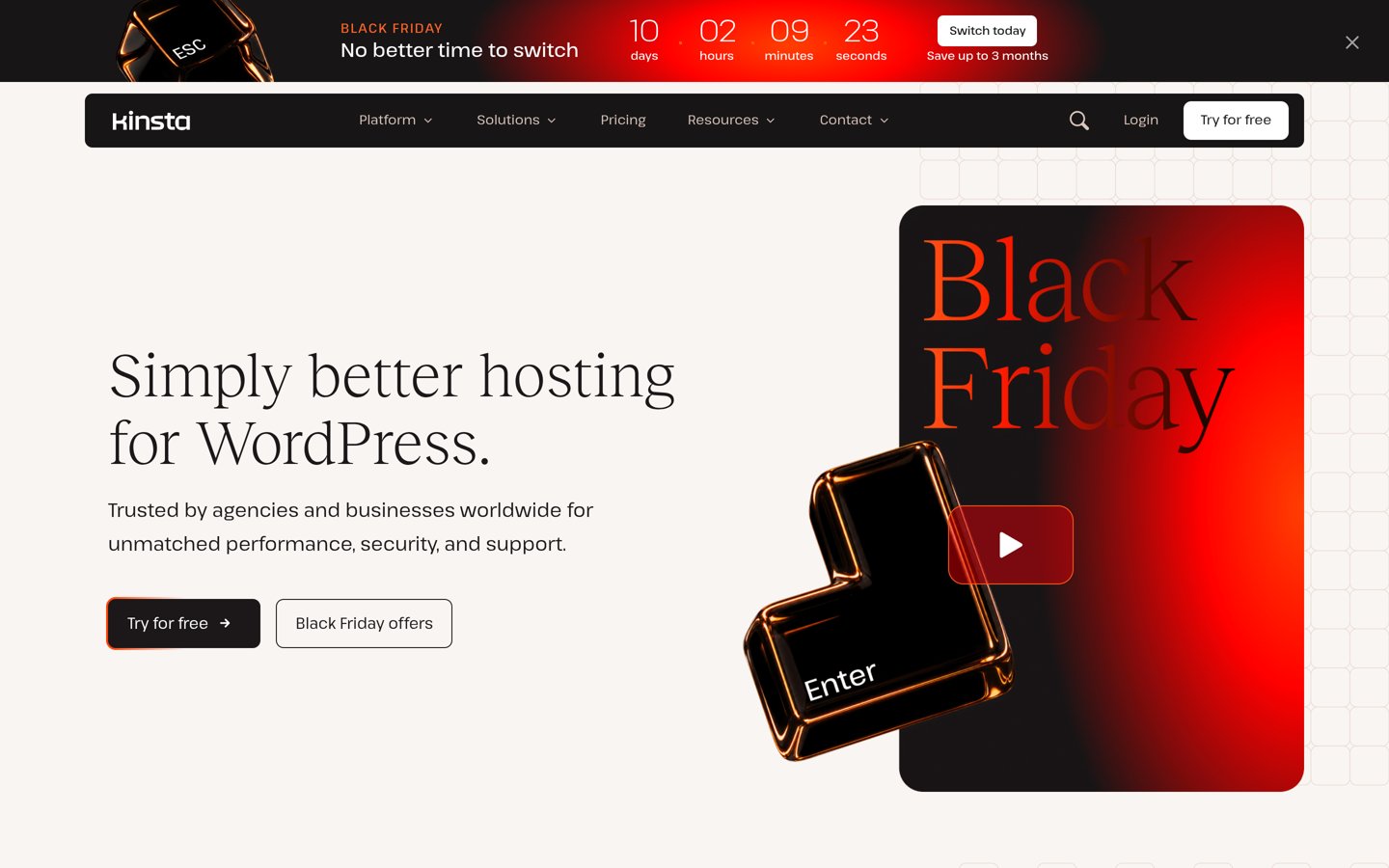
Kinsta homepage, captured Nov 2026.
Kinsta is a managed WordPress host running each site inside an isolated container on Google Cloud. Its entry plan starts at $35/mo monthly ($350/yr on annual billing) and includes 1 WordPress install, 10 GB storage, 125 GB CDN bandwidth, and daily backups.
The trade off is that Kinsta charges $35/mo at the entry tier and meters monthly visits and storage. It suits course creators who want hands-off server management and predictable daily backups.
What we like
Isolated container setup per site on Google Cloud
125 GB CDN bandwidth and daily backups included on entry plans
Unlimited free site migrations and 24/7 support
4.7 rating across 1,171 Trustpilot reviews
Watch out for
Higher starting price than shared or entry cloud hosts
Monthly visit limits require monitoring during course launches
Does not include email hosting
Higher tiers expand monthly visit allowances, disk storage, PHP performance pools, and multi-site capacity.Visit kinsta.com
02
Cloudways
4.6/5on Trustpilot (3,785 reviews, checked Nov 2026)
Starts at$14/mo
Best for flexible cloud server scaling
Billing modelHourly pay-as-you-go
Entry tier1 GB RAM, 1 vCPU
Entry storage25 GB
Entry bandwidth1 TB
cloudways.com
Cloudways homepage, captured Nov 2026.
Cloudways is a managed cloud hosting platform that lets you deploy WordPress on cloud infrastructure with pay-as-you-go billing. Entry pricing starts at $14/mo with 1 GB RAM, 1 vCPU, 25 GB storage, and 1 TB bandwidth.
The trade off is that add-ons like email, extra backup storage, or malware protection add to the $14/mo base rate. It suits site owners comfortable managing server sizing and cloud settings.
What we like
Low $14/mo starting rate with hourly billing and no long-term lock-in
50 GB entry storage and 2 TB bandwidth headroom
One-click staging and server vertical scaling
4.6 rating across 3,785 Trustpilot reviews
Watch out for
Requires more technical setup than standard managed WordPress hosts
Email hosting and certain extras cost extra
No phone support on standard plans
Larger server tiers add more CPU cores, RAM, storage, and included Object Cache Pro on 4 GB+ servers.Visit cloudways.com
03
Levamo
4.7/5on Trustpilot (220 reviews, checked Nov 2026)
Starts at$35/mo
Best for logged-in student query speed
Entry planStarter 1 ($35/mo)
Entry visits25,000/mo
Entry storage10 GB SSD
BackupsDaily offsite
levamo.com
Levamo homepage, captured Nov 2026.
Levamo is a managed WordPress hosting service focused on dynamic workloads like online courses, quizzes, and logged-in user sessions. Its Starter 1 plan is $35/mo for 1 WordPress site, 25,000 monthly visits, and 10 GB SSD storage.
The trade off is that Starter 1 is sized for a single small site at $35/mo, while higher tiers are needed for larger course catalogs. It suits course creators prioritizing logged-in database performance.
What we like
Tailored for logged-in student sessions and quiz traffic
Includes Cloudflare Enterprise CDN and daily offsite backups
KeyDB and Redis object caching supported on Business plans and above
4.7 rating across 220 Trustpilot reviews
Watch out for
Smaller review footprint than legacy hosting brands
Hourly backups cost an extra $10/mo per site
Starter 1 limits you to 1 site and 25,000 visits
Business and Performance plans increase site allowances, visit caps, SSD storage, and object caching support.Visit levamo.com
04
Rocket.net
4.7/5on Trustpilot (278 reviews, checked Nov 2026)
Starts at$30/mo
Best for built-in edge CDN and WAF
Entry planStarter ($30/mo)
Entry visits250,000/mo
Entry storage10 GB
SecurityBuilt-in CDN & WAF
rocket.net
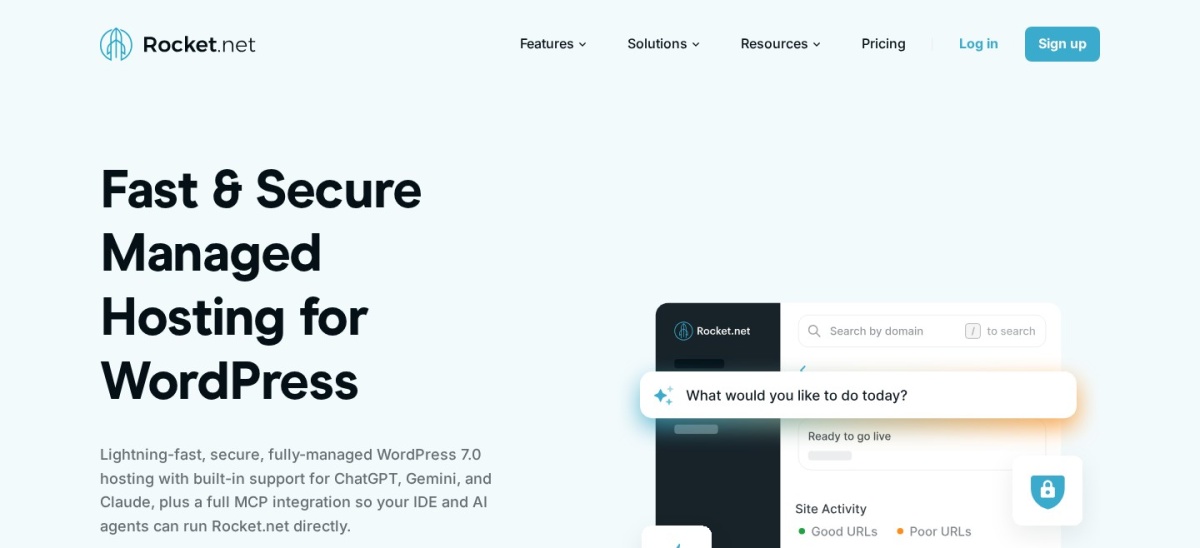
Rocket.net homepage, captured Nov 2026.
Rocket.net is a managed WordPress host that bundles CDN delivery and web application firewall protection into its plans. Its Starter plan is $30/mo monthly ($25/mo billed annually) with 1 WordPress install, 250,000 visits, and 10 GB disk space.
The trade off is that Starter includes 10 GB of disk space at $30/mo, which can fill up if you store large course files locally. It suits course sites that want edge caching and security bundled without extra add-ons.
What we like
Includes CDN, WAF, and SSL on every plan
High 250,000-visit allowance on the entry Starter tier
Unlimited free site migrations included
4.7 rating across 278 Trustpilot reviews
Watch out for
10 GB disk space on Starter may require external video hosting
Fewer total public reviews than long-running hosts
Higher entry cost than shared hosting
Pro, Business, and Agency tiers expand WordPress install counts, visitor limits, and disk space up to 50 GB.Visit rocket.net
05
Pressable
4.6/5on Trustpilot (303 reviews, checked Nov 2026)
Starts at$25/mo
Best for WordPress and WooCommerce course stores
Entry planSignature 1 ($25/mo)
Entry visits30,000/mo
Entry storage20 GB
BackupsHourly & daily
pressable.com
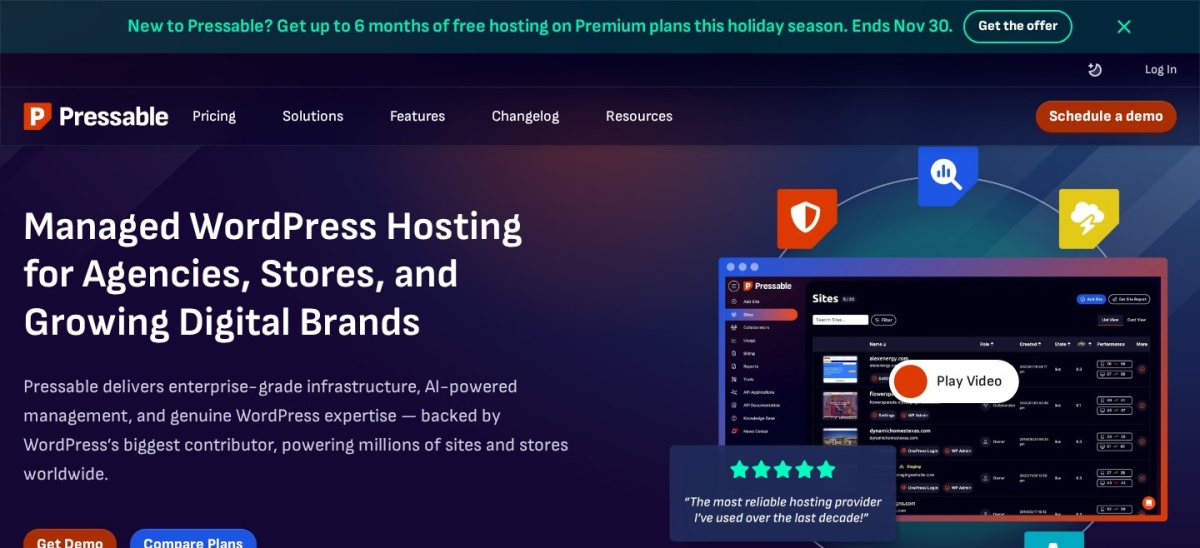
Pressable homepage, captured Nov 2026.
Pressable is a managed WordPress hosting platform built for WordPress and WooCommerce sites. Its Signature 1 plan starts at $25/mo monthly ($20.83/mo billed annually) with 1 WordPress install, up to 30,000 visits, and 20 GB storage.
The trade off is that overages apply above included visits and storage at $25/mo entry pricing. It suits course creators selling memberships or courses through WooCommerce.
What we like
20 GB storage and staging plus sandbox sites on Signature 1
Includes hourly and daily backups plus free migrations
24/7 WordPress hosting support included
4.6 rating across 303 Trustpilot reviews
Watch out for
Overage charges apply if traffic or storage exceeds plan limits
Lower entry visitor cap than some competing managed hosts
Entry plan covers a single WordPress installation
Higher Signature plans raise site limits, monthly visits, and storage up to 325 GB.Visit pressable.com
06
WP Engine
4.2/5on Trustpilot (1,800 reviews, checked Nov 2026)
Starts at$30/mo
Best for staging workflows and team collaboration
Entry planStartup ($30/mo)
Entry visits25,000/mo
Entry storage10 GB
BackupsDaily (40-day retention)
wpengine.com
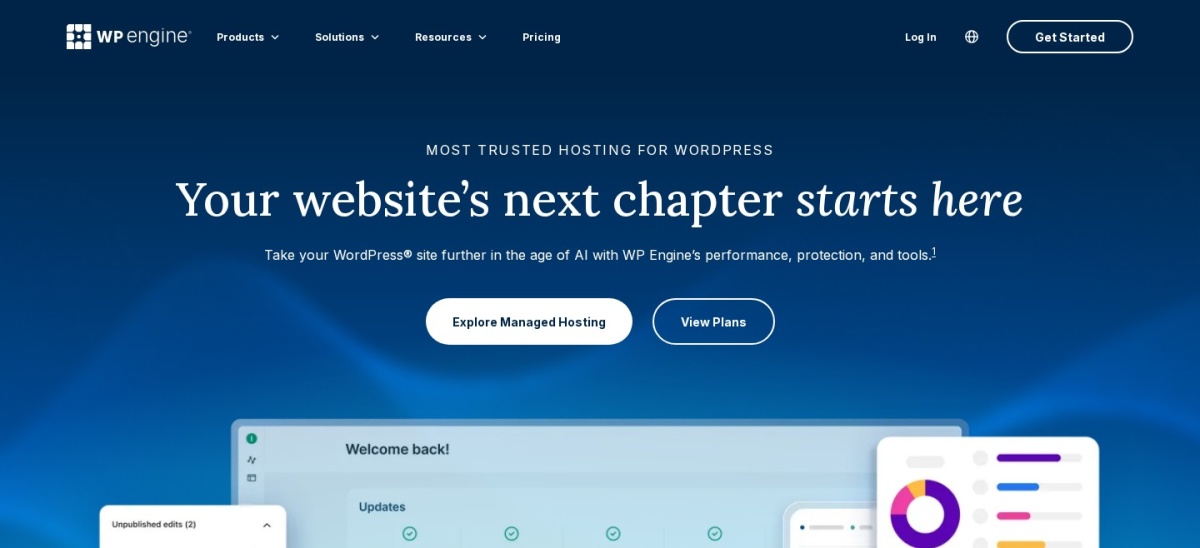
WP Engine homepage, captured Nov 2026.
WP Engine is a long-running managed WordPress provider known for staging environments, caching, and developer tooling. Its Startup plan lists at $30/mo ($360/yr) for 1 site, 25,000 monthly visitors, and 10 GB storage.
The trade off is that Startup caps visitors at 25,000 per month at $30/mo and charges extra for overages or add-ons. It suits teams that rely on staging sites and 40-day backup retention.
What we like
40-day backup retention on daily automated backups
Built-in staging environments and automated migration plugin
Clear upgrade path to multi-site and enterprise plans
4.2 rating across ~1,800 Trustpilot reviews
Watch out for
25,000 monthly visitor limit on the entry Startup plan
Visitor overages and add-ons increase total monthly cost
Some security add-ons cost extra on lower tiers
Professional, Growth, and Scale plans add more sites, visitor capacity, storage, and phone support.Visit wpengine.com
07
SiteGround
4.9/5on Trustpilot (32,000 reviews, checked Nov 2026)
Starts at$17.99/mo
Best for support reputation on smaller course sites
Entry planStartUp
12-mo regular rate$17.99/mo
BackupsDaily backups
ExtrasFree SSL & email
siteground.com
SiteGround homepage, captured Nov 2026.
SiteGround is a managed WordPress hosting provider offering daily backups, free SSL, and built-in caching and security tools. Its StartUp plan carries a regular 12-month rate of $17.99/mo ($215.88/yr), while first-term promotional rates are lower.
The trade off is that entry shared tiers have tighter resource ceilings than dedicated or cloud plans once student traffic grows. It suits new course creators starting with modest traffic and wanting responsive support.
What we like
4.9 rating across 32,000 Trustpilot reviews
Includes free SSL, daily backups, and business email
Standard renewal rates are higher than first-term promotional prices
Shared entry resources can limit heavy concurrent LMS activity
Scaling to higher tiers raises monthly costs noticeably
GrowBig and GoGeek plans add higher resource allocations, staging tools, and on-demand backup features.Visit siteground.com
Keep course videos off your web host
Uploading high-resolution course videos directly to WordPress consumes disk space and server bandwidth fast. Even a 10 GB or 20 GB hosting plan can fill up after a handful of HD lessons.
Many course sites host videos on a dedicated video platform and embed them into lessons instead. That keeps WordPress storage lean and helps backups run faster.
How we chose
We selected established WordPress hosting providers commonly used for learning management sites and course platforms. Each provider needed active operations and public review data to be included.
All ratings, review counts, and plan prices were checked on 22 Nov 2026 from vendor pricing pages and Trustpilot listings. Where promotional or first-term discounts apply, we note the standard or entry billing figures rather than relying on short-term deals.
We excluded hosts without verifiable public pricing or review data on the checked pages, as well as setups aimed only at static brochure sites. No vendor paid for a place, and we do not claim testing for this list.
How to choose hosting for a WordPress LMS
Match your plan to active student concurrency, storage needs, and support expectations before launching.
Estimate concurrent logged-in learners first. Course quizzes and live cohort lessons hit PHP and database resources harder than static blog pages.
Check storage and video delivery separately. Plan for course media growth and decide whether to offload video files to a specialized video host.
Compare regular renewal rates over a full year. Look past first-term discounts so you know what your annual hosting bill will cost after renewal.
Verify staging and backup frequency. Test LMS plugin and theme updates on a staging copy so a broken update does not disrupt active students.
FAQ
Can shared hosting run a WordPress LMS?
Small course sites with light traffic can start on shared hosting, but busy LMS sites often need more memory, caching, and isolated resources. As concurrent students and quiz activity grow, shared limits can slow down lesson pages.
Why do logged-in LMS pages need different caching?
Logged-in learners see personalized progress, quiz states, and account pages that should not be served as static cached HTML. Object caching and sufficient PHP workers help handle dynamic database queries.
Should I host course videos on my WordPress server?
Storing large video files on your WordPress host uses up disk space and bandwidth quickly. Embedding videos from a dedicated video hosting service keeps your WordPress site lighter and easier to back up.
How many monthly visitors does a small LMS plan need?
Entry managed plans often start around 25,000 to 35,000 monthly visits or 250,000 visits depending on the host. Choose a tier with headroom for enrollment spikes so you avoid overage fees or slowdowns.
Why use a staging site for an LMS?
LMS plugins often work alongside membership, payment, and form plugins where updates can conflict. A staging environment lets you test updates safely before pushing changes to live students.
Do managed WordPress hosts include email accounts?
Not every managed WordPress host includes email hosting on its plans. Check whether email is included or if you plan to use a separate email provider.