Best WordPress Hosting for Enterprises in 2026: 7 Tools Compared
WLWPLegible EditorsLast verified 22 Nov 2026How we rank12 min read
★ Short answer
Kinsta is the best WordPress hosting for enterprises overall, combining Cloudflare Enterprise protection, managed infrastructure and enterprise plans starting at $500 per month, with regular entry hosting from $35 per month. WP Engine suits organizations needing dedicated enterprise support, while Pressable offers managed WordPress infrastructure with annual entry plans starting at $250.
How we make this list: we compare pricing pages, product documentation and public user reviews, then re-check every price before each update. No product paid for a place. Disclosure.
Kinsta leads for managed enterprise WordPress, with dedicated enterprise plans starting at $500/month and entry hosting at a regular $35/month.
WP Engine supports custom enterprise configurations for 800,000+ monthly visits, while its published Essential plan starts at $28/month billed annually.
Pressable offers 20GB storage and up to 30,000 monthly visits for $250/year, with premium hosting starting at $350/month.
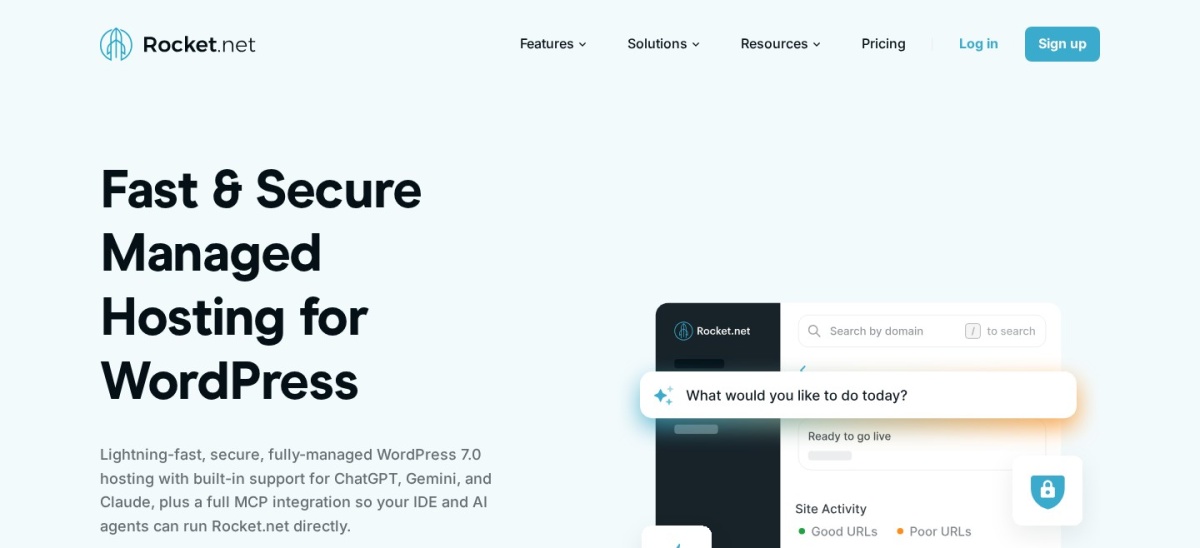
Rocket.net includes Cloudflare Enterprise CDN, WAF and a 99.99% uptime guarantee with its $30/month Starter plan.
Cloudways starts at $14/month for a managed cloud server, while SiteGround renews from $17.99/month after introductory discounts.
Liquid Web starts managed WordPress hosting at $19/month and includes Object Cache Pro, edge CDN and security monitoring.
What enterprises should look for in WordPress hosting
Enterprise WordPress hosting is about more than giving a website additional storage. Large organizations need infrastructure that can handle traffic spikes, support multiple teams, protect sensitive systems and keep business-critical websites available.
The first consideration is scalability. Look for flexible CPU and memory allocation, effective caching, global content delivery and clear policies for traffic growth. Some providers offer dedicated resources or high-availability infrastructure, while others require an enterprise contract for those capabilities.
Security and operational controls matter just as much. Evaluate web application firewalls, DDoS protection, backup retention, staging environments, access permissions, vulnerability monitoring and documented incident response procedures.
Enterprise buyers should also examine service-level agreements and support commitments. A provider advertising continuous support is not necessarily offering guaranteed response times, dedicated account management or financial remedies for downtime.
Finally, distinguish the cheapest advertised plan from a genuine enterprise deployment. Entry prices provide a useful comparison, but organizations needing dedicated infrastructure, compliance documentation or custom recovery objectives should request a separate enterprise proposal.
For managed infrastructure and specialized workloads
$19/mo
No free plan
3.8/5
Price ladder: cheapest paid plan per year
List prices, USD, checked Nov 2026
Cloudways$168
SiteGround$216
Liquid Web$228
Pressable$250
WP Engine$336
Rocket.net$360
Kinsta$420
The 7 best WordPress hosting providers for enterprises
01
Kinsta
4.7/5on Trustpilot (1,171 reviews, checked Nov 2026)
Starts at$35/mo
Best enterprise WordPress hosting overall
Entry planSingle 20GB
Storage10GB on entry plan
Backup retention14 days on entry plan
Enterprise pricingFrom $500/mo
kinsta.com
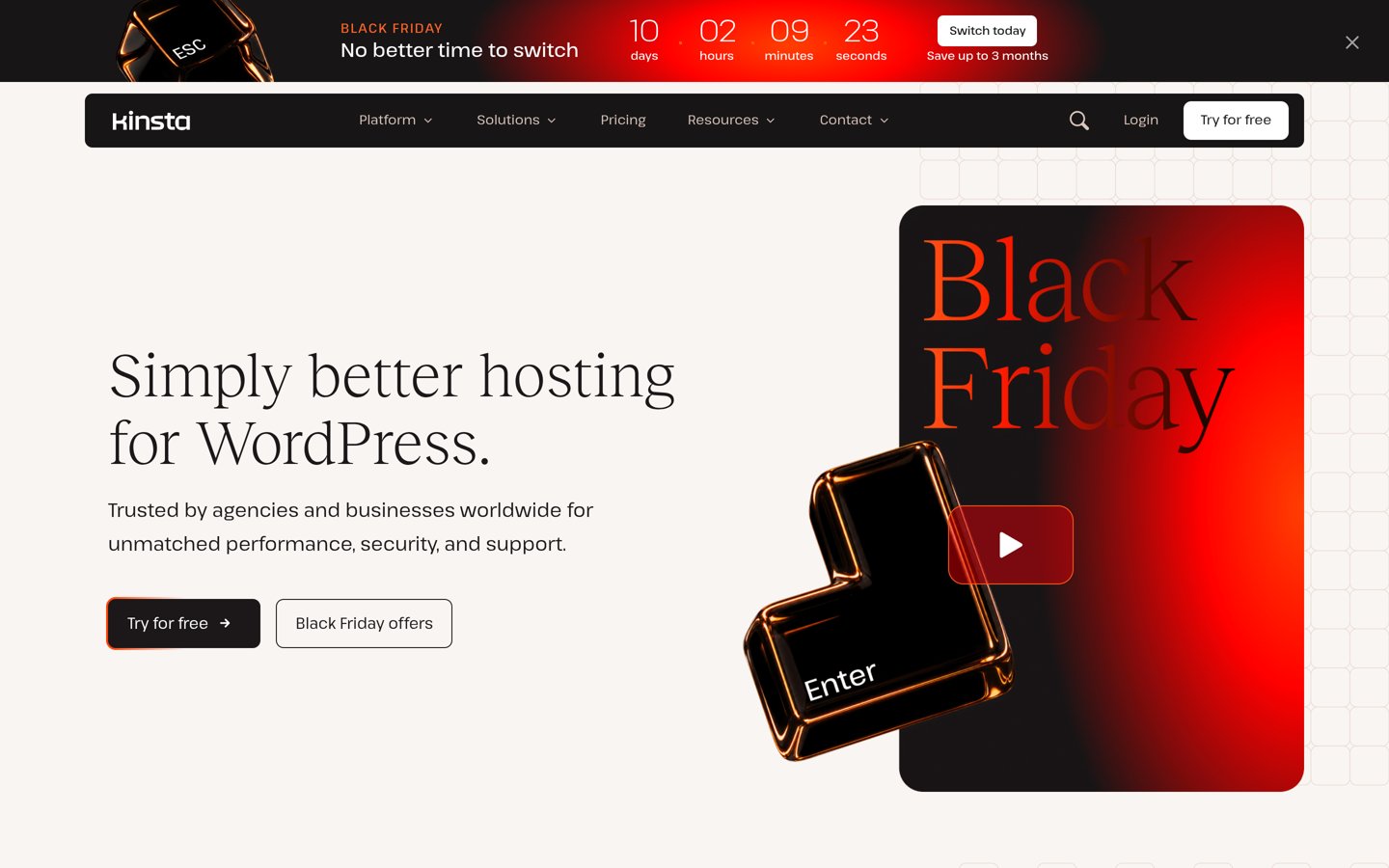
Kinsta homepage, captured Nov 2026.
Kinsta is a managed WordPress hosting platform serving more than 230,000 businesses and brands. Its regular $35/month Single 20GB plan includes one WordPress installation, 10GB storage, 20GB monthly server bandwidth, 125GB CDN bandwidth, daily backups and continuous support, alongside Cloudflare Enterprise security and DDoS protection.
The trade off is pricing as traffic and infrastructure requirements grow. Kinsta's dedicated enterprise plans start at $500/month, while the entry plan renews at $35/month after current promotional offers. It suits enterprises that value managed WordPress operations, security controls, developer tools and a clear path toward custom infrastructure.
What we like
Cloudflare Enterprise protection included across hosting plans
Dedicated enterprise plans with custom infrastructure options
Application performance monitoring and developer tools
Automatic backups, staging and managed migrations
Enterprise options include account management and compliance support
Watch out for
Enterprise infrastructure costs considerably more than entry hosting
Entry plans have defined storage and bandwidth allowances
Some specialized enterprise requirements need custom agreements
4.2/5on Trustpilot (1,784 reviews, checked Nov 2026)
Starts at$28/mo
Best for large organizations and governance
Entry planEssential
Entry billing$336 annually
Entry storageFrom 10GB
Enterprise traffic800K+ visits/mo
wpengine.com
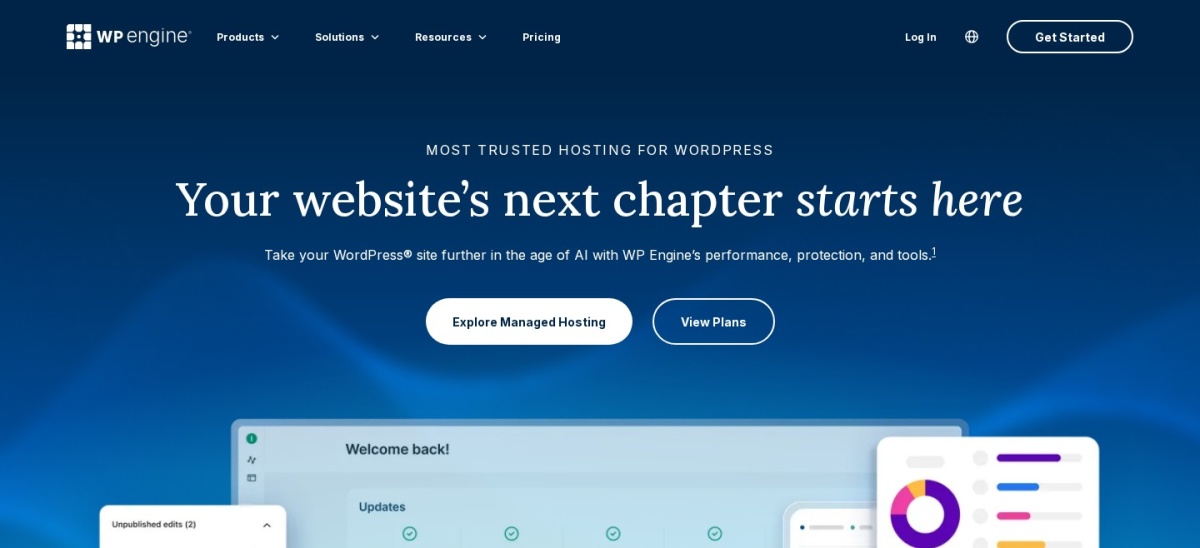
WP Engine homepage, captured Nov 2026.
WP Engine is a managed WordPress hosting provider with a platform supporting more than 1.5 million websites. Its Essential plan starts at $28/month billed annually and includes managed updates, automated backups, SSL, SSH and continuous chat support, while Business and Enterprise tiers offer isolated resources and more extensive operational services.
The trade off is that Business and Enterprise pricing requires contacting sales, and additional security or management features can involve separate charges. The published $336 annual entry price does not represent a dedicated enterprise deployment. It suits large organizations that need structured onboarding, WordPress-specific support, governance and custom infrastructure.
What we like
Enterprise hosting with dedicated account teams
Isolated infrastructure available beyond Essential
Managed WordPress and PHP updates
Staging, backup and developer workflows
Enterprise support and custom contract options
Watch out for
Enterprise prices are not publicly listed
Some security and monitoring products cost extra
Essential uses shared rather than isolated infrastructure
Business and Enterprise add isolated resources, expanded support and custom operational services.Visit wpengine.com
03
Pressable
4.6/5on Trustpilot (303 reviews, checked Nov 2026)
Starts at$250/yr
Best value for managed enterprise WordPress
Entry planSignature 1
Monthly visitsUp to 30K
Storage20GB
Premium hostingFrom $350/mo
pressable.com
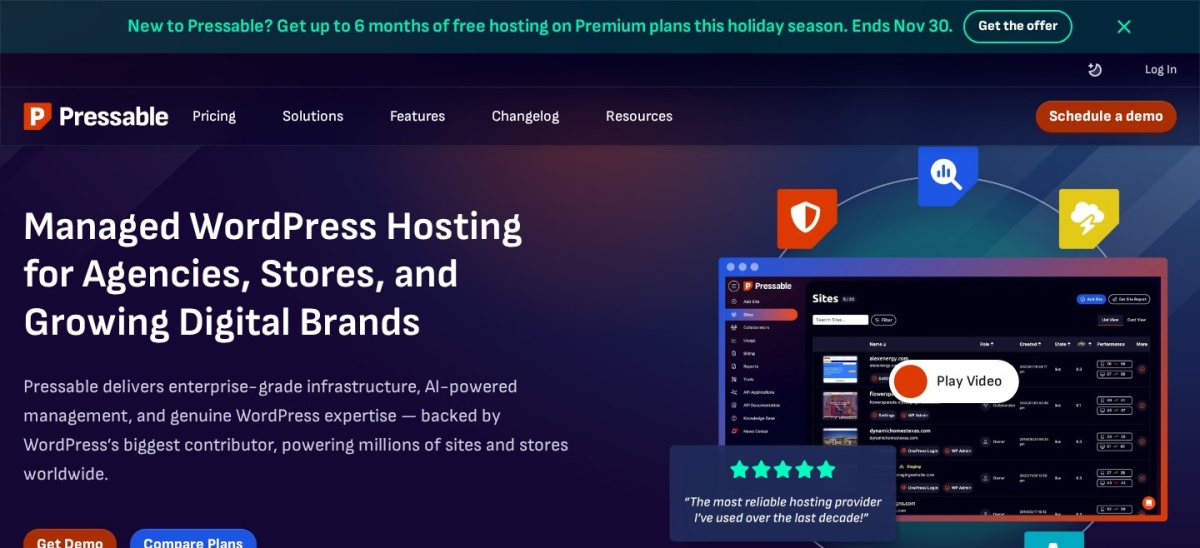
Pressable homepage, captured Nov 2026.
Pressable is a managed WordPress hosting provider built on Automattic's WP Cloud platform. Its Signature 1 plan costs $250/year and includes one WordPress installation, up to 30,000 monthly visits and 20GB storage, alongside managed migrations, edge caching, security features, staging and continuous WordPress support.
The trade off is that the cheapest plan has modest traffic and resource allowances, while Premium Site plans start at $350/month. The vendor is also advertising a limited free-hosting promotion for eligible premium customers. It suits businesses that want managed WordPress infrastructure with a straightforward entry cost and upgrade options.
What we like
Automattic-backed WordPress infrastructure
Affordable published annual entry plan
Hourly database backups and daily full backups
Staging, sandbox and collaborator features
Premium tiers offer additional resources and availability options
Watch out for
Entry plan supports only one WordPress installation
Higher-capacity plans cost substantially more
Premium site deployments may require a sales consultation
Premium Site plans add more computing resources, advanced onboarding and higher-capacity hosting.Visit pressable.com
04
Rocket.net
4.6/5on Trustpilot (278 reviews, checked Nov 2026)
Starts at$30/mo
Best for global content delivery and security
Entry planStarter
Storage10GB
Bandwidth50GB
Uptime guarantee99.99%
rocket.net
Rocket.net homepage, captured Nov 2026.
Rocket.net is a managed WordPress hosting platform built around Cloudflare Enterprise delivery and security. Its Starter plan costs $30/month and includes one WordPress installation, 10GB storage, 50GB bandwidth, enterprise CDN, web application firewall, malware protection, automated daily backups and a 99.99% uptime guarantee.
The trade off is that the entry plan has a defined bandwidth allowance, and larger enterprise deployments require higher-priced plans or tailored configurations. The vendor advertises a $1 first-month offer but states that standard renewal prices do not increase. It suits organizations prioritizing global content delivery, security and simplified WordPress operations.
What we like
Cloudflare Enterprise CDN included
WAF and malware protection built into hosting
Unmetered visitors on published managed plans
Daily backups with 30-day retention
Clear standard monthly pricing without introductory renewal increases
Watch out for
Entry bandwidth allowance is relatively small
Storage limits increase with higher plans
Enterprise configurations cost more than standard managed hosting
4.6/5on Trustpilot (3,811 reviews, checked Nov 2026)
Starts at$14/mo
Best for flexible cloud infrastructure
Entry offeringFlexible hosting
Entry memory1GB RAM
Entry CPU1 vCPU
Entry storage25GB NVMe
cloudways.com
Cloudways homepage, captured Nov 2026.
Cloudways is a managed cloud hosting platform that lets businesses deploy WordPress on infrastructure from providers such as DigitalOcean, Vultr and AWS. Its Flexible entry configuration costs $14/month and includes 1GB RAM, one vCPU, 25GB NVMe storage and 1TB transfer bandwidth, with scalable server configurations and managed application tools.
The trade off is that cloud resources, backups and optional services can add to the monthly bill, while the smallest plan is unsuitable for demanding enterprise workloads. The vendor is currently promoting temporary discounts on eligible services. It suits technical teams seeking cloud-provider choice and greater control over infrastructure spending.
What we like
Choice of several cloud infrastructure providers
Flexible server scaling and resource allocation
Pay-as-you-go billing options
WordPress staging, backups and deployment tools
Suitable for teams comfortable managing cloud configurations
Watch out for
Lowest-priced configuration is not enterprise capacity
Some security, backup and CDN services add costs
Requires more infrastructure decisions than fully managed alternatives
Higher cloud configurations add CPU, RAM, storage and capacity for demanding applications.Visit cloudways.com
06
SiteGround
4.9/5on Trustpilot (31,835 reviews, checked Nov 2026)
Starts at$17.99/mo
Best for growing organizations with multiple sites
Entry planStartUp
Storage10GB
Regular renewal$17.99/mo
Higher hostingCloud plans available
siteground.com
SiteGround homepage, captured Nov 2026.
SiteGround is a managed WordPress hosting provider serving the owners of more than 3 million domains. Its StartUp plan renews at $17.99/month and includes one website, 10GB storage, SSL, CDN, backups, managed updates and security tools, while GrowBig and GoGeek offer additional site capacity and developer features.
The trade off is that entry WordPress hosting uses shared resources rather than dedicated enterprise infrastructure, and the advertised $1.99/month promotion increases to $17.99/month at renewal. Larger organizations should evaluate its cloud hosting separately. It suits growing businesses seeking managed WordPress features before committing to a premium enterprise platform.
What we like
Managed WordPress updates and built-in caching
SSL, CDN and backups included
Staging and Git available on higher plans
Cloud hosting upgrade path
Large public review base
Watch out for
Entry WordPress plans are shared hosting
Promotional prices rise significantly at renewal
Enterprise workloads may require separate cloud resources
Higher plans add more storage, staging, developer tools and cloud hosting options.Visit siteground.com
07
Liquid Web
3.8/5on Trustpilot (2,811 reviews, checked Nov 2026)
Starts at$19/mo
Best for managed infrastructure and specialized workloads
Entry planPro WordPress
Monthly visits50,000
Storage20GB
Backup retention14 days
liquidweb.com
Liquid Web homepage, captured Nov 2026.
Liquid Web is a managed hosting provider offering WordPress services alongside dedicated and other infrastructure options. Its managed WordPress hosting starts at $19/month, with a Pro WordPress configuration listing 50,000 monthly visits, 20GB storage, Object Cache Pro, edge CDN, security tools, staging and continuous support.
The trade off is that resource upgrades and additional sites can increase costs, while higher-level infrastructure requires a more detailed plan comparison. Public Trustpilot feedback is also more mixed than for several competitors. It suits organizations needing WordPress-specific management alongside broader hosting and infrastructure services.
What we like
Object Cache Pro and edge CDN included
Web application firewall and security monitoring
Staging and development environments
Human-assisted migrations
Broader managed infrastructure options
Watch out for
Additional sites and traffic packs cost extra
Higher-end hosting configurations need careful comparison
Lower Trustpilot score than other listed providers
Enterprise WordPress hosting vs regular managed hosting
Managed WordPress hosting usually includes software updates, automated backups, caching, security maintenance and technical support. These features reduce routine administration, but they do not automatically make a hosting plan suitable for a large organization.
Enterprise hosting typically adds deeper infrastructure customization, isolated or dedicated resources, enhanced availability options, structured onboarding and contractual support commitments.
For example, WP Engine's Essential tier uses shared infrastructure, while its Business and Enterprise offerings provide isolated environments. Kinsta offers standard managed plans alongside enterprise hosting starting at $500/month.
Enterprises should compare contractual recovery commitments, infrastructure isolation, security responsibilities and workload capacity rather than assuming that any plan labeled managed meets their requirements.
Start with expected traffic, peak concurrent users, backend activity and storage growth. A website with mostly cached editorial content has different infrastructure needs from a membership platform or high-volume WooCommerce store.
Ask each provider for documentation covering backup restoration, disaster recovery, security incident response, support escalation and uptime remedies. Enterprise service agreements should clearly identify which obligations belong to the host.
Confirm development workflows before migration. Staging environments, Git deployment, SSH access, WP-CLI, team permissions and rollback procedures can affect the speed and safety of ongoing releases.
Finally, calculate the full annual operating cost. Include hosting, CDN overages, additional environments, security services, migration assistance and premium support. Entry-level hosting prices are useful reference points, not complete enterprise deployment budgets.
How we chose
We selected established WordPress hosting providers offering managed infrastructure and a credible path to larger business deployments. The comparison prioritizes hosting architecture, security, backup systems, development workflows, technical support and published customer feedback over promotional claims.
Prices and ratings were checked on 22 Nov 2026 using official hosting pricing pages and Trustpilot profiles. We used the cheapest published regular paid hosting plan for each provider, excluding temporary introductory discounts. Enterprise-specific pricing is discussed separately when the vendor publishes it, and quoted enterprise plans are not presented as fixed-price products.
We excluded providers whose current regular pricing could not be sufficiently verified, along with hosting services focused only on basic shared accounts without a credible upgrade path. Customer ratings are third-party opinion data, not performance benchmarks. No vendor paid for a place, and this comparison does not claim direct product testing.
How to choose enterprise WordPress hosting
Define your organization's infrastructure, security and support requirements before comparing managed WordPress hosting contracts.
Estimate actual workload requirements. Calculate traffic, expected growth, concurrent users, uncached requests and storage requirements. A publication may benefit mainly from edge caching, while WooCommerce and membership sites often require more application processing capacity. Ask prospective hosts how they handle peak traffic and resource limits.
Evaluate security and compliance obligations. Review firewall coverage, DDoS mitigation, malware response, backup storage, role-based permissions and available compliance documentation. Determine whether the provider's controls satisfy your internal requirements, and distinguish included protections from optional managed security products.
Compare support and recovery commitments. Request the uptime SLA, incident escalation process, backup restoration procedures and recovery objectives. Business-critical WordPress sites may justify providers offering dedicated account teams and custom enterprise contracts rather than relying entirely on standard support channels.
Compare full annual costs and migration requirements. Use published entry prices only as a baseline. Request enterprise proposals covering infrastructure, bandwidth, storage, additional environments, security products and migration. Evaluate the total operating cost against measurable support and availability commitments rather than choosing solely by the cheapest subscription.
FAQ
What is the best WordPress hosting for enterprises?
Kinsta is our overall recommendation for organizations wanting managed WordPress infrastructure with a clear enterprise upgrade path. Its hosting includes Cloudflare Enterprise protection, developer tools, backups and managed support. Dedicated enterprise hosting starts at $500/month, while basic managed hosting starts at a regular $35/month.
How much does enterprise WordPress hosting cost?
Published entry hosting costs vary widely. Cloudways starts at $14/month, WP Engine Essential at $28/month billed annually and Kinsta at $35/month. These are entry-level products rather than dedicated enterprise deployments. Kinsta advertises enterprise hosting from $500/month, while some providers require custom quotations.
What is the difference between enterprise hosting and managed WordPress hosting?
Managed WordPress hosting normally covers platform maintenance, updates, backups, caching and support. Enterprise hosting adds requirements such as dedicated resources, high-availability architecture, custom security controls, account management and contractual service commitments. A managed WordPress plan may be suitable for business websites without meeting every enterprise requirement.
Is WP Engine suitable for large enterprise websites?
Yes. WP Engine provides dedicated Enterprise offerings with isolated resources, account support and custom infrastructure options. Its published comparison identifies enterprise configurations for more than 800,000 monthly visits. Organizations should request a proposal because the public Essential price does not include the complete enterprise feature set.
Can Cloudways handle enterprise WordPress websites?
Cloudways can support larger workloads through configurable cloud infrastructure, vertical scaling and access to several cloud providers. However, its cheapest server is intended for lightweight applications. Enterprise buyers should assess server capacity, availability requirements, operational responsibilities and the costs of optional security and backup services.
Which enterprise WordPress hosting provider is best for security?
Kinsta and Rocket.net are strong options for organizations prioritizing managed security because their platforms include Cloudflare Enterprise protection. WP Engine also provides advanced enterprise security services and optional managed WAF products. Compare firewall coverage, incident response, access controls and compliance documentation before deciding.
Do enterprise WordPress hosts include automatic backups?
Most established managed hosting providers include automated backups, but retention periods and recovery options differ. Kinsta's entry plan lists 14-day retention, while Rocket.net lists 30 days on its Starter plan. For critical websites, confirm off-site storage, restoration procedures and contractual recovery objectives rather than relying on backup frequency alone.
Is dedicated hosting necessary for enterprise WordPress?
Not always. A well-configured managed cloud environment with caching, scaling and appropriate security may meet an organization's needs without dedicated physical servers. Dedicated or isolated resources become more important when workloads demand predictable performance, specialized configurations or contractual infrastructure requirements.
What should enterprises check before migrating WordPress hosting?
Review application compatibility, database size, caching, custom plugins, deployment workflows, DNS changes and rollback procedures. Request a migration plan that identifies downtime risks and acceptance criteria. Confirm that the new hosting provider supports required integrations, administrative permissions, backup restoration and post-migration monitoring.