Best WordPress Database Cleanup Plugins in 2026: 7 Tools Compared
WLWPLegible EditorsLast verified 22 Nov 2026How we rank11 min read
★ Short answer
WP-Optimize is the best WordPress database cleanup plugin for most websites, with 1M+ active installs and free database optimization, caching and image compression. Advanced Database Cleaner is better for finding orphaned tables and options, while Database Cleaner by Meow Apps offers detailed database inspection and background cleanup.
How we make this list: we compare pricing pages, product documentation and public user reviews, then re-check every price before each update. No product paid for a place. Disclosure.
WP-Optimize leads for general maintenance, with 1M+ active installs, a 4.8/5 rating and Premium starting at $49/year for 2 sites.
Advanced Database Cleaner has 100,000+ active installs and a 4.9/5 rating from 1,964 reviews. Premium starts at $39/year.
Database Cleaner by Meow Apps has a 5/5 rating from 150 reviews and 10,000+ active installs. Pro costs $39/year.
WP-Sweep is completely free, with 100,000+ active installs and a 4.7/5 rating. It removes revisions, expired transients and orphaned metadata.
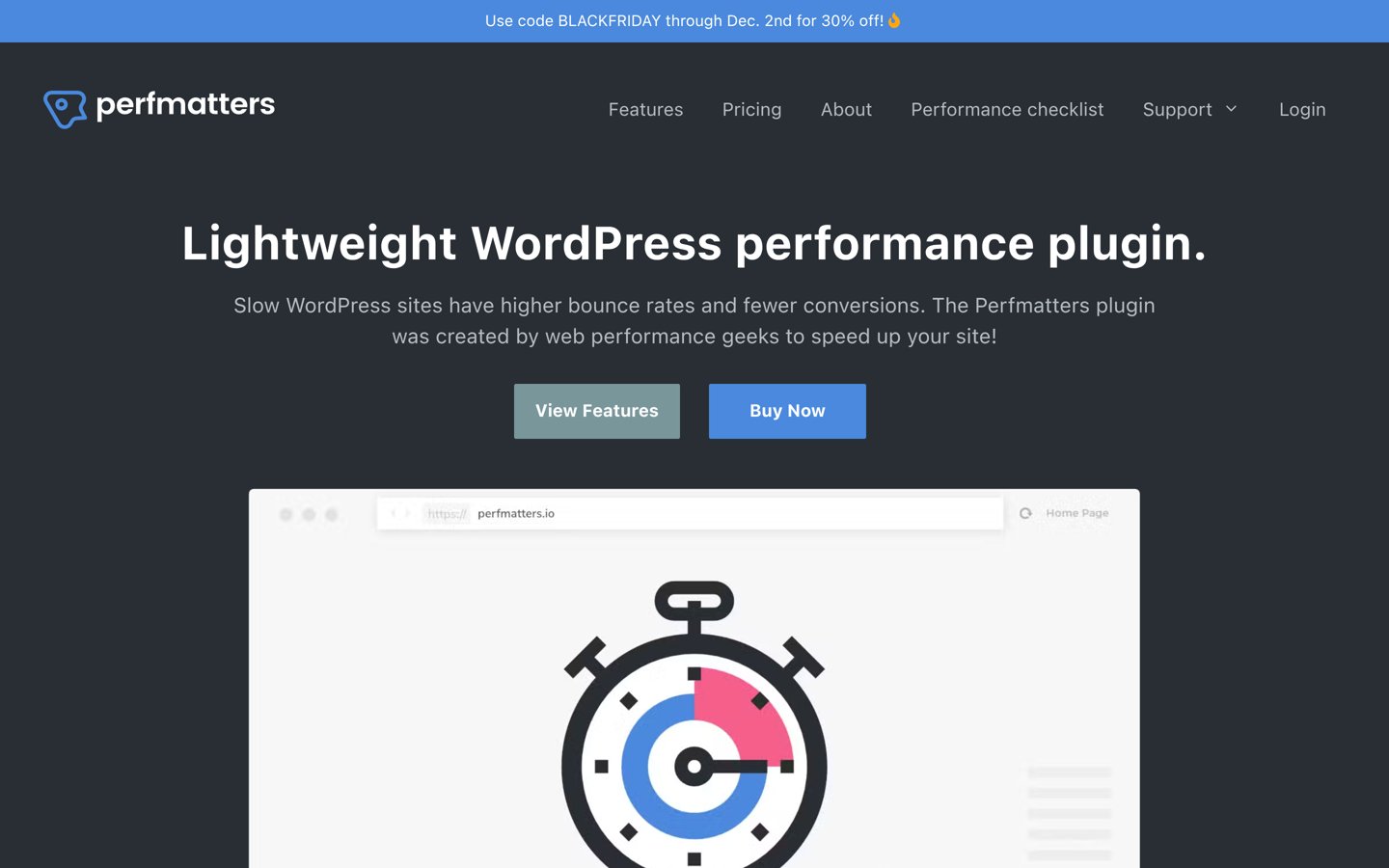
Perfmatters combines scheduled database cleanup with frontend optimization for $24.95/year and has a 4.9/5 Trustpilot rating.
LiteSpeed Cache has 7M+ active installs and free database cleanup tools, while WP Rocket adds database maintenance to its $60/year caching package.
What to look for in a WordPress database cleanup plugin
WordPress databases accumulate post revisions, auto-drafts, spam comments, expired transients and other records as websites grow. Removing genuinely unnecessary data can reduce database size and simplify maintenance.
Start with cleanup coverage. Basic plugins remove standard WordPress clutter, while specialized tools help identify orphaned options, unused tables, scheduled tasks and metadata left by deleted plugins.
Next, consider data safety. Some records that appear unused may still belong to active plugins or themes. A reliable backup and a way to inspect individual records are more important than deleting the largest amount of data.
Automated cleanup is useful for frequently updated websites. Look for scheduled maintenance, selective cleanup rules and options to preserve recent revisions or other records your workflow requires.
Finally, distinguish database cleanup from full website optimization. WP-Optimize, LiteSpeed Cache and WP Rocket include caching features, while Advanced Database Cleaner and Database Cleaner focus more directly on database inspection and maintenance.
4.8/5on WordPress.org (2,617 reviews, checked Nov 2026)
Paid from$49/yr
Best WordPress database cleanup plugin overall
Free cleanupRevisions, spam and transients
Table optimizationIncluded
Other featuresCaching and image compression
Paid planStarter, 2 websites
teamupdraft.com
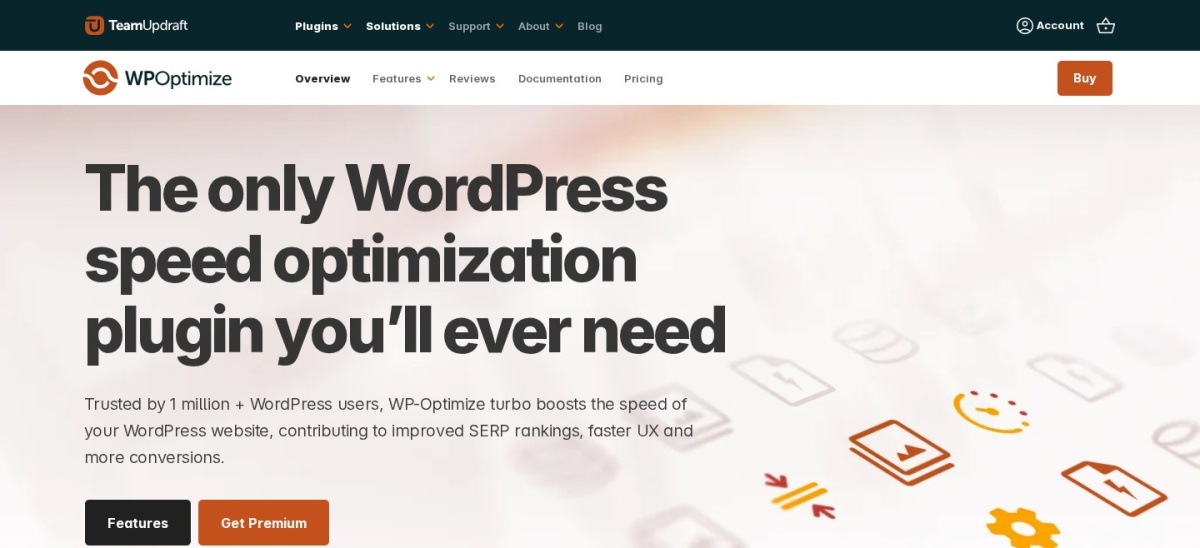
WP-Optimize homepage, captured Nov 2026.
WP-Optimize is a WordPress performance and database maintenance plugin with more than 1 million active installations and a 4.8/5 rating from 2,617 reviews. Its free version removes unnecessary revisions, spam comments and expired transients, optimizes database tables and includes page caching, image compression and file minification.
The trade off is that more flexible cleanup schedules, advanced optimization controls and unused-image management require Premium, starting at $49/year for 2 websites. It suits bloggers, business websites and administrators who want regular database maintenance alongside broader WordPress performance features.
What we like
Free database cleanup and table optimization
More than 1 million active installations
Includes page caching and image compression
Automated cleanup functionality
Premium entry license covers 2 websites
Watch out for
Advanced scheduling requires Premium
Less focused on identifying plugin-owned database leftovers
Some optimization options overlap with existing caching plugins
Database cleanup does not guarantee faster frontend loading
4.9/5on WordPress.org (1,964 reviews, checked Nov 2026)
Paid from$39/yr
Best for orphaned tables and plugin leftovers
Free cleanupRevisions, drafts and transients
Orphan detectionPremium
Remote scanning10 daily credits on Starter
Paid planStarter, 1 website
sigmaplugin.com
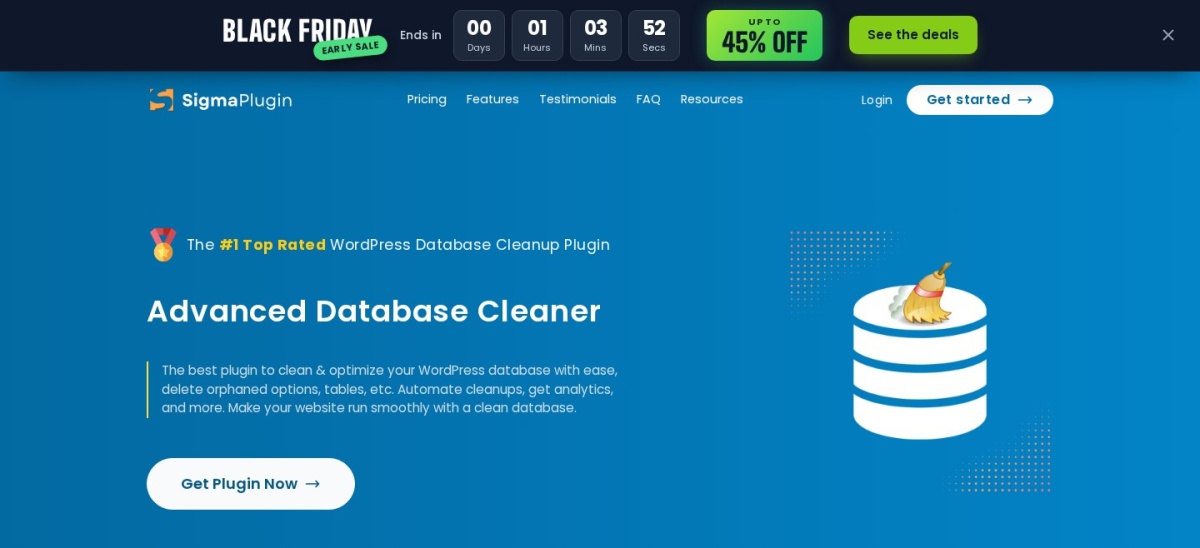
Advanced Database Cleaner homepage, captured Nov 2026.
Advanced Database Cleaner is a WordPress database maintenance plugin with more than 100,000 active installations and a 4.9/5 rating from 1,964 reviews. Its free version removes outdated revisions, auto-drafts, expired transients, spam comments and unnecessary metadata, with filters and cleanup scheduling.
The trade off is that identifying orphaned tables, options, metadata and cron jobs requires Premium, priced at $39/year for one website. Starter also includes 10 daily remote scan credits for identifying data ownership. It suits developers cleaning up databases after uninstalling plugins or changing themes.
What we like
Detailed database cleanup controls
4.9/5 rating from 1,964 reviews
Premium identifies orphaned tables and options
Database analytics and ownership analysis
Affordable annual Premium license
Watch out for
Advanced orphan detection requires Premium
Deletion decisions still require administrator judgment
5/5on WordPress.org (150 reviews, checked Nov 2026)
Paid from$39/yr
Best for inspecting large WordPress databases
Cleanup interfaceEasy and Expert modes
Large databasesAsynchronous processing
Data ownershipAdvanced in Pro
Paid planStarter, 1 website
meowapps.com
Database Cleaner homepage, captured Nov 2026.
Database Cleaner is a WordPress database cleanup plugin developed by Meow Apps, with more than 10,000 active installations and a 5/5 rating from 150 reviews. Its free version provides one-click cleaning, Easy and Expert modes, database statistics and tools for inspecting tables, options and unnecessary records.
The trade off is that advanced ownership detection, background sweeping and automated maintenance require Pro, starting at $39/year for one website. It suits administrators managing large databases who want detailed visibility into stored records before deciding which data to remove.
What we like
5/5 rating from 150 WordPress.org reviews
Easy and Expert cleanup interfaces
Asynchronous processing for large operations
Detailed database statistics
Pro identifies data ownership and automates maintenance
Watch out for
Advanced ownership analysis requires Pro
Less established installation base than WP-Optimize
Expert cleanup requires database knowledge
Does not replace a complete caching plugin
Pro adds plugin ownership identification, background sweeping and advanced cleanup automation.Visit meowapps.com
04
WP-Sweep
4.7/5on WordPress.org (138 reviews, checked Nov 2026)
PriceFree
Best completely free database cleanup plugin
CleanupRevisions and orphaned metadata
Delete methodWordPress APIs where possible
Table optimizationIncluded
Paid planNone
wordpress.org
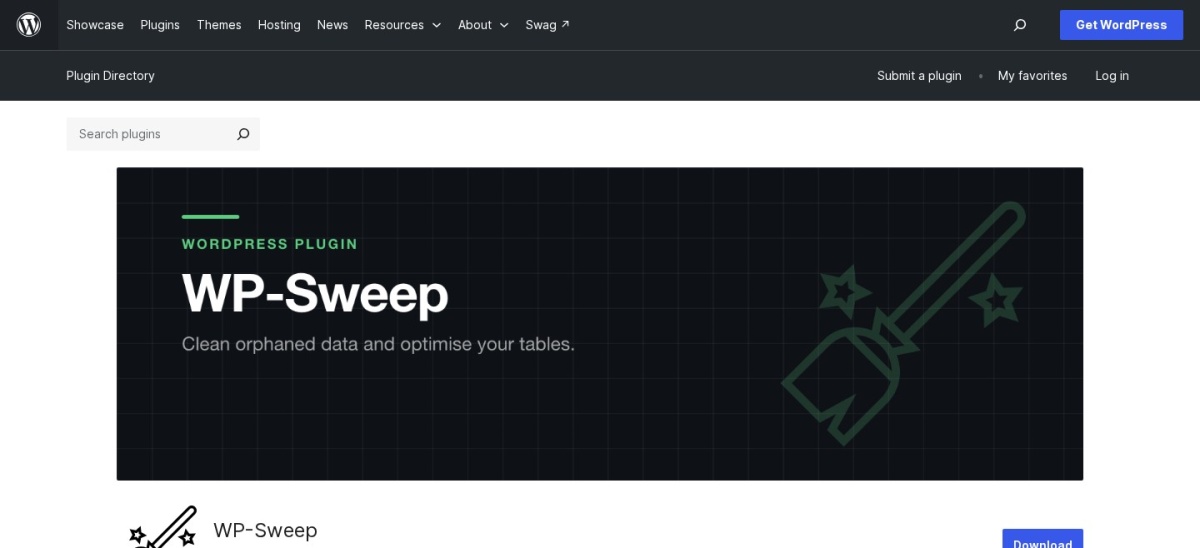
WP-Sweep homepage, captured Nov 2026.
WP-Sweep is a free WordPress database cleanup plugin with more than 100,000 active installations and a 4.7/5 rating from 138 reviews. It removes revisions, auto-drafts, deleted posts, spam comments, unused terms, duplicate metadata and expired transients, using WordPress deletion functions wherever possible.
The trade off is that WP-Sweep focuses on manual cleanup rather than offering a premium scheduling and analytics system. The plugin is completely free with no paid plan. It suits website owners who prefer periodic database maintenance without an ongoing subscription.
What we like
Completely free database cleanup
Uses WordPress deletion APIs where possible
Handles revisions, metadata and expired transients
Database table optimization included
More than 100,000 active installations
Watch out for
No built-in recurring cleanup scheduler
Limited advanced database ownership analysis
Not intended for complete website optimization
Manual review remains important before deletion
There is no paid plan; cleanup and database optimization features are included free.Visit wordpress.org
05
Perfmatters
4.9/5on Trustpilot (117 reviews, checked Nov 2026)
Starts at$24.95/yr
Best for database cleanup and frontend optimization
Database cleanupRevisions, drafts and transients
SchedulingDaily, weekly or monthly
Frontend optimizationScript Manager and lazy loading
Paid planPersonal, 1 website
perfmatters.io
Perfmatters homepage, captured Nov 2026.
Perfmatters is a premium WordPress performance plugin used on more than 185,000 websites, with a 4.9/5 Trustpilot rating from 117 reviews. Its Personal plan includes database cleanup for revisions, auto-drafts, spam comments, trash and expired transients, plus scheduled optimization and frontend performance controls.
The trade off is that Perfmatters does not offer the specialized orphaned-table detection found in dedicated database tools. Personal regularly costs $24.95/year for one website, with a temporary 30% promotion available. It suits performance-focused websites that want routine database maintenance, script management and lazy loading together.
What we like
Scheduled database optimization
Removes common WordPress database clutter
Includes detailed Script Manager
Frontend optimization and lazy loading
Lowest annual paid price in this comparison
Watch out for
No permanent free version
Does not specialize in identifying orphaned plugin tables
No complete page caching system
Advanced database diagnostics require another tool
Personal includes scheduled database cleanup, Script Manager, frontend optimization, updates and support.Visit perfmatters.io
06
LiteSpeed Cache
4.8/5on WordPress.org (2,784 reviews, checked Nov 2026)
PriceFree
Best free cleanup for LiteSpeed-hosted websites
Database cleanupIncluded
Table optimizationIncluded
Page cachingLiteSpeed server integration
Paid planNone for plugin
litespeedtech.com
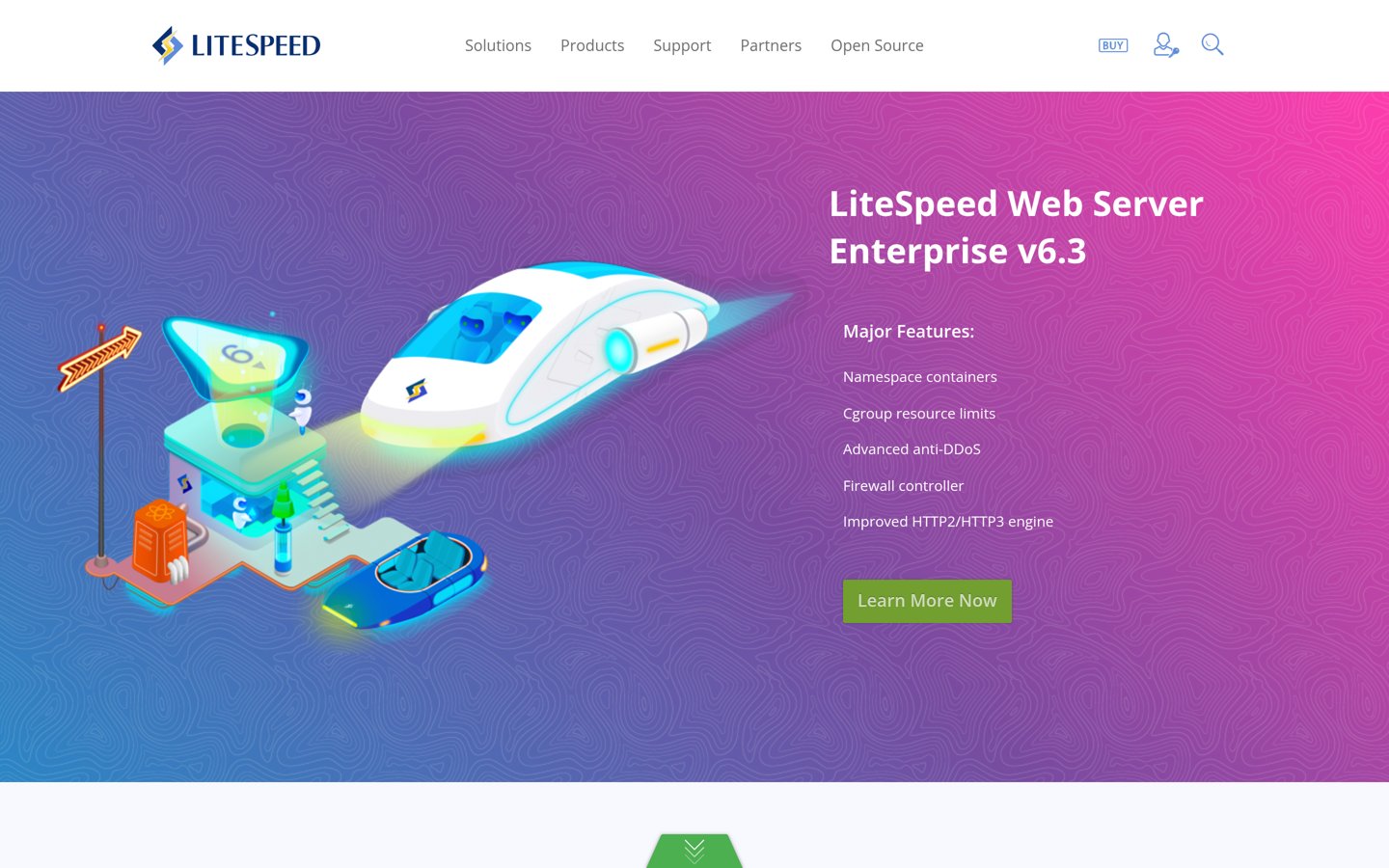
LiteSpeed Cache homepage, captured Nov 2026.
LiteSpeed Cache is a free WordPress caching and optimization plugin with more than 7 million active installations and a 4.8/5 rating from 2,784 reviews. Its database tools remove revisions, auto-drafts, trashed content, spam comments and expired transients, while providing table optimization alongside other performance features.
The trade off is that its full server-level caching benefits depend on compatible LiteSpeed infrastructure, and optional QUIC.cloud services may have separate usage charges. The WordPress plugin itself is free. It suits websites already using LiteSpeed hosting that want database maintenance and caching in one plugin.
What we like
Free database cleanup and optimization
More than 7 million active installations
Integrates with LiteSpeed server caching
Includes frontend and image optimization tools
No paid plugin license required
Watch out for
Full caching capabilities depend on compatible infrastructure
Optional cloud services may incur charges
More complex feature set than dedicated cleanup plugins
Limited advanced orphaned-table analysis
The plugin has no paid plan; optional QUIC.cloud services provide additional cloud-based features.Visit litespeedtech.com
07
WP Rocket
4.6/5on Trustpilot (3,050 reviews, checked Nov 2026)
Starts at$60/yr
Best for caching with built-in database maintenance
Database cleanupRevisions, comments and transients
SchedulingAutomatic cleanup
Page cachingIncluded
Paid planSingle, 1 website
wp-rocket.me
WP Rocket homepage, captured Nov 2026.
WP Rocket is a premium WordPress caching plugin used on more than 5.6 million websites, with a 4.6/5 Trustpilot rating from 3,050 reviews. Its Single license includes page caching, cache preloading, database cleanup, scheduled optimization, CSS management, delayed JavaScript and lazy loading.
The trade off is that WP Rocket focuses on routine database maintenance rather than investigating orphaned tables or plugin-owned records. Single regularly costs $60/year for one website, although a Black Friday discount was displayed. It suits website owners who primarily need caching and want basic database cleanup included.
What we like
Database maintenance included with caching
Automatic cleanup scheduling
Page caching and cache preloading
CSS and JavaScript optimization
Established commercial product and support
Watch out for
No permanent free version
No advanced orphaned-table detection
Higher annual cost than dedicated database cleaners
Some caching features overlap with hosting tools
Single includes database cleanup, caching, frontend optimization, updates and support.Visit wp-rocket.me
Which WordPress database records can you safely clean?
Post revisions store previous versions of edited content. Older revisions can accumulate on frequently updated websites, but retain enough history to recover important changes.
Auto-drafts, trashed posts and spam comments are common cleanup targets. Review retention requirements before deleting them, especially when multiple editors work on the website.
Expired transients are temporary cached values that may remain in the database. Removing expired entries is generally a routine maintenance task, although active plugins can recreate the data they need.
Orphaned tables and options require more caution. Records may belong to disabled plugins, custom code or integrations. Advanced Database Cleaner and Database Cleaner provide tools for investigating ownership before removal.
Always create a restorable database backup before performing destructive cleanup. For business-critical websites, verify database changes on a staging copy first.
Database cleanup vs database optimization: what is the difference?
Database cleanup removes unnecessary records such as expired transients, deleted content and old revisions. Its primary purpose is reducing clutter and reclaiming storage.
Database optimization performs maintenance on database tables. Depending on the database engine, this can reclaim unused space or reorganize table storage.
Neither process automatically fixes slow database queries. Poorly indexed tables, inefficient plugins and excessive autoloaded options may require separate investigation.
For a general WordPress website, WP-Optimize provides a convenient combination of cleanup and optimization. For complex database problems, dedicated inspection tools and query analysis may be more appropriate.
How we chose
We reviewed established WordPress database maintenance plugins using WordPress.org listings, official documentation and vendor feature descriptions. We prioritized tools that remove common database clutter, inspect unused records, optimize database tables or schedule regular cleanup.
Prices, ratings, review counts and active installation figures were checked on 22 November 2026. WordPress.org supplied statistics for directory-listed plugins, while Trustpilot supplied ratings for commercial products. Official pricing pages supplied the cheapest regular paid plans, excluding temporary promotional discounts.
We excluded outdated plugins, tools without verifiable pricing and database utilities that focus exclusively on migration or query replacement. Free-only plugins were included when their official documentation confirmed relevant cleanup functionality. No vendor paid for a place, and we do not claim original product testing for this list.
How to choose the best WordPress database cleanup plugin
Identify the database problems affecting your website, then compare plugins by cleanup depth, safeguards, automation and regular pricing.
Identify which database records need attention. Start with revisions, expired transients, spam comments and trashed content. If you suspect leftovers from deleted plugins, consider Advanced Database Cleaner or Database Cleaner for more detailed inspection.
Create and verify a complete backup. Back up the database before removing records or optimizing tables. Confirm that the backup can be restored, especially when working with active stores, membership systems or custom applications.
Choose manual or scheduled cleanup. Use WP-Sweep for occasional manual maintenance. Choose WP-Optimize, Perfmatters or another scheduling-capable plugin when recurring cleanup is important. Avoid automatically removing records that may still be required.
Compare cleanup coverage and total cost. Check whether the free version handles your requirements or whether advanced orphan detection, automation and support justify a paid plan. Avoid purchasing overlapping caching and maintenance tools unnecessarily.
FAQ
What is the best WordPress database cleanup plugin?
WP-Optimize is our top recommendation for most WordPress websites. It has more than 1 million active installations and includes free database cleanup, table optimization, caching and image compression. Advanced Database Cleaner is a better fit for investigating orphaned tables and leftover plugin data.
What is the best free WordPress database cleaner?
WP-Sweep is an excellent completely free option for removing revisions, spam comments, expired transients and orphaned metadata. WP-Optimize is another strong free choice when you also need caching and image optimization. Both support routine maintenance without requiring a paid license.
Is it safe to clean a WordPress database?
Cleaning genuinely unnecessary records is generally safe when performed carefully, but deleting the wrong data can damage website functionality. Always create a backup first. Be especially cautious with database tables, options and metadata belonging to unfamiliar plugins or custom integrations.
Will database cleanup make WordPress faster?
Database cleanup can reduce storage usage and sometimes improve database efficiency, particularly when tables contain substantial unnecessary data. However, it does not guarantee faster page loading. Hosting performance, database indexes, slow queries and poorly optimized plugins may have a greater impact.
How often should I clean my WordPress database?
The appropriate frequency depends on how often your website changes and how quickly unnecessary records accumulate. Frequently updated websites may benefit from scheduled maintenance, while smaller sites may need only occasional cleanup. Review backup availability and retention requirements before automating deletions.
Can I remove database tables left by deleted WordPress plugins?
Yes, but first verify that the tables no longer serve an active plugin, theme or custom integration. Advanced Database Cleaner Premium can help identify orphaned tables and their likely owners. Create a complete database backup before deleting any table.
Does WP Rocket clean the WordPress database?
Yes. WP Rocket includes database cleanup for revisions, auto-drafts, spam comments, trashed content and transients, along with scheduled maintenance. However, it is primarily a caching and performance plugin rather than a specialist tool for investigating abandoned database tables.
What are expired transients in WordPress?
Transients are temporary stored values used by WordPress and plugins, often for caching. Entries with expired lifetimes may remain in the database until removed. Database cleanup plugins can delete expired transients, although active plugins may regenerate values when needed.
Should I use multiple database cleanup plugins?
Usually, one well-configured database cleanup plugin is sufficient. Running multiple automated cleanup systems can create unnecessary overlap and make maintenance harder to manage. A specialist inspection tool may still complement an existing optimizer when investigating a specific database problem.