Crocoblock Alternatives in 2026: 7 Best Tools Compared
WLWPLegible EditorsLast verified 22 Nov 2026How we rank11 min read
★ Short answer
Advanced Custom Fields is the best Crocoblock alternative for structured WordPress content, with 2M+ active installs and ACF PRO starting at $49/year. Meta Box offers modular field extensions, while Bricks combines visual site building with dynamic data and query loops.
How we make this list: we compare pricing pages, product documentation and public user reviews, then re-check every price before each update. No product paid for a place. Disclosure.
Advanced Custom Fields has 2M+ active installs and a 4.5/5 WordPress.org rating. ACF PRO costs $49/year for one website.
Meta Box has 500,000+ active installs and 165 ratings, with its Basic Bundle starting at $49/year.
Bricks combines visual design, query loops and dynamic data in a WordPress theme, starting at $79/year for one website.
Pods has 100,000+ active installs and a 4.8/5 rating, with an optional Basic Pro add-on bundle costing $49/year.
Secure Custom Fields offers custom fields and advanced content features for free, with 100,000+ active installs and 69 ratings.
Custom Post Type UI has 1M+ active installs and costs nothing for post type registration, while its Extended add-on starts at $29 for one site.
What to look for in a Crocoblock alternative
Crocoblock is a collection of WordPress tools for dynamic content, custom fields, filters, forms, listings, bookings and visual website development. Different alternatives replace different parts of that toolkit.
Start with custom content modeling. If you primarily use JetEngine for custom post types, fields and relationships, Advanced Custom Fields, Meta Box and Pods are worth comparing.
Next, consider frontend design. Crocoblock provides visual listing and template tools for supported builders. Bricks offers its own visual builder with dynamic data, conditions and query loops, while field frameworks may require separate templates or development work.
Check whether your project requires frontend forms, filtering, directories or user dashboards. Those workflows may need additional plugins when you choose a focused custom-fields solution instead of a broader toolkit.
Finally, compare annual licenses and dependencies. A plugin costing $49/year may need a separate page builder or another premium plugin, increasing the actual cost of replacing Crocoblock.
4.5/5on WordPress.org (1,440 reviews, checked Nov 2026)
Paid from$49/yr
Best Crocoblock alternative overall
Free featuresCustom fields and post types
Advanced fieldsRepeater and flexible content in PRO
WordPress installs2M+
Paid planPersonal, 1 website
advancedcustomfields.com
Advanced Custom Fields homepage, captured Nov 2026.
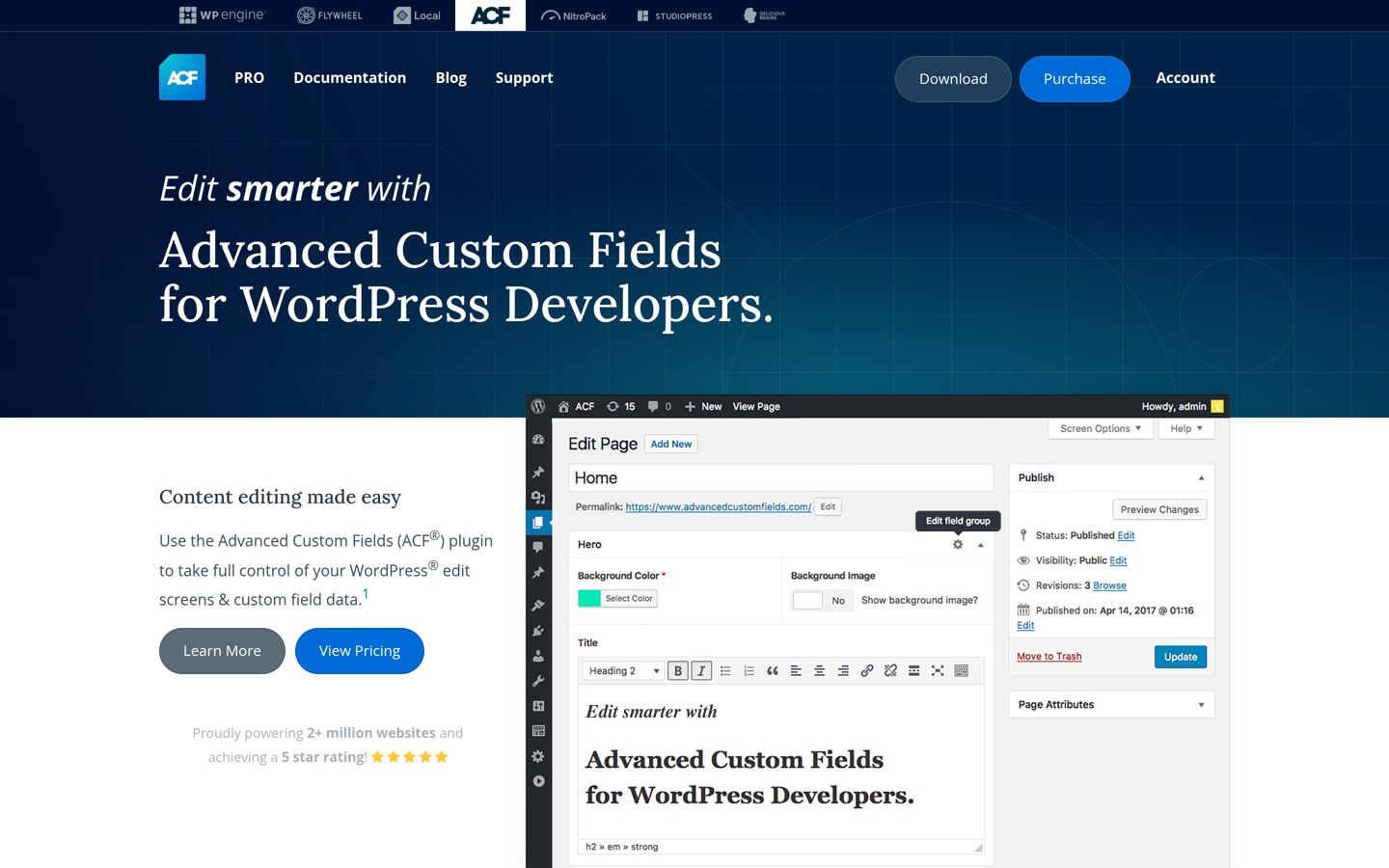
Advanced Custom Fields is a WordPress content modeling plugin with more than 2 million active installations and a 4.5/5 rating from 1,440 reviews. Its free version provides custom fields, field groups, conditional logic and custom content registration, allowing developers to create structured editing screens.
The trade off is that repeaters, flexible content, gallery fields, options pages and ACF Blocks require PRO, priced at $49/year for one website. It suits developers and agencies that need structured content without purchasing an entire visual website-building suite.
What we like
More than 2 million active installations
Free custom fields and content management features
Works with custom themes and major page builders
PRO includes repeaters and flexible content
Extensive developer documentation
Watch out for
Does not include a complete visual listing builder
Advanced fields require PRO
Frontend filtering and booking workflows need additional tools
4.8/5on WordPress.org (165 reviews, checked Nov 2026)
Paid from$49/yr
Best modular custom-fields framework
Core frameworkFree
Custom field types40+
Basic extensions12 PRO extensions
Paid planBasic Bundle, 1 site
metabox.io
Meta Box homepage, captured Nov 2026.
Meta Box is a WordPress framework for custom fields and structured content, with more than 500,000 active installations and a 4.8/5 rating from 165 reviews. Its free framework supports more than 40 field types, giving developers a way to create metadata-driven WordPress websites.
The trade off is that visual builders and advanced integrations are distributed across paid extensions. The Basic Bundle costs $49/year for one site and includes 12 PRO extensions, while the broader Ultimate Bundle costs $99/year. It suits developers who prefer selecting specific capabilities instead of installing an entire plugin suite.
What we like
Free core with more than 40 field types
Modular extension architecture
500,000-plus active installations
Basic Bundle includes 12 premium extensions
Supports developer-oriented content architecture
Watch out for
Visual content building requires additional components
Basic Bundle excludes the all-in-one premium plugin
Advanced content workflows may require Ultimate
More technical setup than a visual-only builder
Basic adds 12 PRO extensions; Ultimate adds all PRO extensions and Meta Box AIO.Visit metabox.io
03
Bricks
4/5on Trustpilot (6 reviews, checked Nov 2026)
Starts at$79/yr
Best for visual dynamic website building
Product typeWordPress theme and builder
Dynamic featuresData tags and query loops
Frontend formsIncluded
Paid planStarter, 1 website
bricksbuilder.io
Bricks homepage, captured Nov 2026.
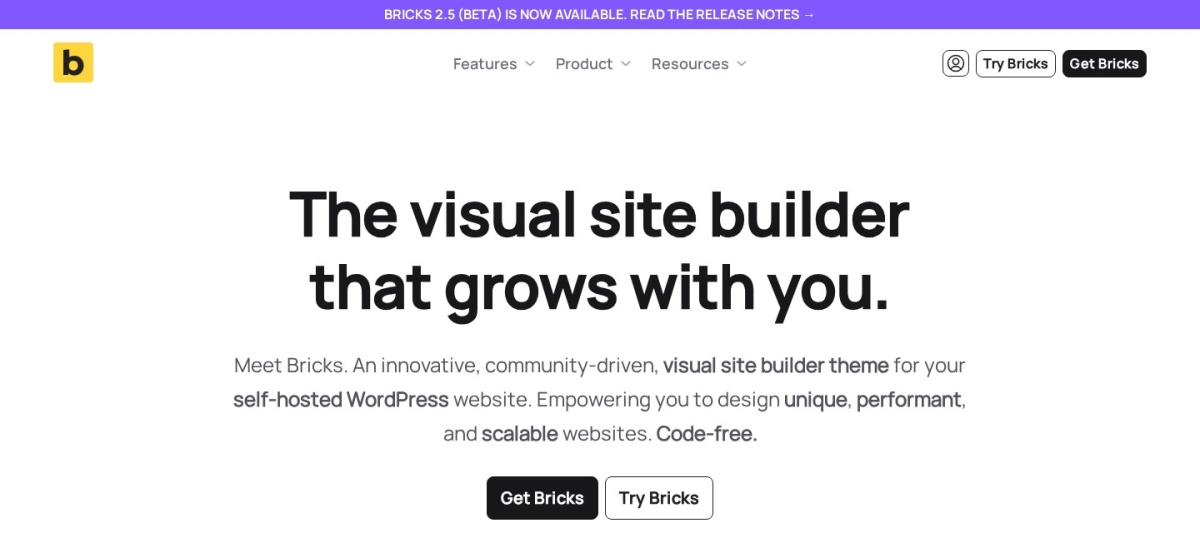
Bricks is a visual WordPress theme builder with dynamic data, query loops, conditional rendering and frontend forms. Its Starter subscription includes the complete builder feature set for one website, including templates, WooCommerce design elements and dynamic content integration.
The trade off is that Bricks replaces the active WordPress theme and does not provide every specialized Crocoblock feature, such as advanced booking systems, without other tools. Starter costs $79/year for one website. It suits designers and developers creating dynamic layouts who prefer building inside one visual environment.
What we like
Built-in query loop builder
Dynamic data and conditional rendering
Visual template and WooCommerce design tools
Frontend forms included
All builder features included with Starter
Watch out for
Requires using the Bricks theme
Custom fields may still require another plugin
Specialized booking workflows need additional tools
Trustpilot rating is based on a small review sample
Starter provides all Bricks features, updates and support; larger licenses increase site coverage.Visit bricksbuilder.io
04
Pods
4.8/5on WordPress.org (418 reviews, checked Nov 2026)
Paid from$49/yr
Best free custom content framework
Custom post typesFree
Custom relationshipsFree
Advanced content typesCustom database tables
Paid add-onsBasic Pack Single
pods.io
Pods homepage, captured Nov 2026.
Pods is a free WordPress content framework with more than 100,000 active installations and a 4.8/5 rating from 418 reviews. Its core plugin supports custom post types, taxonomies, fields, relationships, settings pages and advanced content types using dedicated database tables.
The trade off is that visual display integration and advanced workflows can require technical configuration or optional extensions. The separate Pods Pro Basic Pack costs $49/year for one site and adds tools such as list tables and advanced permalinks. It suits developers building directories, structured databases and custom publishing systems on a limited budget.
What we like
Core content modeling features are free
Supports relationships and custom tables
Custom post types and taxonomies included
4.8/5 WordPress.org rating
Works with existing WordPress content types
Watch out for
Less focused on visual design than Crocoblock
Frontend templates may require code or a builder
Advanced integrations are separate add-ons
Does not include a complete booking toolkit
The optional Basic Pack adds list table, permalink and integration tools; Pods core remains free.Visit pods.io
05
Secure Custom Fields
4.8/5on WordPress.org (69 reviews, checked Nov 2026)
PriceFree
Best free advanced-fields alternative
Custom fieldsIncluded
Repeater fieldsIncluded
Flexible contentIncluded
Paid planNone
wordpress.org
Secure Custom Fields homepage, captured Nov 2026.
Secure Custom Fields is a community-maintained WordPress custom-fields plugin with more than 100,000 active installations and a 4.8/5 rating from 69 reviews. It provides structured editing fields, repeaters, flexible content and other advanced field capabilities without a subscription.
The trade off is that SCF is not a complete visual website builder, and creating dynamic frontend layouts may require templates, code or another builder. Its published plugin is free with no paid plan. It suits developers who want advanced field functionality without an annual custom-fields license.
What we like
Free advanced custom-field functionality
Repeater and flexible content fields included
Community-maintained WordPress plugin
More than 100,000 active installations
No annual license required
Watch out for
No integrated visual listing builder
Custom templates may require development work
No Crocoblock-style booking suite
Switching from another fields plugin requires compatibility checks
There is no paid plan; advanced field functionality is provided through the free plugin.Visit wordpress.org
06
Custom Post Type UI
4.6/5on WordPress.org (276 reviews, checked Nov 2026)
Paid from$29 (1 site)
Best for registering custom content types
Custom post typesFree
Custom taxonomiesFree
Frontend displayPro enhancement
Paid planCPT UI Pro
pluginize.com
Custom Post Type UI homepage, captured Nov 2026.
Custom Post Type UI is a WordPress plugin for registering custom post types and taxonomies, with more than 1 million active installations and a 4.6/5 rating from 276 reviews. Its free version provides an administrative interface for defining content types without writing registration code.
The trade off is that free CPT UI does not provide a complete field framework or visual listing system. CPT UI Extended starts at $29 for one site and adds administrative field columns, filtering, content display and client access controls. It suits developers who mainly need clean content type registration rather than the full Crocoblock toolkit.
What we like
Free custom post type registration
Custom taxonomy management included
More than 1 million active installations
Simple administrative interface
Pro adds content display and management tools
Watch out for
Core plugin does not create custom field groups
Frontend design requires additional tools
Advanced functionality requires Pro
Not a complete replacement for JetEngine
CPT UI Pro adds advanced admin columns, filtering, frontend layouts and client access controls.Visit pluginize.com
07
ACF Extended
4.8/5on WordPress.org (132 reviews, checked Nov 2026)
Paid from$49/yr
Best for extending existing ACF builds
WordPress installs100K+
Extra ACF fields14+ types
Required dependencyACF PRO
Paid planPersonal, 1 website
acf-extended.com
ACF Extended homepage, captured Nov 2026.
ACF Extended is an enhancement plugin for Advanced Custom Fields, with more than 100,000 active installations and a 4.8/5 rating from 132 reviews. Its features include additional field types, enhanced field settings, frontend forms, custom content administration tools and flexible content improvements.
The trade off is that ACF Extended requires ACF PRO, making it an add-on rather than an independent Crocoblock replacement. Its Personal license costs $49/year for one website, in addition to the underlying ACF PRO license. It suits developers who already use ACF and need more sophisticated editing and content workflows.
What we like
Adds advanced field and content management features
Frontend form capabilities
Extends existing ACF development workflows
More than 100,000 active installations
Additional administrative customization tools
Watch out for
Requires a separate ACF PRO license
Not a standalone custom-fields framework
Does not include every Crocoblock visual widget
Combined licensing increases total cost
Personal adds advanced ACF Extended features and priority support; ACF PRO is required separately.Visit acf-extended.com
Crocoblock vs Advanced Custom Fields
The biggest difference is scope. Crocoblock includes tools for dynamic layouts, listings, filters, forms and specialized website functionality. Advanced Custom Fields focuses on defining and managing structured content.
ACF is attractive when developers already have a preferred WordPress theme or page builder. It lets them build around custom fields without adopting a larger suite.
Crocoblock can be more convenient for visually creating connected listings and interactive frontend experiences. Replacing those features with ACF may require a combination of plugins or custom templates.
Compare the complete development stack rather than one plugin license. ACF PRO costs $49/year, but additional display, filtering or form tools can increase the final cost.
What to check before replacing JetEngine or other Crocoblock plugins
Begin by identifying which Crocoblock plugins your website uses and which custom post types, fields, taxonomies and relationships they manage.
Back up the database and website files before changing plugins. Custom field values may remain in WordPress after deactivation, but another plugin may use different field definitions or storage structures.
Rebuild and verify dynamic templates, archive pages, forms, filters and query conditions before disabling the original tools. Some components may need to be recreated rather than imported.
Check frontend functionality carefully, especially user submissions, search filters and linked content records. Deactivate Crocoblock components only after the replacement displays and processes the same data correctly.
How we chose
We compared established WordPress development tools that address Crocoblock's custom fields, content modeling and dynamic website functionality. We included complete visual builders, custom-fields frameworks and focused content management tools, clearly identifying products that cover only part of Crocoblock's feature set.
Prices, ratings and installation figures were checked on 22 November 2026 using WordPress.org plugin pages, official vendor pricing and Trustpilot reviews. Annual pricing reflects the cheapest applicable regular paid license rather than promotional offers, with free-only products identified separately.
We excluded outdated WordPress plugins, products without confirmable official pricing and tools unrelated to dynamic website development. Bricks has a limited Trustpilot review sample, so that rating carries less weight than established WordPress.org review histories.
How to choose the best Crocoblock alternative
List the Crocoblock features your website depends on, then compare replacements by their content modeling, frontend design, integrations and licensing requirements.
Identify your essential dynamic content features. Determine whether you need custom fields, repeaters, relationships, listings, filters or frontend forms. ACF and Meta Box focus on data modeling, while Bricks provides visual display tools and query loops.
Choose a content framework or visual builder. Select a fields framework when you already have a preferred theme or developer workflow. Choose a visual builder when dynamic templates and frontend layout control are the primary requirements.
Check existing data and plugin compatibility. Review custom field storage, post types, taxonomies and builder integrations. Some data may remain accessible after switching, but templates, relationships and field configurations may require migration work.
Calculate the complete replacement cost. Compare annual licenses alongside required companion plugins. Include page builders, custom field extensions, filtering tools and form builders rather than evaluating only the cheapest individual subscription.
FAQ
What is the best alternative to Crocoblock?
Advanced Custom Fields is our top recommendation for developers who primarily need custom fields and structured content. Its free version supports content modeling, while ACF PRO costs $49/year. Bricks is a better choice when visual dynamic layouts and query loops are more important.
Is Advanced Custom Fields better than JetEngine?
ACF is a good choice for structured content and developer-controlled templates. JetEngine offers more integrated visual tools for listings, relationships and dynamic frontend features. The better option depends on whether you prefer a focused data framework or a broader visual development workflow.
What is the best free Crocoblock alternative?
Pods is a strong free choice for custom post types, fields, relationships and custom database tables. Secure Custom Fields is another option when advanced field types are the priority. Neither provides every Crocoblock feature in a single visual package.
Can Bricks replace Crocoblock?
Bricks can replace some Crocoblock functionality, particularly dynamic templates, query loops, conditional display and frontend forms. However, it does not independently replace every specialized Jet plugin. Complex bookings, advanced filters or directory workflows may require additional solutions.
Is Meta Box cheaper than Crocoblock?
Meta Box starts at $49/year for its Basic Bundle, which includes selected premium extensions. Whether it costs less overall depends on the features your project needs. More advanced visual development may require Meta Box Ultimate or separate page builder and filtering plugins.
Can I move JetEngine custom fields to ACF?
Migration is possible in some cases, but field definitions and metadata structures differ. Existing values may be reusable if field keys and storage formats are handled correctly. Back up the database, map fields carefully and verify output before removing JetEngine.
Does Pods support custom post relationships?
Yes. Pods includes relationship fields that connect WordPress content records. It also supports custom post types, taxonomies, settings pages and advanced content types. Frontend display and more specialized editing experiences may require templates, integrations or additional development.
Do I need Elementor to use Crocoblock alternatives?
No. ACF, Meta Box, Pods and Secure Custom Fields work independently of Elementor for content management. Bricks uses its own visual builder. However, displaying custom content without coding may require a compatible visual builder, theme or template system.
Is Crocoblock worth keeping instead of switching?
Crocoblock may be worth keeping if your website already uses several connected Jet plugins for listings, forms, filters and dynamic templates. Replacing a mature setup can require significant redevelopment. Switching makes more sense when a focused alternative covers your actual requirements with fewer dependencies.