Local WP Alternatives in 2026 (Free and Paid): 7 Best Tools Compared
WLWPLegible EditorsLast verified 22 Nov 2026How we rank11 min read
★ Short answer
DevKinsta is the best Local alternative: it is free, builds WordPress sites in one click, and pushes them to Kinsta staging. Docker suits developers who want full control, while XAMPP is the classic free stack for Windows, Mac and Linux.
How we make this list: we compare pricing pages, product documentation and public user reviews, then re-check every price before each update. No product paid for a place. Disclosure.
DevKinsta is free, builds WordPress in one click, and needs Docker installed.
Docker Personal is free; Pro costs $9 a month billed annually.
XAMPP, MAMP and WampServer are all free stacks with one-click installers.
MAMP PRO costs $99 once, with €99 a year for updates after year one.
InstaWP runs WordPress in the cloud from $2 a month, with no install at all.
Vagrant builds reproducible virtual machines, but it has the steepest learning curve.
Why look for a Local alternative?
Local by WP Engine is a free desktop app that builds WordPress sites on your computer in about a minute, with no server setup. It pushes sites to WP Engine and Flywheel hosting in one click.
It is not the only way to work locally. Some developers want a closer match to their live server, a tool that runs on Linux, or a cloud site they can share with a client without a plugin.
The tools below fall into three groups: one-click WordPress apps, classic server stacks, and cloud or container tools for developers. Prices are the regular rates checked in November 2026.
Most of them are free. The only paid plans in this list are Docker Pro at $9 a month, MAMP PRO at $99 once, and InstaWP sandboxes from $2 a month. When your local site is ready to go live, our guide on how to migrate WordPress to a new host walks through the move.
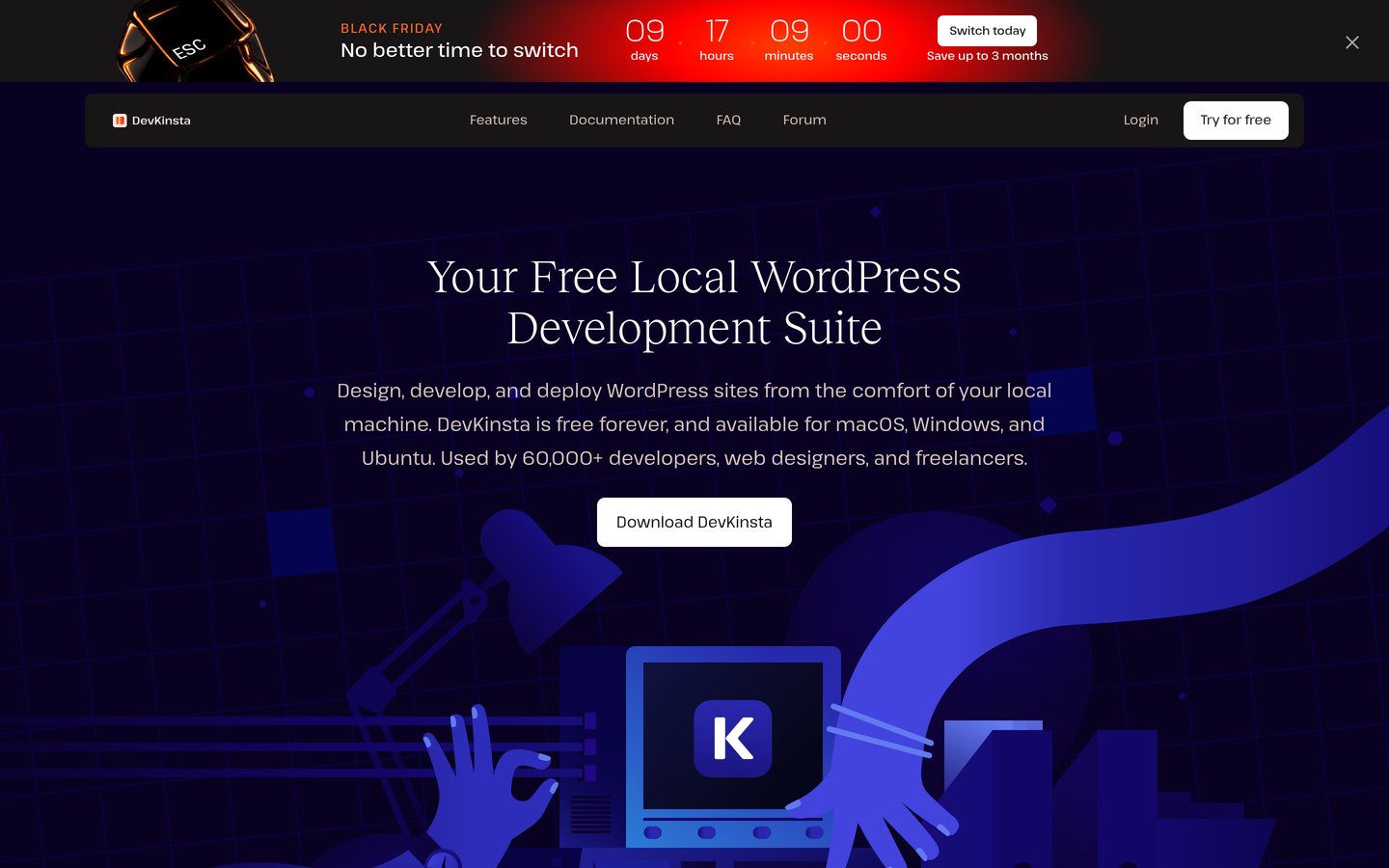
DevKinsta is Kinsta's free suite for local WordPress development, and it is the closest thing to Local in this list. It builds a WordPress site in one click with NGINX, PHP and MySQL, supports multisite, and pushes a finished site to Kinsta staging.
The trade off is that DevKinsta runs on Docker, so you must install and start Docker Desktop first. It suits WordPress developers who want a one-click app and do not mind the extra Docker install.
What we like
Free, with no paid tier at all
One-click WordPress sites, including multisite
Push to Kinsta staging in one click
4.4 on G2 from 12 reviews
Runs on Mac, Windows and Ubuntu
Watch out for
Needs Docker Desktop installed and running
G2 score rests on only 12 reviews
No built-in FTP feature
Heavier than a plain stack: Docker needs 4 GB of RAM or more
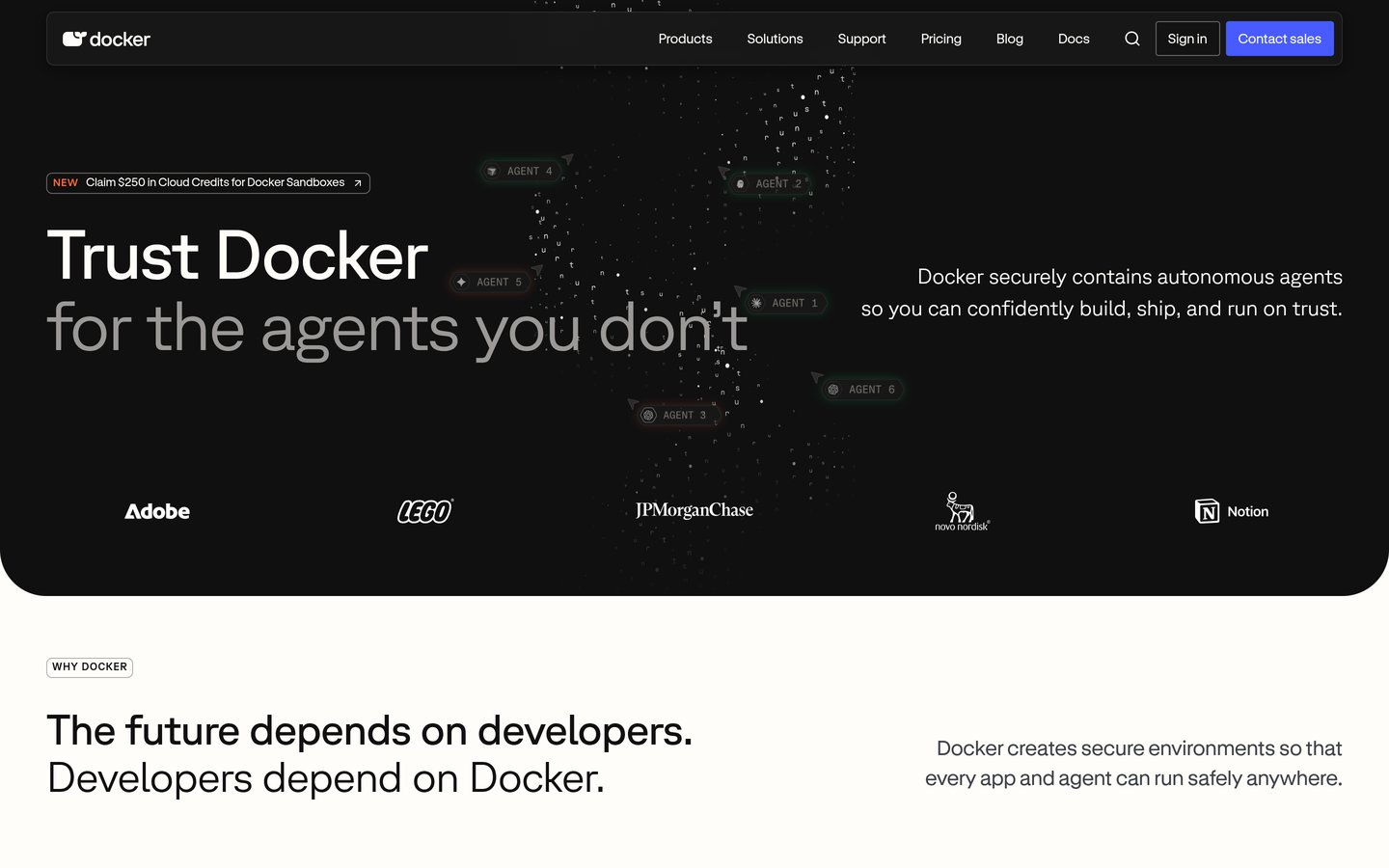
Docker is a container platform that runs WordPress and its database in separate containers on your computer. Docker Desktop is free for personal use and small businesses, and it is the engine behind DevKinsta and DDEV. Its G2 score of 4.6 from 302 reviews is the strongest in this list.
The trade off is that Docker is not a WordPress app: you build the stack yourself with a compose file or a tool like DevKinsta. It suits developers who want the same environment on every machine and are comfortable with the command line.
What we like
Free for personal use and small businesses
Highest G2 score in this list: 4.6 from 302 reviews
Same environment on every machine
Powers DevKinsta, DDEV and many other tools
20M+ developers use Docker
Watch out for
No WordPress installer: you build the stack yourself
Pro now costs $9 a month, up from $5 in 2024
Large companies need a paid subscription
Needs virtualization turned on in the BIOS
Paying for Pro adds unlimited private repos and build minutes.Visit docker.com
03
XAMPP
4.5/5on G2 (27 reviews, checked Nov 2026)
PriceFree
Best for a classic free stack
PriceFree, open source
StackApache, MariaDB, PHP, Perl
SystemsWindows, Linux, macOS
Control panelStart and stop services
apachefriends.org
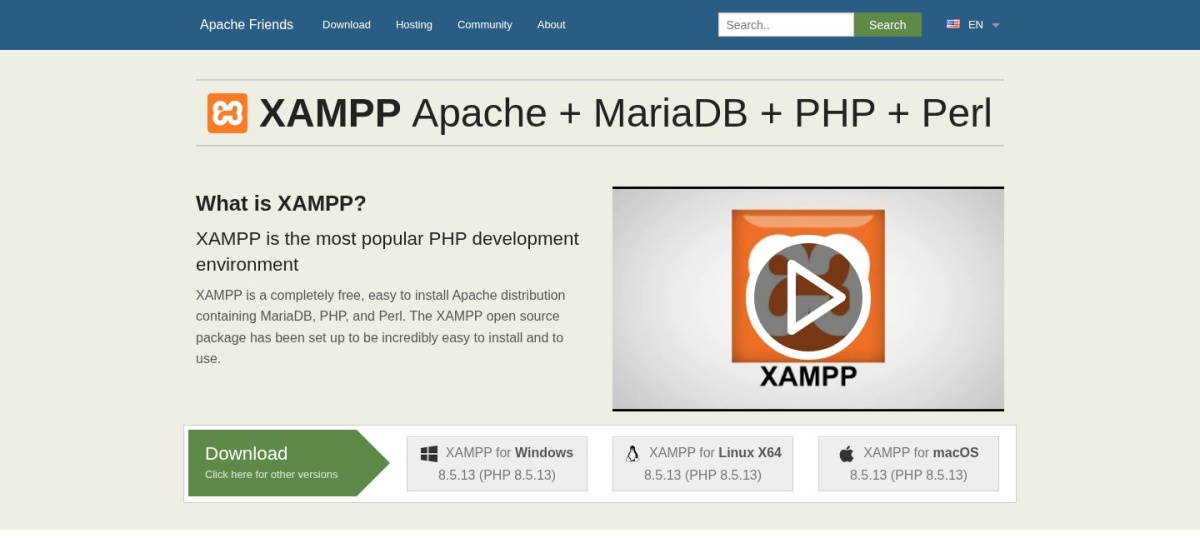
XAMPP homepage, captured Nov 2026.
XAMPP is the classic free stack from Apache Friends: Apache, MariaDB, PHP and Perl in one installer for Windows, Linux and macOS. It has been the default first local server for WordPress learners for years, and it costs nothing.
The trade off is that XAMPP is a bare stack, not a WordPress app: you install WordPress yourself and manage the database in phpMyAdmin. It suits beginners who want a simple, free server and do not need one-click WordPress installs.
What we like
Completely free with no paid tier
One installer for Windows, Linux and macOS
4.5 on G2 from 27 reviews
Lightweight: runs on old hardware
phpMyAdmin included for database work
Watch out for
No one-click WordPress install
No staging, cloning or push to a host
G2 score rests on a marketplace listing, not a product page
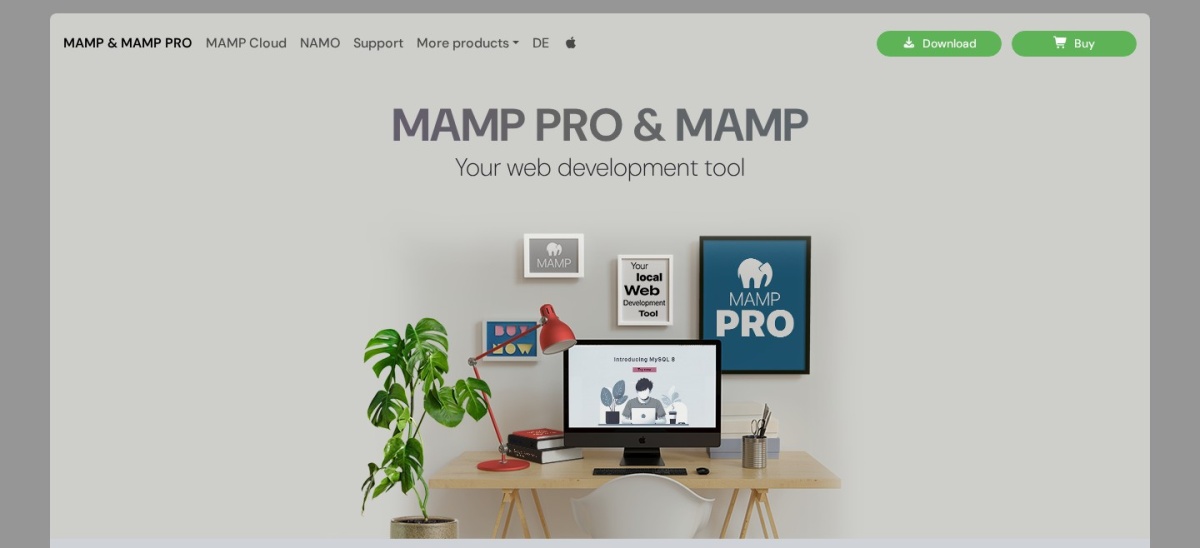
MAMP is a local server for macOS and Windows that installs Apache, MySQL and PHP with one click. The free version covers the basics, while MAMP PRO adds virtual hosts, multiple PHP versions, a choice of Apache or NGINX, and one-click WordPress installs.
The trade off is that PRO costs $99 once for a lifetime licence with one year of updates, then €99 a year to keep receiving updates. It suits Mac users who want a simple stack and are willing to pay once for virtual hosts.
What we like
Free version covers the basics
One-click installer for Mac and Windows
4.3 on G2 from 51 reviews
PRO is a one-time $99 licence, not a subscription
phpMyAdmin included
Watch out for
Free version caps at two PHP versions
No virtual-host GUI without PRO
Windows build is the older version 5
Dated interface, say reviewers
Paying $99 once adds virtual hosts, more PHP versions and one-click WordPress.Visit mamp.info
05
WampServer
4.3/5on G2 (40 reviews, checked Nov 2026)
PriceFree
Best for a free Windows-only stack
PriceFree
StackApache, MySQL, PHP
SystemsWindows only
Version3.4.3
wampserver.aviatechno.net
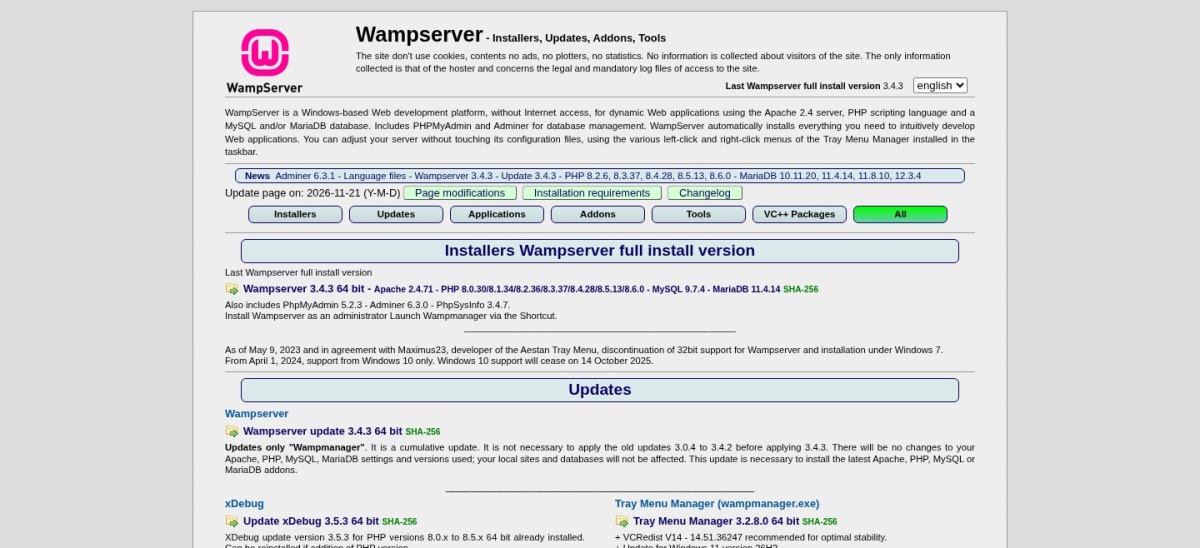
WampServer homepage, captured Nov 2026.
WampServer is a free Windows-only stack that installs Apache, MySQL and PHP in one go. It is one of the oldest local server tools still in use, and reviewers praise its easy installation and friendly interface.
The trade off is that WampServer runs on Windows only and has no WordPress installer, staging or push to a host. It suits Windows developers who want a free, simple stack and install WordPress by hand.
What we like
Completely free
4.3 on G2 from 40 reviews
Easy installation, friendly interface
Switch PHP, Apache and MySQL versions from the tray
Runs on Windows 10 and 11
Watch out for
Windows only: no Mac or Linux version
No one-click WordPress install
Main site retired in Oct 2026; downloads live on the maintainer's file site
4.6/5on Trustpilot (238 reviews, checked Nov 2026)
Starts at$2/mo
Best for cloud WordPress with no install
Sandbox$2 / mo per site
Live hostingFrom $5 / mo per site
AccessSSH, WP-CLI, Git
BillingPer site, per day
instawp.com
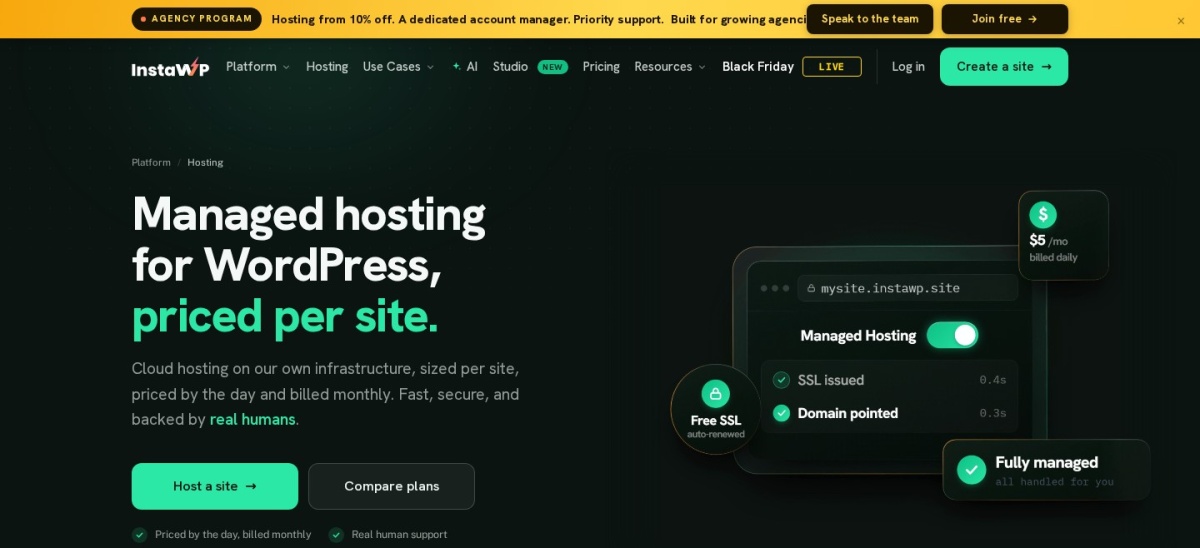
InstaWP homepage, captured Nov 2026.
InstaWP is a cloud WordPress platform, not a local app: it spins up a real WordPress site in seconds with SSH, WP-CLI and Git on every plan. A $2 a month Sandbox is for building and staging, and it promotes to live hosting from $5 a month in one click, with no migration.
The trade off is that there is no free plan: a Sandbox costs $2 a month, and new accounts get $25 in credits with a card. It suits developers who want to share a site with a client or go live without moving anything.
What we like
WordPress site in seconds, no install
4.6 on Trustpilot from 238 reviews
Sandbox promotes to live hosting in one click
SSH, WP-CLI and Git on every plan
Billed per day, so you pay only for days used
Watch out for
No free plan: the Sandbox costs $2 a month
No local files: everything runs in the cloud
Needs a card for the $25 signup credits
G2 profile is unclaimed with zero reviews
Paying more adds live hosting, a custom domain and daily backups.Visit instawp.com
07
Vagrant
4.6/5on G2 (33 reviews, checked Nov 2026)
PriceFree
Best for reproducible team environments
PriceFree
Runs onMac, Windows, Linux
MethodVirtual machines
WordPressVia boxes like VVV
developer.hashicorp.com
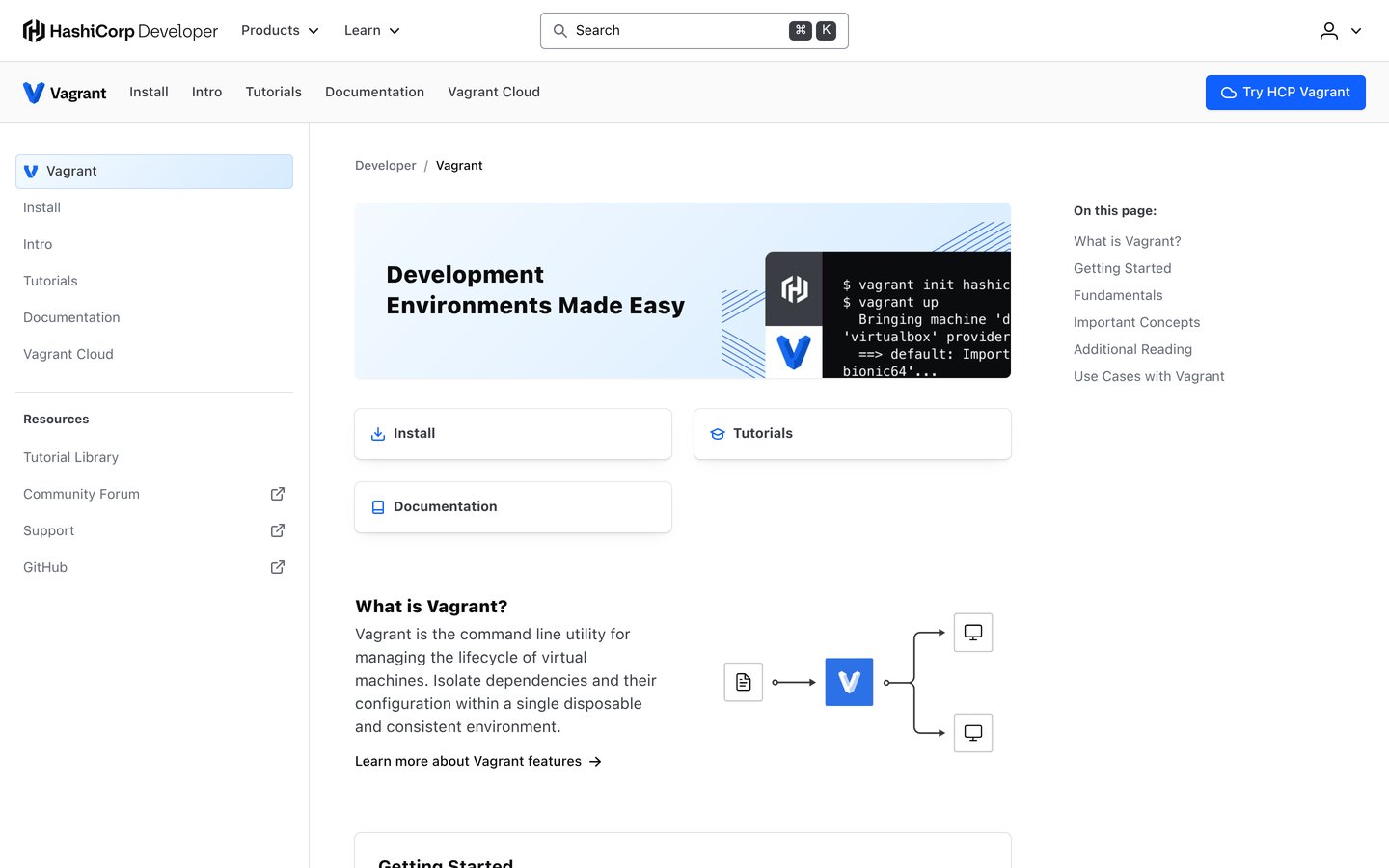
Vagrant homepage, captured Nov 2026.
Vagrant is HashiCorp's free tool for building reproducible virtual-machine environments from a single Vagrantfile. WordPress teams use it with boxes such as VVV, which sets up a full WordPress stack in a virtual machine that matches the live server.
The trade off is the steepest learning curve in this list: Vagrant is a command-line tool, not a WordPress app, and you write the environment yourself. It suits teams who want every developer on the same stack, defined in code.
What we like
Free, from HashiCorp
4.6 on G2 from 33 reviews
Same environment for the whole team, defined in code
Matches the live server closely
Works on Mac, Windows and Linux
Watch out for
Command line only: no GUI and no WordPress installer
Five of the seven tools here are completely free, and the free versions do the real work: DevKinsta, XAMPP and WampServer have no paid tier at all.
Paying buys convenience, not WordPress itself. Docker Pro adds build minutes and private repos, MAMP PRO adds virtual hosts and one-click installs, and InstaWP's $2 Sandbox buys a cloud site you can share.
Start free. Pay only when a missing feature blocks your work: virtual hosts, a shared link, or a live site on the same platform.
How we chose
We started from the tools Local users actually compare: one-click WordPress apps, classic server stacks, and Docker-based environments. Cloud tools made the list only when they replace the local workflow, as InstaWP does.
Prices and ratings were checked on 22 November 2026: vendor pricing pages for every paid price, and G2 or Trustpilot for every rating. Where a vendor page could not be read directly, the price rests on the vendor's own pages as read by independent November 2026 guides, and the notes say so.
We left out tools with no rating on G2, Capterra or Trustpilot, such as DDEV, Laragon, Laravel Herd and Studio by WordPress.com. No vendor paid for a place, and we do not claim hands-on testing for this list.
How to choose a Local alternative
Match the tool to your operating system and your comfort with the command line, then check what it costs to run.
Pick the WordPress app first if you want one click. DevKinsta is the closest Local replacement: free, one-click WordPress, multisite, and push to Kinsta. It needs Docker, so install that first.
Pick a stack if you want simple and free. XAMPP, MAMP and WampServer install a server in minutes and cost nothing. Choose XAMPP for any system, MAMP for Mac, WampServer for Windows.
Pick Docker or Vagrant if you want control. Docker runs the same containers everywhere; Vagrant builds the same virtual machine for a whole team. Both need the command line and more setup time.
Pick the cloud if you want to share the site. InstaWP gives every site a public URL from the first minute, and a Sandbox promotes to live hosting in one click. It costs $2 a month per site.
FAQ
What is the best free Local alternative?
DevKinsta is the best free Local alternative: it builds WordPress sites in one click, supports multisite, and pushes to Kinsta staging. It needs Docker Desktop installed. XAMPP is the best free option if you want a plain stack with no Docker.
Is Local really free?
Yes. Local by WP Engine is free, and its features page says it always will be. A Local account is optional, but Live Links and Cloud Backups need one. There is no paid tier priced on the page.
Does DevKinsta need Docker?
Yes. DevKinsta runs every part of its WordPress stack in Docker containers, so Docker Desktop must be installed and running first. On Windows and macOS, version 2.0.0 is the minimum and 4.17.0 or later is preferred.
What is the difference between XAMPP and MAMP?
XAMPP is a free, open-source stack for Windows, Linux and macOS with no paid tier. MAMP covers macOS and Windows, and its PRO version costs $99 once for virtual hosts, more PHP versions and one-click WordPress installs.
Can I use InstaWP instead of a local install?
Yes. InstaWP runs WordPress in the cloud, so there is nothing to install. A $2 a month Sandbox gives you SSH, WP-CLI and Git, and it promotes to live hosting from $5 a month in one click, with no migration.
Which Local alternative works on Linux?
DevKinsta, Docker, XAMPP and Vagrant all run on Linux. WordPress Studio also runs on Linux, but it has no rating on G2, Capterra or Trustpilot, so it is not in this list. MAMP and WampServer do not run on Linux.