Best WordPress Accessibility Checker Plugins in 2026: 7 Tools Compared
WLWPLegible EditorsLast verified 22 Nov 2026How we rank10 min read
★ Short answer
Equalize Digital Accessibility Checker is our top pick, with 10,000+ active installations, a 4.9/5 rating and free post-level scanning. Accessibility Tools & Alt Text Finder is better for reviewing images and page issues, while Accessibility Toolkit by WebYes combines automated checks with visitor accessibility controls.
How we make this list: we compare pricing pages, product documentation and public user reviews, then re-check every price before each update. No product paid for a place. Disclosure.
Equalize Digital Accessibility Checker leads with a 4.9/5 rating, 10,000+ installations and a Professional plan at $190/year.
Accessibility Tools & Alt Text Finder has a 4.9/5 rating from 69 reviews, with a $49 one-time Pro upgrade.
Accessibility Toolkit by WebYes has 1,000+ installations and a 4.8/5 rating. The separate WebYes Accessibility service starts at $29/month for Pro.
WP Accessibility is a free remediation utility with 60,000+ installations and a 4.8/5 rating, but it is not a full-site scanner.
AllAccessible offers paid WCAG scanning from $10/month and has a 5.0/5 WordPress.org rating from 15 reviews.
AccessiYes is a free visitor accessibility widget with 20,000+ installations, while WP Accessibility Helper Pro costs $299/year at regular price.
What to look for in a WordPress accessibility checker plugin
A WordPress accessibility checker plugin helps identify barriers that make a website difficult to use for people with disabilities. Common checks cover missing image descriptions, heading structure, form labels, link purpose, color contrast and keyboard accessibility.
The most important distinction is between accessibility scanners and visitor accessibility widgets. Scanners identify problems that developers or editors need to fix. Widgets let visitors adjust presentation settings such as text size and contrast, but they do not necessarily correct underlying accessibility defects.
Look for reports that explain the issue, identify affected elements and offer practical remediation guidance. A useful checker should help prioritize problems rather than simply display an overall score.
Check scanning limits before purchasing. Some plugins analyze individual posts during editing, while premium services add full-site scans, centralized issue lists, historical reports and automated recommendations.
Remember that automated scanning cannot establish complete WCAG conformance. Keyboard navigation, screen reader behavior, content meaning and real user interactions also require manual evaluation.
The 7 best WordPress accessibility checker plugins
01
Accessibility Checker
4.9/5on WordPress.org (80 reviews, checked Nov 2026)
Paid from$190/yr
Best WordPress accessibility checker overall
Free scanningUnlimited posts and pages
Active installs10,000+
Free automated fixes12
Cheapest paid planProfessional, $190/yr
equalizedigital.com
Accessibility Checker homepage, captured Nov 2026.
Accessibility Checker is a WordPress accessibility auditing plugin by Equalize Digital, with 10,000+ active installations and a 4.9/5 rating. Its free Personal plan scans unlimited posts and pages, reports accessibility errors inside the editor, provides basic email reports and includes 12 automated accessibility fixes.
The trade off is that centralized issue management, full-site scanning and additional automated fixes require Professional at $190/year. It suits content publishers, agencies and website administrators who want accessibility problems identified during their normal WordPress editing workflow.
What we like
Unlimited post and page scans in the free version
Issue explanations inside WordPress
12 automated fixes included free
Professional adds centralized full-site reporting
No per-page scanning fees on the free plugin
Watch out for
Full-site scanning requires Professional
Premium subscription is relatively expensive
Automated checks cannot identify every accessibility barrier
Professional adds full-site scans, centralized issue tracking and 4 additional automated fixes.Visit equalizedigital.com
02
Accessibility Tools
4.9/5on WordPress.org (69 reviews, checked Nov 2026)
Paid from$49 one-time
Best for image alt text and guided accessibility reviews
Accessibility checkerFree
Active installs3,000+
Alt text finderIncluded
Cheapest paid planPro, $49 one-time
508accessible.com
Accessibility Tools homepage, captured Nov 2026.
Accessibility Tools is a WordPress auditing and education plugin from ClearPath, with 3,000+ active installations and a 4.9/5 rating. Its free version includes an accessibility checker, missing alt text finder, color contrast checker, introductory training and a limited interactive accessibility checklist.
The trade off is that unlimited alt text checks, the full accessibility audit tool and expanded WCAG checklists require Pro at a one-time price of $49. It suits website owners and editors who want to locate problems, improve images and learn how to fix accessibility issues.
What we like
Free checks for common page accessibility issues
Missing alt text finder for WordPress images
Color contrast checking tools
Built-in accessibility education resources
One-time Pro license instead of annual billing
Watch out for
Complete audit features require Pro
Focused on guided remediation rather than continuous cloud monitoring
Manual review remains necessary after corrections
Pro adds unlimited alt text checks, full accessibility audit tools and expanded accessibility training.Visit 508accessible.com
03
Accessibility Toolkit
4.8/5on WordPress.org (5 reviews, checked Nov 2026)
Paid from$29/mo
Best for combined accessibility checks and visitor tools
WordPress checkerFree plugin
Active installs1,000+
Advanced cloud scanningSeparate service
WebYes paid planPro, $29/mo
webyes.com
Accessibility Toolkit homepage, captured Nov 2026.
Accessibility Toolkit is a free WordPress accessibility checker and remediation plugin from WebYes, with 1,000+ active installations and a 4.8/5 rating. It checks common accessibility problems, provides guidance and includes options for improving keyboard navigation, form labels, readability and other website elements.
The trade off is that its separate WebYes Accessibility platform uses paid subscriptions for expanded scanning and reporting, with Pro listed at $29/month. It suits website administrators who want a free WordPress toolkit and may later need more detailed cloud-based accessibility analysis.
What we like
Free WordPress accessibility checker
Identifies common WCAG-related problems
Includes practical accessibility improvement settings
Provides guidance for resolving detected issues
Separate service offers advanced reports and scanning
Watch out for
Small WordPress.org review sample
Advanced cloud scanning is a separate product
Cloud subscription is not required for the free plugin
Automated fixes do not establish complete WCAG conformance
The separate WebYes Accessibility Pro service adds advanced scans, page inspection and AI recommendations.Visit webyes.com
04
WP Accessibility
4.8/5on WordPress.org (68 reviews, checked Nov 2026)
PriceFree
Best free utility for common WordPress accessibility fixes
Skip linksIncluded
Active installs60,000+
Full-site scanningNo
Paid planNone
joedolson.com
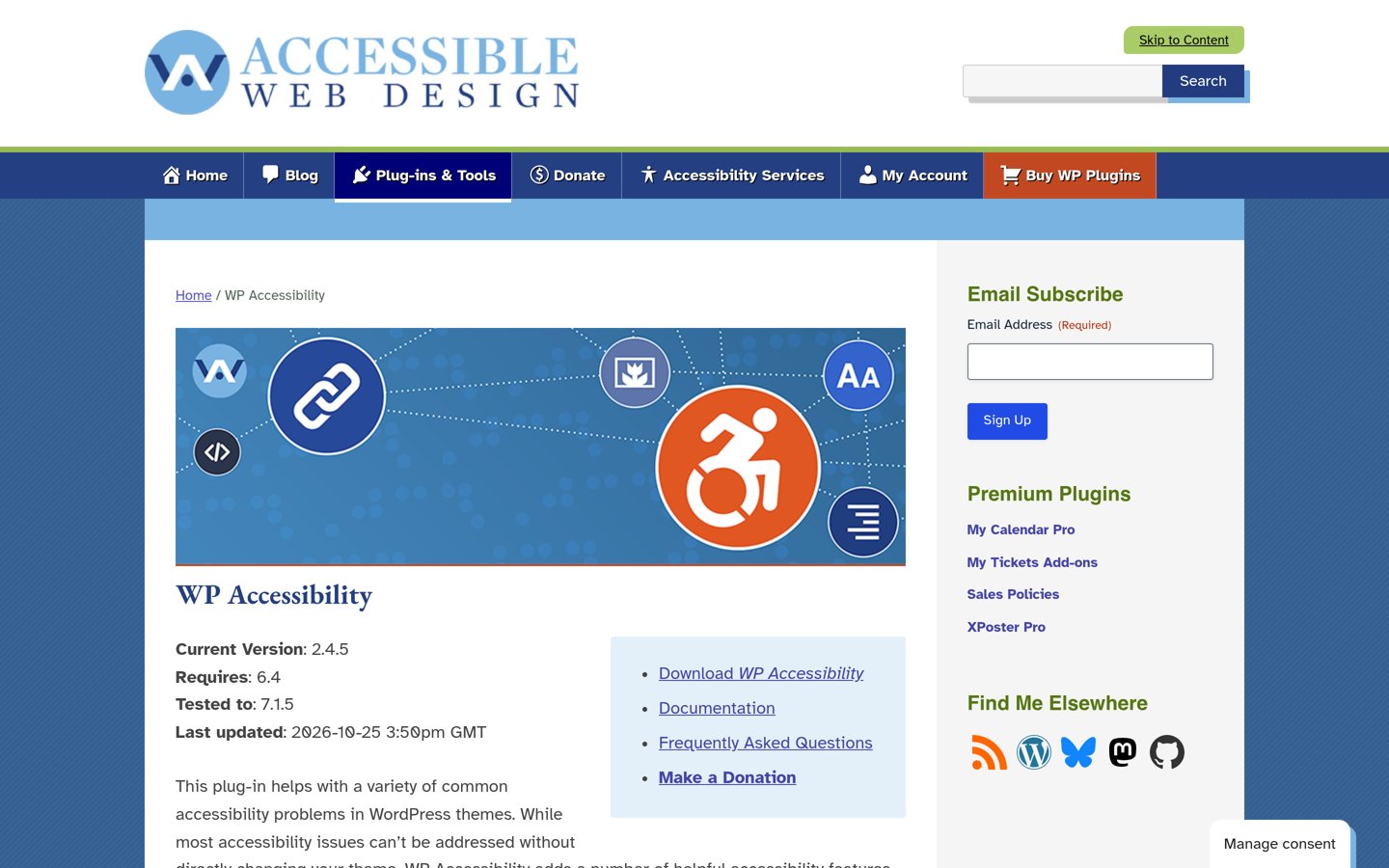
WP Accessibility homepage, captured Nov 2026.
WP Accessibility is a free WordPress accessibility improvement plugin by Joe Dolson, with 60,000+ active installations and a 4.8/5 rating. It adds skip links, improves keyboard focus visibility, supplies labels for standard WordPress forms and addresses selected theme accessibility problems without requiring a premium subscription.
The trade off is that WP Accessibility focuses on improvements rather than comprehensive site scanning, so it should complement a dedicated checker instead of replacing one. It suits website owners who want practical accessibility enhancements without paying for a commercial platform.
What we like
Completely free WordPress accessibility utility
Adds keyboard navigation and focus improvements
Supports customizable skip links
Improves labels in standard WordPress forms
Features can be enabled or disabled individually
Watch out for
Does not provide comprehensive automated auditing
Cannot correct every theme or plugin accessibility defect
Some improvements may require theme-level changes
There is no paid upgrade; accessibility improvement features are included free.Visit joedolson.com
05
AllAccessible
5/5on WordPress.org (15 reviews, checked Nov 2026)
Paid from$10/mo
Best for cloud scanning and assisted remediation
Free widget36 features
Active installs2,000+
Paid WCAG scanningStarter
Cheapest paid planStarter, $10/mo
allaccessible.com
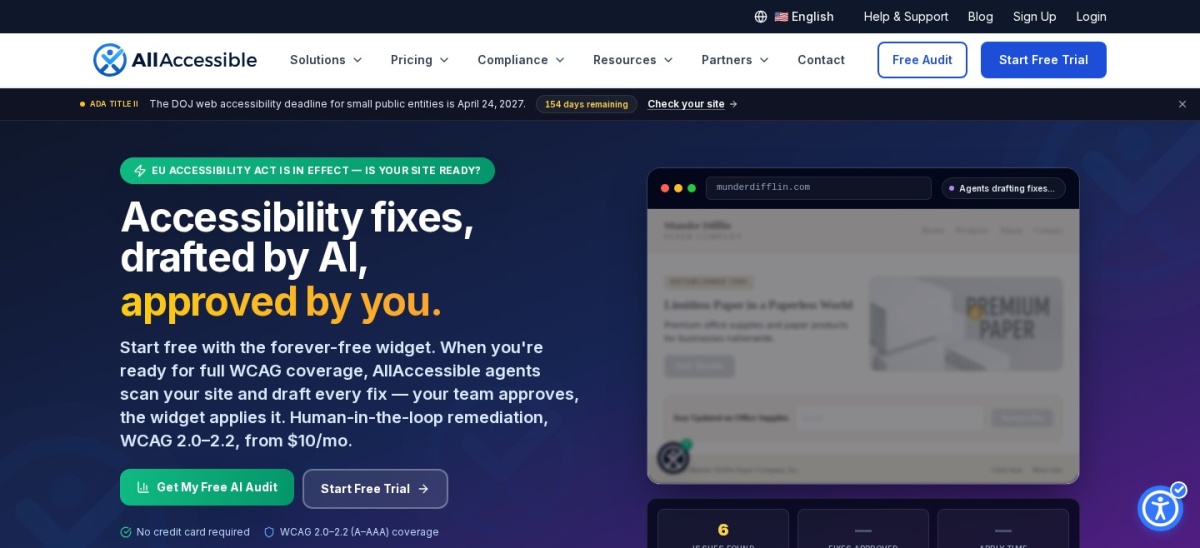
AllAccessible homepage, captured Nov 2026.
AllAccessible is a WordPress accessibility plugin with 2,000+ active installations and a 5.0/5 rating from 15 reviews. Its free plan includes a visitor accessibility widget with 36 features, while paid plans introduce WCAG scanning, issue reports and AI-assisted remediation with administrator approval.
The trade off is that automated scanning requires Starter at $10/month, and additional reporting capabilities may require paid add-ons. It suits businesses and agencies seeking a combination of visitor controls, accessibility monitoring and assisted fixes.
What we like
Free accessibility widget with 36 features
Paid WCAG scanning and issue reporting
AI suggestions with administrator approval
WordPress dashboard integration
Flexible upgrades for additional reporting
Watch out for
Automated WCAG scanning requires payment
Additional capabilities may cost extra
Small WordPress.org review sample
Cloud features depend on an external service
Starter adds automated WCAG scanning, coverage reports, AI features and an unbranded widget.Visit allaccessible.com
06
AccessiYes
4.8/5on WordPress.org (39 reviews, checked Nov 2026)
PriceFree
Best free visitor accessibility widget
Visitor widgetFree
Active installs20,000+
Widget languages50+
Paid planNone
accessiyes.com
AccessiYes homepage, captured Nov 2026.
AccessiYes is a free WordPress accessibility widget from the team behind CookieYes, with 20,000+ active installations and a 4.8/5 rating. It offers text adjustments, contrast settings, reading tools, visitor accessibility profiles and an accessibility statement generator, with support for more than 50 widget languages.
The trade off is that AccessiYes is primarily a visitor-facing widget rather than a comprehensive accessibility checker, and it cannot replace code-level auditing. It suits small websites that want free browsing adjustments alongside a separate process for finding and correcting accessibility defects.
What we like
Free accessibility toolbar without a subscription
Text, contrast and reading controls
Accessibility statement generator
More than 50 supported widget languages
No paid feature tiers
Watch out for
Not a comprehensive WCAG auditing plugin
Does not fix every underlying accessibility defect
There is no paid upgrade; the vendor includes its accessibility widget features free.Visit accessiyes.com
07
WP Accessibility Helper
4.7/5on WordPress.org (57 reviews, checked Nov 2026)
Paid from$299/yr
Best for detailed visitor accessibility adjustments
Accessibility toolbarFree
Active installs10,000+
Attachment controlsIncluded
Cheapest paid planWAH Pro, $299/yr
accessibility-helper.co.il
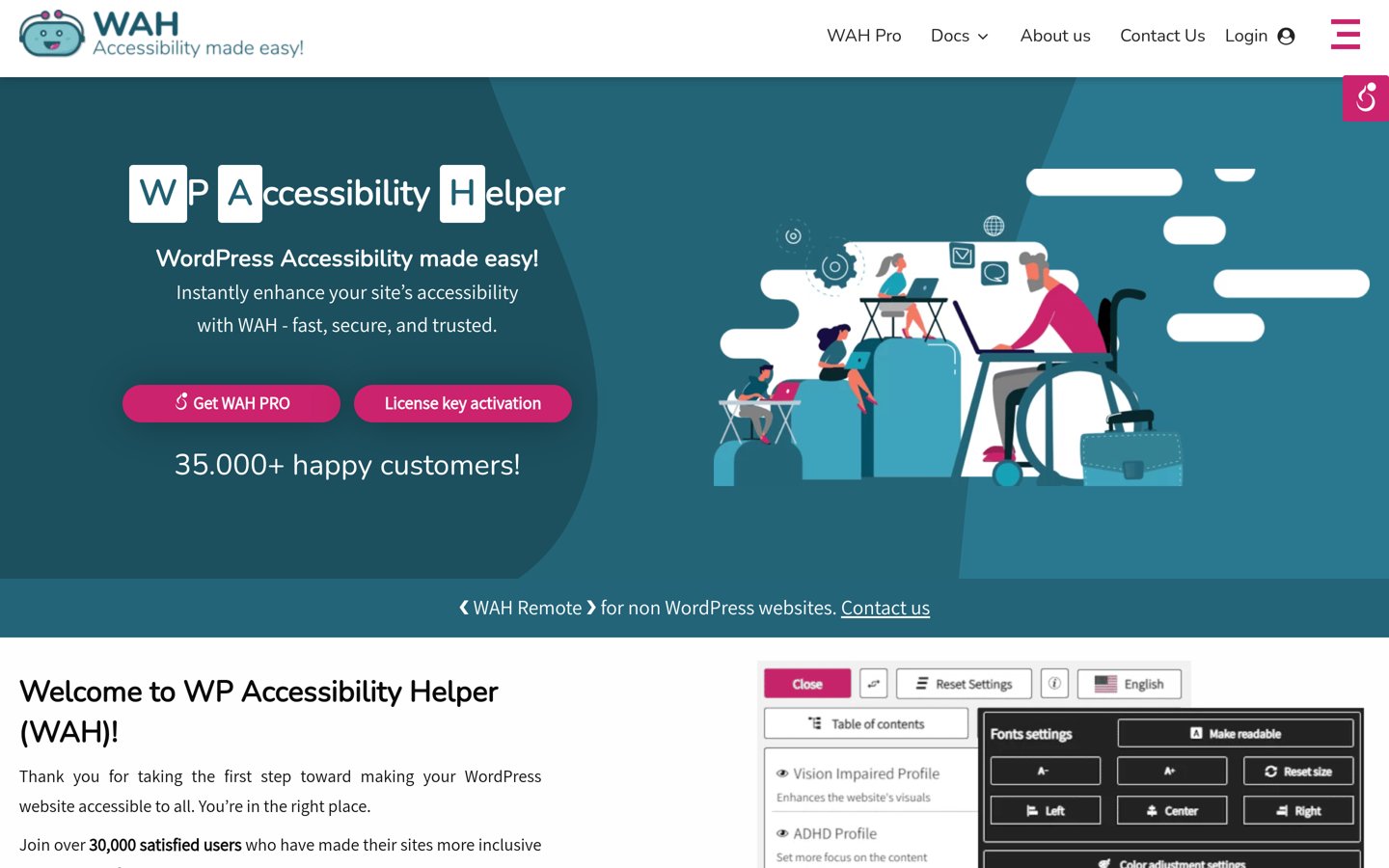
WP Accessibility Helper homepage, captured Nov 2026.
WP Accessibility Helper is a WordPress accessibility improvement plugin with 10,000+ active installations and a 4.7/5 rating. Its free version provides visitor controls for contrast, font adjustments and reading preferences, alongside administrative tools for reviewing image alternative text and accessibility-related page elements.
The trade off is that advanced visitor controls, customization and expanded functionality require WAH Pro, regularly priced at $299/year rather than its advertised $259 sale price. It suits website administrators who prioritize detailed accessibility settings and visitor-facing adjustments over automated full-site auditing.
What we like
Free visitor accessibility controls
Contrast and typography adjustment options
Administrative image attachment tools
Premium customization and advanced controls
Regularly maintained WordPress plugin
Watch out for
Not a replacement for a full accessibility audit
Regular premium price is relatively high
Some advanced controls require Pro
Visitor-facing adjustments do not resolve every source-code issue
Accessibility scanners vs widgets: why the difference matters
Accessibility scanners inspect website content and code for identifiable issues. They may flag missing form labels, insufficient color contrast, invalid heading structures, inaccessible links and images without suitable text alternatives.
Visitor widgets provide optional adjustments such as larger text, contrast settings, reading guides and reduced motion. These controls may help visitors, but they do not necessarily resolve the underlying barriers that automated scanners identify.
Equalize Digital Accessibility Checker and Accessibility Tools are primarily auditing solutions. WP Accessibility focuses on improvements, while AccessiYes emphasizes visitor controls. AllAccessible combines a widget with paid scanning capabilities.
For a meaningful accessibility workflow, use automated checks to identify issues, correct the underlying website and verify the results through keyboard navigation, assistive technology and manual review.
What automated accessibility scanners cannot detect
Automated tools can identify many technical issues, but they cannot reliably determine whether image descriptions accurately convey meaning or whether instructions are understandable to visitors.
They may also miss confusing keyboard navigation, inaccessible interactive components, unexpected focus behavior and problems that only become apparent when using screen readers.
Use automated results as the starting point for remediation. Review critical tasks such as navigation, searching, submitting forms and completing transactions using keyboard-only interaction and appropriate assistive technologies.
A high accessibility score does not guarantee WCAG conformance or legal compliance. Treat scanning reports as diagnostic information rather than a certificate that every visitor can use the website successfully.
How we chose
We shortlisted maintained WordPress plugins that identify accessibility problems, assist with remediation or provide related accessibility utilities. We prioritized established products with meaningful installation bases and clearly distinguished automated scanners from visitor-facing widgets.
WordPress.org ratings, review counts, active installations, maintenance dates and official vendor pricing were reviewed on 22 Nov 2026. We used regular prices instead of promotional discounts and distinguished standalone WordPress features from subscriptions for separate cloud scanning services.
We excluded closed plugins, outdated projects and products without verifiable pricing. We also avoided treating accessibility widgets as substitutes for code-level scanning or manual accessibility evaluation. No vendor paid for a place, and our comparisons rely on public documentation and reviews rather than independent product testing.
How to choose the right WordPress accessibility checker plugin
Identify which accessibility problems you need to detect and how your team will resolve them before selecting a plugin.
**Choose a scanner for finding problems.** If your goal is to identify missing labels, contrast errors, heading problems and other detectable barriers, prioritize a dedicated checker. Equalize Digital Accessibility Checker and Accessibility Tools provide issue identification and remediation guidance inside WordPress.
**Check scanning coverage and limits.** Review whether the plugin scans individual posts, published pages, custom content or your full website. Equalize Digital includes unlimited post and page scanning free, while its Professional plan adds centralized full-site scanning.
**Compare the paid features you actually need.** Accessibility Tools Pro costs $49 once, AllAccessible Starter costs $10/month and Equalize Digital Professional costs $190/year. Compare scanning scope, reports, support and remediation tools rather than choosing solely by price.
**Plan manual review after automated scanning.** Check keyboard navigation, screen reader behavior, forms, focus management and the meaning of image descriptions. Fix issues in the underlying website, rerun relevant checks and document remaining barriers that require further development.
FAQ
What is the best WordPress accessibility checker plugin?
Equalize Digital Accessibility Checker is our top choice because it scans WordPress posts and pages, explains detected issues and includes automated fixes. Its free plan supports unlimited post and page checks, while Professional adds full-site scanning and centralized reporting.
Is there a free WordPress accessibility checker?
Yes. Equalize Digital Accessibility Checker offers free post and page scanning, while Accessibility Tools & Alt Text Finder includes a free page checker and image accessibility tools. Accessibility Toolkit by WebYes also offers free WordPress accessibility checking features.
Can a WordPress accessibility plugin make my website WCAG compliant?
No plugin can guarantee complete WCAG conformance by itself. Automated tools identify certain accessibility barriers, but many requirements depend on content meaning, keyboard interactions, assistive technology behavior and manual judgment. Accessibility improvements should be verified through a broader evaluation process.
What is the difference between an accessibility checker and an accessibility widget?
A checker identifies problems that need remediation, such as missing form labels or inadequate contrast. A visitor widget provides optional display and navigation adjustments. Widgets can help individual visitors, but they do not automatically repair every inaccessible element in the website.
Which accessibility checker is best for missing image alt text?
Accessibility Tools & Alt Text Finder is a suitable choice because it includes a dedicated missing alt text finder and a page accessibility checker. Editors can review image fields and improve descriptions directly in WordPress. Its Pro license adds expanded auditing features.
How much does a WordPress accessibility checker cost?
Several WordPress accessibility plugins offer free scanning or remediation utilities. Paid options in this comparison include Accessibility Tools Pro at $49 once, Equalize Digital Professional at $190/year and AllAccessible Starter at $10/month. Features and scanning limits differ significantly.
Does an accessibility checker automatically fix every issue?
No. Some tools offer automated corrections for selected barriers, but many problems require content editing, theme changes or developer intervention. Automatically generated suggestions should be reviewed before publication, especially when they change navigation behavior, image descriptions or interactive components.
Can I use an accessibility checker with Elementor or Gutenberg?
Several accessibility tools work with WordPress editing workflows, including Gutenberg and popular page builders. Equalize Digital Accessibility Checker supports different WordPress editing environments, although some reports may appear outside a builder's visual interface. Always verify compatibility with your particular setup.
How often should I scan my WordPress website for accessibility issues?
Review accessibility whenever publishing important content, changing themes, installing major plugins or updating interactive components. Regular sitewide checks can identify new problems, but scans should be supplemented with manual review of essential visitor tasks and navigation.