Best WooCommerce Contact Form Plugins in 2026: 7 Tools Compared
WLWPLegible EditorsLast verified 22 Nov 2026How we rank11 min read
★ Short answer
WPForms is the best WooCommerce contact form plugin for most stores, with 5 million-plus active installs, a drag-and-drop builder and a free plan for customer inquiries. Fluent Forms is a strong alternative for conditional forms and stored entries, while Forminator offers free payment forms and calculations.
How we make this list: we compare pricing pages, product documentation and public user reviews, then re-check every price before each update. No product paid for a place. Disclosure.
WPForms leads for everyday store inquiries, with 5M+ active installs, a 4.8/5 rating and a $99/year regular Basic price.
Fluent Forms has 800K+ active installs and offers a $79/year single-site Pro plan with advanced form features.
Forminator includes contact forms, calculations and payment forms for free; its Pro plugin suite starts at $50/year.
Formidable Forms offers conditional logic, calculations and multi-page forms in its $79/year Basic plan.
Contact Form 7 has 10M+ active installs and no paid plan, but building complex forms takes more configuration.
What WooCommerce stores need from a contact form
A WooCommerce contact form gives shoppers a way to ask about products, delivery, returns, customization and existing orders without placing a purchase. It can reduce confusion and help store owners collect the information needed to answer each inquiry.
Look for conditional logic, file uploads, email notifications and spam protection. Conditional fields can reveal an order number for support requests or a product field for pre-sale questions without making every customer complete the same long form.
Submission storage also matters. If your store receives many inquiries, keeping entries in WordPress provides a useful backup when notification emails fail. A form plugin alone does not guarantee email delivery, so reliable SMTP configuration remains important.
Most general-purpose contact form plugins work on WooCommerce pages, but that does not mean they automatically retrieve orders or create support tickets. Check whether you need simple message collection, product-specific inquiries or a separate integration with WooCommerce order data.
4.8/5on WordPress.org (14,395 reviews, checked Nov 2026)
Paid from$99/yr
Best WooCommerce contact form plugin overall
Form builderDrag and drop
Free planWPForms Lite
Spam protectionCAPTCHA and Turnstile
Paid planBasic, 1 site
wpforms.com
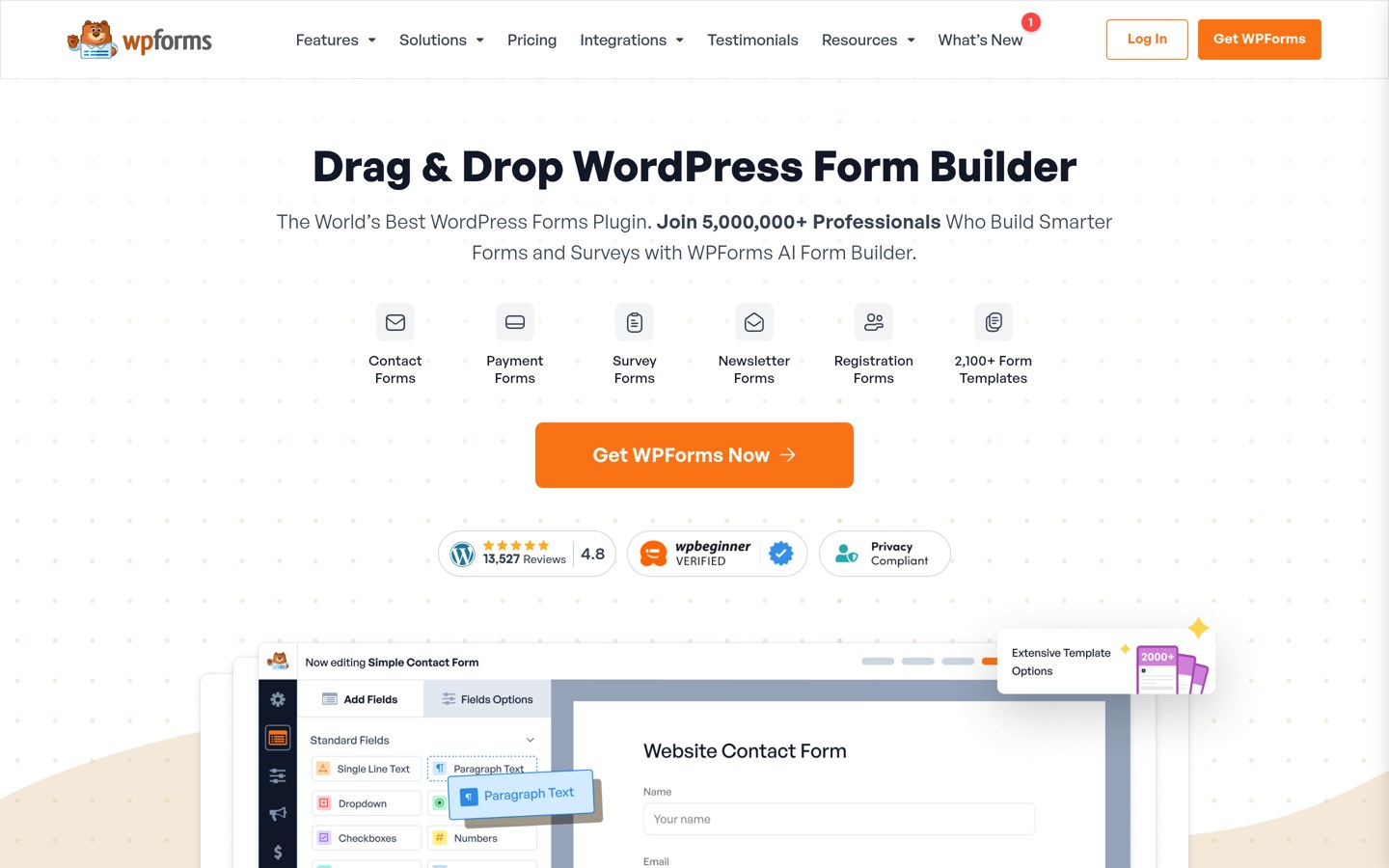
WPForms homepage, captured Nov 2026.
WPForms is a beginner-friendly WordPress form builder with more than 5 million active installations. WPForms Lite supports contact forms, email notifications, templates, spam protection and basic payment collection, making it useful for product questions, delivery inquiries and general WooCommerce customer messages.
The trade off is that advanced workflows need paid features, and Lite does not provide the complete entry management experience of paid WPForms. Basic costs $99 per year at the regular price, although an introductory discount is advertised. It suits stores that prioritize quick form creation and simple customer communication.
What we like
Drag-and-drop builder is approachable for beginners
Free contact forms and payment collection
CAPTCHA and Cloudflare Turnstile support
Large plugin community and documentation
Paid plans offer entry management and additional integrations
Watch out for
Lite has restrictions on stored entry access
Advanced integrations require higher plans
WooCommerce order lookup is not built into basic contact forms
Basic adds entry management, advanced fields and premium supportVisit wpforms.com
02
Fluent Forms
4.8/5on WordPress.org (812 reviews, checked Nov 2026)
Paid from$79/yr
Best value for growing WooCommerce stores
Active installs800K+
Free entriesStored in WordPress
Advanced formsConditional fields
Paid planSingle Site Pro
fluentforms.com
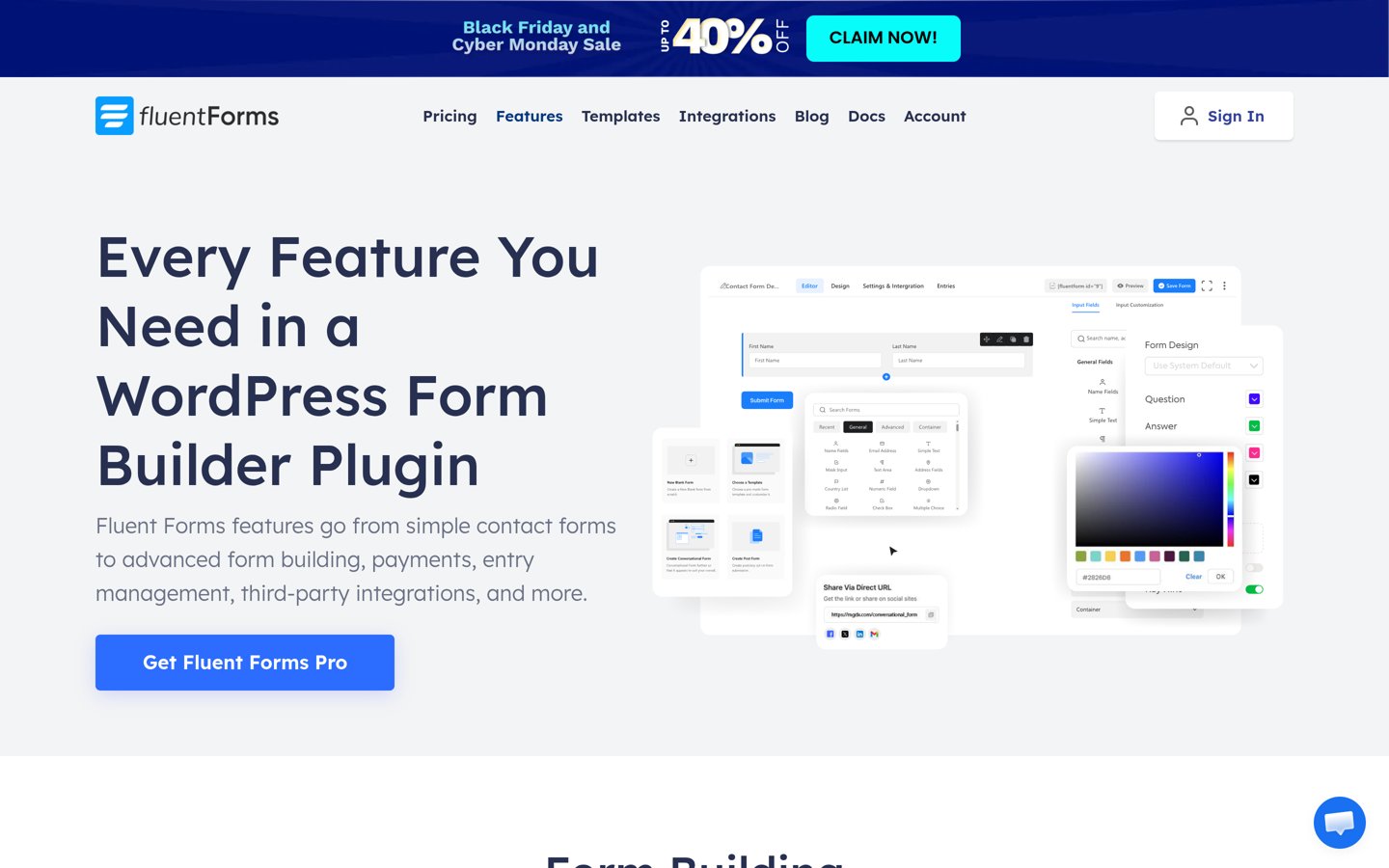
Fluent Forms homepage, captured Nov 2026.
Fluent Forms is a flexible WordPress form builder with more than 800,000 active installations and a 4.8/5 WordPress.org rating. Its free version includes contact form creation, email notifications, entry management and Stripe payment forms, giving WooCommerce stores room to collect customer inquiries without immediately purchasing a license.
The trade off is that advanced fields, additional integrations and more specialized workflows require Pro. The regular single-site annual license costs $79, with a lower introductory price advertised. It suits growing stores that want saved customer messages and flexibility without an expensive entry plan.
What we like
Free submission storage in WordPress
Flexible form fields and notifications
Free Stripe payment form support
Competitive regular single-site price
Pro includes advanced integrations and fields
Watch out for
Some advanced fields and integrations require Pro
Direct WooCommerce workflows need additional setup
4.8/5on WordPress.org (2,153 reviews, checked Nov 2026)
Paid from$50/yr
Best free features for store inquiries
Active installs600K+
Free form typesForms, polls and quizzes
PaymentsPayPal and Stripe
Paid planPro Basic, 1 site
wpmudev.com
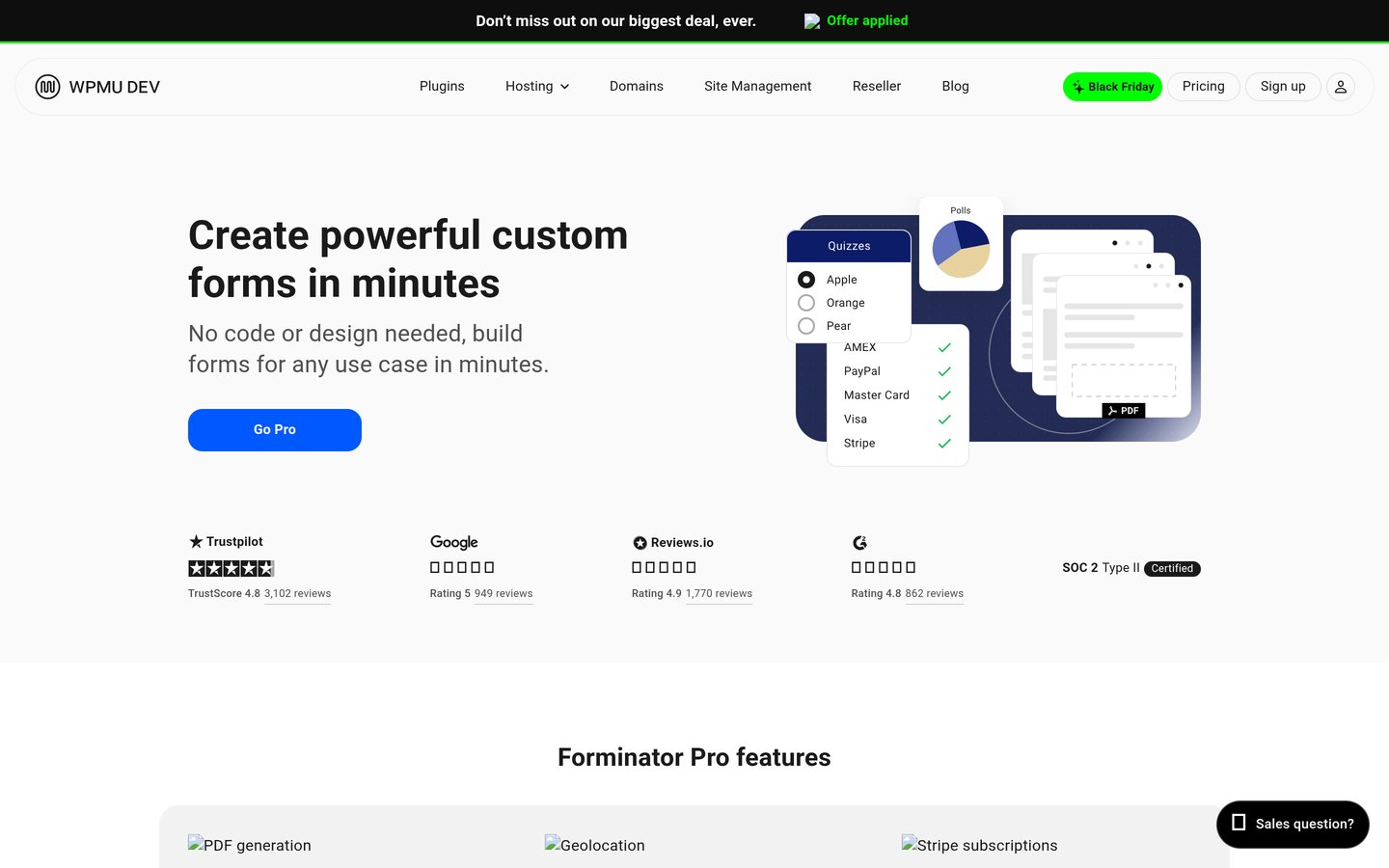
Forminator homepage, captured Nov 2026.
Forminator is a free WordPress form builder from WPMU DEV with more than 600,000 active installations. Its free plugin supports contact forms, payment forms, calculations, polls, quizzes, conditional logic and submission management, making it useful for customer inquiries and custom service estimates alongside WooCommerce.
The trade off is that Pro-only extensions and additional services require a WPMU DEV subscription. The Pro Basic plugin suite starts at $50 per year for one site and includes access to premium plugins. It suits stores that want a wide range of free form features before considering an upgrade.
What we like
Contact forms and payment forms available free
Built-in calculations and conditional logic
Free submission management
Supports interactive polls and quizzes
Pro subscription includes additional WPMU DEV tools
Watch out for
Advanced PDF and geolocation features require Pro
WPMU DEV subscription covers more than the form plugin
WooCommerce order information is not automatically attached
Pro adds PDF generation, geolocation and premium extensionsVisit wpmudev.com
04
Formidable Forms
4.8/5on WordPress.org (1,392 reviews, checked Nov 2026)
Paid from$79/yr
Best for complex customer request forms
Active installs300K+
Free formsContact and surveys
Basic featuresLogic and calculations
Paid planBasic, 1 site
formidableforms.com
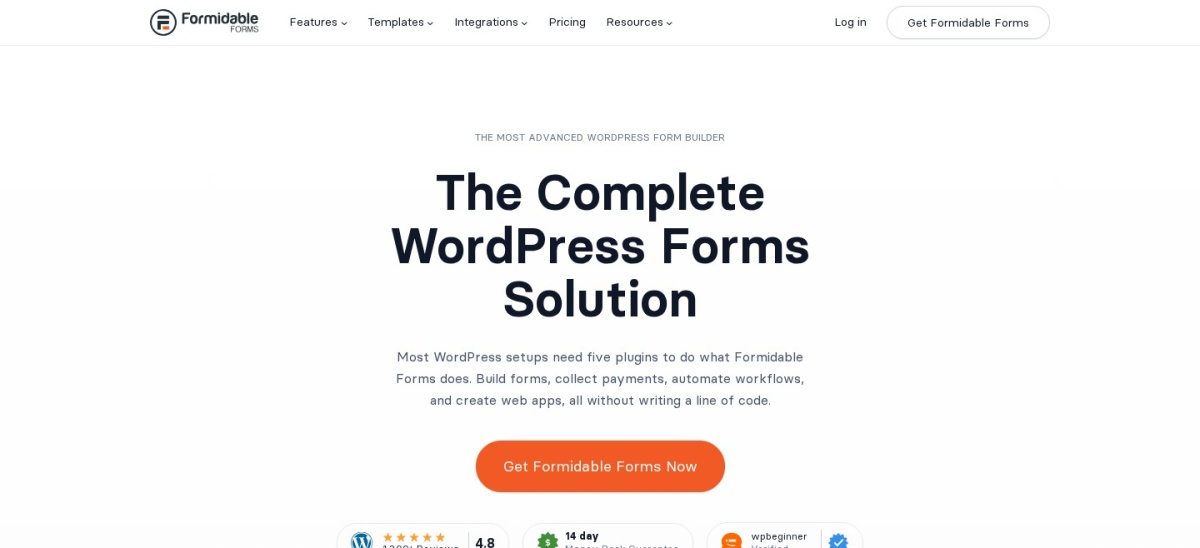
Formidable Forms homepage, captured Nov 2026.
Formidable Forms is a WordPress form builder with more than 300,000 active installations and a 4.8/5 rating. Its free version handles contact forms and basic submissions, while the paid Basic plan adds conditional logic, calculations, repeaters, file uploads, multi-page forms and more than 100 form templates.
The trade off is that its most useful advanced features are behind paid plans, and sophisticated data displays require higher tiers. Basic renews at $79 per year after an advertised introductory discount. It suits WooCommerce stores collecting customization requests, estimates and detailed pre-sale information.
4.4/5on WordPress.org (1,398 reviews, checked Nov 2026)
Paid from$99/yr
Best for modular form customization
Active installs500K+
Free builder31 field types
Free submissionsUnlimited
Paid planPlus, 3 sites
ninjaforms.com
Ninja Forms homepage, captured Nov 2026.
Ninja Forms is a WordPress contact form builder with more than 500,000 active installations. Its free core includes 31 field types, calculations, signature fields, repeatable fieldsets, submission storage, email notifications and several spam protection options, providing useful tools for WooCommerce inquiry and custom request forms.
The trade off is that conditional logic, file uploads, multi-step forms and marketing integrations require paid add-ons or a membership. The cheapest paid membership, Plus, costs $99 per year regularly, with a first-year discount advertised. It suits stores that prefer extending forms as their requirements grow.
What we like
Unlimited submissions in the free core
Calculations and signatures are free
Multiple built-in spam protection methods
Individual premium add-ons are available
Accessible form design is a stated development priority
Watch out for
Conditional logic and file uploads require upgrades
Multiple add-ons can increase ongoing costs
Not a dedicated WooCommerce helpdesk
Plus adds conditional logic, uploads, multi-step forms and integrationsVisit ninjaforms.com
06
Everest Forms
4.9/5on WordPress.org (375 reviews, checked Nov 2026)
Paid from$69/yr
Best for customizable customer forms
Active installs90K+
Form builderDrag and drop
Free submissionsUnlimited
Paid planPersonal, 1 site
everestforms.net
Everest Forms homepage, captured Nov 2026.
Everest Forms is a drag-and-drop WordPress form builder with more than 90,000 active installations and a 4.9/5 rating. Its free plugin supports contact forms, email notifications, customizable fields and unlimited submissions, while the wider product includes surveys, quizzes, payments and advanced form functionality.
The trade off is that specialized features and integrations require the paid version. The Personal plan has a regular annual price of $69 for one site, with a lower introductory price advertised. It suits WooCommerce store owners who want flexible contact forms and a straightforward interface.
What we like
High WordPress.org rating
Drag-and-drop form builder
Free basic contact forms
Unlimited submissions
Paid plan includes advanced features and add-ons
Watch out for
Advanced integrations require paid access
Smaller installation base than leading alternatives
WooCommerce-specific support workflows need extra configuration
4/5on WordPress.org (2,188 reviews, checked Nov 2026)
PriceFree
Best completely free contact form
Active installs10M+
LicenseFree and open source
Form editorMarkup-based
Paid planNone
contactform7.com
Contact Form 7 homepage, captured Nov 2026.
Contact Form 7 is a free, open-source WordPress contact form plugin with more than 10 million active installations. It supports customizable form fields, email notifications and form embedding through its WordPress block, making it suitable for simple WooCommerce product inquiries, contact pages and support messages.
The trade off is that its markup-based editor takes more configuration than visual form builders, while advanced features often depend on third-party extensions. The core plugin has no paid plan and accepts voluntary donations. It suits store owners comfortable configuring forms who want to avoid recurring plugin fees.
What we like
Completely free core plugin
Large installation base
Flexible markup-based form configuration
Maintained with recent security updates
Works on WooCommerce pages
Watch out for
Less visual editing than drag-and-drop alternatives
No built-in database entry management
Advanced integrations depend on extensions
Recent versions have higher WordPress and PHP requirements
Contact forms versus WooCommerce-specific inquiry tools
A general-purpose form builder and a WooCommerce product inquiry plugin solve related but different problems. A normal contact form collects messages; a dedicated product inquiry tool may automatically include the product name, product URL or other store information.
WPForms, Fluent Forms and Forminator are suitable for standalone inquiry pages or forms placed on product pages. However, simply embedding a form does not guarantee that product details, order numbers or customer account records will be included automatically.
For order support, start by asking customers for their order number, email address and issue category. If you need automatic order retrieval, ticket assignment or support conversation history, investigate dedicated WooCommerce-compatible customer support software.
When should a WooCommerce store upgrade?
A free contact form is usually enough for general questions and straightforward pre-sale inquiries. All seven plugins in this comparison offer a free version, although their entry storage and advanced field capabilities differ.
Paid features become more useful when customers must upload files, answer different questions based on their selections or request calculated estimates. Formidable Forms, Ninja Forms and Fluent Forms provide different upgrade paths for these requirements.
Before paying, check which license tier includes the exact feature you need. The cheapest paid plan does not necessarily include every integration advertised by a plugin. Also check renewal pricing rather than relying on introductory discounts.
How we chose
We compared established contact form plugins listed on WordPress.org, prioritizing active maintenance, meaningful installation bases, configurable fields, notification options, spam protection and usefulness on WooCommerce store pages.
We checked WordPress.org ratings, review counts and active installations on 22 Nov 2026. We also opened official vendor pricing pages on the same date and used regular USD prices rather than introductory discounts. The comparison separates basic inquiry collection from advanced WooCommerce order integration.
We excluded closed plugins, products without recent maintenance, and products whose pricing could not be verified from official pages. We also avoided treating general contact forms as automatic order-management solutions. No vendor paid for a place, and we do not claim testing for this list.
How to choose a WooCommerce contact form plugin
Identify the customer questions your store receives most often, then choose a form builder that collects the right details without unnecessary fields.
Match the form to the inquiry type. Use a simple name, email and message form for general questions. For orders, collect an order number and issue category. For product customization, consider file uploads and conditional fields.
Decide whether entry storage matters. Email-only notifications may be sufficient for a small store, but saved submissions provide a record of inquiries. Fluent Forms, Forminator and Ninja Forms offer useful free entry management options.
Check the exact paid features. Compare regular renewal prices and the features included in each tier. Conditional logic, uploads and third-party integrations may be restricted even when the plugin has a free version.
Protect messages and verify delivery. Enable spam protection and configure dependable email delivery. Submit a sample inquiry, confirm it reaches the correct inbox and verify that any uploaded files or order details appear as expected.
FAQ
What is the best WooCommerce contact form plugin?
WPForms is our top choice for most WooCommerce stores because its drag-and-drop builder makes everyday customer inquiries easy to configure. It has more than 5 million active installations and a 4.8/5 WordPress.org rating. Fluent Forms is a good alternative if free entry storage is a priority.
Does WooCommerce include a built-in contact form?
WooCommerce provides shopping, checkout, account and order functionality but does not include a general-purpose contact form builder equivalent to these plugins. You can add a WordPress form plugin to create product inquiry pages, contact pages and customer request forms.
Can I add a contact form to a WooCommerce product page?
Yes. Many WordPress form plugins support blocks or shortcodes that can be placed on WooCommerce product pages. However, adding a form does not automatically attach the current product details. That may require hidden fields, dynamic values or a dedicated product inquiry extension.
Which free WooCommerce contact form plugin is best?
Forminator is a strong choice when you want free conditional forms, calculations and payment functionality. Fluent Forms offers free contact forms with entry management. Contact Form 7 remains an option for stores that prefer a completely free core and are comfortable editing form markup.
Can customers upload images with a WooCommerce contact form?
Yes, provided your chosen plugin and license include file uploads. Uploads are helpful for damaged-product reports, customization requests and warranty questions. Check allowed file types, upload limits, privacy settings and whether attachments are stored securely before enabling the field.
Can a contact form automatically retrieve WooCommerce order details?
Not necessarily. General contact form plugins primarily collect information supplied by visitors, and their basic versions should not be assumed to retrieve WooCommerce order records. Automatic order lookup usually requires a compatible integration, custom development or specialized customer support software.
Do I need a paid contact form plugin for WooCommerce?
No. A free plugin is sufficient for many stores that only need customer names, email addresses and messages. Paid plans make more sense when you need conditional workflows, additional integrations, advanced uploads or other features not included in your selected free version.
Why are WooCommerce contact form emails not arriving?
Email delivery problems often involve WordPress mail configuration, hosting restrictions, spam filtering or incorrect notification addresses. Check the form notification settings, configure an authenticated SMTP service and send a sample submission. Plugins with entry storage can help preserve messages when email notifications fail.