Fortect is the best Windows repair software for most people, because it replaces damaged system files instead of only deleting junk. Pick CCleaner for simple cleaning with a strong free version, and System Mechanic for automated maintenance.
How we make this list: we compare pricing pages, product documentation and public user reviews, then re-check every price before each update. No product paid for a place. Disclosure.
Fortect is the closest thing to an actual Windows repair tool, replacing damaged system files from a fresh database, at $33.95 a year for one PC.
System Mechanic is the best automated maintenance suite, but it optimizes more than it repairs.
CCleaner, Glary Utilities and Advanced SystemCare all have genuinely useful free versions; pay only if you want automation.
Ashampoo WinOptimizer is the only lifetime licence here, from $14 a year or $50 once.
Avast Cleanup and AVG TuneUp both renew at $65.99 a year after a cheaper first year.
What Windows repair software actually does
PC repair tools fix things that are broken: system errors, crashes, corrupted files and damage left by malware. That is a different job from tune-up tools that mainly clean junk and speed up boot times.
Only Fortect here works like a repair shop. It compares your Windows files with fresh copies and replaces the damaged ones, while the other tools clean, tune and patch around the damage.
Watch the renewal price. Most of these tools sell the first year at a discount and renew higher, so the price in year two is the price that matters. CCleaner renews at $44.95 after a $29.95 first year, and Avast and AVG roughly double.
Free versions are genuinely useful for cleaning, but repairs almost always need a paid licence. Fortect scans free and charges to fix, while System Mechanic, Avast and AVG offer trials instead of free plans. Our guide on PC cleaning software covers the cleaning-only tools in more depth.
4.7/5on Trustpilot (7,196 reviews, checked Nov 2026)
Starts at$33.95/yr
Best for real system repair
Repair methodReplaces system files
Free scanYes
AntivirusIncluded
Paid planPremium, $33.95/yr
fortect.com
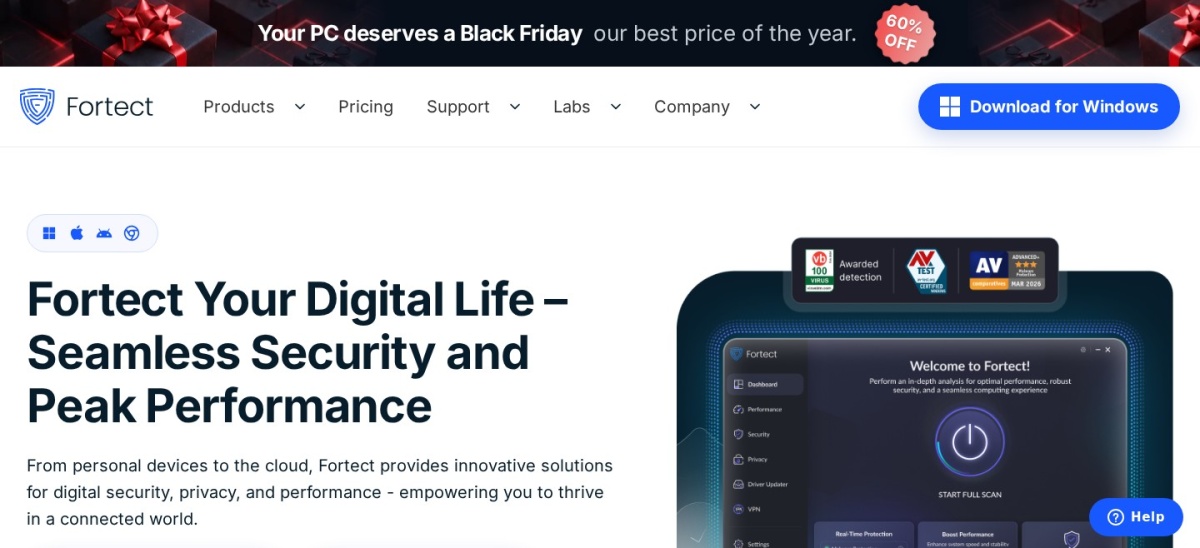
Fortect homepage, captured Nov 2026.
Fortect is a Windows repair tool that compares your system files against a database of fresh Windows files and replaces corrupted or missing ones. The free scan diagnoses the damage, and a license adds repairs, antivirus, a driver updater and junk cleanup.
The trade off is that repairs need a paid license. One PC costs $33.95 a year, and the scan reports can look alarming to new users. It suits anyone whose PC crashes, freezes or shows system errors.
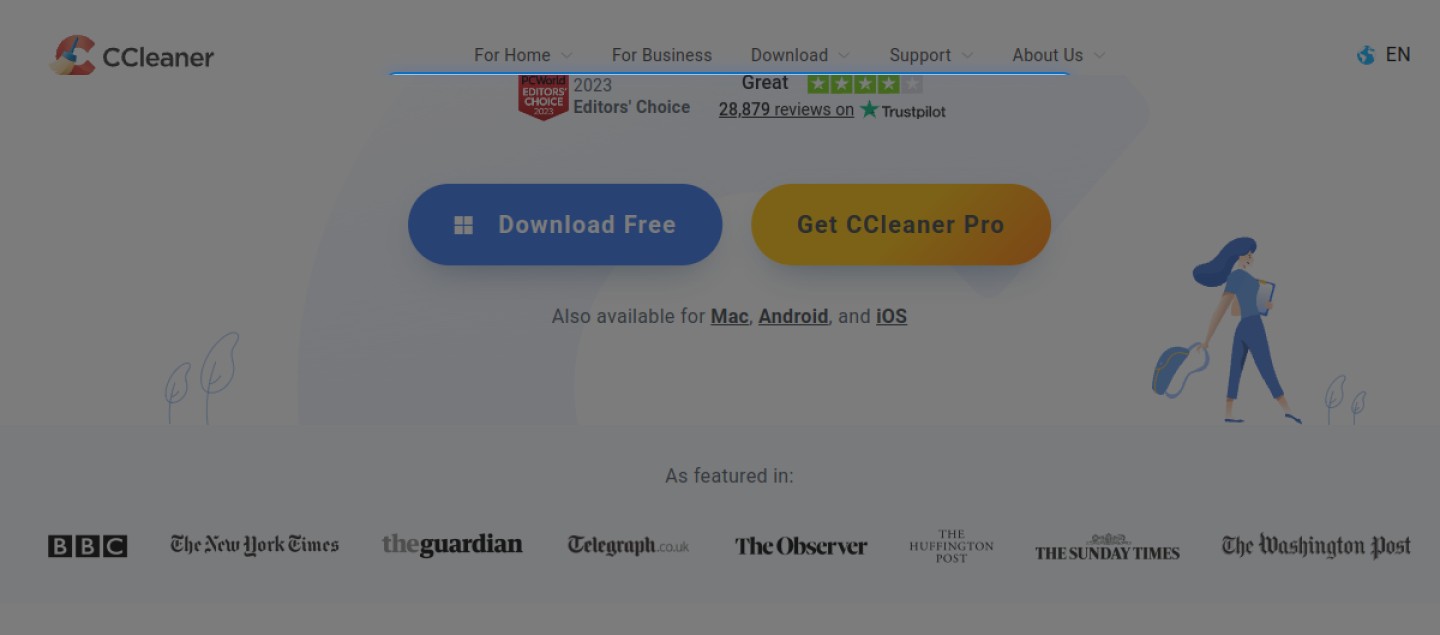
CCleaner is the best-known PC cleaner, from Piriform, now part of Gen Digital. The free version clears junk files, browser traces, broken shortcuts and startup items, and it holds a 4.5 out of 5 rating on G2 from 627 reviews.
The trade off is the single-PC licence. Professional costs $44.95 a year for one PC after a $29.95 first year, and adds automatic cleaning, a driver updater and priority support. It suits home Windows users who want the familiar, simple option.
4/5on Trustpilot (4,036 reviews, checked Nov 2026)
Starts at$54.95/yr
Best automated maintenance
Free planNo, 30-day trial
Devices10 PCs
AutomationScheduled fixes
Paid plan$54.95/yr renewal
iolo.com
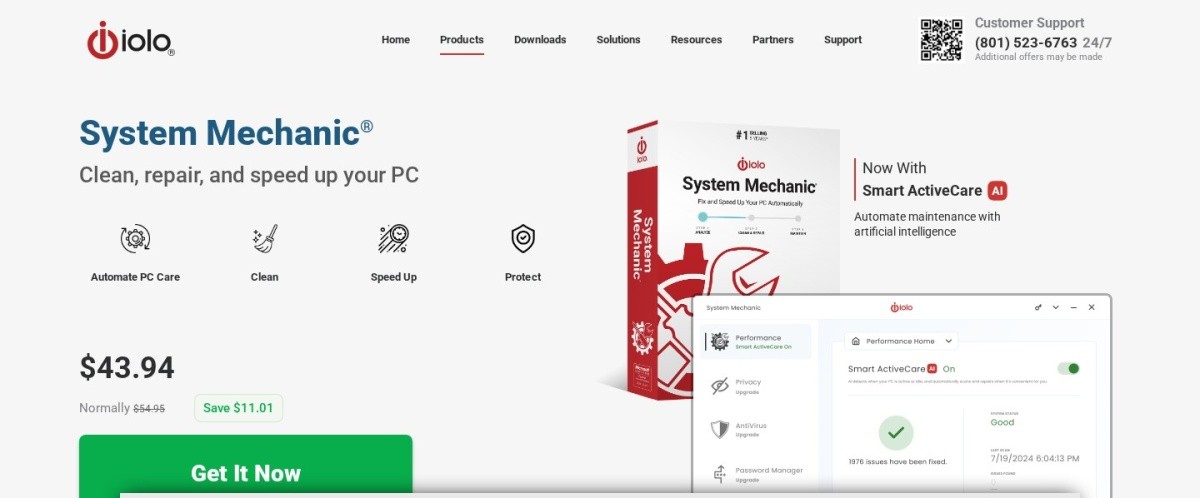
System Mechanic homepage, captured Nov 2026.
System Mechanic is an automated maintenance suite from iolo that scans for the causes of crashes, freezes and error messages, then applies fixes on a schedule. It covers junk cleanup, registry repair, startup management and drive defragmentation.
The trade off is that it optimizes more than it repairs. There is no free version, only a 30-day trial, and the renewal costs $54.95 a year for 10 PCs. It suits users who want maintenance to run itself.
3/5on Trustpilot (1,300 reviews, checked Nov 2026)
Paid from$29.99/yr
Best for one-click cleanup
Free planYes
Registry cleanerYes
Real-time protectionPro only
Paid planPro, $29.99/yr
iobit.com
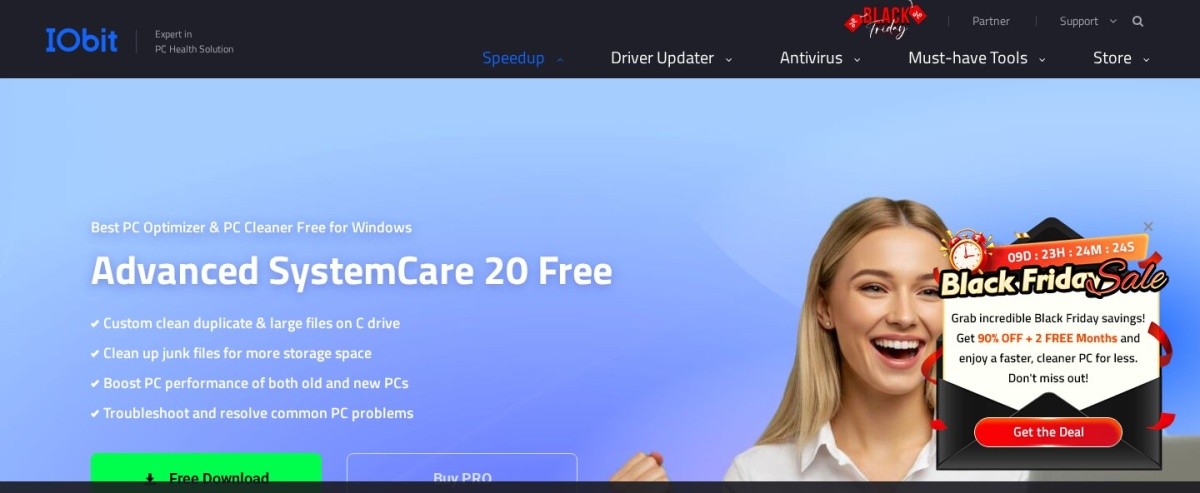
Advanced SystemCare homepage, captured Nov 2026.
Advanced SystemCare is IObit's all-in-one cleaner, built around a single button. One scan cleans junk files, sweeps privacy traces, repairs registry entries and tunes system settings, and the free edition covers the everyday cleaning.
The trade off is sales pressure. The free version pushes upgrades and bundled IObit tools during install and use, and Pro costs $29.99 a year for one PC after a $16.77 first year. It suits beginners who want one button to run the whole cleanup.
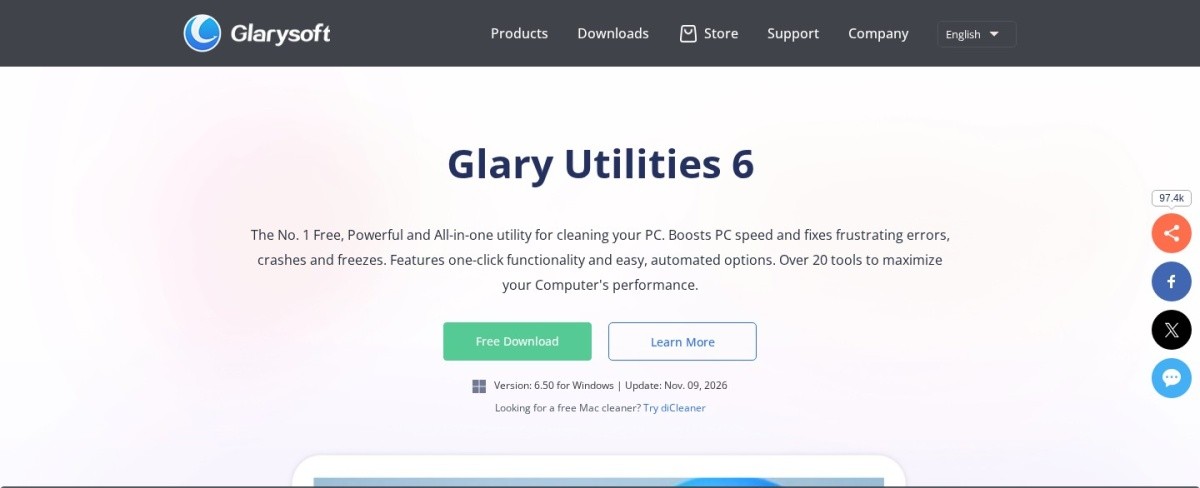
Glary Utilities is the toolbox pick in this list: more than 20 maintenance tools, including a disk cleaner, registry repair, startup manager, duplicate finder and file shredder, in one light package. The free edition covers manual cleaning with the full toolset.
The trade off is polish. The interface looks dated next to CCleaner, and the software updater can flag false positives, so check its suggestions before applying them. Pro costs $39.95 a year for up to 3 PCs and adds automatic maintenance.
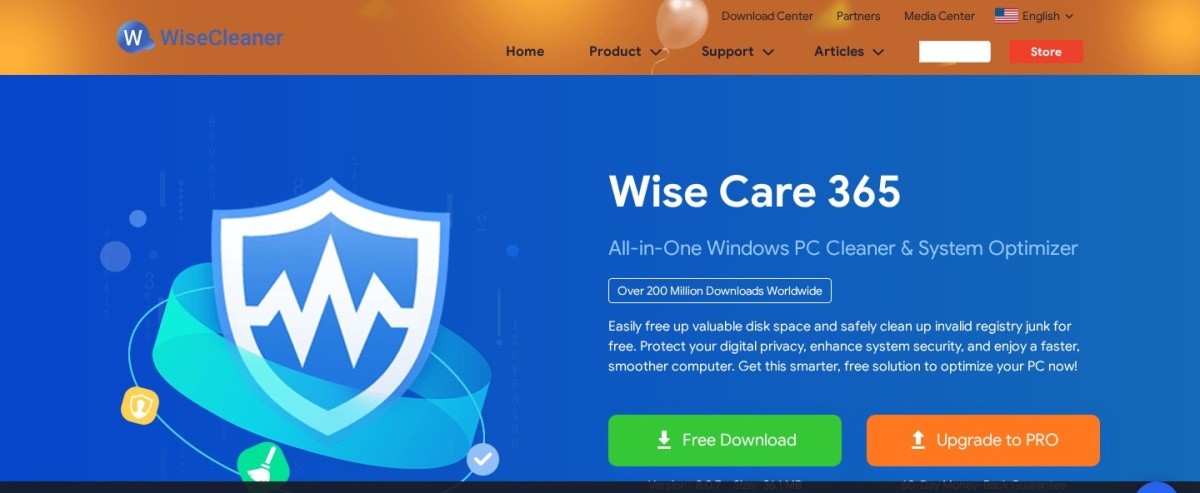
Wise Care 365 is a quick, clear PC checkup tool that scans for junk, registry issues, privacy traces and startup drag, then fixes them in one pass. The whole program is under 40 MB, the scan finishes in seconds, and the free edition has no ads.
The trade off is depth. It has fewer tools than Glary Utilities or Advanced SystemCare, and Pro costs $29.95 a year for one PC after a $14.97 first year. It suits users with older or slower PCs who want a light, fast cleaner.
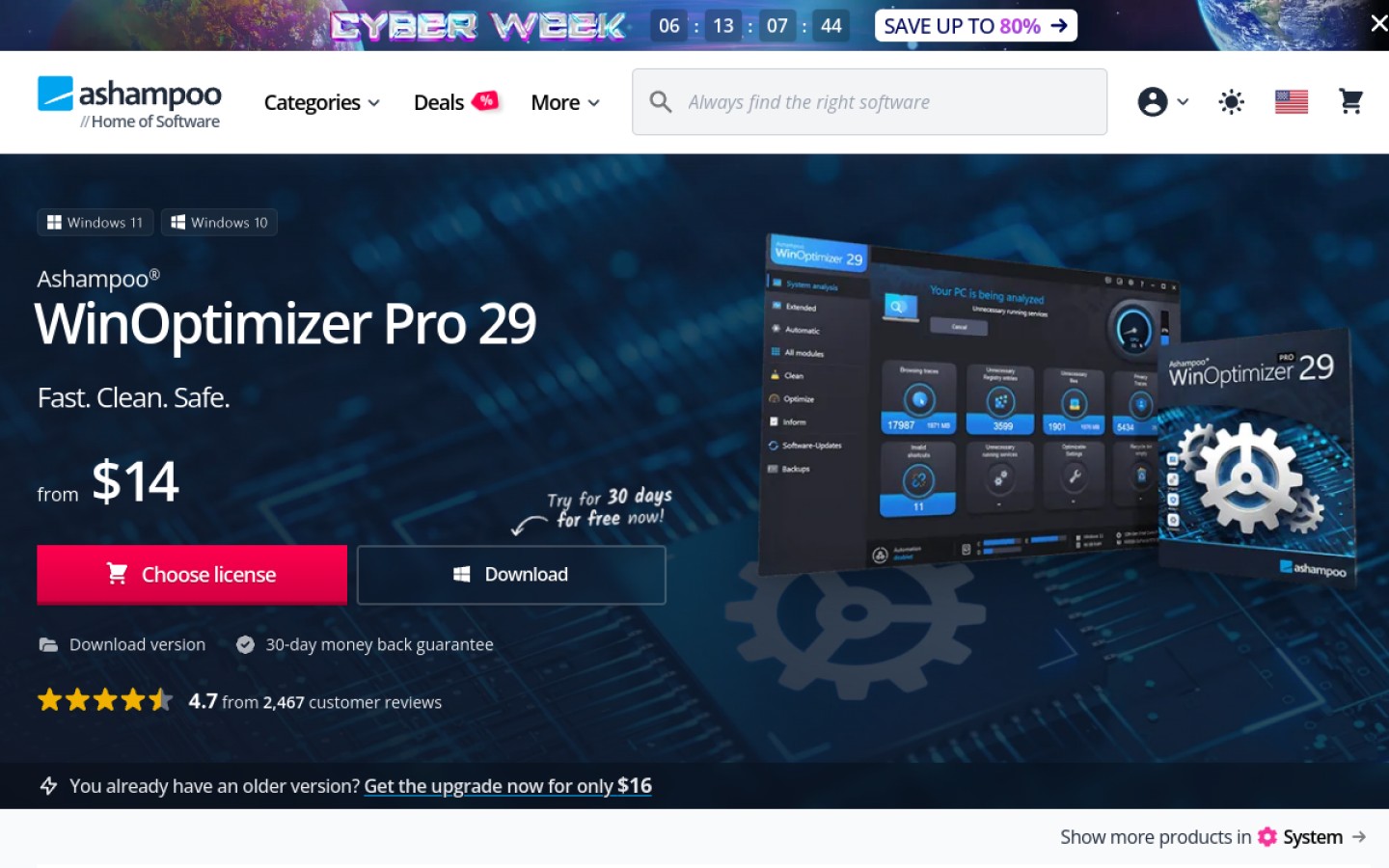
Ashampoo WinOptimizer homepage, captured Nov 2026.
Ashampoo WinOptimizer is the enthusiast pick: more than 30 modules for junk cleaning, registry work, startup tuning, privacy controls, disk analysis and benchmarks, with a backup made before any big change. A limited free edition covers startup cleanup and file recovery.
The trade off is the account gate. Even the free edition and the 30-day trial ask you to sign up for an Ashampoo account, and the subscription starts at $14 a year for 3 PCs while a one-time licence costs $50. It suits tinkerers who want deep control.
4.3/5on Trustpilot (47,199 reviews, checked Nov 2026)
Starts at$65.99/yr
Best for households
Sleep ModeYes
Free planNo, 30-day trial
Devices1 PC, 10-device plan
Paid planPremium, $65.99/yr
avast.com
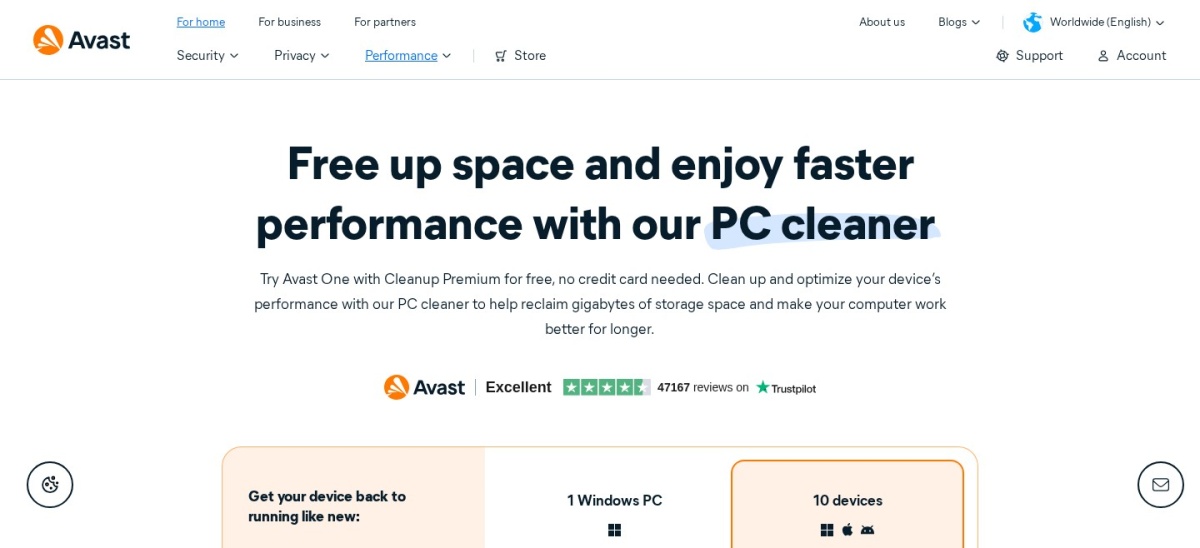
Avast Cleanup homepage, captured Nov 2026.
Avast Cleanup is the household plan in this list. Its signature feature is Sleep Mode, which puts background apps to sleep to free memory and CPU without uninstalling them, and it adds automatic software updates, disk defragmentation and browser cleanup on a schedule.
The trade off is price. A single PC costs $65.99 a year at renewal after a $32.99 first year, which makes it the most expensive one-PC plan here. It suits families who want one subscription across Windows, Mac, Android and iOS.
4.5/5on Trustpilot (48,463 reviews, checked Nov 2026)
Starts at$65.99/yr
Best for set-and-forget maintenance
Sleep ModeYes
Free planNo, 7-day trial
AutomationWeekly schedule
Paid planTuneUp, $65.99/yr
avg.com
AVG TuneUp homepage, captured Nov 2026.
AVG TuneUp is a maintenance suite that handles upkeep on its own schedule instead of giving you tools to run by hand. It bundles disk and browser cleaning, a startup optimizer, Sleep Mode, a software updater and a bloatware remover.
The trade off is value for one PC. The single-PC plan renews at $65.99 a year after a $29.99 first year, and the 10-device plan renews at $79.99 a year. It suits users who want maintenance to happen without thinking about it.
A repair tool replaces what is broken. Fortect swaps corrupted Windows files for fresh copies, which can stop crashes and error messages at the source.
A cleaner removes what is unneeded. Junk files, browser traces and startup entries slow a PC down, but deleting them does not fix a damaged system file.
Start with the free scan. Fortect, CCleaner and Glary Utilities all diagnose free, so you can see whether you need a repair or just a cleanup before you pay.
How we chose
We started from the Windows repair and maintenance tools with verifiable ratings on G2, Capterra or Trustpilot, then kept nine that cover true file repair, automated maintenance and budget cleanup.
Prices and ratings were checked on 26 November 2026, with most figures confirmed against our PC cleaning guide checked on 23 November 2026 and Fortect confirmed on Trustpilot. Where a vendor shows a sale, the list shows the regular renewal price.
We left out tools with no verifiable rating and tools that only clean without any repair feature. No vendor paid for a place, and we do not claim hands-on testing for this list.
How to choose Windows repair software
Start with what is broken, then match the tool to the symptom.
Name the symptom. Crashes and system errors point to Fortect, while slow boot and junk point to CCleaner or Glary Utilities.
Run the free scan first. Fortect, CCleaner and Glary Utilities all diagnose free. Read what the scan finds before you pay for anything.
Check the renewal price. Most tools discount year one and renew higher. Budget on the renewal price, not the first-year offer.
Make a restore point. Create a Windows restore point before any repair tool changes files, so you can undo a bad fix.
FAQ
What is the best Windows repair software?
Fortect is the best Windows repair software for most people, because it replaces corrupted system files instead of only deleting junk. CCleaner is the best-known free cleaner, and System Mechanic suits users who want automated maintenance on a schedule.
Can Windows repair software fix a crashing PC?
Sometimes. Fortect can replace corrupted system files that cause crashes and error messages, and the other tools here fix registry errors and startup problems. If Windows will not boot at all, you need recovery media or a technician, not a cleaner.
Is Fortect safe to use?
Fortect is a legitimate repair tool with a 4.7 rating on Trustpilot from more than 7,000 reviews. Its free scan diagnoses problems first, and repairs need a paid licence. As with any system tool, create a restore point before it makes changes.
Are free PC repair tools any good?
Free versions clean junk, fix registry entries and manage startup well, but they rarely repair system files. CCleaner, Glary Utilities and Advanced SystemCare all have useful free editions, while Fortect scans free and charges only to apply repairs.
What is the difference between repair software and a PC cleaner?
Repair software fixes broken things: corrupted files, registry errors and crash causes. Cleaners remove junk files and speed up boot times. Fortect is the only tool here built as a repair tool first; the rest are cleaners with repair features.
How much does Windows repair software cost?
Paid plans run from 14 dollars a year for Ashampoo WinOptimizer to 66 dollars a year for Avast Cleanup and AVG TuneUp. Fortect costs 33.95 dollars a year for one PC, and most tools discount the first year and renew higher.
SaaS SEO and WordPress specialist with about 8 years of experience. Rakib compares WordPress plugins, themes, hosting and software using public pricing, documentation and user reviews. See how we rank.