Action1 is the best Windows patch management software for small fleets, patching the first two hundred endpoints free with full features. NinjaOne suits larger fleets that want patching inside a full RMM, while Automox is the cheapest cloud option at one dollar per endpoint a month.
How we make this list: we compare pricing pages, product documentation and public user reviews, then re-check every price before each update. No product paid for a place. Disclosure.
Action1 patches the first 200 endpoints free with full features, and holds a 4.9 rating on G2.
Automox Patch OS costs $1 per endpoint a month with an annual commitment, confirmed on its pricing page.
PDQ Connect starts at $12 per device a year, but needs a 100-device minimum.
ManageEngine Patch Manager Plus starts at $245 a year for 50 computers, with the widest third-party catalog.
Atera and Syncro both cost $129 per technician a month billed yearly, with unlimited endpoints.
How Windows patch tools differ
Windows patch management keeps every PC on the latest security and feature updates, including third-party apps such as browsers and office suites. Unpatched machines are the easiest way into a network.
The tools here split three ways. Standalone patchers such as Action1 and ManageEngine go deep on patching, cloud tools such as Automox and PDQ Connect need no server, and RMM suites such as NinjaOne and Atera bundle patching with monitoring.
Pricing is the hard part. Per-endpoint tools charge by device, per-technician tools charge by admin with unlimited endpoints, and some vendors only quote. Our guide on patch management software covers the same tools from a general angle.
Check the third-party catalog before you buy. Windows Update covers the operating system, but browsers, Java and office apps need a patcher with a wide app catalog.
Action1 is a cloud-native patching platform that is free for the first 200 endpoints with no feature limits and no time limit. It covers Windows, macOS and Linux with autonomous patching, peer-to-peer distribution and a catalog of more than 200 third-party applications.
The trade off is the cliff at 201 endpoints. Paid pricing beyond the free tier is quote-only, so growing teams must get numbers from sales before they commit. It suits small IT teams and lean MSPs with fleets under 200 devices.
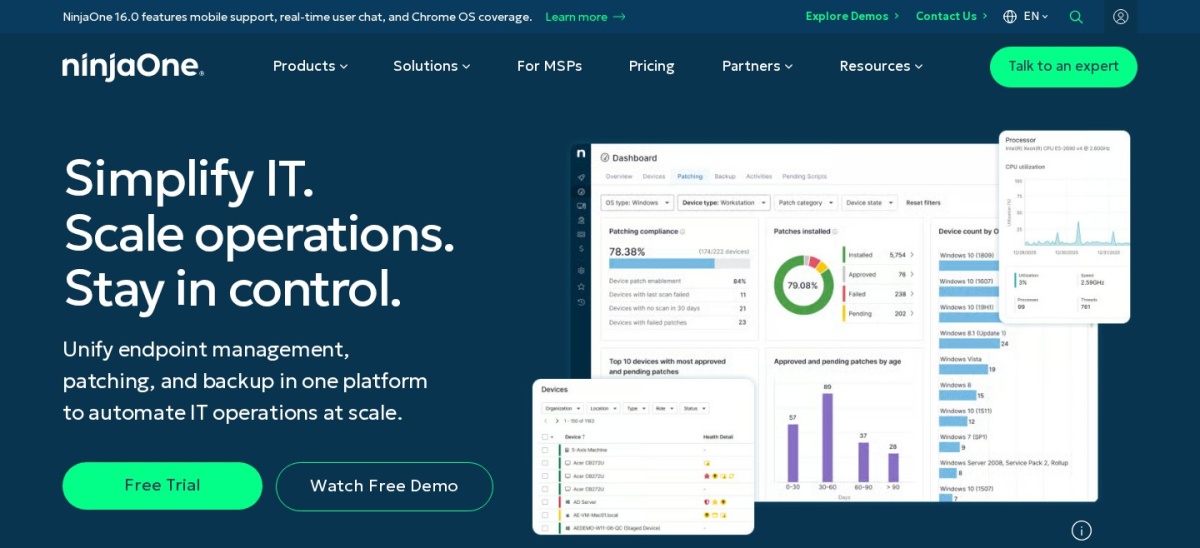
NinjaOne is a cloud endpoint management platform that places patching inside wider device operations, alongside monitoring, remote access, software deployment and ticketing. Its AI-driven third-party catalog covers thousands of titles, and support and implementation are free and unlimited.
The trade off is pricing. There is no fixed rate card: NinjaOne publishes $1.50 per endpoint a month at 10,000 endpoints up to $3.75 at 50 or fewer, with the exact price set by a sales quote. It suits MSPs and internal IT teams managing hundreds or thousands of endpoints.
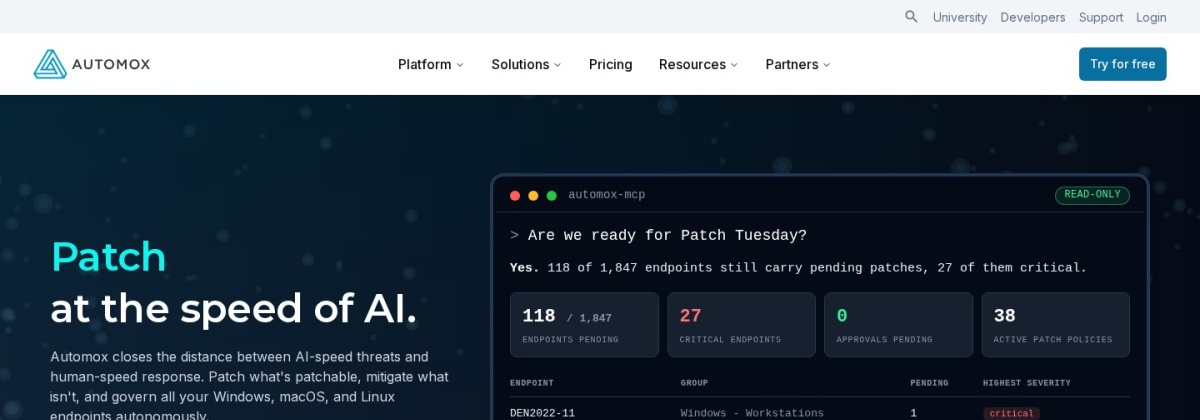
Automox is a cloud-based endpoint patching and automation platform whose Patch OS plan starts at $1 per endpoint per month with an annual commitment, or $12 per endpoint per year. It covers Windows, macOS and Linux from one console with a lightweight agent and no on-premises server.
The trade off is scope. Patch OS covers operating-system patching only, and third-party patching sits on the Automate plans with custom pricing. It suits distributed teams that want cheap, cloud-only OS patching without infrastructure.
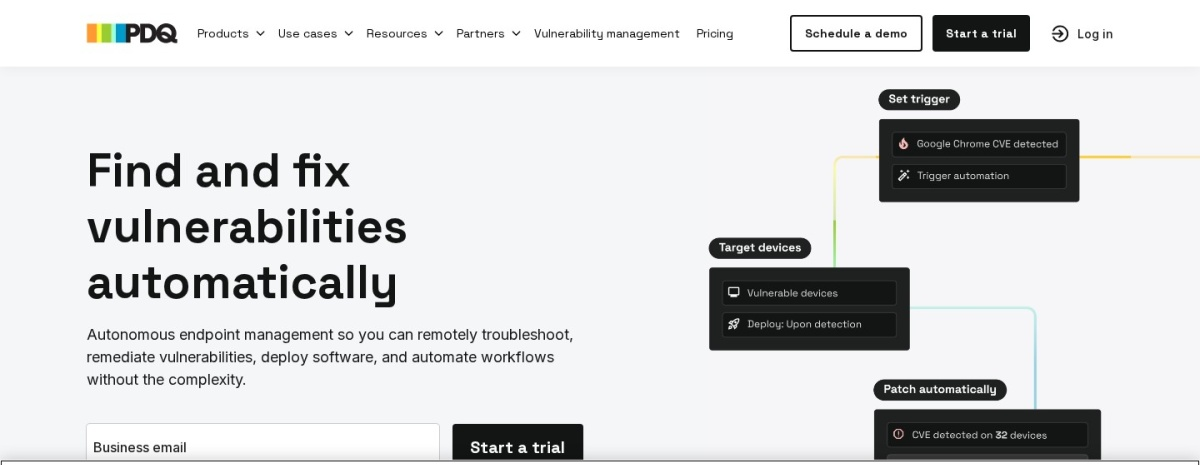
PDQ Connect is a cloud-native endpoint management and patching tool whose Basic plan starts at $12 per device per year. It provides rapid patch deployment, software inventory insights and a package library for Windows and macOS devices, with a lightweight agent that needs no VPN.
The trade off is the minimum. Connect needs at least 100 devices, so a 100-device fleet pays $1,200 a year at minimum, and automated deployments need the Plus plan at $18 per device a year. It suits Windows-heavy IT teams that want simple cloud patching.
What we like
Clear $12 per device a year rate
Fast deployments Windows admins trust
Package library for common apps
Watch out for
100-device minimum excludes tiny fleets
Automation needs the Plus plan
Plus adds automated deployments and remote desktopVisit pdq.com
05
ManageEngine Patch Manager Plus
4.5/5on G2 (203 reviews, checked Nov 2026)
Paid from$245/yr
Best for the widest third-party catalog
Third-party apps1,100-plus
DeploymentOn-premises or cloud
Free editionUp to 20 endpoints
Entry price$245/yr, 50 computers
manageengine.com
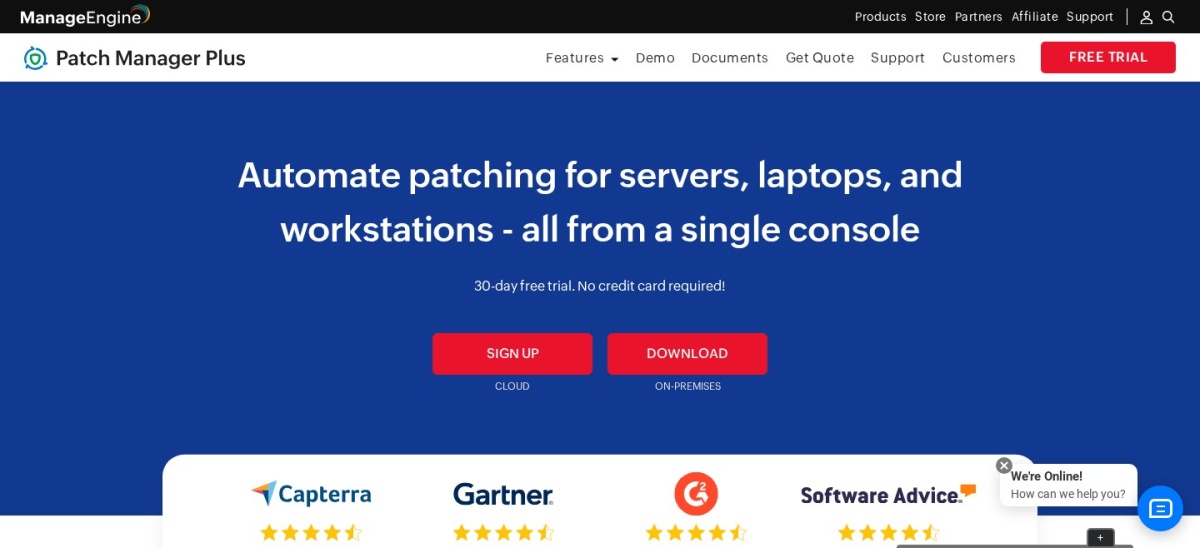
ManageEngine Patch Manager Plus homepage, captured Nov 2026.
ManageEngine Patch Manager Plus is a dedicated patching product that handles Windows, macOS and Linux endpoints plus servers, with one of the broadest third-party patch catalogs in the industry at more than 1,100 applications. It can run on your own infrastructure or in the cloud.
The trade off is that it is a specialist tool. The on-premises edition starts at $245 a year for 50 computers with one technician, and the cloud edition starts at $345 a year. It suits IT teams that want a mature, dedicated patcher with approval workflows.
Atera is an all-in-one RMM platform that bundles patch management with remote monitoring, ticketing, time tracking and invoicing under one per-technician price. The Pro plan costs $129 per technician per month billed annually and covers unlimited endpoints, with a 30-day free trial.
The trade off is scope. Patching is one feature inside a wide platform, and Mac and Linux support starts on the Growth plan at $159 per technician a month. It suits MSPs and internal IT teams with high endpoint-to-technician ratios.
What we like
Unlimited endpoints per technician
RMM, PSA and patching in one bill
30-day free trial, no card needed
Watch out for
Mac and Linux need the Growth plan
Overkill if you only need patching
Growth adds Mac and Linux support and more AI featuresVisit atera.com
07
Syncro
4.5/5on G2 (569 reviews, checked Nov 2026)
Starts at$129/tech/mo
Best patching with PSA for MSPs
Entry plan$129/tech/mo billed yearly
EndpointsUnlimited per technician
Third-party apps80-plus common apps
Free trial14 days, no card
syncro.com
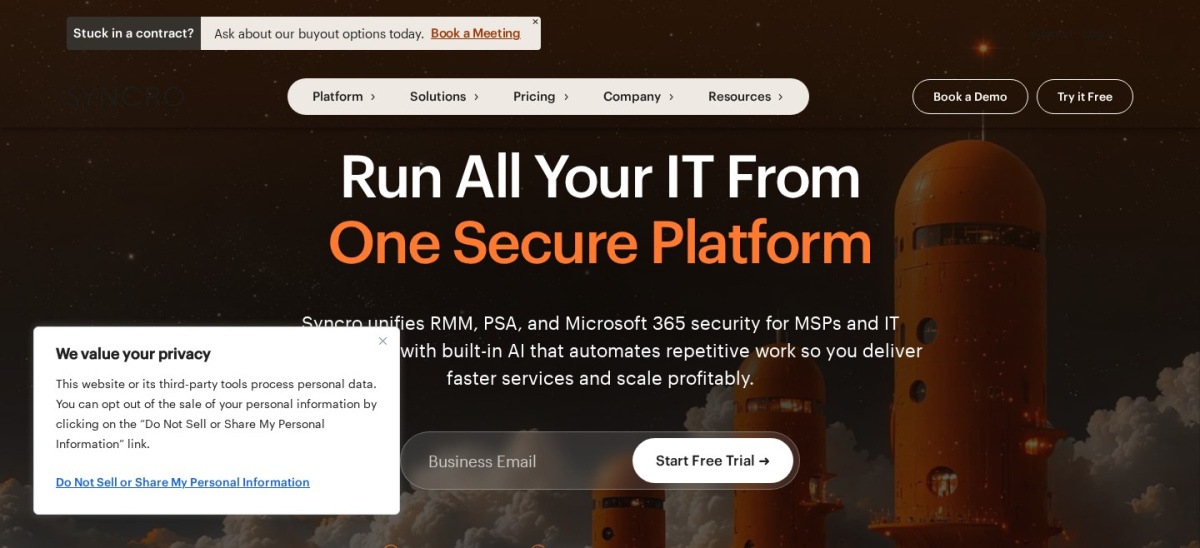
Syncro homepage, captured Nov 2026.
Syncro is an RMM and PSA platform that unifies patching with ticketing, billing and remote monitoring in one console. Its entry plan costs $129 per technician per month billed annually with unlimited endpoints, and a 14-day trial needs no card.
The trade off is Windows focus. Third-party patching covers around 80 common business apps, which is narrower than the specialist catalogs here. It suits MSPs that want patching, helpdesk and billing on one bill.
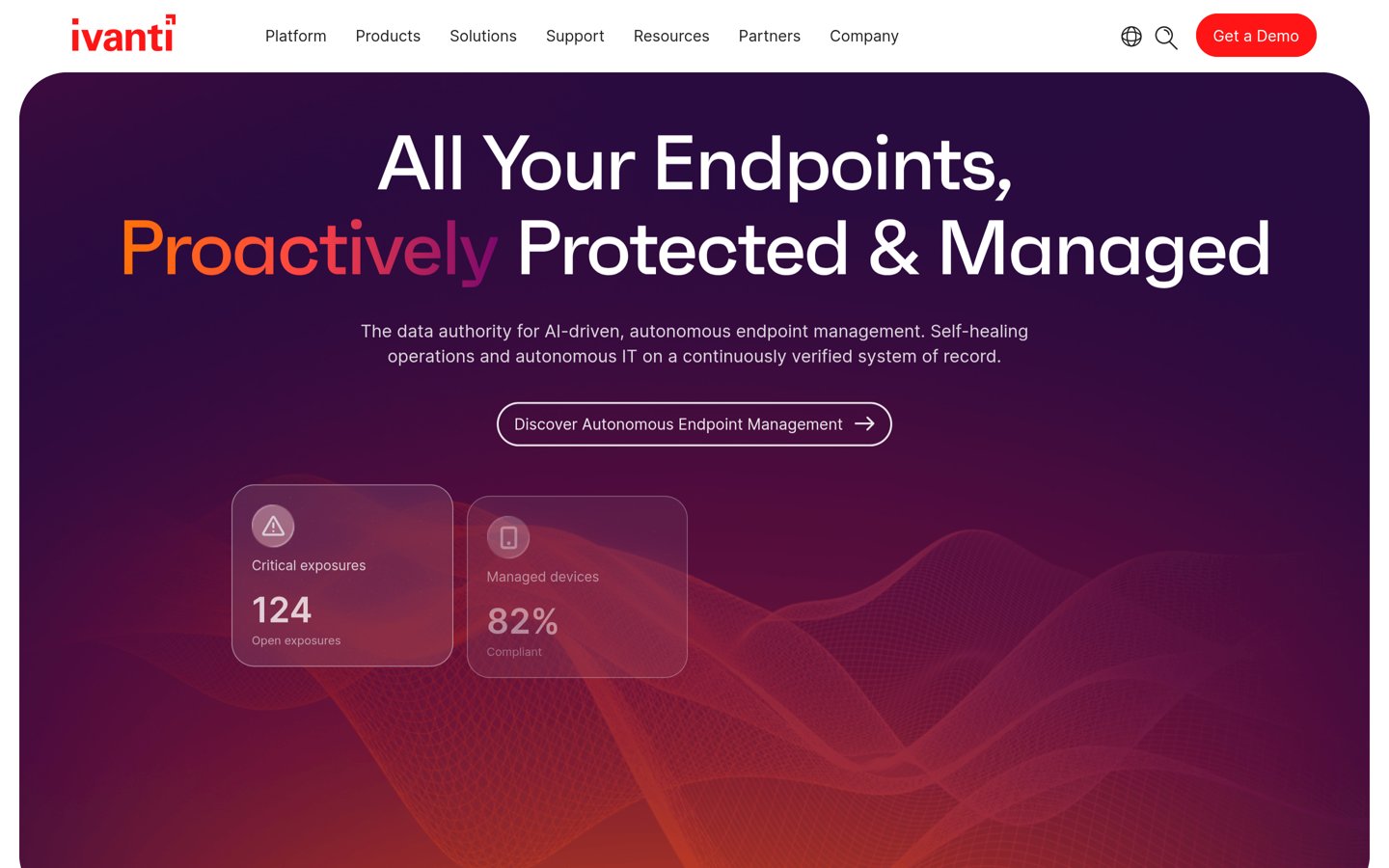
Ivanti is an enterprise patching platform built around risk-based prioritisation across Windows, macOS and Linux, with a catalog of more than 800 third-party titles. Its Neurons platform suits security-led IT teams that need to prove which vulnerabilities matter most.
The trade off is access. Pricing is quote-only with a platform fee plus device licenses, and there is no published rate to compare. It suits large enterprises with complex estates and compliance reporting needs.
What we like
Risk-based patch prioritisation
800-plus third-party titles
Strong compliance reporting
Watch out for
Quote-only pricing with no published rate
Enterprise scale and setup effort
Pricing is quote-based with a platform fee plus licensesVisit ivanti.com
Per-endpoint vs per-technician pricing
Per-endpoint tools charge for every device, so costs grow with your fleet. They suit small teams with few machines.
Per-technician tools charge per admin with unlimited endpoints, so a one-person shop managing 500 devices pays the same as one managing 50.
Free tiers change the maths. Action1 covers 200 endpoints free, and ManageEngine offers a free edition for up to 20 endpoints.
How we chose
We started from the most established Windows patch tools with a verifiable rating on G2, then kept those with a published price or a published price range and a free plan or trial.
Prices come from each vendor pricing page or a November 2026 pricing check of that page, checked on 26 November 2026. Ratings and review counts come from G2 on the same day. Where a vendor shows a sale, the list shows the regular price.
We left out tools with quote-only pricing and no published range, and tools with no standalone G2 listing. No vendor paid for a place, and we do not claim hands-on testing for this list.
How to choose Windows patch management software
Start with your fleet size, then check the third-party catalog and how pricing scales.
Count your endpoints first. Free tiers cover 20 to 200 devices, so a small fleet may pay nothing. Count servers as well as desktops.
Check the third-party catalog. Windows Update covers the operating system only. Make sure your browsers and office apps are in the catalog.
Price it at your real size. Per-endpoint rates fall with volume, and per-technician plans win once one admin manages hundreds of devices.
Test on a pilot group. Patch a small ring of machines first, check for failed installs and rollbacks, then roll out to the whole fleet.
FAQ
What is the best Windows patch management software?
Action1 is the best Windows patch management software for small fleets, patching the first 200 endpoints free with full features. NinjaOne suits larger fleets inside a full RMM, and Automox is the cheapest cloud option.
Is there free Windows patch management software?
Yes. Action1 patches the first 200 endpoints free with no time limit, and ManageEngine Patch Manager Plus has a free edition for up to 20 endpoints. Windows Update itself is free but only covers Microsoft products.
How much does patch management software cost?
Prices run from free to about $1,550 a year per technician. Automox Patch OS costs $1 per endpoint a month, PDQ Connect costs $12 per device a year, and Atera and Syncro cost $129 per technician a month.
What is the difference between WSUS and patch tools?
WSUS is free and covers Microsoft updates only, with no third-party app patching and no cloud console. Paid tools add third-party catalogs, automation, reporting and off-network patching for remote devices.
Does NinjaOne publish its patching price?
Not as a fixed rate. NinjaOne publishes a range of $1.50 per endpoint a month at 10,000 endpoints up to $3.75 at 50 or fewer, with the exact price set by a sales quote.
Which patch tool has the widest app catalog?
ManageEngine Patch Manager Plus lists 1,100-plus third-party applications, the widest published catalog in this list. NinjaOne lists thousands of titles through its AI-driven catalog, though it does not publish an exact count.
SaaS SEO and WordPress specialist with about 8 years of experience. Rakib compares WordPress plugins, themes, hosting and software using public pricing, documentation and user reviews. See how we rank.