Best Website Platform for Photographers in 2026: 7 Tools Compared
WLWPLegible EditorsLast verified 22 Nov 2026How we rank12 min read
★ Short answer
Pixieset is the best website platform for photographers who want portfolio pages and client delivery tools, with a free 15-page website and paid Website plans from $12/month billed annually. Format suits photographers prioritizing portfolio presentation, while SmugMug offers unlimited photo storage and dedicated client delivery.
How we make this list: we compare pricing pages, product documentation and public user reviews, then re-check every price before each update. No product paid for a place. Disclosure.
Pixieset offers a free website with 15 pages and 100 photos. Its Website Plus plan costs $12/month billed annually, and Capterra rates it 4.5/5 from 33 reviews.
Format starts at $10/month billed annually, with 70 high-resolution images on Basic and a 4.4/5 G2 rating from 24 reviews.
SmugMug offers unlimited full-resolution JPEG storage from $20/month billed annually, but photo sales and professional website templates require its $23.50/month Portfolio plan.
Squarespace's Basic plan costs $19/month billed annually and includes hosting, galleries and website design tools. It scores 4.4/5 from 1,138 G2 reviews.
Wix starts at $17/month billed annually, while WordPress.com offers a free plan and Personal subscriptions from $4/month billed annually.
Zenfolio's Basic plan normally costs $9/month and includes 15 GB of storage. Its Trustpilot score is 3.8/5 from 327 reviews.
What photographers should look for in a website platform
A photography website needs to present images clearly while making it easy for potential clients to understand your services and contact you. Gallery layouts, image quality, mobile design and loading speed are central considerations.
Photographers also need to distinguish between a portfolio website and a client gallery system. A portfolio showcases selected work publicly, while client galleries handle private proofing, image selection and delivery after a session.
If you sell prints or digital downloads, examine ecommerce capabilities carefully. Some platforms include storefronts with their website plans, while others require a higher subscription or charge commissions on transactions.
Storage allowances matter when delivering large collections. Check how many photographs you can upload, whether original files are preserved, whether RAW storage is supported and how long client galleries remain available.
Finally, consider search visibility, domain ownership and recurring costs. A good platform should support descriptive gallery pages, image alternative text, contact forms and a domain that remains associated with your photography business.
Best overall for photographers managing portfolios and clients
Free website15 pages, 100 photos
Free blog5 posts
Paid websiteUnlimited pages and photos
Paid planWebsite Plus, $12/mo annually
pixieset.com
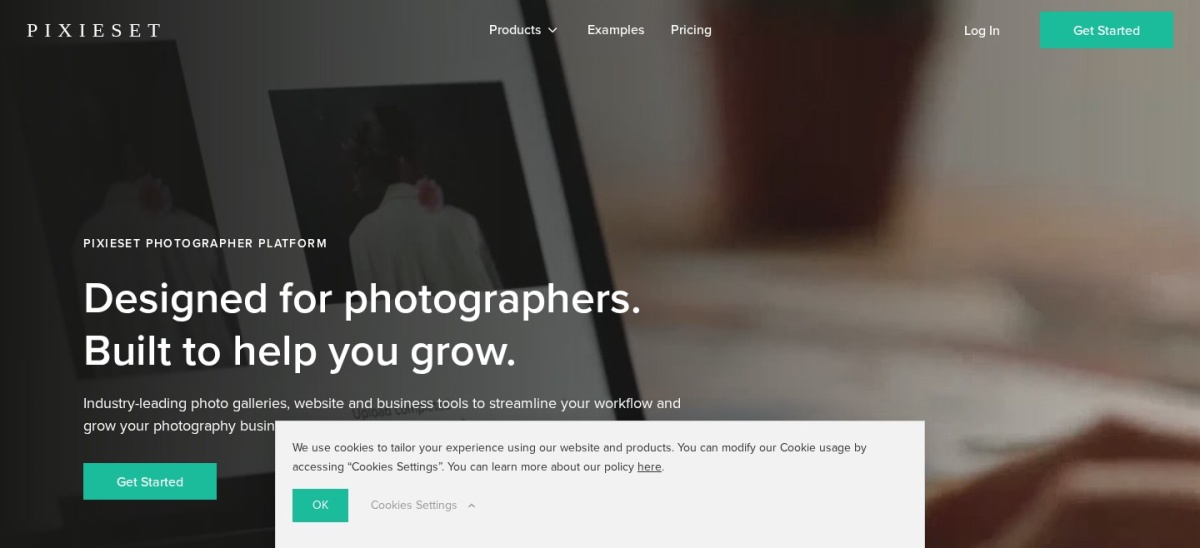
Pixieset homepage, captured Nov 2026.
Pixieset is a photography website and client management platform combining portfolio pages, private galleries, online stores and studio management tools. Its free Website plan includes 15 pages, 100 photographs, 5 blog posts and unlimited bandwidth. Capterra rates the platform 4.5/5 from 33 reviews.
The trade off is that a custom domain, unlimited website pages and removal of Pixieset branding require Website Plus at $12/month billed annually, or $15 with monthly billing. Client Gallery and Studio Manager subscriptions are separate unless bundled. It suits wedding, portrait and event photographers wanting connected website and client workflows.
What we like
Free photography website with gallery layouts
Client Gallery and Studio Manager products available
Paid Website Plus allows unlimited photos and pages
Mobile-optimized designs and SSL included
Custom domains and analytics integrations on paid plans
Watch out for
Free website has photo and page limits
Advanced theme customization requires Website Pro
Additional photography products may require separate subscriptions
Website Plus adds unlimited pages and photos, custom domains and branding removal.Visit pixieset.com
02
Format
4.4/5on G2 (24 reviews, checked Nov 2026)
Starts at$10/mo
Best for image-focused photography portfolios
Basic pages4 advertised; comparison lists 10
Basic images70 high-resolution images
Trial14 days
Paid planBasic, $10/mo annually
format.com
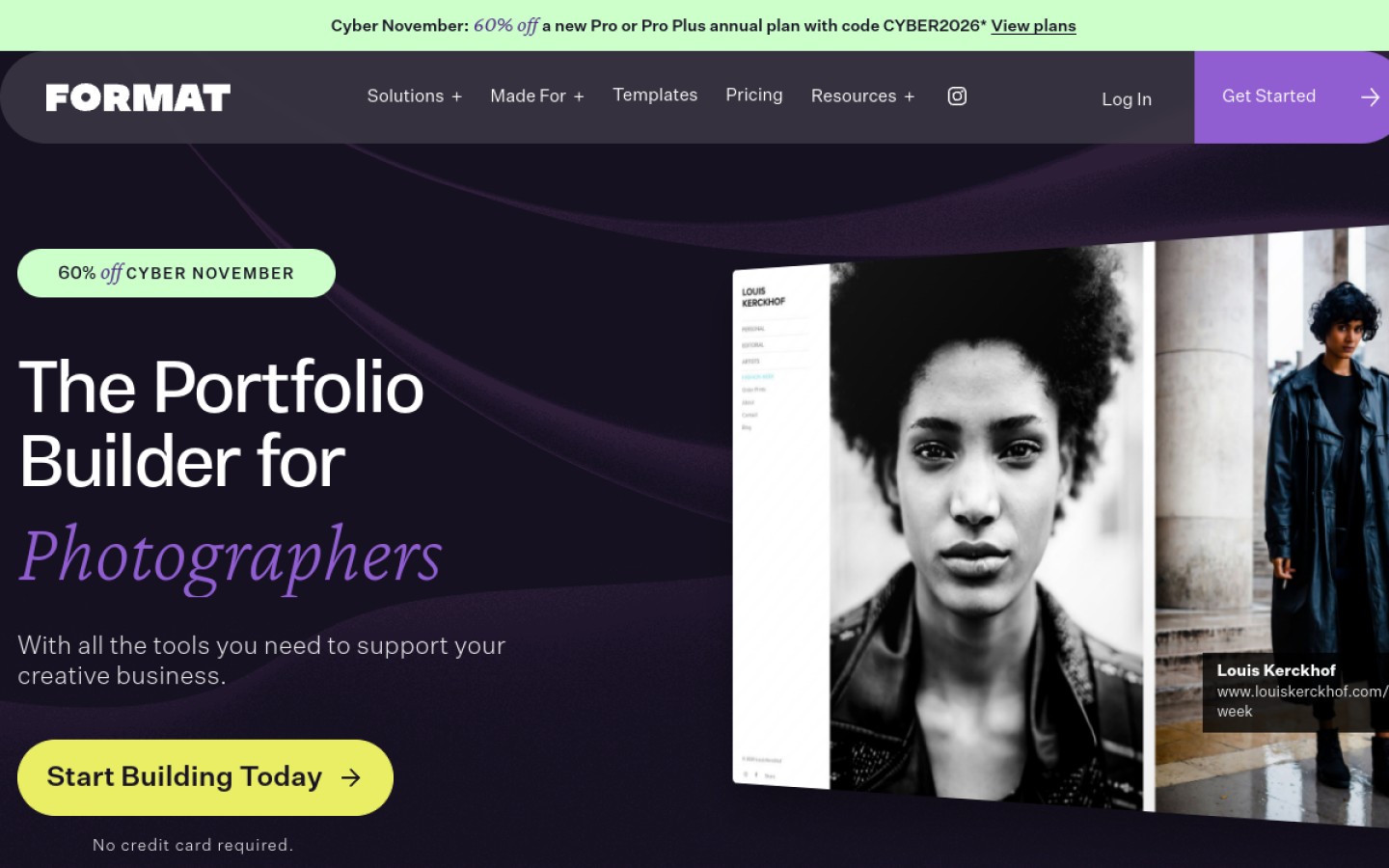
Format homepage, captured Nov 2026.
Format is a photography portfolio platform offering image-focused templates, mobile layouts, file transfers and client workflow features. Its Basic plan includes 70 high-resolution images, while the pricing page inconsistently shows 4 pages in the plan description and 10 in its comparison table. G2 rates Format 4.4/5 from 24 reviews.
The trade off is that Basic costs $10/month billed annually, or $14/month with monthly billing, and larger galleries, online stores and more client features require Pro. The vendor currently advertises introductory discounts on higher plans. It suits photographers who prioritize portfolio presentation over complex website customization.
What we like
Portfolio templates designed for visual work
Mobile-optimized website layouts
Client galleries and workflow tools available
Lightroom integration listed in platform features
Free trial without a credit card
Watch out for
Basic restricts images and website pages
Online selling requires a higher plan
Basic page limits are inconsistent on the pricing page
Pro adds unlimited pages, 1,500 images, client galleries and a commission-free store.Visit format.com
03
SmugMug
4.2/5on G2 (39 reviews, checked Nov 2026)
Starts at$20/mo
Best for unlimited photo storage and delivery
Photo storageUnlimited full-resolution JPEGs
Client deliveryDirect plan
Photo sellingPortfolio, $23.50/mo annually
Paid planDirect, $20/mo annually
smugmug.com
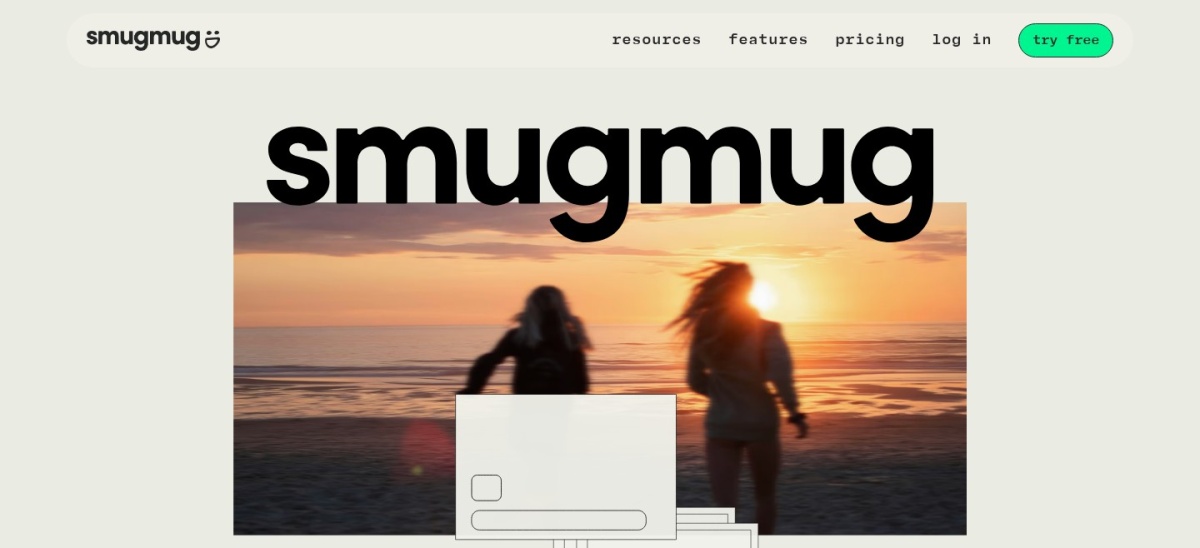
SmugMug homepage, captured Nov 2026.
SmugMug is a photo hosting and gallery platform providing unlimited full-resolution JPEG storage, private sharing and digital delivery. Its Direct plan costs $20/month billed annually and includes Lightroom integration, privacy controls and customer support. G2 gives it a 4.2/5 rating from 39 reviews.
The trade off is that professional website templates, print sales, digital download selling and watermark tools require Portfolio at $23.50/month billed annually. RAW storage is a separate paid add-on. It suits photographers who manage large collections and need secure delivery alongside a public portfolio.
What we like
Unlimited full-resolution JPEG storage
Private galleries and client delivery
Lightroom integration
Professional print fulfillment on Portfolio
Customer support included
Watch out for
Cheapest plan focuses on delivery rather than storefronts
RAW storage costs extra
Professional selling features require Portfolio
Portfolio adds professional templates, print sales, downloads and watermark controls.Visit smugmug.com
04
Squarespace
4.4/5on G2 (1,138 reviews, checked Nov 2026)
Starts at$19/mo
Best for polished photography business websites
Website hostingIncluded
BandwidthUnlimited
Basic video storage30 minutes
Paid planBasic, $19/mo annually
squarespace.com
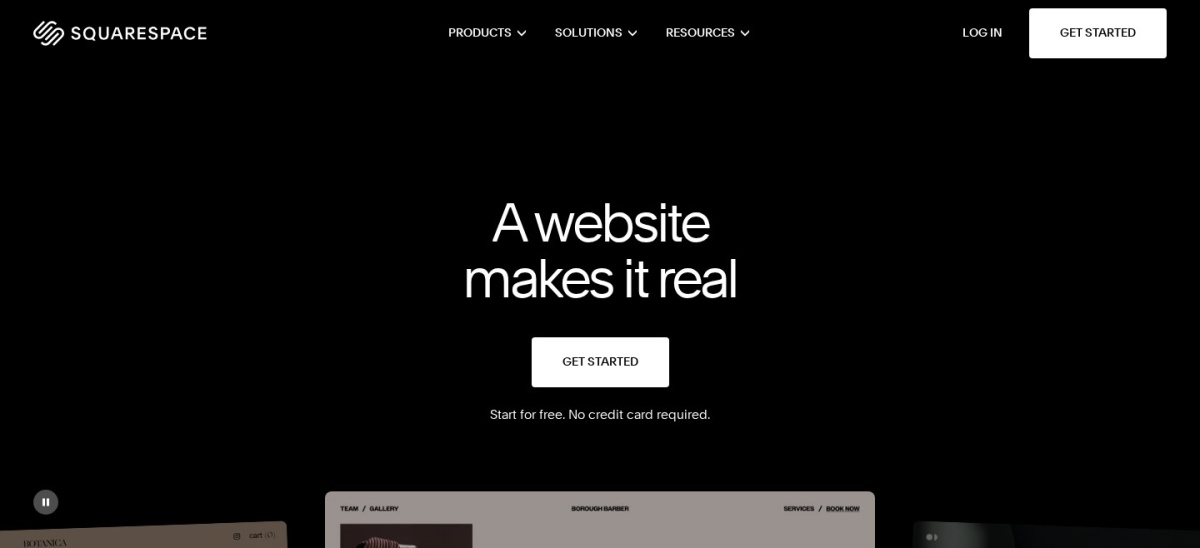
Squarespace homepage, captured Nov 2026.
Squarespace is a hosted website builder offering portfolio templates, image galleries, blogging, ecommerce and business management features. Its Basic plan includes hosting, unlimited bandwidth, website analytics and 30 minutes of video storage. G2 rates Squarespace 4.4/5 from 1,138 reviews.
The trade off is that Basic costs $19/month billed annually, or $25/month with monthly billing, and specialized business features can require upgrades or separate services. Its general-purpose editing system is less focused on client photo proofing. It suits photographers who need a polished public website with service pages and marketing content.
What we like
Portfolio-friendly templates
Hosting and SSL handled by the platform
Built-in blogging and SEO settings
Gallery layouts and responsive design
Business and ecommerce upgrades available
Watch out for
No permanent free website plan
Specialized photo proofing is not its main focus
Advanced business features can increase costs
Core adds expanded business functionality and more advanced website controls.Visit squarespace.com
05
Wix
4.2/5on G2 (1,889 reviews, checked Nov 2026)
Paid from$17/mo
Best for flexible photography website design
Free versionWix-branded website
Light storage2 GB
Website editorDrag and drop
Paid planLight, $17/mo annually
wix.com
Wix homepage, captured Nov 2026.
Wix is a hosted website builder with visual editing, portfolio templates, image galleries and business applications. Its free plan supports building a branded website, while Light includes a custom domain connection, removal of Wix advertising and 2 GB of storage. G2 rates Wix 4.2/5 from 1,889 reviews.
The trade off is that Light costs $17/month billed annually and does not include the payment acceptance available from Core at $29/month. Specialized client delivery may also need additional applications. It suits photographers who value visual design freedom and customizable service pages.
What we like
Free website option
Visual drag-and-drop editing
Photography templates and gallery layouts
Marketing and booking applications available
Hosted website management
Watch out for
Free websites display Wix branding
Light has limited storage
Payment acceptance requires Core or higher
Light removes Wix advertising and allows a custom domain with additional storage.Visit wix.com
06
Zenfolio
3.8/5on Trustpilot (327 reviews, checked Nov 2026)
Starts at$9/mo
Best for photography galleries and studio workflows
Basic storage15 GB
Photo capacityApproximately 4,500
Client galleriesUnlimited
Paid planBasic, $9/month regular
zenfolio.com
Zenfolio homepage, captured Nov 2026.
Zenfolio is a photography business platform combining portfolio websites, client galleries, proofing and photo delivery. Its Basic plan includes 15 GB of storage, approximately 4,500 photographs, and unlimited client galleries. Trustpilot lists a 3.8/5 rating from 327 reviews.
The trade off is that Basic normally costs $9/month, while an annual subscription is advertised at $7/month. Print and digital selling require Professional, normally $23/month, with a temporary first-year promotion. It suits photographers who prioritize client galleries and may later need more business management features.
What we like
Photography-specific portfolio platform
Client galleries and proofing
Storage and video upgrades available
Scheduling and business tools on higher plans
Professional print and digital sales features
Watch out for
Basic does not include the complete sales toolkit
Trustpilot feedback includes billing and usability complaints
Higher storage and advanced workflows require upgrading
Professional adds photo selling and expanded storage and delivery capabilities.Visit zenfolio.com
07
WordPress.com
4.4/5on G2 (2,724 reviews, checked Nov 2026)
Paid from$4/mo
Best for photography blogs and expandable portfolios
Free versionAvailable
Personal storage6 GB
Plugins60,000+ marketplace options
Paid planPersonal, $4/mo annually
wordpress.com
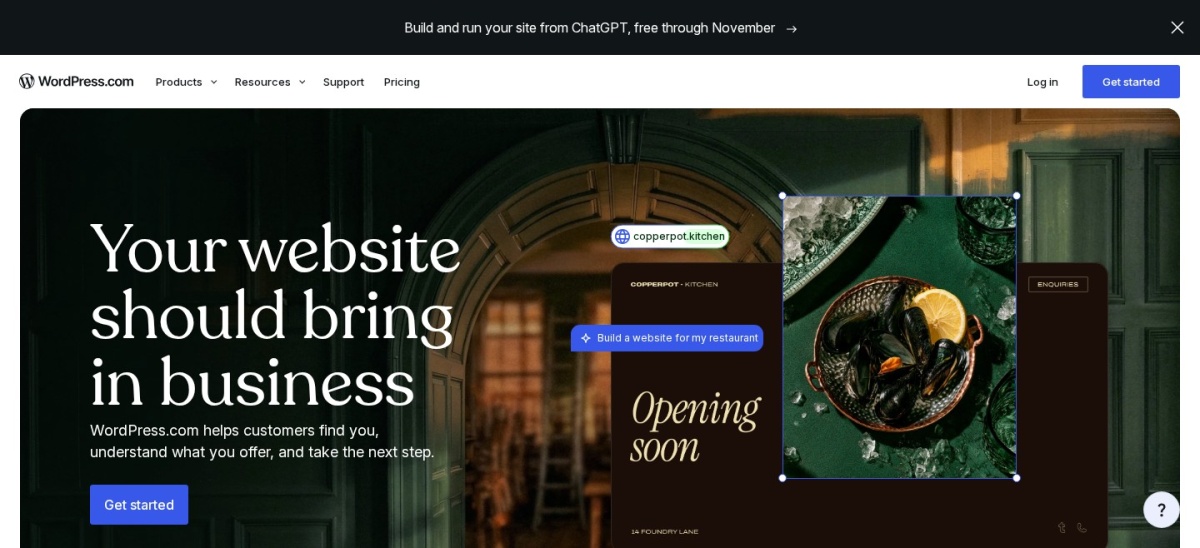
WordPress.com homepage, captured Nov 2026.
WordPress.com is a hosted publishing and website platform supporting photography portfolios, blogs, image galleries and customizable themes. Its free plan allows website creation, while Personal includes 6 GB of storage, a custom domain offer and access to premium themes. G2 rates WordPress.com 4.4/5 from 2,724 reviews.
The trade off is that Personal costs $4/month billed annually, compared with $9/month on monthly billing, and specialized photo proofing or storefront workflows may require additional plugins or services. It suits photographers who publish articles, tutorials and portfolio projects and want room to expand their website.
What we like
Free hosted website option
Strong blogging and content management
Extensive theme and plugin marketplace
Low-cost entry subscription
Flexible long-term website structure
Watch out for
Not a dedicated photography delivery service
Plugins can introduce extra costs
Specialized galleries require setup and maintenance
Personal adds ad removal, premium themes, custom domain benefits and more storage.Visit wordpress.com
Portfolio websites vs client galleries: what photographers need
A portfolio website is designed to attract new clients. It presents selected work, explains your photography services and provides a way to inquire about availability or pricing.
Client galleries serve a different purpose. They allow existing customers to view finished sessions, select favorites, download photographs and order prints. Privacy and delivery controls are particularly important here.
Pixieset, SmugMug and Zenfolio offer photography-specific gallery workflows. General website platforms such as Wix and Squarespace place greater emphasis on customizable public pages and broader business features.
Many professional photographers benefit from both. Before purchasing, determine whether a platform includes both functions in one subscription or charges separately for websites, galleries and studio management.
How to choose a platform for selling prints and digital photos
If you plan to sell photographs, examine the complete transaction process rather than looking only for an online store feature. Consider product selection, pricing controls, fulfillment, download delivery and customer communication.
SmugMug's Portfolio plan includes print and digital download selling with fulfillment options. Zenfolio reserves its main selling tools for Professional and higher subscriptions, while Format introduces online store functionality in Pro.
Also check transaction fees, print lab charges, payment processing costs and storefront commission rules. These costs can affect profitability even when the website subscription appears inexpensive.
For photographers primarily selling bookings or services, scheduling, inquiry forms and payment collection may be more important than print fulfillment. Match the commerce workflow to how your photography business generates revenue.
How we chose
We compared established hosted website builders and photography-specific platforms that support portfolio presentation, image galleries, client delivery or online selling. Selection considered editing flexibility, photography workflows, published feature limits and review evidence from G2, Capterra and Trustpilot.
The editorial reference date is 22 November 2026, and the listed prices and public ratings were checked on 24 November 2026. We used the cheapest regular paid website plan, converted annual-billed monthly prices to yearly totals, and distinguished subscriptions from free trials and promotional discounts.
We excluded products without an accessible official pricing page or sufficient public review evidence. We also distinguished basic portfolio subscriptions from higher plans needed for print sales or client management. No vendor paid for a place, and we do not claim testing for this list.
How to choose the best website platform for photographers
Define how your photography website should attract clients, display work and manage deliveries before comparing platforms.
Decide whether you need a portfolio or complete client system. A public portfolio with service pages may be enough for some photographers. If you regularly deliver client sessions, prioritize proofing galleries, download controls and private sharing alongside the public website.
Compare photo storage and presentation tools. Check image allowances, gallery layouts, mobile responsiveness, compression, privacy settings and storage options. Photographers with large collections should also review backup policies and whether original files are supported.
Evaluate booking and photo selling capabilities. Identify whether you need appointment scheduling, contracts, invoices, digital download sales or print fulfillment. Confirm which subscription includes those features and whether additional transaction fees apply.
Calculate recurring costs and future flexibility. Compare regular subscription prices, domain renewal, storage upgrades and optional business tools. Consider whether you can export photographs and content if you eventually move to another website platform.
FAQ
What is the best website platform for photographers in 2026?
Pixieset is the top choice in this comparison because it combines photography website creation with separate client gallery and studio management products. Its free website allows 15 pages and 100 photos. Format is a strong alternative for portfolio presentation, while SmugMug emphasizes photo storage and delivery.
Can photographers create a website for free?
Yes. Pixieset, Wix and WordPress.com offer free website plans, although they have branding, storage or feature restrictions. Pixieset's free Website plan includes 15 pages and 100 photographs. A paid plan is usually necessary when you need a custom domain or expanded functionality.
Is Pixieset better than Squarespace for photographers?
Pixieset is more photography-focused, offering connected products for client galleries, studio management and photo delivery. Squarespace offers broader visual design, blogging and business website functionality. Choose Pixieset when client workflows are central, or Squarespace when public portfolio presentation and marketing content matter more.
Which website builder is best for selling photography prints?
SmugMug and Zenfolio are suitable options because they include photography-specific storefront and fulfillment features on eligible plans. SmugMug Portfolio supports print and download sales, while Zenfolio Professional provides selling functionality. Compare commission rules, processing fees and available print products before choosing.
How much does a photography website cost?
Prices vary by platform and features. WordPress.com Personal starts at $4/month billed annually, Format Basic costs $10/month billed annually, and Pixieset Website Plus starts at $12/month billed annually. Photography-specific selling, storage upgrades and business tools can increase the total cost.
Do photographers need unlimited photo storage?
Not always. A carefully curated portfolio needs considerably less storage than a client delivery service containing complete photo sessions. Unlimited storage can be useful for high-volume work, but photographers should still examine file format restrictions, backup options and whether RAW photographs are supported.
What is the difference between Pixieset and SmugMug?
Pixieset separates its photography website builder, client galleries and studio management into products that can be subscribed to individually or through a suite. SmugMug emphasizes unlimited photo storage, delivery and selling on higher plans. Both support photography workflows, but their subscription structures differ.
Can I use WordPress for a professional photography website?
Yes. WordPress supports image galleries, portfolio themes, service pages and blogging. WordPress.com also offers managed hosting and a plugin marketplace. Specialized photo proofing, selling or booking functions may require additional tools, so evaluate the total setup and maintenance requirements.
What should a photographer include on their website?
A photography website should include a carefully selected portfolio, clear service descriptions, an introduction, contact details and a straightforward inquiry process. Testimonials, pricing guidance and answers to common booking questions can also help visitors decide whether your services are appropriate for their needs.