Best Website Platform for Nonprofits in 2026: 9 Tools Compared
WLWPLegible EditorsLast verified 24 Nov 2026How we rank12 min read
★ Short answer
Wix is the best website platform for most nonprofits, with a free plan, nonprofit templates and paid plans from $17 a month. The cheapest paid route costs $4 a month, while Morweb is the best nonprofit-only option for mid-size organisations.
How we make this list: we compare pricing pages, product documentation and public user reviews, then re-check every price before each update. No product paid for a place. Disclosure.
Wix leads for most nonprofits: a free plan, nonprofit templates and paid plans from $17 a month.
WordPress.com has the cheapest paid plan at $4 a month billed yearly, with plugin installs on every paid plan.
Morweb is the only nonprofit-only platform here, rated 4.9 out of 5 on G2, but Starter costs $149 a month.
Squarespace's new Basic plan costs $19 a month billed yearly, up from the old Personal plan at $16.
Paid plans across the list run from $4 to $149 a month, so a small nonprofit can start free or under $20 a month.
What a nonprofit website needs to do
A nonprofit website has to do more than look good. It must explain the mission, take donations, list events and let staff update pages without calling a developer.
The cheapest way in is a general builder. Wix, WordPress.com and Weebly all have free plans, and paid plans start at $4 to $17 a month billed yearly.
Nonprofit-only platforms cost more because donations, events and membership are built in. Our guide on budgeting for a WordPress website shows how to weigh the site cost against the rest of the budget.
Check the donation path before you commit. A builder that needs a paid plan or an outside service for donations can cost more than a higher plan that includes it.
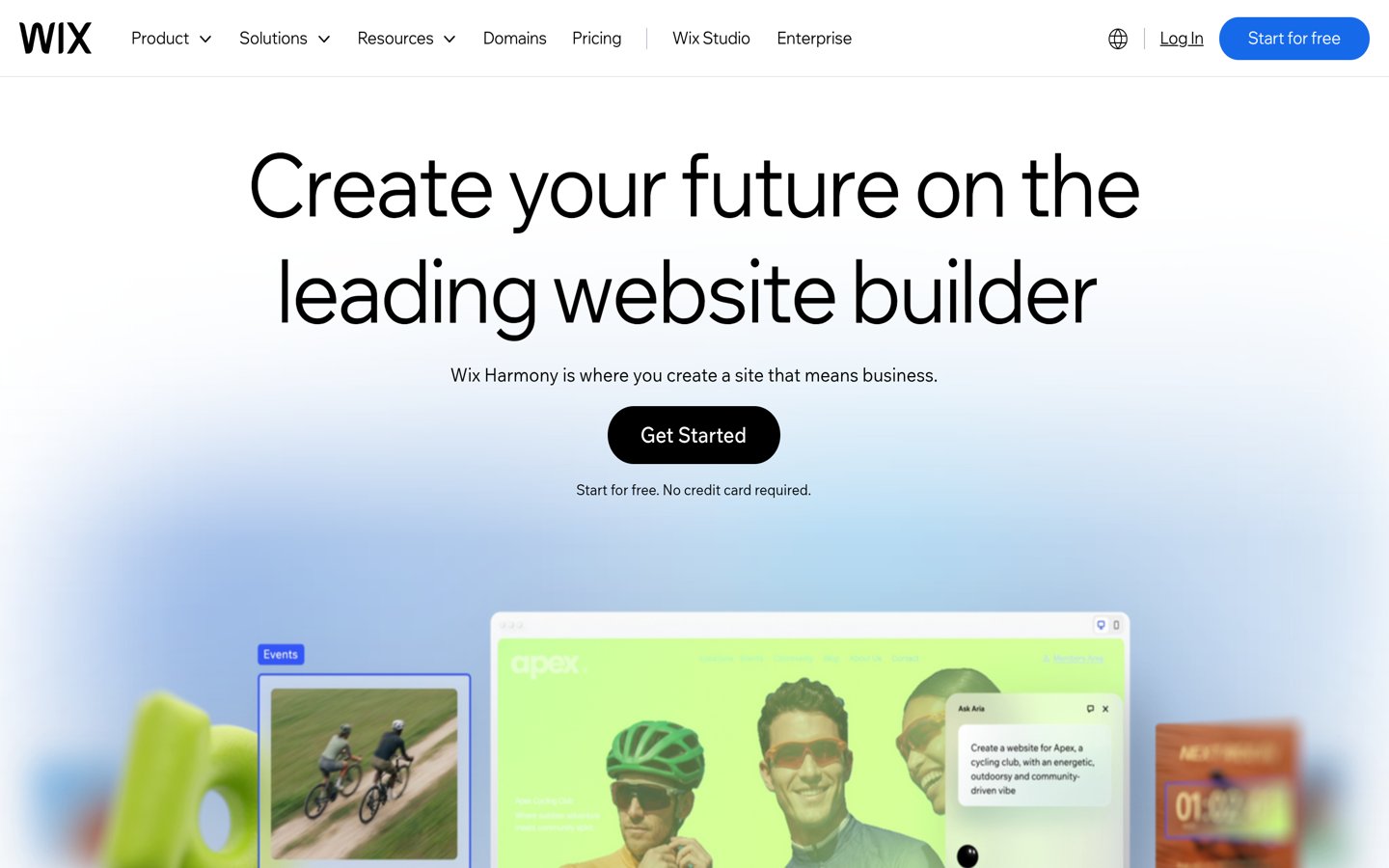
Wix is a drag-and-drop website builder with a free plan and nonprofit templates for donations, events and volunteering. The free plan includes hosting on a wixsite.com address, and Light at $17 a month billed yearly adds a custom domain, 2 GB of storage and no Wix ads.
The trade off is that donations and online payments need Core at $29 a month billed yearly, and the cheapest plan keeps storage small. It suits small nonprofits that want a site live fast without a developer.
What we like
Free plan with nonprofit templates
Cheapest paid plan connects a custom domain
Largest review base in this list
No code needed for everyday updates
Watch out for
Donations need the $29 Core plan
Only 2 GB of storage on Light
Lower G2 rating than Squarespace or Webflow
Core adds payments, donations and 50 GB of storageVisit wix.com
02
WordPress.com
4.4/5on G2 (2,717 reviews, checked Nov 2026)
Paid from$4/mo
Best for the lowest paid plan
Free planYes, 1 GB
Cheapest paidPersonal, $4/mo
Storage on Personal6 GB
PluginsAll paid plans
wordpress.com
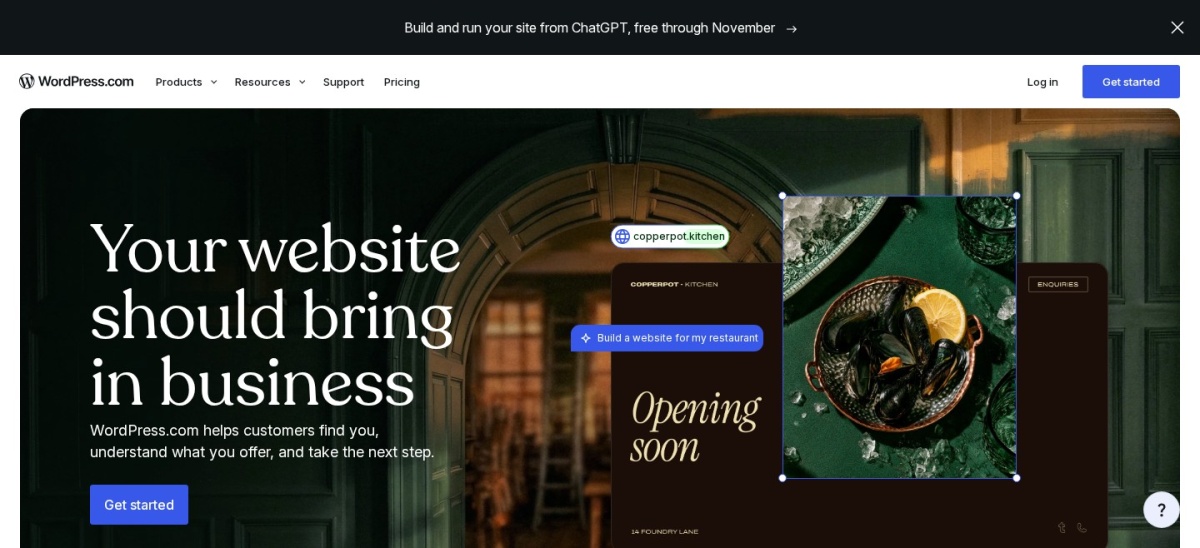
WordPress.com homepage, captured Nov 2026.
WordPress.com is the hosted version of WordPress, with a free plan and the widest choice of themes and plugins for a nonprofit site. Personal at $4 a month billed yearly includes a custom domain, 6 GB of storage, no ads and plugin installs on every paid plan.
The trade off is that the low price renews at $5 a month, and the free plan shows WordPress.com ads on a wordpress.com address. It suits nonprofits that want low costs and room to grow into donations, events and memberships later.
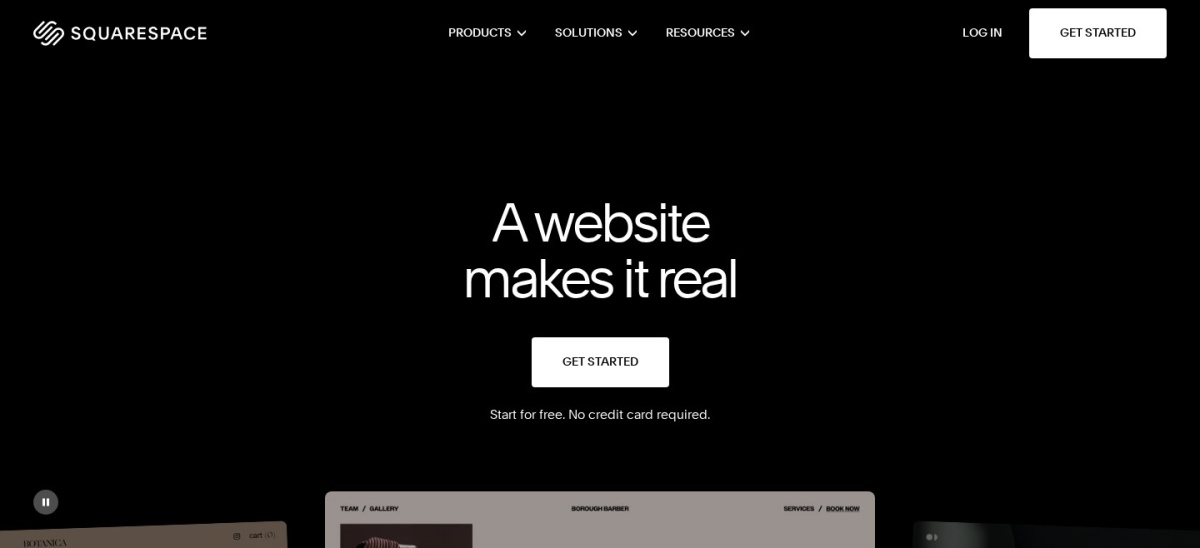
Squarespace is a design-led website builder known for polished templates that make a small nonprofit look established. Basic at $19 a month billed yearly includes a custom domain, SSL, unlimited pages and a 14-day free trial, with no permanent free plan.
The trade off is price. Selling and donations need higher plans, and the template system gives less freedom than WordPress or Webflow for custom layouts. It suits nonprofits that value design and want one tool for the site, blog and donation pages.
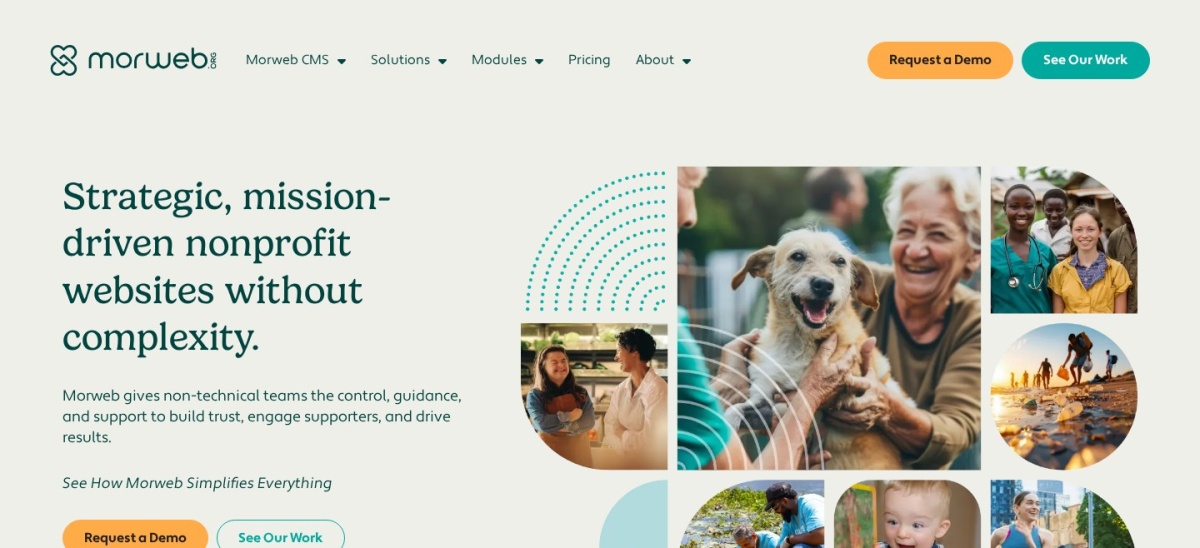
Morweb is a website platform built only for nonprofits, schools and associations, with a live editor that staff can use without code. Starter at $149 a month includes the CMS, a blog, donation forms through Stripe, hosting with daily backups and live-chat support.
The trade off is price. Starter costs several times a general builder, Grow at $199 a month adds events and fundraising, and larger plans are quote-only with an unpublished setup fee. It suits mid-size nonprofits that want donations, events and membership in one system.
Webflow is a visual website builder that gives design control close to custom code, with hosting included. The free Starter plan covers a site on a webflow.io address, and Basic at $15 a month billed yearly adds a custom domain and 300 pages.
The trade off is the learning curve. The CMS that powers a blog or news section needs Premium at $25 a month billed yearly, and team seats cost extra. It suits design-led nonprofits with someone confident enough to learn a deeper editor.
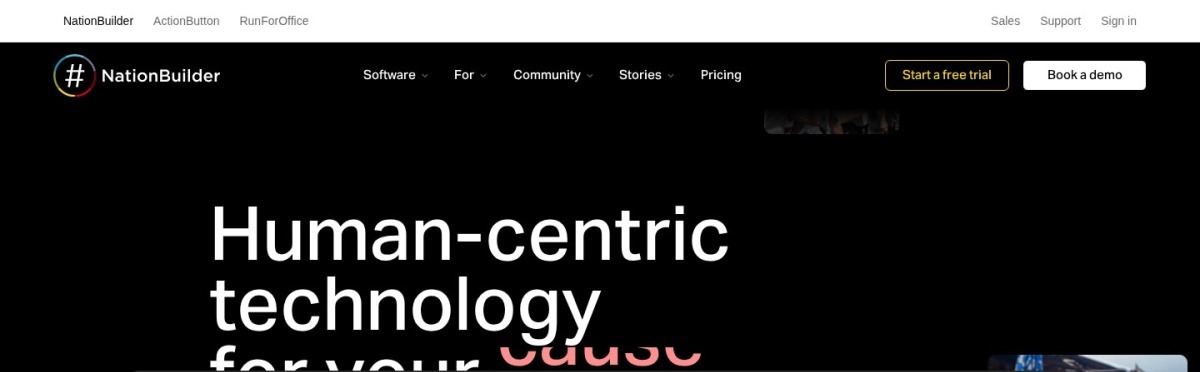
NationBuilder is a website platform with a built-in supporter database, built for nonprofits, campaigns and advocacy groups. Its plans start at $34 a month and combine a website with donation pages, email, events and volunteer tracking in one login.
The trade off is that it is a system, not just a website. The price is higher than a basic builder, and small groups may not use the CRM and email tools enough to justify it. It suits nonprofits that organise supporters, not just publish pages.
HubSpot is a free CRM with a website builder, forms and email in one place, which fits nonprofits that track donors and volunteers. The free plan covers the CRM, forms and a website, and Starter at $20 a month adds more marketing and sales tools.
The trade off is that the website builder is simpler than Wix or Squarespace, and costs climb fast once a nonprofit needs higher tiers. It suits nonprofits that want donor records and the website in the same system.
Weebly is a simple website builder from Square with a free plan and a low-cost route to a custom domain. Personal at $13 a month billed annually connects a custom domain with free SSL, and every plan includes a store with unlimited items.
The trade off is that Personal keeps Square ads on the site, and Square now steers new sites toward Square Online instead of Weebly. It suits a small nonprofit that needs a basic site and a donation or sales page on a tight budget.
Framer is a modern website builder with a free plan and a fast canvas for publishing polished pages. Mini at $5 a month billed annually adds a custom domain, and the free plan covers a site on a framer.website address.
The trade off is depth. Framer has fewer nonprofit tools than Wix or Morweb, so donations and events need outside services. It suits a small nonprofit that mainly needs a sharp brochure site and a blog.
Picking on price alone is the usual mistake. A $4 plan that cannot take donations may need a paid add-on that costs more than a $17 plan that can.
A second mistake is ignoring who updates the site. If only one volunteer knows the editor, a simpler builder beats a flexible one nobody else can use.
Check accessibility before launch. Our website accessibility statistics show how many visitors are affected when a site is hard to use.
How we chose
We started from the general website builders nonprofits use most, plus the platforms built only for nonprofits, and kept the nine with clear pricing and public ratings.
Prices come from each vendor's pricing page or G2 pricing record, checked on 24 November 2026. Ratings come from G2 on the same day. Where a vendor shows a sale, the list shows the regular price.
We left out fundraising-only tools and publishing-only platforms that are not general website builders. No vendor paid for a place, and we do not claim hands-on testing for this list.
How to choose a website platform for your nonprofit
Start with the donation path, then check who will update the site week to week.
List what the site must do. Donations, events, volunteering and a blog are the usual four. A platform that covers three of them in one login usually beats a cheaper one that needs add-ons.
Try the free plan or trial first. Build the homepage and a donation page before paying. If staff cannot update a page in a few minutes, the editor is too hard for the team.
Add up the first year, not the first month. Include the domain, the donation plan and any add-ons. See how to budget for a WordPress website for a simple way to total it.
Check support and accessibility. Nonprofits often update the site outside office hours, so live chat or clear help pages matter, and the templates should meet accessibility basics.
FAQ
What is the best website platform for nonprofits?
Wix is the best pick for most nonprofits. It has a free plan, nonprofit templates and paid plans from $17 a month billed yearly, and it is rated 4.2 out of 5 on G2 from 1,888 reviews.
What is the cheapest website platform for a nonprofit?
WordPress.com is the cheapest paid route at $4 a month billed yearly for Personal, with a free plan below it. Framer follows at $5 a month, and Weebly's Personal plan costs $13 a month.
Is there a website platform made only for nonprofits?
Yes, Morweb is built only for nonprofits, schools and associations. Starter costs $149 a month and includes donation forms, a blog and hosting, while Grow at $199 a month adds events and fundraising.
Can a nonprofit take donations on a free plan?
Usually not through the builder itself. Most free plans need a paid plan or an outside donation service, so check the first paid plan that accepts payments before choosing on price alone.
Do I need a developer to run a nonprofit website?
No, not for most of these platforms. Wix, Squarespace, Weebly and WordPress.com are built for staff without code, while Webflow and Framer suit teams with more design confidence.
WordPress.com or Wix for a nonprofit?
Pick WordPress.com if lowest cost and flexibility matter most, at $4 a month. Pick Wix if the team wants a simpler drag-and-drop editor with nonprofit templates from $17 a month.